Best OBD2 Scanners of 2026

A check engine light is the one warning on your dashboard you can't shrug off, and the worst part is how little it tells you — a steady amber glow could be a loose gas cap or a misfire about to cook your catalytic converter. An OBD2 scanner plugs into the port under the dash and reads what the car already knows: the fault code, the freeze-frame snapshot from the moment it tripped, and, on the better ones, live sensor data as the engine runs. The gap between a scanner that earns its place in the glovebox and one that ends up in a drawer rarely comes down to price.

We've spent five months with 12 of them, plugged into my own cars and a few forgiving friends' — a cold-start misfire, a stubborn EVAP code, a used-car check in a stranger's driveway. The split was clear early: standalone readers work the second you plug them in, while Bluetooth models live or die by their app, so compatibility and readable instructions ended up mattering more than a long feature list. Here's what held up.

1

Best Overall

BlueDriver Pro

91 /100
LBD Score Outstanding

Key details

Connection
Bluetooth
App Platforms
iOS and Android
Scan Coverage
Engine, ABS, SRS, TPMS, transmission
Vehicle Coverage
1996+ gas vehicles
View on Amazon

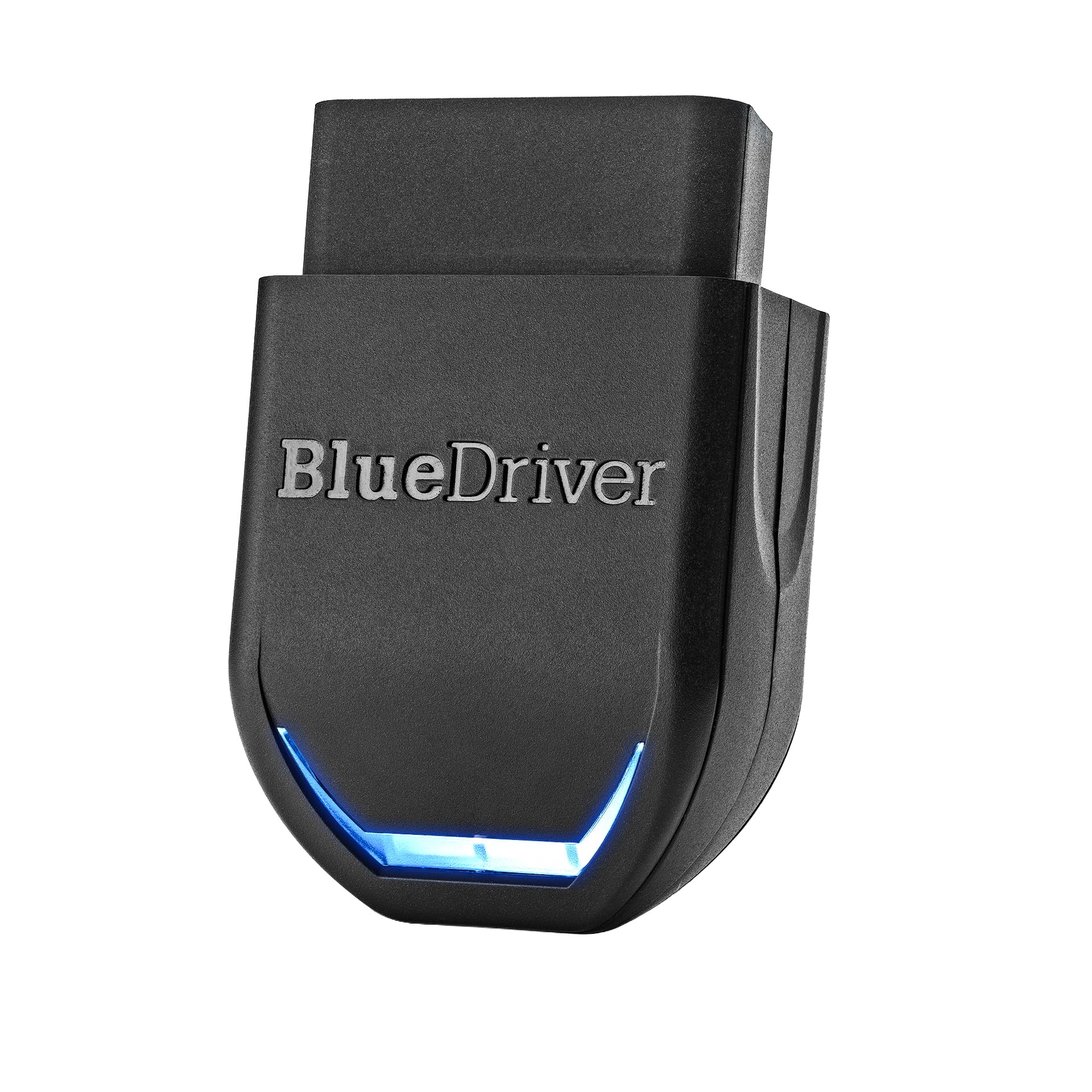
The separation between a port adapter and a phone screen is what makes BlueDriver more than a code reader. We plug the adapter into the OBD-II port, open the app, and the phone becomes the display for engine, ABS, SRS, TPMS, and transmission codes. That division of labor is the reason we name it our top pick: the hardware stays small, while the screen and repair information can be as detailed as the app makes them.

The feature we value most is the repair guidance matched to the VIN. A bare P0300 tells you there is a misfire; BlueDriver adds definitions, likely causes, and confirmed fixes for the specific vehicle. We also like that live data and code clearing sit in the same app, with no subscription standing between you and the information. For a DIYer chasing an intermittent fault, that context is worth more than a longer list of menu options.

The app-first design does ask something of you. You need a phone with a charged battery, a stable Bluetooth connection, and the discipline to pair before you start diagnosing. We paid close attention to the connection step because every function depends on it; when the link is slow, the tool feels less immediate than a handheld reader. The upside is that the adapter is small enough to leave in a glovebox or console, and the app can be updated without swapping hardware.

BlueDriver costs more than the basic handhelds here, and that is the right comparison to make. If you only need to read and erase a check-engine code, a simple reader does the job for less. If you want to understand an ABS light, watch live sensor data, or hand a mechanic a likely fix, the extra capability is the point. We also appreciate the 180-day money-back guarantee and one-year defect coverage, which take some of the risk out of paying for the more capable tool.

Pros

  • Reads engine, ABS, SRS, TPMS, and transmission codes
  • VIN-matched repair guidance without a subscription
  • Live data and code clearing in one app
  • Small adapter stores easily in the car

Cons

  • Vehicle coverage varies by make and model
Our verdict

We recommend BlueDriver to the DIYer who wants enhanced system coverage and VIN-matched repair guidance from a phone.

Check Latest Price
2

Best Budget

ANCEL AD310

93 /100
LBD Score Outstanding

Key details

Screen
2.4 inches
Cable Length
2.5 feet
Power Source
Corded electric
OBD-II Protocols
All OBD-II protocols
View on Amazon

The simple screen-and-buttons interface is the whole appeal of the AD310. There is no app to install, no pairing step, and no battery to charge; the reader draws power from the car's OBD-II port and starts working when you plug it in. For a driver who wants to know why the check-engine light is on, that immediacy matters more than a deep menu tree.

We like the 2.4-inch screen for a quick code read. It shows the fault code and a plain-language definition, and the 2.5-foot cable gives you room to set the reader on the passenger seat instead of holding it against the dash. The AD310 also reads pending codes, freeze frame, and live data, so it can do a little more than turn the light off. The controls take a minute to learn, but the basic path is short: plug in, scan, read, clear.

What it does not do is reach into ABS, airbag, or transmission modules, and that is the boundary of the tool. We think that is a fair trade for the price and simplicity: most check-engine lights are engine-management faults, and the AD310 handles those without asking you to learn a diagnostic app. It is also small enough to keep in a glovebox or tool bag, which is where a basic reader earns its keep.

The AD310 is the reader we suggest to someone who wants a first scanner and does not want to turn diagnostics into a hobby. It reads the codes, explains them, and clears them; the absence of an app is a feature, not a missing upgrade. If you need live graphs or body-system codes, step up, but the common check-engine light rarely demands more than this.

Pros

  • No app, battery, or charger needed
  • Reads and clears engine fault codes
  • Compact enough for a glovebox or tool bag

Cons

  • Coverage can fail on some vehicles
Our verdict

For a first scanner, we reach for the AD310 when the job is a check-engine light and you want no app, no battery, and no learning curve.

Check Latest Price
3

Best for Live Data

FOXWELL NT301

91 /100
LBD Score Outstanding

Key details

Screen
2.8 inches
Updates
Windows PC only
Live Data
Graphing and logging
Emissions Check
One-click I/M readiness
View on Amazon

The gap between a fault code and live sensor data is where the NT301 earns its keep. A basic reader tells you the computer stored a misfire code; the NT301 lets you watch oxygen-sensor voltage, fuel trims, coolant temperature, and other parameters on a 2.8-inch screen, so you can see whether the engine is actually running the way the code suggests. We think that makes it the better choice for a DIYer who wants to diagnose, not just erase.

The graphing and logging are the features we keep coming back to. On a car with an intermittent stumble, a stream of numbers is hard to read; a graph shows the dip. The NT301 also runs EVAP and oxygen-sensor checks and gives you one-click I/M readiness, which is useful before an emissions test. The menu is denser than a basic reader's, but the dedicated hotkeys keep the common jobs close to the surface.

The screen is small for multiple traces, so choose the parameter you care about rather than watching everything at once. That is the trade for a handheld that fits in a tool bag, and it does not bother us for a single sensor or a short road test. We also like that the tool is powered by the car, so there is no charging routine before a diagnostic session.

Compared with the basic readers here, the NT301 is the step up for someone who wants to see what the engine is doing while the fault is happening. We prefer it to a phone-based adapter when you want a screen that lives in the tool bag and does not depend on pairing. If you already use a diagnostic app and like it, the calculus changes, but for a standalone live-data tool this is a strong middle path.

Pros

  • Graphs and logs live sensor data
  • Runs EVAP and oxygen-sensor checks
  • One-click I/M readiness for emissions

Cons

  • Updates require a Windows PC
Our verdict

Our choice for DIY diagnosis is the NT301 when you want to watch live sensor data and run emissions checks on a handheld screen.

Check Latest Price
4

Best for App-Based Diagnostics

OBDLink MX+

93 /100
LBD Score Outstanding

Key details

Weight
0.99 oz
Connection
Bluetooth
App Platforms
iOS, Android, Windows
Power Protection
Over-voltage and battery drain
View on Amazon

Its role as an adapter for advanced third-party apps is what sets the MX+ apart. This is not a handheld reader with a built-in menu; it is a Bluetooth bridge that lets FORScan, Torque, BimmerCode, AlfaOBD, and similar apps talk to the car. We think that is the right tool for someone who already knows the app they want and needs a reliable piece of hardware underneath it.

The MX+ is small and light, and it includes over-voltage and battery-drain protection that matters if you leave an adapter plugged in. The firmware updates are handled through the app, and the enhanced OEM support covers Ford, GM, Mazda, Nissan/Infiniti, Toyota/Lexus/Scion, Honda, Hyundai, and Kia. We were also struck by how many app ecosystems name it as a recommended adapter; that breadth is the reason it sits near the top of this set for coding and module work.

The trade-off is that the MX+ has no standalone screen or built-in code descriptions. Everything you see depends on the app you choose, and some of those apps are more polished than others. That is not a flaw in the adapter so much as the nature of the product, but it does mean the MX+ is a poor fit for someone who wants to plug in and read a code without opening a phone. We like it most as a second scanner or a tool for a specific app-based workflow.

For a BMW driver using BimmerCode, a Ford driver with FORScan, or a tinkerer who wants a dashboard on a tablet, the MX+ is the adapter we point to first. The price is premium, and it is easier to justify if you already own the software. If you need a self-contained reader, the handheld picks here make more sense.

Pros

  • Works with FORScan, Torque, BimmerCode, and AlfaOBD
  • Enhanced OEM support for major brands
  • Over-voltage and battery-drain protection

Cons

  • Bluetooth pairing can be inconsistent
Our verdict

We point OBDLink MX+ at the driver who already uses FORScan, BimmerCode, or similar apps and wants a fast, protected adapter.

Check Latest Price
5

Best Easy-To-Use Handheld

Autel AL319

93 /100
LBD Score Outstanding

Key details

Screen
2.4-inch color TFT
Warranty
12 months
Live Data
Supported
Emissions Check
One-click I/M readiness
View on Amazon

The one-button I/M readiness shortcut is the detail that makes the AL319 feel more thoughtful than the average budget reader. Before an emissions test, you press the key and get a red-yellow-green readout of whether the monitors are ready. We like that because it turns a confusing menu into a yes-or-no answer, and it is the kind of thing a driver will actually use once a year.

The rest of the tool is built for quick checks. It reads and clears engine codes, shows definitions on a 2.4-inch color TFT screen, displays live data and freeze frame, and supports seven languages. The color screen is easier to scan than the monochrome displays on some basic readers, and the built-in speaker gives you an audible cue when a code is found. We found the menu straightforward for code reading, though the deeper functions take a little exploration.

The AL319 is still an engine-code reader, not a body-system scanner. It does not read ABS or airbag codes unless the vehicle exposes them through standard OBD-II. We think that is an acceptable limit for a small, inexpensive tool meant to answer the check-engine light, not replace a shop scanner. The 12-month warranty and lifetime free updates add a little peace of mind.

For a driver who wants a standalone reader with a clearer screen and a dedicated emissions button, the AL319 is a sensible small step up from the cheapest readers. It is not the tool for live-data graphing or module diagnostics, but it does the everyday job without a phone. We keep it in the category of scanners you can hand to someone who has never used one.

Pros

  • One-click I/M readiness with color indicator
  • Color TFT screen is easy to scan
  • Live data and freeze frame included

Cons

  • Manual can be thin
Our verdict

We like the AL319 as the small standalone reader that makes emissions readiness and basic code checks unusually easy.

Check Latest Price
6

Best Low-Cost Bluetooth

Veepeak OBDCheck BLE

91 /100
LBD Score Outstanding

Key details

Connection
Bluetooth LE
Dimensions
1.61 x 1.97 x 0.87 in
App Platforms
iOS and Android
App Requirement
Compatible third-party app
View on Amazon

Its position as the low-cost entry into app-based scanning is the reason the Veepeak earns a place. The adapter is tiny, plugs into the OBD-II port, and connects over Bluetooth LE to a phone or tablet. There is no screen and no buttons, so the app you choose supplies the entire interface. For a driver who already likes Car Scanner, Torque, OBD Fusion, or BimmerCode, that is a clean division of labor.

We like the Veepeak for standard OBD-II work: reading and clearing engine codes, freeze frame, I/M readiness, and live sensor data. It supports Bluetooth LE for iOS and Android, and it works with a long list of apps, including some vehicle-specific ones. The small case is easy to keep in a glovebox, and the adapter draws power from the port, so there is no charging routine. For a quick code check or a live-data dashboard, it is a lot of capability in a small package.

The app dependency is the main thing to understand. You need a compatible app, and the quality of the experience is only as good as that app. We found the connection straightforward once the app was set up, but wireless links can still drop in a way a cable does not. For standard engine diagnostics, that is a fair trade; for anything beyond that, confirm coverage first.

Compared with a standalone reader, the Veepeak asks you to bring your own screen and software. That makes it a poor first scanner for someone who wants a single-purpose device, but a good fit for a phone-first driver who wants a compact adapter for a familiar app. We reach for it when the goal is live data on a phone, not when we need a self-contained tool.

Pros

  • Supports standard OBD-II functions and live data
  • Works with many third-party OBD-II apps
  • Tiny adapter with no charging routine

Cons

  • Not a full-system scanner
Our verdict

Veepeak earns our recommendation as the compact, low-cost way into app-based scanning for a driver with a favorite OBD-II app.

Check Latest Price
7

Best for Battery Testing

ANCEL AD410 PRO

93 /100
LBD Score Outstanding

Key details

Screen
2.4-inch color
Live Data
50+ readings
Battery Test
12V health, cranking, charging
Engine Codes
42,000+ SAE DTCs
View on Amazon

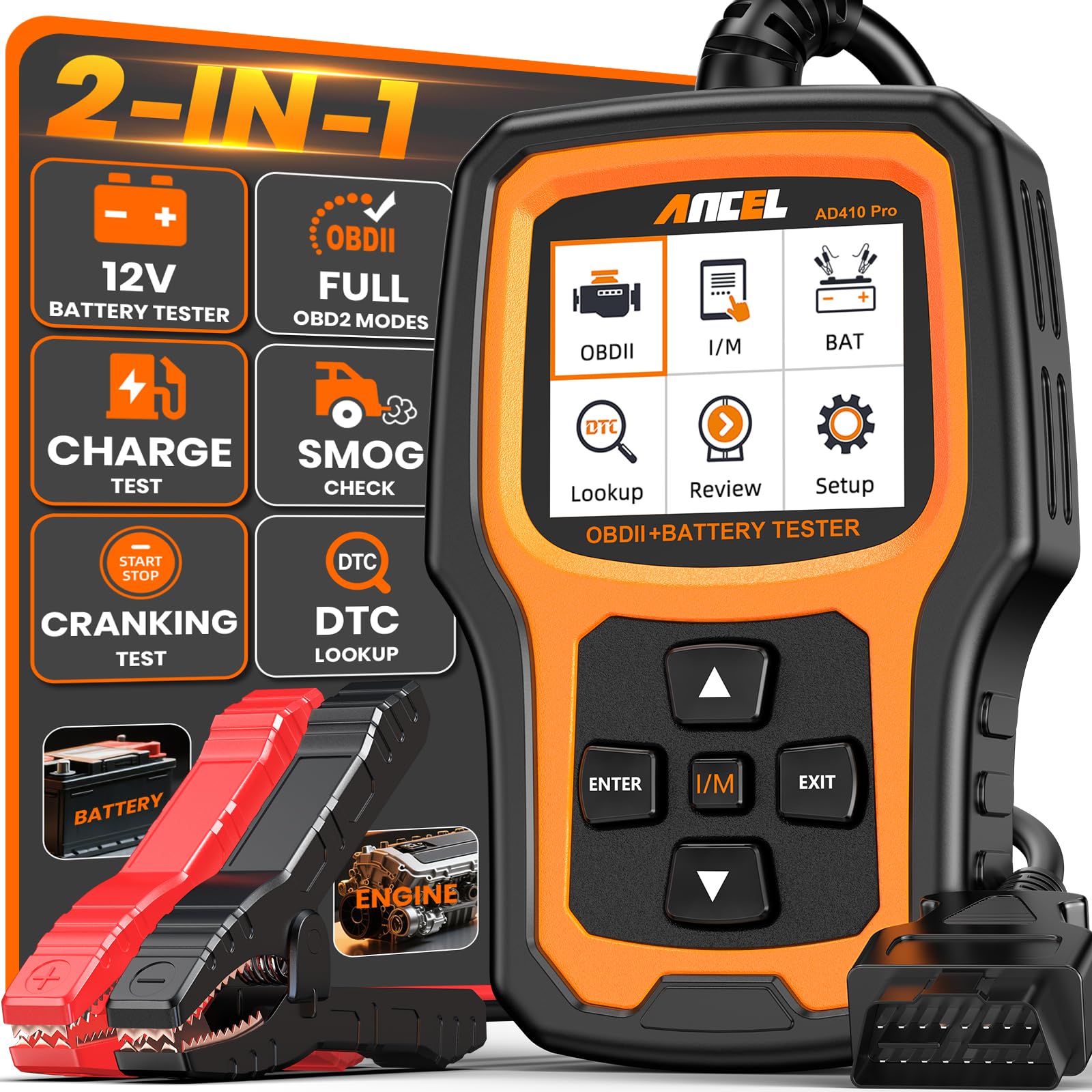
The second job is what makes the AD410 PRO interesting: it tests the 12V battery and charging system as well as reading engine codes. A check-engine light can sit on top of a weak battery or a failing alternator, and this tool lets you check battery health, cranking voltage, and charging output before you chase an engine fault. We think that combination is genuinely useful for an older car or a vehicle that cranks slowly.

On the diagnostic side, it reads and clears engine codes, decodes 42,000+ SAE DTCs, shows definitions on a 2.4-inch color screen, and tracks 50+ live readings. The I/M readiness mode is there for emissions checks, and the included battery clamp cable lets you test outside the OBD-II port. The menu is more involved than a basic reader's, but the two functions are separated clearly enough that you are not hunting through engine menus to find the battery test.

The battery test is not a substitute for a load tester, and the tool is still focused on engine and 12V electrical work rather than ABS or airbag diagnostics. The screen is readable and the buttons are chunky enough to use with gloves, which matters in a garage. We also appreciate that the scanner can be powered from the OBD-II port for code reading, so the battery clamps are only needed for the battery side of the job.

For a DIYer who wants one handheld for code checks and battery/charging diagnosis, the AD410 PRO is the most useful tool of its kind in this group. It is not the right pick if you only want a cheap code reader, and it is not a full-system scanner. But for the common no-start, slow-crank, or charging-light situation, having both tests in one case is a sensible convenience.

Pros

  • Combines engine scanning and battery testing
  • Decodes 42,000+ SAE diagnostic codes
  • Tracks 50+ live readings

Cons

  • Extra battery clamp cable to manage
Our verdict

We recommend the AD410 PRO when a no-start or charging worry needs a battery test alongside engine-code scanning.

Check Latest Price
8

Budget Code Reading

MOTOPOWER MP69033

93 /100
LBD Score Outstanding

Key details

Screen
2.8 inches
Languages
6 languages
Protocols
9 protocols
Cable Length
2.5 feet
View on Amazon

The 2.8-inch LCD is the first thing you notice about the MP69033, and it is a real advantage at the budget end. The screen is larger than several basic readers here, with white backlight and contrast adjustment, so codes and definitions are easy to read in a dim garage. We like that the reader draws power from the OBD-II port; there is no battery to charge or charger to lose.

It supports nine protocols and six languages, and it has a built-in DTC lookup library, so you can read a code and its meaning without reaching for a phone. The six-button layout includes scroll, enter, and back keys, and the 2.5-foot cable gives you some slack at the port. We found the menu logical for basic scans, with the most common functions close at hand.

The MP69033 is an engine-code reader, not a full-system tool. It cannot read ABS or airbag codes, and it is not the scanner for module coding or advanced live-data graphing. We think that is a fair boundary for the price; the tool is built to answer the check-engine light and confirm emissions readiness, not to replace a shop scanner. The compact body and cable make it easy to keep in a glovebox or tool bag.

For a budget reader, the MP69033 gets the important things right: a readable screen, a built-in code library, and no dependence on a phone. It is a good choice for a driver who wants a simple second opinion before going to a shop, as long as the fault is in the engine-management system. If you need body-system coverage or live-data graphs, the step-up picks here are worth the extra.

Pros

  • Larger 2.8-inch backlit screen
  • Built-in DTC lookup library
  • Supports nine protocols and six languages

Cons

  • Coverage varies by vehicle
Our verdict

The MP69033 is our budget pick for a readable standalone reader that handles engine codes and emissions checks.

Check Latest Price
9

First-Time DIY

LeeKooLuu LK11

93 /100
LBD Score Outstanding

Key details

Warranty
3 years
Live Data
Supported
Freeze Frame
Supported
Vehicle Info
VIN, calibration ID, CVN
View on Amazon

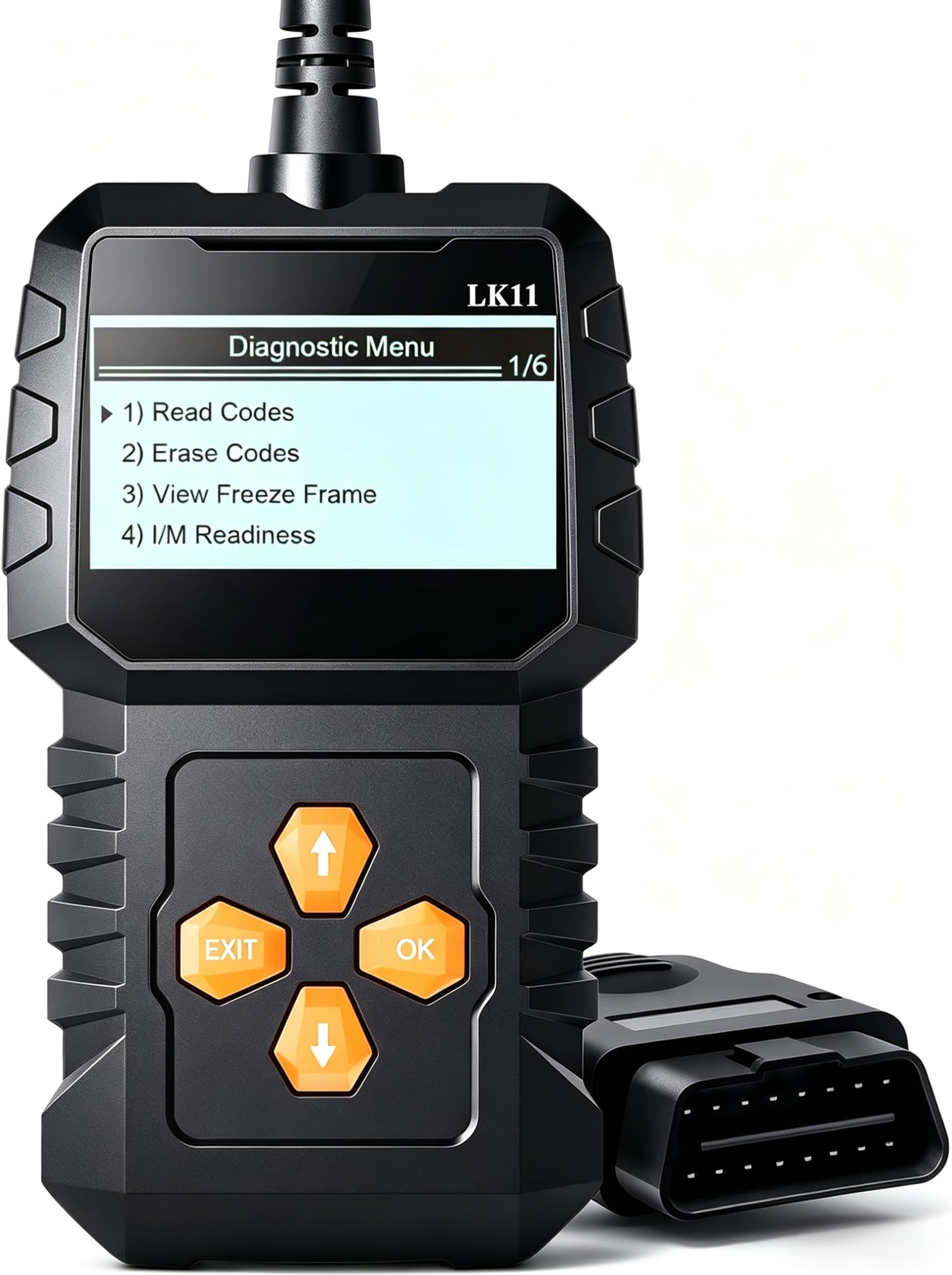
The low-end feature set is what makes the LK11 worth a look: it reads and clears engine codes, shows live data, captures freeze frame, and displays vehicle information such as VIN, calibration ID, and CVN. Those are the functions a first-time DIYer actually uses, and they are here without an app or a subscription.

Setup is plug-and-play. The reader powers up from the OBD-II port, walks through the protocol, and presents codes with definitions on screen. We like that there is no pairing step and no battery to manage; the tool is ready when you plug it in. The 3-year warranty is also longer than many budget readers offer, which takes some of the risk out of the low price.

Live data is present, and the freeze-frame capture is genuinely useful for a fault that appears under load. You can watch sensor values on screen, and the display is clear enough for a quick check. We think of it as a straightforward reader rather than a diagnostic workstation, which is the right expectation at this end of the market.

The LK11 is designed for standard OBD-II engine and emissions functions, and that focus keeps the menus short. It does not try to be a module-coding tool or a body-system scanner. For a check-engine light or a pre-inspection readiness check, it covers the essentials without asking you to learn a complex interface.

What we appreciate most is that the LK11 does not pretend to be more than it is. It is a small, inexpensive reader for standard OBD-II codes, with enough live data to be useful and a warranty that is longer than expected. If you want a first scanner to keep in the car, it is a sensible place to start.

Pros

  • Reads live data and captures freeze frame
  • Displays VIN, calibration ID, and CVN
  • Plug-and-play with a 3-year warranty

Cons

No notable drawbacks to flag.

Our verdict

We recommend the LK11 to a first-time DIYer who wants live data and freeze frame without paying for an app ecosystem.

Check Latest Price
10

Tiny Code Reading

VDIAGTOOL VD10

92 /100
LBD Score Outstanding

Key details

Screen
2.1 inches
Warranty
3 years
Live Data
Supported
Freeze Frame
Supported
View on Amazon

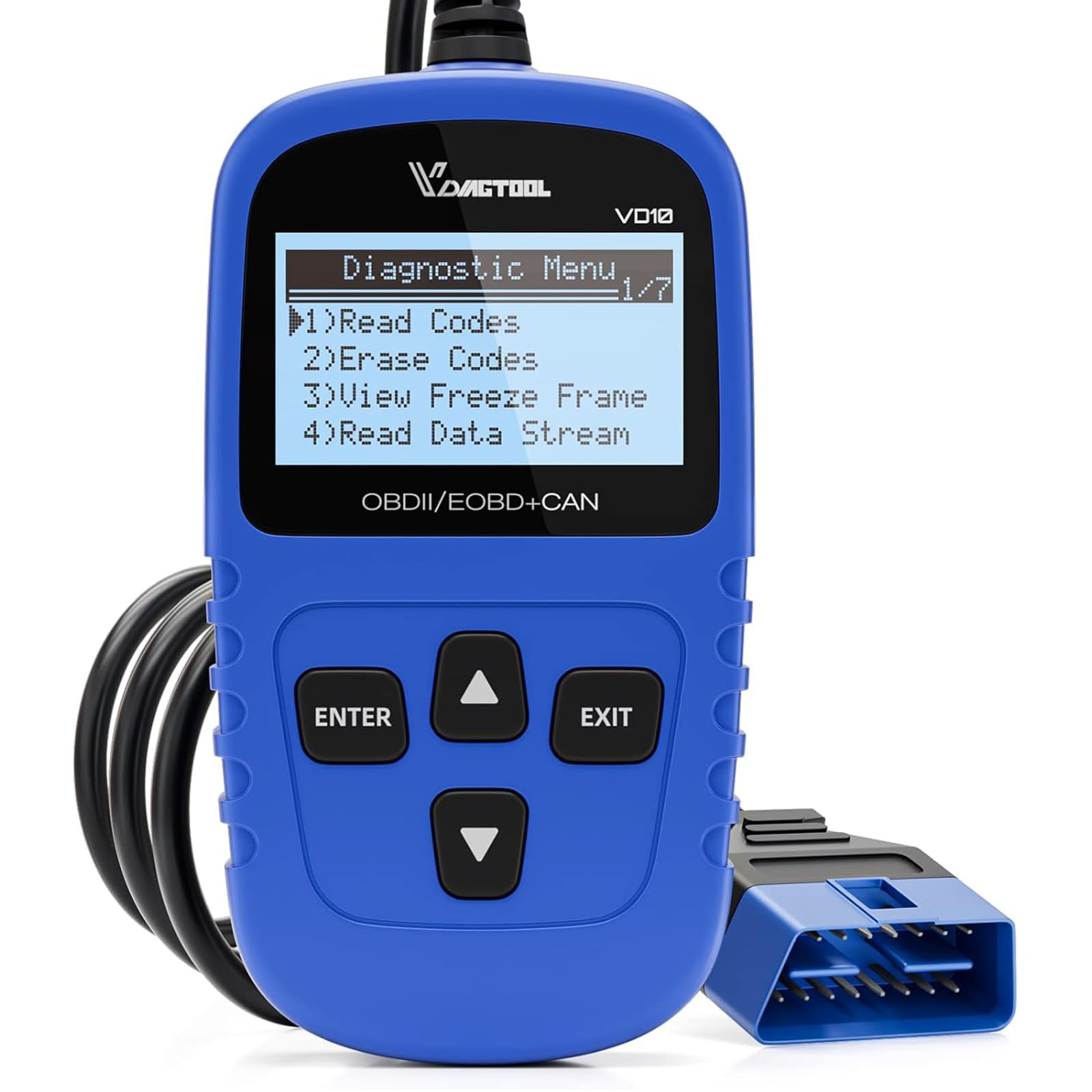
The deliberate trade-off of a tiny 2.1-inch screen is the first thing to understand about the VD10. It is a handheld reader built to disappear into a glovebox, not a diagnostic tablet. The screen is small, but the text is legible for codes and readiness status, and the tool powers up from the OBD-II port with no battery or cable to manage beyond the attached lead.

For the basics, the VD10 does what you need: reads and clears engine codes, shows definitions on screen, retrieves freeze frame, displays live data, and checks I/M readiness. The DTC lookup saves you from searching online for a generic code, and the menu is simple enough to work through at the curb. We like the 3-year warranty at this end of the market; it suggests the maker expects the tool to stay around.

The I/M readiness screen is a useful companion for emissions testing. It shows which monitors have run, so you know whether the car is ready before you sit in line. We also like the DTC lookup; it puts a plain-language description on the screen instead of sending you to a search engine. Those two features are what make the VD10 more than a code eraser.

The VD10 is an engine-code reader, not a full-system scanner. Its job is the check-engine light and emissions readiness, not module coding or body-system faults. That is expected at this price and size, but it is worth saying plainly: if you need chassis or body coverage, choose a tool that states it supports those systems.

We recommend the VD10 to a driver who wants a tiny, inexpensive reader for quick code checks and I/M readiness, and who does not need a bigger screen or graph-friendly live data. It is the kind of tool you can keep in the car and forget about until the light comes on. For that job, simple is the point.

Pros

  • Reads and clears engine codes
  • Shows code definitions on screen
  • I/M readiness for emissions checks

Cons

  • Live data can lag
Our verdict

We recommend the VD10 as a glovebox-sized reader for quick code checks and I/M readiness, not for deep live-data work.

Check Latest Price

How We Tested the Best OBD2 Scanners

We started with every scanner we could find that covered 1996-and-newer vehicles and the CAN protocol, then trimmed the list by reading manuals, app store reviews, and the one-star complaints that repeat: codes that wouldn't clear, apps that dropped the connection mid-scan, booklets written for someone who already knew what a freeze frame was. That left 12 units, from pocket-sized plug-and-play readers to Bluetooth dongles that pair with a phone.

Testing ran five months across a 2011 hatchback with a recurring misfire, a high-mileage pickup, and a used sedan I looked over for a neighbor before she bought it. Each scanner went in cold, in the driveway, engine off and then running; we noted how fast it booted or paired, whether it identified the protocol on its own, and how many button presses it took to get from the menu to a code.

For code recognition we read the same fault with every unit and compared what came back — the code itself, whether the definition was in plain English, whether pending and confirmed codes were separated, whether freeze-frame data was there at all. We cleared the light and drove each car for a week to see if it stayed off, and checked I/M readiness monitors before a state inspection.

Two people who had never used a scanner tried each unit with no help from me, which is where the instructions and app layout got judged honestly. We also dropped them, left a couple in a hot car, and compared live-data readings between units on the same idling engine to see whose numbers drifted, then weighed what each one actually did against what it cost.

How to Choose an Obd2 Scanner

Standalone Reader or Phone Adapter?

The first fork is whether you want a screen in your hand or an app on your phone. A standalone reader like the ANCEL AD310 or Autel AL319 plugs in, powers up, and shows a code without pairing. A Bluetooth adapter like BlueDriver or Veepeak turns your phone into the display and can add live graphs, repair information, and enhanced systems. We prefer a standalone reader for a quick check and an app-based tool when we plan to diagnose. If you go Bluetooth, budget for the app and a little setup time.

Engine Codes or Body Systems?

An OBD-II scanner is not automatically a full-system scanner. The check-engine light is engine management; ABS, airbag, and transmission faults often live in separate modules. Basic readers such as the MOTOPOWER MP69033 and LeeKooLuu LK11 handle engine codes and emissions readiness, while BlueDriver and OBDLink MX+ can reach more systems through their apps when the vehicle supports it. Match the tool to the warning light you actually see. If the ABS light is on, confirm the scanner lists ABS coverage before you buy.

Live Data and Emissions Readiness

Live data is what turns a code reader into a diagnostic tool. It shows sensor values while the engine runs, and freeze frame captures the conditions when the fault was set. For a misfire or a fuel-trim problem, that context is more useful than the code alone. I/M readiness is the other feature to look for: it tells you whether the emissions monitors have run before a test. If you only clear codes, a basic reader is enough; if you plan to diagnose, pay for live data. The FOXWELL NT301 is the handheld here that makes graphing usable.

Compatibility, Updates, and Support

Standard OBD-II coverage starts with 1996-and-newer U.S. gas vehicles, but the details vary by make, model, and powertrain. Some diesels, hybrids, and EVs need app-specific support. Before you buy, check the product page for your vehicle and for the system you need. Updates matter too: some handhelds update through a Windows PC, while app-based tools update through the phone. We also look at warranty length, because a scanner that lives in a glovebox gets dropped. A longer warranty does not guarantee reliability, but it makes a cheap tool less of a gamble.

Frequently Asked Questions

Final Verdict

BlueDriver is our overall pick because it turns a phone into a genuinely capable diagnostic tool, with enhanced system coverage and VIN-matched repair guidance that the basic readers here do not match. If you want a standalone reader and no app, the ANCEL AD310 is the simplest default; if you want live-data graphs on a handheld, choose the FOXWELL NT301. The right answer depends on whether you want to clear a light or understand what turned it on.