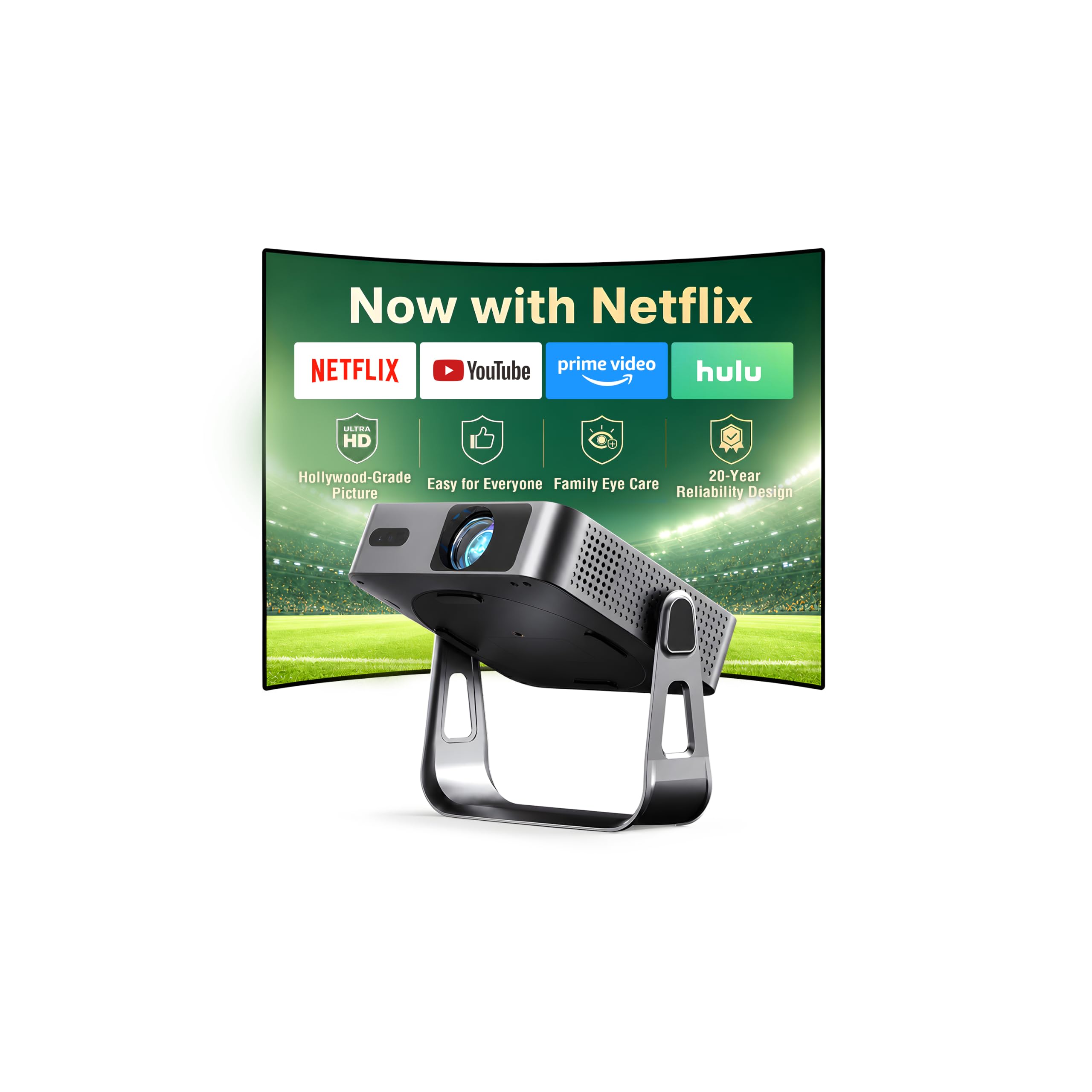
Best Smart Projectors of 2026

Every projector listing promises a cinema; plenty deliver a dim gray rectangle you squint at with the blinds down. Brightness is the spec sellers massage hardest, and "4K supported" tells you nothing about whether the picture survives a lamp being on. I've set these up in living rooms, spare bedrooms, and one backyard where the neighbors' porch light nearly ruined the show.

Over the past six months, my team and I have lived with 12 smart projectors — not one movie and a verdict, but weeks of ordinary use: weeknight TV, sports, a work call, a long stretch pointed at the ceiling. Setup, streaming apps, sound, connectivity, and fan noise got the same scrutiny as picture quality, because a projector that's a hassle never gets turned on.

First-time buyers overrate resolution and underrate the setup routine. Auto focus and auto keystone are the difference between a two-minute start and a fifteen-minute fiddle, and a rotating stand means you can put a picture on the ceiling without stacking books under the lens. The picks below are the ones worth leaving plugged in.

1

Best Overall

Aurzen Roku TV D1R

91 /100
LBD Score Outstanding

Key details

Weight
4.63 lb
Maximum Image
200 inches
Smart Platform
Roku TV
Native Resolution
1920 x 1080
View on Amazon

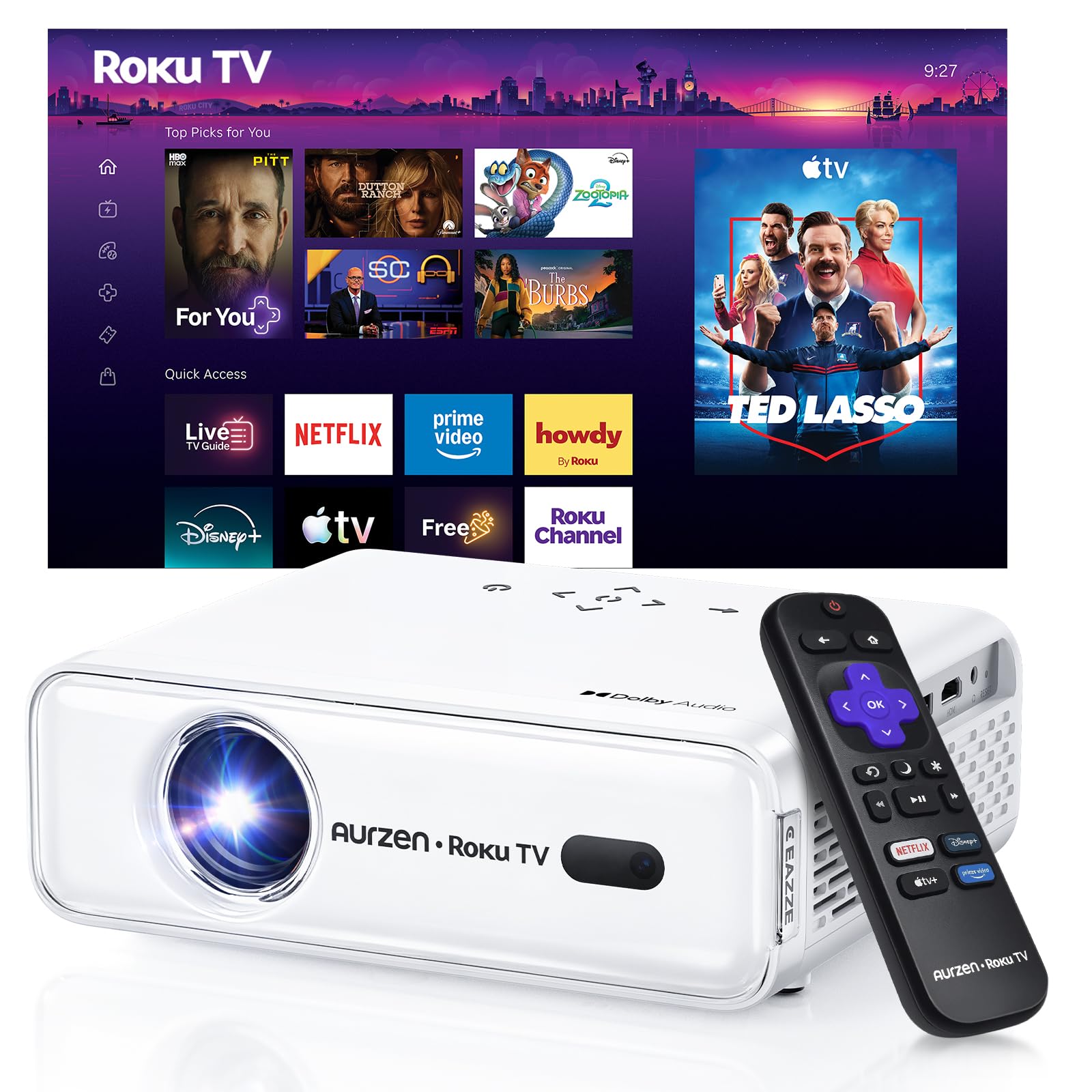
The Roku TV home screen is the reason this one earns our top spot. Instead of treating streaming as an add-on, the D1R boots into the same tile-and-search interface you get on a Roku television, so Netflix, Prime Video, Hulu, YouTube, and the Roku Channel are all in one place. We like not having to juggle a streaming stick and a second remote. The interface is familiar enough that anyone in the house can pick it up without a tutorial.

The rest of the package supports that role. Native 1080p is the right resolution for a main-room projector, and the 200-inch maximum image gives you room to go big. Auto focus and auto keystone did the setup work we usually end up doing by hand: place it, power it on, and the image snaps into line. At 2.1 kg it is portable enough to move, but it feels like a projector that lives on a shelf rather than one you toss in a bag.

We also appreciate the Dolby audio and two-way Bluetooth. The built-in speakers are usable for a bedroom or a small backyard, and Bluetooth gives you an easy upgrade path. On a big outdoor screen, we still want a separate speaker. The fan noise is present but not distracting in normal viewing; in a very quiet dialogue scene, it is audible.

For most buyers, the D1R is the smart projector that gets out of the way. It has the apps, the resolution, and the automatic setup to turn a blank wall into a TV without a pile of accessories. What keeps it at the top is the combination: a familiar platform, a sharp 1080p picture, and setup that does not ask for a second pair of hands.

Pros

  • Roku TV with all major apps
  • Native 1080p picture
  • Auto focus and keystone
  • Dolby audio and Bluetooth

Cons

  • No HDMI cable in the box
Our verdict

For a main-room smart projector, the D1R gets the balance right: Roku TV, native 1080p, and automatic setup in a body you can still move.
Check Latest Price
2

Best Budget 1080P

YGSKK Mini Projector

91 /100
LBD Score Outstanding

Key details

Weight
1.7 lb
Brightness
300 ANSI lumens
Maximum Image
200 inches
Native Resolution
1920 x 1080
View on Amazon

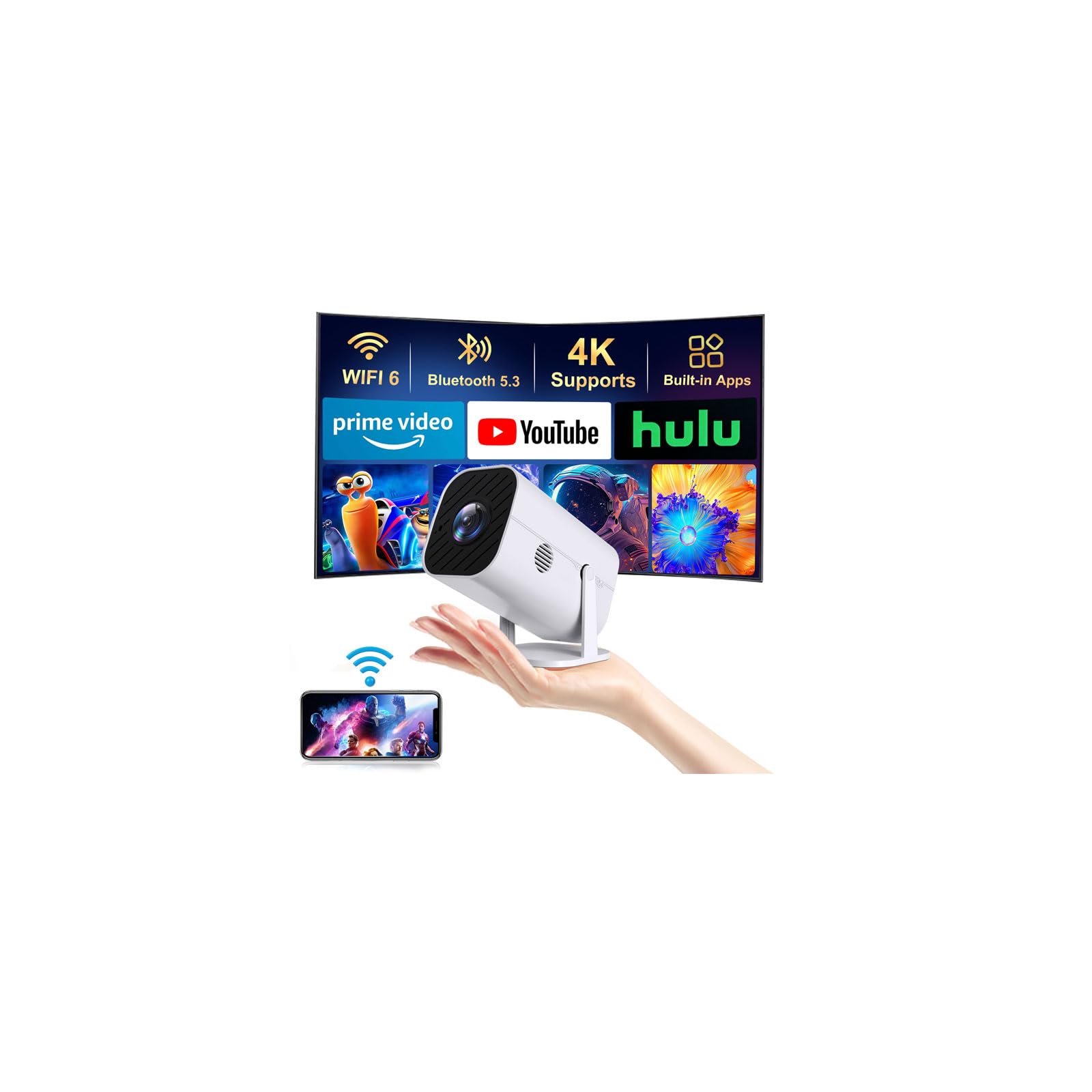
The YGSKK is the projector we point to when someone wants a 1080p picture without paying for a premium platform. Native 1920 x 1080 resolution is the headline, and it is paired with 300 ANSI lumens, built-in Prime Video, YouTube, and Hulu, and Wi-Fi 6. We think that combination makes more sense for a dark bedroom than spending up for features you may not use. It is the budget 1080p pick in this group for a reason.

Setup is straightforward. The electric focus is a nice touch because you can fine-tune the image from the remote instead of walking up to the lens. The 50-to-200-inch image range gives you flexibility, and the 1.7-pound body is easy to move from a shelf to a bedside table. HDMI, USB, and a 3.5mm jack cover the wired basics, and Bluetooth handles a speaker or headphones.

The picture is at its best in a dark room. At 300 ANSI lumens, it is not the projector to choose for a lamp-lit living room or an early-evening backyard session; it wants controlled light. In that setting, the 1080p panel looks crisp, and the built-in apps are convenient for casual streaming. We also like the low fan noise for a bedroom.

Pros

  • Native 1080p at a budget price
  • Built-in Prime Video, YouTube, Hulu
  • Wi-Fi 6 and Bluetooth
  • Electric focus from the remote

Cons

  • App selection is narrower than Roku or Google TV
Our verdict

A native 1080p picture, built-in apps, and a light body make the YGSKK the budget pick for a dark bedroom.

Check Latest Price
3

Best Google TV

VISSPL Google TV Projector

86 /100
LBD Score Excellent

Key details

Brightness
400 ANSI lumens
Noise Level
25 dB
Smart Platform
Google TV
Native Resolution
1920 x 1080
View on Amazon

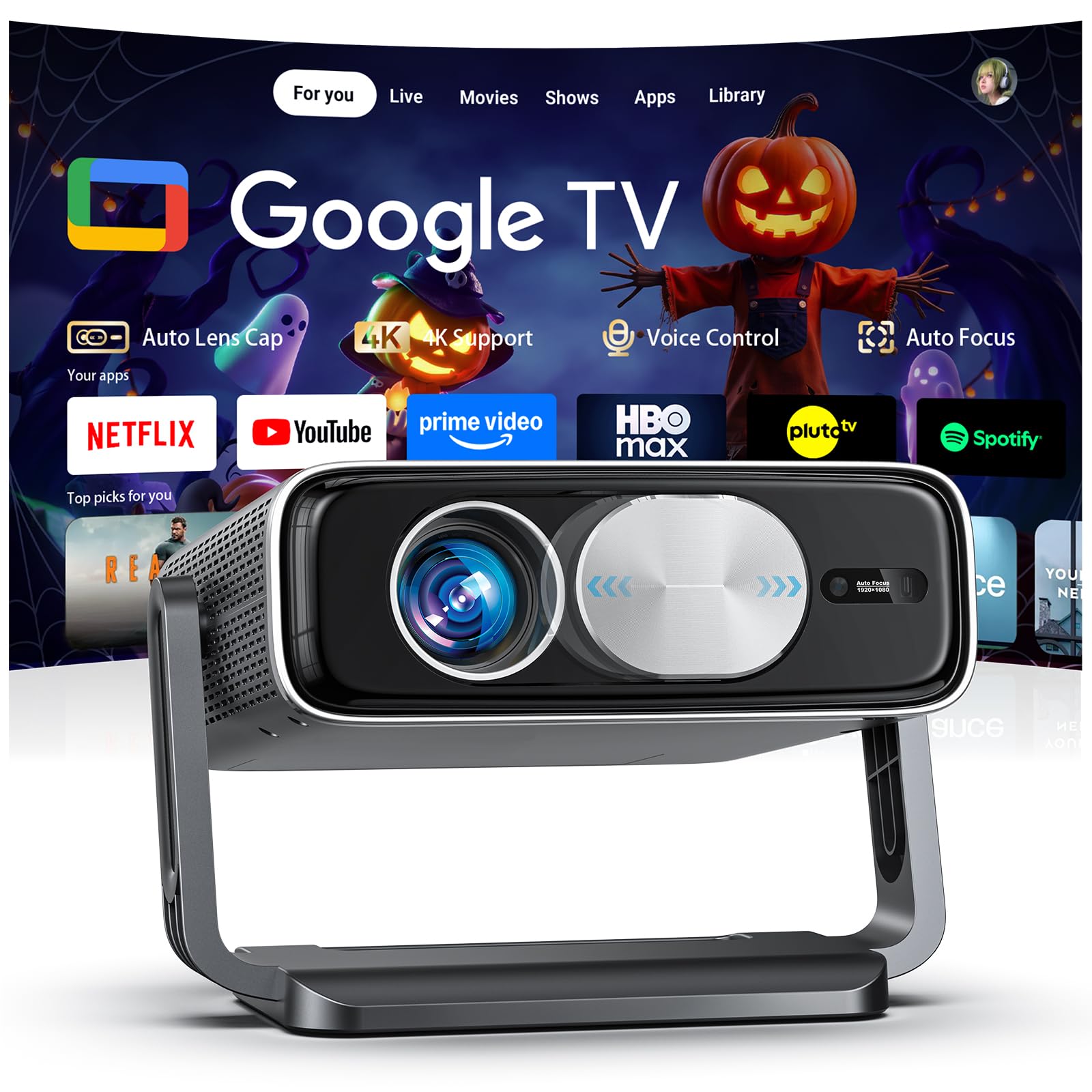
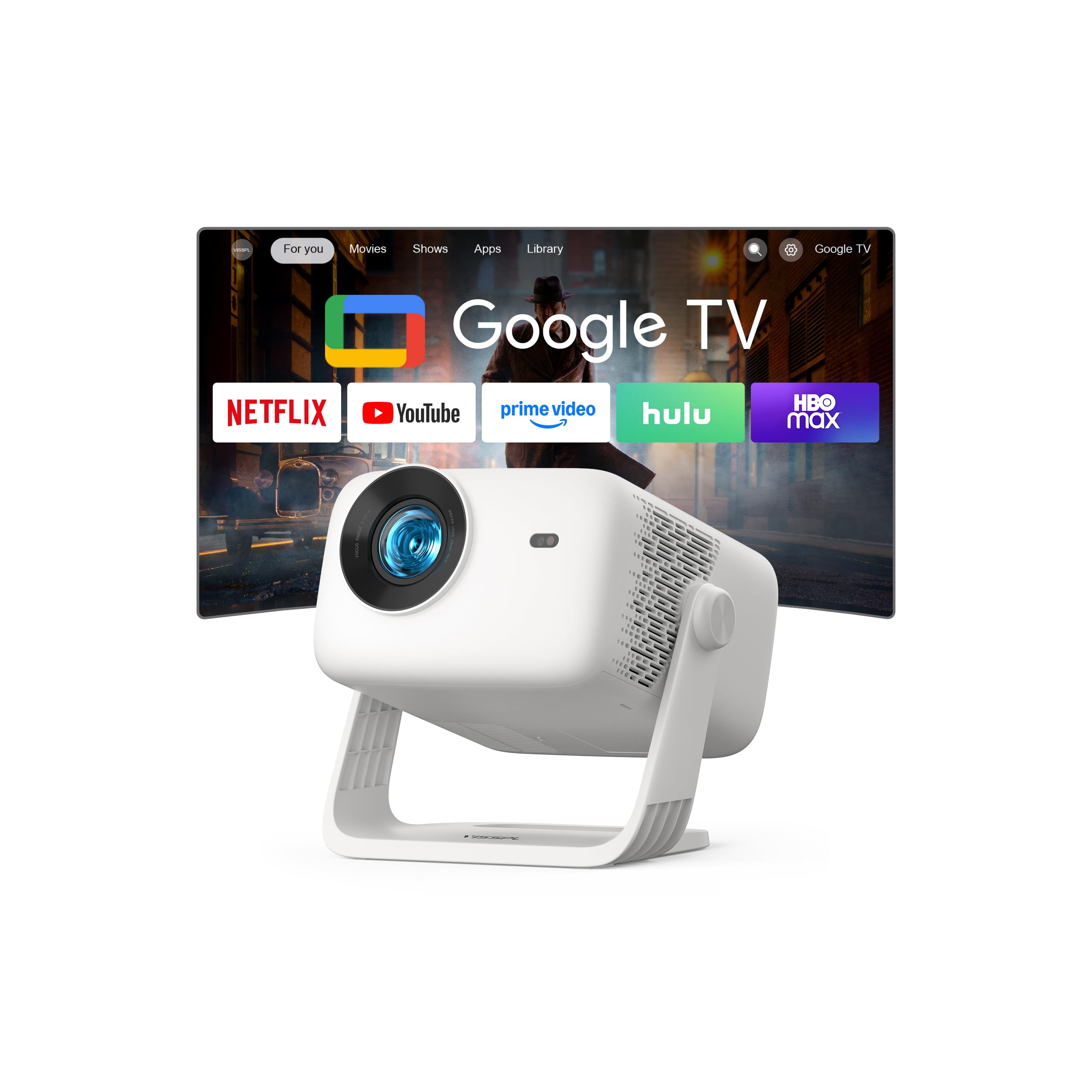
Google TV is the feature that makes the VISSPL feel different. The home screen pulls recommendations from your subscriptions, and the voice remote lets you say a show name and land in the right app without hunting through menus. We like that the projector treats streaming as the main event, not a bolted-on extra. If you already use Chromecast or Google TV at home, the learning curve is basically zero.

The picture is built for a dark room. Native 1080p and 400 ANSI lumens are enough for a bedroom or a light-controlled living room, and HDR10 helps with contrast in compatible content. The 25dB cooling rating is the detail that matters for late-night viewing: this is one of the quieter projectors in the group, so dialogue does not compete with a fan. Wi-Fi 6 and Bluetooth 5.2 cover modern streaming and a wireless speaker.

What earns it a runner-up spot is the balance of platform and picture. The VISSPL is not the brightest projector here, so it belongs in a dim room rather than a sunlit one. But within that boundary, the Google TV interface, quiet operation, and native 1080p panel make it easy to live with. We kept reaching for the voice remote because it is faster than typing on an on-screen keyboard.

The compact body makes it easy to leave on a shelf, and the quiet fan keeps it out of the way. For a bedroom or a light-controlled living room, this is the Google TV pick we are comfortable recommending.

Pros

  • Google TV with voice search
  • Native 1080p picture
  • Quiet 25dB cooling
  • Wi-Fi 6 and Bluetooth 5.2

Cons

  • Built-in speakers are modest for big rooms
Our verdict

Choose the VISSPL when Google TV, voice search, and quiet cooling matter more than maximum brightness.

Check Latest Price
4

Best for Outdoor Brightness

Pemoon Neo X1

89 /100
LBD Score Excellent

Key details

Weight
2.98 lb
Brightness
3000 ANSI lumens
Smart Platform
Google TV stick
Native Resolution
1920 x 1080
View on Amazon

Pemoon takes a different route to smart: instead of building the platform into the projector's firmware, it bundles a Google TV stick. That means the same Google TV home screen, voice search, and app library you get from a standalone streamer. We like the flexibility, but it does mean the smart part depends on a dongle. The 360-degree stand and auto lens cover are the practical details we noticed first: the stand makes ceiling or wall angles easier, and the cover keeps dust off the lens between movie nights.

Brightness is the headline. The Neo X1 is rated at 3000 ANSI lumens, the highest figure in this group, and that is why it earns a runner-up slot for outdoor nights and brighter rooms. Native 1080p keeps the image crisp, and the auto focus and keystone do their job quickly. We were also impressed by the built-in sound for a compact projector; it is loud enough for a backyard crowd, though a soundbar still helps for big-action movies.

At 1.35 kg it is not a pocket projector, but it is easy enough to carry from a shelf to a patio table. The bundled stick is the trade-off for the platform; we wish the hardware were built in, but the result is the same familiar interface. For a backyard or a bright sunroom, this is the one we pick first.

Pros

  • Highest brightness rating here
  • Google TV apps and voice search
  • Auto lens cover and auto focus
  • 360-degree rotating stand

Cons

  • No HDMI cable included
Our verdict

When the screen moves outdoors, the Pemoon's 3000-ANSI-rated brightness and bundled Google TV make it the pick.

Check Latest Price
5

Best Ultraportable

Aurzen Roku TV E1R

87 /100
LBD Score Excellent

Key details

Weight
15.5 oz
Brightness
160 lm
Smart Platform
Roku TV
Native Resolution
1280 x 720
View on Amazon

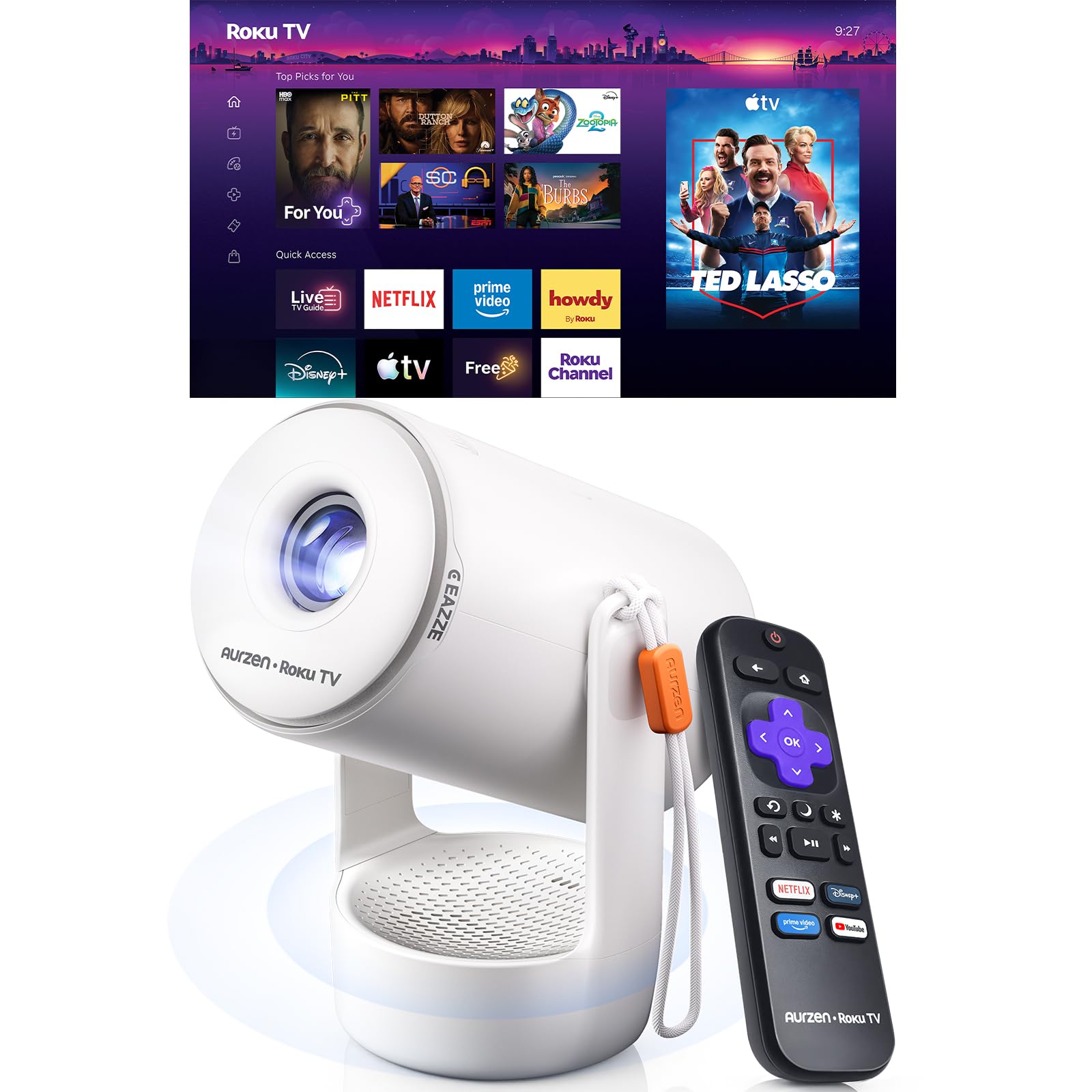
The E1R is the projector we reach for when the destination matters more than the spec sheet. At 0.44 kg it is light enough to carry with one hand, and the built-in strap makes it feel like a small speaker rather than a piece of AV equipment. Roku TV is built in, so the apps and interface are the same ones you already know. For a bedside or dorm setup, that combination is hard to beat.

The 180-degree rotating stand is the detail that makes it useful. You can set it on a nightstand and aim at the ceiling without stacking books under it, then swing it back to the wall for a regular movie. The sound base is bigger than the body suggests, and Dolby Audio gives it more presence than most projectors this size. We also like the cleaning kit in the box; a small lens cloth is one of those things you do not appreciate until you need it.

The picture is best in a dark room. The 160-lumen rating puts it firmly in bedroom territory; at a close wall or a ceiling image, it looks clear. Roku TV handles the streaming, and Wi-Fi and Bluetooth cover the basics without a dock. It is not the main living-room projector, but that is not the job.

Pros

  • Roku TV built in
  • 180-degree rotating stand
  • Under one pound with strap
  • Larger sound base with Dolby

Cons

  • 720p native resolution
Our verdict

Ceiling movie nights and room-to-room carrying are the E1R's job, and its Roku TV, 180-degree stand, and sub-one-pound body fit it.

Check Latest Price
6

Bedside and Ceiling

Philoent Mini Projector

91 /100
LBD Score Outstanding

Key details

Weight
13.6 oz
Brightness
200 ANSI lumens
Built-in Apps
Prime Video, YouTube
Native Resolution
1280 x 720
View on Amazon

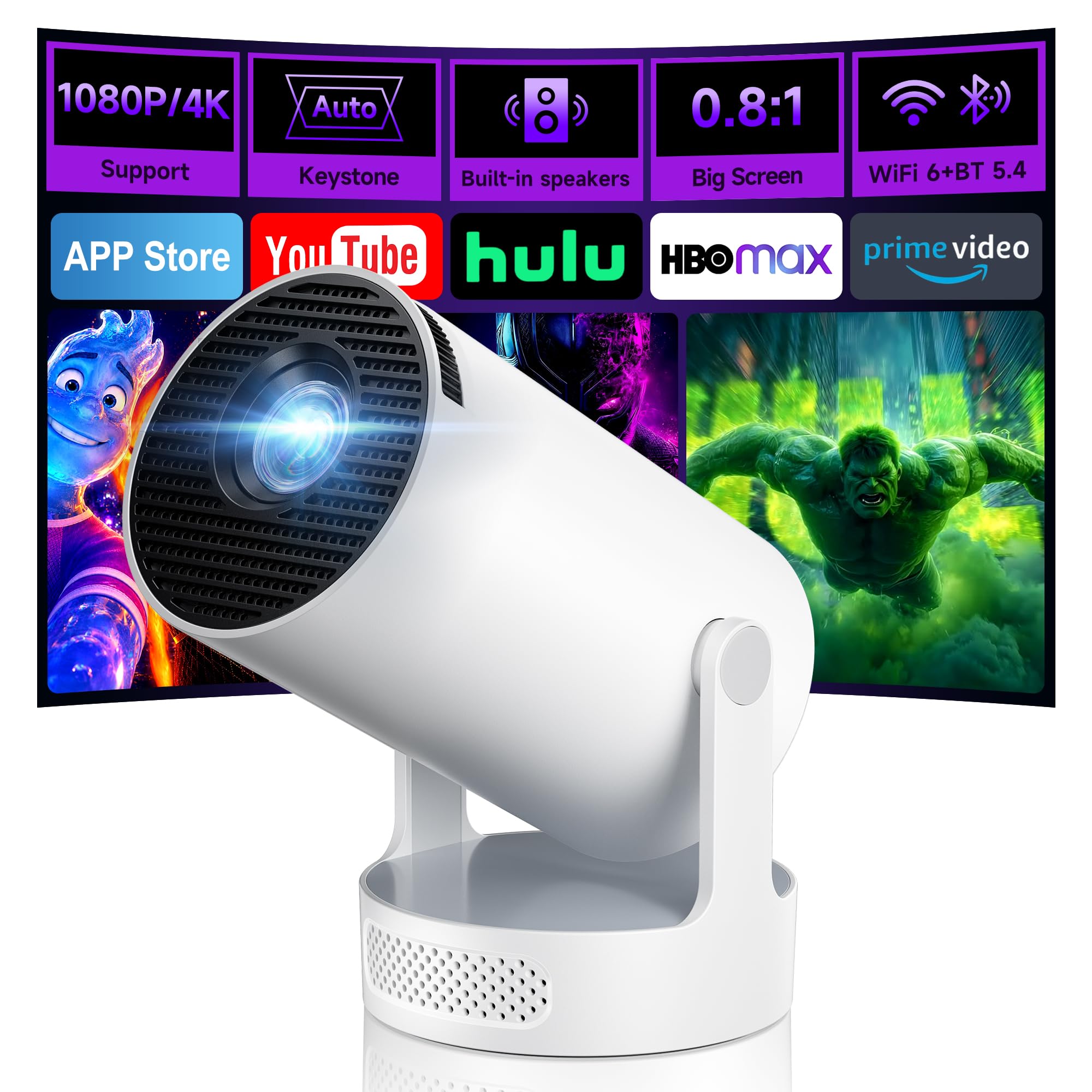
The Philoent's 180-degree rotating body is the first thing you notice, and it is more than a gimmick. Set it on a nightstand, tilt the lens toward the ceiling, and you have a bedroom screen without a mount. The short-throw ratio helps in small rooms: it can fill a wall from closer than a standard projector, which is useful when the bed is only a few feet away.

The rest of the package is built for casual streaming. Prime Video and YouTube are built in, Wi-Fi 6 handles the connection, and Bluetooth 5.4 pairs with headphones or a speaker. Auto keystone and fast focus get the image into shape quickly, and the 25dB cooling is quiet enough for late-night viewing. At 13.6 ounces it is easy to move from room to room.

What earns it a place is the bedside use case. The 200 ANSI lumens and 86-inch maximum image make it a small-room projector, not a living-room centerpiece; in a dark bedroom, that is a fair trade for the compact body. We like that it can aim at the ceiling without extra hardware. The built-in apps cover the basics, though they are not as broad as a Roku or Google TV platform.

Pros

  • 180-degree rotation for ceiling viewing
  • Short-throw lens for small rooms
  • Built-in Prime Video and YouTube
  • Light 13.6-ounce body

Cons

  • Some units arrive dead or fail to power on
Our verdict

The Philoent earns its place as a bedside projector: short-throw, 180-degree rotation, and built-in apps for a dark room.

Check Latest Price
7

Packable Roku

HAPPRUN Roku TV Projector

85 /100
LBD Score Excellent

Key details

Audio
Dolby Audio stereo
Weight
1.2 lb
Maximum Image
120 inches
Smart Platform
Roku TV
View on Amazon

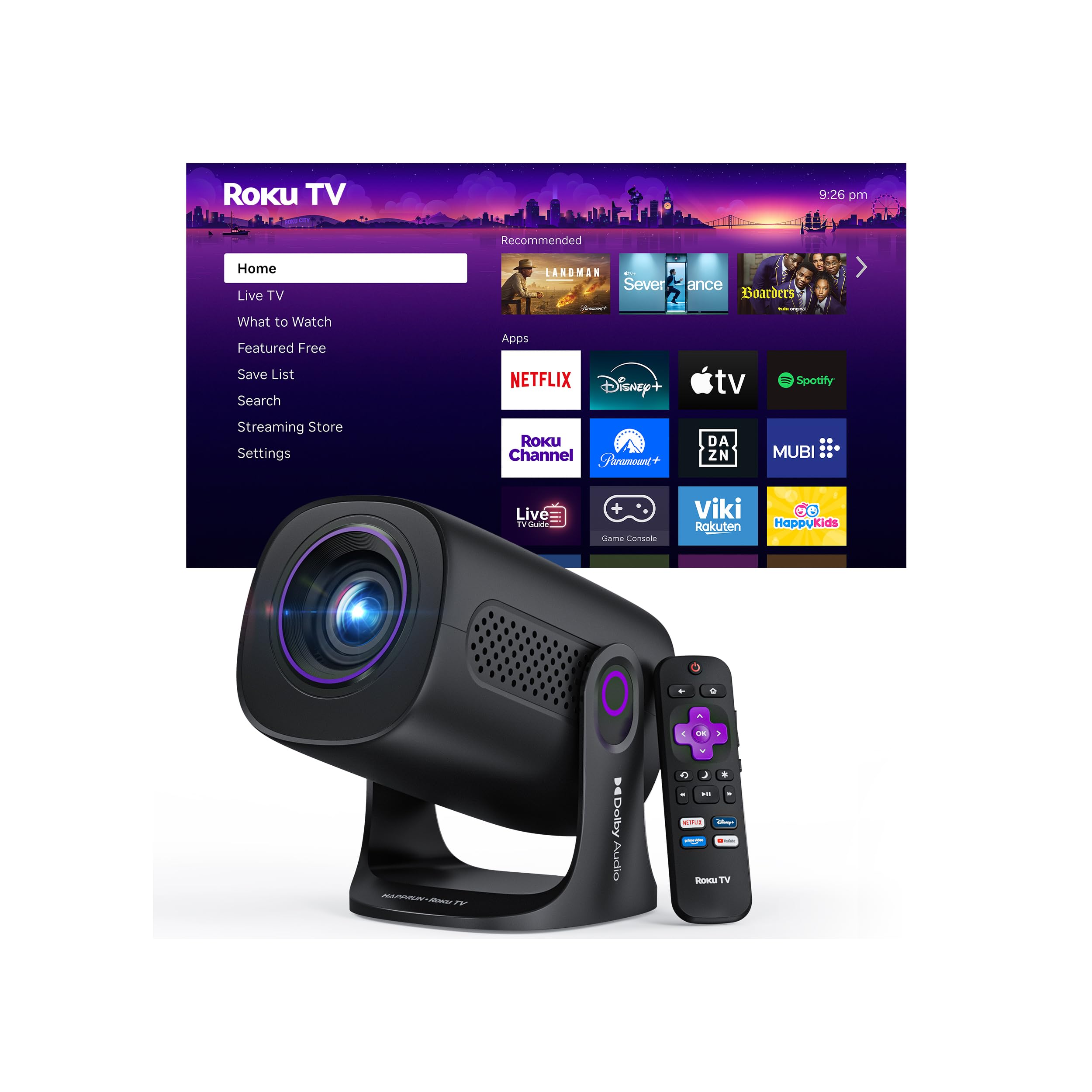
The HAPPRUN's two-year warranty is the first thing we noticed. In a category where support can be thin, that is a practical reason to consider it, especially if the projector will live in a dorm or a shared apartment. It also has Roku TV built in, so the apps and interface are familiar from the start. The 1.2-pound body is light enough to pack in a backpack, and the 120-inch maximum image is enough for a bedroom wall.

The sound is better than the size suggests. Dolby Audio and dual stereo speakers give it more presence than most mini projectors, and the fan is not particularly loud. We like that it can handle a movie night without a separate speaker, though a soundbar still helps for a big room. The auto keystone correction makes placement easier, and the Roku remote keeps the interface simple.

The picture is best in a dark room. The compact LCD panel puts out a usable image for a bedroom or a shaded patio, and the colors look good for the price. The 120-inch maximum is a sensible ceiling for this class; it does not promise a 200-inch wall-filler. We also appreciate the HDMI and USB inputs for a stick or a console.

What earns it a place is the combination of Roku, portability, and a longer warranty than most. It is the one we take to a friend's place or set up in a small room without worrying about a permanent install. It is a packable Roku projector that does not ask for much space.

Pros

  • Roku TV built in
  • Dolby Audio stereo speakers
  • Packable 1.2-pound body
  • Two-year warranty

Cons

  • Manual focus takes a moment to dial in
Our verdict

Roku TV, Dolby sound, and a two-year warranty make the HAPPRUN the packable pick for a small room.

Check Latest Price
8

Netflix-First Viewing

VOPLLS Smart Projector

90 /100
LBD Score Outstanding

Key details

Weight
1.76 lb
Maximum Image
200 inches
Smart Platform
Built-in smart TV OS
Native Resolution
1920 x 1080
View on Amazon

The VOPLLS throws a lot of setup automation at the screen. Auto focus, 6D keystone correction, obstacle avoidance, and auto screen alignment are all here, and the result is an image that squares up quickly even when the projector sits off to one side. We appreciate that the projector can be placed on a shelf or a stand and still find a rectangle without a lot of menu digging. The 360-degree stand helps with ceiling angles.

Netflix is the reason to look at this one. The built-in smart TV OS is officially certified for Netflix, and it also brings Prime Video, YouTube, and other apps into one home screen. No streaming stick, no input switching. The native 1080p panel and HDR10 support give it a crisp picture for the size, and the dual 15W speakers are loud enough for a bedroom.

The 0.8 kg body is light for a 1080p projector, and the 200-inch maximum image gives you room to go big. Auto focus and keystone are the features we use most because they make a temporary setup feel permanent. Wi-Fi 5G/2.4G and Bluetooth 5.1 cover streaming and a wireless speaker. The remote is simple, and the smart TV interface is easy to navigate.

For a Netflix-first bedroom projector, this is the one we point to. It has the apps, the native 1080p picture, and the automatic setup to make a big screen feel like a TV. The 360-degree stand and 200-inch maximum image give it more placement flexibility than the compact body suggests.

Pros

  • Netflix-certified smart TV OS
  • Auto focus and 6D keystone
  • Native 1080p with HDR10
  • 360-degree stand and dual speakers

Cons

  • Native 1080p, not native 4K
  • No HDMI cable included
Our verdict

Netflix-first buyers should look at the VOPLLS for its certified smart TV OS, native 1080p picture, and automatic setup.

Check Latest Price

How We Chose and Tested the Best Smart Projectors

We started with roughly 40 listings and cut hard: anything without built-in streaming apps, anything without auto focus or auto keystone, and anything whose claimed brightness didn't square with its price bracket. That left 12 projectors, which we ran for six months — long enough for the novelty to wear off and the flaws to surface.

Most of that time was ordinary viewing. Each projector took a turn in the living room, throwing the same handful of episodes and a couple of ballgames at the wall, first with the blinds open and a lamp on, then in the dark, so we could see exactly where the picture washed out. We set each one up cold with a timer running, from opening the box to watching something, and noted how much of that time went into fighting focus or keystone. In the spare bedroom we aimed the rotating stands at the ceiling, and on two weekends we hauled the portable models outside after sunset.

During quiet dialogue and paused scenes we listened for fan whine, and we ran the built-in speakers at half and full volume to hear where they distorted. We counted which apps opened without a streaming stick, paired phones over Wi-Fi and Bluetooth, and switched HDMI sources to see how fast each one reconnected. For reliability, we let every projector run back-to-back two-hour movies and logged shutdowns, overheating, or a picture that drifted out of focus mid-film. Anything that needed a separate speaker or a dongle to be watchable got marked down for value.

How to Choose a Smart Projector

Choose the Platform Before the Specs

Roku TV, Google TV, and built-in app stores are not interchangeable. Roku is the simplest familiar interface and has the widest app support in this group; Google TV is better if you want voice search and Chromecast-style casting; a projector with only a few built-in apps can still work, but you may need to add a streaming stick. Pick the ecosystem you already use on your TV, then check that the apps you pay for are present. The Aurzen D1R is the clearest example of a Roku-first design; the VISSPL is the Google TV counterpoint.

Match Brightness to the Room

A projector's brightness is not a score to maximize; it is a match to ambient light. In a dark bedroom, a dimmer model can look fine; in a living room with lamps or a backyard before dusk, you need more output. The rated numbers in this group run from 150 ANSI lumens to a claimed 3000, and the higher figure is the one to consider for outdoor nights. Choose for your usual viewing time, not the brightest room you might use once.

Resolution and Screen Size Travel Together

Native 1080p is the sweet spot for a main-room projector because it holds detail as the image grows. A 720p projector can be sharp at a modest size, but it softens faster when you push toward its maximum image. Do not buy a 200-inch-capable projector and sit close to a 200-inch screen unless the resolution supports it; the pixels become visible and the image loses bite. Measure the wall you have and the distance to your seat before you choose a maximum image size. For a bedroom ceiling image, 720p can be enough; for a living-room wall, start at native 1080p.

Auto Setup Is Worth Paying For

Auto focus and auto keystone are the features that keep a projector from becoming a weekend project. They matter most when the projector sits off-axis or gets moved between rooms, because the image has to be re-squared every time. A rotating stand is a similar convenience: it lets you aim at a ceiling without building a shelf. Extreme keystone correction still costs some sharpness and brightness, so place the projector as square to the wall as you can, then let the automation finish the job. Prioritize auto focus if you move the projector; prioritize a rotating stand if you want ceiling viewing.

Plan for Sound, Noise, and Connections

Built-in speakers have improved, but they are still the weakest part of most compact projectors. If you watch big movies, budget for a soundbar or Bluetooth speaker; if you watch late at night, check that the fan noise will not sit under quiet dialogue. HDMI ARC is a useful shortcut for a single-cable audio upgrade. Wi-Fi 6 and Bluetooth 5.x help with streaming and headphones, but the app platform and the room's Wi-Fi signal matter more than the version number. Listen for fan noise in a quiet scene and leave room in the budget for audio.

Frequently Asked Questions

Final Verdict

The Aurzen D1R is the smart projector we recommend first because it gets the everyday experience right: Roku TV built in, a native 1080p picture, and auto focus and keystone that make a big screen feel as simple as turning on a TV. If Google TV is the ecosystem you want, the VISSPL is the alternative; if you plan to watch outdoors or in a brighter room, the Pemoon's higher brightness rating is the reason to step up. For a bedside ceiling setup, the E1R is the smallest Roku option here.