Best Streaming Devices of 2026

Your TV is probably fine. It's the app menu that's aged badly: the long wait between pressing play and actually watching anything, the remote with a dead battery. A streaming device is the cheapest fix in home entertainment — plug a stick or small box into an HDMI port and the TV goes back to being glass while newer hardware does the thinking. I've swapped these in and out for years, and the gap between good and mediocre shows up in seconds.

Over the past three months, my team and I set up 12 of them and lived with them — same TVs, same weak Wi-Fi at the back of the apartment. What separated the good ones rarely showed up on a spec sheet: whether voice search caught a half-mumbled title, whether the menu still felt quick after two updates, whether the remote was readable in the dark.

Resolution and Wi-Fi 6 are the specs buyers overrate: HDR only counts if your TV can show it, and a faster wireless standard only helps if your router speaks it. The picks below are ranked on how they feel to use.

1

Best Overall

Roku Streaming Stick 4K

95 /100
LBD Score Outstanding

Key details

Remote
Voice remote with TV power, volume, and mute
Resolution
4K UHD up to 2160p at 60fps
HDR Support
Dolby Vision, HDR10, HDR10+
Connectivity
Wi-Fi with long-range receiver
View on Amazon

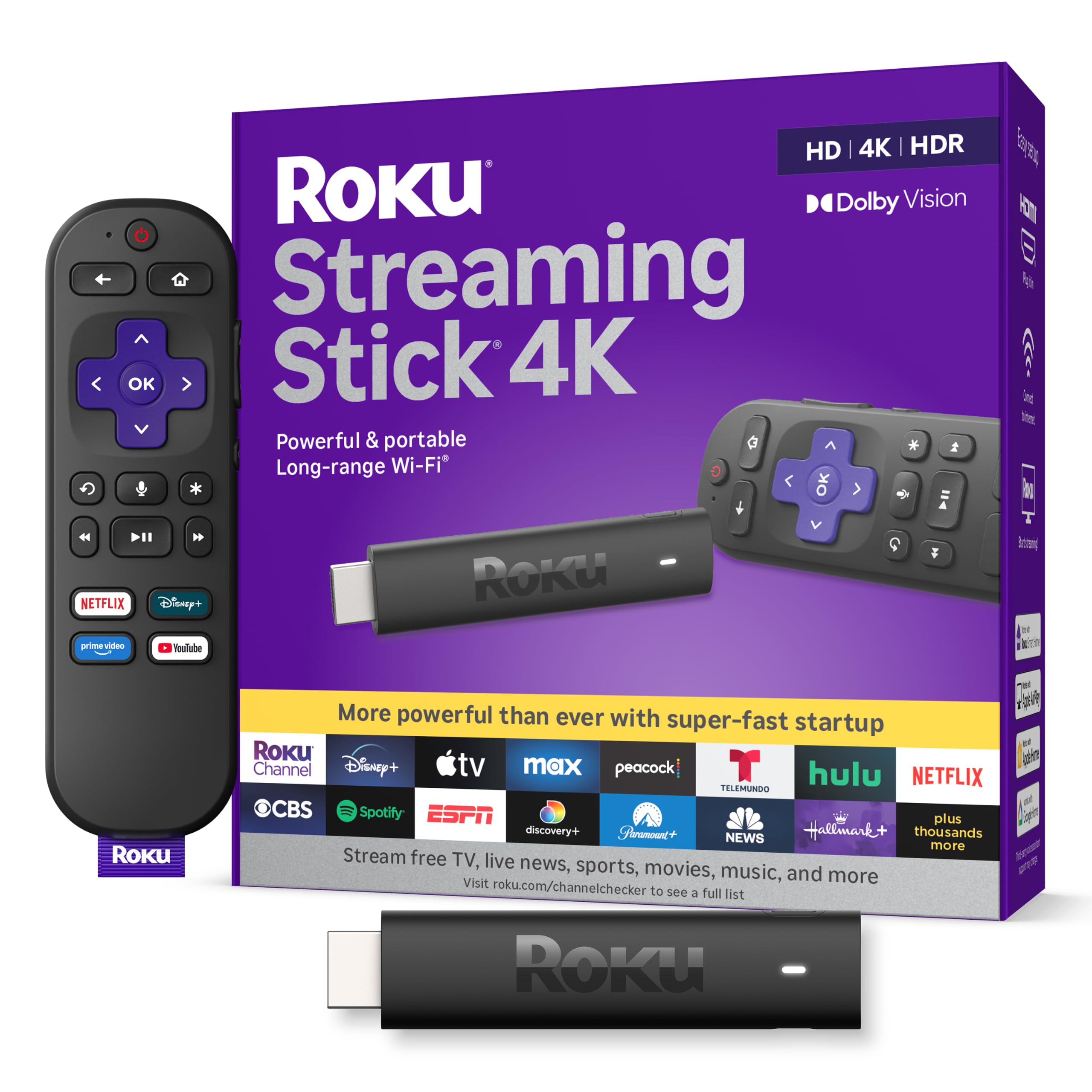
The Roku Streaming Stick 4K leads with the picture formats that matter on a 4K TV: Dolby Vision, HDR10, and HDR10+. It is a 3.7-inch stick with a long-range Wi-Fi receiver, and the voice remote also handles TV power, volume, and mute. We paid close attention to how much setup friction that package removes, because a streaming stick should disappear once it is plugged in.

That is why it is our top pick. Roku's interface is straightforward, the app selection covers the major services, and the stick is small enough to move between TVs or pack for a trip. We like that it can draw power from the TV in many setups, which keeps the back of a wall-mounted set cleaner.

Picture quality is the reason to choose this over an HD Roku, but the difference is not just resolution. Dolby Vision helps compatible TVs handle bright highlights and dark scenes; HDR10+ does a similar job on sets that support that format. If your TV is older or smaller, you will not get the full benefit, and an HD stick makes more sense.

The remote is the part we touch most, and Roku keeps it simple: voice search, TV power, volume, and mute without a clutter of buttons. That simplicity is the reason we keep recommending the stick even when a box has more ports. We leave it in the living room and stop thinking about it, which is the highest compliment for a streaming stick.

Pros

  • Dolby Vision and HDR10+ support
  • Compact stick travels easily
  • Voice remote controls TV power and volume
  • Simple Roku interface

Cons

  • Wi-Fi-only connection
  • Remote can need re-pairing
Our verdict

We recommend the Roku Streaming Stick 4K for most people because it pairs Dolby Vision and HDR10+ with Roku's simple interface and a compact, travel-ready stick.
Check Latest Price
2

Best for Alexa Households

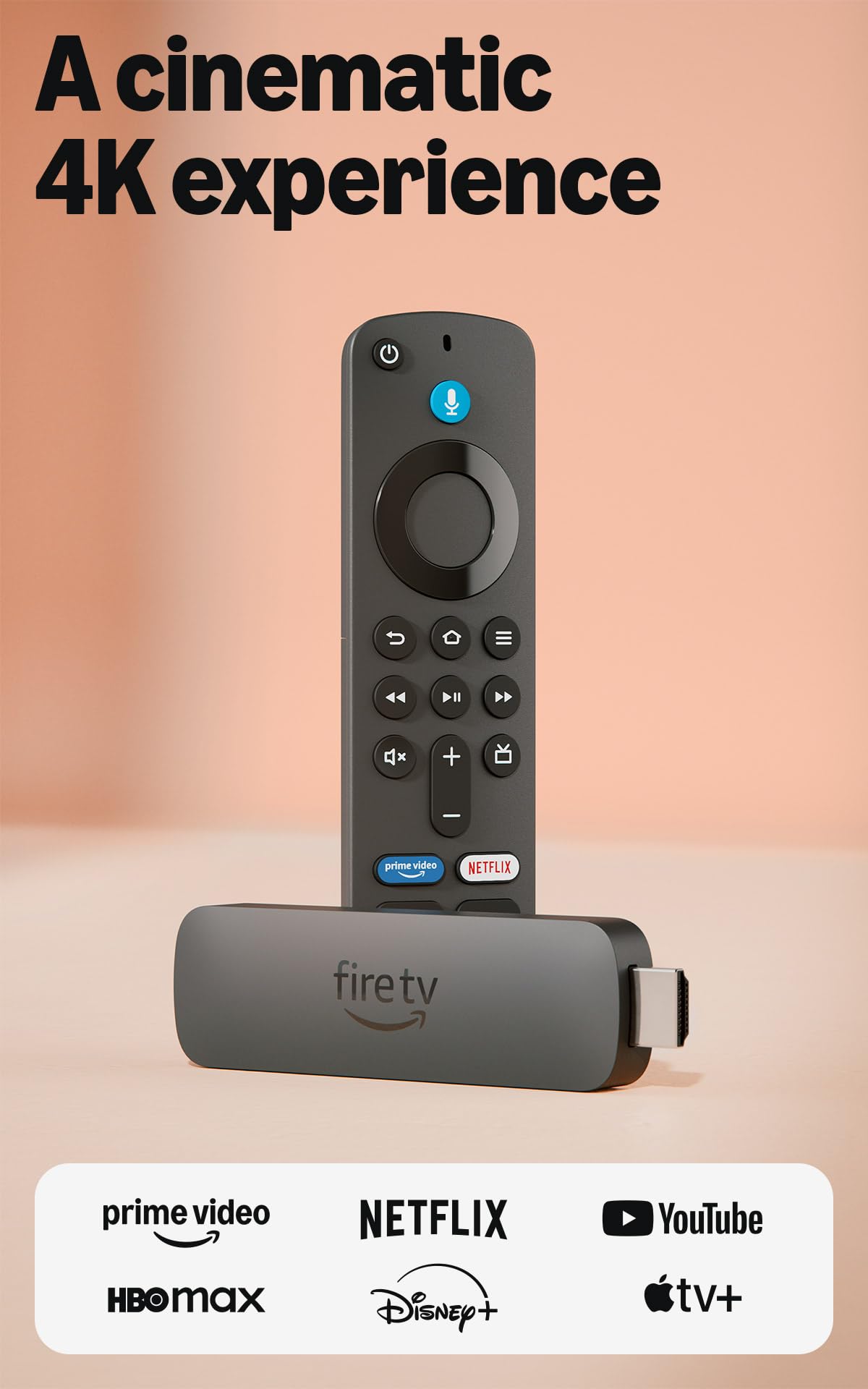
Fire TV Stick 4K Plus

93 /100
LBD Score Outstanding

Key details

Resolution
4K Ultra HD
HDR Support
HDR10+
Connectivity
Wi-Fi 6
Voice Remote
Alexa+ voice remote
View on Amazon

Wi-Fi 6 is the spec that makes the Fire TV Stick 4K Plus worth a look in a busy house: it is built for a crowded network, and the Alexa+ voice remote lets you search across apps without typing. We recommend it for Amazon households, especially anyone who already uses Alexa for lights, thermostats, or a soundbar.

The 4K HDR10+ picture is the other half of the appeal. HDR10+ is not as widely supported as Dolby Vision, but on a compatible TV it adds brightness and contrast without asking you to step up to a box. The stick also supports cloud gaming, which is a neat extra if you have a controller and a good connection.

Fire TV's interface is more opinionated than Roku's. It puts Amazon content and recommendations up front, and the Alexa+ layer is useful only if you buy into that ecosystem. We found the voice search handy for jumping straight into a show, and the remote's TV controls mean one fewer thing on the coffee table.

Speed is where it earns its keep: apps open quickly, and the Wi-Fi 6 radio gives it more headroom than older sticks when several devices are streaming. If you want Ethernet or a hands-free speaker, the Fire TV Cube is the better Fire pick; if not, this is the Fire stick we choose for a crowded house.

Pros

  • Wi-Fi 6 for crowded networks
  • 4K HDR10+ picture
  • Alexa+ voice search
  • Cloud gaming support

Cons

  • Remote pairing can be inconsistent
Our verdict

If Alexa already runs your home, the Fire TV Stick 4K Plus is the one we reach for: Wi-Fi 6, HDR10+, and voice search make it a lively, affordable upgrade.

Check Latest Price
3

Best Premium Google TV

Google TV Streamer 4K

87 /100
LBD Score Excellent

Key details

Audio
Dolby Atmos
Picture
4K HDR with Dolby Vision
Connectivity
Ethernet, Wi-Fi
Memory/storage
4GB RAM, 32GB storage
View on Amazon

The Google TV Streamer 4K is not trying to hide behind your TV. It is a 6.4-inch porcelain box with Ethernet, Wi-Fi, 32GB of storage, and 4GB of RAM, and it is designed to sit on a shelf as part of a Google smart-home setup rather than dangle from an HDMI port.

That extra hardware buys you a more patient streaming experience. Apps have room to install, the interface has more memory to work with, and the Ethernet port gives you a wired option when Wi-Fi is the problem. Dolby Vision and Dolby Atmos are here too, so it can feed a good TV and sound system without apology.

We recommend it for someone already inside Google's world. The Google TV home screen ties recommendations and live channels together, and smart-home controls are built into the remote and interface. If you use Nest devices or Google Assistant, that integration is the point; if you do not, the box is simply more device than you need.

The practical catch is the HDMI cable. Google sells the Streamer without one and asks for HDMI 2.1, so budget for that before the box arrives. The Streamer can also lock up and need a reboot; a wired connection helps, but it does not make this the most stable pick in the group. If you need Ethernet and storage headroom, the extra shelf space is worth it.

Pros

  • 32GB storage and 4GB RAM
  • Ethernet and Wi-Fi
  • Dolby Vision and Dolby Atmos
  • Google TV smart-home integration

Cons

  • Costs more than stick picks
Our verdict

We see the Google TV Streamer 4K as the premium Google home pick, with 32GB storage, Ethernet, and Dolby Vision that make it feel more like a set-top computer.

Check Latest Price
4

Best for Home Theater

Roku Ultra

89 /100
LBD Score Excellent

Key details

Audio
Dolby Atmos
Resolution
4K UHD
HDR Support
Dolby Vision, HDR10+
Connectivity
Wi-Fi 6, Ethernet, Bluetooth
View on Amazon

The Roku Ultra is the Roku for a TV that stays put. It is a box rather than a stick, with Wi-Fi 6, Ethernet, Bluetooth, and a rechargeable Voice Remote Pro that has backlit buttons and a lost-remote finder. Those are the features you notice when the lights are down and the remote has slipped between cushions.

We choose the Ultra over the cheaper Roku sticks when Ethernet matters. A wired connection is the simplest fix for a TV across the house from the router, and the backlit rechargeable remote is a small luxury that makes late-night viewing easier. The box also has a more planted feel than a stick dangling from an HDMI port.

Picture and sound are the other reason to pay attention: 4K, Dolby Vision, HDR10+, and Dolby Atmos put it near the top of this set for home theater. The 30% faster claim is Roku's own, but the practical point is that apps should launch quickly and the interface should feel less like a wait.

The box needs a little shelf space, which is the trade-off for the ports and the more planted feel. If your TV is wall-mounted with no room for a box, the Streaming Stick 4K is the better fit. For a main TV in a room where the box can sit out of sight, the Ultra is the Roku that makes the most of a wired connection.

Pros

  • Ethernet port for wired streaming
  • Dolby Vision, HDR10+, and Dolby Atmos
  • Backlit rechargeable remote with finder
  • Wi-Fi 6 and Bluetooth

Cons

  • Can freeze or need a reboot
Our verdict

For a living-room Roku with Ethernet, Dolby Atmos, and a rechargeable backlit remote, we choose the Roku Ultra over the cheaper sticks.

Check Latest Price
5

Best Hands-Free Streaming

Fire TV Cube

89 /100
LBD Score Excellent

Key details

Processor
Octa-core
Resolution
4K Ultra HD
Connectivity
Wi-Fi 6E
Voice Control
Hands-free Alexa with built-in mic and speakers
View on Amazon

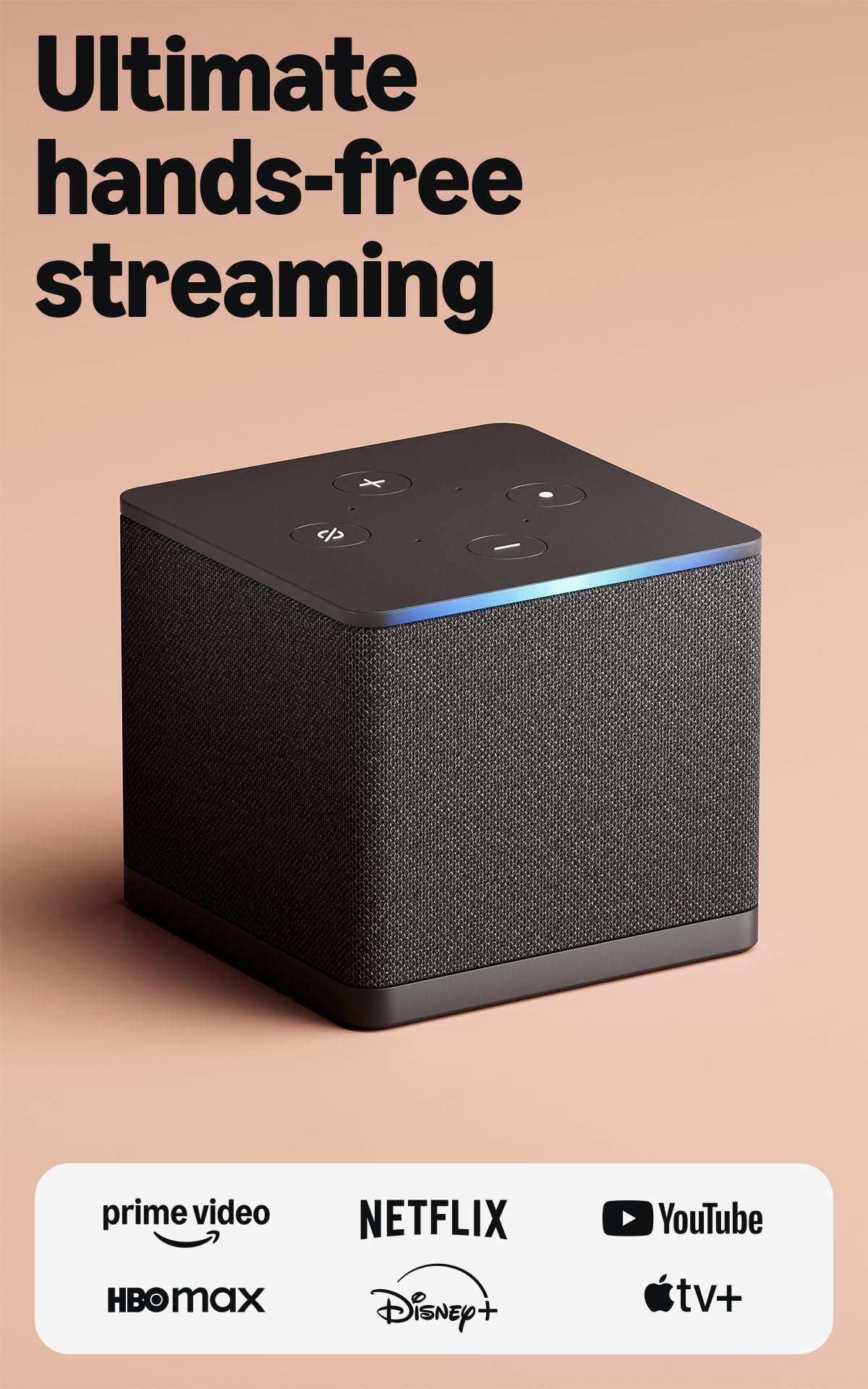
The Fire TV Cube is built around a simple idea: you should not have to find the remote. It has built-in microphones and speakers for hands-free Alexa, an octa-core processor, Wi-Fi 6E, and 4K output. It is the Fire TV device for someone who wants the TV to respond from across the room.

That hands-free control is more than a novelty if your hands are full. You can ask Alexa to launch an app, pause a show, or switch inputs without picking anything up, and the built-in speaker lets the Cube answer even when the TV is off. The octa-core chip is there to keep app starts and navigation from feeling like a chore.

The Cube is also the Fire device that makes sense if you keep a cable box, game console, or webcam in the same cabinet. It can switch between streaming and those inputs, so you are not hunting for a different remote every time you change what you are watching. That flexibility is the difference between a streaming stick and a small hub.

We recommend the Cube for a main TV in an Alexa household that wants hands-free control and a faster Fire TV box. If you will not use the microphone, the Fire TV Stick 4K Plus is the simpler choice. The microphone array is the piece you cannot add to a cheaper stick, so this is a decision to make before you buy, not after.

Pros

  • Hands-free Alexa with built-in mics
  • Octa-core processor
  • Wi-Fi 6E
  • Input switching for cable box or console

Cons

  • Premium price
  • Can crash or need a restart
Our verdict

We recommend the Fire TV Cube when hands-free Alexa and fast app starts matter more than a small footprint.

Check Latest Price
6

Best Budget Google TV

onn 4K UHD

88 /100
LBD Score Excellent

Key details

Platform
Android TV with Google Play
Resolution
4K UHD (3840 x 2160)
Connectivity
HDMI, Wi-Fi, Chromecast built-in
Memory/storage
2GB RAM, 8GB storage
View on Amazon

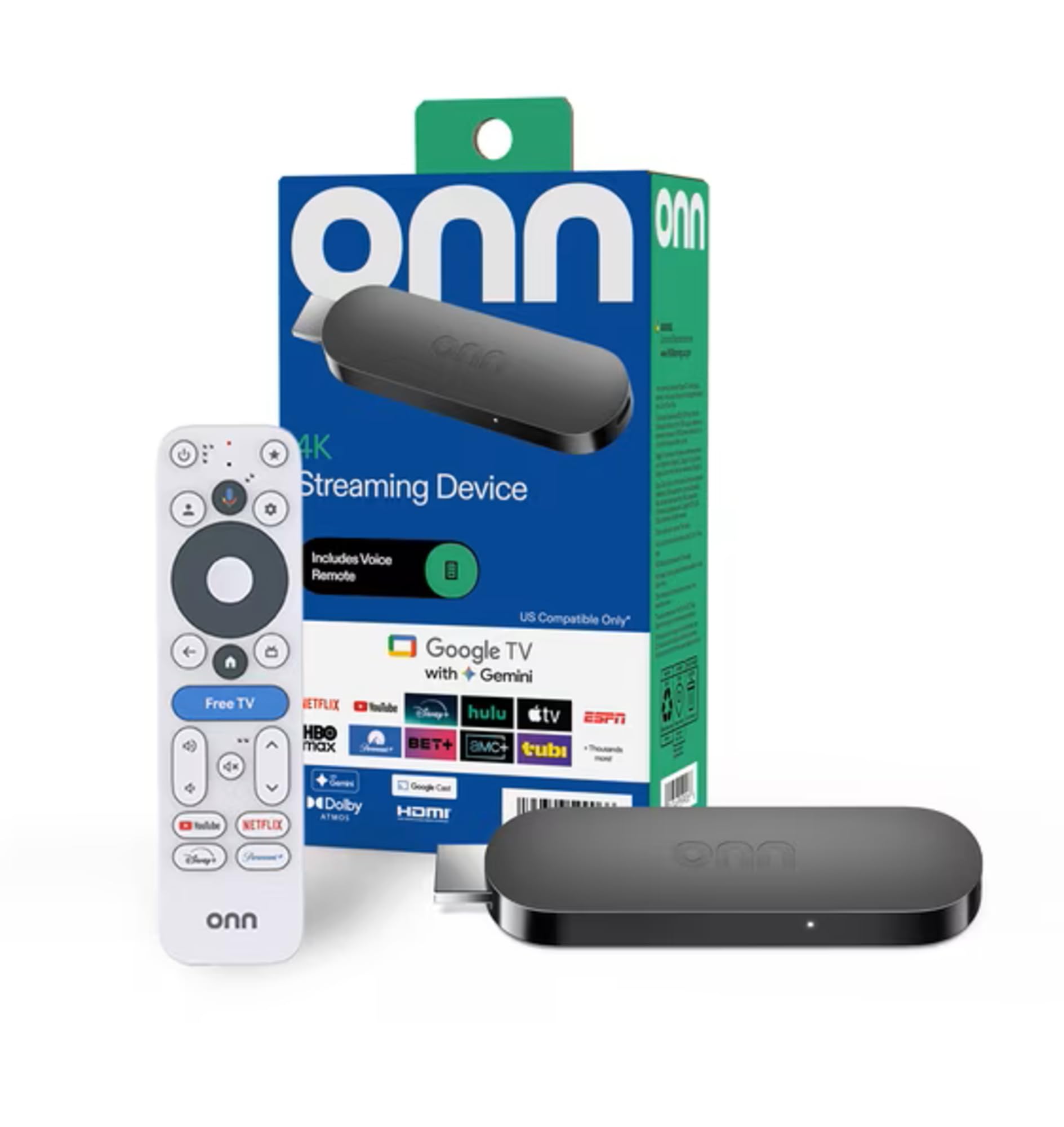
The onn 4K UHD Streaming Device is the budget Google TV box we recommend when you want 4K and app freedom without spending much. It is a small Android TV device with 4K output, 2GB of RAM, 8GB of storage, Chromecast built-in, and a Google Assistant voice remote. It is not trying to match the polish of a Roku or Google Streamer, and it does not need to.

Android TV gives you the Google Play Store, so the apps you want are usually there, and Chromecast built-in makes it easy to throw a phone video onto the screen. The voice remote is a genuine convenience at this end of the market. We like it for a secondary TV or a first 4K streamer where app choice matters more than a fancy interface.

The performance is where it shows its budget roots: the interface can stutter, and the box can restart or freeze. We treat it as a secondary-room device rather than the one we rely on for every movie night. For a guest room or a garage TV, that is an easy trade.

The onn is the box we suggest when the TV is not the center of the house: a spare bedroom, a basement, a garage. It covers the big apps, casts from a phone, and does not ask for much money. If you want the same idea with a better remote and a calmer interface, the Roku 4K is the upgrade.

Pros

  • 4K output at a low price
  • Android TV and Google Play app access
  • Chromecast built-in
  • Google Assistant voice remote

Cons

  • 8GB storage fills quickly
  • Wi-Fi only, no Ethernet
Our verdict

The onn 4K UHD is the budget Google TV box we point to when you want 4K and app freedom without spending much.

Check Latest Price
7

Storage and Sideloading

onn 4K Pro

81 /100
LBD Score Excellent

Key details

Remote
Backlit remote with finder
Resolution
4K UHD with Dolby Vision
Connectivity
Wi-Fi 6, Ethernet
Memory/storage
3GB RAM, 32GB storage
View on Amazon

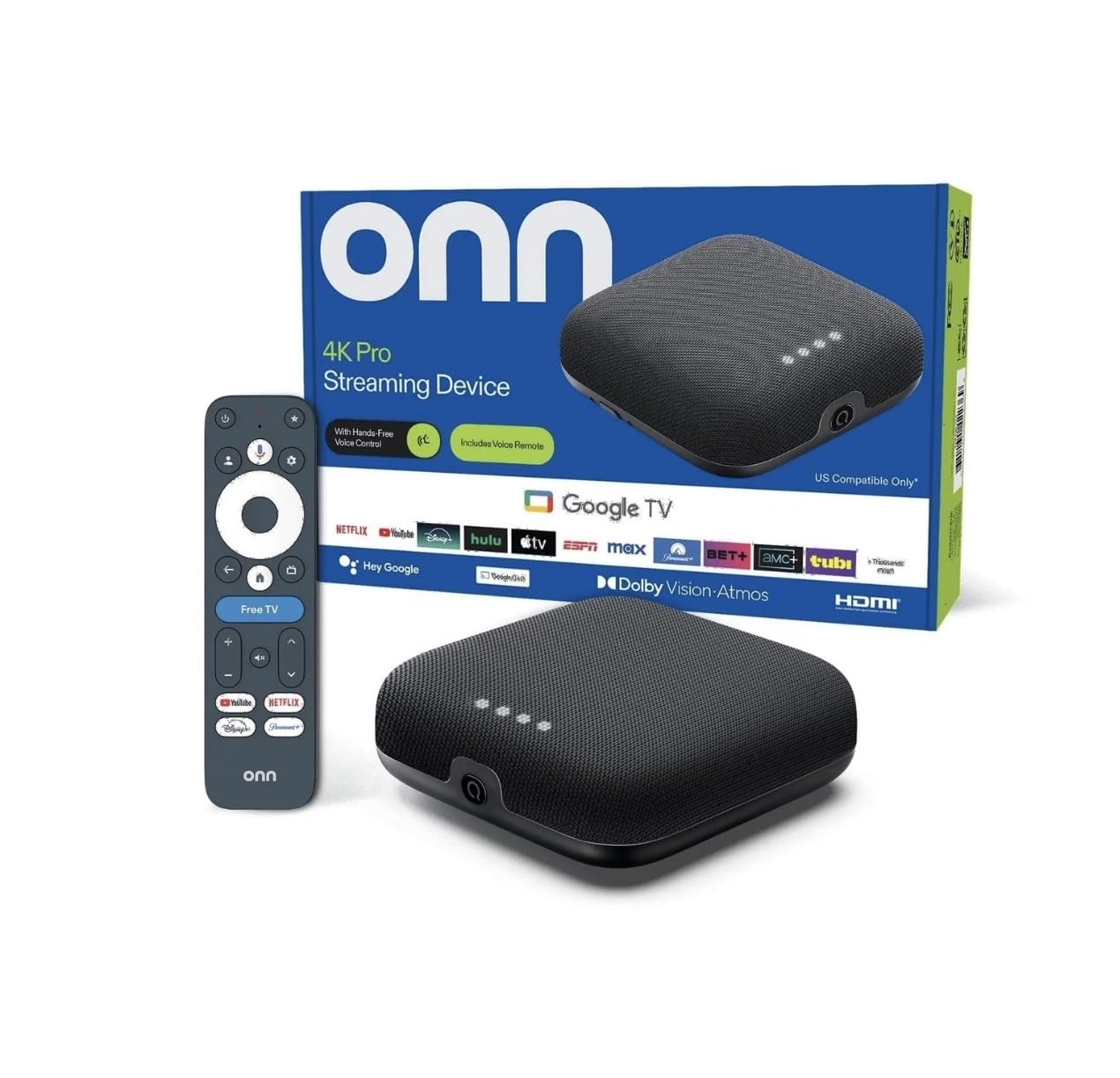
The onn 4K Pro is the tinkerer's box in this group. It pairs 4K Dolby Vision and Dolby Atmos with 3GB of RAM, 32GB of storage, Wi-Fi 6, and an Ethernet port, plus a backlit remote with a finder. Those are the numbers that separate it from the cheaper Android TV boxes.

The extra memory and storage are the practical draw. Apps have room to install, the interface has more headroom, and sideloading is allowed if you want apps that are not in the usual store. The Ethernet port is a useful fallback for a TV that sits far from the router, and the backlit remote is a nice touch in a dark room.

We recommend it for the buyer who wants storage, Ethernet, and sideloading in one Google TV box. It is a niche pick, not the default: the interface is busier than Roku's, and the hardware is overkill if you only stream Netflix and YouTube. But for a tinkerer, those extras are the reason to choose it.

The device is more of a project than a Roku, and that is part of the appeal for the right buyer. If you want an appliance-like streamer, choose the Roku 4K instead.

Pros

  • 3GB RAM and 32GB storage
  • Ethernet and Wi-Fi 6
  • Dolby Vision and Dolby Atmos
  • Sideloading allowed

Cons

  • Can freeze or stop working
Our verdict

We like the onn 4K Pro for its 32GB storage, 3GB RAM, Ethernet, and sideloading-friendly Google TV setup; it suits tinkerers more than casual streamers.

Check Latest Price

How We Tested the Best Streaming Devices

The shortlist started with research, not shopping. We compared wireless standards, storage, port options, and remote features across the major platforms, then read through months of owner reviews to see what actually breaks down — dropped connections, remotes that stop pairing, menus that slow to a crawl after an update. That filtering left 12 units, from budget sticks to pricier boxes, which became our main streaming source for three months.

Every unit was set up on the same two televisions: a 4K set in the living room and an older 1080p in the bedroom. I timed each one from unboxing to the first show playing, sign-in and firmware update included, and noted where the process got pushy about extra accounts or apps. A few also went into the back corner of the apartment where the signal drops, to see whether the stream held or dissolved into a pixelated mess mid-episode.

Day to day, we kept a running list of small annoyances. Could voice search find a show from a half-remembered title, or did it dump us into web results? How fast did an app open on the fourth launch, not the first? Was the remote readable in a dark room, and did it ring when it slid between the cushions? We watched live sports on busy evenings, paged around the interface mid-episode to see if it stuttered, and checked whether apps demanded a fresh login every few weeks.

At the end, we weighed price against what each unit actually added — the extras worth paying for, and the ones you'll never touch.

How to Choose a Streaming Device

Pick the platform first

Roku, Fire TV, and Google TV each put a different interface in front of you. Roku is the calmest and most neutral, Fire TV leans into Amazon and Alexa, and Google TV is the most useful if you already use Google Assistant or Nest. We start here because the platform decides which apps are easy to reach, how recommendations work, and whether the remote feels familiar.

Check that the services you pay for are available on the specific model, especially if you use a smaller app or a regional service. The device is easy to replace; the interface is what you live with every day.

Match the connection to the room

A stick is the simplest choice for a wall-mounted TV or a set you move between rooms. A box gives you more room for ports and cooling, and sometimes Ethernet. If your TV is far from the router, wired Ethernet is the most reliable fix; the Roku Ultra, Google TV Streamer 4K, and onn 4K Pro offer it.

If you cannot run a cable, look for Wi-Fi 6 or a long-range receiver, but do not expect a stick to fix a weak signal. Buy for the room you have, not the one you plan to wire later.

Check the picture formats against your TV

4K is only useful if your TV is 4K, and HDR is where the differences get real. Dolby Vision and HDR10+ are competing formats; a device that supports both is the safer choice if you might move it between TVs. The Roku Streaming Stick 4K and Roku Ultra list both, while the Google TV Streamer 4K lists Dolby Vision and the Fire TV Stick 4K Plus lists HDR10+.

Match the device to the TV's own HDR support, and do not pay extra for a format your set cannot display.

Treat storage and the remote as daily-use features

Storage is easy to ignore until the app list fills up. A 2GB/8GB box is fine for a handful of services; 3GB/32GB or 4GB/32GB gives you more room for apps and updates. The remote matters just as much: voice search, TV power and volume, backlit buttons, a rechargeable battery, and a finder are all small conveniences that add up.

We do not pay a premium for a finder alone, but we do notice when a cheap remote makes nightly watching harder.

Leave room for reliability and returns

Every streaming device on this list can freeze, reboot, or lose its remote pairing; the difference is how often and how easily you recover. Set the device up as soon as it arrives, install your main apps, play a 4K title, and switch inputs a few times during the return window.

If it locks up repeatedly, return it rather than living with resets. A wired connection and a little ventilation help, but they do not excuse a unit that fails the first-week test.

Frequently Asked Questions

Final Verdict

We recommend the Roku Streaming Stick 4K for most people. It has the best balance here of Dolby Vision and HDR10+ support, a compact travel-friendly design, and Roku's simple interface. If Alexa runs your home, the Fire TV Stick 4K Plus is the better fit.

If your TV is far from the router and you want a wired connection, choose the Roku Ultra or Google TV Streamer 4K instead; that requirement matters more than saving a little space behind the TV.