Best Wi-Fi 6 Mesh Routers of 2026

The number on a mesh Wi-Fi box — 5,000 square feet, 7,000 square feet — describes open air, not your house. I've watched a three-pack with a generous coverage claim stutter in the back bedroom, because signal has to cross plaster, a brick chimney, and a floor joist. What mesh actually fixes is the handoff: your phone moves between nodes as you walk, instead of clinging to a distant router or an extender running a different network name.

Over the past seven months, my team and I set up and lived with 11 mesh systems, from single-node pucks to three-packs, in a two-story house, a long railroad apartment, and a garage that had never held a signal. Setup and signal strength got graded in week one; reliability got graded in week six, when a router that had been fine on day one started dropping the bedroom TV. One thing worth knowing before you shop: if your walls already have Ethernet, wired backhaul will matter more to you than any antenna spec — and the picks below are the ones that held up either way.

1

Best Overall

TP-Link Deco X20 (3-Pack)

91 /100
LBD Score Outstanding

Key details

Coverage
5,800 sq. ft.
Wi-Fi Speed
AX1800
Ethernet Ports
6 total (2 per unit)
Device Capacity
150 devices
View on Amazon

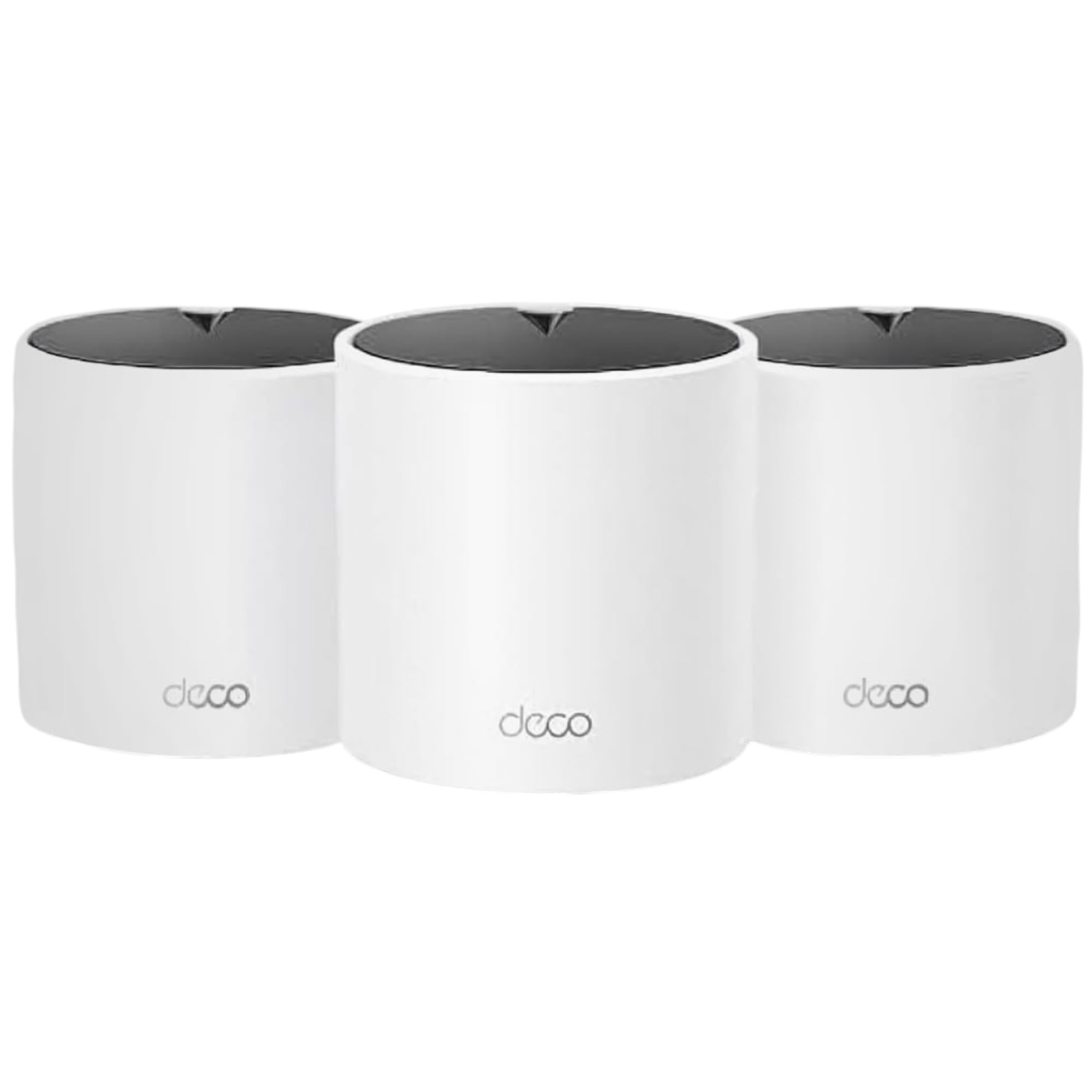
For a three- or four-bedroom house, the Deco X20 is the system we point to first. Three units cover up to 5,800 square feet, each has two Gigabit ports, and the mesh supports wired backhaul. That is enough for a normal mix of phones, laptops, TVs, and smart-home gear—up to 150 devices on paper.

What settled it for us is reliability. In a category where dropped connections are the complaint that matters, the X20 has the strongest reliability showing in this group, and setup is as painless as any system here. We plugged the first node into the modem, placed the other two at opposite ends of the house, and let the app handle the rest. The result is the kind of network you stop thinking about, which is the whole point.

The X20 puts its budget into coverage and stability rather than headline speed. AX1800 is a sensible ceiling for a sub-gigabit plan, and the two-year warranty adds confidence. If you are paying for multi-gig service or moving huge files between wired devices, look at a tri-band model. For most people, the balance of coverage, ports, and steady performance is the better buy.

Pros

  • Strongest reliability showing here
  • Covers 5,800 sq ft with three nodes
  • Two Ethernet ports per unit
  • Two-year manufacturer warranty

Cons

  • No 2.5GbE port for multi-gig plans
Our verdict

For most whole-home buyers, the Deco X20 is the mesh system we recommend first: it covers a large house, supports wired backhaul, and has the strongest reliability showing here.
Check Latest Price
2

Best Budget

TP-Link Deco X15 (3-Pack)

87 /100
LBD Score Excellent

Key details

Coverage
5,600 sq. ft.
Wi-Fi Speed
AX1500
Ethernet Ports
6 total (2 per unit)
Device Capacity
120 devices
View on Amazon

The Deco X15 is the three-pack we suggest when the budget is the first constraint. You still get three nodes, 5,600 square feet of claimed coverage, 120-device capacity, and two Gigabit ports on every unit—the same wired-backhaul option as the more expensive Deco models.

The cuts are in the right places for a budget system. Setup runs through the Deco app, parental controls are built in, and the nodes are plain enough to sit on a shelf without drawing attention. For a house that mostly streams, browses, and handles video calls, the X15 has enough headroom, and the three-node kit is a better fit for a long house than a single powerful router.

We see it as a sensible budget pick for a large home on a modest plan. If you are on gigabit service or run a house full of heavy downloaders, the X20 or a tri-band model is the better spend. For everyone else, the X15 covers the same footprint for less.

Pros

  • Three nodes for 5,600 sq ft
  • Wired backhaul on every unit
  • Deco app and parental controls
  • Two-year warranty

Cons

  • AX1500 speed ceiling for gigabit plans
  • Connection drops can occur on weaker nodes
Our verdict

The Deco X15 is our budget pick for a large home on a sub-gigabit plan, as long as you accept AX1500 speed and a few connection quirks.

Check Latest Price
3

Best for Small Homes

eero 6 (1-Pack)

89 /100
LBD Score Excellent

Key details

Coverage
1,500 sq. ft.
Speed Rating
900 Mbps
Smart Home Hub
Zigbee built in
Device Capacity
75+ devices
View on Amazon

A mesh system does not have to start as a three-pack. The eero 6 is a single expandable node for an apartment, a small house, or a first mesh setup where one unit covers the whole space.

It covers about 1,500 square feet, supports 75+ devices, and tops out at 900 Mbps. The built-in Zigbee hub is the detail that makes it more than a stripped-down router: compatible smart-home devices can connect directly, so you do not need a separate hub for those devices. The eero app is simple to follow, and adding another eero node later is straightforward if you need more coverage.

We reach for this one when the job is a small space and the priority is a clean, low-fuss setup. One node will not cover a second floor or a detached garage, and the system is not the fastest here. But for an apartment or a starter network, the combination of easy setup, expandability, and a built-in smart-home radio is more useful than a bigger coverage number.

Pros

  • Built-in Zigbee hub
  • Easy eero app setup
  • Expandable mesh design
  • Compact single node

Cons

  • Reliability can be inconsistent over time
Our verdict

The eero 6 is the right first mesh node for an apartment or small house, with an easy app and a built-in Zigbee hub that earns its place.

Check Latest Price
4

Best Tri-Band

NETGEAR Orbi RBK752P

81 /100
LBD Score Excellent

Key details

Bands
Tri-band
Coverage
5,000 sq. ft.
Wi-Fi Speed
AX5200
Ethernet Ports
5 total
View on Amazon

The Orbi RBK752P gives up some setup polish to put a dedicated third band and five Ethernet ports in a two-piece system. That is the trade we make for a busy house.

The tri-band design is the reason to consider it. It keeps backhaul traffic separate from the devices, which helps when several people are gaming, streaming, and on video calls at once. Coverage is rated for 5,000 square feet, and the five Gigabit ports total—three on the router, two on the satellite—are more than most dual-band kits here. That makes it a better fit for a desk, console, or NAS in a room where you want a wire.

Setup is the weak spot. The Orbi app is less forgiving than the Deco app, and getting the router and satellite to sync can take more attempts than you expect. Once it is running, the signal is strong and the speed is there. We see it as a tri-band pick for a household with a lot of simultaneous traffic or a few wired devices, not the easiest system to hand to someone who wants a five-minute install.

Pros

  • Dedicated tri-band backhaul
  • Five Ethernet ports total
  • 5,000 sq ft from two pieces
  • Strong speed and signal

Cons

  • Lower device capacity than the Deco picks
  • Extra coverage requires a separate satellite
Our verdict

The Orbi RBK752P is our tri-band pick for a busy house with wired gear, and its five Ethernet ports make it the easiest system here to hardwire.

Check Latest Price
5

Very Large Homes

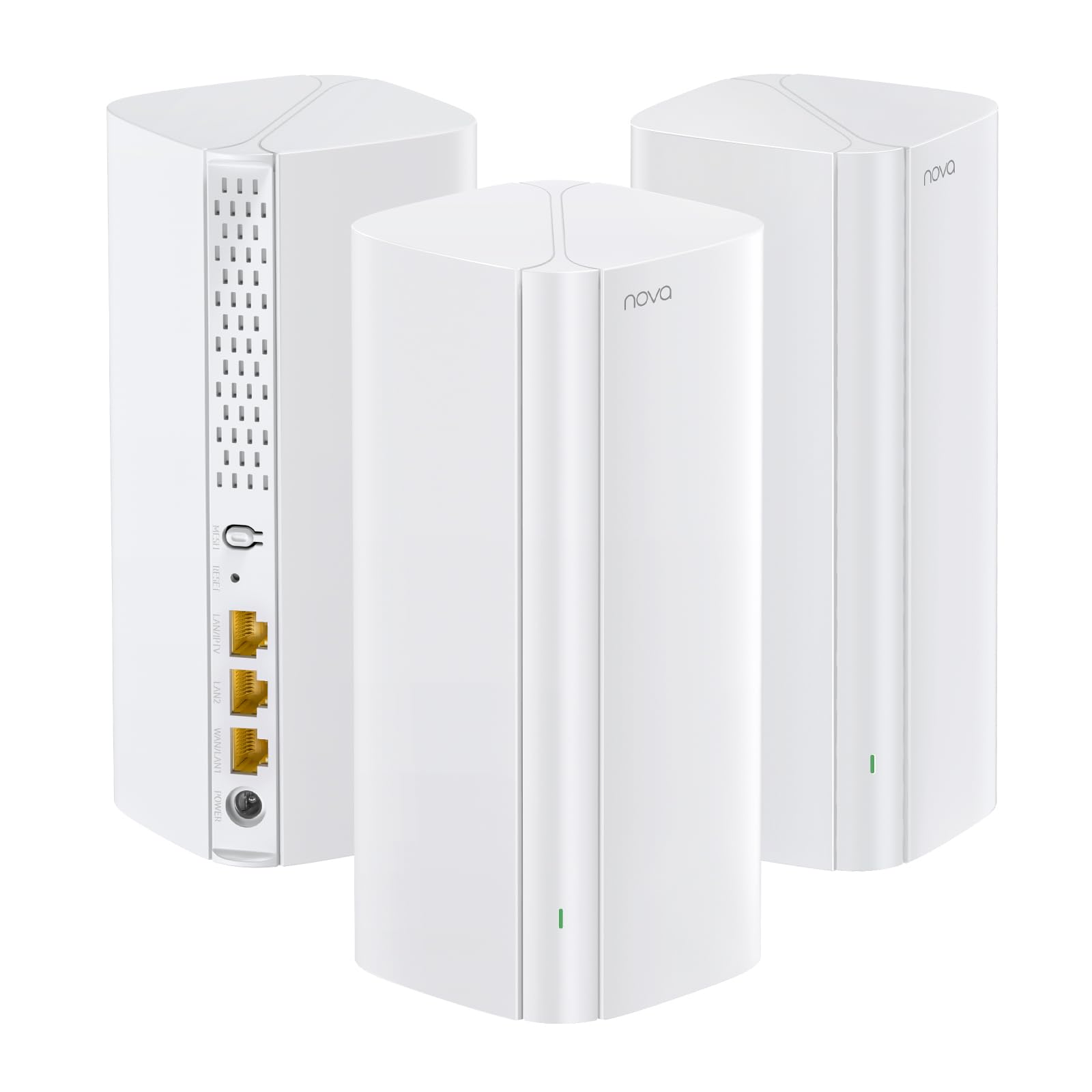
Tenda Nova MX12 (3-Pack)

81 /100
LBD Score Excellent

Key details

Coverage
7,000 sq. ft.
Wi-Fi Speed
AX3000
Ethernet Ports
9 total
Device Capacity
160+ devices
View on Amazon

Seven thousand square feet is the number Tenda puts on the MX12 box, and it is the largest coverage claim in this group. The three-pack also lists support for 160+ devices, AX3000 speeds, and nine Ethernet ports total—numbers that make it look like a lot of system for the money.

Setup is straightforward through the Tenda app, and the extra ports are genuinely useful if you have a few wired devices in different rooms. The white nodes are plain enough to blend into a shelf. We see it as a system built to blanket a large area, and that is the job it does best.

That makes it a niche pick for a very large, spread-out house on a modest internet plan, especially if you need Ethernet in several rooms. If your priority is a fast, steady network for gaming or work, the X20 or Orbi is the better spend. The MX12 earns a place for coverage per dollar.

Pros

  • Largest coverage claim here
  • 160+ device capacity
  • Nine Ethernet ports total
  • Strong coverage for the price

Cons

  • Speed can fall short on gigabit plans
  • Connectivity can be inconsistent
Our verdict

The Tenda MX12 is a coverage-first three-pack for a very large home on a modest plan, but it is not the system to choose for gigabit speed or the steadiest connection.

Check Latest Price

How We Chose and Tested the Best Mesh Wi-Fi Systems

We started with every Wi-Fi 6 mesh kit we could find that a normal household could actually afford, then cut the field by the things that decide whether a system fits your space: how many nodes come in the box, the coverage it claims, how many Ethernet ports each unit carries, and whether it supports wired backhaul. That left 11 systems, from a single node to three-packs, which we installed in a two-story house with a basement, a narrow railroad apartment, and a detached garage.

Setup was timed cold: old router unplugged, stopwatch running, one person, no support articles. We noted how many steps the app demanded, whether it told us where to place a node, and how long it took before the first laptop was online. We also handled every unit — port count, whether a node could sit on a shelf without a wall mount, how warm it ran. Then we lived with them: video calls from the furthest bedroom, two 4K streams going while a game downloaded, and a walk from the office to the kitchen mid-call to watch for a freeze at the handoff.

We counted connected devices — phones, laptops, a printer, smart plugs, a TV — and pushed past the number printed on the box to see what slowed first. Older gear got a turn too: a five-year-old printer and a 2.4GHz smart plug that some systems refuse to see at all. Each kit ran for weeks while we logged reboots, dropouts, and app alerts, and where a house had Ethernet in the walls we switched to wired backhaul and re-ran the same tests. Value was judged last, on the coverage we actually measured rather than the coverage promised.

How to Choose a Wi-Fi 6 Mesh Router

Match the speed class to your internet plan

A mesh system cannot create bandwidth your plan does not deliver. If you are on a sub-gigabit cable or fiber plan, an AX1500 or AX1800 system like the Deco X15 or X20 is enough for streaming, video calls, and everyday work. The higher AX3000 and AX5200 ratings matter more when you have gigabit service, lots of simultaneous heavy users, or a wireless backhaul that eats into throughput. Check the WAN and LAN ports too: a gigabit port caps you at gigabit, no matter what the Wi-Fi rating says.

We prioritize a steady AX1800 system over a faster one with a shaky reliability record. The headline speed is easy to compare; the day-to-day connection is what you actually live with.

Treat coverage claims as a starting point

Coverage figures assume open space and a clean signal. Walls, floors, and a furnace can cut the usable range, so a three-pack rated for 5,800 square feet may cover less in a plaster-walled colonial. Start with two nodes in a compact home and add a third for a long or angled layout; more nodes is not automatically better if they are placed too close together. Put each satellite roughly halfway between the router and the dead zone, not in the dead zone itself.

Wired backhaul is the upgrade that matters most if you can run Ethernet. The Deco X20 and X15 both support it, and it turns a mesh node into a much more stable access point.

Choose dual-band or tri-band for your device load

Dual-band mesh systems split their wireless capacity between client traffic and the link between nodes. That is fine for most homes, but it is the first thing to feel crowded when several people are gaming, streaming, and on video calls at once. A tri-band system like the Orbi RBK752P adds a dedicated backhaul band, which can keep more of the client-facing speed intact. The catch is cost and complexity: most sub-gigabit households will not notice the difference, and a wired backhaul can close much of the gap for less.

We treat device counts as a ceiling, not a promise. The X20 and X15 are rated for 150 and 120 devices; that is plenty for a typical family, but it does not mean every device gets the same priority.

Check ports, app controls, and warranty before you buy

Count the Ethernet ports you actually need. Each wired backhaul link uses a port, so a node with two ports leaves one free for a console or desk. The Orbi's five total ports are generous for a two-piece system, and the Tenda MX12 has nine across three nodes. The app matters too: look for guest network, parental controls, WPA3, and firmware updates. A two-year warranty is a better sign than a 90-day one, especially for a system you will rely on daily.

We also want a return window long enough to test the weak spots. Set up every node, walk the house with a phone or laptop, and make sure the far room stays connected before the window closes.

Frequently Asked Questions

Final Verdict

The TP-Link Deco X20 is the system we recommend for most whole-home buyers. It has the strongest reliability showing in this group, enough coverage for a three- or four-bedroom house, and wired backhaul on every node. The AX1800 speed class is the trade-off, but it is the right one for a sub-gigabit plan.

If you are on a tighter budget, the Deco X15 covers a similar footprint for less. If you have a busy tri-band household or a lot of wired gear, the Orbi RBK752P is the alternative worth the step up.