Best 24-Inch Gaming Monitors of 2026

Somewhere along the way, monitor shopping turned into a contest to buy the biggest screen you can afford. But 24 inches is what a lot of competitive players actually sit behind — the whole screen stays in view, and at 1080p the pixels are dense enough that text looks crisp. It's also the size that fits a desk already crowded with a keyboard, a mic, and a cold cup of coffee.

The catch is that this price range is where spec sheets get creative: a refresh rate that only holds at one overdrive setting, a panel that smears the moment anything moves, a stand that shakes when you bump the desk. I've kept a 24-inch panel on a VESA arm for years; over the past six months my team and I have lived with 12 monitors that claim to solve all three.

Some did. The keepers had picture quality that survived the honeymoon, colors that held up at an angle, and a base that didn't flinch through a bad round. The ones below earned it.

1

Best Overall

Dell SE2426HG

89 /100
LBD Score Excellent

Key details

Panel Type
IPS
Refresh Rate
240 Hz
Adaptive Sync
FreeSync Premium
Color Coverage
99% sRGB
View on Amazon

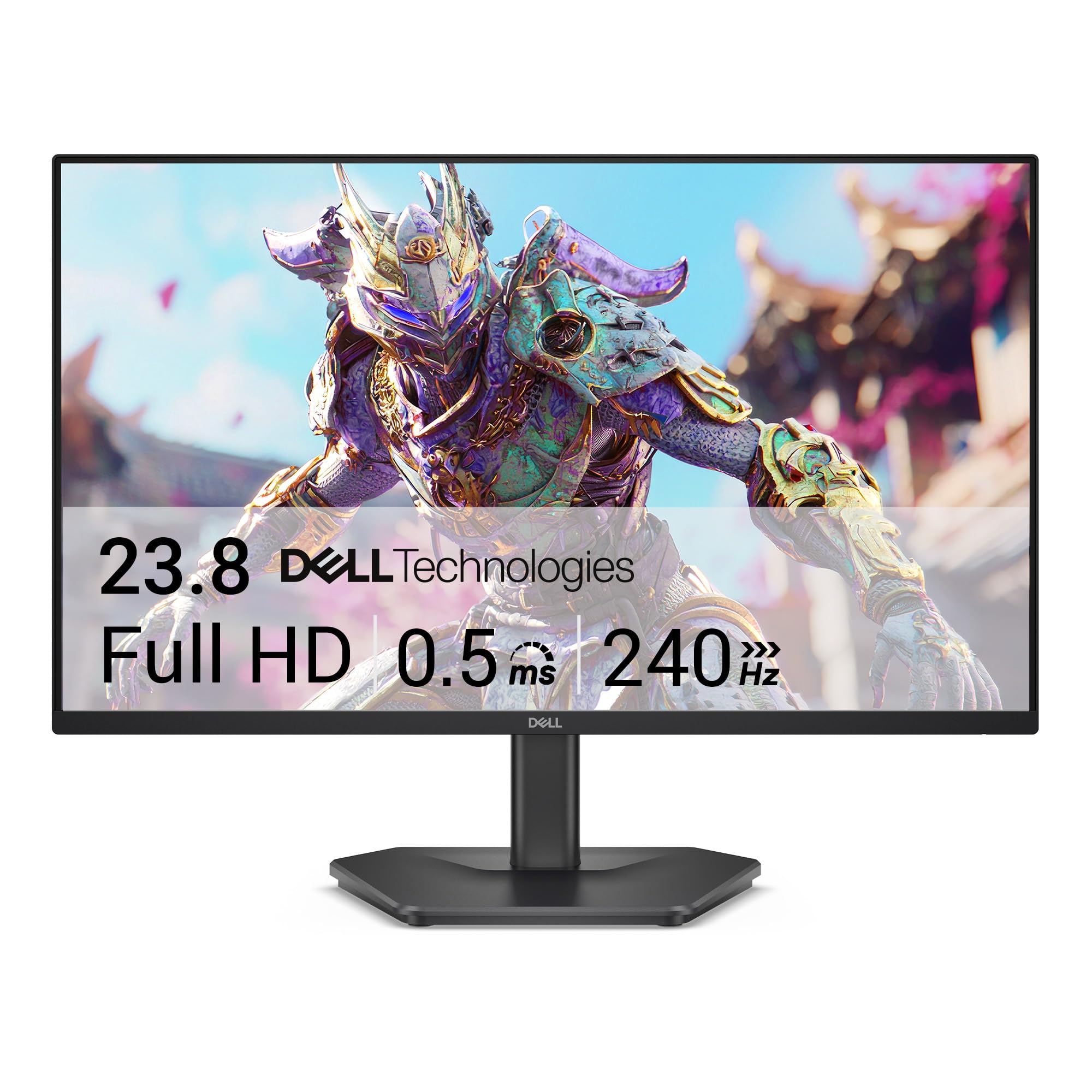
The 240Hz refresh rate is the number that sets the Dell SE2426HG apart in this group. It pairs that speed with an IPS panel and FreeSync Premium, which is the combination we want for fast games: smooth motion without giving up the color and viewing angles that make a desk setup pleasant. At 23.8 inches and 1080p, the pixel density is familiar and easy to drive, so a midrange graphics card can actually feed the panel. That balance is why it is our top pick.

The 99% sRGB coverage and 300-nit brightness are not headline-grabbing, but they are the right baseline for a monitor that doubles as a work display. We appreciate the two HDMI inputs plus DisplayPort 1.4 because they let you keep a console and a PC connected without swapping cables. The 1000:1 contrast is ordinary, so dark scenes will not have the depth of a VA panel, but the IPS color consistency is the better trade for most desks.

What we like most is that Dell did not make you choose between speed and image quality. The 240Hz panel is one of two at that refresh rate here, and the IPS colors hold up for browsing, video, and everyday work. If you are building a first competitive setup around a midrange PC, this is the monitor we point to first.

Pros

  • 240Hz IPS panel with FreeSync Premium
  • 99% sRGB color and 300-nit brightness
  • Two HDMI ports plus DisplayPort

Cons

  • Tilt-only stand; no height adjustment
Our verdict

For a fast, balanced 24-inch gaming monitor that also handles work, the Dell SE2426HG is the one we recommend first.
Check Latest Price
2

Best for Color and Warranty

AOC 24G42HE

88 /100
LBD Score Excellent

Key details

Panel Type
IPS
Refresh Rate
200 Hz
Adaptive Sync
FreeSync
Color Coverage
116% sRGB
View on Amazon

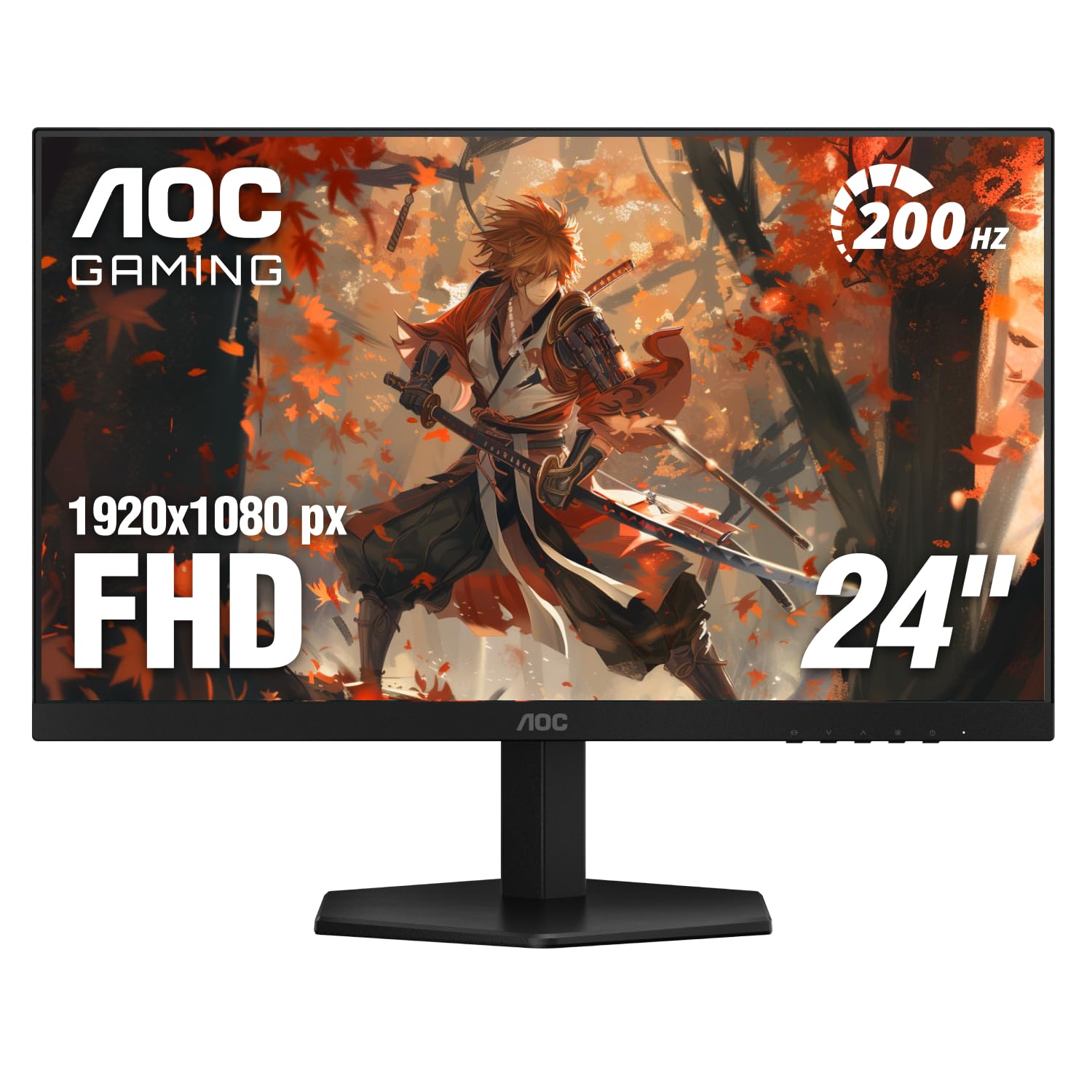
A three-year warranty is rare among the monitors here, and the AOC 24G42HE backs it with a 200Hz IPS panel and 116% sRGB coverage. On paper, that is a more colorful and better-protected package than most of the 144Hz budget monitors in this group.

We like the AOC for a mixed gaming and creative desk. The wider color gamut gives games and video more punch, and the 200Hz refresh is high enough that fast shooters feel responsive without demanding the absolute top-end GPU. HDR10 support is a bonus, though this is not a true HDR display at 300 nits. The IPS panel keeps color stable from an angle, and the 300-nit brightness is fine for a controlled room.

AOC includes one HDMI and one DisplayPort, plus a headphone output. What tips it onto our list is the combination of color, speed, and a three-year warranty; if you want the highest refresh here, the Dell's 240Hz is the reason to step up.

Pros

  • 200Hz IPS panel for smooth motion
  • 116% sRGB coverage for vivid color
  • Three-year manufacturer warranty

Cons

  • Glossy screen picks up reflections
  • Tilt-only stand
Our verdict

For a colorful 200Hz display with a three-year warranty, the AOC 24G42HE is the runner-up we recommend.

Check Latest Price
3

Best for G-Sync and Console

LG 24G411A-B

88 /100
LBD Score Excellent

Key details

Panel Type
IPS
Refresh Rate
144 Hz
Adaptive Sync
FreeSync, G-Sync Compatible
Color Coverage
99% sRGB
View on Amazon

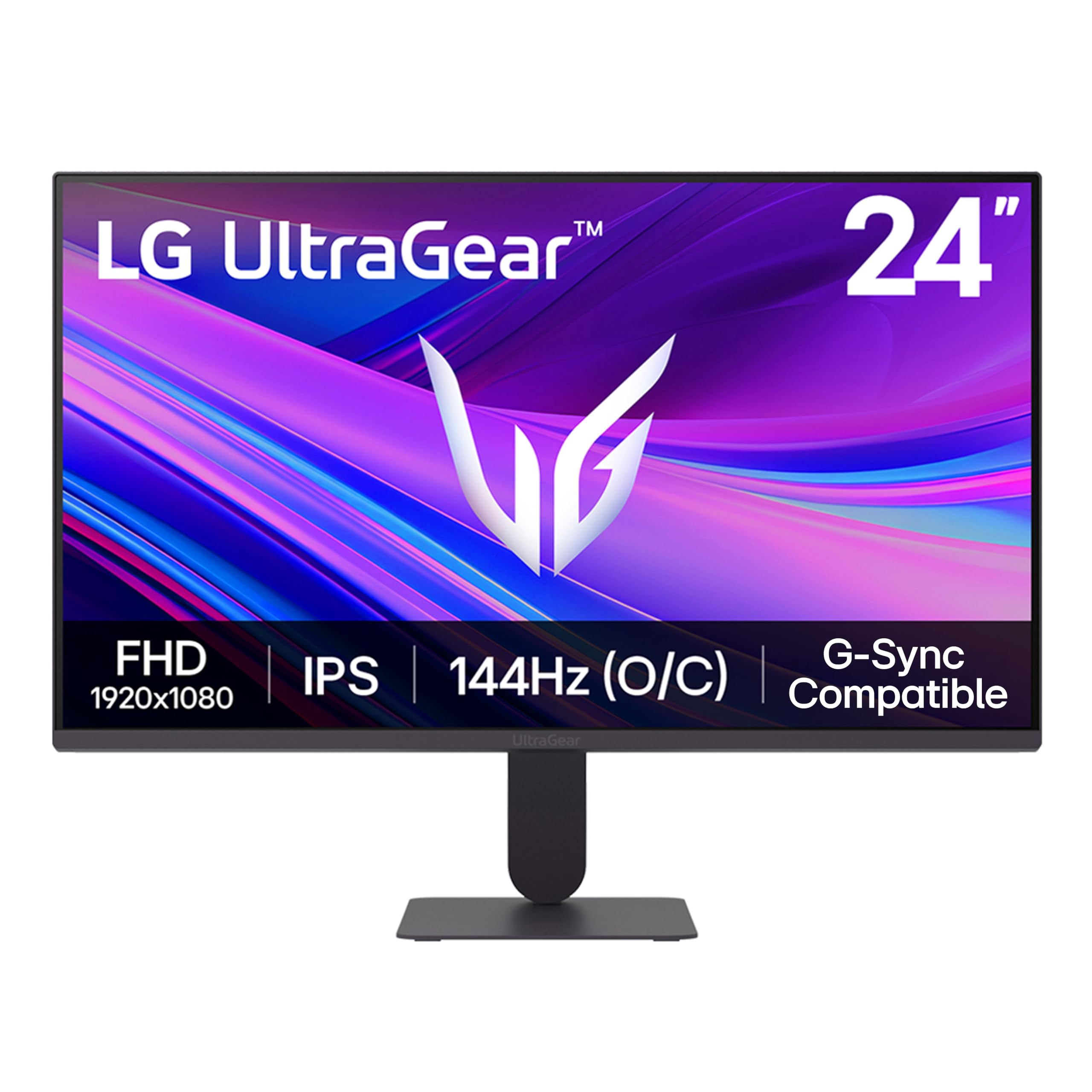
If your desk has an Nvidia card and a console fighting for the same screen, the LG 24G411A-B is the easiest fit in this group. It carries both G-Sync Compatible and FreeSync certification, plus HDR10 support. The 144Hz overclock is not the headline speed of the Dell or AOC, but 120Hz native is a sweet spot for a PS5 or Xbox, and the IPS panel keeps colors consistent from an angle.

We think the LG is the better choice for a shared entertainment setup because it handles both ecosystems without a settings headache. The 99% sRGB coverage is solid for everyday use, and the slim stand leaves desk space free. It is not the fastest panel here, but that is the trade for a monitor that works with both graphics ecosystems. We still reach for it when compatibility matters more than raw refresh, especially on a desk shared with a console.

Pros

  • G-Sync Compatible and FreeSync support
  • 120Hz native with 144Hz overclock
  • IPS color with 99% sRGB

Cons

  • Only one HDMI and one DisplayPort
  • Brightness tops out at 250 nits
Our verdict

For a desk shared by an Nvidia PC and a console, the LG 24G411A-B is the compatibility pick we trust.

Check Latest Price
4

Best Budget

MSI PRO MP243L E14

89 /100
LBD Score Excellent

Key details

Panel Type
IPS
Refresh Rate
144 Hz
Adaptive Sync
FreeSync
Contrast Ratio
1500:1
View on Amazon

The MSI PRO MP243L E14 makes its case with a 1500:1 contrast ratio, a figure that stands out among the IPS monitors here. Deeper blacks help dark games and late-night movies, and the 144Hz refresh keeps motion smooth.

We like this one for a first gaming setup because it covers the essentials without asking for much: 1080p at 23.8 inches, FreeSync, a 1ms response time, and a 144Hz panel. The 102% color gamut gives it more saturation than a plain office monitor, and the four-sided slim bezel looks tidy beside a second screen. It is not the fastest panel here, but it is fast enough for most players.

The three-year warranty is a genuine advantage in this group. For a tight budget, this is the monitor we recommend first, and the 1500:1 contrast gives it a little more depth than the usual budget IPS panel.

Pros

  • 1500:1 contrast for deeper blacks
  • 144Hz FreeSync gaming panel
  • Three-year manufacturer warranty

Cons

  • HDMI and VGA only; no DisplayPort
  • Tilt-only stand
Our verdict

For a first gaming setup on a tight budget, the MSI PRO MP243L E14 is the practical pick we recommend.

Check Latest Price
5

Best Curved on a Budget

Sceptre C248B-FW180T

83 /100
LBD Score Excellent

Key details

Curvature
1500R
Refresh Rate
180 Hz
Adaptive Sync
Adaptive-Sync
Color Coverage
100% sRGB
View on Amazon

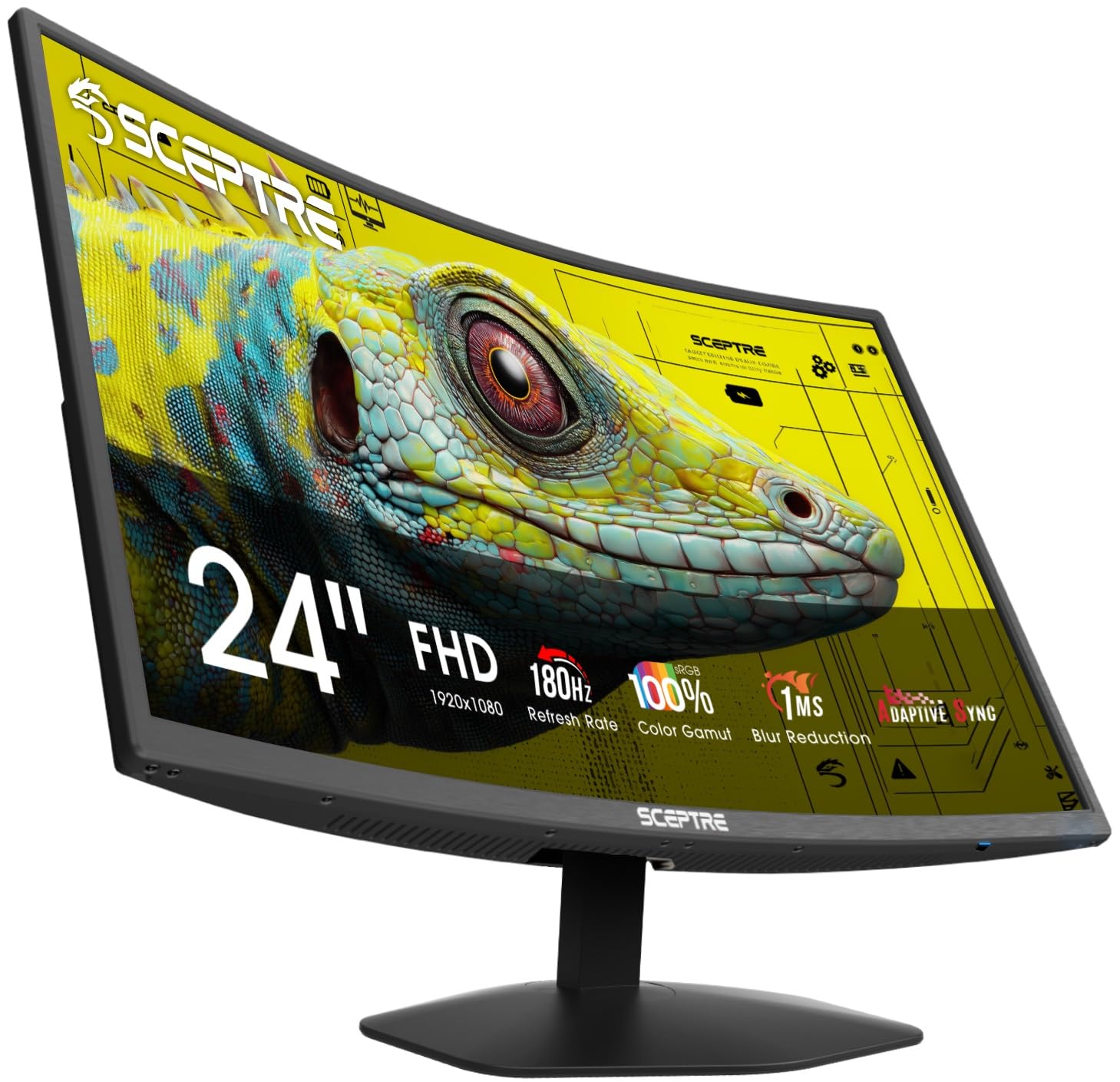
A 1500R curve and a 180Hz refresh rate are the two reasons the Sceptre C248B-FW180T earns a place. The curve wraps the edges toward you, which makes the 24-inch screen feel a little more immersive without taking over a small desk. We prefer this Sceptre to the flat 165Hz model for gaming because the extra refresh and 100% sRGB coverage make it the more complete package.

Two HDMI and two DisplayPort inputs are generous in this group, and the built-in speakers are convenient for a quick setup; we treat them as a backup for system sounds rather than a reason to skip a headset. The 1080p picture has enough sharpness for games and everyday work, and the 180Hz panel is a clear step up from a 75Hz office screen. The picture is not as consistent as the IPS picks, particularly in dark scenes, but the curve and the four inputs are what make it useful for a budget build. If color accuracy matters more, the AOC is the safer buy.

Pros

  • 180Hz curved 1500R panel
  • 100% sRGB color coverage
  • Two HDMI and two DisplayPort inputs

Cons

  • Tilt-only stand
Our verdict

For a curved gaming screen on a budget, the Sceptre C248B-FW180T is the value pick we recommend.

Check Latest Price
6

Contrast-Rich Curved Play

ASUS TUF VG24VQERC

85 /100
LBD Score Excellent

Key details

Curvature
1500R
Refresh Rate
180 Hz
Color Coverage
90% DCI-P3
Contrast Ratio
3000:1
View on Amazon

The ASUS TUF VG24VQERC is the curved pick for someone who cares more about contrast than saving space: its 23.6-inch panel is slightly smaller than the 24-inch models here, and it sits at the premium end of this group. What you get for that is a 1500R curve, a 3000:1 contrast ratio, and 90% DCI-P3 coverage. We like the deeper blacks for atmospheric games, and the 180Hz refresh with ELMB Sync is a good match for fast play.

Shadow Boost is useful in dark corners, and the three-year warranty adds peace of mind. DisplayPort plus two HDMI inputs cover a PC and a couple of consoles. The 23.6-inch viewable area is the one spec we keep noticing: it is close to 24 inches, but a direct side-by-side makes the difference visible. If you want the deepest blacks in this group, the contrast is the reason to choose it; the Sceptre is the budget alternative if the curve matters more than contrast. The ASUS is the one we reach for in a dim room where black levels do more for the mood than raw refresh.

Pros

  • 3000:1 contrast ratio
  • 180Hz with ELMB Sync
  • 90% DCI-P3 and three-year warranty

Cons

  • No built-in speakers
Our verdict

For a dim room and a preference for contrast over raw speed, the ASUS TUF VG24VQERC is worth considering.

Check Latest Price
7

Curved High Refresh

SANSUI ES-G24C1 PRO

89 /100
LBD Score Excellent

Key details

Curvature
1500R
Panel Type
VA
Refresh Rate
240 Hz
Adaptive Sync
FreeSync
View on Amazon

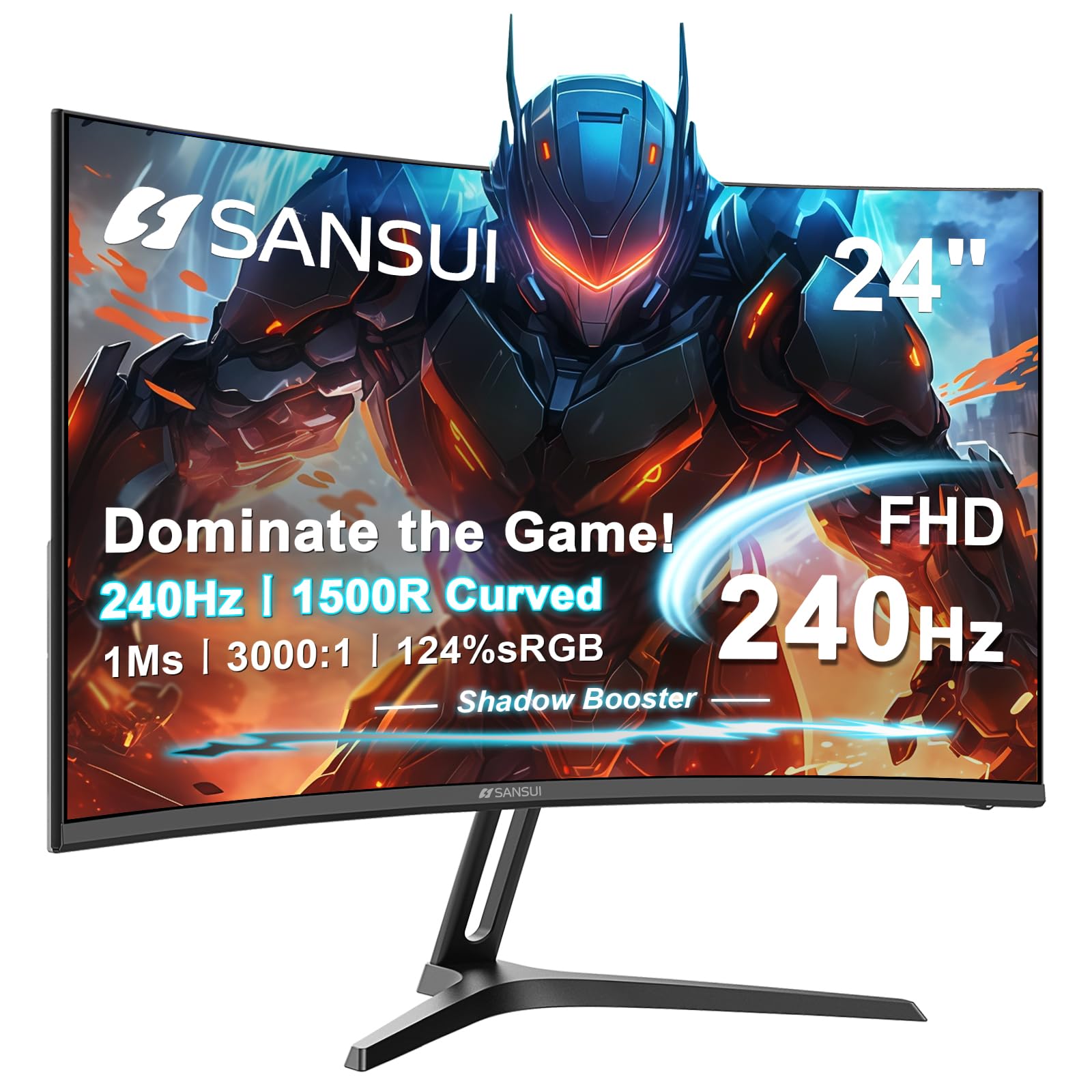
The SANSUI ES-G24C1 PRO is the curved speed option: a 240Hz VA panel with a 1500R curve and a 3000:1 contrast ratio.

We like it for a racing or immersion setup because the high refresh and deep blacks make fast motion and dark scenes more engaging. The 124% sRGB coverage is unusually wide for this group, and FreeSync is on board. The 3000:1 contrast gives dark scenes more weight than the IPS picks, and the curve makes the screen feel wider than 24 inches without adding desk depth. The 24-inch panel is easy to fit on a small desk, and the 240Hz ceiling gives a midrange graphics card room to grow.

The one caveat we keep coming back to is consistency: some units can flash black or fail to power on, so we treat the return window as part of the purchase. If you want the curve and 240Hz at a midrange price, it is worth a look; if you want the safest long-term buy, the Dell or AOC is the better call.

Pros

  • 240Hz VA panel
  • 1500R curve with 3000:1 contrast
  • 124% sRGB and FreeSync

Cons

  • No built-in speakers
  • VA color shifts off-angle
Our verdict

For a curved 240Hz panel at a midrange price, the SANSUI ES-G24C1 PRO is a fast option with a consistency caveat.

Check Latest Price

How We Tested These 24-Inch Gaming Monitors

We started with roughly 40 monitors in the 24-inch class and cut anything that couldn't back up a basic promise: no adaptive sync, a response time quoted only at its most aggressive overdrive setting, or a stand with neither tilt nor a VESA pattern. That left 12 flat and curved models, 144Hz up to 240Hz, which we bought at retail.

Each one took over a desk for at least two weeks of ordinary use — evening matches, a weekend of co-op, and the unglamorous Monday of spreadsheets and video calls. We also swapped several onto arms and second desks, since repositioning is where a flimsy stand and sloppy cable routing give themselves away.

In games we ran a fast-motion test pattern at every overdrive setting and watched for dark halos trailing behind moving objects, then played the same rounds at each refresh rate to judge whether 240Hz felt different or just read different on paper. For image quality, we took colorimeter readings, compared skin tones in cutscenes and photos, and leaned off-axis to see where colors started to wash. Stands got the abuse test — hard typing, a bumped desk, a shove mid-tilt — and we noted how much desk space the base ate. We listened to built-in speakers at low volume, checked which monitors offered a headphone jack, and judged bezels and back panels the way you would after staring at them for hours.

Finally, value: for each monitor we asked whether the money bought something visible and feelable, or just a bigger number on the box.

How to Choose a 24-Inch Gaming Monitor

Refresh Rate and Adaptive Sync

For gaming, 144Hz is the useful floor in this group, and 165Hz to 240Hz gives fast shooters cleaner tracking. Higher refresh only pays off if your graphics card can push enough frames, so match the monitor to your PC rather than buying the biggest number. FreeSync works with AMD cards and many consoles; G-Sync Compatible adds Nvidia certification. The Dell SE2426HG is the clearest speed-first example here, while the LG 24G411A-B is the easier fit for an Nvidia card and a console sharing one desk.

Panel Type and Color

IPS panels are the safer all-round choice for color consistency and wide viewing angles, which is why most of our picks use them. VA panels trade some off-angle color for deeper blacks and higher contrast, a good match for dark games and curved screens. Look for at least 99% sRGB coverage if you also edit photos or video; a wider gamut can look punchier without being more accurate. The MSI PRO MP243L E14 shows how a modest IPS panel can still stand out with a 1500:1 contrast ratio.

Stand, VESA Mount, and Desk Fit

A 24-inch monitor is the right size for a shallow desk, but the included stand often decides how comfortable it is. Height adjustment is the feature to check first; tilt-only stands force you to raise the screen with a riser or an arm. VESA holes solve that when the monitor has them, so check the mounting pattern before you buy. Measure the space under your shelf or monitor riser, and leave room for the curve if you choose a 1500R model.

Ports, Cables, and Console Use

Count the devices you want connected before you choose. Two HDMI inputs plus DisplayPort is the flexible setup; a single HDMI and VGA is enough for one PC but awkward for a console and a computer. Use the cable and port that support the refresh rate you want, and set the refresh rate in your computer after installation. Console players should look for HDMI VRR or FreeSync support and a 120Hz-capable panel.

Warranty, Speakers, and the Extras

Built-in speakers are convenient but rarely good; budget for a headset or desk speakers if audio matters. HDR10 on a 300-nit monitor is a compatibility label more than a true HDR experience, so do not pay a premium for it alone. A three-year warranty is worth more than a small bump in brightness for a monitor you plan to keep. Check the dead-pixel and return policy before you open the box.

Frequently Asked Questions

Final Verdict

The Dell SE2426HG is the monitor we recommend first because it gets the balance right: 240Hz on an IPS panel, FreeSync Premium, and enough color quality for work and play. The tilt-only stand is the compromise, but the rest of the package is the one we keep coming back to for a fast, everyday gaming desk.

Choose the AOC 24G42HE if wide color and a three-year warranty matter more than the last 40Hz, or the MSI PRO MP243L E14 if the budget is tight. For a curved desk, the Sceptre C248B-FW180T is the value pick.