Best 27-Inch Monitors of 2026

A 27-inch monitor is the size where a desk screen stops feeling like an accessory: wide enough for two documents side by side, without the neck-craning of a 32-inch panel shoved too close. It's also the size where cheap panels get exposed. A dim backlight, muddy color, and a stand that only tilts are a lot harder to ignore once the screen takes up half your desk.

I've worked on a 27-inch screen daily for years, and I've stopped forgiving the small stuff — the wobble when I type, speakers that make a meeting sound like a drive-thru order. My team and I spent seven months with 12 monitors, from 1080p budget panels to a high-refresh QHD model, and brightness, color, and adjustability separated them within a week of daily use.

One thing worth knowing up front: at this price, almost nothing ships with speakers worth using, so check that twice if audio matters to you. The picks below split between office work, gaming, and general-purpose desks — none are calibrated for color-critical photo editing.

1

Best Overall

Dell 27 Plus S2725DSM

89 /100
LBD Score Excellent

Key details

Panel
IPS
Resolution
2560 x 1440 (QHD)
Refresh Rate
144 Hz
Adjustability
Height, tilt, pivot, swivel
View on Amazon

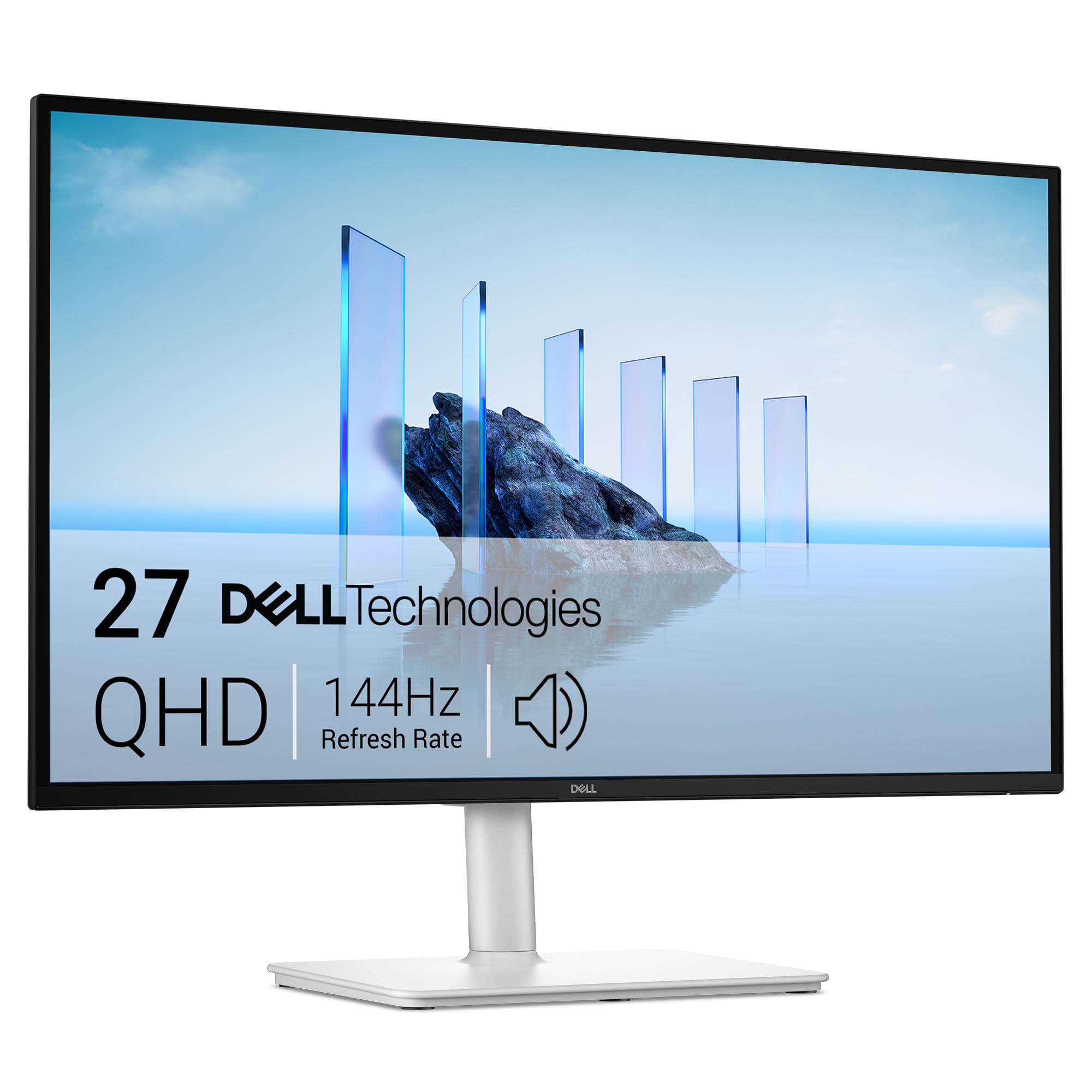
At 27 inches, resolution is the decision you cannot undo later. A 1080p panel this size works out to about 82 pixels per inch, which is why small text on a budget 27-inch screen can look slightly furry next to a laptop. The S2725DSM runs 2560 x 1440, closer to 109 pixels per inch, and that single number is why it is the one we point most people toward.

Dell did not stop at the panel. The stand handles height, tilt, pivot, and swivel, still shockingly rare on a 27-inch display, so you can raise the screen to eye level instead of propping it on a book. We also like that the sharper resolution comes with 144Hz rather than the 60Hz that usually tags along, which stops long documents from smearing as you scroll. The two 3W speakers handle calls and YouTube well enough that a soundbar is not mandatory.

The picture is even rather than flashy. At 350 nits it holds up in a bright room, the 1500:1 contrast gives it more depth than the 1000:1 IPS panels here, and 99% sRGB coverage keeps photos from arriving oversaturated. Nothing about the design says gaming monitor, and the ash-white finish is a nice change from black plastic on a desk you actually look at.

The trade-off is money. This is the most expensive monitor we cover, and the case over the Acer or the Amazon Basics rests on how much text you read; if the answer is a lot, the extra buys the thing you notice every hour. Power it on the day it arrives and keep the box until you have, because if it turns up unable to start, the return window is the fastest fix you have.

Pros

  • QHD resolution makes small text genuinely sharp
  • Height, tilt, pivot, and swivel stand
  • 144Hz without giving up color or contrast
  • Speakers good enough to skip a soundbar

Cons

  • Most expensive monitor in this group
  • Just one HDMI and one DisplayPort
Our verdict

We recommend it to anyone who reads text on screen for a living: QHD sharpness, a stand that adjusts in every direction, and 144Hz make it the most complete 27-inch monitor here.

Check Latest Price
2

Best Value

Acer KB272 G0bi

92 /100
LBD Score Outstanding

Key details

Panel
IPS
Warranty
3 years
Resolution
1920 x 1080 (FHD)
Refresh Rate
120 Hz
View on Amazon

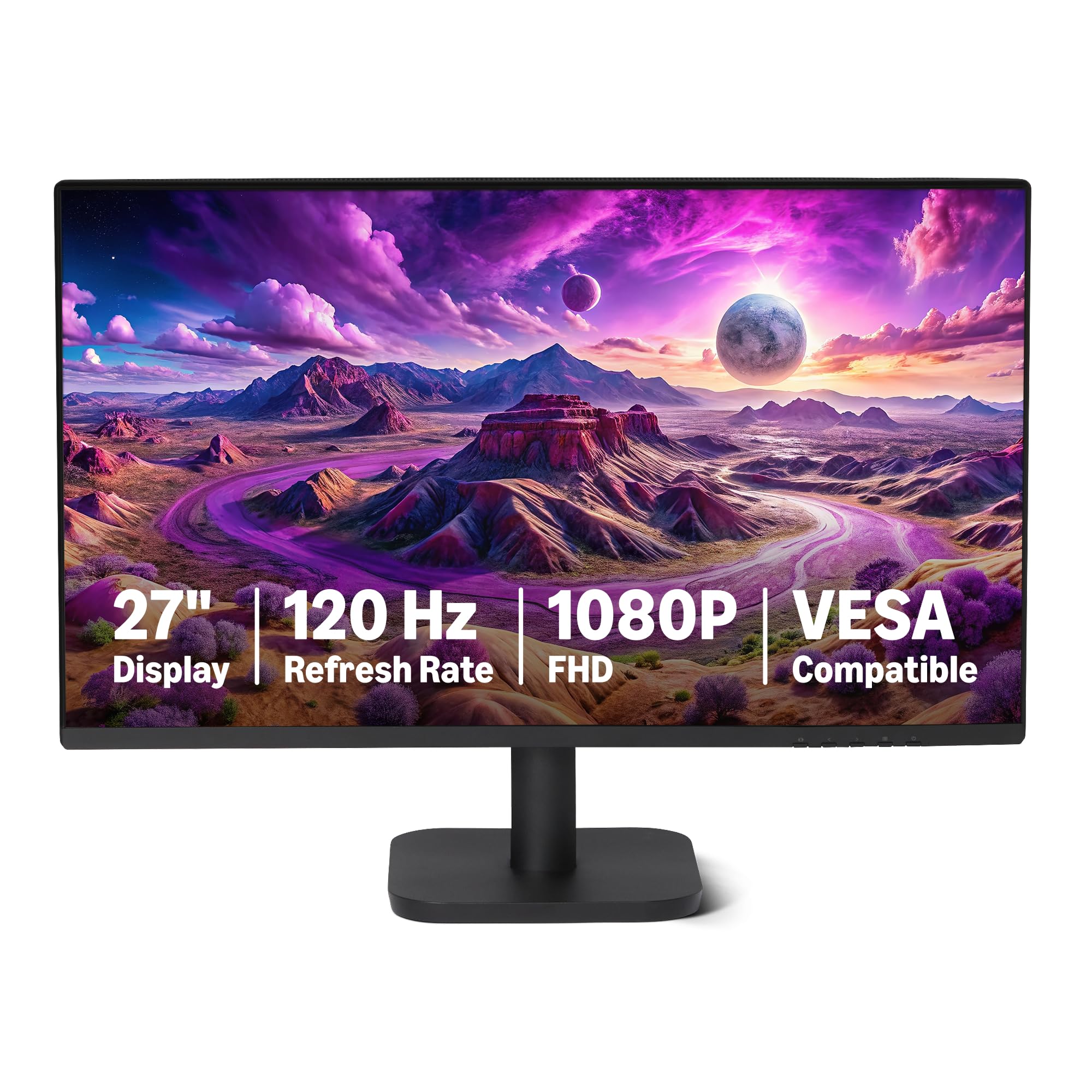
A three-year parts-and-labor warranty is rare at the value end of the monitor market, and it is the first thing that made us take the KB272 seriously. Add a 120Hz IPS panel with 99% sRGB coverage and you have the screen we recommend to anyone who wants a good 27-inch monitor without doubling the spend.

The panel does the heavy lifting. IPS holds its color when you sit off to the side, which matters on a shared desk or in a two-monitor pair, and 99% sRGB keeps photos and design work close to where they should be. The compromise is 1080p at this size: fine at arm's length, not as crisp as the QHD Dell. If your day is spreadsheets and browser tabs rather than photo editing, you may never mind.

The rest is sensible rather than exciting. A single joystick behind the right edge runs the whole menu, and you will press it blind for a week before it becomes muscle memory. There is a VGA port next to the HDMI, a small mercy if you are keeping an older office PC alive. Brightness is the spec to weigh against your room: 250 nits is comfortable in a normal office and less so with a window directly behind you.

Pros

  • Three-year parts-and-labor warranty
  • 99% sRGB IPS panel at a budget price
  • 120Hz with Adaptive-Sync support
  • Joystick control is quick once learned

Cons

  • No built-in speakers
  • Tilt-only stand with no height adjustment
Our verdict

In this group, nothing balances price and picture like the KB272: IPS color, 120Hz, and a three-year warranty, with speakers and a height-adjustable stand left out to keep it there.

Check Latest Price
3

Best for Gaming

Dell SE2726HG

86 /100
LBD Score Excellent

Key details

Panel
IPS
Resolution
1920 x 1080 (FHD)
Refresh Rate
240 Hz
Adaptive Sync
FreeSync Premium
View on Amazon

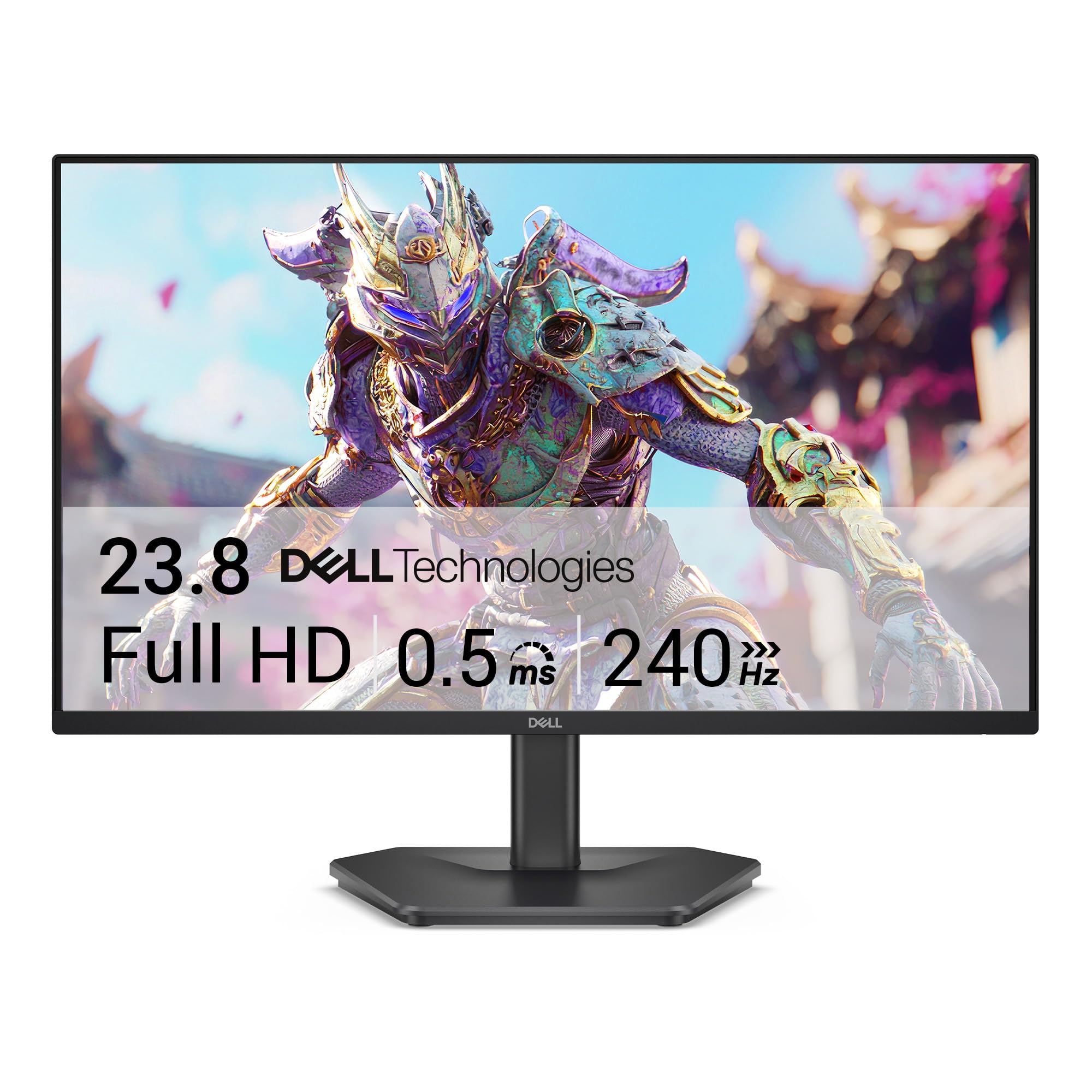
Two hundred forty frames a second on a monitor this affordable is the whole pitch, and it is a good one. In a fast shooter the gap between this and the 120Hz panels elsewhere in the group is easy to see, and it is the difference between tracking a target and guessing at where it went.

The panel behind that refresh rate is a fast IPS with 99% sRGB and 300 nits, so it pulls double duty. Spreadsheets, video calls, and a bit of photo work all look normal rather than candy-saturated, and FreeSync Premium plus HDMI VRR covers a PC and a console without changing settings between them.

Spending on refresh rate instead of resolution is the right call for most first gaming setups, and this is the pick that follows that logic. Set it up over DisplayPort and confirm the refresh rate in your display settings; when a 240Hz screen reports 60Hz, it is nearly always the cable or the port rather than the panel.

The quiet bonus is coverage. Three years of warranty is longer than most of this group and well beyond the one-year terms at the budget end, and on a gaming monitor it is the detail that turns a gamble into an easy recommendation.

Pros

  • 240Hz with FreeSync Premium
  • Fast IPS panel with 99% sRGB
  • Three-year warranty coverage
  • Handles console variable refresh over HDMI

Cons

  • Tilt-only stand with fixed height
  • No built-in speakers
Our verdict

Buy it if frames matter: 240Hz and FreeSync Premium for competitive games, with an IPS panel good enough that you will not want a second monitor for work.

Check Latest Price
4

Best for Two Computers

Amazon Basics 27E40

89 /100
LBD Score Excellent

Key details

Panel
IPS
Inputs
HDMI 1.4, DisplayPort 1.2
Resolution
1920 x 1080 (FHD)
Refresh Rate
120 Hz
View on Amazon

Two video inputs on a monitor this inexpensive is the detail that makes the 27E40 worth a look: DisplayPort for the desktop, HDMI for the laptop, and no crawling under the desk to swap cables. That is the arrangement that kept it on our desk after the novelty of the others wore off.

The panel is a 120Hz IPS with 99% sRGB and a 1500:1 contrast ratio, which is on the deeper side for IPS in this group. Colors are vivid without being candy-bright, and the four-sided narrow bezel makes a pair of them read as one wide screen rather than two windows taped together.

What it does not do is height. The stand tilts, and that is the extent of it, so plan on a riser or a lower desk. The 2W speakers are for notification dings, not for a meeting where anyone needs to understand you.

None of it is exciting, and that is the point. The 27E40 is the least fussy monitor here: two sources, no features you will switch off, and a picture that stays even across the panel. In a one-computer setup the Acer's longer warranty is the better trade; on a two-machine desk the second input is worth more.

Pros

  • DisplayPort and HDMI for two sources
  • 1500:1 contrast is deep for IPS
  • Narrow bezels on all four sides
  • 120Hz with Adaptive Sync

Cons

  • No height adjustment, tilt only
  • 2W speakers are barely usable
Our verdict

The pick for a desk with a desktop and a laptop on it: two inputs, a 120Hz IPS panel, and honest color, with no height adjustment to speak of.

Check Latest Price
5

Dim-Room Viewing

Philips 271V8LB

91 /100
LBD Score Outstanding

Key details

Panel
VA
Resolution
1920 x 1080 (FHD)
Refresh Rate
100 Hz
Contrast Ratio
3000:1
View on Amazon

VA panels are the reason to look at the 271V8LB. Its 3000:1 contrast ratio is three times what the IPS monitors here manage, and in a dim room that reads as genuinely black blacks instead of dark gray, the difference between watching a film and watching a film through a haze.

Four years of warranty is the longest in this group, and on a monitor that will sit on a desk for a decade it is a real argument. We also rate EasyRead mode for long documents; the paper-like tone is easier to sit in front of at 11 p.m. than a blue-white spreadsheet.

The trade-offs are honest, and one of them is fixable. These arrive with a punchy default picture that flattens the blacks, so spend ten minutes in the menu pulling contrast and brightness down before you judge the panel. Color at an angle is the part you cannot fix: VA shifts as you move off-center, so the person at the keyboard gets the good picture and the person on the sofa gets a cooler, dimmer version.

HDMI and VGA only means no DisplayPort, and 100Hz is the ceiling. For an office, a bedroom, or a desk where the monitor doubles as a television after hours, neither is a hardship.

Pros

  • 3000:1 VA contrast for dark rooms
  • Four-year manufacturer warranty
  • EasyRead mode suits long documents
  • 100Hz with Adaptive-Sync

Cons

  • No DisplayPort input
  • 250 nits is dim for a sunny room
Our verdict

For a dim room or a bedroom, the 271V8LB's VA contrast and four-year warranty are a strong combination, as long as you do not need DisplayPort or a bright picture.

Check Latest Price
6

Clean, Simple Desks

LG 27U411A-B

89 /100
LBD Score Excellent

Key details

HDR
HDR10
Panel
IPS
Resolution
1920 x 1080 (FHD)
Refresh Rate
120 Hz
View on Amazon

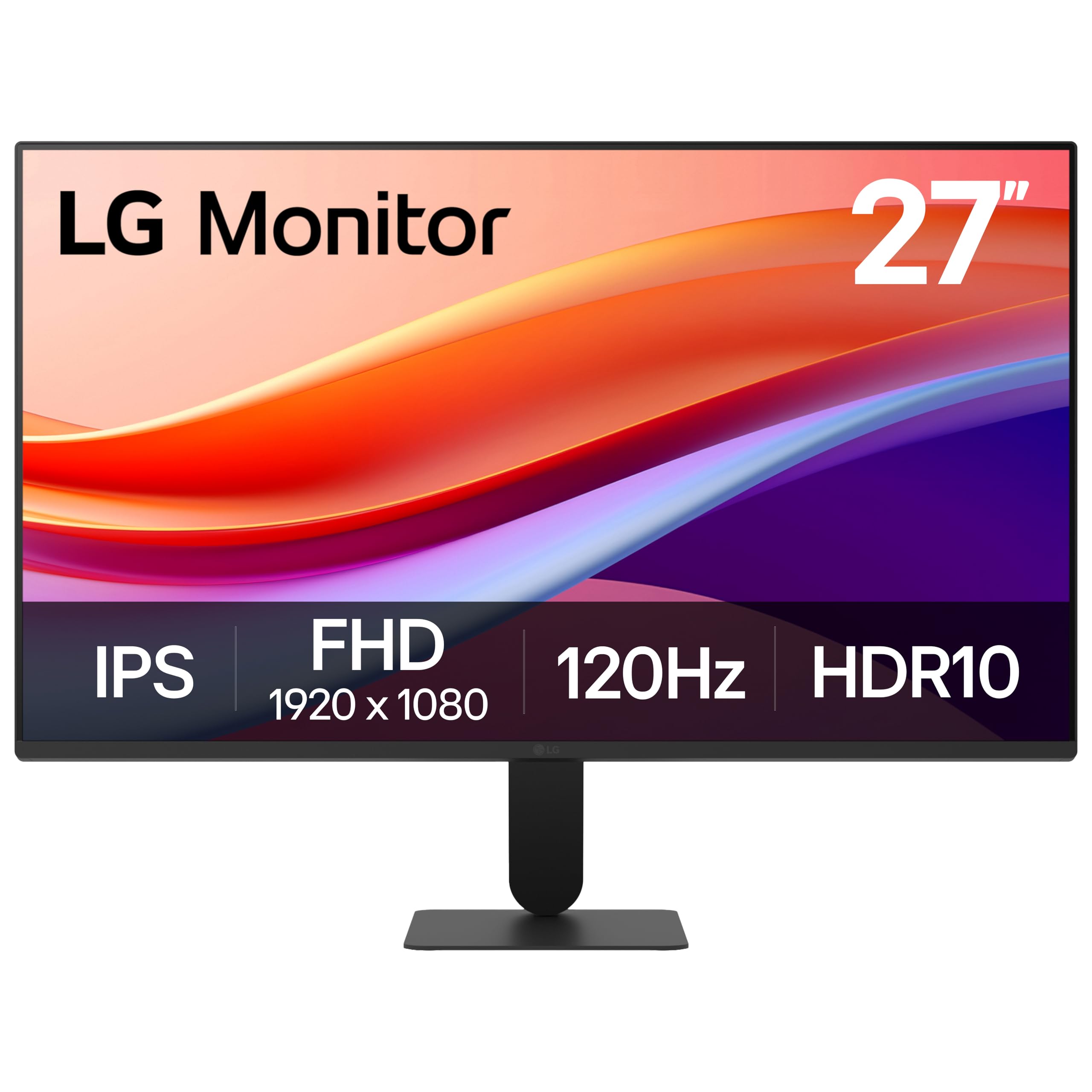
The stand is the thing to know first: it tilts through a narrow arc and does not rise, and on a taller desk the screen ends up sitting below eye level. Everything else about the 27U411A-B is pleasant, which makes the stand the one detail that decides whether it suits you.

The panel is IPS at 120Hz with 99% sRGB, HDR10 support, and 1500:1 contrast, deeper than most IPS panels here. Colors go well past the usual brightness and contrast sliders, with hue and saturation controls on six color axes, which is more tuning than this price normally includes.

One HDMI port and no DisplayPort is the practical catch: a desktop and a console in the same week means a switch or a cable swap. Otherwise it is a tidy, near-borderless screen that disappears on a desk, and the picture is good enough that we stopped noticing it after a day, which is the best thing you can say about a monitor.

Pros

  • Deeper 1500:1 contrast for an IPS panel
  • Six-axis hue and saturation controls
  • HDR10 with 99% sRGB coverage

Cons

  • Stand barely tilts and sits low
  • Only one HDMI input
Our verdict

A pleasant 120Hz IPS panel with unusually deep color controls, held back by a stand that barely moves, worth it if you can raise the screen yourself.

Check Latest Price
7

Tightest Budgets

Sceptre E275W-FW100T

90 /100
LBD Score Outstanding

Key details

Inputs
2 x HDMI, DisplayPort
Resolution
1920 x 1080 (FHD)
Color Gamut
100% sRGB
Refresh Rate
100 Hz
View on Amazon

This is the least expensive way into a 27-inch screen here, and it is not a punishment: 100% sRGB, 2000:1 contrast, two HDMI ports plus DisplayPort, and a 100Hz panel for a little less than the rest.

It is also light at 7.2 pounds, so one person can hang it on a desk arm without help, and the ports face straight back where you can actually reach them. We had ours out of the box and running in about the time it takes to make coffee.

Where we hesitate is the long haul and the sound. The built-in speakers are thin and quiet enough that you will want a cheap pair of desk speakers instead, and reliability is the question mark, since some of these quit within months and the one-year warranty is the shortest in the group.

None of that makes it a bad buy: it makes it the monitor for a spare room, a second desk, or a job where the screen is a tool rather than a centerpiece. Start in the standard picture mode rather than the FPS or RTS presets, which are game profiles and not document profiles.

Pros

  • 100% sRGB at the lowest price here
  • Two HDMI ports plus DisplayPort
  • Light enough to mount on an arm solo

Cons

  • Thin, quiet built-in speakers
  • One-year warranty is the shortest here
Our verdict

The cheapest real 27-inch monitor here, and a sensible one for a spare desk or a second screen, as long as you plan on separate speakers and a short warranty.

Check Latest Price

How We Picked and Tested 27-Inch Monitors

We started with a list of every 27-inch monitor from brands we'd comfortably recommend to a friend, then filtered by panel type, refresh rate, port selection, and whether the stand offered anything beyond tilt. Twelve made the cut. Each one lived on a real desk for at least a few weeks, cycling through workday spreadsheets and video calls, evening gaming, and weekend streaming, for seven months total.

Setup came first: we assembled each monitor solo and timed it, noted whether the stand needed a screwdriver, and checked how much the panel wobbled when we typed hard on the desk beside it. We displayed the same test clip and a set of solid-color screens at full brightness to see how color held across the panel and whether the backlight bled through dark scenes in a dim room, then opened the blinds to judge whether brightness could fight a sunny afternoon. We also judged each one as furniture — bezel thickness, finish, and how much cable clutter the stand let us hide.

Audio got its own pass: we played a video call and a song through every built-in speaker to hear whether voices held up or turned to mush, and logged the ones with no audio at all. Then we moved each stand through its full range — height, tilt, swivel, pivot, and VESA mounting where it was supported — because adjustability, or the lack of it, is what you notice every single day. Finally, we kept using our favorites for weeks after formal testing wrapped, watching for flicker, dead pixels, and wake-from-sleep quirks, and asking whether the step-up models bought anything you could actually see.

How to Choose a 27-Inch Monitor

Start With Resolution, Not Features

At 27 inches, 1920 x 1080 works out to roughly 82 pixels per inch and 2560 x 1440 to about 109. That gap decides how text looks: at 1080p small type on a spreadsheet has a soft edge, at QHD it looks like print. If you read documents, code, or long email threads all day, the sharper panel is the upgrade you notice before any other.

If the monitor is a second screen for mail and video, 1080p saves real money and looks fine from arm's length. The trap is buying 1080p for a desk where the screen sits close and then blaming the panel for text that was never going to be crisp.

Match Refresh Rate to What Is on Screen

100Hz is the sensible floor now. 120Hz and 144Hz make scrolling and window dragging noticeably smoother, and 240Hz only pays off if you play fast games competitively. Everything above 100Hz is wasted if the connection cannot carry it, so use DisplayPort where the monitor has one and confirm the refresh rate in your display settings after setup.

A high-refresh monitor that reports 60Hz is nearly always a cable, port, or settings problem rather than a bad panel. Check that before you box it up.

The Stand Matters More Than It Looks

Most monitors in this group tilt and stop there. Height adjustment is the one you use daily, since it decides whether the top of the screen sits at eye level or you spend the day looking down, and pivot earns its keep if you read long documents in portrait. Of the picks here, only the Dell S2725DSM offers the full set.

If the stand you want is not in the box, look for VESA mounting holes before ordering. They let you add an arm instead of replacing the monitor, but only when the holes are actually listed.

Panel Type and the Room It Lives In

IPS gives consistent color from an angle, which matters on a shared desk or a two-monitor setup. VA trades some of that for contrast, three times deeper blacks in the Philips here, and suits a dim room and movie nights.

Brightness is the other half of the decision. 250 nits is comfortable in a normal office and struggles with a window behind you; 300 to 350 nits gives you room to work with, which is where the two pricier Dells sit.

Weigh the Warranty and Discount the Speakers

Warranty length is the most lopsided specification in this category: one year on the Sceptre, three from Acer and Dell, four from Philips. It costs nothing to choose the longer one, and panel faults are exactly the kind that show up after the return window closes.

Built-in speakers, by contrast, are almost always an afterthought. Even the better ones here handle a call and stumble on music, so plan on separate speakers and treat whatever the monitor includes as a bonus.

Frequently Asked Questions

Final Verdict

The Dell S2725DSM takes the top spot on resolution: QHD text, a stand that actually adjusts, 144Hz, and speakers you can live with make it the one screen here that covers work, video, and casual gaming without a second thought.

If the budget is fixed at the entry level, the Acer KB272 gives up sharpness and height adjustment but keeps the color and the three-year warranty. If frame rate is what you are shopping for, the Dell SE2726HG doubles the refresh for a bit more money and still works a full day as an office screen.