Best 32-Inch OLED Monitors of 2026

A backlit monitor gives itself away in a dark room: a gray wash across the black bars of a movie, a pale glow in one corner. OLED doesn't do that — each pixel lights itself and switches off completely, which is why a 32-inch OLED reads less like a monitor and more like a window. The catch is price, and the details that separate a good panel from a great one rarely make it onto a spec sheet: the coating, the brightness headroom, how it guards against a taskbar you leave up all day.

We've spent the past eight months living with seven of these monitors. They're all 4K, so text is crisp on every one — what you're choosing between is a finish that makes color pop versus one that eats reflections, brightness for a room with windows, and how much you want to plug into the back. A monitor that charges a laptop over one cable and hops between a console and a desktop earns its keep faster than one with a few more frames per second. The picks below sort it out.

1

Best Overall

ASUS ROG PG32UCDM

90 /100
LBD Score Outstanding

Key details

Panel Type
QD-OLED
USB-C Power
90W
Refresh Rate
240 Hz
Screen Finish
Matte
View on Amazon

Three things decide a 32-inch OLED purchase: the coating, the refresh rate, and how the panel connects to your desk. The ROG PG32UCDM is the one screen here that answers all three, which is why it holds the top slot. It pairs a 4K QD-OLED running at 240Hz with a 0.03ms response, a matte finish, DisplayHDR True Black 400 certification, and 90W of USB-C power delivery, sitting at the upper-middle of this group's price range. Nothing in that list is a compromise you have to talk yourself into.

The matte film is the part we came to appreciate most. Glossy QD-OLED wins a side-by-side in a dark room, no question, but put a lamp or a window behind your chair and those reflections land exactly where a game's shadows should be. ASUS's coating trades a little sparkle for a screen that can face a bright room all day, and the blacks still read as black because there is no backlight to leak through.

The support structure matches the panel. ASUS covers this one for three years with burn-in included, which on an OLED is worth more than any single line on the spec sheet, and the custom heatsink, graphene film, and OLED Care routines all attack the same problem. The USB-C port carries video and 90W, so a work laptop runs off one cable instead of a dock plus a charger while the desktop stays on DisplayPort.

The other caveat sits downstream of the panel: 240Hz at 4K asks a lot of a graphics card. If your machine holds 4K/120 in the games you actually play, a 165Hz model costs far less and gives up almost nothing you would notice in motion. At 4K the pixel density means text looks crisp at normal viewing distance, which is the reason this doubles as a work screen without complaint.

Pros

  • Matte coating that holds up in daylight
  • 4K at 240Hz with a 0.03ms response
  • 90W USB-C for one-cable laptop setups
  • Three-year warranty with burn-in coverage

Cons

  • 19.4 pounds is heavy for an arm mount
Our verdict

The one we point most people to: a 240Hz 4K QD-OLED that handles glare, docks a laptop over one cable, and carries burn-in coverage for three years.
Check Latest Price
2

Best Value

MSI MAG 321UP QD-OLED

85 /100
LBD Score Excellent

Key details

Warranty
3 years
Panel Type
QD-OLED
Refresh Rate
165 Hz
Screen Finish
Glossy
View on Amazon

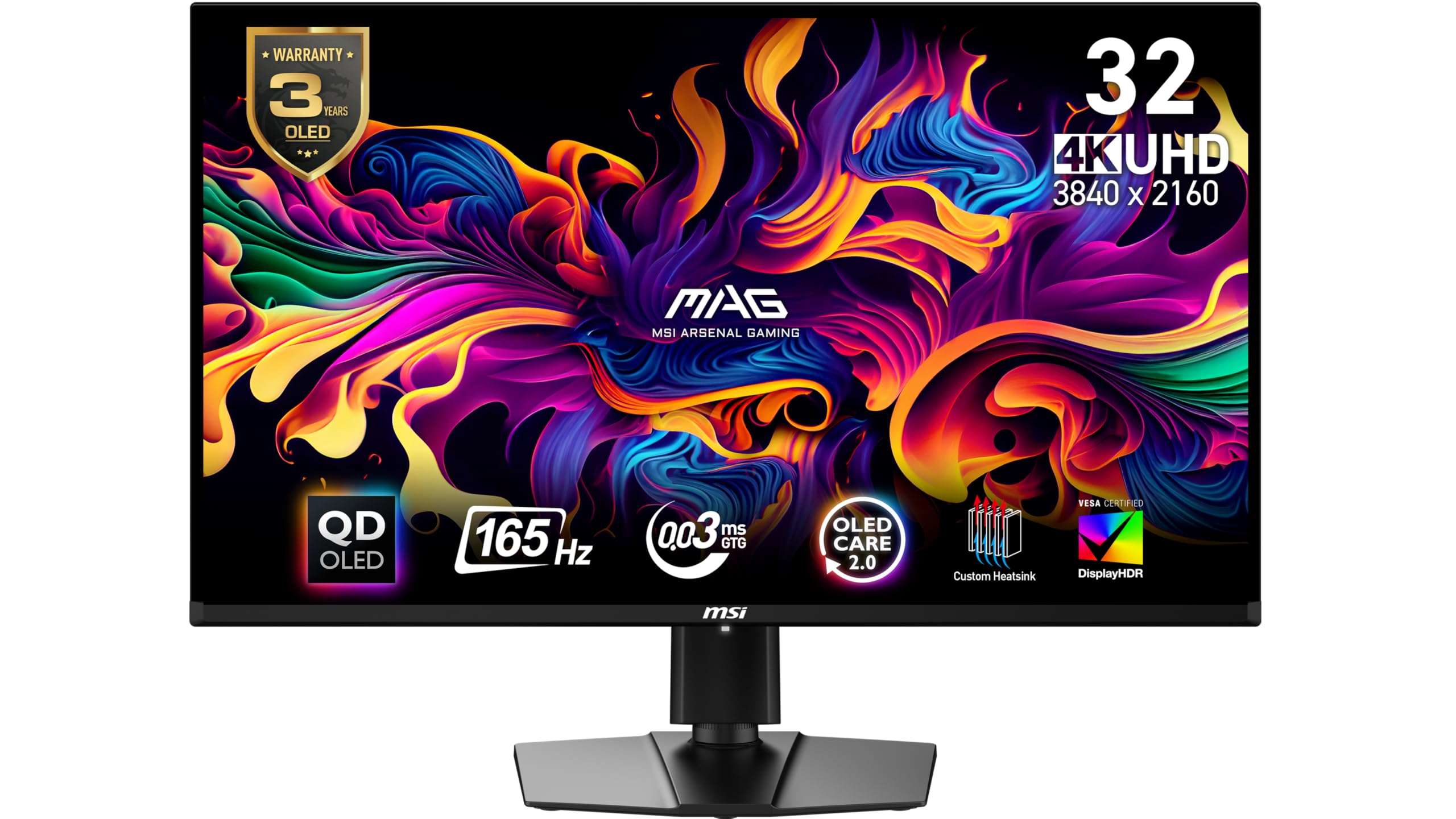
This is the least expensive 32-inch OLED in the group, and nothing about the picture announces it. MSI uses a third-generation QD-OLED panel behind a glossy coating: 4K resolution, 165Hz, a 0.03ms response, DisplayHDR True Black 400, and color accuracy rated at Delta E of 2 or better. It is the same panel generation the premium picks run. What changes is everything around it.

What you give up is a step of speed and most of the plumbing. The 165Hz ceiling sits below the 240Hz screens that cost more, and there is no USB-C input, so a laptop needs its own cable and dock rather than one wire. We found the refresh gap matters less than the price gap. At 4K, 165Hz already clears the point where motion reads as steps rather than movement, and the glossy QD-OLED panel does the visual work people actually notice — color that looks lit from behind, blacks that disappear into a dark room.

The warranty is where this one punches above its price. MSI covers the panel for three years, matching the flagship ASUS and beating LG's two, and OLED Care 2.0 runs the pixel-shift and dimming routines in the background. For one desktop and a fixed budget, it is the pick. Add a work laptop to the plan and the arithmetic shifts, because that is the point where a USB-C screen starts earning its premium.

Pros

  • Lowest price in this group
  • Glossy third-generation QD-OLED panel
  • Three-year manufacturer warranty
  • Delta E of 2 or better out of the box

Cons

  • No USB-C input, so laptops need a dock
Our verdict

The value pick: the cheapest way into a 32-inch QD-OLED, with a glossy panel and three-year coverage, as long as one desktop is all you plug in.

Check Latest Price
3

Best Budget Dual-Mode

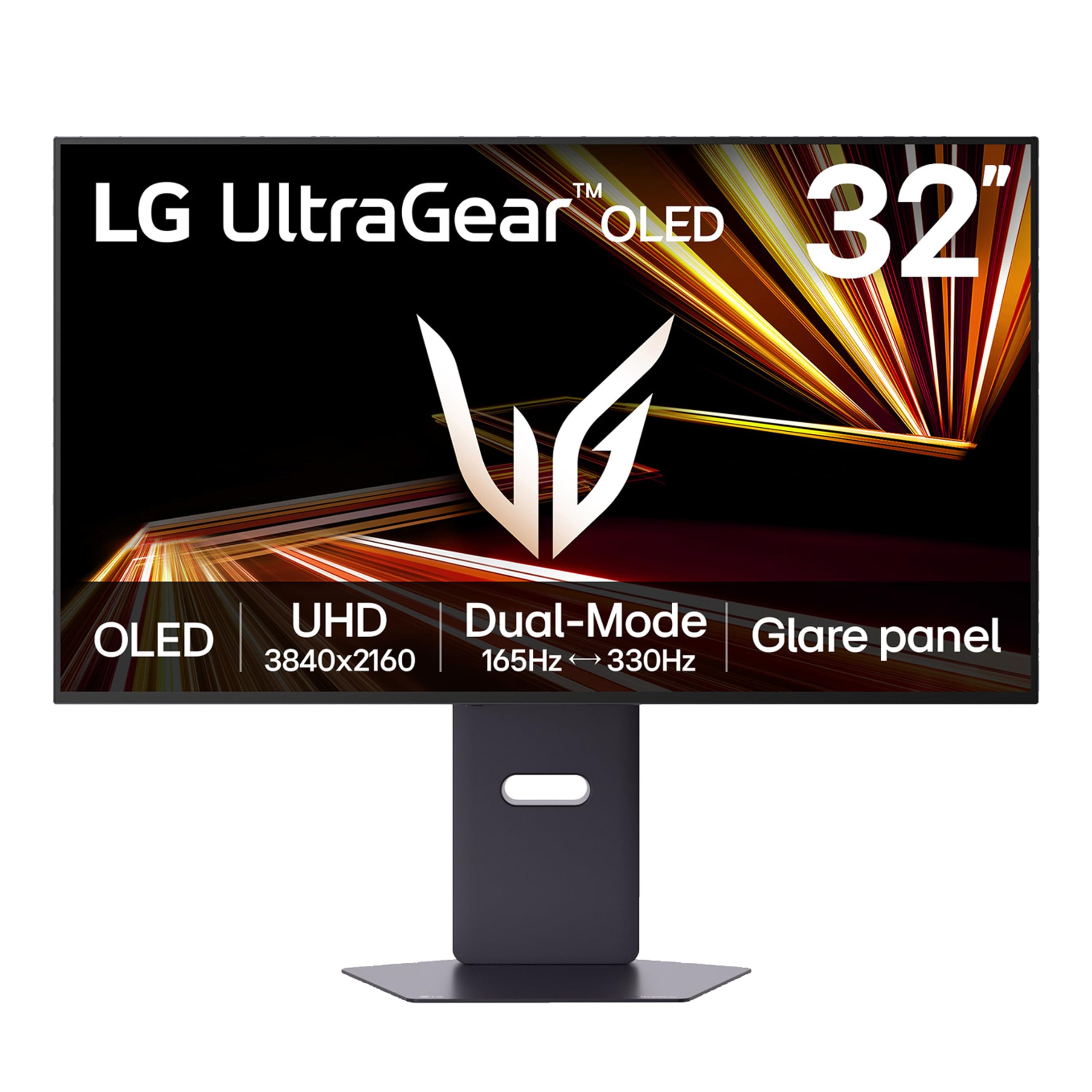
LG UltraGear 32GX850A-B

86 /100
LBD Score Excellent

Key details

Warranty
2 years
Refresh Rate
165 Hz / 330 Hz dual mode
Screen Finish
Glossy
Typical Brightness
275 nits
View on Amazon

A 275-nit typical brightness rating reads like a warning next to the LCD monitors on the same shelf. On this panel it is not one. The UltraGear 32GX850A-B is a glossy 4K OLED with LG's Micro Lens Array+ layer, 98.5% DCI-P3 coverage, True Black 400 certification, and a dual-mode switch that runs 4K at 165Hz or 1080p at 330Hz. Gloss and per-pixel black do more for how bright a picture looks than the number does.

That switch is the reason to choose this over the cheaper MSI. Frame-chasers get a 330Hz mode at a 165Hz price, and everyone else gets a 4K panel that keeps up with G-Sync and FreeSync Premium Pro without fuss. The 330Hz setting is a competitive-shooter tool rather than a way to play everything, since 1080p on a 32-inch screen looks soft in anything with fine detail. The stand handles height, swivel, and pivot, and LG ships both a DisplayPort and an HDMI cable, which saves an annoying second order.

Where it lands: this is the pick for a dark room, an eye that likes gloss, and a budget that stops short of the flagships. The difference you are paying for elsewhere is refresh rate, ports, and coverage, not the OLED effect itself, and the coating here is as convincing as any screen in this group.

Pros

  • Glossy OLED with a 330Hz dual mode
  • Micro Lens Array+ brightness and 98.5% DCI-P3
  • Height, swivel, and pivot stand

Cons

  • Two-year warranty instead of three
  • No built-in speakers
Our verdict

Our gloss-lover's pick: 4K at 165Hz or 1080p at 330Hz for less than the 240Hz flagships, provided a two-year warranty sits fine with you.

Check Latest Price
4

Best for Dark Rooms

MSI MPG 321URX QD-OLED

86 /100
LBD Score Excellent

Key details

Panel Type
QD-OLED
USB-C Power
90W
Refresh Rate
240 Hz
Screen Finish
Glossy
View on Amazon

Take our top pick, swap the matte film for glossy glass, and you have the MPG 321URX. Both are 4K QD-OLEDs at 240Hz with a 0.03ms response, both feed a laptop 90W over USB-C, and both carry three-year warranties with burn-in coverage. What is left is the surface, and that is a decision about your room rather than about which screen is better.

Glossy is the finish that produces the effect people are chasing when they say OLED. Colors read as emissive, highlights have a wet shine to them, and in a dark room the panel looks like a window instead of a print. The cost is that any light source behind your chair ends up in the image. A matte film blurs that reflection across the surface; this one shows it.

So the call is situational, and we are comfortable making it: glossy for a den, matte for a room with windows. Past the coating, MSI's OLED Care 2.0 covers the usual pixel-shift and static-image routines, the panel is rated for 99% of DCI-P3 at Delta E of 2 or better with true 10-bit color, and the 90W USB-C port means a laptop runs off one cable. If your desk is dark and the laptop is the only thing you plug in, this buys the look without giving up the 240Hz or the warranty.

Pros

  • Glossy QD-OLED at 4K 240Hz
  • 90W USB-C power delivery
  • Three-year burn-in warranty
  • 99% DCI-P3 at Delta E of 2 or better

Cons

  • 27.2 pounds, the heaviest screen here
Our verdict

Our top pick's glossy twin: the same 240Hz QD-OLED and 90W USB-C, and the right call when the desk sits away from every window.

Check Latest Price
5

Best for a Work Desk

Dell 32 Plus S3225QC

79 /100
LBD Score Very Good

Key details

Speakers
Five 5W speakers
Panel Type
QD-OLED
USB-C Power
90W
Refresh Rate
120 Hz
View on Amazon

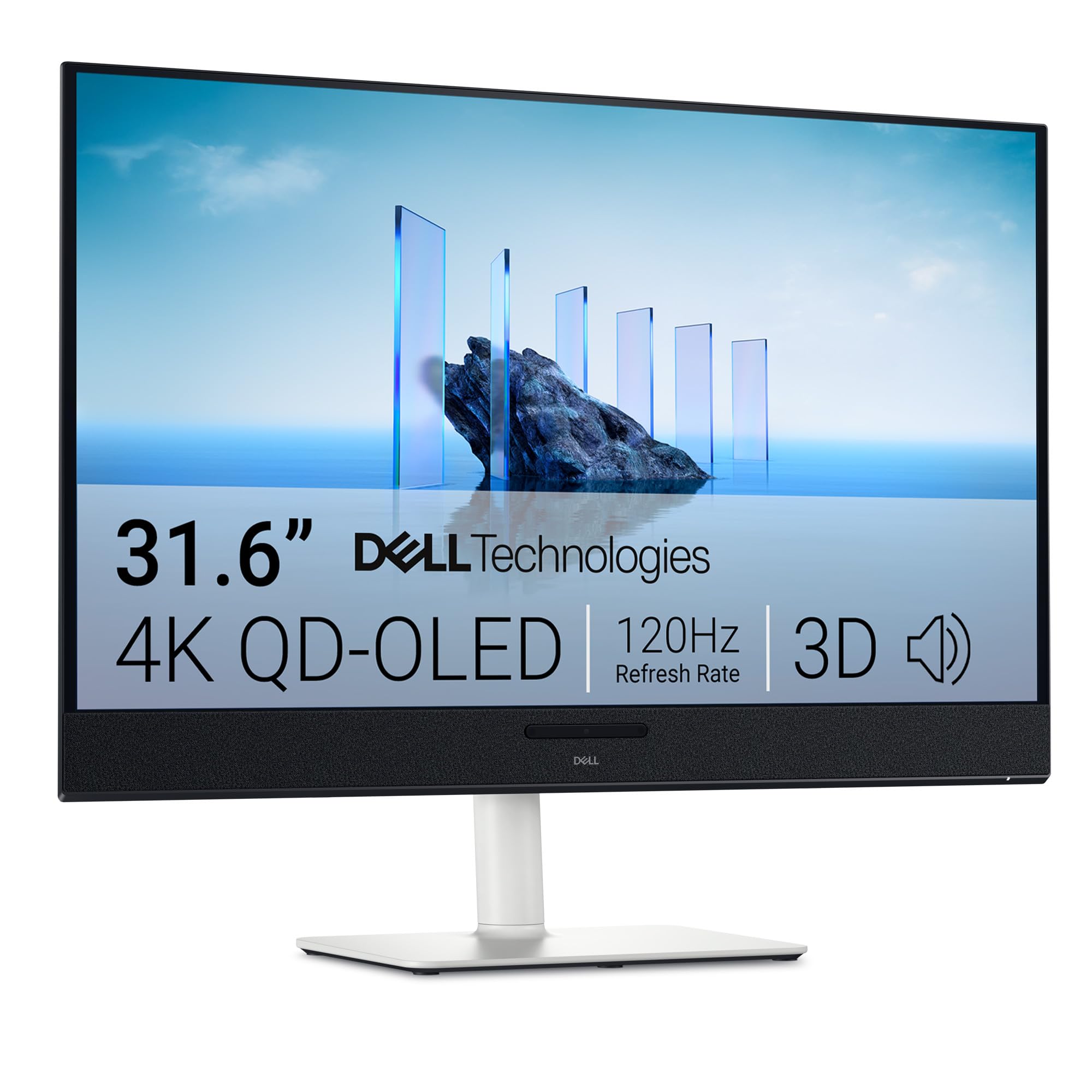
Five speakers in a monitor usually means five ways to make a tinny noise. The Dell 32 Plus is the exception in this group: five 5W drivers with AI-driven head-tracked spatial audio that do the job of a soundbar parked under the screen. It is also the calmest thing here to look at, a 31.6-inch 4K QD-OLED in ash white with a matte finish, 120Hz, a 0.03ms response, Dolby Vision and True Black 400 support, 99% DCI-P3, and 90W of USB-C power delivery.

The 120Hz ceiling is the honest trade. For documents, timelines, and video it is plenty, and the QD-OLED contrast does more for how a photo looks than another 45Hz would. For competitive shooters it is the slowest screen in this group by a wide margin, which is the whole reason a gamer should look at the MSIs instead.

The warranty is the part to read closely. Dell covers this screen for one year as an advanced-exchange plan with panel coverage, where the ASUS, MSI, and Samsung picks run three. On a panel that cannot be fixed at home, that gap matters more than a port. What you do get is the tidiest single-cable arrangement here: video, 90W of power, and a USB hub for accessories, all through one cable to a laptop.

Pros

  • Five-speaker spatial audio built in
  • 90W USB-C single-cable desk
  • Matte QD-OLED in ash white
  • Dolby Vision and True Black 400

Cons

  • Only one HDMI input
Our verdict

The work-desk OLED: real speakers, one cable to a laptop, and enough refresh for everything except competitive shooters.

Check Latest Price
6

Bright Rooms

Samsung Odyssey OLED G8

78 /100
LBD Score Very Good

Key details

Coating
Glare Free
Warranty
3 years
Panel Type
QD-OLED
Refresh Rate
240 Hz
View on Amazon

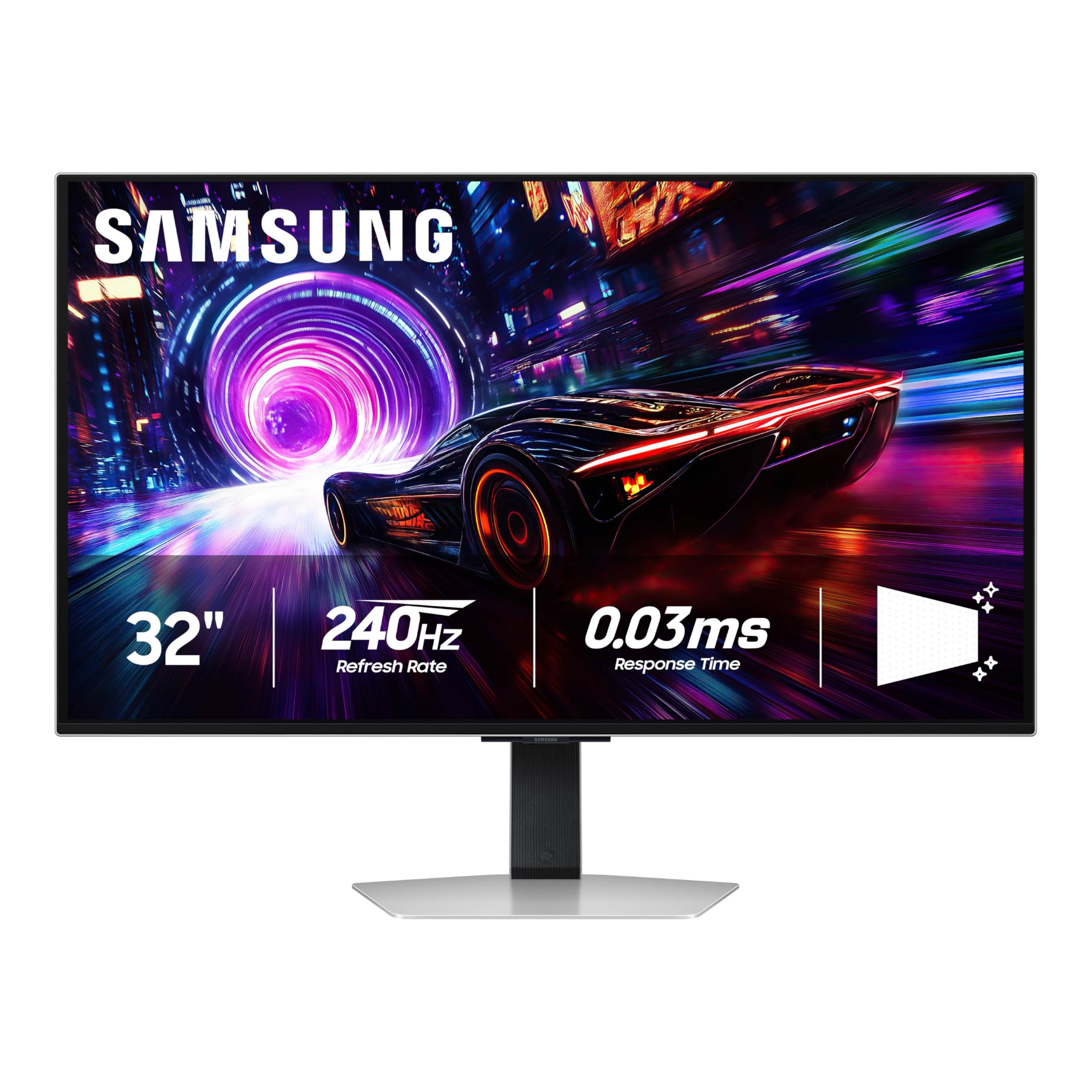
Samsung's Glare Free coating is a deliberate step away from the glossy look everyone else here sells, and the company rates it 54% less glossy than a conventional anti-reflection film. Underneath sits a 32-inch 4K QD-OLED at 240Hz with a 0.03ms response, True Black 400, 99% DCI-P3, G-Sync compatibility alongside FreeSync Premium Pro, and a three-year warranty, in a silver chassis that weighs 18.5 pounds.

The effect in a bright room is the entire point. A window, an overhead fixture, or a lamp behind your chair turns a glossy QD-OLED into a mirror at the worst possible moment; this coating scatters that light instead, and the blacks survive because there is still no backlight behind them. The price is the last few percent of shine on highlights. In a dark room you can see that the picture is a touch less jewel-like than the glossy panels.

If your desk faces a window and cannot be moved, that trade is worth taking, and the 240Hz panel means you are not giving up speed for it. If your room is already dark, you are paying a premium for a coating you will not need, since the glossy ASUS and MSI screens cost less and look punchier in those conditions. The three-year warranty including burn-in coverage is the reassurance worth having at this end of the market.

Pros

  • Glare Free coating for bright rooms
  • 240Hz 4K QD-OLED with 0.03ms
  • Three-year warranty
  • Lightest screen here at 18.5 pounds

Cons

  • Most expensive screen in this group
  • Reliability is uneven at this price
Our verdict

The bright-room answer: a 240Hz QD-OLED with a coating that survives daylight, at the highest price here and with reliability we cannot vouch for.

Check Latest Price
7

Esports and Docking

LG UltraGear 32GX870A-B

83 /100
LBD Score Excellent

Key details

Ports
2x HDMI, DisplayPort 2.1, USB-C
Warranty
2 years
Refresh Rate
240 Hz / 480 Hz dual mode
Screen Finish
Matte
View on Amazon

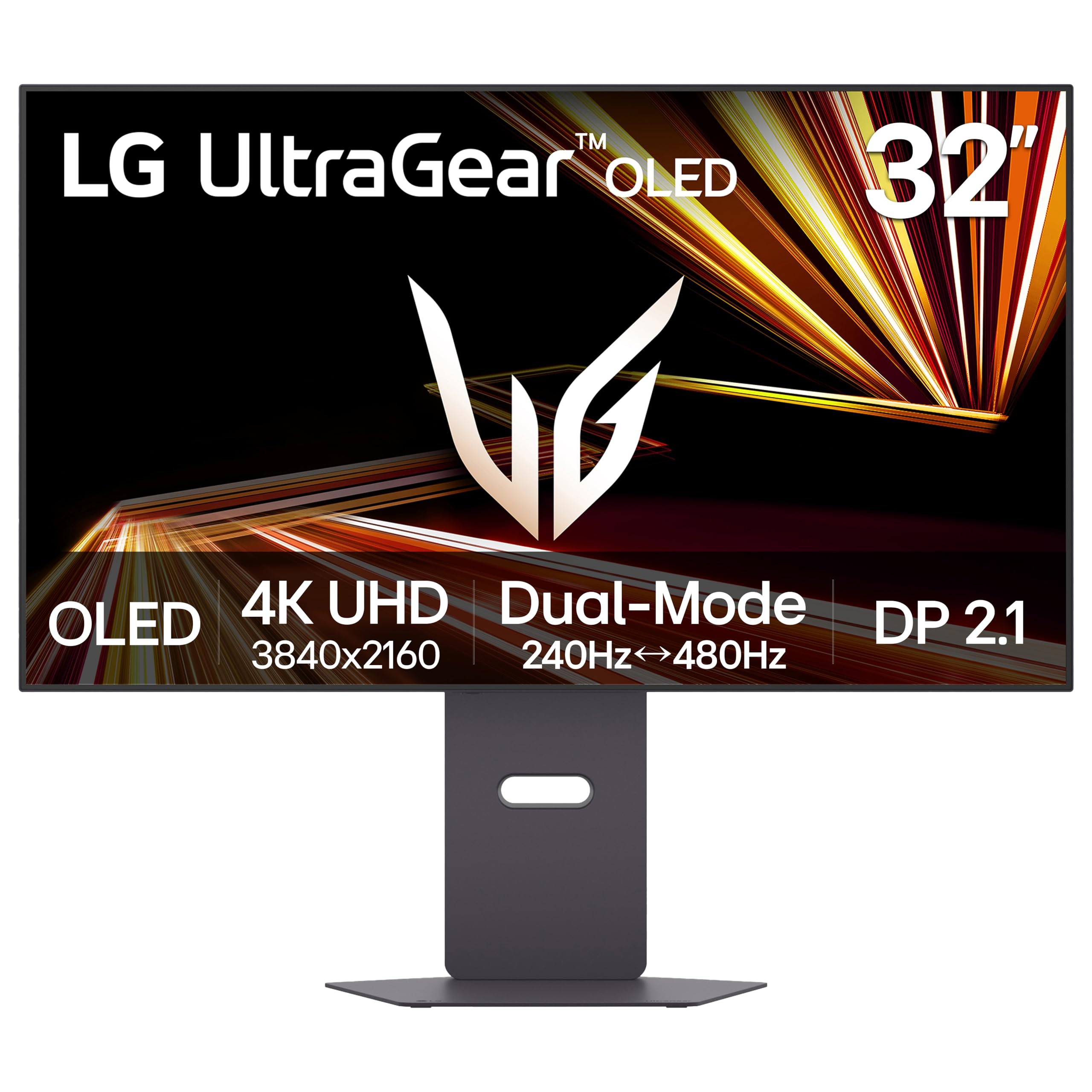
If your desk backs onto a window and you still want 240Hz, this is the LG to look at. The 32GX870A-B is the matte version of LG's 4K OLED flagship: 3840 x 2160 at 240Hz or 1080p at 480Hz, a 0.03ms response, Micro Lens Array+ brightness rated at 275 nits typical with peaks up to 1300, True Black 400, 98.5% DCI-P3, and both G-Sync and FreeSync Premium Pro support.

The 480Hz mode is the headline and the least useful part for most people. It runs at 1080p, which on a 32-inch panel means visible softness in anything but a shooter's interface; what it buys is the least motion blur in this group. For everything else, the 240Hz 4K mode is where you will live.

The ports are the other reason to pick it. DisplayPort 2.1, two HDMI inputs, USB-C, and a USB hub make this the most complete connection set here, and it is the only LG in this group with built-in speakers. The stand does height, pivot, and swivel, and the DisplayPort, HDMI, and USB-C cables all come in the box.

So it lands as a specialist. The matte coating costs a little of the glossy magic that makes these panels addictive, and in exchange you get a screen that holds up in daylight, the widest port set here, and a 480Hz mode nothing else in the group offers. If reflections are the problem you are trying to solve, that is the whole argument.

Pros

  • Matte 4K at 240Hz with a 480Hz mode
  • DisplayPort 2.1, two HDMI, and USB-C
  • Built-in speakers

Cons

  • Two-year warranty instead of three
Our verdict

A specialist for a window-facing desk and a competitive habit: matte 240Hz, a 480Hz mode, and the fullest port set in this group.

Check Latest Price

How We Tested 32-Inch OLED Monitors

We started by pulling every 32-inch OLED currently sold and narrowing the field by panel type, refresh rate, port lineup, stand adjustment, and price, aiming for a spread of price points rather than seven versions of the same screen. That left seven units, which ran for eight months on the desks we actually work at rather than on a lab bench.

Each monitor took a turn as a primary display for a full workweek: eight-hour days of spreadsheets, long PDFs, and video calls, with a window to one side so we could watch how the coating handled afternoon glare. Evenings went to games — fast shooters for motion, dark single-player titles for black level — and weekends to console, laptop, and second-PC hookups, where we timed how long input switching took and checked whether a laptop charged at the rate the port promised. A colorimeter went on each panel for SDR and HDR readings, and we noted the point at which the screen dimmed as a bright full-screen scene pushed it.

We watched the slow things too. A taskbar, dock, and spreadsheet grid sat in place for hours, and we checked for retention the next morning and how quickly a pixel refresh cleared it. We nudged the stands to see if they wobbled, tilted and swiveled them the way you would when shifting between sitting and standing, and routed cables through the management clips. At the end we weighed what each one cost against what it gave back — brightness headroom, color accuracy straight out of the box, port flexibility — because at this price, paying for features you'll never touch is the easiest mistake to make.

How to Choose a 32-Inch Oled Monitor

Glossy or Matte Is a Room Question

Glossy QD-OLED delivers the effect people are chasing: colors that look lit from behind, highlights with a wet shine, blacks that vanish. It also puts your window, your lamp, and your own shirt into the dark parts of the image. Matte surfaces — the film on the ASUS PG32UCDM, Samsung's Glare Free layer, the LG 32GX870A-B — scatter that light and hold up in daylight at the cost of a little sparkle.

Pick by where the desk sits, not by a showroom demo. Store lighting flatters glossy panels and deadens matte ones; a room with no direct sun rewards gloss, and a desk under a window does not.

Refresh Rate and the Dual-Mode Trick

At 4K, 165Hz already clears the point where motion reads as continuous, which is why the budget MSI is not a compromise for most desks. 240Hz is the better target for a strong card and a competitive habit. The 480Hz settings drop to 1080p and work as a shooter tool rather than something you leave on — on a 32-inch panel, 1080p looks soft everywhere except a game's interface.

Match the screen to the frames you actually produce. If your card holds 4K/120 in the games you play, extra refresh is money you can put toward warranty coverage or a better arm.

Brightness and HDR at 32 Inches

Full-field brightness on these panels sits around 250 to 275 nits, well below a good LCD, and an automatic brightness limiter pulls it down further when a white page fills the screen. That is the technology, not a fault. What you get back is per-pixel black and HDR highlights that punch far above the full-field number.

Plan the room rather than the settings menu. An OLED facing a window at noon is a dimmer, more reflective experience than the same panel at night, and no HDR mode fixes that.

The Warranty Is the Spec That Matters Most

The known failure mode for an OLED is burn-in, and the panel is most of the monitor's cost. ASUS, MSI, and Samsung cover their 32-inch OLEDs for three years with burn-in included; LG covers two, and Dell covers one. That gap is worth more than a refresh-rate bump, and it is the first line we check now.

Ask whether the coverage is advance exchange. Shipping a 32-inch panel out for repair leaves a hole in your desk for weeks.

Ports Decide Your Dock

USB-C with 90W power delivery turns the monitor into a laptop dock, and the ASUS, the MSI MPG 321URX, and the Dell all offer it. Count your sources: a desktop, a work laptop, and a console is three, and the Dell's single HDMI fills fast. A KVM switch is the feature to look for when two computers share one screen.

DisplayPort 2.1 matters only if you plan to run 4K at the highest refresh rates without compression; the LG 32GX870A-B is the one here that lists it.

Frequently Asked Questions

Final Verdict

Buy the ASUS ROG PG32UCDM. It is the only screen here that pairs a 240Hz 4K QD-OLED with a matte coating, 90W USB-C, and three-year burn-in coverage, and it manages that without landing at the top of the price range. For most desks, that combination ends the search.

Two situations change the answer. A dark room and a taste for gloss point to the MSI MPG 321URX, the same 240Hz recipe without the anti-glare film. A fixed budget points to the MSI MAG 321UP, which gives up 240Hz and USB-C but not the OLED picture. And if the desk is for work first, the Dell 32 Plus earns its place on sound and a single cable.