Best Cameras Under $300 of 2026

Every camera under $300 has to answer one question before it earns a spot in your bag: why not just use the phone in your pocket? Fair question — a phone nails a bright outdoor shot without effort. What it can't give you is a real optical zoom, a screen that flips around so you can frame yourself, and a battery that isn't half-drained by lunch.

I've handed plenty of these to friends before a trip or a kid's birthday, and the box never tells the truth — the first twenty photos do. We spent eight months with 12 cameras, from pocket compacts to a bridge body with a long lens, shooting in backyards, at a soccer field, and in dim living rooms.

One thing to know before you shop: the 16X zoom on budget listings is digital, which crops and softens the frame; a 5x optical zoom moves real glass. I also cared about which cameras felt obvious in the first minute and which looked better than their price. The picks below cleared both.

1

Best Overall

Kodak PIXPRO FZ55

89 /100
LBD Score Excellent

Key details

Sensor
16MP 1/2.3-inch CMOS
Weight
3.7 oz
Battery
Rechargeable Li-ion
Optical Zoom
5x
View on Amazon

The FZ55 is the camera we reach for when the point is to carry a camera, not a bag. At 3.7 ounces and small enough for a jacket pocket, it disappears until you need it, and the 5x optical zoom gives you framing that a phone's digital crop cannot match. We think that combination is why it is the default pick here: it makes ordinary snapshots feel deliberate without turning a walk into a photo session.

The 16MP sensor is the same small 1/2.3-inch type used across this class, so do not expect miracles after dark; the flash and a steady hand do more for low-light shots than the resolution number. In daylight, the 28-140mm lens covers group shots and a school-stage close-up, and the 2.7-inch screen is basic but readable. We appreciated the rechargeable lithium-ion battery, which avoids the AA habit of the Kodak bridge cameras, and USB charging keeps the cable count down.

The bigger caveat is long-term reliability. This is a budget electronic device, and early failures are part of the risk; buy from a retailer with a return window and shoot a few hundred frames in the first week, including flash and zoom, before you rely on it for a trip. That test is worth more than any spec on the box.

Pros

  • 5x optical zoom in a pocketable body
  • Rechargeable Li-ion battery with USB charging
  • Simple point-and-shoot controls
  • Light enough to carry daily

Cons

  • No Wi-Fi or touchscreen
  • Digital stabilization only
Our verdict

We recommend the FZ55 as the default pocket camera here: its 5x optical zoom, compact body, and simple controls make everyday photos easier than the high-megapixel alternatives.

Check Latest Price
2

Best Superzoom

Kodak PIXPRO AZ528

83 /100
LBD Score Excellent

Key details

Sensor
16MP 1/2.3-inch BSI CMOS
Weight
1.1 lb
Wide End
24mm
Optical Zoom
52x
View on Amazon

A 52x optical zoom is the reason to look at the AZ528; nothing else in this group reaches nearly as far. The 24mm wide end means you can start with a landscape and then push all the way to a bird on a wire, and optical stabilization is there to keep the long end usable in hand.

We see the AZ528 as the specialist of the group: it is the one we choose when the subject is across a field, on a stage, or at the top of a tree. The electronic viewfinder helps in bright sun in a way the rear screens on the compact picks do not, and the 6fps burst gives you a better chance at a bird taking off or a runner crossing the line.

The small 16MP sensor is the limit. At full zoom you need light and a steady brace, and the camera rewards a half-press before the final shot rather than a quick jab. We treated the AZ528 as a small superzoom, not a replacement for a DSLR; judged that way, it delivers a lot of reach and a useful set of controls for the money.

The rechargeable battery is a practical bonus, and the built-in Wi-Fi lets you send a frame to your phone without pulling the card. We also liked that the mode dial and manual options are there for the days you want them, without forcing you through them on a quick family walk.

Pros

  • 52x optical zoom with a 24mm wide end
  • Optical image stabilization
  • Wi-Fi transfer and remote viewfinder
  • 6fps burst for action

Cons

  • Bridge body needs a small bag
  • Fixed 3-inch screen
Our verdict

We recommend the AZ528 for distant subjects: its 52x optical zoom and optical stabilization bring birds, fields, and stage performances close with a reach no compact here matches.

Check Latest Price
3

Best Budget for Vlogging

Duluvulu DC101

84 /100
LBD Score Excellent

Key details

Video
4K
Screen
3-inch 180° flip
Sensor
48MP 1/3-inch CMOS
Battery
Two rechargeable Li-ion
View on Amazon

The DC101 is the budget route into video: a 4K-capable compact with a 180° flip screen, two rechargeable batteries, and a 32GB card in the box. We think it is the easiest first vlogging camera to justify here because it removes the accessory shopping list.

The 3-inch flip screen is the feature that makes it a vlogging camera rather than a pocket snapshot camera. We used it for self-framing and found the menus simple enough to change resolution without a manual. Autofocus is adequate for talking-head clips, and the two included batteries mean you can keep shooting after the first one dies. The included card, bag, and cable complete a kit that otherwise costs extra.

What we appreciated most is the completeness. A beginner can open the box, charge a battery, and start filming without a second order, which is worth more than a slightly larger sensor at this level. The DC101 is not trying to be a cinema camera; it is trying to make the first month of video easy, and that is exactly what it does. We also liked the included camera bag; it is basic, but it means the camera has a home from day one.

Pros

  • Two batteries and 32GB card included
  • 180° flip screen simplifies selfies
  • Simple menus and lightweight body
  • 4K video at a budget price

Cons

  • Digital-only zoom softens distant shots
  • Small sensor struggles in low light
Our verdict

We recommend the DC101 for first-time vloggers: the flip screen, two batteries, and included card remove the usual accessory scramble, even though the zoom is digital only.

Check Latest Price
4

Best Starter Vlogging Kit

Yatao YT01-A

79 /100
LBD Score Very Good

Key details

Video
6K
Screen
3-inch flip
Sensor
64MP 1/2.7-inch CMOS
Battery
Two Li-ion batteries
View on Amazon

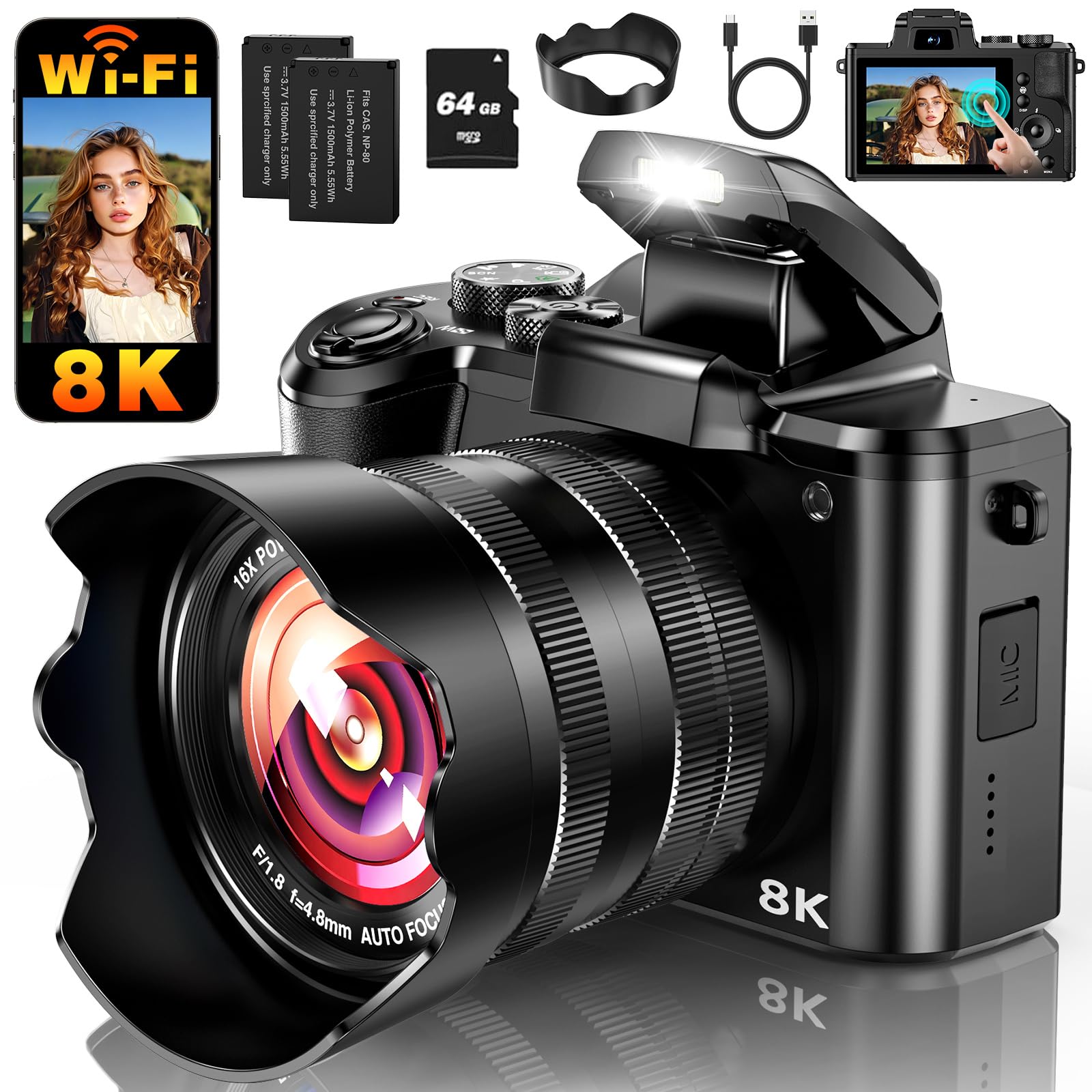
Yatao's kit is the one that arrives ready for a channel: camera, 64GB card, microphone, fill light, two batteries, and a charging stand. That bundle is the product as much as the camera body is, and it changes the first week of ownership.

The camera itself is a 64MP compact with a 3-inch flip screen, Wi-Fi, and USB-C webcam use. The 6K and 64MP numbers are not the reason to buy it; the sensor is small, and we judge it on convenience rather than resolution. What matters is that the microphone and light are included, because those two accessories do more for a beginner video than another few megapixels.

We see the YT01-A as the starter kit for someone who wants to film, not just take stills. The flip screen and webcam mode cover the two common first projects—selfie videos and desk recordings—and the included light softens the worst of a dim room. We were also impressed by how much of the accessory list is genuinely useful, rather than filler.

It is not the camera for someone who mostly shoots stills; the Kodak FZ55 is the more honest choice there. For a first YouTube channel, a school media project, or a family member who wants to start talking to camera, the Yatao removes the usual excuse that the gear is not ready yet.

Pros

  • Mic, fill light, and 64GB card included
  • Flip screen and webcam mode
  • Two batteries with charging stand
  • Simple beginner-friendly controls

Cons

  • Digital-only 16x zoom
  • Battery life runs short on long shoots
Our verdict

We recommend the YT01-A for beginners who want to start filming: the included mic, fill light, two batteries, and 64GB card make it a complete first video kit.

Check Latest Price
5

Best for Kids and Teens

W & O Q5

80 /100
LBD Score Excellent

Key details

Video
4K
Memory
32GB card included
Screen
3-inch 180° flip
Photo Resolution
64MP
View on Amazon

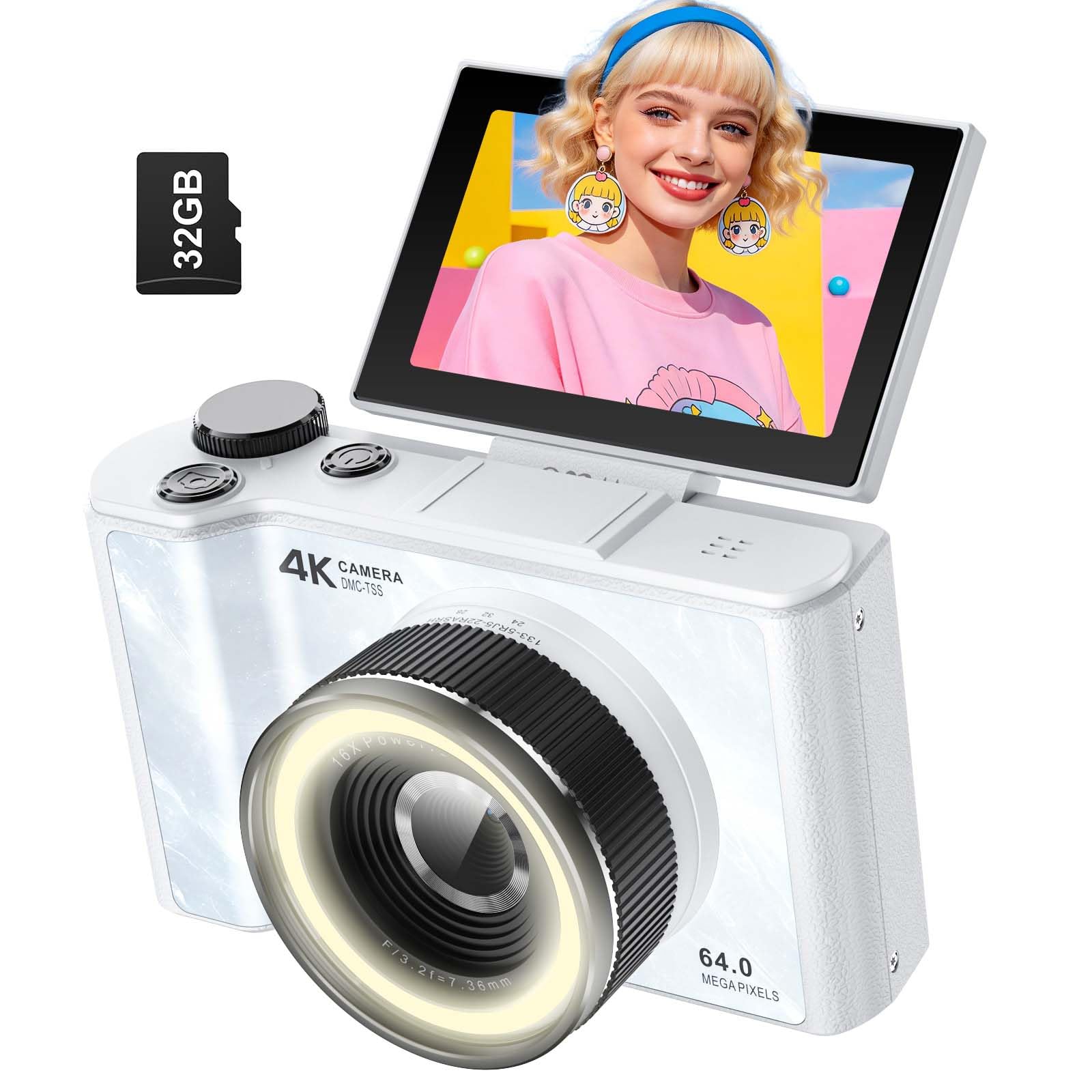
The W & O Q5 is the camera to hand a kid without flinching. It is the least expensive camera in this group, small and light, and it comes with a 32GB card and a phone card reader so photos can move without a computer. The controls are laid out for small hands, and the camera starts in a simple auto mode.

We think that completeness is the point. The 180° flip screen, autofocus, and simple menus make it approachable for a tween or teen, and the built-in beauty mode and ring light are the kind of features that get used rather than admired. The 4K and 64MP claims are best read as marketing; we judge the Q5 on whether it makes a young photographer want to keep shooting, and it does.

The plastic body is light, which is an asset in a backpack, and the included card reader is more useful than a printed manual. We treated the Q5 as a first camera, not a pocket professional; set that expectation and it earns its place. For a birthday or a first camera, that low-stakes feel is the feature that matters. The wrist strap is worth using.

Pros

  • Lowest-cost camera here
  • 180° flip screen and ring light
  • 32GB card and card reader included
  • Lightweight, pocketable body

Cons

  • Small sensor limits low-light detail
  • Digital-only stabilization
Our verdict

We recommend the Q5 as a first camera for kids and teens: it is small, simple, and comes with the card and reader that make sharing photos easy.

Check Latest Price
6

Selfies and Family

Saneen WD05

85 /100
LBD Score Excellent

Key details

Video
8K
Screen
4-inch touchscreen
Sensor
64MP 1/2.5-inch CMOS
Battery
3000mAh Li-ion
View on Amazon

Saneen's WD05 makes its case with a 4-inch touchscreen, a dual-lens design for front and rear shooting, and a 3000mAh battery—specs that sound more like a phone than a budget camera.

The 64MP and 8K labels are not what sell us; the bigger screen and front-facing lens are. For selfies, group shots, and webcam use, the WD05 is easier to frame than the small-screen compacts, and the touch interface is more familiar to anyone who has only shot on a phone. The hot shoe gives it room to grow with a mic or light.

We see it as a family and teen camera with a big-screen twist. It is simple enough for a younger shooter to operate, and the included 32GB card means you can start shooting without an extra purchase. The 4-inch screen is genuinely useful for reviewing shots, and the front lens makes selfies less of a guess.

The catch is that the camera's claim sheet runs ahead of its sensor: 8K and 64MP from a small chip are about creative modes, not detail you can crop into. We do not treat the WD05 as a serious stills camera; we treat it as an easy family camera that happens to look premium.

Pros

  • 4-inch touchscreen is easy to frame on
  • Front and rear lenses for selfies
  • 3000mAh battery
  • Hot shoe for accessories

Cons

  • No optical zoom
  • Small sensor limits low-light detail
Our verdict

We recommend the WD05 for selfie and family video: the 4-inch touchscreen and front lens make framing easier, and the 3000mAh battery is a useful size for a camera this small.

Check Latest Price
7

Touchscreen Beginners

toberto DC226

79 /100
LBD Score Very Good

Key details

Video
8K
Memory
64GB card included
Screen
3.2-inch touchscreen
Sensor
88MP 1/2.7-inch CMOS
View on Amazon

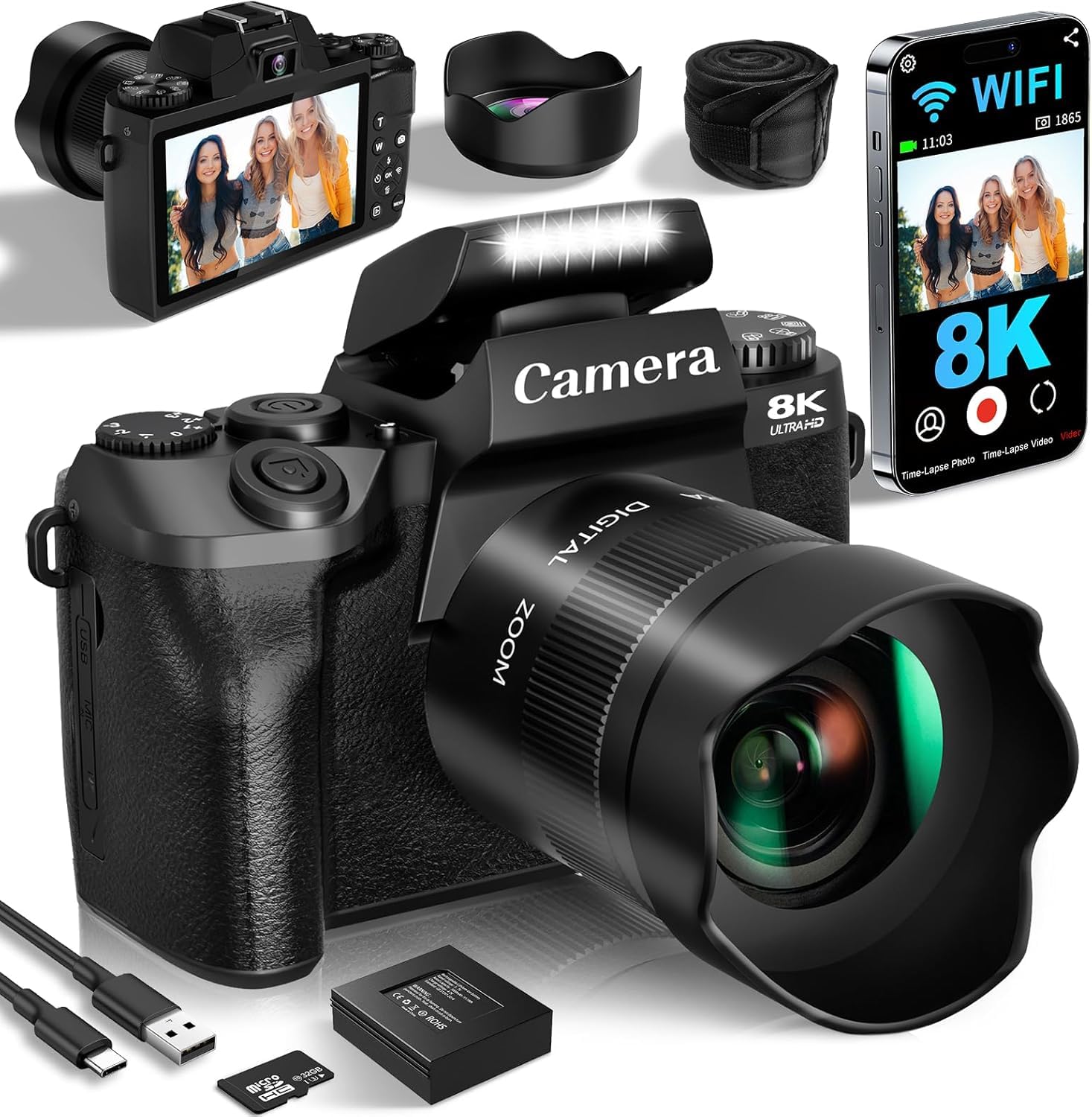
The DC226 is the spec-sheet overachiever of the group: 88MP photos, 8K video, a 3.2-inch touchscreen, a 64GB card, and two batteries, all in a body that fits a jacket pocket. On paper, it reads like a much more expensive camera.

The touchscreen is the meaningful upgrade. It makes menu navigation and review faster than the button-driven compacts here, and the 3.2-inch panel is large enough to frame a selfie without guessing. The camera is aimed at beginners, so the menus put auto modes first and creative modes second, which kept us out of submenus while shooting.

We also liked the included 64GB card and two batteries, which cut the usual first-day shopping. For travel snapshots and short clips, the DC226 covers the basics without asking you to learn exposure. It is a camera for someone who wants to experiment with modes and filters, not someone who wants a stripped-down point-and-shoot.

Where we hesitate is long-term confidence. The DC226 is not the camera we reach for when the photos have to come home, and the touchscreen and loaded kit are the reasons to choose it. We see it as a reasonable pick for a gadget-minded beginner who wants to experiment with modes, not as the safest default.

Pros

  • 3.2-inch touchscreen
  • 64GB card and two batteries included
  • 8K and 88MP creative modes
  • Compact, pocketable body

Cons

  • Small sensor limits low-light detail
Our verdict

We recommend the DC226 for touchscreen-first beginners who want a loaded kit: the big display and included card and batteries are handy, as long as you treat 8K and 88MP as creative modes rather than a promise of pro detail.

Check Latest Price

How We Chose and Tested the Best Cameras Under $300

We started with every camera selling under $300 at the major retailers, then read the spec sheets line by line to cut the field: sensor size, whether the zoom was optical or digital, whether a memory card and a spare battery came in the box, and the actual footprint of the body. Twelve made the cut. We bought each one at retail and lived with them for eight months.

They rode in jacket pockets and small shoulder bags and came out constantly — backyards, a youth soccer field, weekend hikes, a dim living room after dark. We shot the same scene on all 12 in direct sun and again at dusk, then opened the files side by side on one monitor next to the same shot from a mid-range phone. That's where the cheap ones separated: some smeared detail at dusk, others held color and edges.

Autofocus drew the hardest assignment — a dog running at the lens, a kid on a swing — and we noted how many frames landed sharp before the camera started hunting. We racked every zoom to its far end and examined the file at full size, which is how the digital-versus-optical gap showed up in practice. The flip screens got used the way buyers use them, held at arm's length while walking and talking, and we counted how many taps it took to reach video mode from a cold start.

Battery life we measured rather than trusted: full charge, shoot until the camera died, note both the frame count and where the warning icon appeared. Durability and finish got a week loose in a tote with keys and a water bottle, then a close look for scuffs and loose hinges. And because these are inexpensive cameras, value ran through everything — a body that looked and felt better than its price earned points no spec sheet could.

How to Choose a Camera under $300

Choose optical reach before megapixels

A 5x optical zoom is enough for a pocket camera used at birthday parties and on walks; a 25x or 52x bridge camera is the tool for birds, fields, and stage performances. Digital zoom only crops and softens, so a 16x digital label is not the same as optical reach. Resolution numbers also mislead: 48MP or 88MP from a tiny sensor does not beat a 16MP camera with a better lens. Decide the longest shot you actually take, then buy for that.

Expect small-sensor limits in low light

All of these cameras use small sensors, so indoor and dusk shots need help. The flash is not a failure; it is part of the design. Brace the camera, use a table or railing, and take a second frame. Optical stabilization matters most at long zoom, where handshake is magnified; digital stabilization helps video but cannot rescue a moving subject. If most of your photos happen indoors at night, your phone's processing may serve you better. Test a dim room before a trip.

Autofocus and handling decide keepers

Most budget cameras use contrast-detection autofocus, which hunts on plain walls, backlit faces, and low-contrast subjects. Center the focus point on an edge with some contrast, half-press, then recompose. At full zoom, give the camera a moment before pressing all the way. A flip screen is worth paying for if you film yourself; a touchscreen is nice but not essential. The best test is a person walking toward you in ordinary indoor light—if the camera cannot hold them, it will frustrate you.

Budget for power, storage, and a return window

AA batteries are convenient when traveling because you can buy them anywhere, but rechargeable AAs and a charger cost extra and add bulk. Lithium-ion packs are lighter and charge over USB, though a spare is wise. Buy a Class 10 SD or microSD card, 32GB or larger, and format it in the camera before shooting. Finally, test the camera hard in the return window: flash, zoom, video, and a card transfer. Budget electronics can fail early, and the receipt is part of the purchase.

Frequently Asked Questions

Final Verdict

For most people, the Kodak PIXPRO FZ55 is the camera to buy. It puts a 5x optical zoom and a genuinely pocketable body in one simple package, and it is the pick we trust for everyday photos because it gets out of the way.

If distance is the point, the Kodak AZ528's 52x lens is the better tool; if you are mainly filming yourself, the Duluvulu DC101 and Yatao YT01-A make more sense. The FZ55 remains the default unless a specific job pulls you elsewhere.