Best Diode Laser Engravers of 2026

A diode laser engraver is a small head on a moving rail that burns thousands of hair-thin dots into wood, leather, acrylic, or coated metal. The number in front of the "W" — 5, 10, 20, 40 — is really a decision about what the machine can cut clean through and what it can only mark. Get that wrong for the projects you actually have in mind and you'll spend your evenings running the same cut three times.

I learned that the expensive way. Over the past seven months, my team and I assembled, focused, and ran nine of these machines, from a 5W starter to a 40W enclosed unit, through plywood signs, slate coasters, leather patches, acrylic keychains, and a stack of powder-coated tumblers. Assembly ranged from a twenty-minute bolt-together to an evening lost to a poorly translated manual — a fair sign of who each machine is really for.

Two things surprise first-timers: diodes mark coated metal beautifully but won't cut it, whatever the wattage, and most of these now run offline from a touchscreen or an app, so there's no laptop tethered to your bench. The picks below are sorted by what each one is genuinely good at.

1

Best Overall

xTool S1 40W

87 /100
LBD Score Excellent

Key details

Safety
Class 1 enclosed
Max Speed
600 mm/s
Laser Power
40W
Working Area
23.93 x 15.16 in
View on Amazon

A diode laser that can live in a family workshop without a separate enclosure is the reason the xTool S1 takes our top spot. The 40W head and 23.93 x 15.16-inch bed put it in a different class from the open-frame machines here, and the Class 1 cabinet filters 99% of laser light, so eye protection is built into the product rather than added afterward. We also like the auto-focus and pinpoint positioning for repeat work; there is less nudging of the workpiece and more time cutting.

Throughput is the other half of the case. The S1 is rated at 600mm/s and uses a 3mm aerospace-grade aluminum frame, and the rotary bundle opens up tumblers and cylindrical blanks. Software matters as much as hardware at this level: XCS is designed to get a first project going, while LightBurn support gives the machine room to grow with more complex work.

The trade-off is price. This is the premium machine in this group, and the value question is fair if you are buying for occasional gifts rather than regular production. For a small business or a busy craft room, the enclosure, speed, and bed size are what you are paying for.

The rotary bundle is the detail that turns the S1 from a flatbed engraver into a tumbler and pen machine, and it is the version we point to for anyone planning to sell cylindrical work.

Pros

  • Class 1 enclosure filters 99% of light
  • 40W laser and 23.93 x 15.16-inch bed
  • Auto-focus and pinpoint positioning
  • Rotary bundle for tumblers and cylinders

Cons

  • Heavy 86.8-pound cabinet needs a dedicated bench
Our verdict

We recommend the S1 as the best overall diode laser here for anyone who wants a safe, fast, large-bed machine without building a separate enclosure.
Check Latest Price
2

Best 20W Value

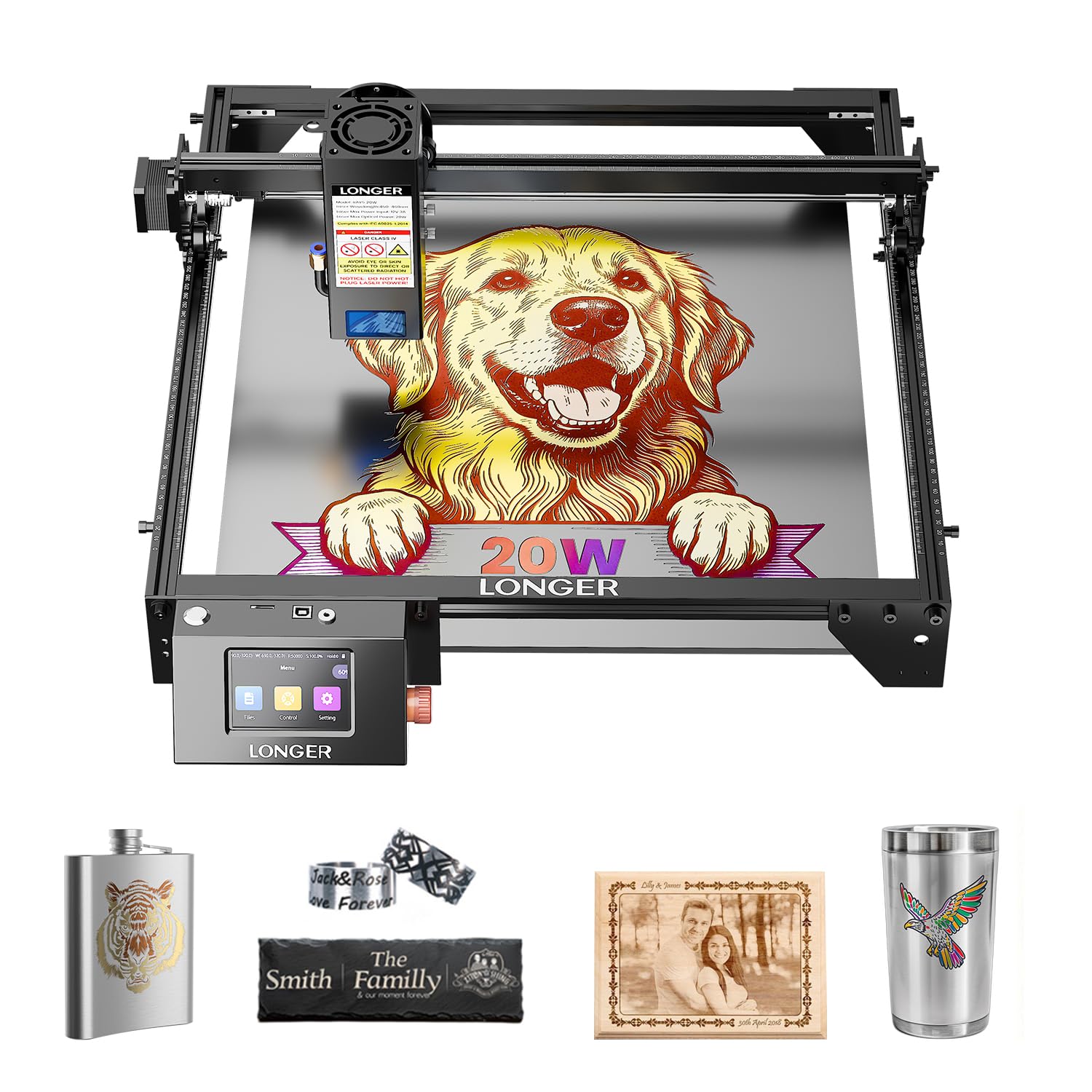
Longer RAY5 20W

88 /100
LBD Score Excellent

Key details

Control
3.5-in touchscreen
Max Speed
24,000 mm/min
Laser Power
20W
Working Area
400 x 365 mm
View on Amazon

The 3.5-inch touchscreen is the detail that makes the Longer RAY5 feel less like a hobby kit and more like a tool you can run from the bench. You can monitor a job and adjust settings without tying up a laptop, and the machine also supports app and offline work. With a 20W laser and a 400 x 365mm work area, it sits in the sweet spot for signs, coasters, and small production runs.

We like the 24,000mm/min top speed paired with the 0.08 x 0.1mm spot; the former helps with throughput, the latter with detail. The engraving quality holds up across wood, acrylic, and coated metal, and the four connection modes give you options when the shop Wi-Fi is not cooperating. This is the 20W machine we recommend when you want capability without the xTool cabinet or the Twotrees footprint.

The caveat is long-term durability. The touch panel and the shell are the parts to watch, and this is not the machine we choose for a heavy production schedule. For a serious hobbyist or a small Etsy shop, the touchscreen is what keeps it in daily use.

Pros

  • 20W output and 400 x 365mm work area
  • 3.5-inch touchscreen with app and offline control
  • 24,000 mm/min top speed
  • Four connection modes

Cons

  • Touch panel and shell are durability watch points
Our verdict

We recommend the RAY5 for a buyer who wants a 20W laser with a built-in touchscreen and a midrange price.

Check Latest Price
3

Best Large Work Area

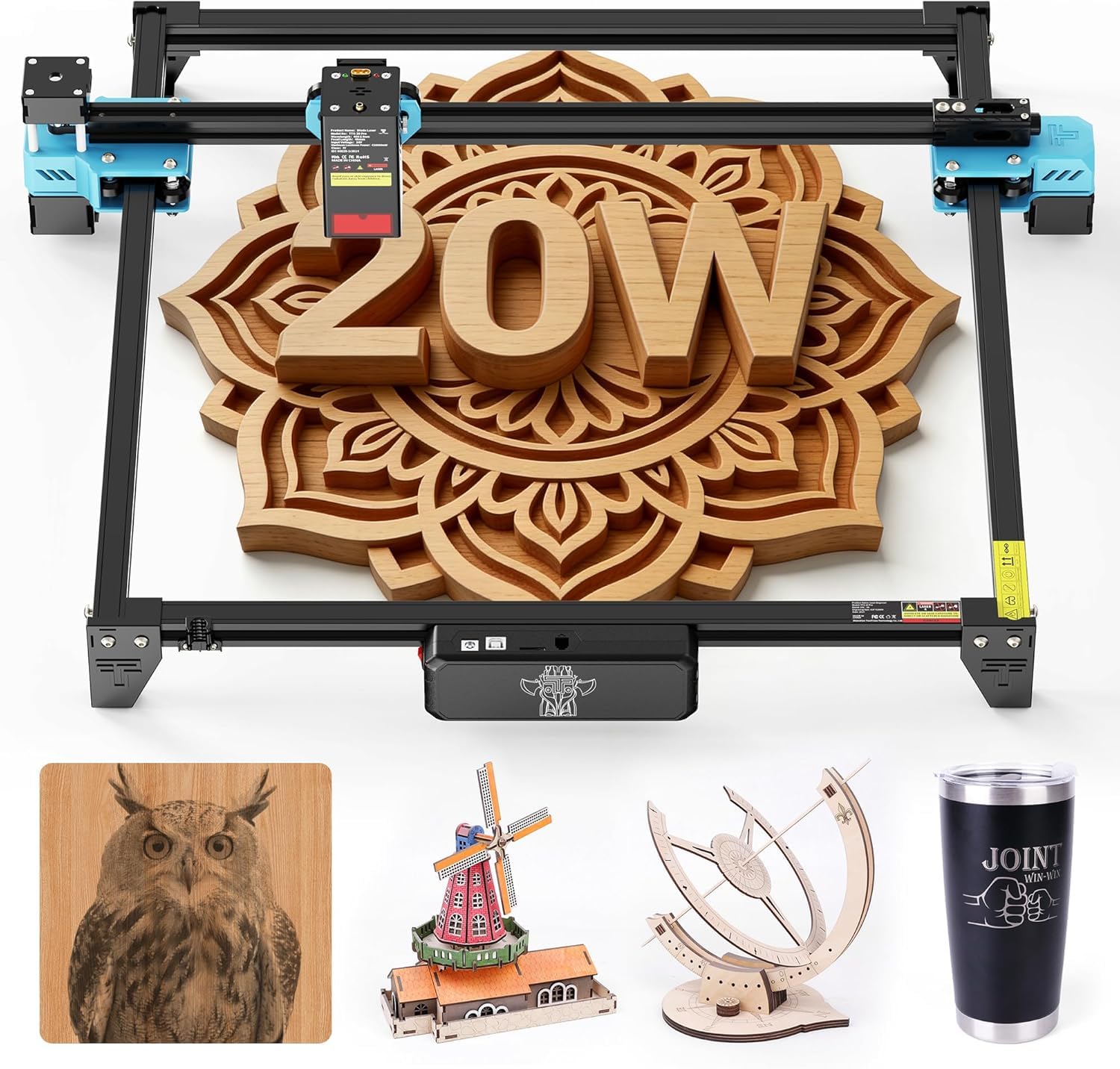
Twotrees TTS-20 Pro

83 /100
LBD Score Excellent

Key details

Laser Power
20W
Connectivity
Wi-Fi and TF offline
Working Area
418 x 418 mm
Optical Power
≥19.5W
View on Amazon

A 418 x 418mm work area is the number that separates the Twotrees TTS-20 Pro from most of the machines here. That extra room matters when you are nesting several small pieces or cutting a sign in one go; it is the machine we point to when a 300mm bed feels cramped. The 20W laser is rated at ≥19.5W optical output, so it has real cutting headroom rather than a peak number.

We appreciate the connection options more than the headline power. Wi-Fi, offline TF-card work, and LightBurn or LaserGRBL support mean you can run it from a card in the shop or from a laptop without rebuilding your workflow. The aluminum frame and 32-bit control board are the kind of details that make a large bed feel more stable.

The catch is the footprint. A 418mm frame takes a real bench, and the touchscreen and air assist are optional add-ons rather than included controls. If you want a compact machine or a sealed cabinet, this is not the one; if you want to maximize work area per dollar, it is.

The TTS-20 Pro makes the most sense for a shop that regularly cuts larger signs or nests small parts and wants to stay with an open-frame diode. The 20W module and the 418mm bed are a coherent pair: neither is wasted on the other, and the result is a machine that earns its space.

Pros

  • Large 418 x 418mm work area
  • 20W laser with at least 19.5W optical output
  • Wi-Fi and offline TF-card operation
  • LightBurn and LaserGRBL compatibility

Cons

  • Large 418mm frame takes more bench space
  • Touchscreen and air assist are optional add-ons
Our verdict

We recommend the TTS-20 Pro when work area comes first: its 418mm bed and 20W laser handle larger signs and nested jobs that smaller machines cannot.

Check Latest Price
4

Best Budget 10W

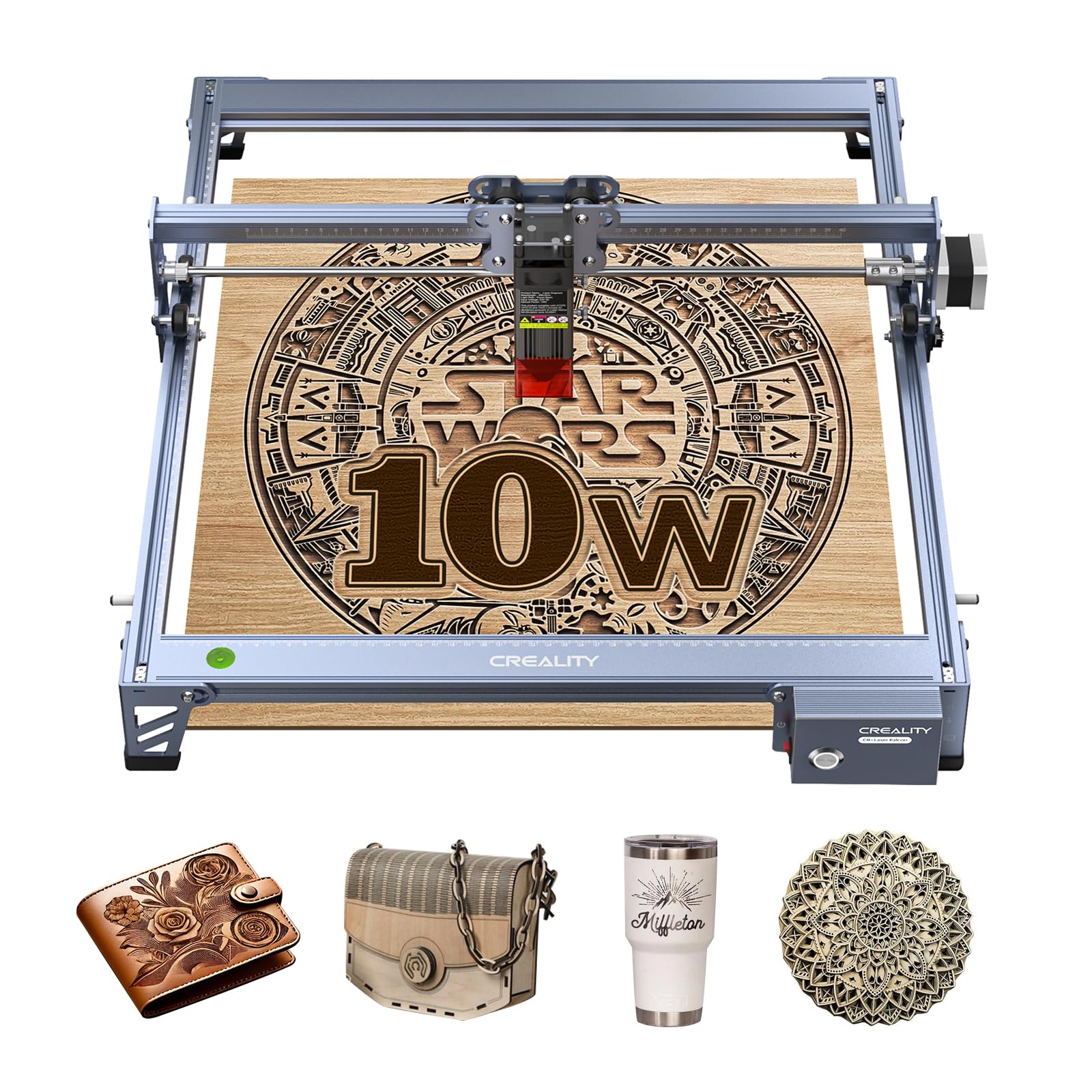
Creality 10W Laser

81 /100
LBD Score Excellent

Key details

Spot Size
0.06 mm
Laser Output
10W
Working Area
17 x 16 in
Machine Power
72W
View on Amazon

The Creality 10W is the value play among the 10W machines here. It is rated to cut 5mm basswood and 3mm black acrylic in one pass, and the 17 x 16-inch work area is generous for the price. The aluminum frame, steel shaft guide rails, and 0.06mm spot suggest a machine that is trying to give you the essentials rather than a long feature list.

We think this is the right 10W for a budget shop because the cutting numbers are honest for the class: it will handle light plywood, acrylic, leather, and engraving on wood without asking you to step up to a 20W machine. The 10-20 minute assembly target is realistic for anyone who has turned an Allen key before, and LightBurn and LaserGRBL support means you are not locked into a single software ecosystem.

We are comfortable recommending it to a maker who has used LightBurn or LaserGRBL before. The machine rewards a little patience with clean cuts and a large bed, and it leaves money for material and ventilation. If you want a machine that holds your hand from the first click, the K15 Pro is the easier route.

Pros

  • 10W output with one-pass cuts on thin stock
  • Generous 17 x 16-inch work area
  • Aluminum frame and steel shaft guide rails
  • LightBurn and LaserGRBL compatibility

Cons

  • Thin instructions slow first setup
  • First USB connection can be fussy
Our verdict

We recommend this Creality for budget-minded makers who want a 10W, large-bed laser and can handle the software setup themselves.

Check Latest Price
5

Best Compact Class 1

K15 Pro

81 /100
LBD Score Excellent

Key details

Max Speed
15,000 mm/min
Laser Power
10W
Safety Class
Class 1
Working Area
11.8 x 7.9 in
View on Amazon

The K15 Pro's A4 workbed is the whole argument: it fits on a desk, runs from a phone or computer, and is rated Class 1, which is rare at this size. We like that combination for a first machine in a shared room. The 10W laser and 15,000mm/min speed give it enough headroom for wood, leather, and coated metal without turning every project into an overnight job.

What sold us is the setup story. The manual is easy to follow, the software is free, and the machine can work offline, so you are not chained to a laptop. The A4 bed is the limitation: it is fine for coasters, keychains, and small signs, but a 400mm-wide project will not fit. That trade keeps the machine small enough to leave out, which is why it gets used.

Pros

  • Class 1 safety in a compact body
  • A4 workbed fits a desk
  • 10W output and 15,000 mm/min speed
  • Free software with AI and offline control

Cons

  • A4 bed rules out larger signs
Our verdict

We recommend the K15 Pro for a desk-bound maker who wants a compact, Class 1 10W laser for small projects and easy software.

Check Latest Price
6

Best First Laser

ORTUR Laser Master 2 S2

86 /100
LBD Score Excellent

Key details

Safety
G-sensor and UV filter
Spot Size
0.05 x 0.1 mm
Laser Power
10W
Machine Weight
9.03 lb
View on Amazon

The ORTUR Laser Master 2 S2 is the machine we think of when someone wants to learn on a 10W laser without spending a lot. It has a 10W module, a 0.05 x 0.1mm spot, and a G-sensor that pauses the job if the machine is moved or tilted. The protective cover filters 98% of UV, which is a useful extra layer, not a substitute for the right glasses.

We appreciate that ORTUR supports both LaserGRBL and LightBurn, and the 10-15 minute assembly target makes it less intimidating than a full-frame rebuild. The laser quality is the strongest part of the package; once the focus and settings are right, the results look good. It is a Class 4 laser, so the open beam is not something to treat casually.

We recommend it as a first laser rather than a production machine: the 10W head is enough for engraving and light cutting, and the price leaves room for glasses and ventilation. The G-sensor and UV cover are the details that make it a more thoughtful starter than a bare module.

Pros

  • 10W output with a fine 0.05 x 0.1mm spot
  • G-sensor pauses when moved or tilted
  • Protective cover filters 98% of UV
  • LightBurn and LaserGRBL support

Cons

  • Long-term reliability is the open question
  • Thin instructions slow first setup
Our verdict

We recommend the ORTUR as a low-cost first laser for engraving and light cutting, especially for someone who wants to learn the software on a simple machine.

Check Latest Price
7

Wide-Bed Engraving

Creality Falcon 5W

79 /100
LBD Score Very Good

Key details

Max Speed
10,000 mm/min
Spot Size
0.06 x 0.06 mm
Laser Output
5W
Working Area
400 x 415 mm
View on Amazon

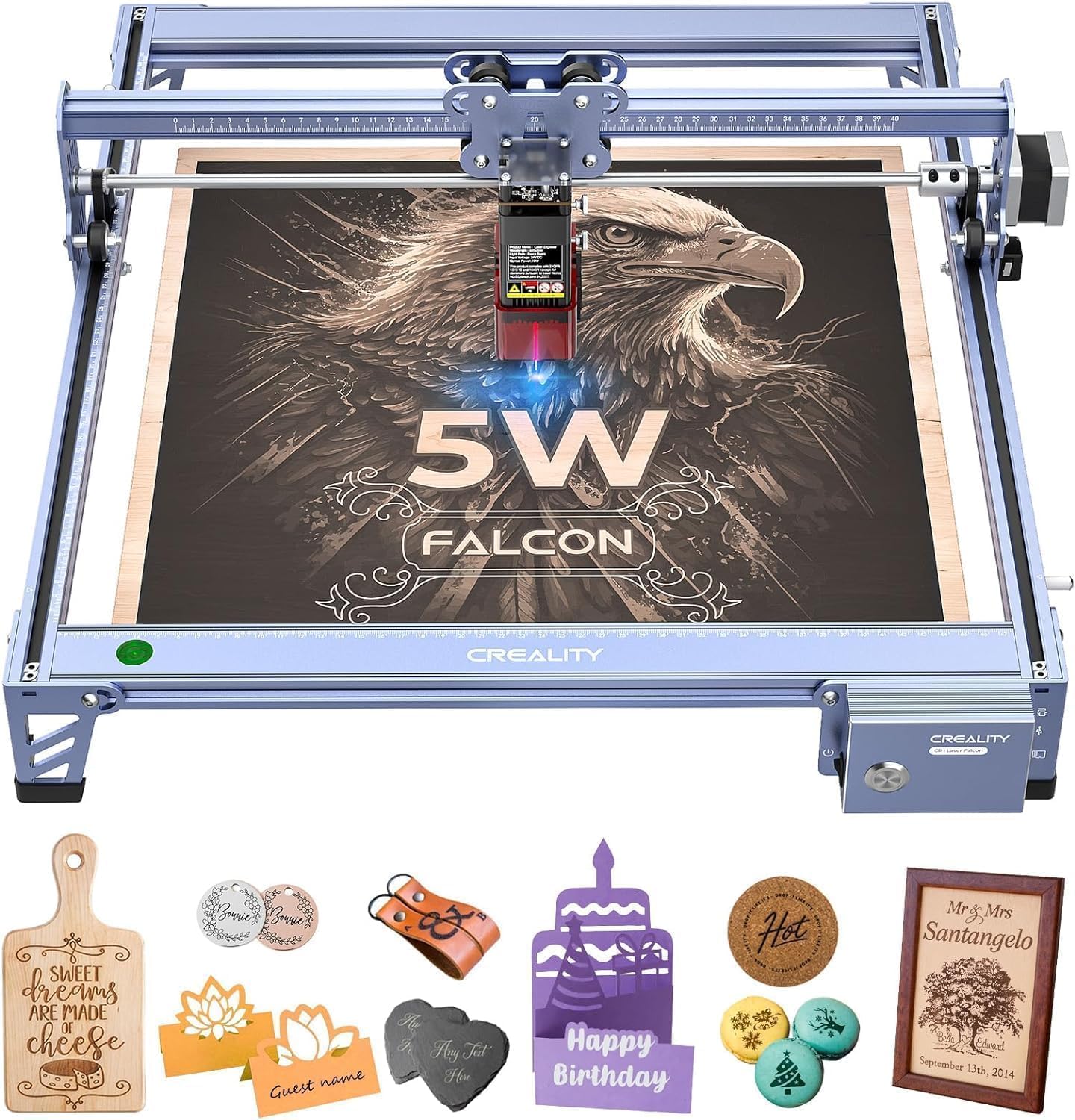
A 5W laser with a 400 x 415mm bed is an unusual combination: most budget machines this wide give you more power, and most 5W machines are much smaller. That is the reason the Falcon 5W earns a place here. It is a wide, low-power engraver for detail work, not a cutting workhorse.

We like the 0.06 x 0.06mm spot and the 10,000mm/min speed for detailed engraving on wood, leather, and acrylic. The eye-protective cover and active stop are useful safety additions, and offline use means you can run it from a card without a computer tethered. The 72W machine power is not the same as optical output; the 5W head is the number that matters for cutting.

The 5W output is the limit. It engraves confidently, but it is not the machine for thick cuts or production-speed work; you will feel the difference on thicker plywood and larger acrylic. The wide bed is still the reason to choose it over a smaller 5W machine.

For a first machine where most of the work is engraving and the budget is tight, this is the Creality we point to; for cutting, the 10W Creality is the better use of bench space.

Pros

  • Wide 400 x 415mm work area
  • Fine 0.06 x 0.06mm spot
  • Eye cover, active stop, and offline use
  • Low-cost entry into a wide bed

Cons

  • First USB connection can be fussy
Our verdict

We recommend the Falcon 5W for budget-minded engravers who want a wide bed for detailed work.

Check Latest Price
8

Small-Space Crafts

ACMER S2

83 /100
LBD Score Excellent

Key details

Max Speed
10,000 mm/min
Spot Size
0.08 x 0.08 mm
Laser Power
7W
Working Area
300 x 300 mm
View on Amazon

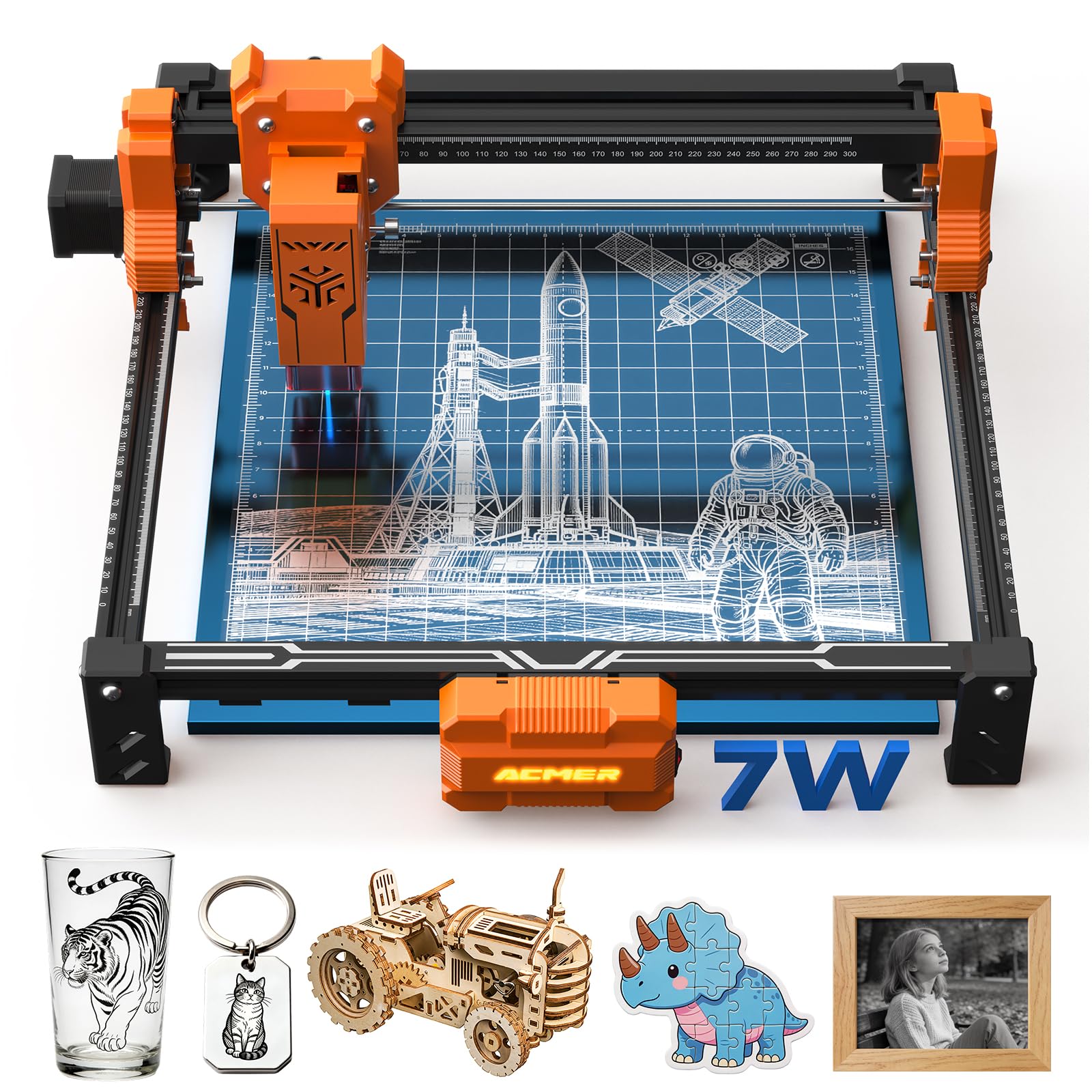
The ACMER S2 is the middle child of the brand's compact line: a 300 x 300mm workbed and a 7W laser in a sub-eight-pound frame. We like it for a small shop or a classroom because it stores easily and the safety package includes a shield, goggles, and motion-detection pause.

The 0.08 x 0.08mm spot and 10,000mm/min speed are sensible for wood, leather, and coated metal, and Acmerstudio's AI design tools lower the barrier for a first project. The included shield, goggles, and motion pause make it a more complete package than a bare module.

What gives us pause is the first computer connection. Acmerstudio is the native path, and a failed sync is the kind of problem that stops a beginner cold. Test the connection before you plan a project, and keep a USB cable and a card reader handy; if you want the easier software story, the K15 Pro is the safer pick. The reward is a machine that fits on a shelf and comes out for small jobs.

Pros

  • Compact 300 x 300mm, 7.8-pound frame
  • 7W output for engraving and thin cutting
  • Shield, goggles, and motion pause included
  • Free Acmerstudio software with AI design

Cons

  • 7W output limits thick cutting
  • 300mm bed rules out large layouts
Our verdict

We recommend the ACMER S2 for a small workspace that wants a 7W, 300mm-bed engraver with a compact safety package.

Check Latest Price

How We Tested Nine Diode Engravers

We started by pulling every current diode engraver from established laser makers and a handful of budget newcomers, then filtered by work area, wattage, and whether the machine could run a job without a computer attached. Anything shipping without safety glasses, limit switches, or usable documentation came off the list. That left nine machines, which we assembled, focused, and ran for seven months across a garage workshop, a kitchen table, and a craft room shared with a sewing machine.

Assembly came first, timed solo with nothing but the included manual and a hex key. We noted every step that needed a second pair of hands, and logged the manuals that skipped focus, safety, or material settings entirely — a couple sent us to forums before the first burn. Then we ran a project cold, with no tutorial, to see how fast a beginner got a clean result.

From there: cutting 3mm plywood at the maker's recommended settings and counting passes, engraving powder-coated tumblers to check rotary alignment, and burning the same slate coaster design weekly to watch for drift. Line crispness on slate and whether dark fills came out even on wood told us more about laser quality than any spec. Reliability showed up in the boring places — a belt that needed retensioning by week three, a touchscreen that froze mid-job.

Finally, we weighed what came in the box against what had to be bought separately: air assist, honeycomb bed, enclosure, rotary. A cheap machine with none of it rarely stayed cheap, and that's where our value judgments came from.

How to Choose a Diode Laser Engraver

Start With the Work Area

Work area decides which projects fit in one pass. A 300 x 300mm bed handles coasters, tags, and small signs; a 400 x 400mm bed or larger lets you nest multiple pieces or cut a wider sign without repositioning. For a home craft desk, that difference matters more than another 5W of power. The ACMER S2 and Twotrees TTS-20 Pro sit at opposite ends of that choice.

Do not confuse the machine's overall footprint with its work area. A wide frame can still have a small bed, and a compact A4 machine such as the K15 Pro is limited to A4-sized layouts. Measure your largest routine project first, then choose the bed; buying extra bed size you never use costs bench space and money.

Power Is About Cutting Headroom

Optical power sets the cutting ceiling. A 5W diode is an engraver first and a light cutter second; 10W starts to handle thin plywood and acrylic; 20W gives you more passes and thicker stock; 40W is the production end of this group. The xTool S1, Longer RAY5, and Creality Falcon 5W show how wide the range is.

Do not compare machine wattage with optical output. A 72W or 48W figure can describe the whole system, while the 5W or 10W laser head is what does the work. Diode lasers also mark coated metal rather than cutting bare metal, so match the material, not just the number.

Treat Safety as Part of the Purchase

An enclosed Class 1 machine such as the xTool S1 or K15 Pro is the easier choice for a shared room because the cabinet is part of the product. Open designs and Class 4 modules can be used safely, but the buyer supplies the glasses, the fume extraction, and the discipline. A UV filter on the module is not the same as a sealed cabinet.

Ventilation is not optional. Wood, leather, and acrylic all produce smoke and odor, and some plastics release hazardous fumes. Put the laser near a window with an extractor or run a filtration unit, keep a fire-safe base under the work, and stay with the machine while it runs.

Software and Connection Shape the Daily Experience

LightBurn and LaserGRBL support is the most flexible software story; it means you can grow into different machines and use a mature workflow. A free proprietary app such as XCS or Acmerstudio can be easier for a first project, but it can also be the thing that locks you in. Offline TF-card or app control is useful when the shop computer is busy.

The trap is assuming a good engraver will also be a good peripheral. The first USB connection is where budget machines most often stumble, and a failed sync can eat an evening. If the machine will live on your network or a dedicated laptop, test that connection on arrival and keep a card reader as a backup.

Plan for Assembly and Bench Space

Assembly is usually a short job, but setup is longer. A machine that goes together in 10 to 20 minutes still needs focus, software configuration, and a few test cuts before it earns a place in your workflow. The ORTUR and Creality models are approachable builds; the xTool S1 is a heavy cabinet that stays put.

Weigh the bench cost before the feature list. An 86.8-pound enclosed machine needs a permanent home, while a compact 7.8-pound ACMER can be stored on a shelf. The best laser is the one you can leave set up and use, not the one that takes twenty minutes to clear off the table.

Frequently Asked Questions

Final Verdict

The xTool S1 40W is the machine we recommend first if you want the safest, most complete diode laser here: the Class 1 cabinet, 40W head, and large bed remove the two biggest compromises of open-frame machines. It is a premium purchase, and the weight makes it a permanent bench resident, but it is the one we choose when the work is regular rather than occasional.

If the enclosure is not essential, the Longer RAY5 20W is the better-value 20W pick, with a touchscreen and a smaller footprint. When a 418mm bed matters more than a touchscreen, choose the Twotrees TTS-20 Pro. Buy for your largest routine project and the safety setup you will actually maintain, not the biggest wattage on the page.