Best Overall

Logitech Combo Touch
Key details
- Trackpad
- Large multi-touch
- Compatibility
- iPad A16 11th gen, 10th gen
- Viewing Modes
- Four modes
- Keyboard Power
- Smart Connector, no charging
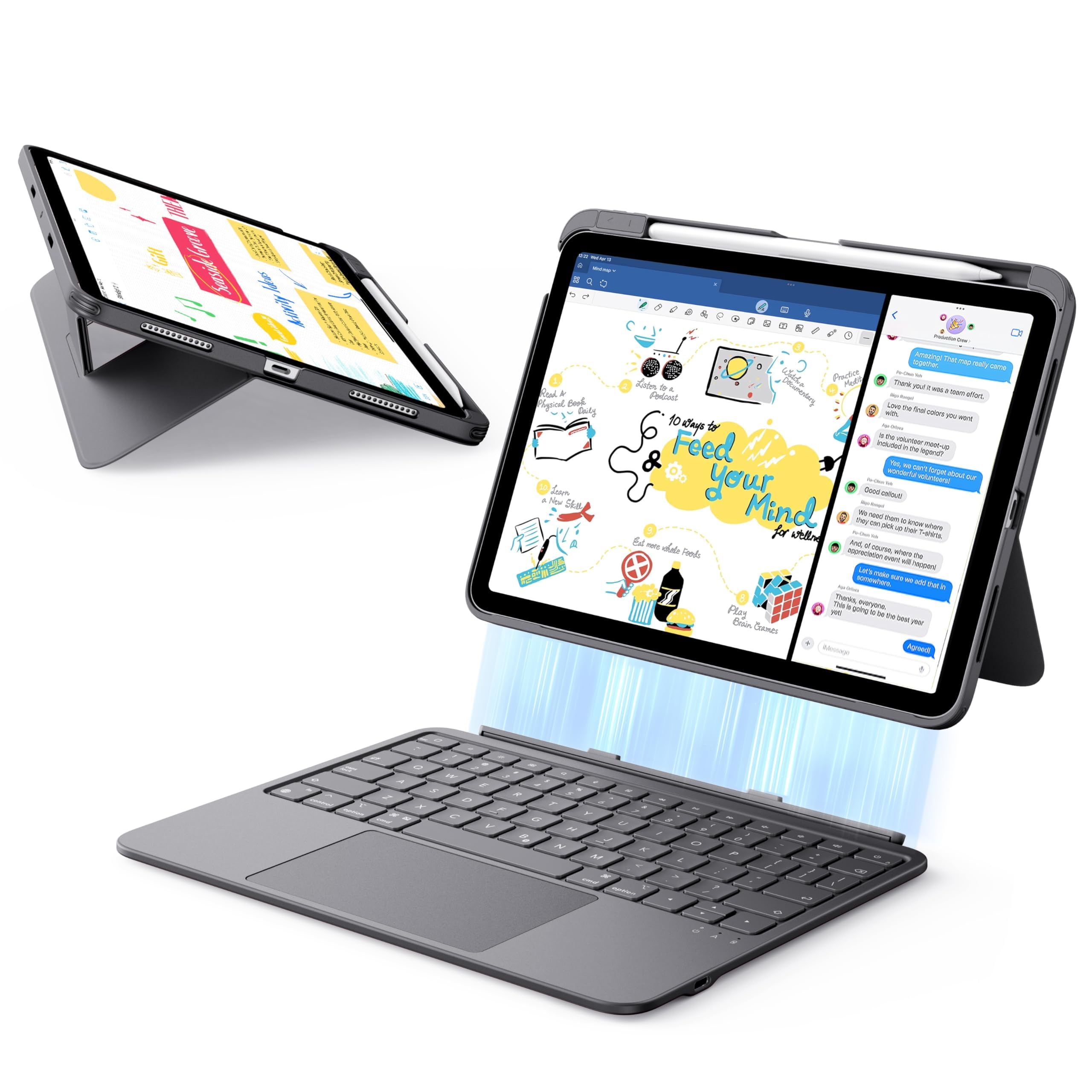
The most convincing reason to pick the Combo Touch is the thing it doesn't have: a keyboard battery. It draws power from the iPad through the Smart Connector, so there's no pairing routine and no separate charger to remember. We like that for a case that stays on the tablet most days. The large precision trackpad and full-size backlit keys make it feel like a proper laptop, and the keyboard detaches when you want to read or sketch.
The back panel is the part that stays put. It wraps the iPad snugly and the kickstand adjusts continuously, so we could set a comfortable angle for typing at a table and push it back for video. The keyboard reattaches magnetically and has a full row of iPadOS shortcut keys. It has four modes—Type, Read, Sketch, and View—and the keyboard comes off cleanly for the last two. At 572 grams, it adds noticeable heft, but it doesn't feel sloppy; the woven fabric finish has held up well in a bag.
Getting the iPad in takes a little effort, and if you swap cases often, that friction will wear on you. The rest of the case earns its keep through the typing feel and the no-charging design. For a tablet that doubles as a work machine, we think that trade is easy to justify.
Pros
- No keyboard charging or pairing
- Large, precise trackpad
- Detachable keyboard with four modes
- Protective, snug back panel
Cons
- Premium price for a keyboard case
For most iPad A16 and 10th-gen users, the Combo Touch is the keyboard case we recommend first: it pairs instantly, never needs charging, and types like a proper laptop.