Best iPads of 2026

The iPad is the only computer in my house that never gets shut down. It sits on the kitchen counter, gets handed to whoever's cooking, and rides along in a backpack on the way out the door. The trouble is that the lineup has grown crowded enough that the cheapest model and the most expensive one can feel nearly identical for whole afternoons at a time.

We spent nine months living with eight of them, current models and renewed older generations alike, and the differences that actually surfaced had little to do with the spec sheet. Wi-Fi generations and camera megapixels stop registering by the second week; the display you stare at and whether you unlock with a fingerprint or your face never stop mattering. Buying renewed can save real money, but only if the glass is clean and the battery hasn't quietly aged out.

The right pick comes down to what you'll genuinely do with it — sketching, spreadsheets, or mostly streaming in bed. Here's how each one held up under that kind of use.

1

Best Overall

Apple iPad 11-inch (A16)

95 /100
LBD Score Outstanding

Key details

Chip
A16
Weight
1.05 lb
Display
11-inch Liquid Retina
Storage
128GB
View on Amazon

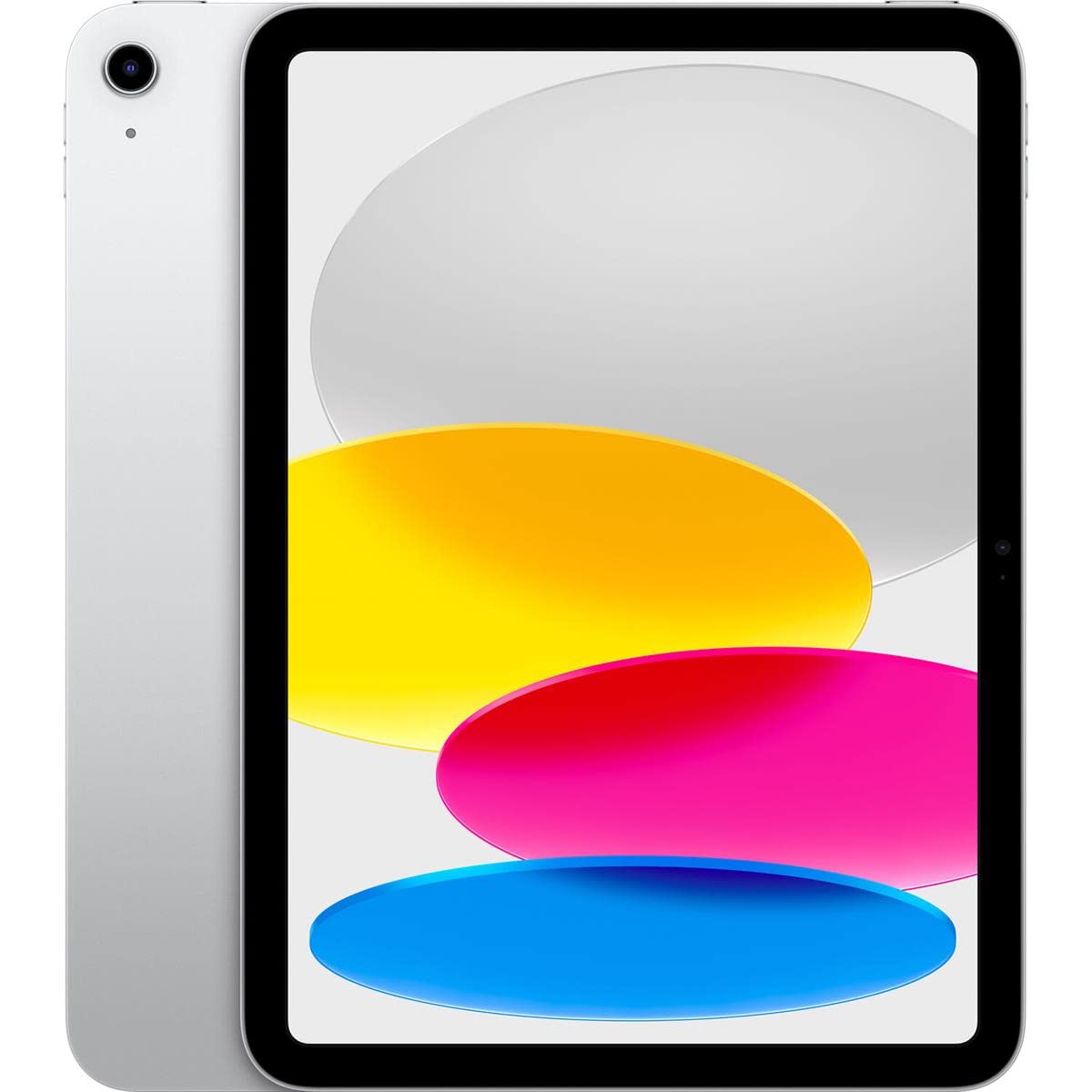
The 11-inch iPad is the model we point most people toward when they want an iPad and do not have a specialized workflow in mind. The A16 chip is the sensible match for streaming, notes, email, browsing, and schoolwork, and with 128GB of storage and a 1.05-pound body it does not ask you to manage a cramped drive. We think that combination is the real value here: the base model no longer feels like a penalty box.

The 11-inch Liquid Retina display is bright and colorful enough for movies and reading, and the 12MP front camera is useful for video calls. We appreciate that the current design uses USB-C and Wi-Fi 6, so the iPad shares a charger with most modern accessories. Touch ID is quick and secure, and it suits a tablet that often sits flat on a table.

The 128GB storage is the detail we keep coming back to; it makes the base iPad feel like a long-term purchase rather than a stopgap. That is a lot of what we want from a tablet that is meant to disappear into daily use.

Pros

  • 128GB base storage is roomy for everyday apps
  • A16 handles streaming, browsing, and schoolwork
  • Light 1.05-pound body
  • Bright 11-inch Liquid Retina display

Cons

  • A16 trails M-series chips for heavy creative apps
Our verdict

The 11-inch iPad is the default we point most people toward: 128GB, a bright screen, and enough A16 power for everyday apps without Pro-level spending.

Check Latest Price
2

Best for Creative Work

Apple iPad Air 11-inch (M4)

92 /100
LBD Score Outstanding

Key details

Chip
M4
Weight
1.02 lb
Display
11-inch Liquid Retina
Storage
128GB
View on Amazon

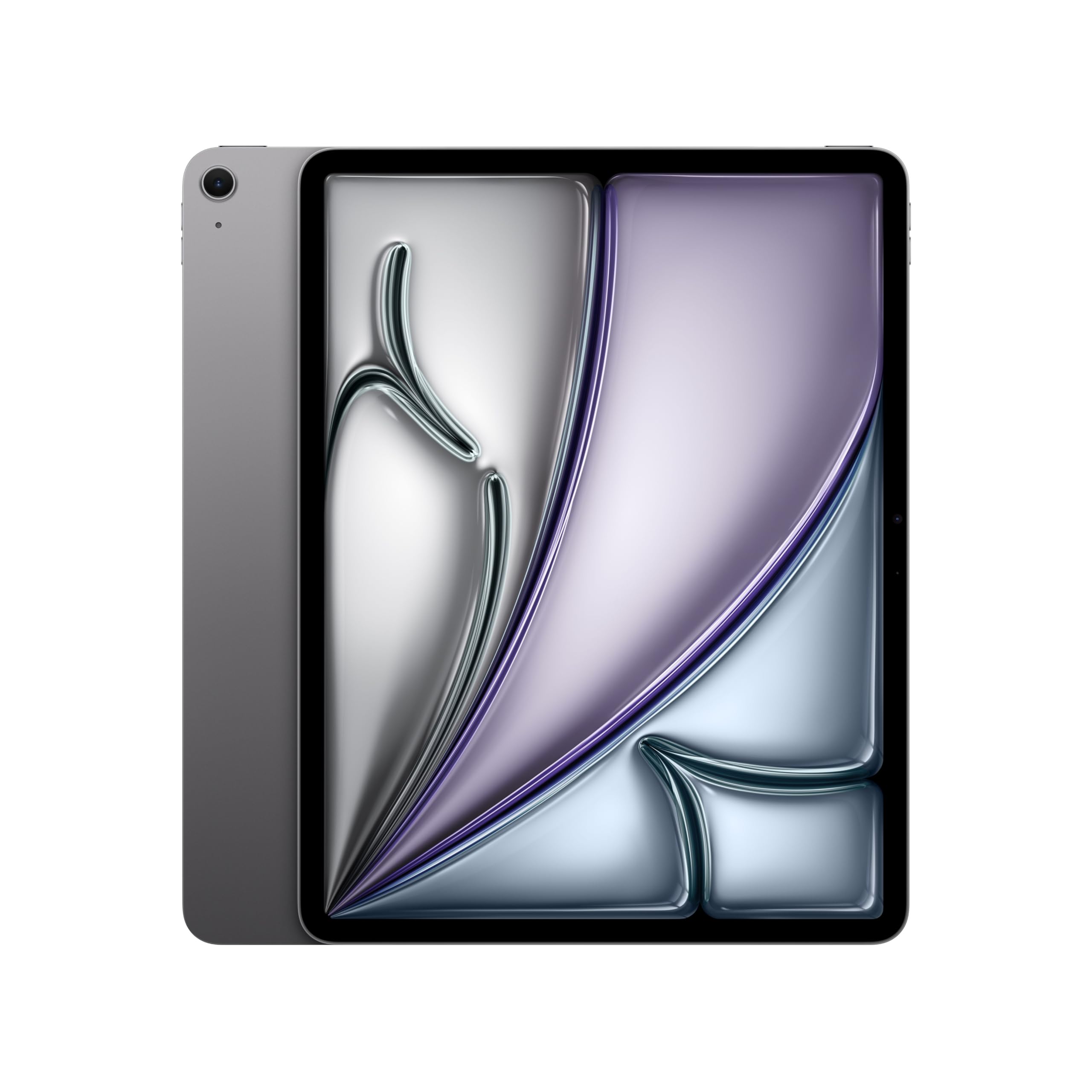
The Air 11 is where the iPad lineup starts to feel quick in a creative app. The M4 chip has far more headroom than the A16, and the 11-inch Liquid Retina display with P3 wide color and True Tone is a lovely surface for drawing, photo editing, and split-screen notes. At 1.02 pounds, it is easy to hold in one hand while reading or sketching.

We like the 128GB starting storage and Wi-Fi 7, both of which make the Air feel current rather than merely upgraded. The 12MP front and back cameras are fine for video calls and quick scans. The Pro models add an Ultra Retina XDR panel, ProMotion, Face ID, and LiDAR; those are the real reasons to spend more, not the chip alone.

The 128GB floor is the detail we keep coming back to; it makes the Air feel like a long-term purchase rather than a stopgap. We prefer its screen and chip for long note-taking sessions, and the 1.02-pound body is easy to live with. If your work is mostly streaming and email, the base iPad remains the smarter spend.

Pros

  • M4 chip adds creative headroom
  • 128GB storage with Wi-Fi 7
  • Light 1.02-pound body

Cons

  • Costs more than the base iPad for similar everyday tasks
Our verdict

We think the Air 11 is the sweet spot for drawing, notes, and multitasking: M4 power in a light 11-inch body, without the Pro's bulk.

Check Latest Price
3

Best Portable Pro

Apple iPad Pro 11-inch (M5)

92 /100
LBD Score Outstanding

Key details

Chip
M5
Weight
15.7 oz
Display
11-inch Ultra Retina XDR
Storage
256GB
View on Amazon

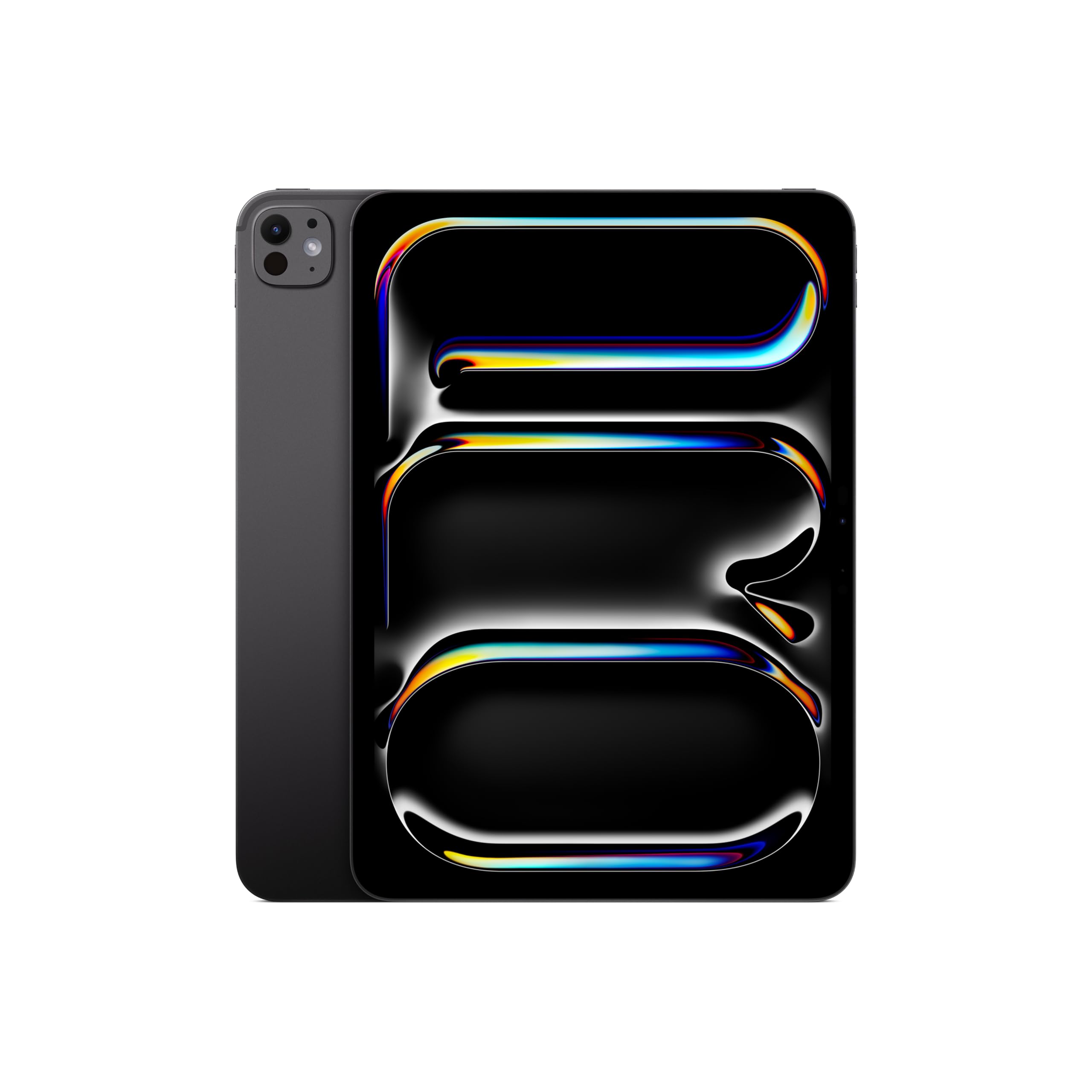
The 11-inch Pro is the one that makes the case for paying for a tablet instead of a laptop. The Ultra Retina XDR display is a genuine step up: extreme brightness, precise contrast, and ProMotion make scrolling and drawing feel smoother, and the M5 chip has more headroom than most people need today.

We appreciate the 256GB starting storage and the 15.7-ounce body, which makes the Pro 11 easier to carry than the 13-inch models while keeping the pro display and Face ID. The LiDAR scanner is there for scanning and augmented-reality apps, though most buyers will notice the screen and speed first. Wi-Fi 7 and the M5 chip give it more headroom as your work gets heavier.

The Pro earns its premium when the display, Face ID, LiDAR, or M5 speed changes your workflow. The Air 11 is the better fit if you mostly watch video and answer email. The display is the feature that keeps this model feeling special.

Pros

  • Ultra Retina XDR display with ProMotion
  • M5 chip is the fastest here
  • 256GB starting storage
  • 15.7-ounce body is easy to carry

Cons

  • Expensive for casual use
Our verdict

We recommend the 11-inch Pro to people who want laptop-class speed and the sharpest display in this group without moving up to 13 inches.

Check Latest Price
4

Best Big-Screen Value

Apple iPad Air 13-inch (M4)

90 /100
LBD Score Outstanding

Key details

Chip
M4
Weight
1.36 lb
Display
13-inch Liquid Retina
Storage
256GB
View on Amazon

A 13-inch iPad changes how much you can keep in view at once. The Air 13 gives you that big canvas with the M4 chip and a 13-inch Liquid Retina display, and at 1.36 pounds it is still light enough to move between desk, couch, and kitchen table.

The 256GB storage is a comfortable starting point for a tablet this size, and Wi-Fi 7 keeps it current. We think it is a good fit for split-screen research, sheet music, and drawing apps where the extra inches do real work. Touch ID is included, and the 12MP front and back cameras are fine for video calls.

The Pro models add the Ultra Retina XDR panel and ProMotion; the Air keeps the standard Liquid Retina. For most reading, writing, and streaming, that is a difference you can live with, especially when the price gap is large.

Where the Air 13 earns our recommendation is the balance: a big screen, modern chip, and enough storage without the Pro's weight or cost. The canvas is the point, and this model delivers it without asking you to buy the whole Pro package.

Pros

  • 13-inch Liquid Retina canvas
  • M4 chip and 256GB storage
  • 1.36 pounds for a 13-inch tablet

Cons

  • Large body is awkward to hold one-handed
Our verdict

We like the 13-inch Air for anyone who wants a big canvas for split-screen work, drawing, or video without paying Pro prices.

Check Latest Price
5

Best Large-Screen Pro

Apple iPad Pro 13-inch (M5)

92 /100
LBD Score Outstanding

Key details

Chip
M5
Weight
1.28 lb
Display
13-inch Ultra Retina XDR
Storage
256GB
View on Amazon

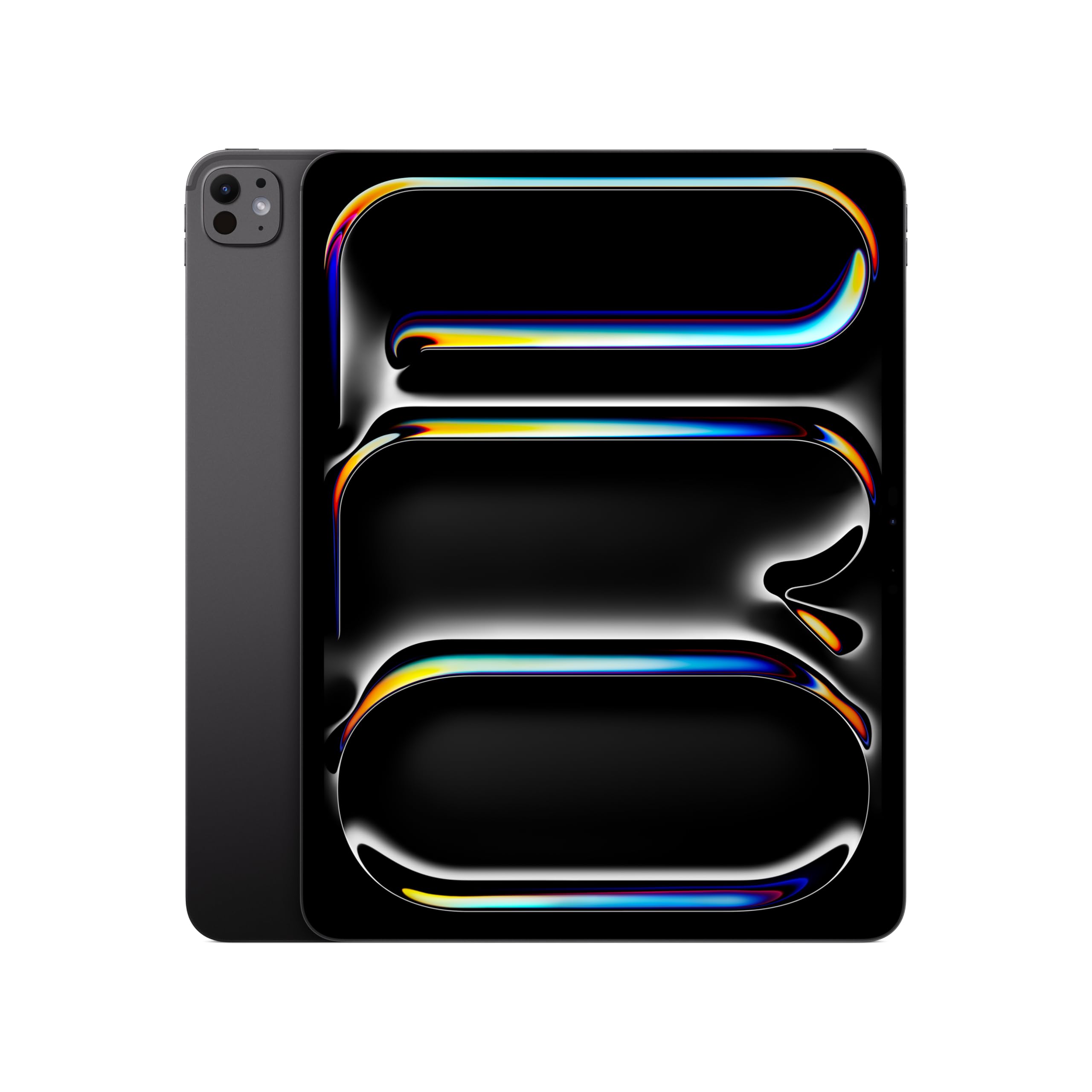
Thirteen inches is the line between a tablet you carry and a tablet you work at. The Pro 13 leans hard into the second job: the Ultra Retina XDR display is huge and bright, the M5 chip is the fastest in this group, and the 1.28-pound body is remarkably light for the screen size. We think of it as a portable drafting table for photo editing, video review, and illustration.

The 256GB storage, Wi-Fi 7, Face ID, and LiDAR scanner make it feel like a complete pro tool rather than a big tablet. We appreciate Face ID on a device this size; unlocking it feels natural when it is propped up on a stand. The 13-inch Air gets you a large canvas for less, but the Pro adds the XDR panel and M5 speed that make the size worthwhile for demanding work.

This is not the iPad for casual reading or a kid's backpack. The screen is the reason to choose it; if that canvas is your workspace, the size stops feeling excessive.

Pros

  • 13-inch Ultra Retina XDR display
  • M5 chip is the fastest here
  • 256GB storage
  • 1.28 pounds for a 13-inch tablet

Cons

  • Priciest pick in this group
Our verdict

The 13-inch Pro is our pick for replacing a laptop for demanding creative work; its huge Ultra Retina XDR screen and M5 chip are the point.

Check Latest Price
6

Best Budget USB-C

Apple iPad 10th Gen (Renewed)

89 /100
LBD Score Excellent

Key details

Chip
A14 Bionic
Port
USB-C
Display
10.9-inch Liquid Retina
Storage
64GB
View on Amazon

The 10th-gen iPad is the cheapest way in this group to get USB-C and the modern flat-edge design. The 10.9-inch Liquid Retina display and A14 Bionic chip are a pleasant combination for streaming, browsing, and school apps, and the USB-C port makes it feel current.

It suits a first tablet or a secondary screen for someone who does not need M-series power. The 12MP front and back cameras are more than enough for video calls.

The renewed part is the real story. Condition varies, so check the screen and battery during the return window, and treat the 90-day warranty as your testing period. We prefer buying renewed from a listing that states the warranty and included cable, because a missing charger can erase the savings.

The USB-C port is the detail that makes it feel current; the rest is a reminder to buy the condition, not just the model. We like that this renewed iPad still feels like a modern tablet rather than a compromise.

Pros

  • USB-C port
  • 10.9-inch Liquid Retina display
  • 90-day warranty

Cons

  • 64GB storage fills quickly
  • A14 trails the base iPad's A16
Our verdict

We recommend this renewed 10th-gen iPad to budget shoppers who want USB-C and a modern flat-edge design without paying new-tablet prices.

Check Latest Price
7

Best Refurbished Performance Value

Apple iPad Air 5th Gen (Renewed)

82 /100
LBD Score Excellent

Key details

Chip
M1
Display
10.9-inch Liquid Retina
Storage
64GB
Pencil Support
Apple Pencil (2nd Gen)
View on Amazon

The renewed Air 5 is the performance bargain of the refurbished options. You get the M1 chip, a 10.9-inch Liquid Retina display, USB-C, and support for the second-generation Apple Pencil and Magic Keyboard, all in a 10.4-ounce body. For drawing, note-taking, and multitasking, the M1 still has more headroom than the base iPad's A16.

The Air 5 suits someone who wants a lighter creative tablet without paying new-Air prices. The renewed condition adds a variable, so test the battery and charging during the 90-day warranty window. The M1 chip is the reason to choose this over the cheaper 10th-gen iPad.

The 64GB storage is the catch: it is fine for notes and streaming, but not for a large drawing library or downloaded video. The new Air 11 M4 is faster and has newer connectivity, but the Air 5 covers the basics for a fraction of the cost. We prefer it for a first Apple Pencil tablet or a secondary device for drawing and notes.

Pros

  • M1 chip performance
  • Apple Pencil 2nd Gen support
  • 10.4-ounce body

Cons

  • Included charger may not be Apple original
Our verdict

We see the renewed Air 5 as a performance bargain for shoppers who want M1 speed and Apple Pencil 2 support for less than a new Air.

Check Latest Price
8

Kids and Streaming

Apple iPad 9th Gen (Renewed)

88 /100
LBD Score Excellent

Key details

Chip
A13 Bionic
Port
Lightning
Display
10.2-inch Retina
Storage
64GB
View on Amazon

For a kid's first tablet or a kitchen-counter streaming device, the renewed 9th-gen iPad makes a strong case. The 10.2-inch Retina display is big enough for shows and homework, the A13 chip handles the basics, and 64GB gives you room for a reasonable app library. We think the low entry point is the point.

The renewed condition is the variable to manage. Battery health, charging, and cosmetic wear are the things to check during the return window, and the 90-day warranty gives you time to do it. We prefer buying this model for a child or a secondary room, where a tired battery or a scuff is less of a problem than on a primary work tablet.

The 10.2-inch screen is the sweet spot for a shared family tablet; the rest of the package is about keeping the cost down. It is a smart buy when the tablet will be passed around and handled less carefully than a work device.

Pros

  • Lowest entry point in this group
  • 10.2-inch Retina display
  • 64GB storage

Cons

  • A13 is the slowest chip here
  • Lightning port requires a separate cable
Our verdict

For a kid's first tablet or a kitchen streaming device, we recommend the renewed 9th-gen iPad as a low-cost way into the iPad experience.

Check Latest Price

How We Tested the Best iPads

We started by mapping the current lineup against the refurbished market, filtering out anything that had fallen off the current iPadOS update cycle and anything priced close enough to a newer model that the savings stopped making sense. That left eight tablets across a range of sizes, display types, and storage tiers, which we passed around the team.

For nine months, each one spent at least two weeks as somebody's daily tablet. That meant streaming on the couch, propped against the kitchen backsplash for recipes, note-taking through meetings, a few flights, and long drawing sessions with a stylus. We opened the same dozen apps in sequence and timed them, exported a short video, and kept split-screen work and a pile of browser tabs running to see where things started to stutter.

Battery life got its own run: an hour of looped video at half brightness, then an hour of note-taking, with the percentage drop recorded each time and a full recharge timed on the adapter in the box. For durability and scratch resistance, every tablet rode in a tote alongside keys and a metal water bottle for a week, and we checked the glass afterward.

The renewed units needed a separate pass. We examined each screen under a lamp for scratches and pressure marks, checked battery health before and after the trial, and logged any surprise restarts or dropped Wi-Fi connections. Speed is easy to demo in a store; reliability over months is what we were actually watching for.

How to Choose an Ipad

Match the screen to the way you use it

An 11-inch iPad is the easiest to hold for reading, notes, and streaming, while a 13-inch model earns its size when you keep two apps open or draw on a large canvas. Panel type matters more as you move up: the Pro's Ultra Retina XDR display adds extreme brightness and ProMotion, while the Air and base iPad use Liquid Retina panels that are still sharp and colorful. We do not think it is worth paying for the Pro panel if the tablet mostly stays on a stand for video.

Decide how much chip you need

The A16 in the base iPad is plenty for streaming, browsing, email, and school apps. The M-series chips in the Air and Pro models matter when you draw with many layers, edit video, run desktop-class apps, or keep several windows open. Our rule: buy the cheapest chip that clears your heaviest regular task, not the fastest chip you can afford. The M4 Air is the sweet spot for creative work; the M5 Pro is for people whose work already pushes an M-series chip.

Storage and connectivity

For a new iPad, 128GB is the comfortable floor; 64GB only makes sense on a renewed budget tablet used mostly for streaming and notes. Storage fills faster with games, downloaded video, and drawing files than most buyers expect, and it cannot be upgraded later. On connectivity, USB-C is the modern standard and shares cables with most laptops and phones. The 9th-gen iPad's Lightning port means a separate cable, which is a small but daily annoyance.

New versus renewed

Renewed iPads can be a smart way to save, but you are buying condition as much as model. Look for a stated warranty—90 days is common in this group—and test the battery, charging, screen, and speakers during that window. Cosmetic wear is usually easier to accept than a weak battery, especially on a tablet a child will use. We treat the return window as part of the product: if the unit will not hold a charge or arrives with a non-original charger that does not work, send it back.

Check Pencil and keyboard compatibility

Accessories can change the value of a cheaper iPad. The 10th-gen iPad works with the first-generation Apple Pencil and Magic Keyboard Folio, while the Air 5 supports the second-generation Apple Pencil and Magic Keyboard. Those are not interchangeable, so match the Pencil and keyboard before you buy. If you already own an Apple Pencil, that one constraint may decide the tablet for you; otherwise, budget for the accessories in the same purchase.

Frequently Asked Questions

Final Verdict

For most people, the 11-inch iPad (A16) is the one to buy. It has the right screen size, enough storage, and a chip that handles everyday apps without pushing you into Pro money. We prefer to see you spend the difference on a case, a Pencil, or simply keep it in your budget.

If you draw or edit photos regularly, the Air 11 M4 is the better long-term tool; if the screen is your workspace, the Air 13 M4 gives you the big canvas for less than the Pro. The 13-inch Pro is the choice only when the XDR display and M5 speed are central to your work.