Best Mini LED TVs of 2026

Mini LED isn't a different kind of screen so much as a different kind of backlight: thousands of tiny LEDs arranged in zones behind the panel, going dark in the shadows of a scene and pushing hard in the highlights. That's how these sets hold up in a bright room and still deliver black levels that used to require a dark one. The catch is that zone control isn't a given — a sloppy implementation halos around a streetlight in a night scene, and no brightness figure on the box warns you about it.

I've had a mini LED set as my main TV for a while now, and the lesson keeps repeating: brightness is the easiest spec to sell and the least useful one to chase. What matters day to day is motion during a hockey game, whether the built-in speakers survive a dialogue-heavy drama, and how fast you get from the box to a show. Over nine months, my team and I ran eight of these through that exact routine.

Value and reliability decide as much as picture quality does — a set that drops its Wi-Fi every other week is a worse TV than its contrast ratio suggests, and a remote that takes six presses to reach your app gets old by week two. The picks below are the ones that held up.

1

Best Overall

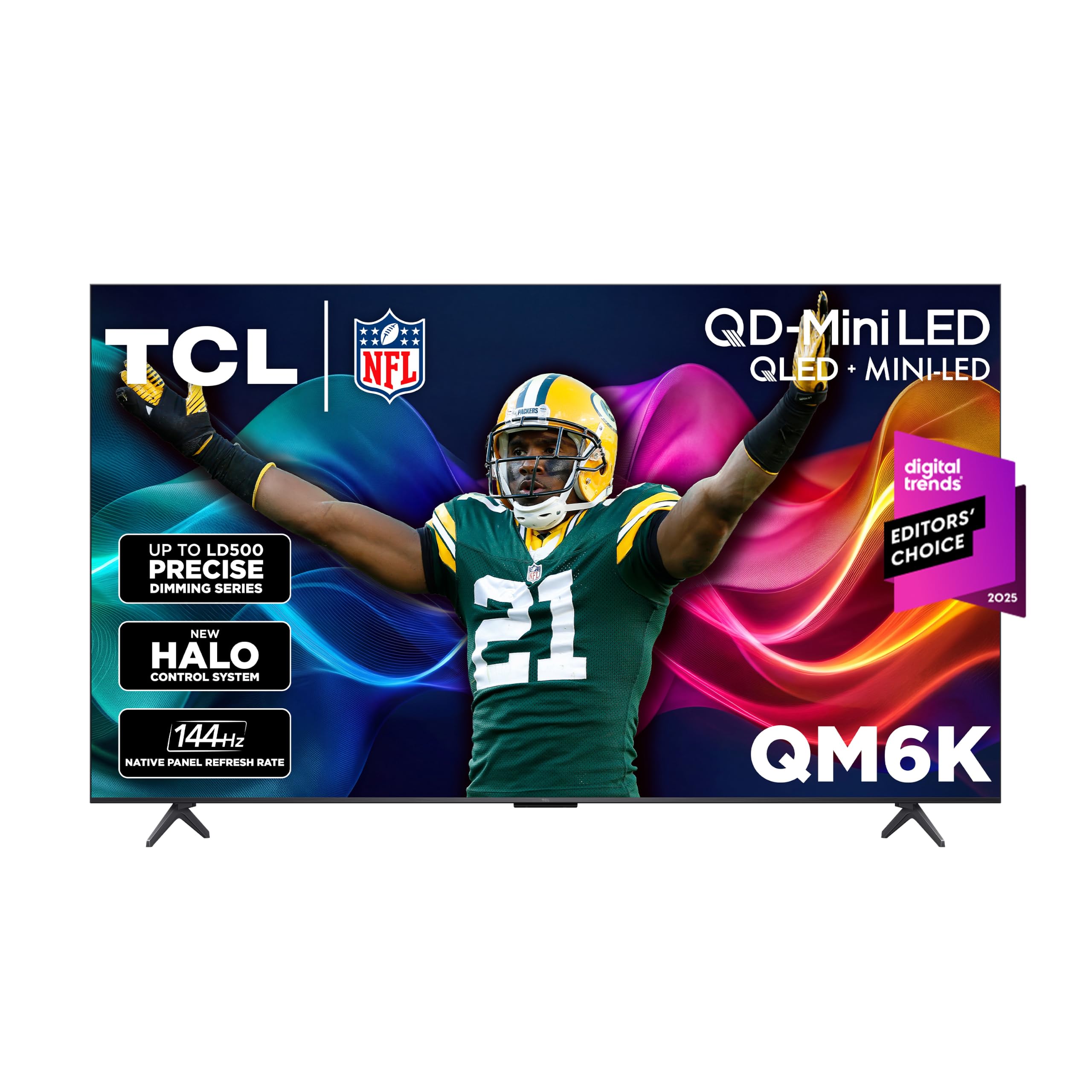
TCL QM6K

86 /100
LBD Score Excellent

Key details

Screen Size
55 inches
Refresh Rate
144 Hz
Built-in Audio
ONKYO 2.1 with subwoofer
Smart Platform
Google TV
View on Amazon

The QM6K is the set we point most people to. Four HDMI inputs, a 144Hz panel, Dolby Vision, and an ONKYO 2.1 speaker system with a real subwoofer — it carries the features you normally pay a premium for at the middle of the range. None of those is a headline by itself. The combination is what makes the set feel finished rather than assembled to a price.

Picture quality holds up in an ordinary living room. The QD-Mini LED backlight and TCL's Halo Control dimming keep a bright window from flattening the whole frame, and dark scenes stay dark without the gray wash that comes from a backlight which can't dim in small enough steps. Color is the thing we kept noticing: reds and greens in a football broadcast stay saturated instead of drifting toward orange. It's a punchy picture rather than a subtle one, so plan on pulling the backlight down a few notches after dark.

Motion is where the money shows. The 144Hz native panel, Game Accelerator up to 240, and variable refresh rate keep a fast break or a racing game from smearing, which is the difference between a puck that reads as a puck and one that reads as a streak. Four HDMI inputs matter more than they sound: a console, a soundbar, and a streaming stick can all stay connected without a switch.

One design detail to plan around: the feet set the screen back on a slight lean, so on a shallow console the bottom edge sits closer to the wall than the top. Wall-mounting sidesteps it entirely, and the pattern is 300 x 300. At 27.3 pounds this is a two-person job because of the span, not the weight.

Pros

  • Four HDMI inputs for console, soundbar, and stick
  • 144Hz panel with VRR for sports and games
  • Dolby Vision and Dolby Atmos at midrange money
  • ONKYO 2.1 audio with a built-in subwoofer

Cons

  • Google TV can stutter or freeze between apps
Our verdict

We recommend the QM6K to anyone who wants a bright, smooth 144Hz Mini LED picture without paying flagship money — it covers streaming, sports, and console gaming in one set.
Check Latest Price
2

Best for Simple Streaming

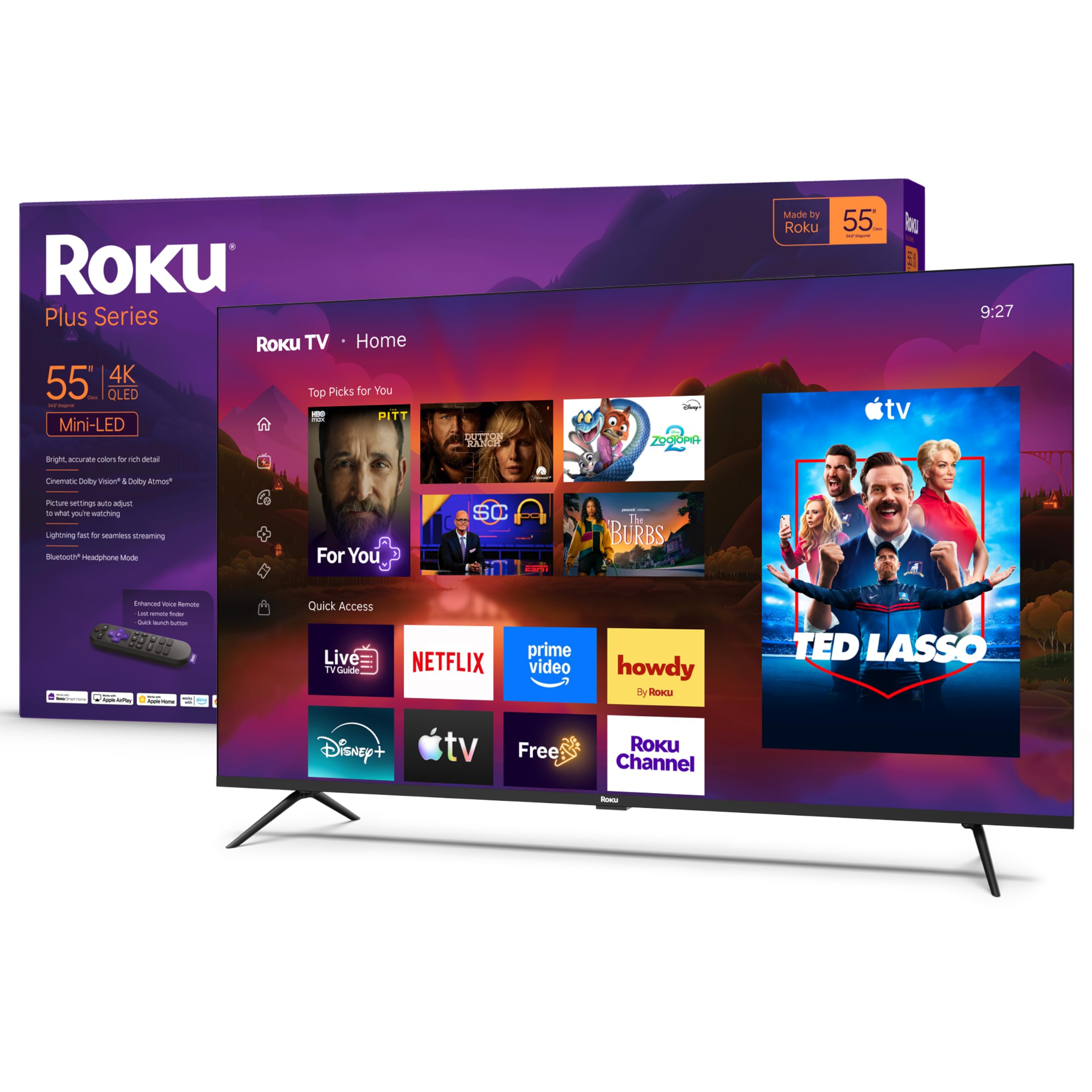
Roku Plus Series

88 /100
LBD Score Excellent

Key details

Screen Size
55 inches
Refresh Rate
60 Hz
Built-in Audio
50 W, 4.1 channels
Smart Platform
Roku OS
View on Amazon

Roku's argument is that a television shouldn't need a manual, and this one doesn't. Setup runs a few minutes on screen, the home screen puts your apps in a row you can read from the couch, and the remote has about a dozen buttons on it. In a house where more than one person watches — or where someone is convinced every new TV is too complicated — that is worth more than another hundred nits.

The picture is better than its position on this page suggests. Mini LEDs behind a QLED layer, full-array local dimming, and Dolby Vision add up to strong contrast and vivid color, and the panel handles a lamp-lit room without washing out. It isn't the brightest set here and doesn't pretend to be: put it opposite a window with direct afternoon sun and the Hisense U8 has more headroom.

Two things to know. The panel is 60Hz, so this isn't the set for a PS5 or a fast PC — motion is fine for streaming and sports, but you give up the smoothness the TCLs sell. The audio is the find: 50 watts across a 4.1-channel Dolby Atmos array is more than double what the Samsung M80H offers, and it's the first TV in this guide we didn't immediately want to pair with a soundbar. Keep the box for a month; a set that won't power on is worth catching inside the return window.

Pros

  • Simplest interface and remote in this group
  • 50W Dolby Atmos audio needs no soundbar
  • Dolby Vision with full-array local dimming
  • Light enough for one person to lift

Cons

  • 60Hz panel limits gaming motion
  • Can fail to power on within the first weeks
Our verdict

Buy the Roku Plus if you want the least fiddly TV in the house and don't game on it — the interface, remote, and built-in sound do more for daily watching than a faster panel.

Check Latest Price
3

Best for Bright Rooms

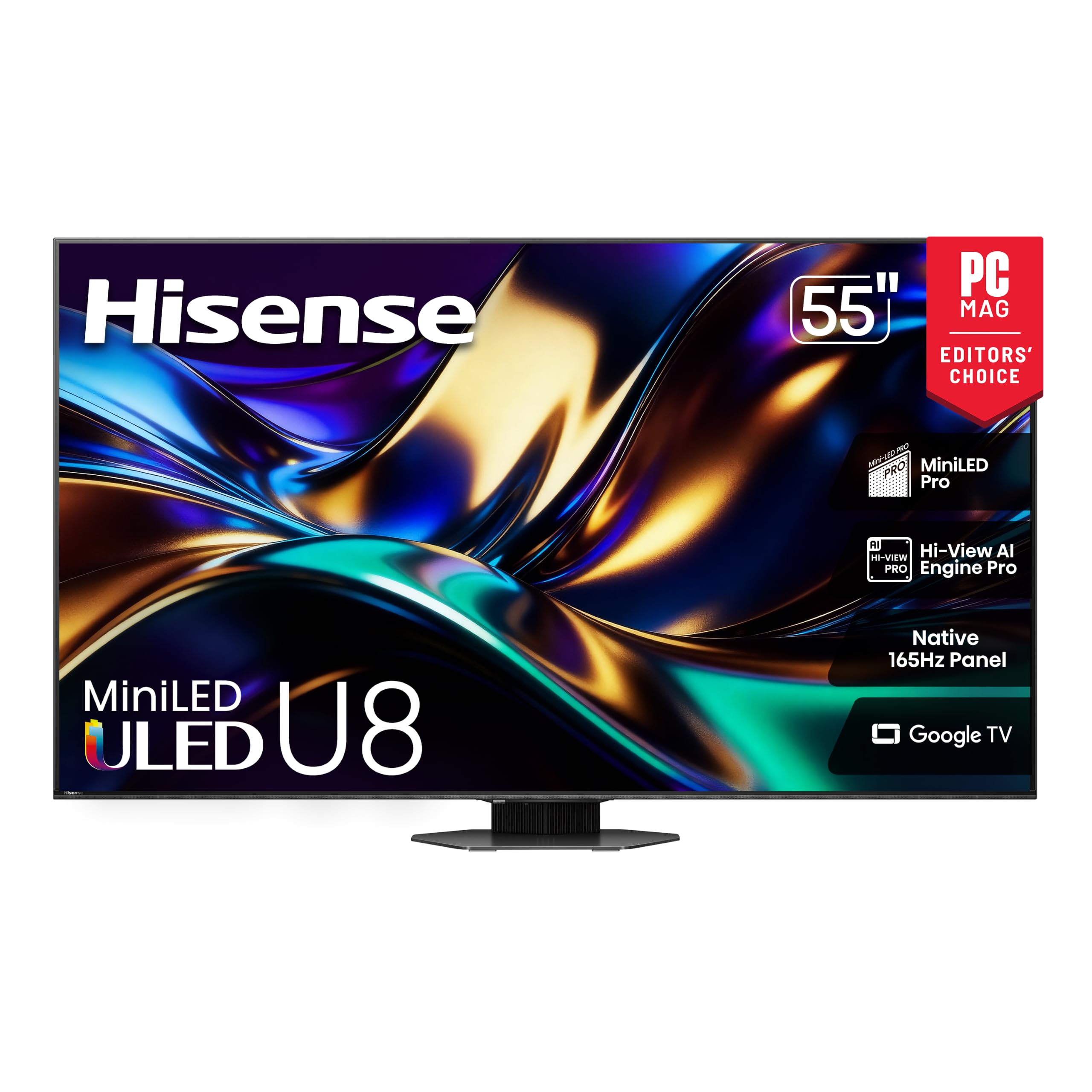
Hisense U8

85 /100
LBD Score Excellent

Key details

Screen Size
55 inches
Refresh Rate
165 Hz
Dimming Zones
Up to 5,600
Peak Brightness
5,000 nits
View on Amazon

Up to 5,000 nits of peak brightness and up to 5,600 dimming zones make the rest of this group look underfed, and in a room with real daylight that isn't spec-sheet vanity — it's the difference between watching a game and watching a reflection of your window. The U8 is the set we reach for when the room is bright.

The panel is native 165Hz with variable refresh from 48 to 165, and Game Booster takes it to 288 for competitive modes. The anti-reflection coating does more for daytime viewing than any picture-menu setting, and it's the reason a sunny room doesn't turn the screen into a mirror. The catch is around the back: three HDMI inputs. A console, a soundbar, and a streaming box fill it, so plan on a switch or on using the TV's own apps.

Sound is where the U8 separates from everything else here — 66 watts across a 4.1.2-channel Dolby Atmos layout, with enough low end that a soundbar feels optional. At 39.5 pounds with a 400 x 400 VESA pattern, it's a two-person lift and a bracket into studs, not drywall anchors.

Pros

  • Up to 5,000 nits for daylight viewing
  • Native 165Hz with VRR from 48 to 165
  • 66W 4.1.2 Dolby Atmos audio
  • Anti-reflection coating cuts window glare

Cons

  • Only three HDMI inputs for all your gear
  • Screen and sound can drop out for seconds
Our verdict

Get the U8 if your living room has windows you can't control or you game seriously — its brightness and 165Hz panel are the strongest combination here for daylight and fast motion.

Check Latest Price
4

Best Big-Screen

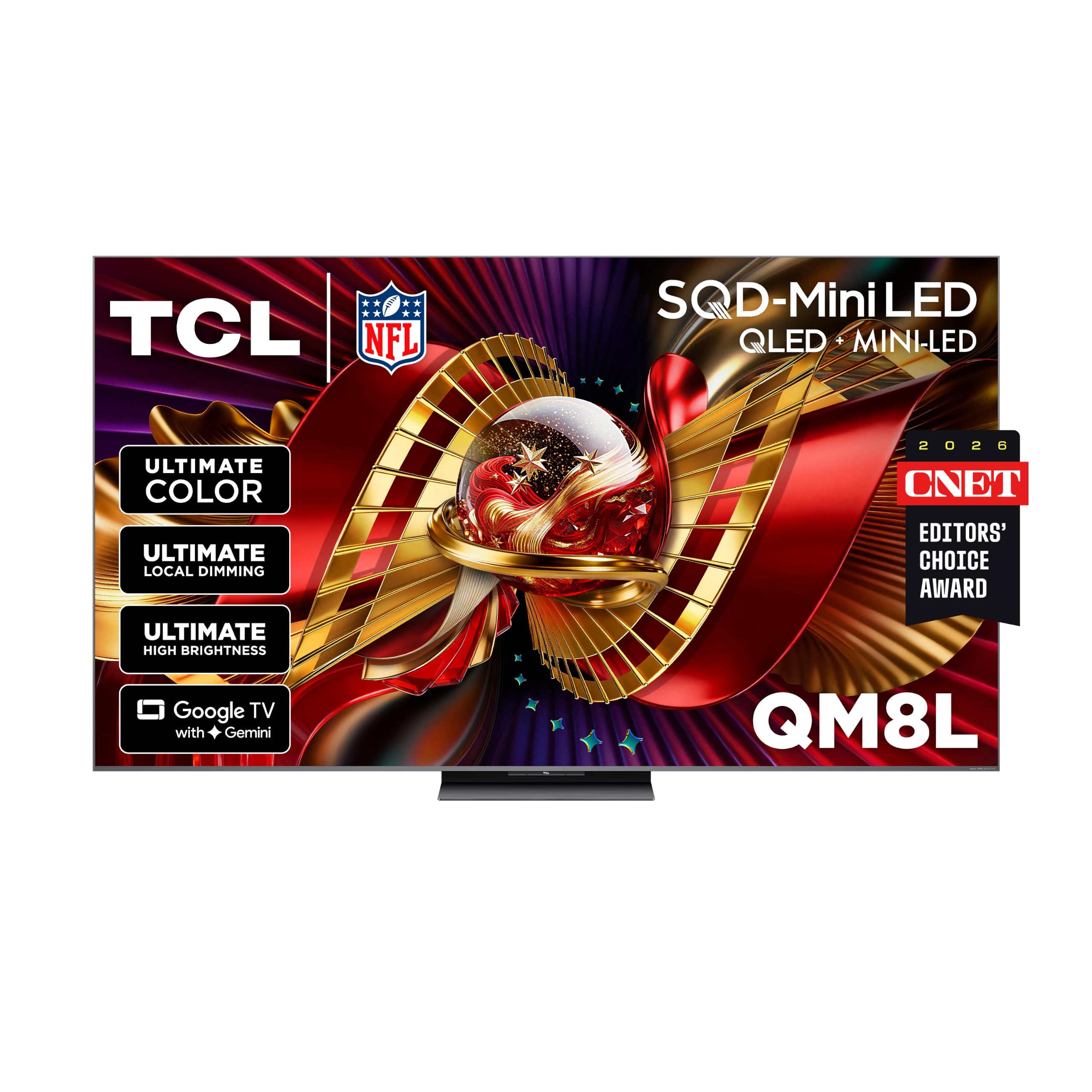
TCL QM8L

83 /100
LBD Score Excellent

Key details

Screen Size
75 inches
Refresh Rate
144 Hz
Dimming Zones
Up to 4,000+
Peak Brightness
6,000 nits
View on Amazon

A 75-inch television stops being an appliance and becomes a wall. This one is 65.3 inches across and 67 pounds, so before anything else, measure the space and find two studs — the bracket pattern is listed as 400 x 400 or 600 x 400, which covers most large mounts. A 70-inch wall fits it with a couple of inches to spare; a 60-inch wall doesn't.

What the size buys is the brightest picture in this guide: up to 6,000 nits, up to 4,000 dimming zones, and a 7,000:1 static contrast ratio, which is the number that matters when a wall of glass faces the screen. Bright scenes have physical punch, and the 5.1-channel audio with a built-in subwoofer fills a family room without help. We came away convinced this is the set for a big, bright room where a projector would wash out by noon.

The trade-off is the software. Google TV with Gemini is the same interface as the QM6K, and the slow moments are more noticeable at this size — you're sitting further back, pointing a remote at 75 inches, waiting for an app to open. It's the one part of the set that doesn't feel premium.

Pros

  • Up to 6,000 nits and 4,000+ dimming zones
  • 5.1-channel audio with built-in subwoofer
  • 144Hz panel with four HDMI 2.1 inputs
  • 7000:1 static contrast for bright rooms

Cons

  • Google TV navigation can feel slow at this price
Our verdict

Choose the QM8L when the wall is big and the room is bright — nothing else here puts that much light on a 75-inch screen, and the picture is worth planning the install around.

Check Latest Price
5

Best for Small Rooms

Samsung M70H

86 /100
LBD Score Excellent

Key details

Weight
14.8 lb
Screen Size
43 inches
Refresh Rate
60 Hz
Peak Brightness
1,000 nits
View on Amazon

At 14.8 pounds and 37.7 inches wide, the M70H is a set one person can hang on a 200 x 200 bracket and take down again at moving time. That's the pitch: a 43-inch Mini LED for a bedroom, a den, or the corner of an office where a 55-inch panel would take over the room.

It isn't a small TV with a small picture. The Mini LED backlight is rated to 1,000 nits, bright enough that HDR highlights still pop in a dark bedroom, and Pure Spectrum Color keeps skin tones from drifting orange in dim scenes. Three HDMI inputs and Tizen cover the basics, and setup is quick — a Samsung account and a Wi-Fi password get you most of the way, and the wall-mount step is simpler than most.

The remote is the weak point. Samsung's stripped-down clicker is fine for streaming and maddening when you want to jump to a specific HDMI input or dig into picture settings, and there's a noticeable lag between pressing a button and the menu answering. A basic universal remote fixes that for less than a soundbar, so it's a minor tax if you mostly stream and a real annoyance if you switch sources daily.

Pros

  • 14.8 pounds, easy for one person to mount
  • 1,000 nits in a 43-inch frame
  • Quick setup and simple wall-mount step

Cons

  • 60Hz panel rules out high-frame-rate gaming
  • Two-channel audio is modest for a bigger room
Our verdict

The M70H is the right buy when a 55-inch set won't fit — a genuinely bright Mini LED picture in a 43-inch frame, light enough to hang alone, with a remote worth replacing.

Check Latest Price
6

Soundbar Owners

Samsung M80H

84 /100
LBD Score Excellent

Key details

HDMI Inputs
3
Screen Size
55 inches
Built-in Audio
20 W, 2 channels
Smart Platform
Tizen
View on Amazon

The M80H comes in under both the Roku Plus Series and our top pick, without giving up the Mini LED backlight or Samsung's processing. On a list where 55 inches is the most useful size, that combination deserves a look before you talk yourself into spending more.

The picture runs bright and a touch cool out of the box. The NQ4 AI Gen2 chip upscales standard-definition cable better than anything else here, and Auto HDR Remastering does visible work on older movies and sitcoms. We turned the AI mode down within an evening — in Filmmaker mode with motion processing off, the set looks calmer and more expensive than it is.

Around the back there are three HDMI inputs, AirPlay and Google Cast, and Alexa built in, which makes it the easiest set here to slot into a house full of phones and smart speakers. At 22.5 pounds on a 200 x 200 pattern, mounting it is a one-person job with the right bracket.

Where it gives ground is the last ten percent: HDR10+ but no Dolby Vision, 20 watts of two-channel audio instead of a 2.1 system with a subwoofer, and one fewer HDMI input than the TCL. With a soundbar in the cabinet the M80H is the better buy of the two; without one, the QM6K's built-in subwoofer closes the gap quickly.

Pros

  • NQ4 AI Gen2 upscaling sharpens older content
  • AirPlay, Google Cast, and Alexa built in
  • 22.5 pounds on a 200 x 200 mount

Cons

  • No Dolby Vision support
  • 20W two-channel audio needs a soundbar
Our verdict

The M80H makes sense if you want Samsung's upscaling and smart features at the bottom of the 55-inch price range, and you already own a soundbar.

Check Latest Price
7

Small Gaming Rooms

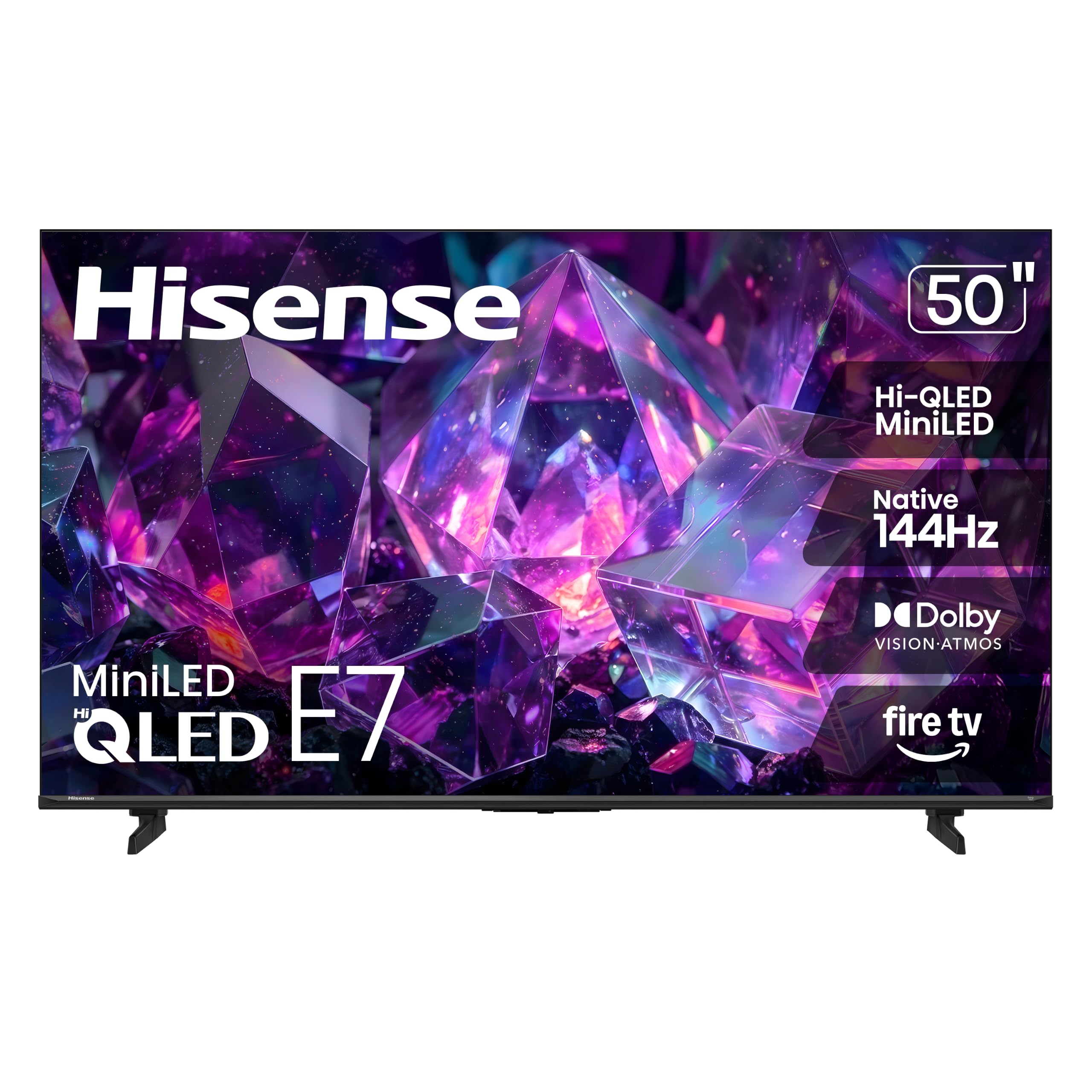
Hisense E7

84 /100
LBD Score Excellent

Key details

HDMI Inputs
4
Screen Size
50 inches
Refresh Rate
144 Hz
Smart Platform
Fire TV
View on Amazon

Fifty inches is an awkward size to shop for and a common one to own: 43.7 inches wide, 22.3 pounds, small enough to sit on a dresser without overhanging. The E7 is the only 50-inch set in this guide, and it lands where a 55-inch panel overshoots the wall and a 43-inch one undershoots the room.

The feature list reads like a set that costs more. Native 144Hz, full-array local dimming, Dolby Vision IQ and HDR10+ Adaptive, MEMC motion smoothing, and four HDMI inputs — on a 50-inch Fire TV. The anti-glare finish is the detail we appreciated most; a lamp opposite the screen is the usual reason a spare-room TV looks worse than it should.

Fire TV is the operating system, which puts live channels, apps, and Alexa on one home screen and gives the remote more to do than most. The radio is the one place Hisense cut: Wi-Fi 5 rather than Wi-Fi 6, so if the router sits two rooms away, plan on a mesh node or an Ethernet cable.

What the E7 buys you is 144Hz gaming and Dolby Vision at the bottom of the range, which is unusual at this size. What holds it back is consistency, so buy from a seller with an easy return policy and keep the box for the first month.

Pros

  • 144Hz native panel at 50 inches
  • Dolby Vision IQ and HDR10+ Adaptive
  • Four HDMI inputs
  • Anti-glare finish for small bright rooms

Cons

  • Can stop working within the first weeks
Our verdict

Pick the E7 for a spare room or apartment where 50 inches is the ceiling and you still want 144Hz gaming and Dolby Vision without spending 55-inch money.

Check Latest Price
8

Fire TV Households

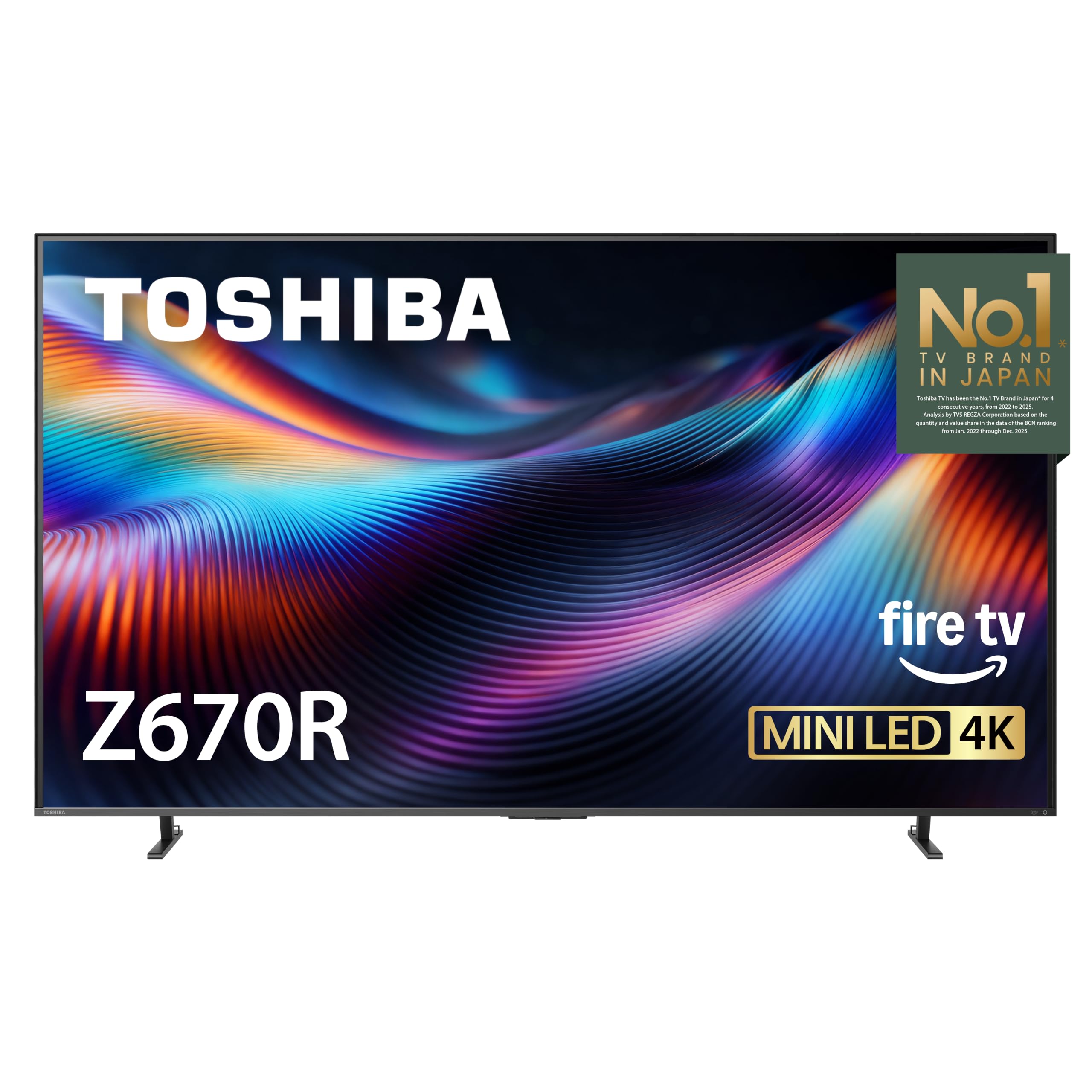
Toshiba Z670R

81 /100
LBD Score Excellent

Key details

Screen Size
55 inches
Refresh Rate
144 Hz
Built-in Audio
40 W, 2.1 channels
Contrast Ratio
3000:1
View on Amazon

Forty watts across a 2.1-channel system with a dedicated REGZA bass woofer is the reason to look at this Toshiba at all. Most sets at this size give you 20 watts and an apology; the Z670R puts real low end under a movie, and Dolby Atmos processing spreads it wider than the cabinet has any right to.

The rest of the package is competent rather than remarkable. Mini LED with full-array local dimming, a listed 3,000:1 contrast ratio, Dolby Vision IQ and HDR10+ Adaptive, a native 144Hz panel, and four HDMI inputs — nothing missing. The REGZA Engine ZRi Gen3 keeps skin tones natural, which is more than some of the brighter sets here manage.

Fire TV is the weak link. We found the menus slower to respond than Google TV or Tizen on the other sets here, and the remote trails behind them. If you launch one app and settle in, you won't mind; if you browse, it wears thin. At 30.6 pounds on a 400 x 200 bracket — and with the highest annual energy figure here — it's a set to buy for its sound rather than as an all-rounder.

Pros

  • 40W 2.1 audio with a bass woofer
  • 144Hz panel and four HDMI inputs
  • Dolby Vision IQ and HDR10+ Adaptive

Cons

  • Fire TV menus respond slowly
  • One-year warranty; the Hisense U8 gets two
Our verdict

The Z670R suits a Fire TV household that wants 144Hz and full-bodied built-in audio without paying flagship prices — just expect a slower interface than the TCLs.

Check Latest Price

How We Picked and Tested These Mini LED TVs

The shortlist started with every mini LED set released in the past year between 43 and 75 inches, then got cut down hard. Anything wearing the label without real local dimming came out, as did models whose zone count was too vague to check. From there we filtered by price band and kept a spread across smart platforms, HDR formats, and native refresh rates, which is how we landed on eight sets a person might genuinely buy.

Setup: each TV was unboxed in the same living room, and I timed it from the first cut of tape to a show playing — legs attached, remote paired, Wi-Fi joined, account signed in. I counted button presses from the home screen to my most-used app, spoke to each voice remote out loud, switched back and forth between an HDMI input and streaming to see how long the handshake took, and looked at the back panel to confirm which ports were actually there.

Picture and brightness got the most hours. We watched the same dark episode with the lights off, hunting for halos around subtitles and practical lights, then the same daytime hockey game with the blinds open to see whether the image washed out. A game console went on every set to judge motion and input lag, and we cycled the picture presets to find the one we'd leave on rather than the one that looks best for ten seconds.

For sound, we played a quiet dialogue scene and then a loud action sequence at the same volume and noted whether we reached for a soundbar. Reliability ran the entire nine months: app crashes, inputs that failed to wake the TV, remotes that lost pairing. Value was the last pass — what each set gave us for its price compared with the ones sitting above and below it.

How to Choose a Mini Led Tv

Brightness, dimming zones, and the room it goes in

Peak brightness in this group runs from 1,000 nits on the 43-inch Samsung to 6,000 on the 75-inch TCL, and dimming zones from a few hundred to more than 4,000. Those numbers buy two things: a picture that survives daylight hitting the screen, and tighter control of the halo Mini LEDs leave around a bright object on a dark background. A den you watch at night is happy at 1,000 nits; a room with a window opposite the TV is not.

Zone count is a rougher guide than it looks. A processor that decides what those zones do matters as much as how many there are, so a set with fewer zones and a good algorithm can beat a bigger number on the box. Judge it on one scene — a starfield or a night street — where a weak algorithm leaves a gray cloud around every light.

Refresh rate, HDMI inputs, and the gaming question

Sixty hertz is fine for streaming and most broadcast sports. If a console or a gaming PC is part of the plan, 120Hz and up is the difference between smooth and smeary, and variable refresh rate is what keeps the frame pacing from tearing. The TCL QM6K, Hisense U8, TCL QM8L, Hisense E7, and Toshiba Z670R all run 144Hz or faster; the Roku Plus Series and the Samsung M70H are 60Hz.

Then count the ports before you buy. A console, a soundbar, and a streaming stick will use three HDMI inputs between them, and the Hisense U8 only has three to give. The TCLs, the Roku, and the Hisense E7 give you four.

Size, weight, and the wall

The smallest set here is 43 inches and 14.8 pounds; the largest is 75 inches and 67 pounds. Anything past about 55 inches wants two people and a bracket driven into studs, and the carton is what surprises people — a 75-inch panel is 65.3 inches wide before the stand is attached.

Measure both dimensions that matter: the width of the wall and the depth of the console. A set resting on its feet takes more depth than the panel thickness suggests, and a wall mount sits the screen flush but leaves the soundbar looking for a shelf.

The smart platform you use every day

Four systems show up in this group: Google TV on the TCLs and the Hisense U8, Tizen on the Samsungs, Roku OS on the Roku, and Fire TV on the Hisense E7 and the Toshiba. They differ less in what they stream than in how quickly they respond and how much there is to learn.

We reach for Roku OS when someone in the house resents new interfaces. Tizen is fast but paired with a minimal remote that makes switching inputs annoying, Google TV has the best search and the most app-related stutter, and Fire TV puts live channels and Alexa on the home screen but is the slowest of the four on these sets.

What the extra money buys

Moving up the range buys three things here: size, brightness, and audio. The 43-inch Samsung and the entry 55-inch sets pair a bright Mini LED picture with modest two-channel sound, while the premium 55 and 75-inch sets add thousands of nits, four-figure dimming zones, and 4.1 or 5.1-channel audio that makes a soundbar optional.

The useful way to think about it is whether you're buying a better panel or a better living room. A midrange 55-inch plus a separate soundbar often lands close to what a premium set costs, and which one you end up happier with depends on whether the room is bright or the audio was the real complaint.

Frequently Asked Questions

Final Verdict

The TCL QM6K is our pick because it is boringly complete: 144Hz, Dolby Vision, four HDMI inputs, and a 2.1 speaker system with a subwoofer, at a price that doesn't ask you to give something up. Most people, most rooms, that's the set.

Change one requirement and the answer changes with it. If the room gets direct sun, the Hisense U8's brightness is worth the step up. If nobody in the house games and the remote gets handed around, the Roku Plus Series is the easier TV to own. And if the wall is genuinely big, the 75-inch QM8L is the only set here that fills it without compromise.