Best Nintendo Switch Styluses of 2026

Anyone who has typed a friend code into a Switch in handheld mode knows the moment: your thumb covers three keys at once, you backspace twice, and the cursor lands somewhere you weren't aiming. A capacitive stylus fixes that in the least glamorous way possible — no pairing, no charging, no settings menu, just a conductive tip that stands in for your finger on the glass. Which is also why the differences between them are easy to overlook until you've used a good one for a week straight.

We've spent the past three months living with 16 of them — in handheld sessions on the couch, in the eShop, and on the phones and tablets scattered around the house — and the field separated quickly. Two things I'd tell a first-time buyer: the Switch's touchscreen has no pressure sensitivity, so there's nothing to gain from an expensive active pen, and tip shape is the real decision. A stiff disc tip makes tiny on-screen keys and drawing apps feel precise; a fiber or rubber tip is gentler on the display and more comfortable for long tapping sessions.

Durability turned out to matter more than I expected, since most of these live loose in a bag or a drawer, and spare tips are the difference between a stylus you keep and one you toss when the tip frays. Below are the ones that held up, stayed compatible with everything in the house, and earned their place.

1

Best Overall

Zhao Cai Jin Bao 3-Pack Stylus

91 /100
LBD Score Outstanding

Key details

Barrel
Alloy
Tip Types
Disc and fiber
Spare Tips
4 (2 disc, 2 fiber)
Pens Included
3
View on Amazon

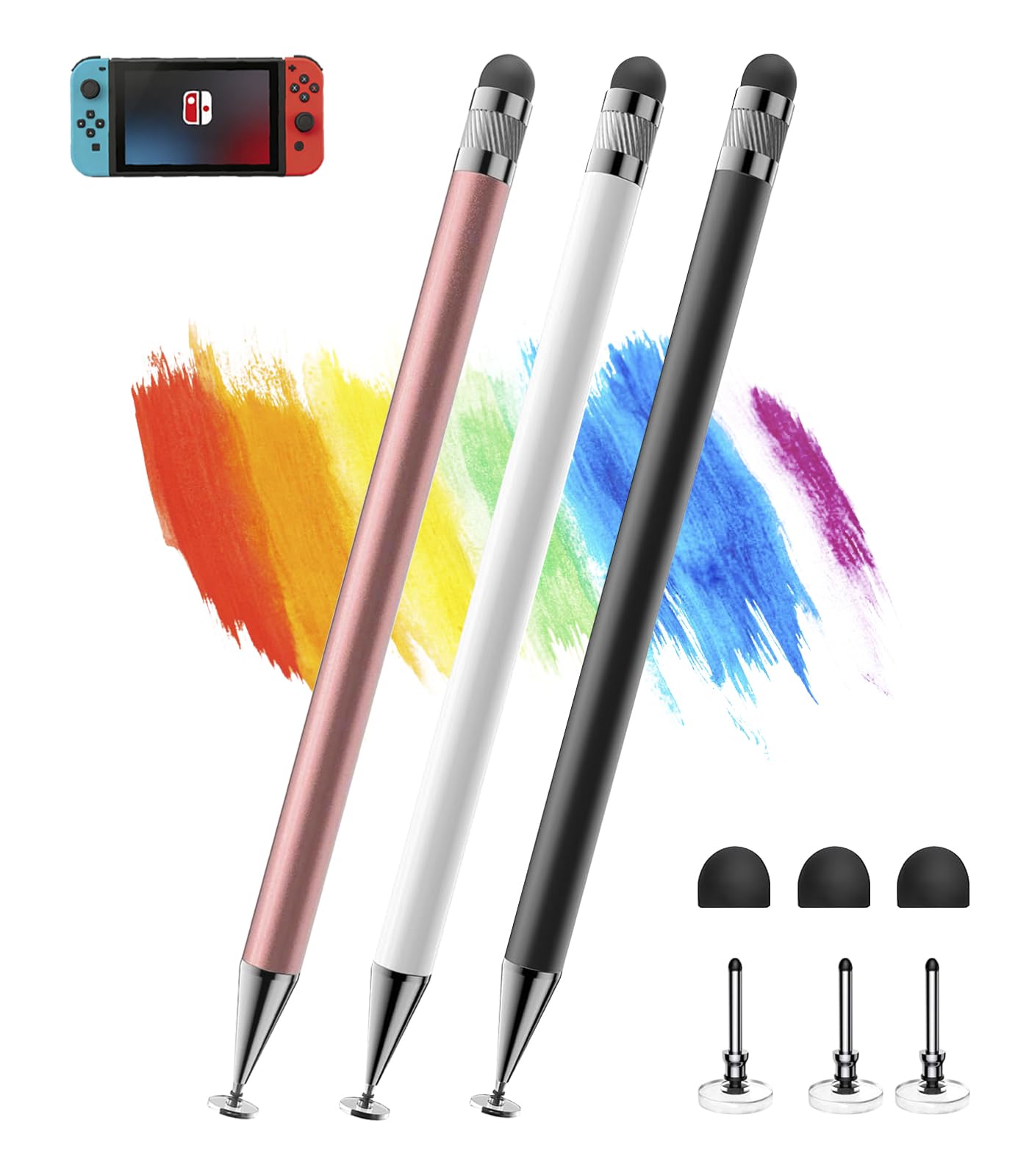
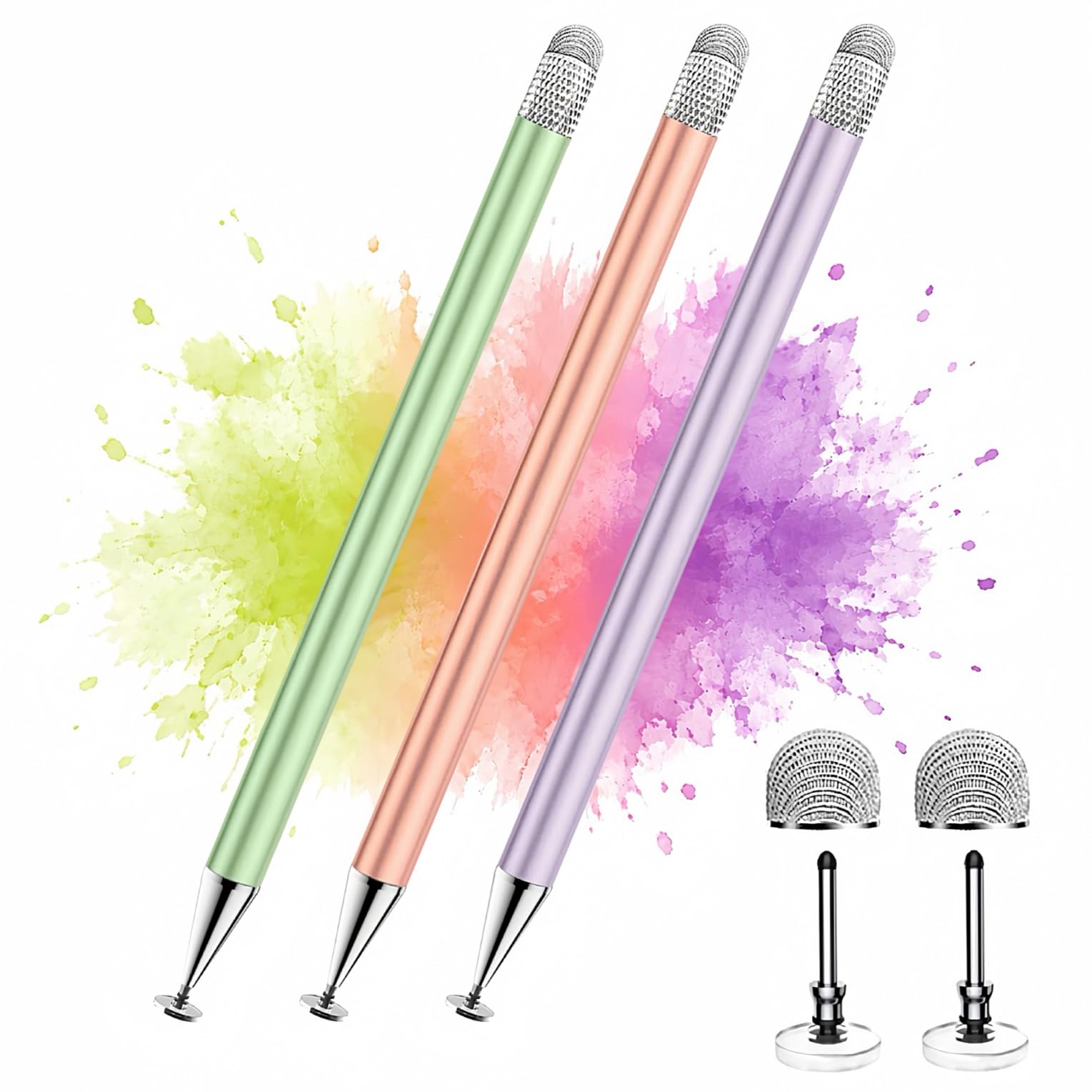
Three pens, four spare tips, and a slim alloy barrel: this is the set we hand to a household rather than to a person. Green, purple, and rose gold mean each one can be claimed, and in practice one lives in the Switch case, one sits by the dock, and one goes wherever the first two disappear to.

The two ends split the work cleanly. The transparent disc is the end for anything you are placing rather than poking — drawing a design in Animal Crossing, positioning a Mii's features, hitting a small button on the eShop grid — because you can see the contact point through the plastic and the tip flexes to meet the screen instead of skating across it. The fiber end is broader and softer, and it is what we use for scrolling and menu work, where speed beats a hairline.

Nothing to charge, nothing to pair: pick one up and the Switch answers, and the same pen works on a phone or a tablet once the console is out of reach. The fiber end wipes a smudge as it crosses the screen, which on a handheld that has been riding around in a bag is more welcome than it sounds.

Four spares ship in the box, two of each kind, so a replacement can live in the case with the console rather than in a drawer at home. For less than the price of the single-pen picks here, that is the detail that keeps this set at the top of our list.

Pros

  • Three pens plus four replacement tips
  • Fiber end for menus, disc end for drawing
  • No charging, pairing, or app needed
  • Works on Switch, phones, and tablets

Cons

  • Disc tip can work loose from the barrel
Our verdict

We recommend this set to almost anyone with a Switch: three no-charge pens, two tip styles, and four spares cover tapping, doodling, and the pen that goes missing.

Check Latest Price
2

Best Fiber Tip for the Switch

BoxWave EverTouch Stylus

88 /100
LBD Score Excellent

Key details

Lanyards
3 clip-on
Tip Type
Fiber mesh
Listed Weight
0.5 oz
Pens Included
1
View on Amazon

The most useful thing in the BoxWave package isn't the pen. It is the clip-on lanyards, a short loop and a 12-inch elastic coil among them, that anchor the stylus through the console's headphone jack — so on a handheld that gets pulled out on a train, the pen stays attached to the thing it is for instead of rolling around the bottom of a bag.

The EverTouch itself is a fiber-mesh stylus with a longer, weighted barrel than the multi-packs here, and the mesh works at any angle, so you can hold it like a pen rather than propping it upright. It also wipes fingerprints as it crosses the screen, which we appreciated more than expected on a console whose display is mostly smudges by the end of a commute. A broad, soft tip like this one trades a little fine detail for that gentleness, and for tapping through menus and doodling a face on a Mii, that is the right trade.

Pros

  • Lanyards tether it to the console
  • Fiber-mesh tip cleans the screen as it goes
  • Works at any writing angle
  • Longer, weighted barrel

Cons

  • One pen at a multi-pack price
Our verdict

For a console that travels, this is the pen we clip on and forget about: a mesh tip that is kind to the screen, tethered so it is always there.

Check Latest Price
3

Best Single Switch Pen

fllynewrite Switch Stylus

89 /100
LBD Score Excellent

Key details

Barrel
Aluminum
Tip Types
Disc and soft nib
In The Box
Pen, two tips, cap, lanyard
Pens Included
1
View on Amazon

Of everything here, this is the one pen sold specifically for the Switch: the listing names the Switch 2, the Switch, the Lite, and the OLED, and the design follows through with a slim aluminum barrel, a cap, and a lanyard.

One end is the flexible transparent disc for drawing, the other a soft nib for pressing through menus and the on-screen keyboard, and both work on any capacitive screen, so the pen pulls double duty on a tablet when the console stays home. On the Switch the disc earns its keep: with the contact point visible through the plastic, placing a design or lining up a Mii's eyes stops being a guessing game.

The cap is the detail that makes it a pocket pen — the tip is covered when it rides loose in a bag, which is more than the multi-pack pens manage — and the lanyard threads onto a case loop so it does not get left on a seat. It is the newest design in this group, and one pen is the whole package.

Pros

  • Named for Switch, Lite, OLED, and Switch 2
  • Cap protects the tip in a pocket
  • Lanyard keeps it with the case
  • Disc and soft nib on one aluminum barrel

Cons

  • Replacement window is the shortest here
Our verdict

The closest thing to a pen made for the Switch: capped, tethered, labeled for every model, and slim enough to ride in the case pocket.

Check Latest Price
4

Best Tip Variety

MEKO 3-in-1 Stylus

93 /100
LBD Score Outstanding

Key details

Warranty
2 years
Tip Types
Disc plus two rubber sizes
Rubber Tips
0.18 in and 0.27 in
Pens Included
2
View on Amazon

Most styluses here give you two ends. MEKO gives you three: a transparent disc behind a screw-off cap, then rubber tips in two sizes, 0.18 inch and 0.27 inch, so the pen in your hand can change jobs without you picking up a different one.

The small rubber tip is the one we kept reaching for on the Switch. It is the closest thing here to a fingertip that actually fits, and it makes tapping the tiny icons in the system settings and the eShop noticeably less fussy than a finger or a fat rubber end. The larger rubber tip is for scrolling lists, and the disc, once the cap comes off, is for anything that needs a line.

At 18.73 grams and 5.9 inches it sits in the hand like an ordinary pen, and the two-pack splits naturally between a bag and a desk. MEKO also backs it with a two-year warranty, the longest cover in this group — worth having on a pen with more small parts than most.

Pros

  • Three tips cover drawing and tapping
  • Small rubber tip suits tiny icons
  • Two pens in the pack
  • Two-year warranty, the longest here

Cons

  • Cap has nowhere to sit while you write
  • Rubber tips wear through with steady use
Our verdict

Buy it for the three tips: a disc for drawing and two rubber sizes that make the Switch's smallest on-screen buttons easy to hit.

Check Latest Price
5

Best Bulk Pack

Bopomofo 5-Pack Stylus

93 /100
LBD Score Outstanding

Key details

Length
5.91 in
Tip Types
Disc and rubber
Spare Tips
3 disc, 6 rubber
Pens Included
5
View on Amazon

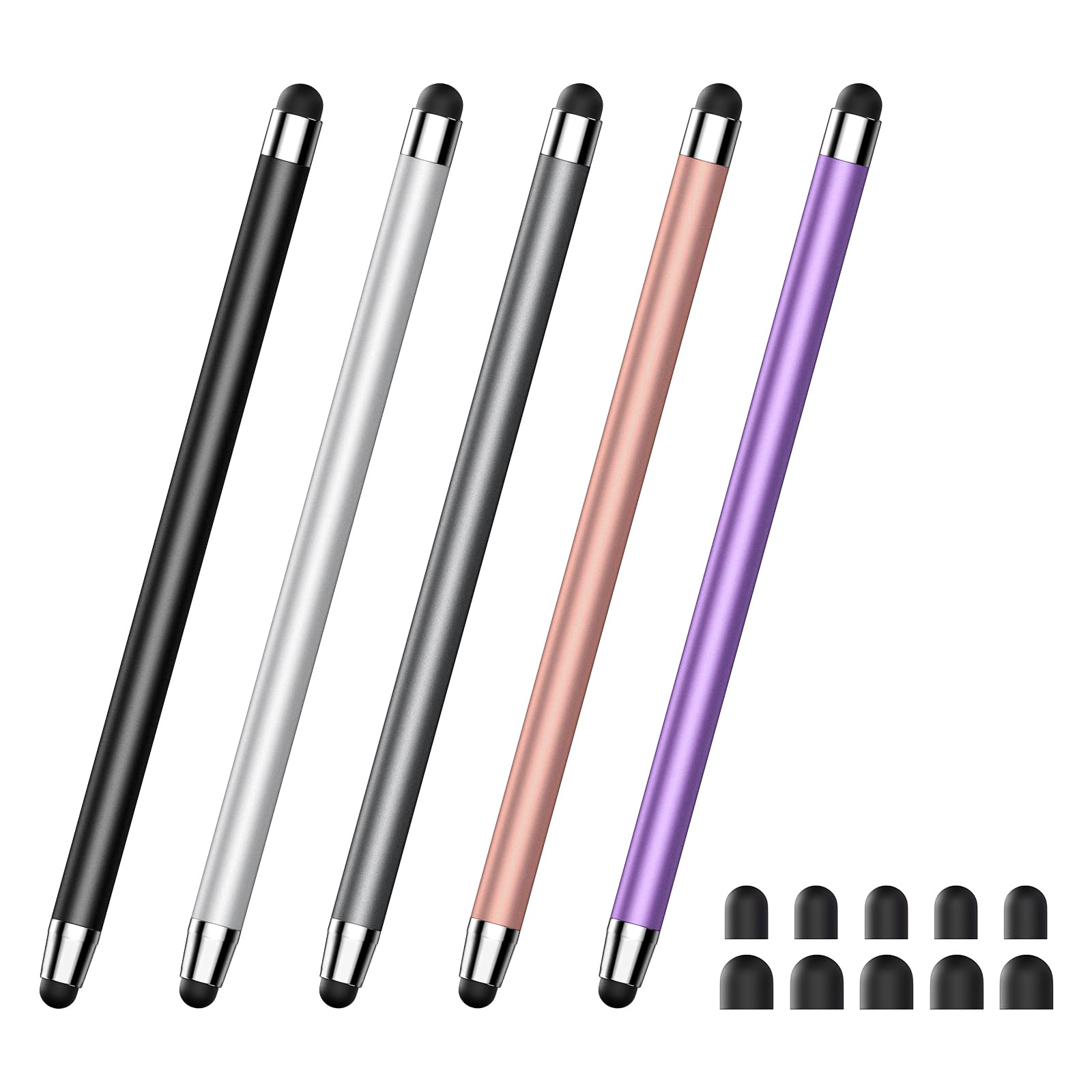
Nobody buys five styluses because they need five. They buy them because the last three went missing, and this set is built for exactly that person: five alloy pens in five colors, plus three spare disc tips and six spare rubber tips.

One end is the flexible disc for drawing and precise taps, the other a rubber tip for scrolling. The rubber end is a broad, soft contact patch, which is lovely for flicking through a long list and less lovely when you are hunting a single key on the eShop keyboard, where we sometimes pressed twice to be sure the first tap landed.

What we like most is the redundancy. Five pens means one can live in the case, one by the TV, one in the car, and two can go to whoever keeps borrowing yours, and nine spare tips mean a worn end does not retire the pen. For a shared Switch, that is the right calculation: not which pen is nicest, but which one you can afford to lose.

Pros

  • Five pens plus nine spare tips
  • Longer barrel is easy to hold
  • Distinct colors for a shared house
  • Disc and rubber ends cover both jobs

Cons

  • Tips can work loose and need reseating
Our verdict

Five pens and nine spare tips answer the real problem with styluses, which is that they go missing long before they wear out.

Check Latest Price
6

Spares on the Go

Kenkor 3-Pack Stylus

88 /100
LBD Score Excellent

Key details

Warranty
1 year
Tip Types
Disc and rubber
Spare Tips
One inside each pen
Pens Included
3
View on Amazon

Unscrew a Kenkor pen and something rattles inside: a spare tip is stowed in the barrel. That is the neatest small idea here, because the replacement travels with the pen instead of waiting in a baggie at home, and it is why this is the set we pack for a trip.

The pen itself is a three-pack in black, pink, and white, with an aluminum barrel, a flexible disc at one end, and a rubber tip at the other. On the Switch the disc did what a disc should — placed a Mii's features and drew a clean line in a doodle — and the rubber end handled scrolling without any drama.

Glide is the other thing we noticed: the rubber end moves across the display more smoothly than a dry fingertip, and the disc follows a curve without skipping. A one-year warranty covers all three pens, which is more cover than the budget multi-packs tend to offer.

Set against the other multi-packs, this one wins on the small things: the spare that travels inside the pen, colors that do not all look alike, and a barrel that feels like aluminum rather than painted plastic. For a pen that gets knocked around in a bag, that is the balance we want.

Pros

  • Spare tip stored inside each barrel
  • Aluminum barrel with disc and rubber ends
  • Three pens in three colors
  • One-year warranty

Cons

  • Tips fit loosely and can fall out
Our verdict

A three-pen set with a spare tip hidden inside each barrel, which is the smartest travel detail in this group.

Check Latest Price
7

Cheap Backup Pens

YITIAOXIAOYU Dual-Tip 5-Pack

88 /100
LBD Score Excellent

Key details

Tip Size
0.21 in
Tip Type
Dual rubber
Listed Weight
0.23 oz
Pens Included
5
View on Amazon

These are the cheapest pens here, and they are honest about it: five slim alloy barrels, five colors, and a soft rubber tip at each end, the smaller one about a fifth of an inch across.

There is no disc in this set, so precision stops where a rounded rubber end stops: fine for scrolling the eShop, tapping menu items, and picking out letters on the on-screen keyboard with a little patience, not fine for drawing anything with a line in it. What they do have is glide — the tip moves over the Switch's screen without the drag of a dry fingertip.

The calculation is coverage. Five pens means one can live in the car, one by the TV, and one in the case, and nobody has to care much when one walks off. Coverage rather than craftsmanship is the whole point, and at this price a household can stop treating a stylus like something precious.

Pros

  • Lowest price of any pick here
  • Five pens to scatter around the house
  • Smooth rubber glide on glass
  • Light, slim barrel

Cons

  • No replacement tips in the pack
Our verdict

The cheapest way to put a pen in every room, as long as rubber tips are enough and you do not need replacements.

Check Latest Price
8

Desk-Bound Touchscreens

DOGAIN Stylus with Clip Mount

89 /100
LBD Score Excellent

Key details

Mount
Rubber clip holder
Tip Types
Mesh and disc
Listed Weight
0.71 oz
Pens Included
1
View on Amazon

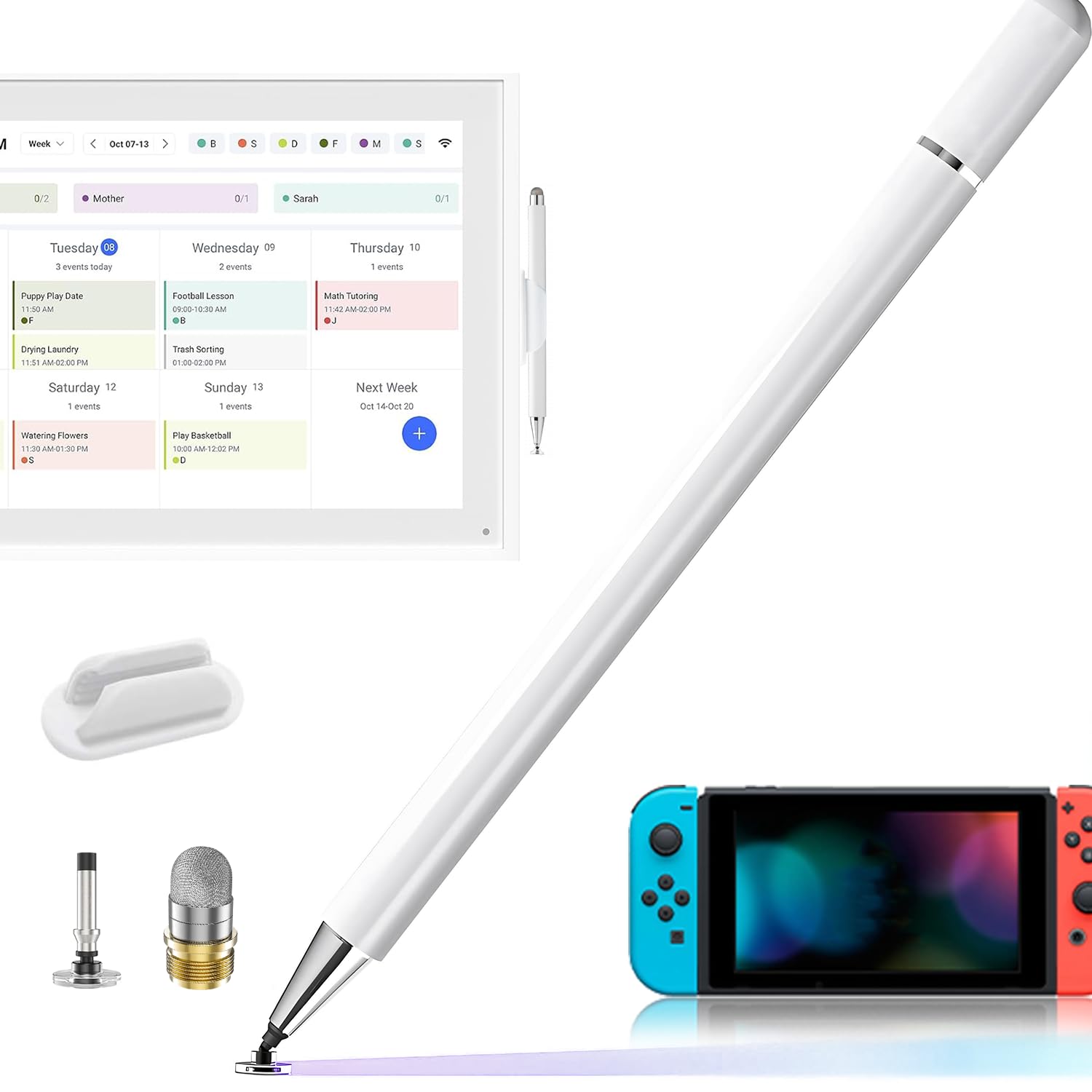
A clip mount is the whole idea here: the pen comes with a rubber holder that grips the edge of a screen or a stand, so it has a place to live instead of a place to get lost.

The pen is a white metal-bodied dual-tip, with a mesh end for scrolling and a transparent disc for detail, and a magnetic cap that parks on the barrel rather than disappearing under a keyboard. At 20 grams it has more presence in the hand than the lightest pens in the multi-packs.

That adds up to a desk arrangement: a tablet on a stand, a smart calendar on a kitchen counter, the kind of screen that stays in one place and wants a pen beside it. The magnet on the cap is a small thing that saves a lot of hunting.

We liked it for exactly what it is, a pen with a home. If the Switch comes out in handheld bursts and goes back in a case, this solves the problem the other pens quietly create, which is never being where you left them — as long as the surface it grips is one that does not move.

Pros

  • Clip mount gives the pen a fixed home
  • Magnetic cap stays with the pen
  • Mesh and disc tips on one barrel
  • One-year manufacturer warranty

Cons

  • Mount grips a fixed screen, not a handheld
Our verdict

A desk pen with a mount that gives it a home, best suited to a tablet or a calendar that stays in one place.

Check Latest Price

How We Tested the Best Styluses for the Switch

We started with a list of roughly 40 capacitive styluses marketed for the Switch and other touchscreens, then dropped anything that needed charging, Bluetooth pairing, or a driver — a stylus that adds a step defeats the point. From there we filtered by whether spare tips came in the box, whether the pen was sold singly or in a multipack, and by body material and weight, landing on 16 units that we used for three months.

Testing happened where the Switch actually gets played: handheld on the couch, in bed, and on a few train rides. We typed friend codes and eShop search terms with each pen and counted how many times we had to backspace, tapped through menus, and sketched in art games to see whether lines started and stopped where we intended. Each stylus also spent time on a phone and a tablet, since most people will use one across devices.

For screen protection, we wiped every tip before the first use and checked for grit, then inspected each display under a desk lamp after sessions for scratches or scuff marks. Durability got a less gentle treatment — dropped from couch height, tossed loose into a bag with keys, and checked afterward for tip wobble, frayed fiber, and housings that had worked loose.

We swapped every replaceable tip twice to see whether it took a simple twist or a hard pull, and noted whether the spares stayed snug in the pen or rattled around. Value came down to how many usable tips and pens a pack actually delivered, not the number printed on the front.

How to Choose a Nintendo Switch Stylus

Start With the Tip, Not the Pen

Three tip types turn up in this category and they behave differently. Mesh and rubber tips are soft contact patches: gentle on the display, quick for scrolling and menu taps, and a little vague when you want to place something exactly. A transparent disc tip is a thin plastic edge that lets you see the contact point, which is why it is the end for drawing and small targets.

If you mostly tap through menus, a mesh or rubber tip is all you need. If you sketch or design on the Switch, buy a pen with a disc and a spare, and keep that disc clean — grit trapped under the plastic is how a display picks up a scratch, and a screen protector is cheap insurance for anyone who draws.

Skip Anything That Charges or Pairs

The Switch's touchscreen is capacitive, like a phone's, so a passive stylus simply stands in for your fingertip: conductive tip, no battery, no pairing, no app. Pens that advertise pressure levels, palm rejection, or Bluetooth are active pens built for specific tablets, and the Switch has nothing to connect them to.

Nothing here needs charging, and that is a feature — a pen that sits in a case for a month still works when you pull it out. The trade-off is real: no stylus can give you pressure-sensitive line weight on a Switch, because the console doesn't sense it.

Buy More Pens Than You Need

Tips are the wear part. Disc tips work loose or pick up a nick, rubber tips develop holes, and a pen with a dead tip is a pen you stop using. That makes the multi-packs the smarter buy: a set with a spare of each tip type costs less per pen than a single premium stylus, and the spares are what keep the thing in service.

If a one-pen kit is what you want, check that it takes replaceable tips before you commit. The pens that stow a spare inside the barrel are the ones we trust furthest from home.

Match the Pen to How You Play

Most Switch play with a stylus happens in handheld mode, so think about where the console sits between sessions. A pen with a lanyard can be tethered through the headphone jack, a capped pen survives a pocket, and a five-pack means there is one in the bag, one by the charger, and one in the car.

Length matters more than weight for most people — a pen close to a normal pen is easier to hold through a long session than a stub — and a clip mount only earns its place if the screen it grips stays put.

Frequently Asked Questions

Final Verdict

Most people should buy the Zhao Cai Jin Bao three-pack. It gives you both tip styles, four spares, and enough pens to keep one in the case and one by the dock, and nothing about it needs charging or explaining.

The exception is a console that lives in a bag: the BoxWave EverTouch's mesh tip and headphone-jack lanyard make it the pen that is always there. If you draw more than you tap, pick a set with a disc tip and spares, and check that disc for grit before it touches the screen.