Best Portable Photo Printers of 2026

My phone holds a few thousand photos and I have printed maybe forty of them. That gap is what a portable photo printer fills: it turns a camera roll into something you can hand to someone, stick to the fridge, or slide into a birthday card. The catch is that these little machines are not interchangeable — some hand you palm-sized stickers, others produce a real 4x6 that holds up beside a lab print, and the refills cost very differently in each case.

My team and I have lived with ten of them over the past six months, printing from iPhones and Android phones in kitchens, at birthday parties, and in the back seat on a couple of long road trips. The biggest divide is chemistry. Dye-sublimation models build color in passes and hand you a dry, smudge-resistant print, while the pocket-size printers that use heat-activated paper skip cartridges entirely and produce a softer, slightly grainy look — worth knowing before you start comparing colors.

The ten that made the cut are below, from ones that vanish into a jacket pocket to a couple worth clearing desk space for.

1

Best Overall

Canon SELPHY CP1500

88 /100
LBD Score Excellent

Key details

Weight
3.48 lb
Print Sizes
4x6, 2.1x3.4, 2.1x2.1 in, mini labels
Connectivity
Wi-Fi, USB, memory card
Print Technology
Dye sublimation
View on Amazon

The battery back is sold separately, and it is the accessory that changes what this printer is: with it fitted, a 4x6 comes out on a picnic table instead of a desk. The body measures 7.17 by 5.24 by 2.27 inches, small enough to live on a shelf, and the paper cassette lifts out so the whole thing packs into a tote with the rest of the party supplies.

The output is why we keep coming back to it. Dye sublimation lays down yellow, magenta, and cyan in separate passes, then seals the stack under a clear laminate, and that last layer is the first thing you notice: the print is dry the second it lands, wipes clean, and survives a child grabbing it by the corner. Set one of these 4x6s beside a 2x3 Zink sticker from the minis in this guide and the difference is obvious — depth, clean edges, and color that holds up in daylight.

There is a 3.5-inch screen on the front for cropping and filtering without going back to the phone, and it prints over Wi-Fi, USB, or straight off a memory card, which no other printer here does. Wi-Fi is where it can stall: the app has to find the printer before a queue will move, and when it will not, the USB cable settles it in seconds. Prints can also land a touch warm, and the on-screen brightness control is the lever for that.

We recommend it as the default because the prints are worth keeping. A 4x6 takes about 41 seconds and costs more per sheet than a sticker, but you end up with something you can frame, mail, or put in an album, and no other machine here handles 4x6, card size, square, and labels from one box. The Pearl N200 Pro is the better answer only if your photos end up in a journal.

Pros

  • Lab-style 4x6 dye-sub prints
  • Instantly dry, water-resistant finish
  • Screen plus Wi-Fi, USB, and card slot
  • Optional battery for printing off-grid

Cons

  • Battery pack sold separately
  • Heavy at 1.58 kg for a portable
Our verdict

Our pick for most people: it prints real 4x6 dye-sub photos that come out dry and water-resistant, and the optional battery takes it off the desk.
Check Latest Price
2

Best for Printing a Lot

Liene M100

89 /100
LBD Score Excellent

Key details

In The Box
100 sheets, 3 cartridges
Print Size
4x6 in
Connectivity
Own Wi-Fi, USB-C
Print Technology
Dye sublimation
View on Amazon

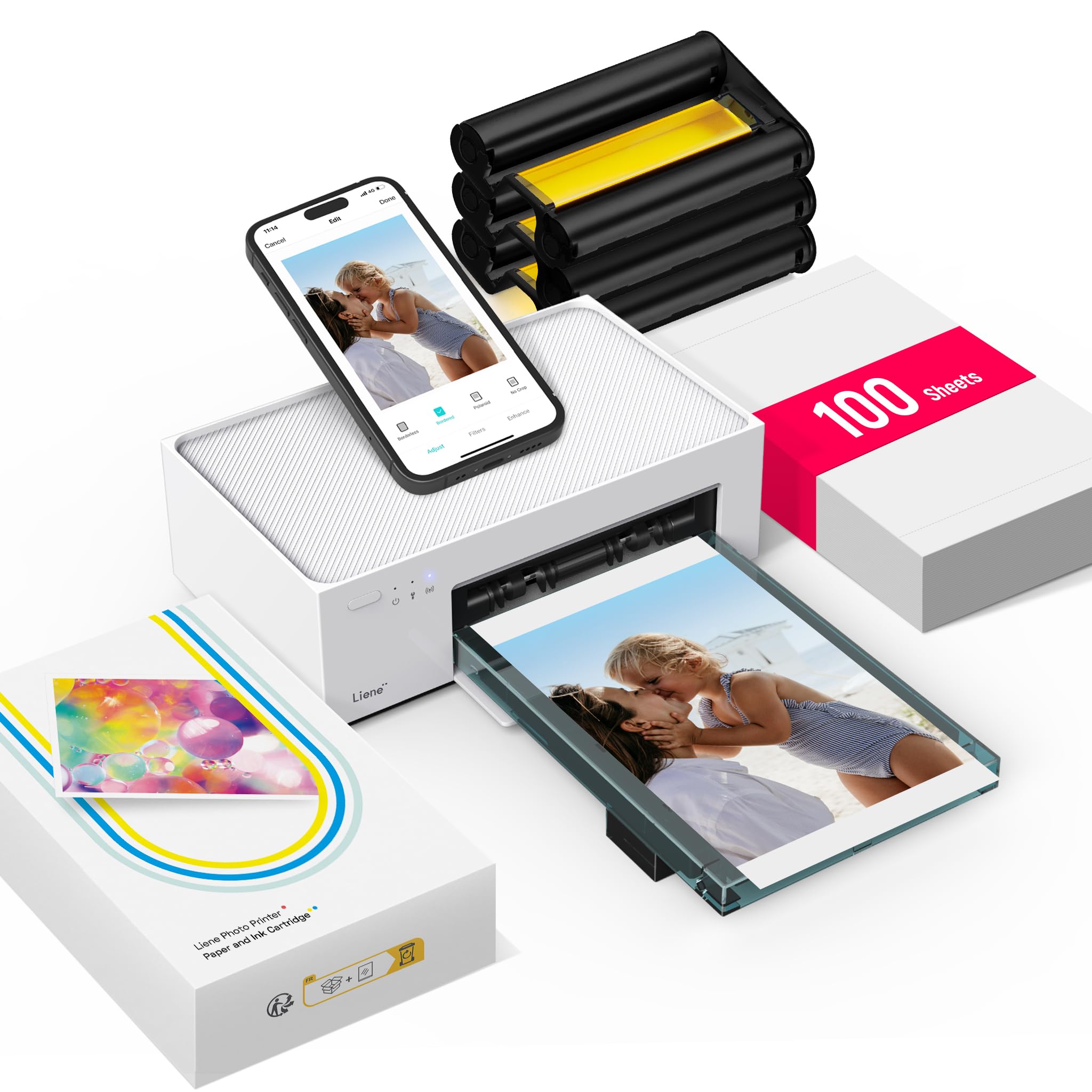
Three cartridges and 100 sheets arrive in the box, which sounds like a footnote until you have bought dye-sub paper by the pack: the M100 is the only printer here that shows up ready for a summer of printing. That bundle is most of what separates it from the SELPHY CP1500, which starts you on a trial pack and expects you to reorder.

Picture quality earns the rest. It prints borderless 4x6s through the same dye-sublimation process, and the results have the gloss and depth of a lab print — saturated color, clean edges, nothing washed out in the midtones. We printed the same phone snap on this and on the CP1500 and struggled to tell them apart at arm's length, which tells you the choice between the two is about feeding them, not about output.

Feeding it is the clever part. The printer broadcasts its own Wi-Fi network, so there is no router, no password, and no dependence on hotel Wi-Fi, and five phones can be connected at once, which makes it the obvious pick for a birthday party or a small wedding. The link can drop mid-queue, though, and the fix is to reconnect and restart the run.

The rest is a trade. Three cartridges do not guarantee 100 prints, because how far a cartridge stretches depends on how much color is in your pictures. What you are buying is a printer that is self-sufficient — its own network, its own paper, its own cartridges — and that self-sufficiency is the point when the alternative is hunting for a signal at someone else's house.

Pros

  • 100 sheets and three cartridges included
  • Borderless 4x6 dye-sub prints
  • Own Wi-Fi hotspot, five devices at once
  • USB-C and app control

Cons

  • Connection drops interrupt a queue
  • Too large to carry like a mini
Our verdict

For anyone printing a lot of 4x6s, its 100-sheet bundle and self-hosted Wi-Fi make it the most self-sufficient printer in this guide.

Check Latest Price
3

Best Mini Printer

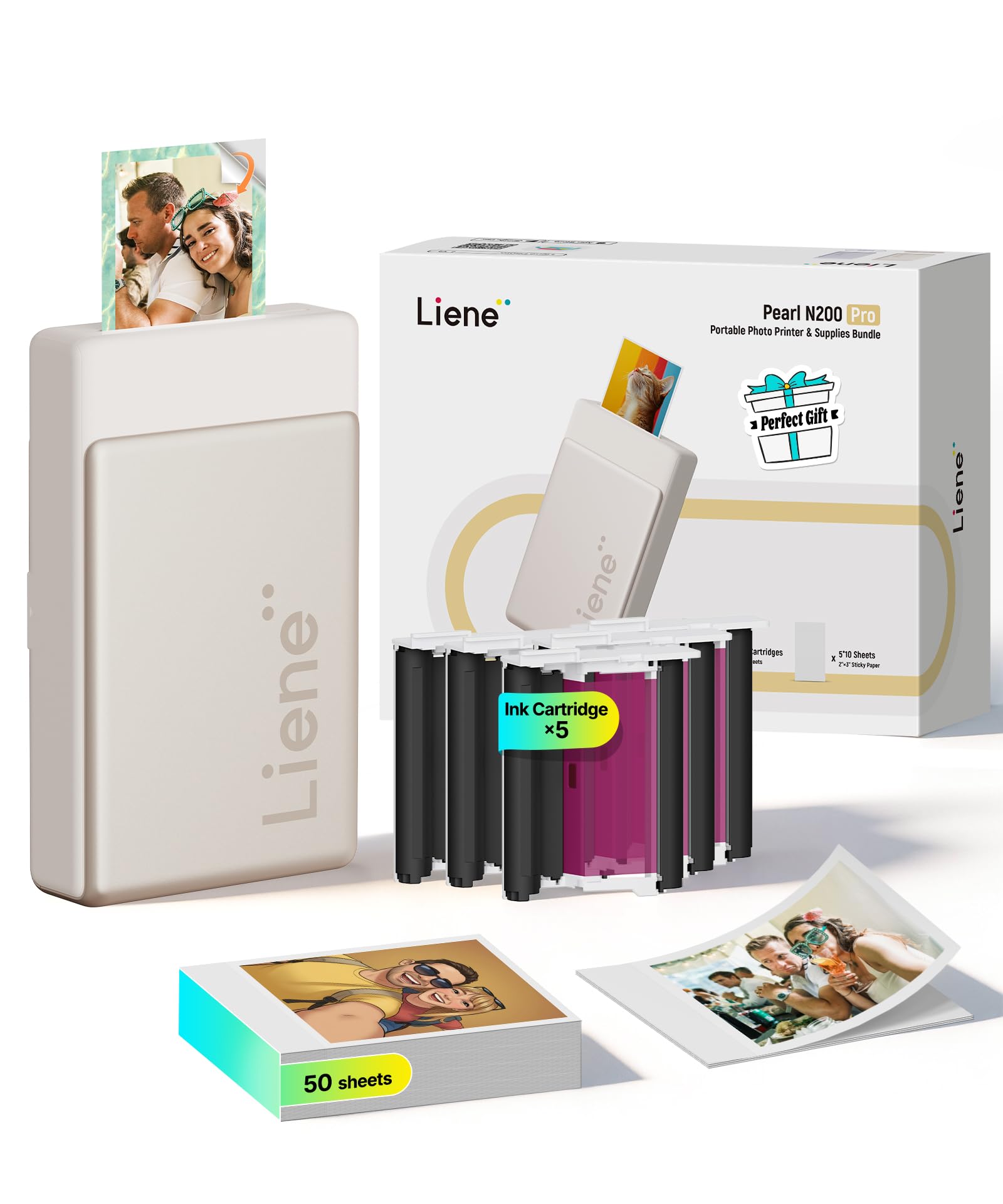
Liene Pearl N200 Pro

90 /100
LBD Score Outstanding

Key details

Weight
12 oz
In The Box
50 sheets, 5 cartridges
Print Size
2x3 in, adhesive
Print Technology
Dye sublimation
View on Amazon

Dye sublimation is what the best-looking printers in this guide have in common, and the Pearl N200 Pro is the only one that squeezes it into a paperback-sized body — 340 grams, 5.69 by 3.44 by 1.16 inches. That is why it is our pick for pocket prints rather than 4x6s: the 2x3 stickers it turns out have the color depth of a real photograph instead of the flat, slightly chalky look Zink can leave.

The app is deeper than this category usually gets. Beyond frames and filters there is AI background removal for custom borders, watermarks and timestamps, and an InstaPic mode that turns the phone into a shoot-and-print camera with built-in filter looks. We spent more time in it than we expected to, mostly on the borders.

Fifty sheets and five cartridges come in the box, which takes some of the sting out of the price, and the prints stay true to the phone screen, skin tones especially. Ours ended up on a fridge door, a journal cover, and the back of a Kindle, and the adhesive has held on all three without curling at the corners.

Pros

  • Best print quality of the minis here
  • 50 sheets and five cartridges included
  • Peel-and-stick 2x3 prints
  • Deep editing app with AI borders

Cons

  • Prints take roughly two minutes
  • Phone app is the only route in
Our verdict

If the print goes in a journal rather than a frame, this is the one: dye-sub color and an adhesive back in a 340 g body, with 50 sheets and five cartridges included.

Check Latest Price
4

Easiest to Use

Canon IVY 2

93 /100
LBD Score Outstanding

Key details

Weight
5.11 oz
Print Size
2x3 in, peel-and-stick
Connectivity
Bluetooth 5.0
Print Technology
Zink, no ink
View on Amazon

There is almost nothing to this one: slide in the smart sheet, load the ten-pack, pair over Bluetooth, print. No ink, no cartridge to seat, no alignment step. Of everything here, the IVY 2 is the printer to hand someone who says they are not good with gadgets.

What comes out is a 2x3 Zink print at 313 by 512 dpi with a peel-and-stick back, and Canon's second-generation processing leans on skin tones, contrast, and sharpness. It is the better-looking of the two Zink minis in this guide — closer to the colors on your phone than the Kodak Step manages, though neither comes near the dye-sub Pearl N200 Pro.

Where it asks for patience is paper and radio. A ten-pack disappears fast if you are printing for a scrapbook, and Bluetooth is the only connection, so a module that stops working leaves you with no wired fallback. As a first photo printer, or a gift for a teenager with a phone full of pictures, it is the easiest yes in this guide.

Pros

  • Simplest setup of the minis here
  • Peel-and-stick 2x3 prints
  • 145 g and pocket-sized
  • Bluetooth 5.0 pairing

Cons

  • Ten sheets is a short starter pack
  • Bluetooth is the only connection
Our verdict

The easiest first printer here — pair it, load a pack, print — and the better-looking of the two Zink minis we tested.

Check Latest Price
5

Best Instant-Film Look

Fujifilm Instax Mini Link 3

92 /100
LBD Score Outstanding

Key details

Film
Sold separately
Print Size
2.1x3.4 in
Connectivity
Bluetooth
Print Technology
Instax Mini film
View on Amazon

The prints are Instax film — the same credit-card-sized sheets an Instax camera uses — and there is none in the box, so price a film pack in before the printer arrives. What you get for it is the one thing the digital printers here cannot imitate: a picture in a white frame with the soft, slightly dreamy rendering people stick on a mirror.

We like it for what it is rather than what it is not. The app is the entertainment: collages, a frame pulled out of a video, a photobooth mode, and light effects that throw confetti, spotlights, or sprinkles over the print as it comes out. Output is solid rather than clinical, and the whole printer disappears into a jacket pocket.

Two costs to accept: film is the ongoing expense, and a pack holds ten frames, so you buy in tens rather than hundreds. Printing is slow and a little theatrical, which here is the point rather than a flaw — no dye-sub printer in this guide reproduces this format.

Pros

  • Real Instax instant film prints
  • Prints a frame from video
  • Collage and photobooth modes
  • Small and light enough to carry daily

Cons

  • Film not included
  • Ten frames per film pack
Our verdict

Buy it for the film, not the resolution: instant prints with white borders, a genuinely entertaining app, and none of the digital flatness.

Check Latest Price
6

Cheap Sticker Printing

KODAK Step

89 /100
LBD Score Excellent

Key details

Print Size
2x3 in, sticky back
Resolution
313 x 400 dpi
Connectivity
Bluetooth, NFC
Print Technology
Zink, no ink
View on Amazon

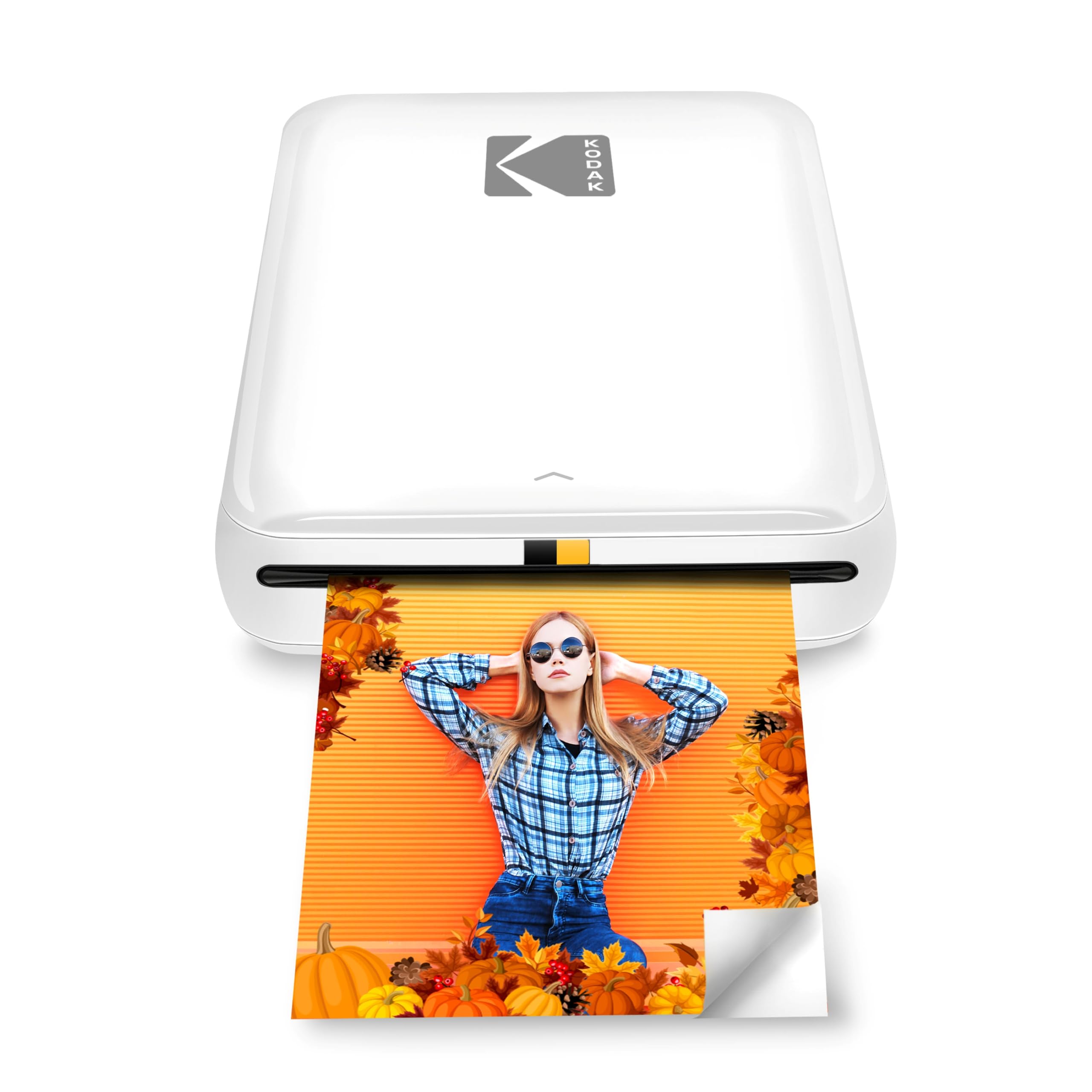
This is the least expensive printer in the guide, and it feels it: plain plastic, 2x3 Zink stickers like the IVY 2's, and color that sits a step behind — flatter, and quick to look washed out on a busy photo. What it has going for it is that it is the cheapest way to find out whether you will actually use a mini printer.

Setup is quick and the app does more than the price suggests — collages, filters, borders, stickers, and text — and there is an NFC tap-to-pair option alongside Bluetooth that most people never notice. Load the paper, touch the phone to the printer, and the first one is on its way in about a minute.

Pros

  • Cheapest printer in this guide
  • NFC tap-to-pair plus Bluetooth
  • Peel-and-stick 2x3 prints

Cons

  • Print quality varies photo to photo
  • Reliability is uneven
Our verdict

The cheapest way into sticker printing here, provided you keep expectations at 2x3 sticky prints rather than frame-quality photos.

Check Latest Price
7

Sharp Budget Minis

Nelko PP01

84 /100
LBD Score Excellent

Key details

In The Box
20 sheets, 1 cartridge
Print Size
2x3 in, sticky back
Resolution
600 x 600 dpi
Print Technology
Inkjet
View on Amazon

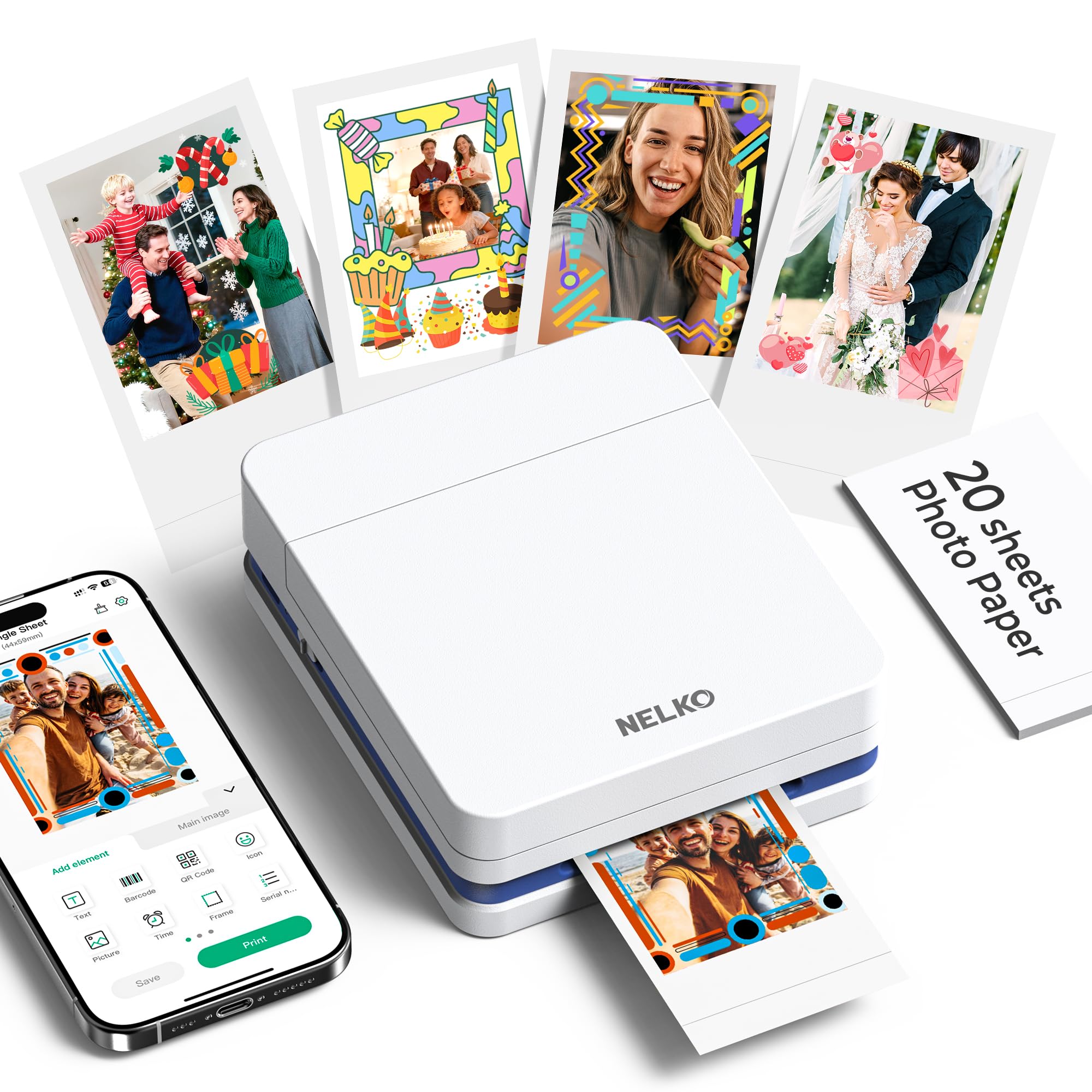
Most 2x3 printers here work by heating Zink paper. This one carries a tiny inkjet head and a color cartridge, which is how Nelko claims 600 dpi where the Zink models in this guide sit at 313 by 400 or 313 by 512. On a print this small, that shows up as edges and detail that hold together instead of going soft.

In use the prints are bright and clean, with the sticky back that makes these things useful in journals and planners, and Nelko rates the paper water- and smudge-resistant. The app is basic but competent — frames, filters, and an AI mode that tidies a photo before printing — and at 4.2 by 1.69 by 5.04 inches the printer drops into a bag, though it stands taller on a shelf than the IVY 2.

The cartridge is the catch: one comes with 20 sheets, and refills arrive in Nelko's own packs, so running cost is tied to one supplier. Set against that, it is the cheapest printer here and it turns out better-looking small prints than the Zink minis, which makes it the budget pick we reach for first.

Pros

  • 600 dpi, above the Zink models here
  • Cheapest printer in this guide
  • Sticky-backed, water-resistant paper

Cons

  • Reliability is uneven
  • 20 sheets and one cartridge to start
Our verdict

The sharpest 2x3 prints for the least money here, though it is the pick we are least sure about over the long haul.

Check Latest Price
8

Desk-Side 4X6 Printing

KODAK Dock Plus

86 /100
LBD Score Excellent

Key details

In The Box
50 sheets
Print Size
4x6 in
Connectivity
Bluetooth, phone dock
Print Technology
4PASS dye sublimation
View on Amazon

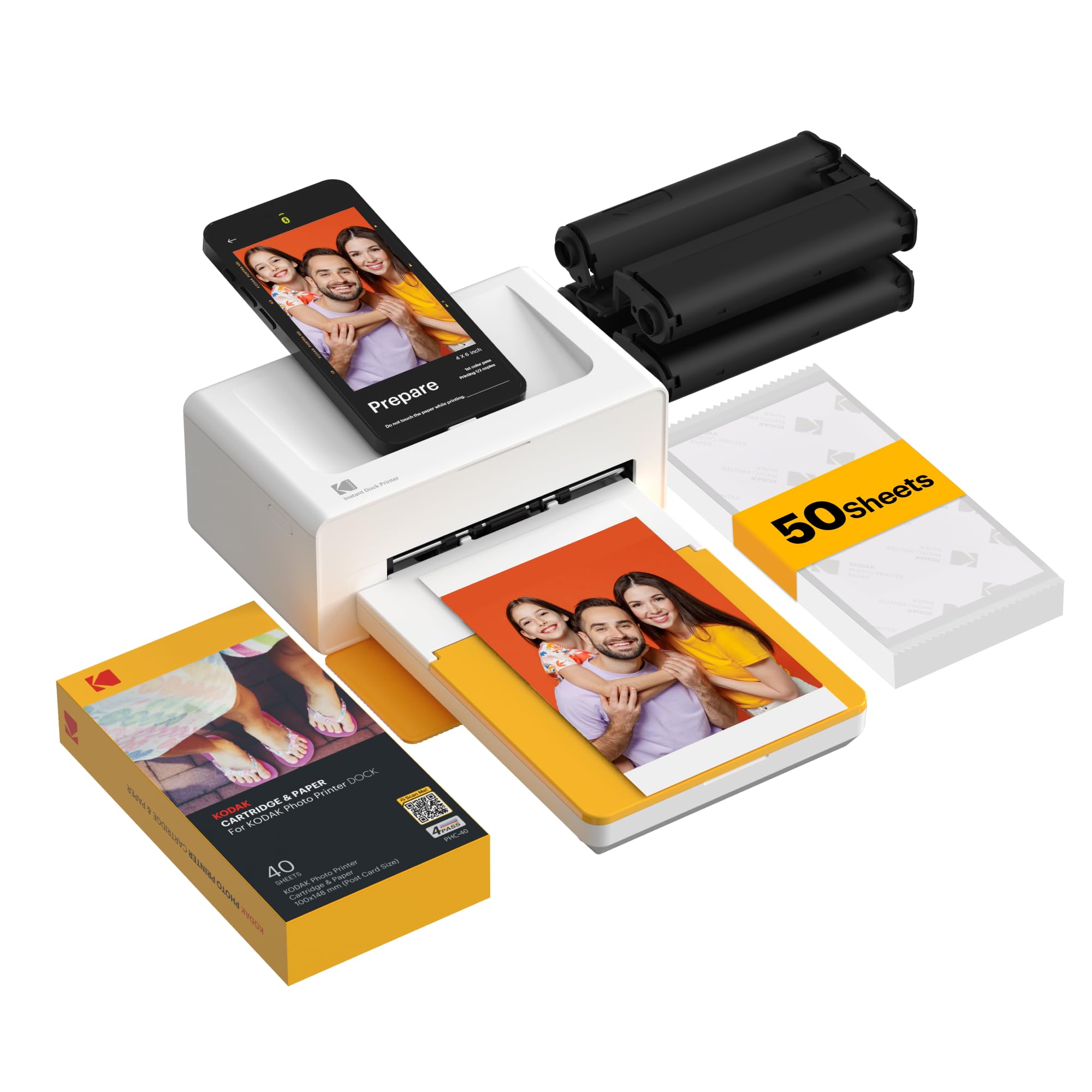
The dock is the whole idea. You stand your phone in it, the printer charges it while you browse, and a queue runs from the app without hunting for a cable. Nothing else here does that, and if your phone is usually at twenty percent by dinner, it is an easy habit to fall into.

Behind the dock is KODAK's 4PASS process — three color passes plus a clear coat — the same family as the SELPHY CP1500 and the Liene M100, and it produces a proper 4x6 in about 55 seconds. Fifty sheets come in the box, the laminate makes the prints water- and fingerprint-resistant, and the low 8.5 by 4.5 inch body sits under a monitor without drama.

The docking arm fixes where the phone sits while a queue runs, so you are not scrolling through other apps mid-print, and that is the one ergonomic compromise the design asks of you. Otherwise the routine is the simplest thing about it: phone in, app open, prints out.

Where we land: it is the least expensive route into 4x6 dye-sub quality in this guide, and the dock is what makes the routine stick — phone in, charge up, queue out. For a household that prints from the kitchen counter, that is enough.

Pros

  • Charges your phone while printing
  • 4x6 dye-sub prints with a clear coat
  • 50 sheets included
  • Low profile under a monitor

Cons

  • Requires a wall outlet
  • Longevity is the open question
Our verdict

The one to buy if your phone lives on a desk: it charges while it prints 4x6 dye-sub photos, at the lowest price for that quality here.

Check Latest Price

How We Chose and Tested Portable Photo Printers

We started by gathering every portable printer we could find that pairs with both iOS and Android, then cut anything with a dead-end supply chain: paper or cartridges that were out of stock, discontinued, or priced so that a year of printing would cost more than the hardware. That left ten units, which we bought ourselves rather than accepting samples, and we used them from spring into fall.

Testing happened where these printers actually live — kitchen counters and coffee tables, a five-year-old's birthday party, a dorm room, and the back seat on two long road trips. Every unit was set up and paired by one person alone, timed from opening the box to holding a first print, and then handed to a kid and a grandparent to see how much the app actually explained on its own.

We clocked each print from the moment we tapped the button to the moment the photo was in hand, and noted whether the fifth print of a session beat the first. Prints were held next to the phone screen under the same lamp to check whether skin tones went orange and whether shadows crushed to black; sticker sheets got peeled onto a laptop lid, a water bottle, and a fridge door, then wiped with a damp thumb. For the pocket models we weighed each one loaded with paper and slipped it into a tote and a jacket pocket to see whether it truly disappeared.

Finally, reliability: back-to-back batches of 30 prints to catch jams, cartridge errors, and dropped Bluetooth connections, plus a walk out of range to see how often each printer had to be re-paired. Cost per print came from current paper and cartridge prices, because the cheapest printer on the shelf is rarely the cheapest one to own.

How to Choose a Portable Photo Printer

Decide What Size Print You Actually Want

A 2x3 sticker and a 4x6 photo are different products with different jobs. The minis — the Liene Pearl N200 Pro, Canon IVY 2, Kodak Step, and Nelko PP01 — make small adhesive-backed prints for journals, planners, phone cases, and gift tags. The 4x6 machines — Canon SELPHY CP1500, Liene M100, and KODAK Dock Plus — make something you can frame, mail, or put in an album. If you want both, you are buying two printers, because none of these swaps formats.

The trap is the word compact. A 4x6 dye-sub printer like the CP1500 is compact in the sense that it fits on a shelf and travels in a car trunk; it is not going in a jacket pocket. Judge portability by whether you would carry it to a friend's house, not by how it looks in the listing photo.

Understand What Each Process Costs You

Four processes appear here, and they explain most of the quality gap. Zink paper (IVY 2, Kodak Step) has dye crystals embedded in the sheet and needs no ink, so the hardware is tiny and inexpensive, but color is the most variable thing in this guide. Dye sublimation (CP1500, M100, Pearl N200 Pro, Dock Plus) prints three color layers and seals them under a clear coat, which is why those prints feel like lab prints. Nelko's PP01 uses a real inkjet cartridge for finer detail, and Instax film is a chemical instant print with a look of its own.

For prints that will be handled, hung, or given away, the dye-sub machines justify the extra money. For stickers going into a journal that will be thrown out with it, Zink is fine.

Match the Power Story to Where You'll Print

Portability is mostly a battery question. The minis run on internal batteries and pair over Bluetooth, so they work on a train or at a table with no outlet in sight. The 4x6 units are the ones to check: the CP1500 takes an optional battery back that makes it genuinely cordless, while the M100 and Dock Plus are plug-in machines, and the Dock Plus holds your phone at a fixed angle while it charges.

If the printer leaves the house more than a few times a year, buy the battery with the printer rather than after the first trip where you needed it.

Count the Consumables Before the Printer

The box tells you a lot about running cost. The Liene M100 arrives with 100 sheets and three cartridges, the Pearl N200 Pro with 50 sheets and five, the Dock Plus with 50 sheets, the IVY 2 with ten sheets, the Nelko with 20 sheets and one cartridge, and the Instax printer with no film at all. Cartridge yield is not fixed either — a cartridge printing color-heavy images runs out sooner than one printing pale ones, so three cartridges is not the same promise as 100 prints.

Work out how many prints a month you will really make, then buy the printer whose starter pack covers the first two months. That way you learn the real cost before you are committed to it.

Treat the App as Part of the Hardware

Every printer here leans on a phone app, and the app is where most frustration starts. Bluetooth minis pair directly but can be fussy to re-pair; the M100 sidesteps router problems by broadcasting its own Wi-Fi network; the CP1500 and Dock Plus want the app to find them on your network before a queue will move. Printing from several phones at once, if that matters for a party, is the M100's standout feature at five connections.

Install the app and pair the printer in the first week, while returns are still open. A printer that will not hold a connection is a printer you will stop using.

Frequently Asked Questions

Final Verdict

Buy the Canon SELPHY CP1500. It is the printer we point people to because the prints are real 4x6s — dry on arrival, water-resistant, good enough to frame — and it makes them from Wi-Fi, USB, or a memory card, with a screen for cropping and an optional battery for printing away from a desk.

If pocket-size sticker prints are the actual goal, the Liene Pearl N200 Pro makes the best-looking ones in this guide. If you are printing a hundred 4x6s for an event, the M100's bundle and self-hosted Wi-Fi are worth the extra.