Best Overall

Creative Pebble V2
Key details
- Power
- 16 watts max, gain switch
- Drivers
- 2-inch full-range, 45° angled
- Controls
- Front volume knob
- Connection
- USB-C power, 3.5mm aux input
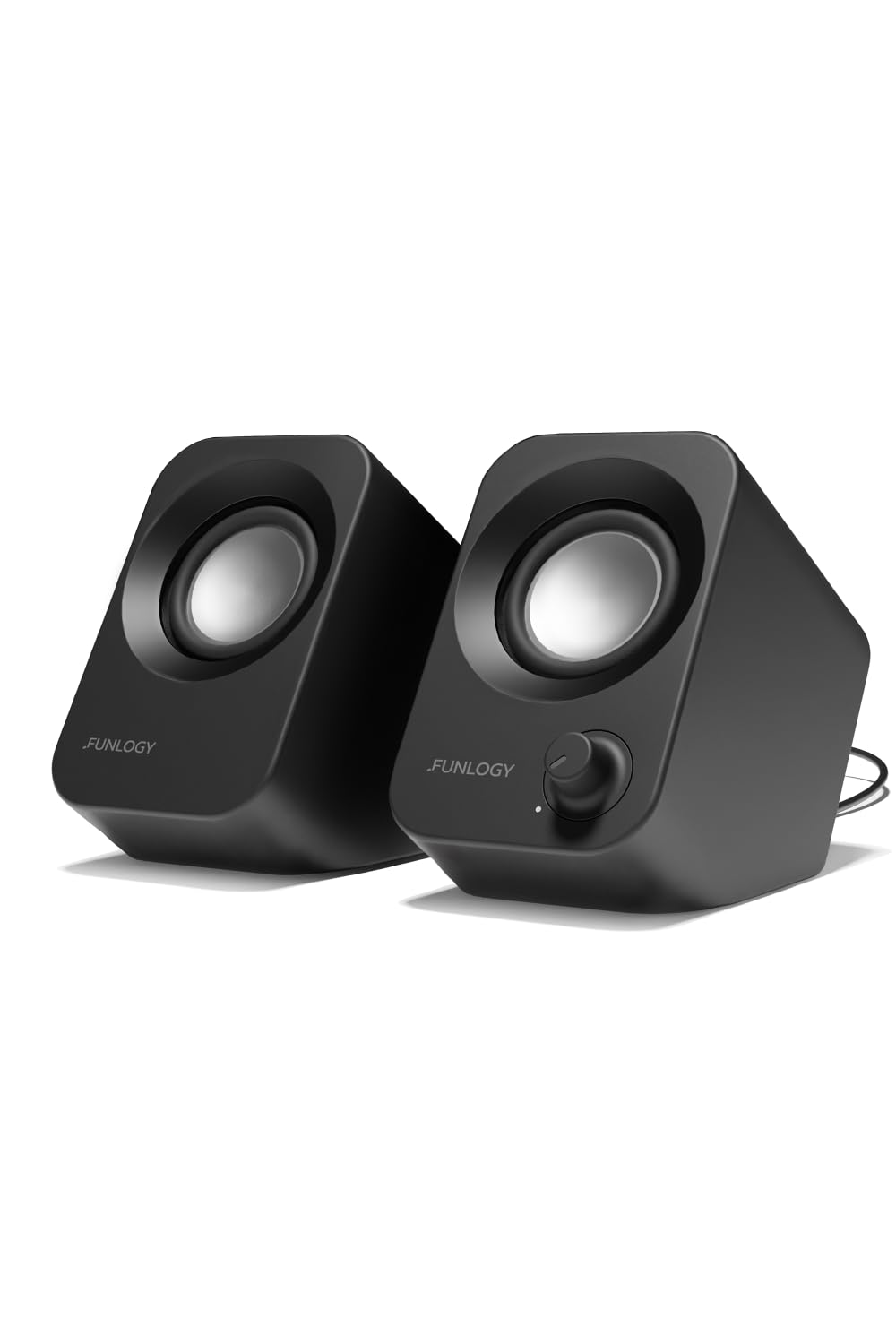
A knob on the front of the left cabinet is the reason we keep coming back to the Pebble V2. When a call starts or a video blares, your hand goes to the desk instead of hunting the system slider, and that is a small thing you notice several times a day. For a desk that already has enough hardware on it, that is most of the argument.
The shape earns its place too. Each cabinet holds a 2-inch full-range driver tipped up at 45 degrees, aimed at your ears rather than your knees, which is the right call for speakers sitting a couple of feet away. Rear passive radiators add a little weight down low, though two inches of cone will never give you bass you feel — we stopped expecting that after the first afternoon and enjoyed them more for it.
Power comes over USB-C with a USB-A adapter in the box, and the sound arrives on a 3.5mm cable, so the set works with anything that has a headphone output. There is a gain switch on the back that roughly doubles output when you feed it from a 10W USB-C or USB-A port; flip it before deciding the speakers are quiet.
Two things to know before you commit. Most of the volume arrives in the top half of the knob's travel, so late-night listening takes a light touch, and a faint hum can creep in when nothing is playing — worth listening for while you are still inside the return window.
Pros
- Front knob beats hunting the system slider
- 45-degree drivers aimed at your ears
- Gain switch adds headroom on 10W ports
- Accepts any source with a headphone jack
Cons
- Wired only; no Bluetooth
- Needs both a USB port and a headphone jack
We recommend the Pebble V2 to anyone who wants better sound than laptop speakers without giving up desk space: the angled drivers, the front knob, and USB-C power make it the easiest small set to live with.