Best Smartwatches for Seniors of 2026

A smartwatch earns its spot on an older wrist the first time it saves a walk across the house to find a ringing phone. The ones that work show the time in type you can read without hunting for glasses, buzz for a call or a reminder, and run for days instead of hours. If it's fiddly to set up or needs charging nightly, it lives in a drawer.

I've spent six months with 12 of these on my wrist and on two relatives in their seventies, and the differences show up fast. Outdoor brightness mattered more than spec sheets suggest, as did case size on a slim wrist and whether the thing looked like jewelry or a toy. We also made a lot of calls from the kitchen with the range hood running, because that's where cheap watches fall apart.

One thing to settle first: most budget watches pair with either phone type, while the priciest pick here is iPhone-only. Decide that, then read for the watch you won't have to think about.

1

Best Overall

Apple Watch SE 3

95 /100
LBD Score Outstanding

Key details

Phone
iPhone only
Safety
Fall and crash detection
Battery
18 hours
Case Size
40mm
View on Amazon

The safety case is the reason this is our top pick. Apple Watch SE 3 can detect a hard fall or a severe car crash, help connect with emergency services, and alert contacts. For an older adult who lives alone or walks without a phone, that is a more meaningful feature than another sport mode. It also puts Siri on the wrist for simple questions and timers, and the 40mm case keeps the watch from feeling bulky.

The catch is the iPhone requirement. The SE 3 is a GPS model, not a standalone phone, so it leans on a paired iPhone for much of what makes it useful. If the wearer uses an Android phone, this watch is not an option, full stop. And the 18-hour battery means a nightly charging routine; that is a real habit to build, not a detail to wave away. We prefer a watch that gets through a week for someone who might forget a charger, but we accept the daily charge because the safety features are stronger here.

For reading, the 40mm face is compact rather than huge. If the priority is the largest possible text, the Yoever IDW20 is the better pick with its 1.91-inch screen. But for an iPhone user who wants the most credible safety net plus sleep and activity tracking, the SE 3 earns the top spot. We just make sure the phone, the watch, and the charging routine are set up together, because a safety watch that sits on a nightstand is not doing its job.

Pros

  • Fall and crash detection built in
  • Siri and tight iPhone integration
  • Sleep, activity, and heart-rate tracking

Cons

  • Requires an iPhone; 18-hour battery
  • 40mm case is compact for large-text needs
Our verdict

For iPhone households, this is the senior smartwatch we recommend first: fall and crash detection, Siri, and health tracking, with the trade-off of daily charging.

Check Latest Price
2

Best Large Display

Yoever IDW20

85 /100
LBD Score Excellent

Key details

Battery
350mAh
Display
1.91-inch HD
Controls
Rotating crown
Water Resistance
IP68
View on Amazon

The 1.91-inch display is the first thing you notice about the Yoever IDW20, and for an older adult it is the right place to start. It is the largest screen in this roundup, with an LCD that leaves room for big watch faces and readable notifications. The rotating crown gives you a physical way to scroll, which is useful when tapping a small on-screen target is awkward. The watch is also heavy for its class at 100 grams, so it feels substantial rather than invisible.

We think that physical control is the feature that makes the IDW20 worth choosing over a cheaper big-screen watch. The combination of a large display and a crown makes the watch easier to operate with less precision, and the 105-plus sport modes cover the basics without demanding a fitness obsession. Calls, Alexa, heart rate, SpO2, sleep, and stress tracking are all here. The catch is connectivity: pairing is not as dependable as it should be, and the watch is a Bluetooth companion rather than a standalone phone.

Battery capacity is listed at 350mAh, but the day-to-day routine matters more than the number. The 100-gram weight is noticeable on a smaller wrist, and the 1.91-inch case is not discreet. If the wearer mostly wants a large, readable face and a physical control for calls and notifications, this is the big-screen alternative we point to first for Android users. If a lighter watch matters more, the Fitpolo is easier to forget on the wrist.

Pros

  • Largest 1.91-inch display in this set
  • Rotating crown simplifies scrolling
  • Alexa, calls, and broad health tracking
  • Works with Android and iPhone

Cons

  • Heavier 100-gram build
  • Bluetooth pairing can be inconsistent
Our verdict

If the priority is the biggest, easiest-to-read face, the Yoever IDW20 is our pick, provided you can live with its weight and fussy Bluetooth pairing.

Check Latest Price
3

Best for Medication Reminders

Gydom IDW13

84 /100
LBD Score Excellent

Key details

Battery
Up to 7 days
Display
1.8-inch HD
Reminder
Medication reminders
Water Resistance
3ATM
View on Amazon

Medication reminders are the reason the Gydom IDW13 stands apart. The watch is built around a 1.8-inch HD screen, Bluetooth calling, Alexa, and a 350mAh battery rated for about seven days, but the feature that matters for many older adults is the reminder that nudges them to take a pill. That is a different kind of smartwatch benefit from step counting, and it is easy to overlook when comparing spec sheets.

The 3ATM rating is another practical plus: it is one of the more generous water-resistance ratings in this group, and it gives the watch more margin around hand-washing, rain, and splashes. The 1.8-inch display is large enough for notifications and watch faces without turning the watch into a brick, and the two included bands make it easy to swap to a softer strap. It also tracks heart rate, SpO2, sleep, stress, and 110-plus workouts.

We recommend it for the household where medication adherence is the daily worry. It is not the safety watch the Apple Watch SE 3 is, and the app and Bluetooth connection are the usual weak point for budget watches; expect to keep the phone nearby. If reminders are the reason for buying, this is the one we reach for, and we set the first alert together so it becomes a habit rather than a notification to ignore.

Pros

  • Medication reminders built in
  • Up to seven days of battery
  • 3ATM water resistance and two bands
  • Large 1.8-inch display

Cons

  • Bluetooth pairing can be inconsistent
  • Medication reminders depend on app setup
Our verdict

For older adults who need a daily nudge to take medication, the Gydom IDW13 is the most useful watch here, with a readable screen and week-long battery.

Check Latest Price
4

Best Value for Easy Everyday Use

Fitpolo IDW208P

87 /100
LBD Score Excellent

Key details

Voice
Alexa built-in
Weight
1.3 oz
Battery
Up to 7 days
Display
1.8-inch HD
View on Amazon

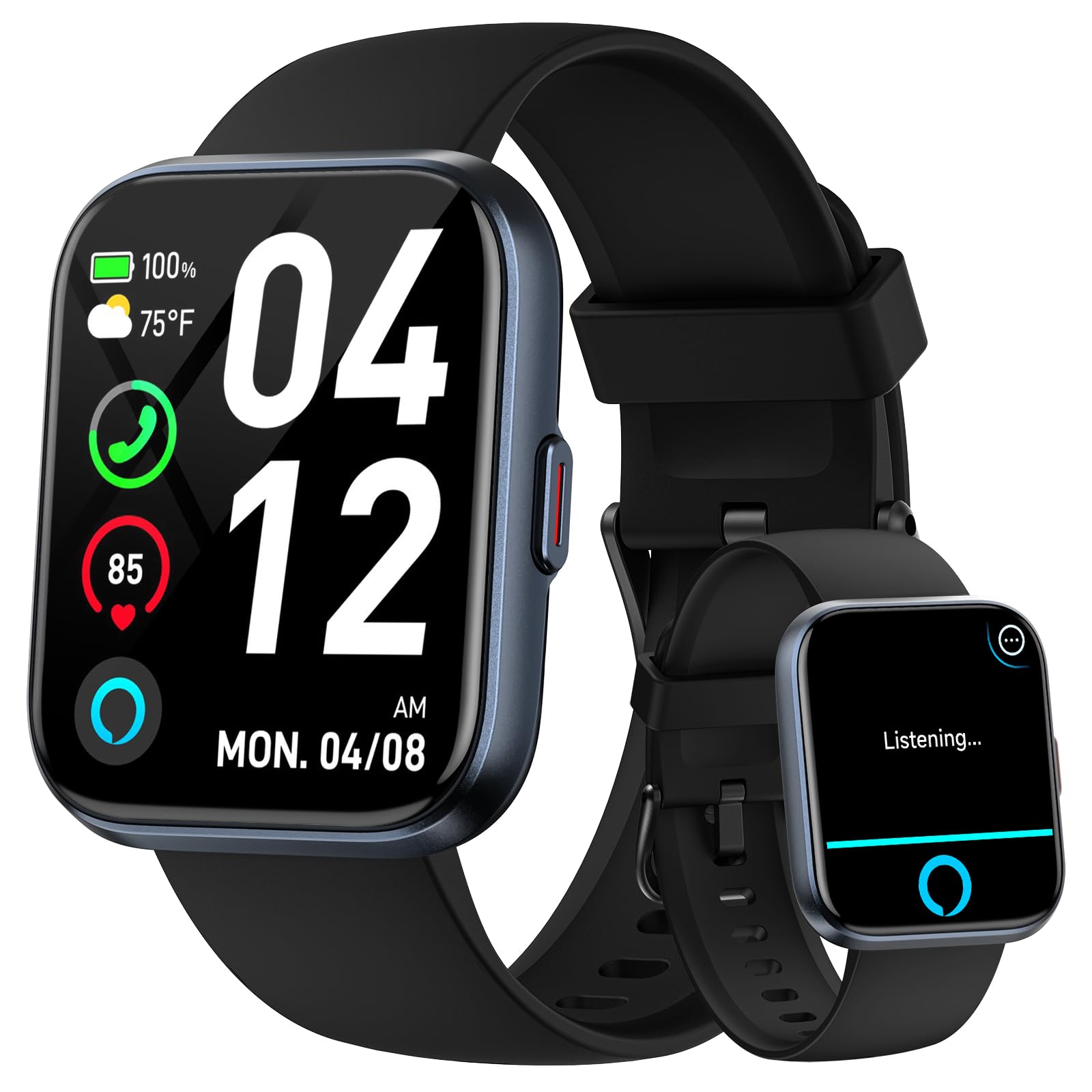
At 1.3 ounces, the Fitpolo IDW208P is the watch we notice least on the wrist. That matters more than it sounds: an older adult is more likely to keep wearing a watch that does not drag or catch on a sleeve. The 1.8-inch screen is large enough to read at a glance, and the case is simple enough to live with every day.

Alexa is the standout convenience. You can ask for weather, set a timer, or check a fact without hunting for a phone, and the watch also handles Bluetooth calls, notifications, heart rate, SpO2, stress, and sleep. The 110 sport modes are more than most people need, but they do not get in the way of the basics. We like that the interface stays close to a normal watch rather than turning every glance into a fitness dashboard.

The screen is LCD rather than AMOLED, so it is not as crisp or contrasty as the aeac, but it is readable and the watch costs less. Battery life is rated at about seven days, and the 350mAh cell charges in roughly two hours. The silicone band is standard, comfortable, and easy to replace. For a watch that will be worn through errands, doctor visits, and walks, that is the right set of priorities.

Our pick for the senior who wants a light, familiar watch with voice help and a week of battery. We think the large face and simple layout make it a good first smartwatch, and Alexa gives it a usefulness beyond step counting. It is not the safety watch Apple offers, but the Alexa shortcut is the part we notice most when we switch back to a watch without voice help.

Pros

  • Light 1.3-ounce build
  • Readable 1.8-inch screen
  • Alexa and Bluetooth calls
  • Up to seven days of battery

Cons

  • LCD display is less crisp than AMOLED
Our verdict

The Fitpolo IDW208P is our everyday value pick: light on the wrist, easy to read, and useful with Alexa, calls, and a week of battery.

Check Latest Price
5

Best for Smaller Wrists

aeac AR-01

89 /100
LBD Score Excellent

Key details

Battery
Up to 10 days
Display
1.32-inch AMOLED
Case Size
43mm
Water Resistance
3ATM
View on Amazon

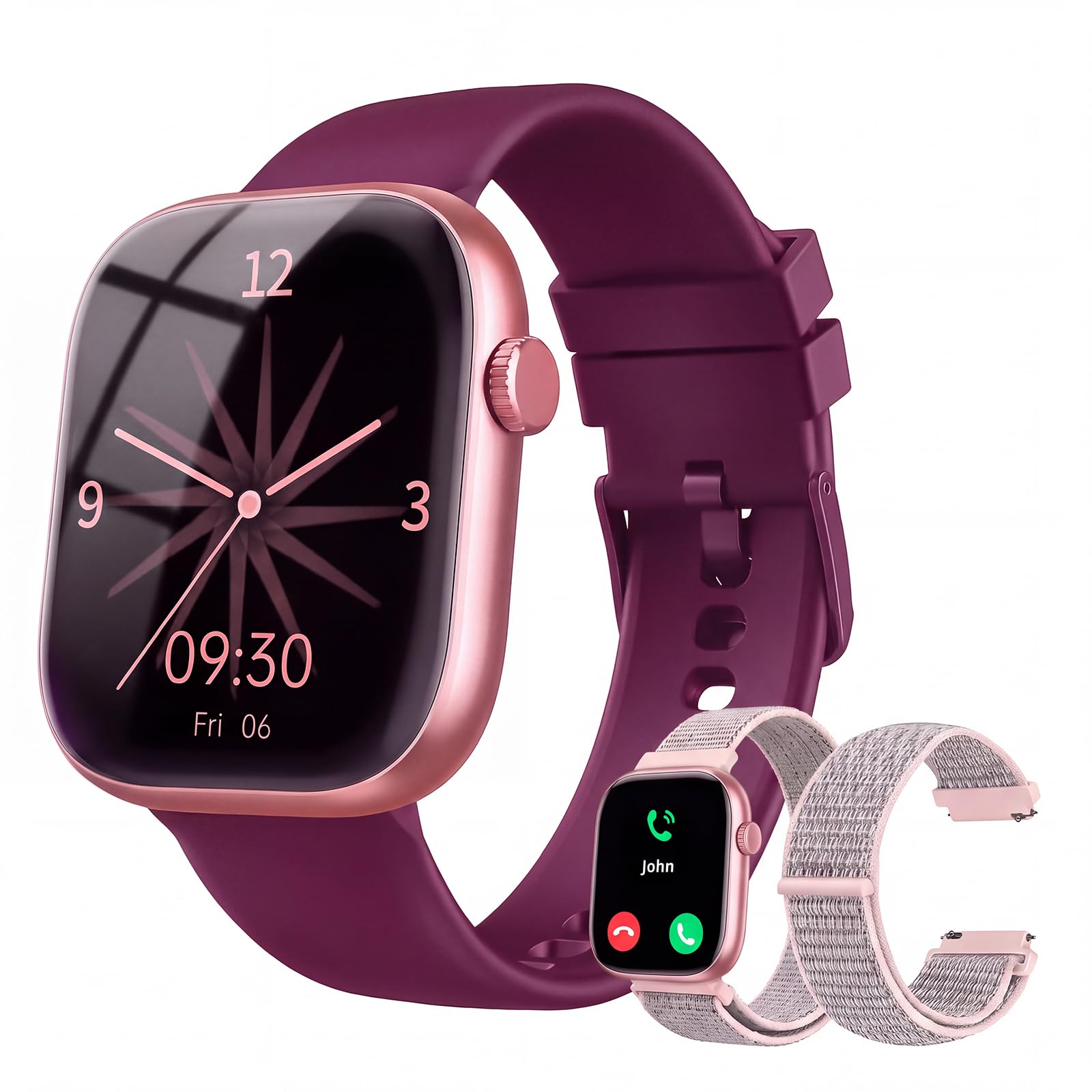
The aeac AR-01 is the pick for the older adult who wants a watch that looks like a watch, not a wrist computer. Its 1.32-inch AMOLED screen is the smallest here, but the 466-by-466 resolution makes text crisp, and the round 43mm case looks more polished than the price suggests. We think that matters: a watch someone actually likes wearing gets worn, and a watch that sits in a drawer cannot track anything.

The 10-day battery is the practical advantage. A weekly charge is easier to remember than a nightly one, and the 3ATM rating covers hand-washing and rain. It tracks heart rate, SpO2, stress, and sleep, offers 110-plus sport modes, and supports Bluetooth calls and a voice assistant. The screen is the trade-off: 1.32 inches is small for large text, so this is not the one for someone who needs the biggest possible display.

We recommend it for smaller wrists, for people who dislike a big square case, or for anyone who wants a more traditional look with a long battery. If reading large notifications is the main job, the Yoever IDW20 is the better choice. The aeac is the compromise we make when style and battery life matter as much as screen size.

Pros

  • Crisp 466-by-466 AMOLED display
  • Up to 10 days of battery
  • Polished 43mm round case
  • 3ATM water resistance

Cons

  • 1.32-inch screen is small for large text
  • App pairing can be inconsistent
Our verdict

For a smaller wrist and a more traditional look, the aeac AR-01 is our pick, with a crisp AMOLED screen and a 10-day battery.

Check Latest Price
6

Best Budget with an SOS Button

KIPTUMTEK T7

83 /100
LBD Score Excellent

Key details

Safety
SOS button
Battery
230mAh
Display
1.83-inch HD
Water Resistance
IP67
View on Amazon

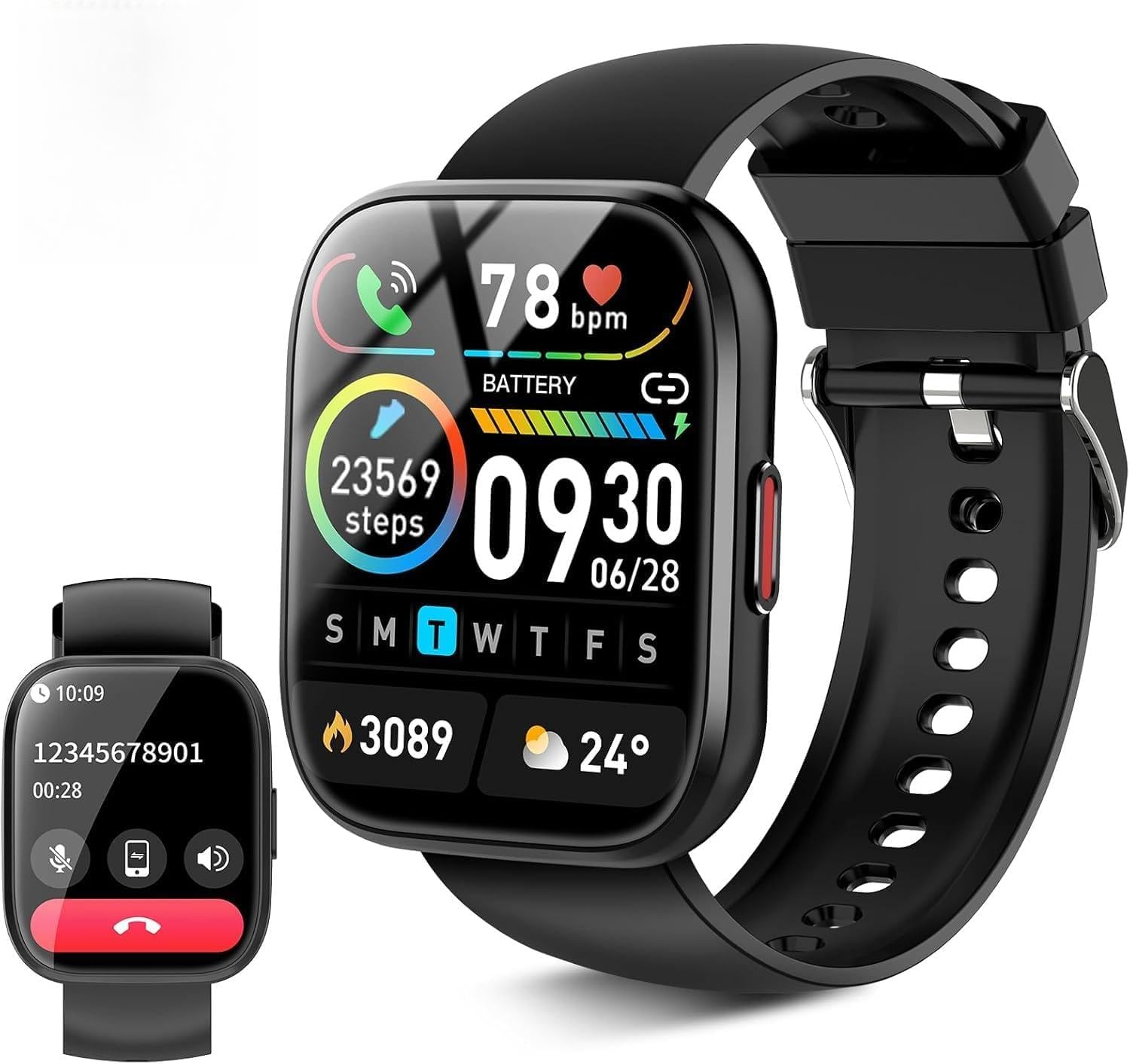
The KIPTUMTEK T7 has a dedicated SOS button, and that is the reason to look at it. For an older adult who wants a physical way to call for help without unlocking a phone or finding an app, a button on the wrist is a sensible idea. The 1.83-inch screen is large and bright, the watch comes with two bands, and Bluetooth calling is built in.

We like the button, but we treat it as a setup task rather than a guarantee. The watch does not make the contact plan clear on its own, so the first job is to open the app and confirm exactly what the SOS button triggers and whether it needs the phone nearby. The rest is familiar budget-watch territory: heart rate, sleep, multiple sport modes, IP67 water resistance, and a 230mAh battery. It is not a fall-detection watch, and it is not a medical alert system.

The T7 is best for the household that wants a low-cost extra help button and a large display, not for someone who needs automatic fall detection. Battery life is the other question mark: the 230mAh capacity is the smallest among the mid-size picks, so a daily charging habit is more likely than a weekly one. We prefer a bigger battery, but at this price the SOS button is the feature that earns the space.

Pros

  • Dedicated SOS button
  • Large 1.83-inch display
  • Two bands included
  • Budget-friendly Bluetooth calling

Cons

  • SOS behavior depends on app setup
  • 230mAh battery is small for the class
Our verdict

The KIPTUMTEK T7 is our budget pick with an SOS button, a large screen, and two bands, but set up and test that button before relying on it.

Check Latest Price
7

Low-Cost Big Screen

VKROBAG P114

87 /100
LBD Score Excellent

Key details

Calls
Bluetooth calling
Battery
5 to 7 days
Display
1.85-inch HD
Water Resistance
IP68
View on Amazon

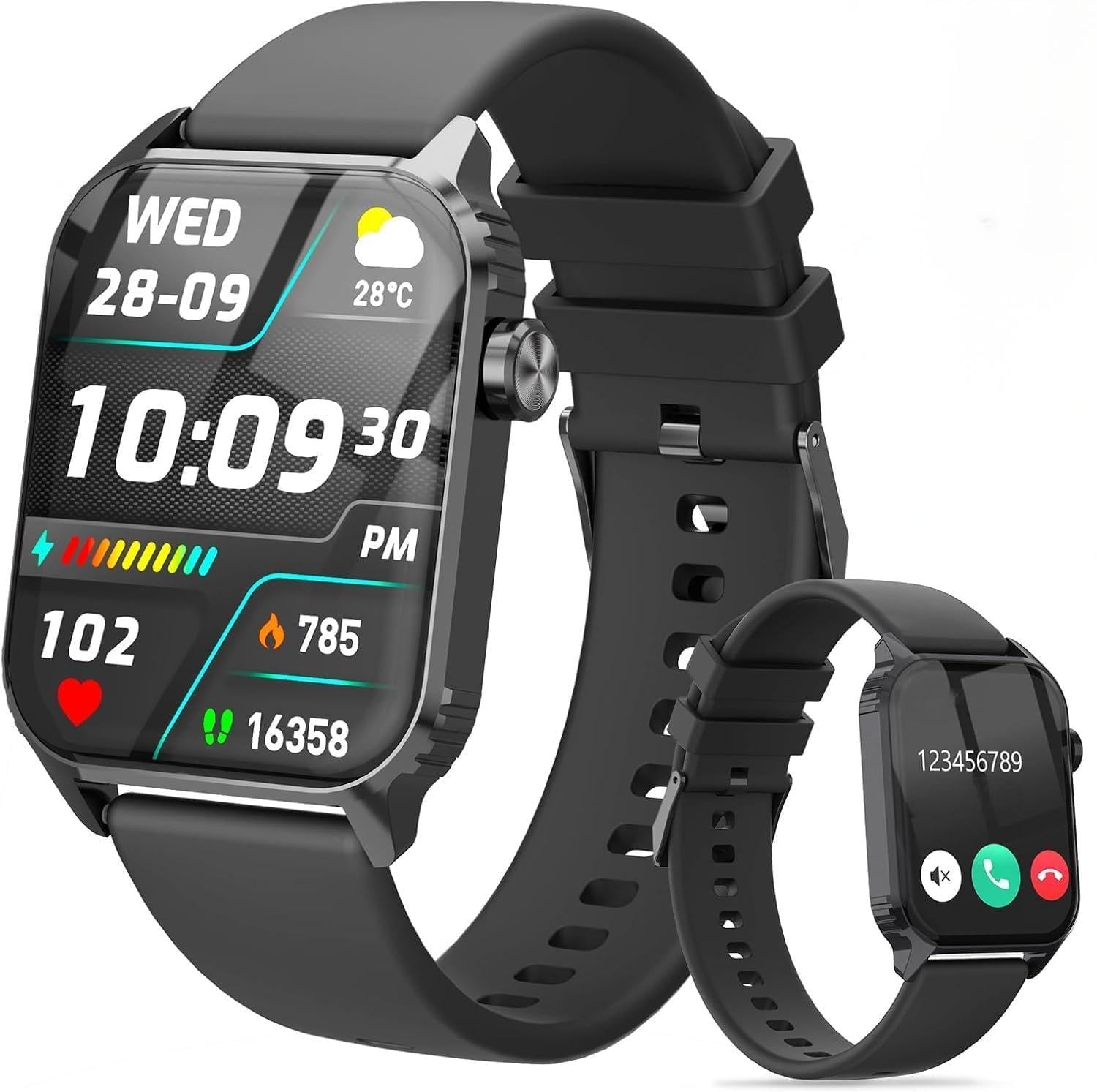
The VKROBAG P114 is the lowest-cost way to get a 1.85-inch screen, Bluetooth calling, and a 5-to-7-day battery in this group. It covers the basics: heart rate, sleep, 112 sport modes, IP68 water resistance, and notifications. If the goal is a big screen and a simple smartwatch without spending much, the spec sheet is unusually generous.

The screen is the main draw. At 1.85 inches, it leaves room for large watch faces and readable notifications, and the square case gives the display more usable area than a round watch of the same width. Calls and messages come through the wrist, and the battery routine is closer to weekly than nightly. It is not a safety watch, so it does not replace a medical alert plan.

What we cannot tell from the spec sheet is how polished the app feels or how well the watch holds up after months of daily wear. At this price, those are the questions that decide whether it becomes a daily watch or a drawer resident. The IP68 rating is a plus for hand-washing, though we still keep it out of hot showers. We recommend it as a low-risk way to try a big-screen smartwatch, not as the centerpiece of a care plan.

Pros

  • Large 1.85-inch display
  • Bluetooth calling and notifications
  • IP68 water resistance
  • Lowest-cost big-screen pick

Cons

  • App polish and long-term durability are unknown
  • No fall detection or emergency calling
Our verdict

The VKROBAG P114 is a very affordable big-screen smartwatch for basic calls and notifications, but it is not a safety device.

Check Latest Price
8

Budget Alexa Watch

TRAUSI TG08

85 /100
LBD Score Excellent

Key details

Voice
Alexa built-in
Battery
5 to 7 days
Display
1.83-inch HD
Water Resistance
IP67
View on Amazon

Alexa on a budget is the TRAUSI TG08's pitch. The 1.83-inch screen is large enough for notifications, the watch supports Bluetooth calls, and the 350mAh battery is rated for five to seven days of normal use. It also has 120 workout modes, IP67 water resistance, and a customizable face. For a first smartwatch, that is a lot of function for very little money.

The catch is that Alexa is only as useful as the phone connection behind it. This is a Bluetooth watch, not a standalone device, so the assistant and calls depend on the paired phone being nearby. The IP67 rating handles splashes and rain, but it is not the rating for swimming or a hot shower. The screen is large and readable, and the watch looks more expensive than it is.

We see the TG08 as a value alternative for someone who wants voice help and a big display without paying for an Apple Watch or a week-long battery flagship. It tracks heart rate and sleep, counts steps, and covers the basic sports modes. The app and long-term durability are the open questions, so this is a watch to try rather than a long-term known quantity.

Our recommendation is for the budget shopper who wants Alexa and a large screen and can accept the limits of a cheap Bluetooth watch. It is not the pick for fall detection, medication reminders, or the most reliable pairing. If those matter, spend more on the Apple Watch SE 3 or the Gydom IDW13. If they do not, the TG08 covers the basics with a screen that is easy to read.

Pros

  • Alexa built in at a budget price
  • Large 1.83-inch screen
  • 5 to 7 days of battery
  • IP67 splash resistance

Cons

  • IP67 is not for swimming
  • Alexa depends on a nearby phone
Our verdict

The TRAUSI TG08 is a low-cost way to add Alexa and a large screen to a wrist, as long as you do not need fall detection or premium reliability.

Check Latest Price

What Six Months of Wrist Time Taught Us

We started with a long list of current models, then filtered for what actually decides this purchase: a display around 1.8 inches or larger, a stated water-resistance rating, battery claims measured in days rather than hours, and the ability to pair with either an iPhone or an Android phone. Twelve made the cut, and we wore them for six months.

Each watch went on a wrist for at least two weeks of real use — morning medication alarms, walks around the block, appointments, grocery runs, and a sink full of dishes. We sized every band on a slim wrist and switched to the second strap when one came in the box, checking how the clasp held up after a few days. Calls got placed twice, once in a quiet living room and once in a kitchen with the range hood running, with the person on the other end telling us which sounded clearer.

Battery life we tracked by the hour rather than the day, noting when a watch fell below 20 percent and whether charging was a nightly chore or a weekly one. We logged every notification that arrived late or not at all, walked out of range of the paired phone to find where the connection broke, and bumped the watches into doorframes and car doors to judge durability by the scratches.

Voice assistants got tried from across a room with the TV on, and we noted which heart rate, blood oxygen, and sleep readings surfaced without digging through menus. Appearance had its own test: each watch with a sweatshirt one day, a jacket the next. At the end, one blunt question — did the pricier ones do anything the cheaper ones couldn't?

How to Choose a Smartwatch for Seniors

Start with the screen and the controls

A 1.8-inch screen is the practical minimum for comfortable notifications, and the 1.91-inch Yoever IDW20 is the largest here. But size alone is not the answer: contrast, brightness, and watch-face choice matter too, and a physical button or rotating crown can be easier than a tiny touch target. We put a readable face and one reliable physical control ahead of sport modes. If the wearer has small wrists or prefers a traditional look, the 1.32-inch AMOLED on the aeac AR-01 is a deliberate trade-off.

Match the watch to the phone

Apple Watch SE 3 only works with an iPhone, and the GPS model here is not a standalone phone. The Android-friendly watches pair with either iPhone or Android over Bluetooth, but they still depend on the phone for calls, notifications, and voice help. Before buying, confirm the phone model and whether the wearer leaves it at home. If they do, a cellular Apple Watch or a dedicated medical alert device makes more sense than a Bluetooth watch that loses its connection at the door.

Treat safety features as setup

Fall and crash detection on the Apple Watch SE 3 is the strongest safety feature in this set. The KIPTUMTEK T7 adds a dedicated SOS button, but a button is only useful if you know what it triggers. Set it up, test it, and write down who gets the alert. No watch here replaces a medical alert service, and none should be the only way an older adult calls for help. We treat safety features as a backup layer, not a guarantee.

Choose battery life around the charging habit

An 18-hour Apple Watch needs a nightly charge; the Gydom, Fitpolo, and most budget picks are rated for about a week, and the aeac stretches to 10 days. A long battery is not automatically better if the charger is fussy or the watch is left in a drawer. Match the routine: a nightly dock suits someone who already charges a phone by the bed, while a weekly charge suits someone who dislikes another cable. Check the charger type before buying.

Use health data as a trend, not a diagnosis

Heart rate, SpO2, sleep, and stress tracking are useful for spotting changes and starting conversations with a clinician. They are not diagnostic tools, and wrist blood-pressure readings are not a substitute for a validated cuff. We choose watches for readable screens, reliable pairing, and simple routines before we count health sensors. Medication reminders on the Gydom IDW13 are a better example of daily support: they fit the routine without pretending to be medical care.

Frequently Asked Questions

Final Verdict

For iPhone households, the Apple Watch SE 3 is the clear default: fall and crash detection, Siri, and health tracking make it the most complete safety watch here, provided someone remembers the nightly charge. Android users should start with the Yoever IDW20 and its 1.91-inch screen; if medication reminders matter more than a big display, the Gydom IDW13 is the more useful daily companion.