
Best Overall
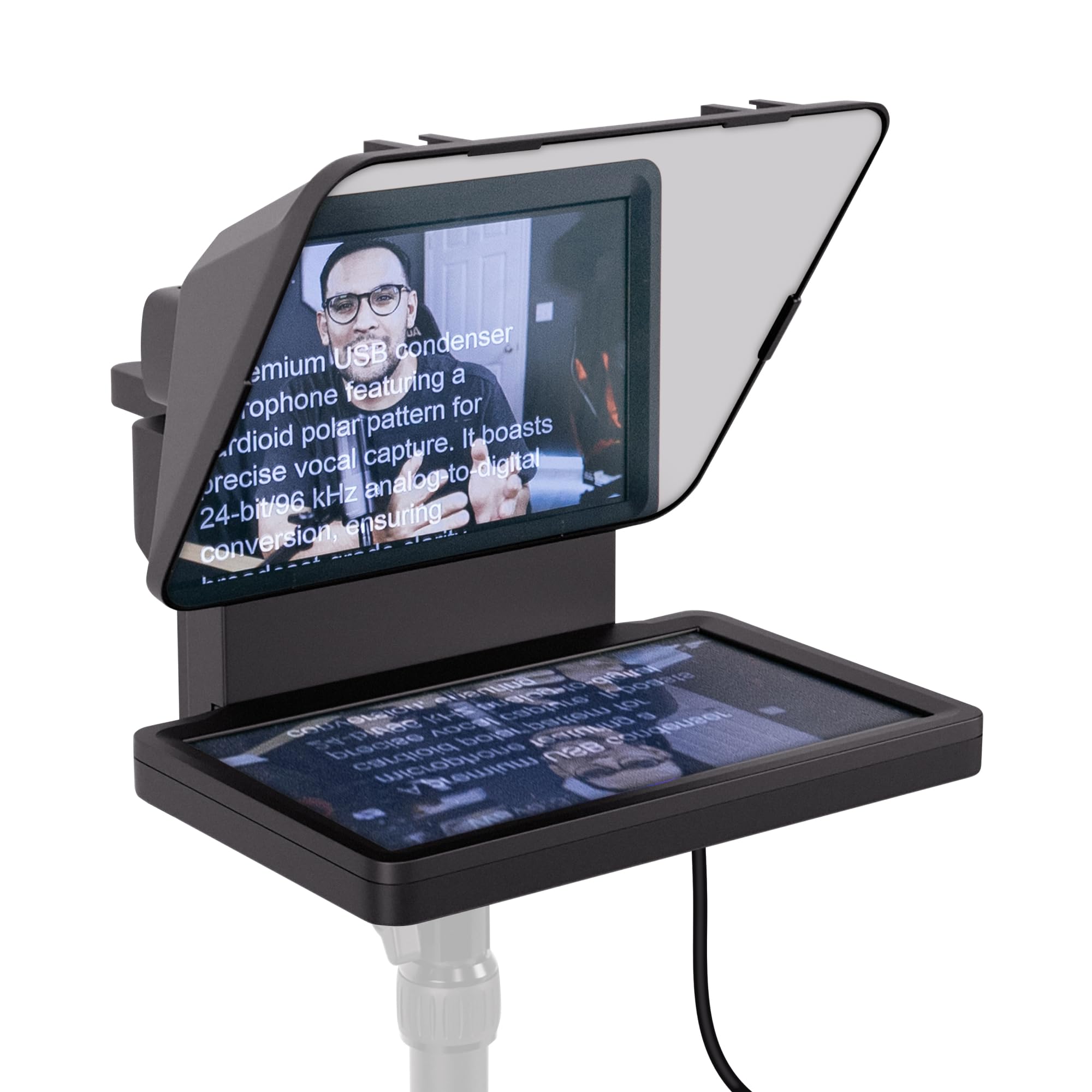
Elgato Prompter
Key details
- Weight
- 1.52 lb
- Screen Size
- 9 in
- Camera Support
- DSLR, webcam, smartphone
- Display Connection
- USB from Mac or PC
The Prompter is a small monitor with a sheet of angled glass in front of it, not a mirror rig with a screen clamped behind the glass, and that difference is the whole reason it leads this list for laptops. Plug it into a Mac or PC and it appears as a second display; drag your script window onto it and the glass throws that window up in front of the lens. Nothing gets clamped into a tray, and nothing has to be mirrored from another device.
That second-display trick is more useful than it sounds. We ran a script in one window and the chat in another and the display held both without a tablet in sight, and the same setup keeps your notes in view during a Zoom or Teams call while the lens looks straight through the glass. The back plate takes a DSLR, a webcam or a phone, so it drops into whatever camera you already shoot with.
Two things to know before you commit. The screen is 9 inches, so you fit fewer words in a glance than on the 12- to 18-inch rigs here — set the text larger and keep your sentences short and it stops mattering. And the display depends on DisplayLink, which is where setups get fussy: install it first, connect straight to the laptop, and expect more troubleshooting on a Mac than on Windows. If the screen still won't appear, fall back to dragging a plain desktop prompter into the window.
Pros
- Laptop drives a built-in screen, no tray needed
- Doubles as a second monitor for chat and calls
- Mounts a DSLR, webcam or smartphone on the back
Cons
- Costs more than the glass rigs here
If your script lives on a laptop, start here: the laptop drives the prompter's own screen, so there's no tablet to clamp, nothing to mirror, and no tray to measure.


