Best Overall
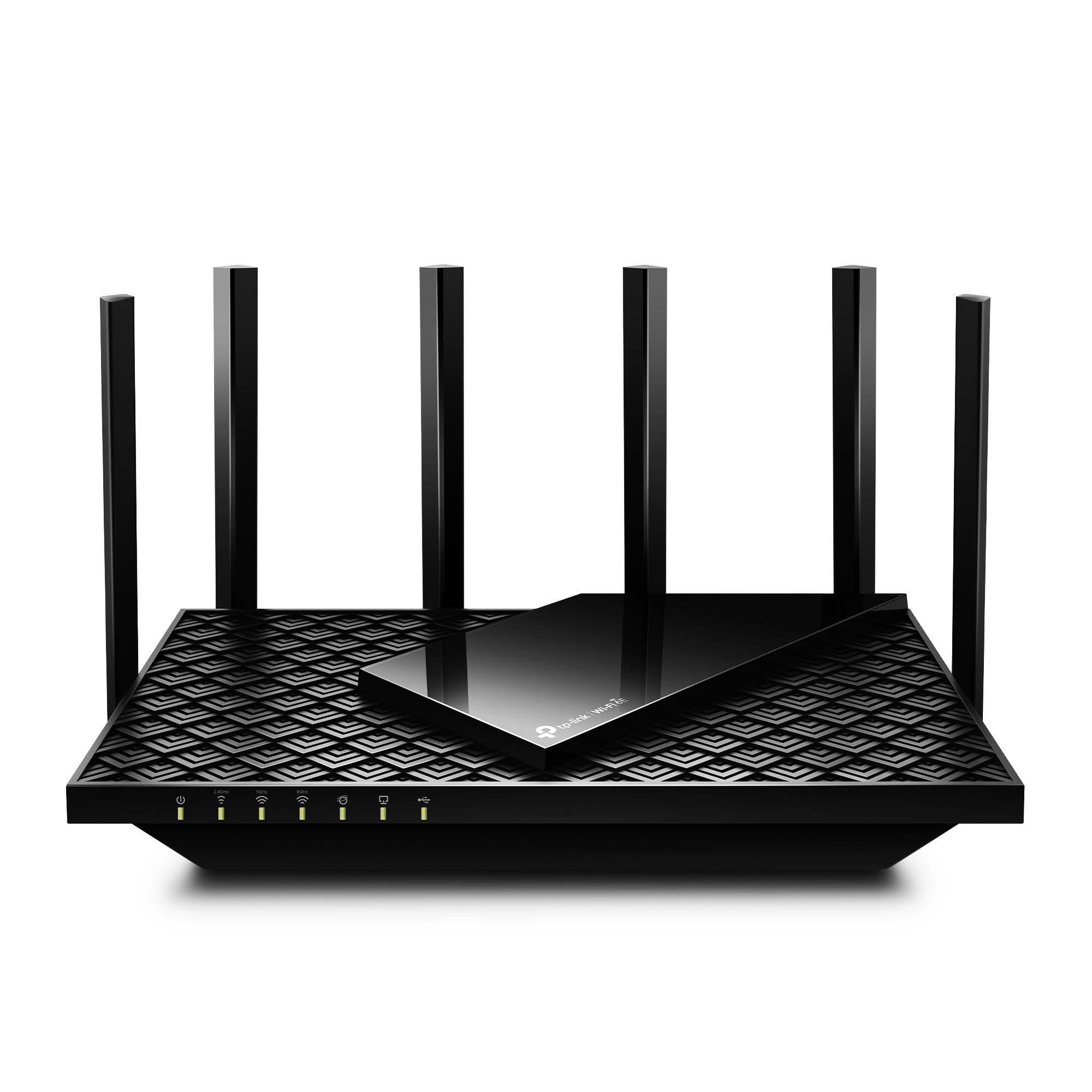
TP-Link Archer AXE75
Key details
- Antennas
- 8
- Wi-Fi Standard
- Wi-Fi 6E
- Aggregate Speed
- AXE5400 (5.4 Gbps)
- Wired Connections
- 2.5 Gbps WAN, four Gigabit LAN
The 2.5Gbps WAN port is what makes the Archer AXE75 the one we reach for first in a normal one-router home. It lets a multi-gig fiber plan through without turning the router into the bottleneck, and the 6GHz band runs at 160MHz for the fastest wireless links to newer laptops and phones. Eight antennas and five Ethernet ports give it more wired flexibility than the mesh nodes here, which matters if a console, desktop, or NAS sits near the router.
Setup through the Tether app was quick in our testing, and the router settled into a central shelf without drawing attention. The 6GHz band is the fast lane in the same room and a much shorter trip through walls, so this is not the pick for a far bedroom or a detached garage. Keep it central and let the 2.4GHz and 5GHz bands handle the older gear.
The app is the compromise. It is clean enough for setup, but it hides the granular controls a tinkerer may want, and the feature set is more about easy management than deep network surgery. We also appreciate that EasyMesh gives it a path to more coverage later, though a dedicated mesh kit is simpler if you already know you need two nodes. If you already know you need two nodes, the Deco kit is the simpler answer.
Pros
- 2.5Gbps WAN for multi-gig fiber
- 6GHz band with 160MHz channels
- Five Ethernet ports and eight antennas
- EasyMesh expandability
Cons
- Connection stability can require a reboot
The Archer AXE75 is the Wi-Fi 6E router we recommend first for most homes: it brings the 6GHz band, a 2.5Gbps WAN port, and strong single-router coverage at the lowest price in this group.