Best Wi-Fi 7 Access Points of 2026

Every house has that spot where the Wi-Fi gives up — the back bedroom, the garage, the patio where a video call freezes mid-sentence. One router can only reach so far, and once a couple dozen devices want bandwidth at the same time, an access point is the fix that actually holds. Wi-Fi 7 makes that job easier and more complicated at once.

Easier because the 6 GHz band and wider channels open airspace older gear never had. More complicated because the access point is rarely the only thing you'll buy: most of these run on Power over Ethernet, so there's an injector or a PoE switch to sort out, and a multi-gig uplink is wasted if everything behind it is gigabit. I've watched people buy a great radio and then strangle it.

Our team spent seven months with 10 access points mounted in real houses and a small office, and the gaps came down to placement, power, and how gracefully each one hands your phone off as you walk downstairs. The picks below are the ones that stayed cool, stayed fast, and stayed online.

1

Best Overall

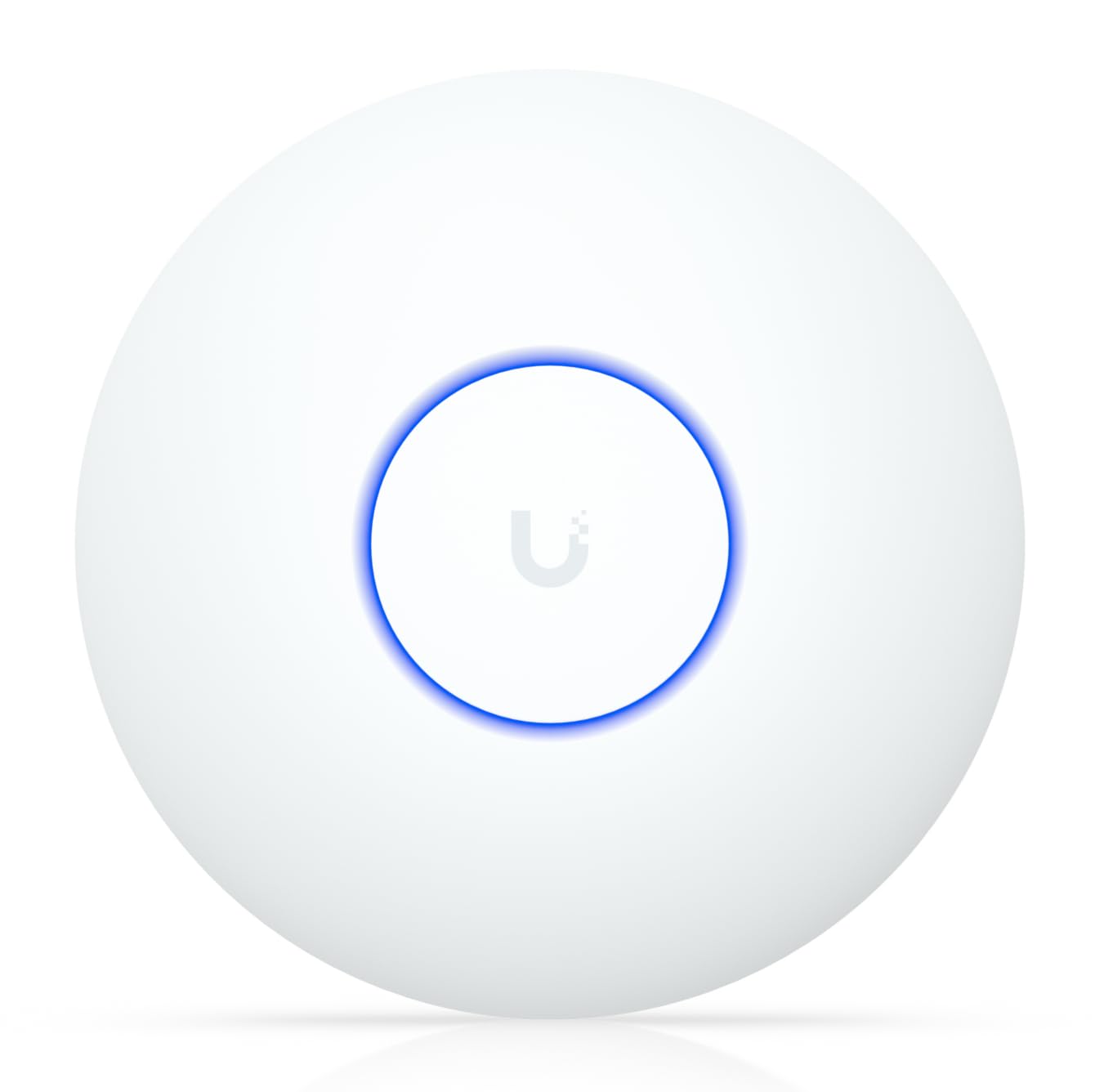
Ubiquiti UniFi 7 Pro

92 /100
LBD Score Outstanding

Key details

Bands
Tri-band (2.4, 5, 6 GHz)
Power
PoE+ (adapter not included)
Listed Coverage
1,500 sq ft (140 m²)
Spatial Streams
6
View on Amazon

Six gigahertz is the reason to move to Wi-Fi 7 at all, and this is the access point here that uses it best. The U7 Pro runs three bands with six spatial streams, so the new band is left to the devices that can take advantage of it while the doorbells and printers stay on 2.4 GHz. In a house where 5 GHz is already shared with everything else, that reads as breathing room rather than a bigger number on a box.

What we appreciated in use is how much of the tuning is visible: per-client signal and history, per-band radio settings, and a clear picture of which access point a device is talking to. Roaming between two units happened without any nursing from us. Put one on a desk instead of a ceiling and you give a lot of that back — the antenna pattern aims down and out, and usable throughput drops with it.

Setup has one wrinkle. If you already run UniFi, adoption is quick; if you don't, the controller application is where SSIDs and VLANs get defined, and the access point is not much use until that exists. Older 2.4 GHz-only gadgets are also worth pinning to that band by hand rather than letting band steering guess, which is where most of the connection oddities in this line start.

Pair it with a PoE+ switch that can spare the watts and the rest of the install is cable, a bracket and an afternoon.

Pros

  • Tri-band radios with a clean 6 GHz channel
  • Six spatial streams for crowded households
  • About 1,500 sq ft of listed coverage
  • Per-client visibility in the UniFi app

Cons

  • PoE+ adapter not included
  • Runs hot; wants air at the mount
Our verdict

If the goal is a genuinely fast Wi-Fi 7 house, this is the access point we recommend first: three bands, a clean 6 GHz channel, six streams, and PoE+ as the catch.
Check Latest Price
2

Best Value

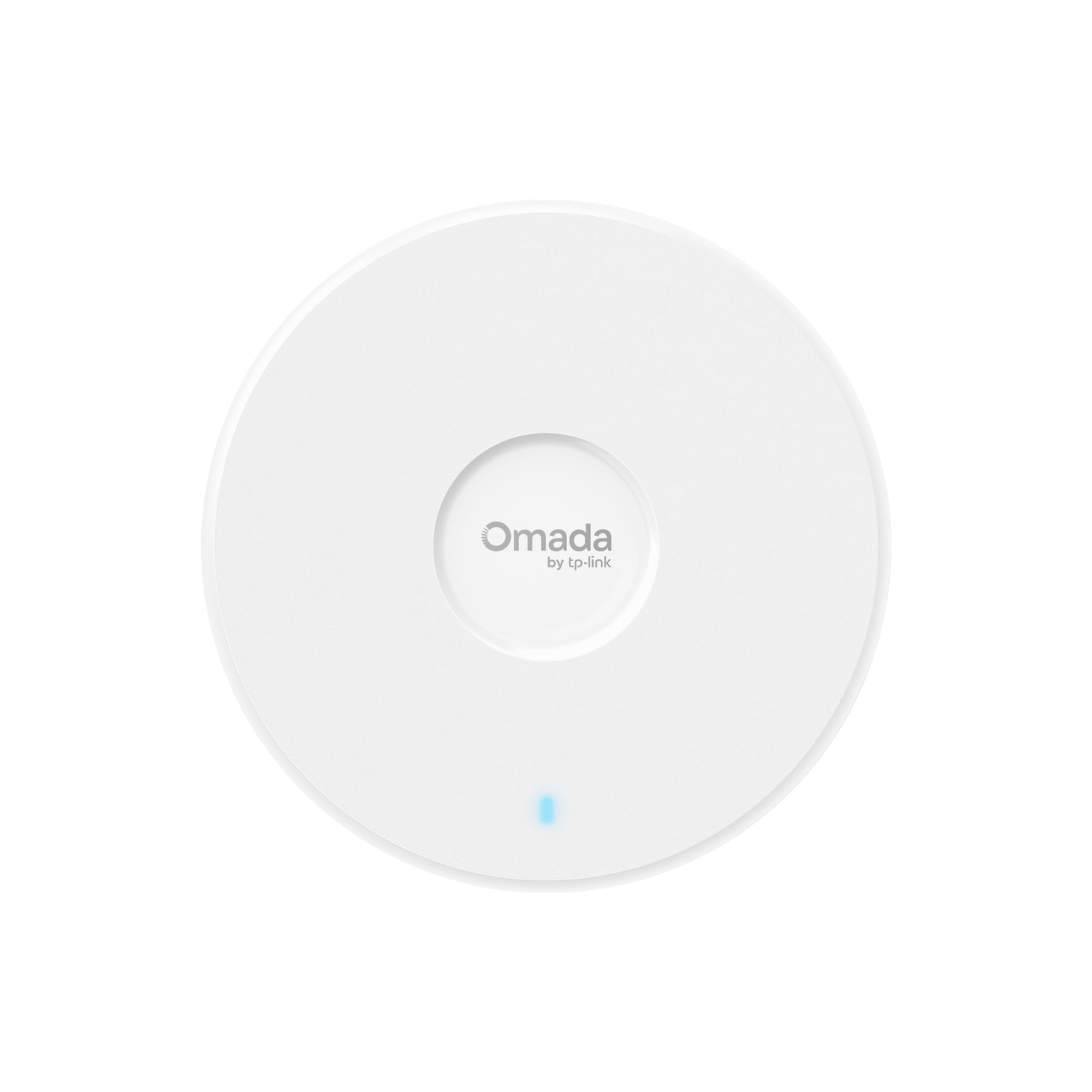
TP-Link Omada EAP720

89 /100
LBD Score Excellent

Key details

Bands
Dual-band (2.4, 5 GHz)
Power
PoE or included DC adapter
Wired Port
2.5 GbE
Aggregate Speed
Up to 5 Gbps (BE5000)
View on Amazon

Almost every access point in this group assumes you already own a PoE switch. This one shows up with a 12-volt adapter in the box, so you can hang it and power it from a nearby outlet the same afternoon — no injector, no new switch, no purchasing decision before you have even tested coverage. It is also the least expensive unit here, which makes it the easiest place to start.

We are fond of it because nothing that matters was cut to hit the price. The wired side is 2.5-gigabit, so a gigabit-plus connection is not strangled at the port; the 5 GHz radio runs four streams at up to 4324 Mbps; and the Omada roaming, VLAN and PPSK features are all present. The one real subtraction is the third radio. Without 6 GHz you still get Wi-Fi 7's scheduling and multi-link behavior, just not the quiet band.

Two practical notes. Omada's better features want a controller — a software controller on an always-on machine, or a cloud account — and standalone mode leaves a lot of the hardware idle. And it is an Omada-first device: put it beside older access points from another brand and you end up running two networks rather than one that hands devices off cleanly.

In a garage, a basement or a converted attic where one solid access point is the whole job, that trade is easy to take.

Pros

  • Power adapter included, so no PoE switch
  • 2.5-gigabit port keeps the uplink open
  • Full Omada roaming, VLAN and PPSK features
  • About 1,500 sq ft of listed coverage

Cons

  • No 6 GHz radio
  • Standalone mode leaves most Omada features idle
Our verdict

The best value here: an included power adapter, a 2.5-gigabit port and about 1,500 square feet of coverage, though there is no 6 GHz radio.

Check Latest Price
3

Best Omada Tri-Band

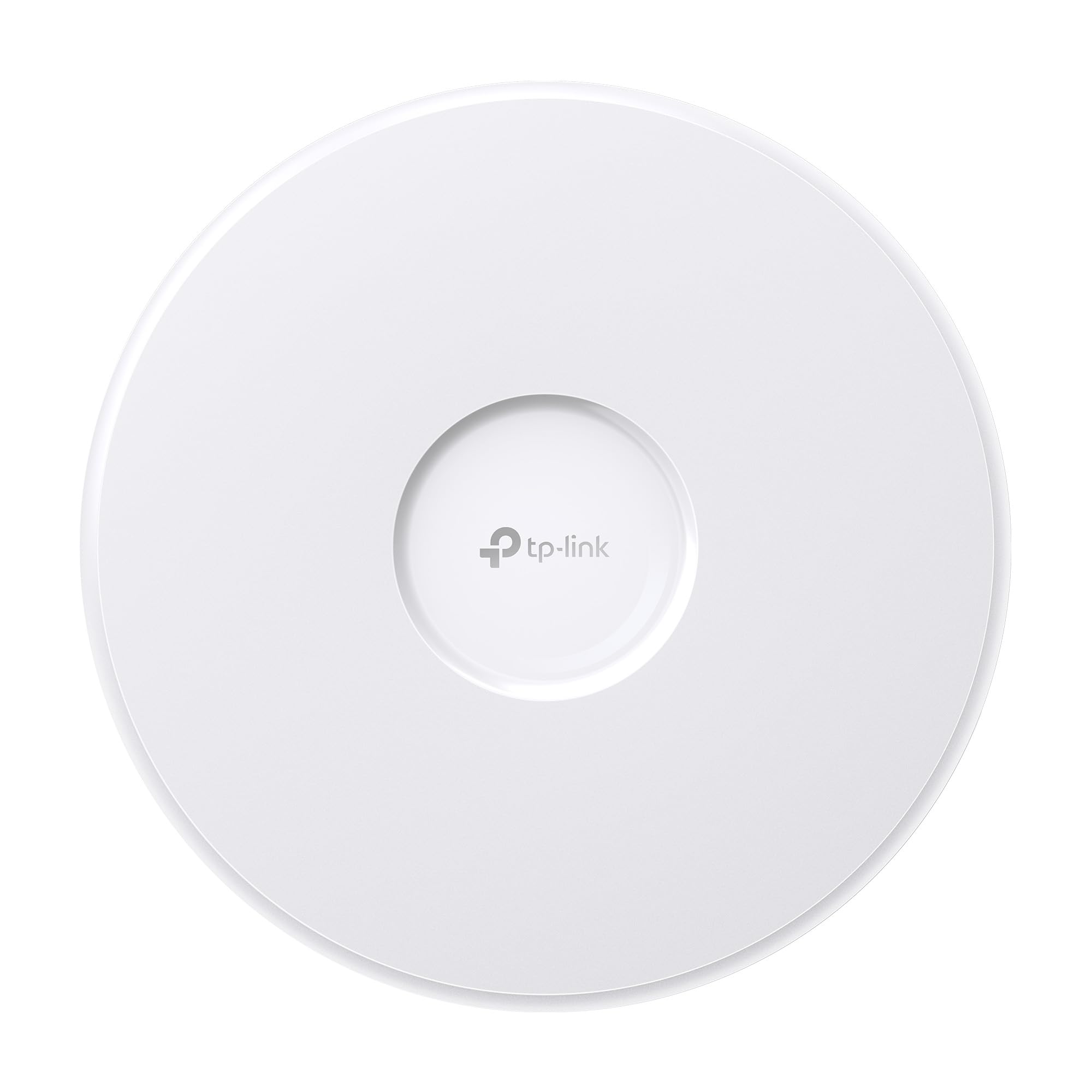
TP-Link Omada EAP770

84 /100
LBD Score Excellent

Key details

Bands
Tri-band (2.4, 5, 6 GHz)
Power
PoE or included DC adapter
Wired Port
2.5 GbE
Aggregate Speed
Up to 11 Gbps (BE11000)
View on Amazon

Take the EAP720, add a third radio, and you have the shape of this one. Both are Omada, both stop at a 2.5-gigabit wired port, both include a power adapter; the EAP770 simply spreads its streams across 2.4, 5 and 6 GHz and claims 11 Gbps aggregate instead of 5. The extra band is what you are paying for, and it is the only reason to move up the range.

We think the trade is worth it in a busy house. Six gigahertz is empty in most neighborhoods, so the devices that can use it stop competing with the ones that cannot, and the 5 GHz radios get more airtime for everything else. Adoption through the Omada controller was uneventful, and the ceiling mount kit is in the box rather than an afterthought.

Read the product page carefully. The marketing bullets quote the dual-band model's 5 Gbps and its dual-band wording, while the spec table and the model number describe the tri-band unit — trust those two. And 6 GHz does not push through walls the way 5 GHz does, so its advantage shows up in open sightlines: a ceiling mount in a hallway flatters it far more than a corner behind a bookshelf.

Give it a wired run to the middle of the floor you care about and let 5 GHz handle the rooms at the edges.

Pros

  • Tri-band with an uncrowded 6 GHz radio
  • 2.5-gigabit port and included power adapter
  • 11 Gbps aggregate across three bands

Cons

  • 6 GHz reach is shorter than 5 GHz
  • Roughly double the price of the dual-band model
Our verdict

For roughly double the price of our value pick you get a third radio, the same 2.5-gigabit port and the same simple Omada setup.

Check Latest Price
4

Best Budget UniFi

Ubiquiti UniFi U7 Lite

90 /100
LBD Score Outstanding

Key details

Bands
Dual-band (2.4, 5 GHz)
Mounting
Ceiling or wall
Wired Port
2.5 GbE
5 GHz Speed
Up to 4.3 Gbps
View on Amazon

A 2.5-gigabit port used to be the feature you paid extra for. It comes standard here, on the least expensive UniFi access point in this guide, alongside dual-band Wi-Fi 7 and up to 4.3 Gbps on the 5 GHz radio. For laptops, phones, a TV and a house full of smart plugs, that is the radio doing the actual work — the missing 6 GHz band is a smaller loss than the spec sheet makes it sound.

We like it for the size as much as the price. It is compact enough to disappear on a hallway ceiling or a wall plate, band steering and guest networks are handled in the UniFi app, and the status light gives you a quick read on whether the link is healthy — handy when you are chasing a bad patch cable and do not want to open an app to find out.

What it does not do: there is no 6 GHz radio, so a 6E laptop will not get the clean band here, and it is not a consumer mesh kit. You adopt it into UniFi, set the SSIDs and VLANs there, and the app assumes you know roughly what those are. Plug it into an existing UniFi network and adoption is nearly automatic; start from scratch and your first evening goes to the controller.

Two of these on opposite floors, wired back to the same switch, cover most apartments and small houses without a single 6 GHz radio in sight.

Pros

  • 2.5-gigabit port at the low end of the range
  • Up to 4.3 Gbps on 5 GHz
  • Compact enough for a hallway ceiling or wall

Cons

  • No 6 GHz radio
  • Setup assumes some UniFi familiarity
Our verdict

The cheapest way into UniFi: a 2.5-gigabit uplink, Wi-Fi 7 on 2.4 and 5 GHz, and a small housing that hides on a hallway ceiling.

Check Latest Price

How We Tested the Best Wi-Fi 7 Access Points

We started with research, not shopping: we pulled every Wi-Fi 7 access point sold in the U.S. in the mainstream price range and cut anything with no 6 GHz radio, only gigabit ports, no PoE option, or a mandatory cloud subscription just to turn the radios on. That left 10 units, which we bought or borrowed at retail so nobody was testing a hand-picked sample.

Every unit went up in the same two places: a 2,400-square-foot two-story house with thick plaster walls, a detached garage, and a backyard, plus a small home office running a dozen devices at once. I timed each setup from unboxing to the first client connecting — app adoption, firmware update, and whether a power adapter or PoE injector came in the box or had to be bought separately.

From five fixed spots — same room, through two walls, upstairs, the garage, and the far end of the yard — I ran upload and download tests from a laptop and a phone on a 2.5-gigabit wired backbone and logged the signal strength at each. I also walked between access points on a live video call to see whether it dropped or handed off cleanly, then left roughly 40 clients connected for a week and counted the stalls.

After an hour under load I pointed an infrared thermometer at the top of each unit, because these radios get warm and a closed closet is unforgiving. Finally, I priced out what each one actually cost to deploy — injector, adapter, switch — so the cheapest box on the shelf didn't get credit for gear you still had to buy.

How to Choose a Wi-Fi 7 Access Point

Six Gigahertz: What It Buys And What It Costs

A dual-band Wi-Fi 7 access point is a real upgrade — better airtime scheduling, wider 5 GHz channels, multi-link behavior — but it is not the new band. The third radio is what separates an EAP720 from an EAP770, and it is the part of the price that buys something you can feel: spectrum nothing in your neighborhood has been using.

The catch is reach. Six gigahertz loses energy through drywall, brick and floors faster than 5 GHz, so it rewards a central ceiling position and punishes a corner. If your devices cluster in one open room, the third radio earns its money. Covering an old house with thick walls, two dual-band units on separate floors often beat one tri-band unit on the same budget.

Match The Port To The Connection Behind It

An access point can only hand out what the cable feeds it. A gigabit port caps the whole radio package near 940 Mbps regardless of what the box claims, which is why every unit here moves to 2.5-gigabit. That is the sensible floor: headroom for a gigabit-plus internet plan and several clients pulling at once.

Ten-gigabit uplinks pay off only when the rest of the chain — switch, router, cabling, and the devices doing the transfers — is multi-gig too. Buy the port for the network you have plus one step, not for the largest number on the page.

Placement Decides More Than The Model Does

These units are built to sit on a ceiling and radiate down and outward. On a shelf or a desk, the pattern points at the floor and the walls, and usable throughput at the far end of the house drops — which is easy to blame on the access point rather than the shelf.

Mount high, as close to the middle of the floor as the cable allows, and keep clear of metal studs, ductwork and the back of a TV. A wall mount works, but plan on the coverage skewing to one side.

Pick The Management System Before The Access Point

VLANs, band steering, per-client statistics, guest isolation and fast roaming all live in a controller, not in the radio. Omada and UniFi are both free to run — Omada as software or cloud, UniFi on a console or a self-hosted server — but they are separate worlds, and handoff between access points works cleanly inside one of them.

Decide which system you will actually maintain, then buy access points in that family. Running two brands side by side gives you two networks and devices that cling to the wrong one.

Frequently Asked Questions

Final Verdict

Our default is the UniFi 7 Pro. Three bands with a clean 6 GHz channel, six spatial streams and about 1,500 square feet of listed coverage make it the access point we recommend first — provided you have PoE+ at the mount and some air around it.

On a tighter budget, the Omada EAP720 is the sensible buy: its own power adapter, a 2.5-gigabit port, and no 6 GHz to pay for. Step up to the EAP770 instead when that new band is the whole point of the upgrade.