Best 1440P Gaming Monitors of 2026

The refresh rate on a gaming monitor box is the least honest number in PC hardware. A well-tuned 180Hz panel can feel smoother than a sloppy 240Hz one, and that "0.3ms" figure is a lab measurement you'll never reproduce at home. What a 27-inch 1440p screen fixes is simpler: text stops looking fuzzy, the desk stays clear, and your graphics card doesn't need to be a flagship to keep up.

I've had 11 of these on my desk and my team's desks for six months now. The ones I kept reaching for weren't the loudest on paper — they had even backlighting, colors that held steady when I shifted in my chair, and a stand that dropped the panel to eye level without a stack of books.

First-time buyers overrate the jump from 240Hz to 300Hz and underrate pixel quality; one stuck subpixel is a headache to prove and a headache to return. The picks below are the ones that survived, and each earns its price differently.

1

Best Overall

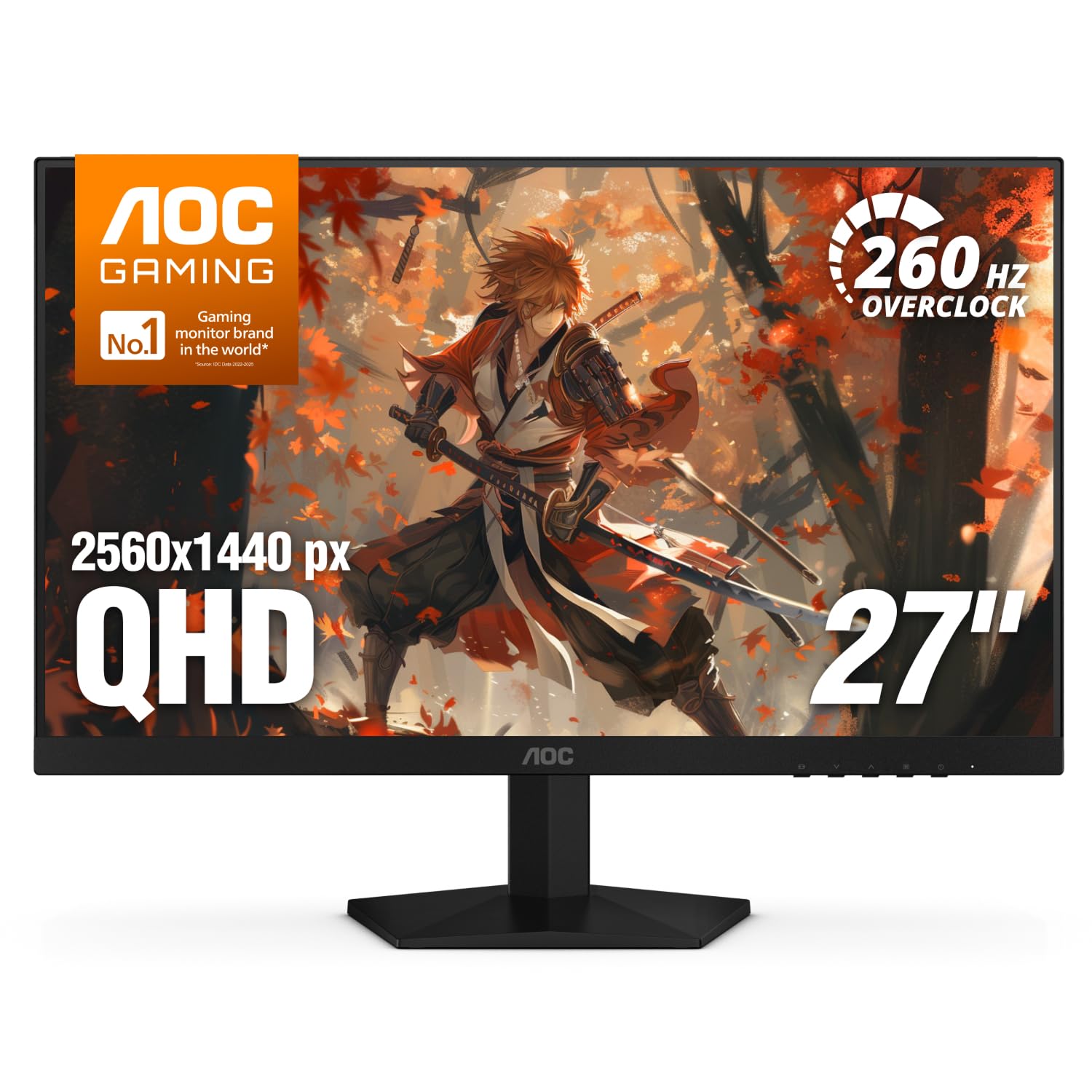
AOC Q27G41ZE

90 /100
LBD Score Outstanding

Key details

Panel
27-inch IPS
Resolution
2560 x 1440
Refresh Rate
240Hz native / 260Hz OC
Adaptive Sync
G-Sync Compatible, FreeSync
View on Amazon

The first thing we look for at this end of the market is a refresh rate that changes how a game feels without forcing a compromise on panel type. The AOC Q27G41ZE gets there with a 27-inch IPS panel at 2560 x 1440, 240Hz native and 260Hz overclocked, plus a 0.3ms MPRT rating. That is a lot of gaming display for a budget slot, and it is why this is our default.

In use, the 240Hz mode is the point: movement is fluid, and the IPS panel keeps color and viewing angles consistent when you sit slightly off-center. We kept it on DisplayPort for the high-refresh mode, and we appreciate that both G-Sync Compatible and FreeSync are covered. The glossy screen is worth a thought if your desk faces a window, because reflections show up more than on a matte panel.

Speed is the reason to choose it over the ASUS and Samsung picks. The 240Hz panel is the quickest thing here at the budget end, and the 3-year warranty adds peace of mind. It is not the most refined monitor in the group, but it is the one that puts the money into the panel and refresh rate rather than the extras.

Pros

  • 240Hz native, 260Hz overclocked
  • IPS panel with wide viewing angles
  • G-Sync Compatible and FreeSync
  • Strong value for competitive play

Cons

  • Tilt-only stand lacks height adjustment
  • No built-in speakers
Our verdict

For most gamers, this is the 1440p monitor to buy: a 240Hz IPS panel at a budget price, with a tilt-only stand as the main compromise.
Check Latest Price
2

Best for Competitive Gaming

ASUS TUF VG27AQM5A

87 /100
LBD Score Excellent

Key details

Panel
27-inch Fast IPS
Resolution
2560 x 1440
Refresh Rate
300Hz
Response Time
0.3ms GTG
View on Amazon

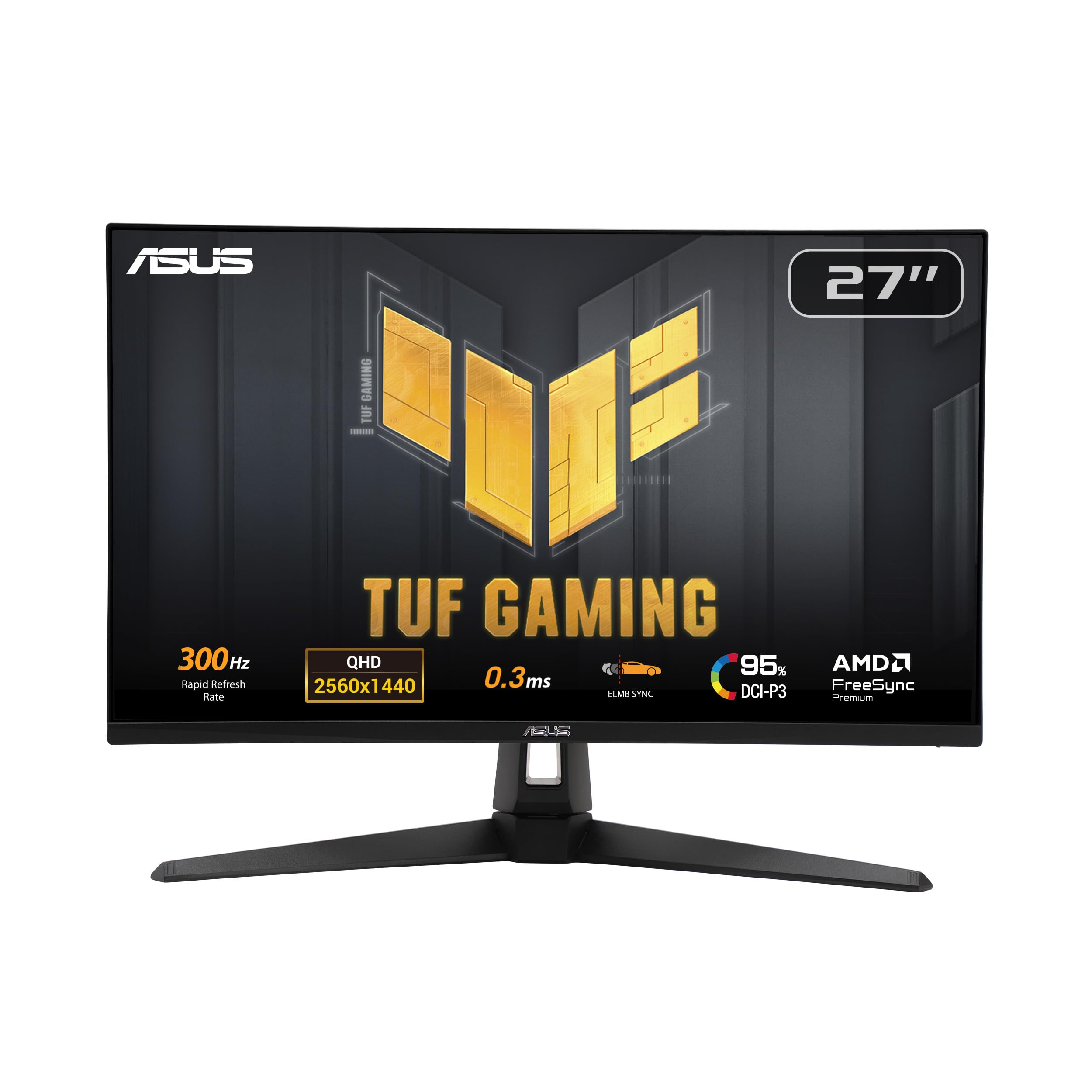
A 300Hz 1440p monitor is a specialty tool, and the ASUS TUF VG27AQM5A is the one in this group that makes the case without asking you to give up panel quality. Its 27-inch Fast IPS panel runs 2560 x 1440 at up to 300Hz with a 0.3ms GTG rating, and the 95% DCI-P3 coverage means it is not just a speed panel. If you play competitive shooters and your GPU can actually push those frames, this is the upgrade.

We like the motion package: ELMB Sync, Shadow Boost, and the DisplayWidget Center give you useful controls without digging through a clumsy menu. The built-in speakers are handy for system sounds, but this is a monitor you pair with a headset. The 300Hz ceiling is the whole point, and it is also the catch: at 1440p, holding anywhere near 300 frames per second takes a serious graphics card.

Compared with the top pick, this is the competitive specialist rather than the every-game default. The Fast IPS panel keeps colors lively, and the 1300:1 contrast is fine for an IPS display. The 300Hz ceiling is not a marketing number here; it is the product's identity, and the 95% DCI-P3 coverage keeps it from feeling like a one-trick esports panel.

Pros

  • 300Hz Fast IPS panel
  • 0.3ms GTG response
  • 95% DCI-P3 coverage
  • ELMB Sync and Shadow Boost

Cons

  • Premium price for the refresh rate
Our verdict

Competitive players who can feed 300 frames per second get a fast, colorful 1440p panel here, provided they are willing to pay the premium.

Check Latest Price
3

Best for Contrast and Comfort

Samsung Odyssey G5 G51F

92 /100
LBD Score Outstanding

Key details

Panel
27-inch VA
Stand
Height, tilt, pivot
Resolution
2560 x 1440
Refresh Rate
180Hz
View on Amazon

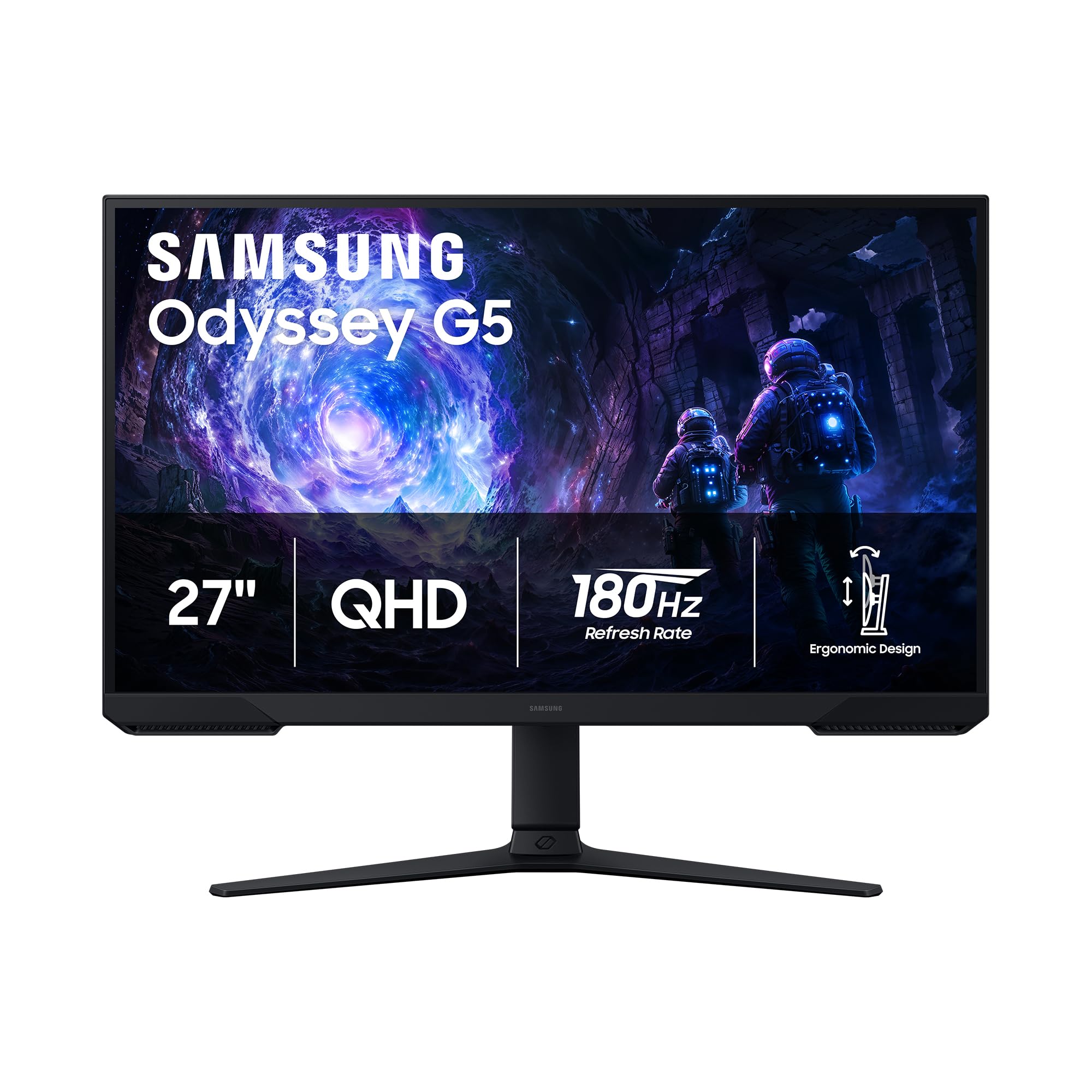
The Samsung Odyssey G5 G51F is the comfort pick. Its stand tilts, pivots, and adjusts for height, which is rare at this end of the 1440p market, and the 27-inch VA panel brings a 3000:1 contrast ratio that gives dark scenes more depth than the IPS monitors here. The 180Hz refresh rate is high enough for smooth play.

We found the VA panel's deeper blacks are the draw for moody single-player games and late-night sessions. HDR10 is on board, though we treat HDR at this brightness as a bonus rather than a reason to buy. The 180Hz refresh keeps motion smooth, and FreeSync helps with tearing. The Black Equalizer and Virtual Aim Point are useful if you play shooters and want to lift shadow detail without washing out the whole image.

Where this one earns its place is the combination of contrast and adjustability. You can set it at a comfortable height and get deep blacks without moving to a premium price tier. The height adjustment is the detail that makes it easy to live with, and the VA contrast is what makes it look good doing it. For a mixed gaming and media setup, that pairing is more useful than another 50Hz on the spec sheet.

Pros

  • Height, tilt, and pivot adjustment
  • 3000:1 VA contrast
  • 180Hz FreeSync
  • HDR10 and gaming aids

Cons

  • 180Hz trails the 240Hz and 300Hz picks
Our verdict

If you want deeper blacks and a stand you can actually raise, this 180Hz VA monitor is the most comfortable all-around choice in the group.

Check Latest Price
4

Best All-Around Alternative

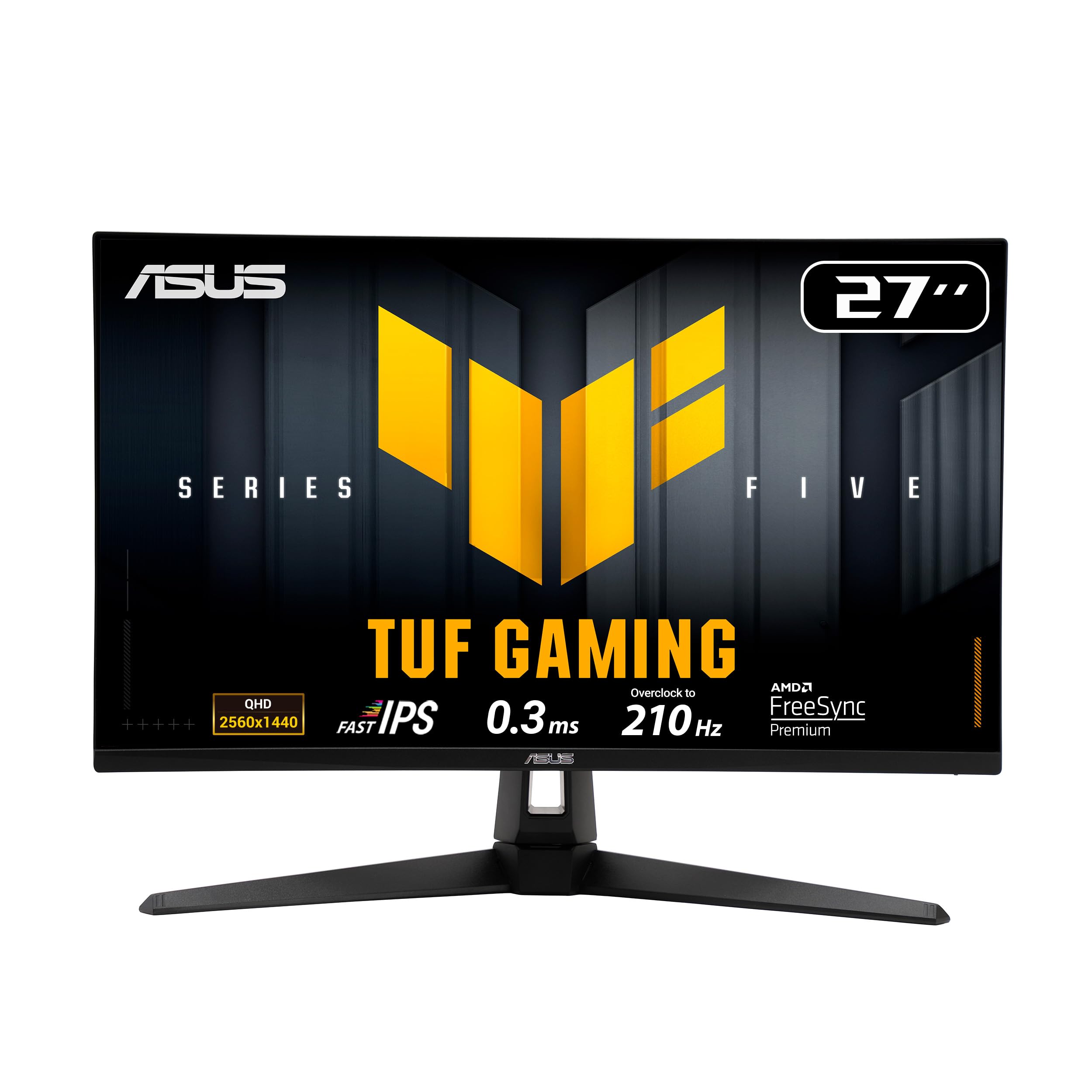
ASUS TUF VG27AQL5A

88 /100
LBD Score Excellent

Key details

Panel
27-inch Fast IPS
Stand
Height adjustable
Resolution
2560 x 1440
Refresh Rate
210Hz OC
View on Amazon

The ASUS TUF VG27AQL5A is what you look at when the top pick's tilt-only stand is the deal breaker. It adds a height-adjustable stand, built-in speakers, and a 210Hz overclocked Fast IPS panel at 2560 x 1440. The 130% sRGB coverage and 0.3ms GTG rating keep it firmly in gaming-monitor territory rather than office-display territory.

We appreciate the adjustability more than the extra refresh. The 210Hz is a step up from 180Hz, but the bigger daily difference is being able to raise the screen to eye level and keep the desk free of separate speakers. FreeSync Premium and G-Sync compatibility cover both GPU camps, and HDR10 is there for supported games.

The Fast IPS motion is clean, and the 130% sRGB gamut gives games a lively look without looking unnatural. The built-in speakers are a convenience, not a replacement for desk speakers, but they are fine for system sounds and a quick match. The 1300:1 contrast is standard for this panel type, and the matte finish keeps reflections under control.

This is the all-rounder for someone who wants one monitor for work and play and does not want to buy a VESA arm on day one. It is not the value play; the top pick is. The height adjustment and speakers are the two things you notice every day, and they are worth the step up if your desk setup needs them.

Pros

  • Height-adjustable stand
  • 210Hz Fast IPS panel
  • 130% sRGB coverage
  • Built-in speakers

Cons

  • Average IPS contrast next to VA picks
Our verdict

This is the easier monitor to live with if you need height adjustment and built-in speakers, and the 210Hz panel is quick enough for serious play.

Check Latest Price
5

Best Budget High Refresh

SANSUI ES-G27F2Q

89 /100
LBD Score Excellent

Key details

Panel
27-inch Fast IPS
Ports
2x HDMI 2.0, 2x DisplayPort 1.2
Resolution
2560 x 1440
Refresh Rate
180Hz (DisplayPort)
View on Amazon

The SANSUI ES-G27F2Q is the budget high-refresh option: a 27-inch Fast IPS panel at 2560 x 1440, a refresh rate that reaches 180Hz over DisplayPort, and a price that undercuts most of this group. It is the one to look at if you want smooth 1440p play without paying for extras.

We like that SANSUI keeps the essentials: two HDMI 2.0 ports, two DisplayPort 1.2 inputs, a VESA mount, and a fast IPS panel with 120% sRGB coverage. The savings show up in a few predictable places, and they are the reason the price stays low. If your desk setup is already sorted, those are easy trade-offs.

The picture is the reason to consider it: 1440p at 27 inches is sharp, and the IPS panel keeps colors consistent from an angle. It is not the monitor for someone who wants the deepest blacks or the fastest motion, but it is a sensible way to get into 1440p gaming without spending on features you will not use. The money goes to the panel and refresh rate, not the extras, and that is the right trade at this end of the market.

Pros

  • Fast IPS panel at 1440p
  • High refresh over DisplayPort
  • Two HDMI and two DisplayPort inputs
  • VESA mount and 120% sRGB

Cons

  • No built-in speakers
  • Tilt-only stand and one-year warranty
Our verdict

Budget-minded players who already have speakers should look here for a sharp 1440p IPS panel with a high refresh rate and few extras.

Check Latest Price
6

Budget Mixed Use

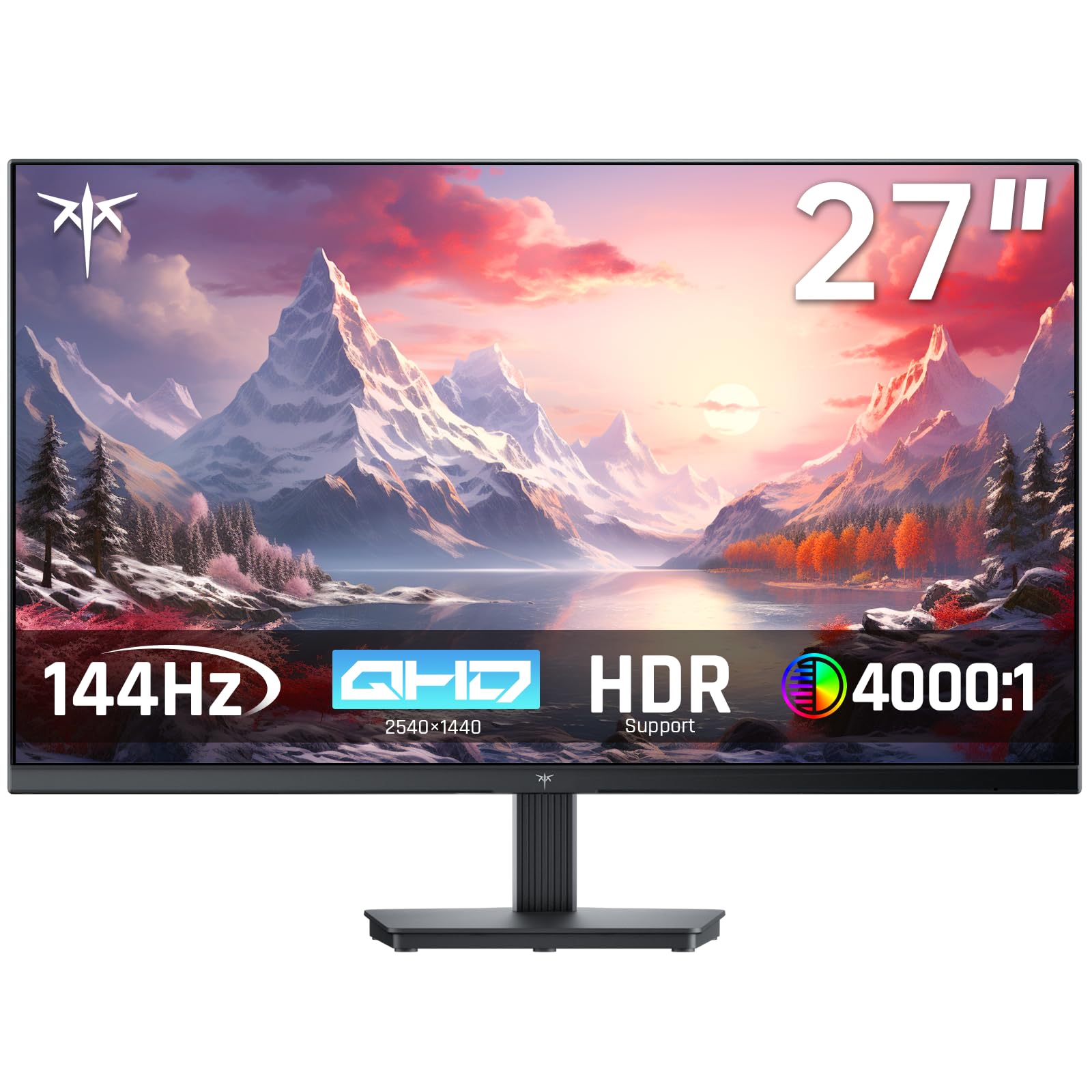
KTC H27T27S

90 /100
LBD Score Outstanding

Key details

Panel
27-inch HVA
Resolution
2560 x 1440
Refresh Rate
144Hz
Contrast Ratio
4000:1
View on Amazon

The KTC H27T27S is the budget pick for someone who cares more about contrast and warranty than refresh rate. It is a 27-inch HVA panel at 2560 x 1440, 144Hz, with a 4000:1 contrast ratio and 129% sRGB coverage. The three-year warranty is unusual at this end of the market, and it is a big part of why this one stays on the list.

We noticed the contrast first: 4000:1 gives dark scenes more weight than the IPS panels here, and the 144Hz refresh is enough to feel smooth for everyday play. The HVA panel has a different character from IPS, with richer blacks and a slightly warmer look. The 129% sRGB gamut keeps colors from looking narrow on games and video.

This is the one for a mixed-use desk: 1440p is sharp for work, the contrast is pleasant for games and video, and the warranty takes some of the risk out of a budget brand. The 300-nit brightness is fine for a normal room. The value is in the panel and the coverage, not the extras.

Pros

  • 4000:1 HVA contrast
  • 144Hz refresh
  • 129% sRGB coverage
  • Three-year warranty

Cons

  • Tilt-only stand
  • 144Hz trails the fastest picks
Our verdict

For a mixed-use desk, this budget 1440p monitor pairs strong contrast with a three-year warranty, though its 144Hz refresh trails the faster picks.

Check Latest Price
7

Curved Budget Setup

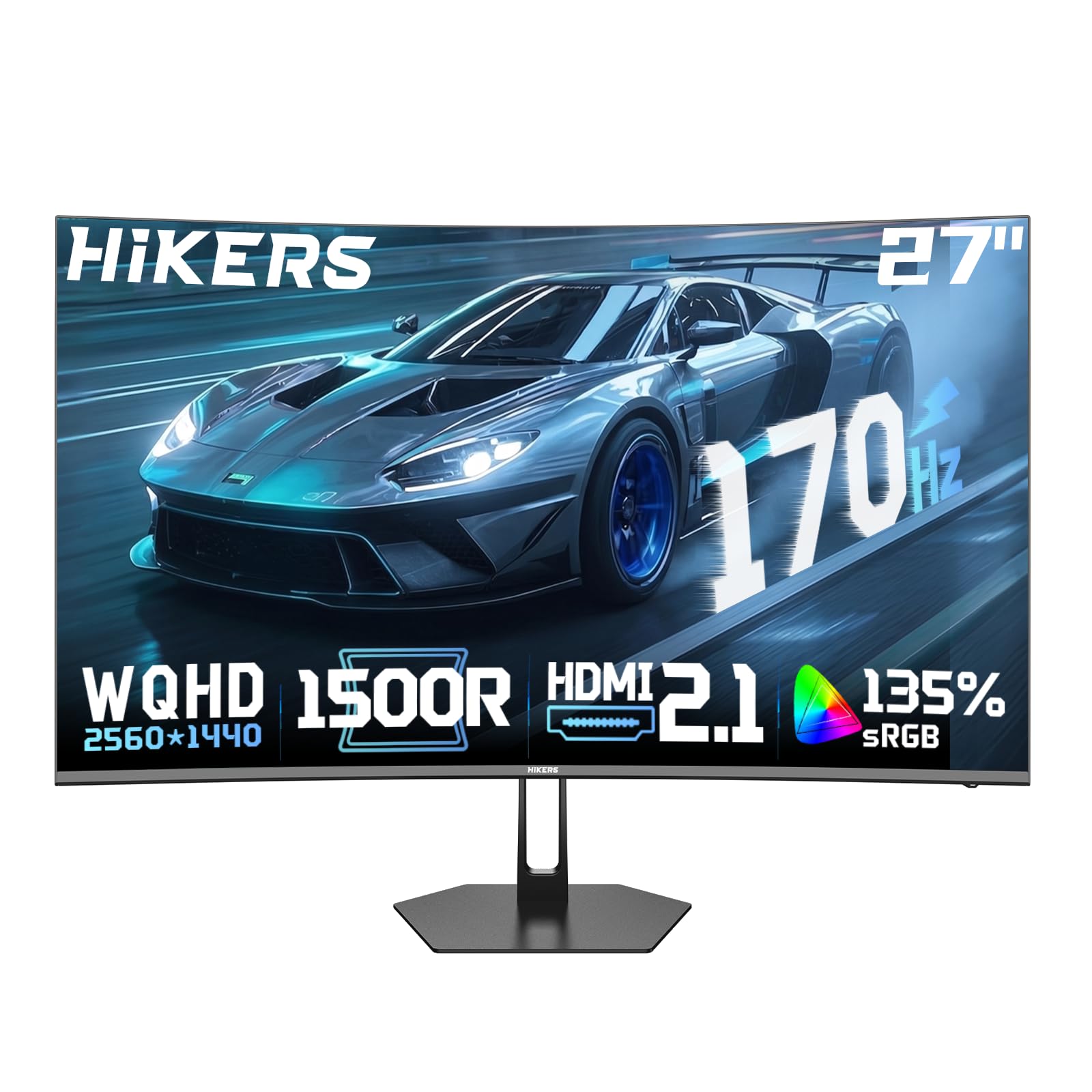
Hikers G27H1Q

79 /100
LBD Score Very Good

Key details

Panel
27-inch curved VA
Ports
2x HDMI 2.1, 1x DisplayPort 1.4
Resolution
2560 x 1440
Refresh Rate
170Hz
View on Amazon

The Hikers G27H1Q is the curved budget option: a 27-inch VA panel at 2560 x 1440, 170Hz, with a 4000:1 contrast ratio, two HDMI 2.1 ports, and a metal stand. The curve is the reason to look at it; it wraps the edges of the screen around your view in a way a flat 27-inch panel does not.

We like the deep blacks and the 350-nit brightness, and the 170Hz refresh is a meaningful step up from 60Hz. The VA panel gives games a rich, contrasty look, and the 135% sRGB coverage keeps colors from feeling flat. This is a less established model than the others here, so buy it with a return window you are comfortable using.

The metal stand and 4000:1 contrast are the details that make it feel less like a budget afterthought. The two HDMI 2.1 ports are useful for a console and a PC at the same time. For a cheap curved setup, it delivers the immersion and contrast that make a 27-inch screen feel bigger than it is.

Pros

  • 170Hz curved VA panel
  • 4000:1 contrast and 350 nits
  • Two HDMI 2.1 and one DisplayPort 1.4
  • Metal stand

Cons

  • One-year warranty
  • 170Hz trails the fastest picks
Our verdict

A cheap curved 1440p panel with deep blacks and 170Hz refresh, best for someone who wants immersion first and does not need the fastest motion.

Check Latest Price

How We Tested the 1440p Gaming Monitors

We started with every 27-inch 1440p gaming monitor we could find from brands we'd recommend to a friend, then filtered by panel type, refresh rate, adaptive sync support, and the connections people actually use — DisplayPort for a PC, HDMI for a console. Anything with a flimsy fixed stand or a price that made no sense for the panel inside got cut. That left 11 monitors, which we ran for six months.

Each one spent at least a few weeks as a daily driver, work in the morning and games at night, with two stationed on a desk by a bright window to see how they handled daylight. We put every panel on a solid gray field and a black screen in a dark room to hunt for dead pixels, stuck subpixels, and backlight bleed, then turned the brightness down to a comfortable level and checked whether the image stayed even corner to corner.

For motion, we played the same fast shooters and racing games on each screen, panning the camera and toggling overdrive to find where smearing and overshoot crept in. We compared skin tones and sky gradients side by side for banding, raised and lowered every stand, mounted a couple on arms, measured how much desk the base ate, and listened to the built-in speakers on a call. Then we simply left them on, day after day, watching for flicker, signal dropouts, or a panel that gave up.

How to Choose a 1440P Gaming Monitor

Start with the panel, not the badge

Panel type is the first fork. IPS gives you consistent color and wide viewing angles, which is why the AOC and both ASUS picks use it. VA gives deeper blacks and higher contrast, as on the Samsung and Hikers, but motion in dark scenes is the trade-off to weigh. If you play fast shooters in a lit room, we prioritize IPS. If you play moody single-player games and want the screen to disappear into black, VA is worth the compromise.

Match refresh rate to the frames you can produce

Refresh rate is a budget question as much as a speed question. 144Hz is the entry point for smooth 1440p; 180Hz is a noticeable step up; 240Hz and 300Hz are for players who can actually push those frames with their GPU and who play games where the difference shows. The AOC's 240Hz is the sweet spot in this group, while the ASUS 300Hz is a competitive tool. Do not buy 300Hz for a GPU that struggles to hold 144fps at 1440p.

Use adaptive sync and the right cable

Adaptive sync is the feature that keeps the image from tearing when your frame rate moves around. FreeSync works with AMD cards and many consoles; G-Sync compatible covers Nvidia. The practical detail is the cable: use DisplayPort for the highest refresh on these monitors, and check the HDMI version if you are connecting a PS5 or Xbox. A monitor with two HDMI 2.1 ports, like the Hikers, is more flexible for console use than one limited to HDMI 2.0.

Plan for the stand and the desk

The stand is the part you live with every day. Height adjustment matters more than most shoppers expect, and it is the main reason to step up from the AOC to the ASUS VG27AQL5A or the Samsung. If the stand only tilts, a VESA arm solves it, but that is extra desk hardware and cost. Also measure depth: 27 inches is the sweet spot for most desks, and a deeper screen pushes the front edge farther from your eyes.

Treat HDR and speakers as extras

HDR and built-in speakers are the two features most likely to disappoint. HDR10 support on a 300-nit panel is not the same as a bright HDR TV; it can add a little depth, but it is not a reason to choose one monitor over another. Built-in speakers are fine for system sounds, not for immersive play. If audio matters, budget for desk speakers or a headset, and treat the monitor's speakers as a convenience.

Frequently Asked Questions

Final Verdict

The AOC Q27G41ZE is the best default in this group because it puts a 240Hz IPS panel at the budget end and does not ask you to give up the things that make 1440p worthwhile. If you need height adjustment and speakers, the ASUS VG27AQL5A is the easier daily monitor.

If you play competitively and can feed 300Hz, the ASUS VG27AQM5A is the specialist pick; for deeper blacks, choose the Samsung. The KTC is the budget mixed-use alternative when contrast and warranty matter more than refresh.