Best IPS Gaming Monitors of 2026

A monitor's spec sheet is mostly a list of numbers that say almost nothing about what it's like to sit in front of one for four hours. A panel that wins on paper can still wash out a night sky or wobble when you bump the desk. What a good one buys you: everything stays legible, from a shadow in the corner to the frame you missed.

I've been burned before by a high-refresh display that smeared every fast pan. Over the past six months, my team and I have run 10 IPS monitors through the same routine: ranked matches in a dim room, spreadsheets in daylight, a console plugged in on weekends. We weighed value alongside color, brightness, dead pixels, and whether the stand held its position.

The pattern surprised me: refresh rate predicted winners far less often than panel tuning, port selection, and a stand that moves. Below are picks for frame-chasers and for people who work and game on the same screen; what they share is a display you stop noticing.

1

Best Overall

AOC Q27G41ZE

90 /100
LBD Score Outstanding

Key details

Panel
27-inch IPS, 2560 x 1440
Stand
Tilt only (-3° to +21°)
Refresh Rate
240Hz native / 260Hz OC
Adaptive Sync
G-Sync compatible, FreeSync
View on Amazon

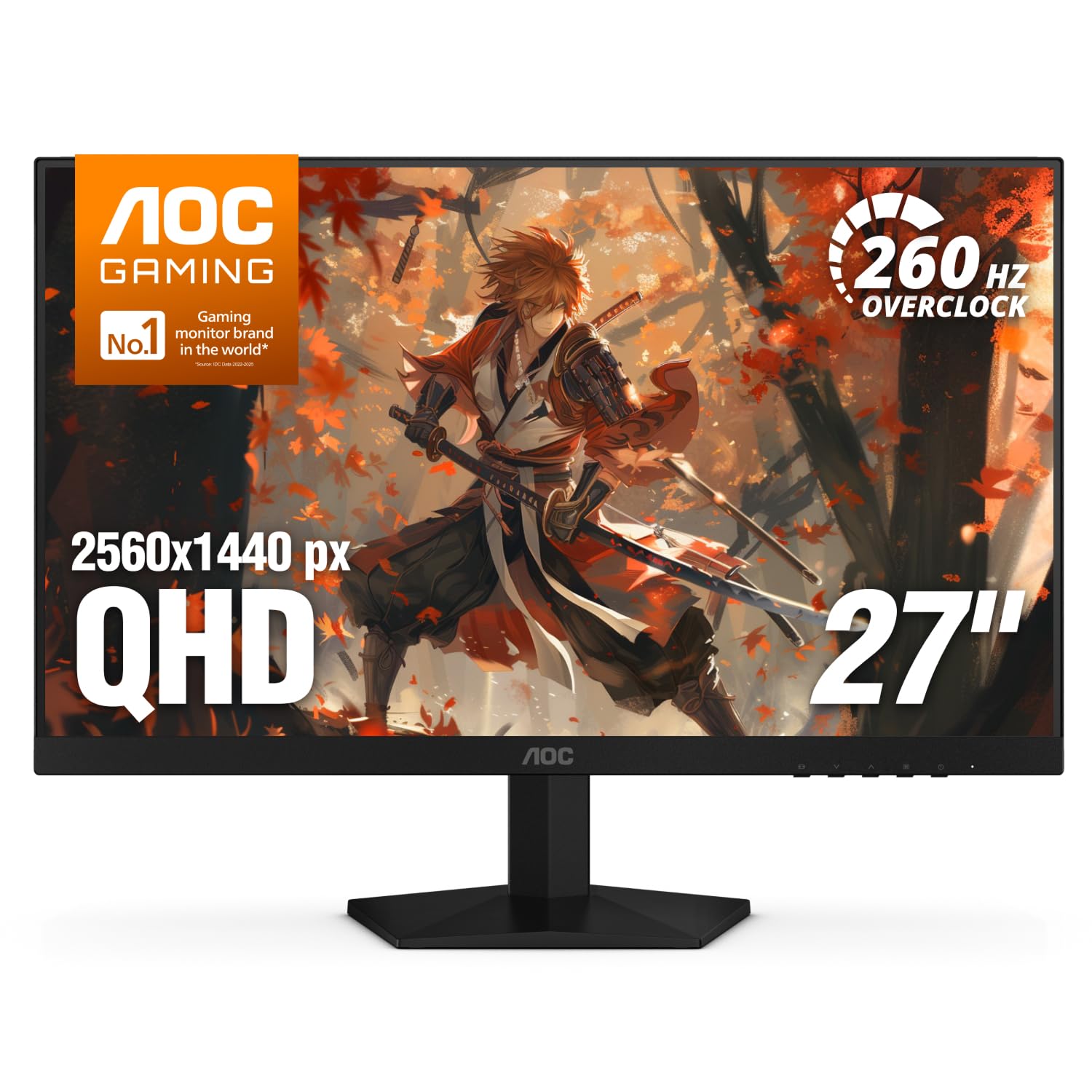
The Q27G41ZE is the monitor we recommend first because it puts 1440p and a 240Hz IPS panel in the same budget conversation. That combination is the sweet spot for a modern gaming PC: text and detail look sharp at 27 inches, and fast games have room to feel fluid without stepping up to a premium price. AOC also rates it for 260Hz overclocked, though 240Hz native is the sensible setting for most setups.

The IPS part matters for more than color. Wide viewing angles keep the image consistent when you sit off-center, and the glossy finish is worth knowing about: it can make colors pop, but it also shows reflections more than a matte panel, so avoid placing it opposite a bright window. We treat the picture as gaming-first: vivid enough for games, but not a color-critical panel. If you edit photos, plan on calibration.

Panel consistency is the bigger caveat. This is a monitor to check for dead pixels and uneven backlighting while the return window is open, and its color presets may need a little tuning. The stand also only tilts, so if you want the screen at eye level, budget for a VESA arm. Neither issue is unusual at this price, but both are part of living with this one.

What keeps it at the top is the balance. The ASUS TUF VG27AQ3A is the calmer all-rounder, and the Acer Nitro KG271U is the color-focused budget alternative, but neither matches the AOC's 240Hz headroom at this end of the group. A monitor arm is the upgrade that makes the most sense here; the panel is already doing the expensive part.

Pros

  • 1440p and 240Hz IPS speed
  • G-Sync and FreeSync support
  • 260Hz overclock headroom
  • Three-year warranty

Cons

  • Tilt-only stand
  • Panel consistency and color need checking
Our verdict

We recommend the Q27G41ZE to most gamers because it delivers 1440p and 240Hz IPS speed without a premium price, provided you can live with a tilt-only stand.

Check Latest Price
2

Best 1440P All-Rounder

ASUS TUF VG27AQ3A

91 /100
LBD Score Outstanding

Key details

Panel
27-inch IPS, 2560 x 1440
Warranty
3 years
Refresh Rate
180Hz
Adaptive Sync
G-Sync compatible, FreeSync Premium
View on Amazon

The VG27AQ3A is the monitor we point to when someone wants a 27-inch 1440p screen that does not demand a lot of fuss. It runs at 180Hz, supports FreeSync Premium and G-Sync compatibility, and comes with a three-year warranty. Those are not the biggest numbers here, but they add up to a balanced package.

We value the 180Hz refresh most because it is a clear step up from 144Hz and easier to drive than 240Hz, so a midrange graphics card can actually use it. ELMB Sync is the feature that makes fast motion look cleaner without giving up variable refresh, and the 130% sRGB coverage gives games a saturated, lively look. Built-in speakers are a handy backup for a desk without separate speakers.

The trade-off is that it does not have the outright speed of the AOC top pick or the ASUS 300Hz model. If you split time between PC and console, or you want a monitor that feels fast without chasing the highest refresh, this is the one we keep in the conversation. It is the sensible 1440p pick rather than the most exciting one.

Pros

  • Balanced 180Hz 1440p performance
  • ELMB Sync with variable refresh
  • 130% sRGB color coverage
  • Three-year warranty

Cons

  • Trails the 240Hz and 300Hz picks on speed
Our verdict

The VG27AQ3A is our pick for a balanced 1440p setup, with 180Hz speed, wide color, and a three-year warranty that make it easy to live with.

Check Latest Price
3

Best Budget 1440P

Acer Nitro KG271U

87 /100
LBD Score Excellent

Key details

Panel
27-inch IPS, 2560 x 1440
Ports
2x HDMI, DisplayPort
Refresh Rate
180Hz
Color Coverage
95% DCI-P3
View on Amazon

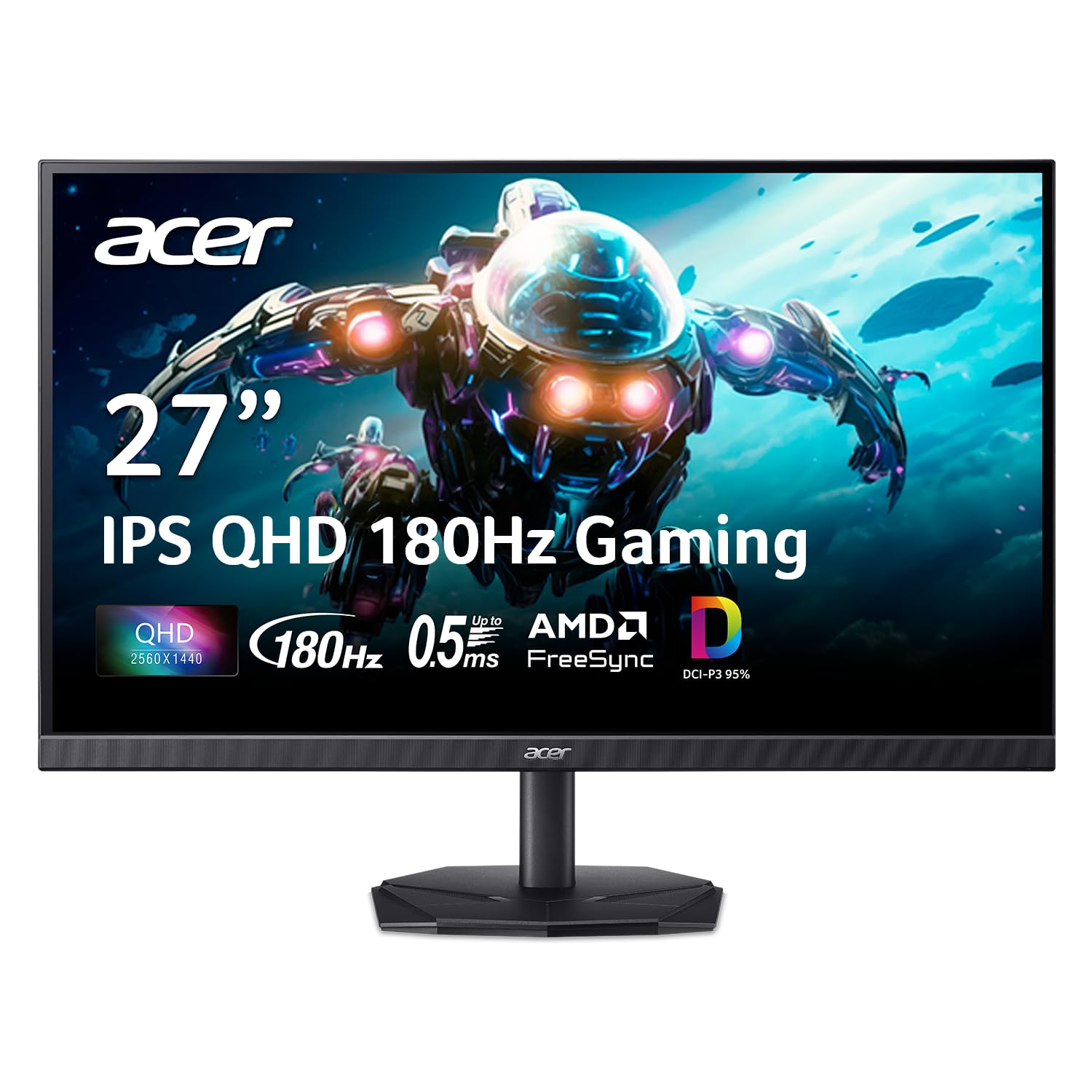
The Nitro KG271U makes its case with color. Acer claims 95% DCI-P3 coverage on a 27-inch 1440p IPS panel, which is a wider gamut than most budget gaming monitors bother with. At 180Hz and 0.5ms, it also has enough speed for fast games.

We think this is the value 1440p pick for someone who wants a vivid picture and does not need the last word in refresh rate. FreeSync support, two HDMI inputs, a DisplayPort connection, built-in speakers, and VESA mounting cover the practical basics. The 0.5ms response is a gray-to-gray figure, so treat it as a spec-sheet number rather than a promise of zero blur.

The stand only tilts, and the panel can show backlight bleed at the edges. Check the unit for dead pixels on arrival. If you want a more adjustable stand, the Acer Nitro XV272U is the better fit; if color coverage is the priority, this is the one.

Pros

  • 95% DCI-P3 color coverage
  • 180Hz 1440p performance
  • FreeSync and multiple inputs
  • Three-year warranty

Cons

  • 250-nit brightness limits bright-room use
Our verdict

The Nitro KG271U is the budget 1440p pick for color-minded gamers, with 95% DCI-P3 coverage and 180Hz speed.

Check Latest Price
4

Best High-Refresh 1440P

ASUS TUF VG27AQM5A

87 /100
LBD Score Excellent

Key details

Panel
27-inch Fast IPS, 2560 x 1440
Refresh Rate
300Hz
Adaptive Sync
FreeSync Premium
Response Time
0.3ms GTG
View on Amazon

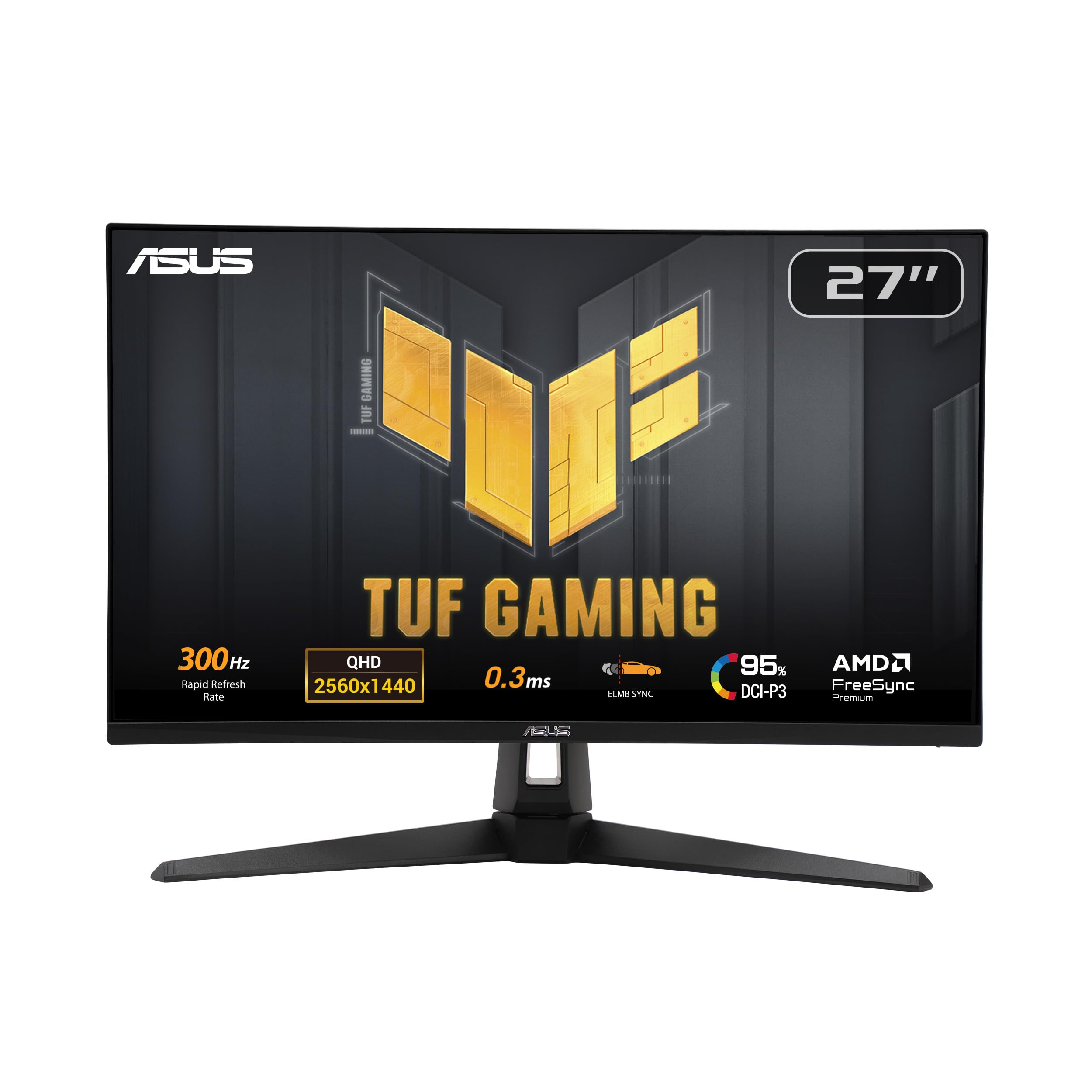
Three hundred hertz is the headline, and it is the reason to consider the VG27AQM5A. This is a 27-inch 1440p Fast IPS panel with a 0.3ms gray-to-gray rating, ELMB Sync, and a 95% DCI-P3 color claim. It is the fastest 1440p monitor in this group.

What does 300Hz buy you? Smoother tracking in fast shooters and less motion smear when your frame rate is high enough to feed it. If your PC struggles to hold 200 frames per second at 1440p, the extra refresh is mostly headroom you will not see. We like that ASUS includes ELMB Sync and Shadow Boost, because they help in the games that actually justify this panel.

We were impressed by the color coverage on paper, and the 1300:1 contrast ratio is a small step above the usual 1000:1 budget panel. The thing we watch for is panel variance: brightness and pixel uniformity are the two areas to inspect during the return window. A 300Hz monitor should feel special out of the box, and that starts with a clean panel.

Compared with the AOC top pick, the extra refresh and stronger color spec are what you are buying. If you play competitive shooters and have the graphics card to push high frame rates, this is the upgrade. If you do not, the AOC is the smarter buy.

Pros

  • 300Hz 1440p Fast IPS panel
  • 0.3ms response and ELMB Sync
  • 95% DCI-P3 color coverage
  • Shadow Boost helps dark scenes

Cons

  • Premium price for the refresh rate
Our verdict

The VG27AQM5A is for players who can feed a 300Hz 1440p panel; it is the fastest screen here, with the price and GPU demands to match.

Check Latest Price
5

Best Ergonomic Stand

Acer Nitro XV272U

83 /100
LBD Score Excellent

Key details

HDR
DisplayHDR 400
Panel
27-inch IPS, 2560 x 1440
Stand
Height, swivel, pivot, tilt
Refresh Rate
240Hz over DisplayPort
View on Amazon

The XV272U is the one we reach for when the desk setup matters as much as the panel. It has a 27-inch 1440p IPS screen at 240Hz, but the real differentiator is the stand: height adjustment, 360-degree swivel, and pivot, plus VESA mounting.

On paper it also has DisplayHDR 400, a 0.5ms gray-to-gray rating, FreeSync Premium, two HDMI ports, a DisplayPort input, and built-in speakers. We like the flexibility because you can set the screen at eye level and swing it sideways without buying an arm. For a shared desk or a setup that doubles as a work station, that is a real daily benefit.

This is not our top pick because the AOC matches its refresh rate for less money and is the better all-around value. But if you need a height-adjustable stand without adding an arm, this is the most complete ergonomic package here.

Pros

  • Full height, swivel, and pivot adjustment
  • 240Hz 1440p IPS performance
  • FreeSync Premium and multiple ports
  • VESA mount and built-in speakers

Cons

  • Backlight bleed and dead pixels are the panel risk
  • HDR400 is a token HDR mode
Our verdict

The XV272U is the pick for a desk that needs a fully adjustable stand, pairing 240Hz 1440p speed with height, swivel, and pivot adjustment.

Check Latest Price
6

Best Budget 1080P

Dell SE2726HG

86 /100
LBD Score Excellent

Key details

Panel
27-inch IPS, 1920 x 1080
Ports
2x HDMI, DisplayPort 1.4
Refresh Rate
240Hz
Response Time
0.5ms
View on Amazon

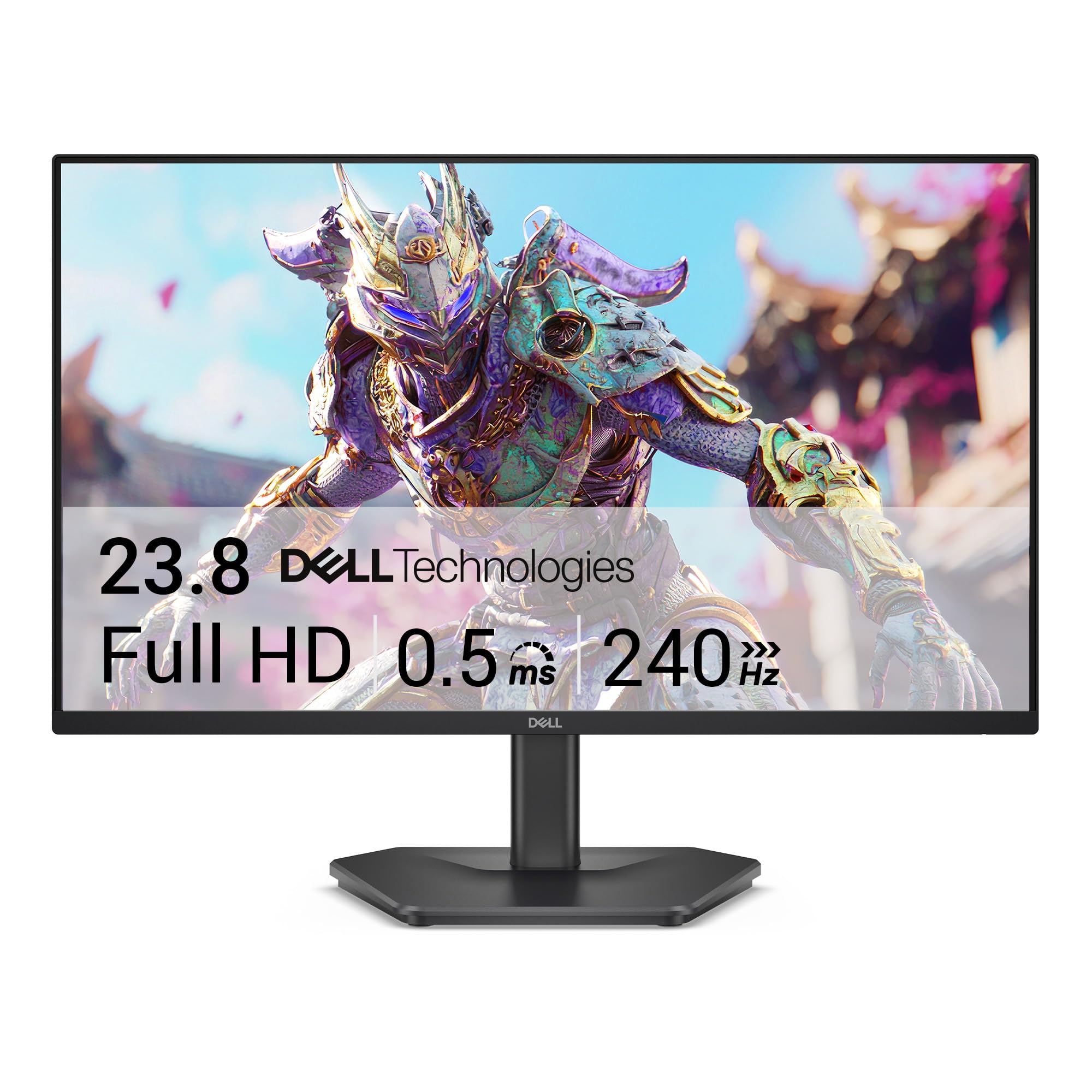
The SE2726HG is a different kind of budget pick: it is a 27-inch 1080p IPS panel with a 240Hz refresh, which means you get speed and size without paying for 1440p. We like it for a first high-refresh setup or a console desk, as long as you accept that 1080p at 27 inches will not look as crisp as the 1440p picks here.

The 240Hz refresh and 0.5ms response are the reasons to choose it. FreeSync Premium and HDMI VRR keep console and PC play smooth, and 99% sRGB coverage gives it enough color for games and everyday work. We appreciate the TÜV eye-comfort certification for long sessions, even if it is not a substitute for taking breaks.

The setup details are where you need to pay attention. Use DisplayPort for 240Hz and confirm the refresh rate in your display settings; HDMI or the wrong cable can leave you at a lower rate. A VESA arm is a smart add-on for eye-level placement. If you want a sharper 27-inch image, the 1440p Acer Nitro KG271U is the step up.

Pros

  • 27-inch 240Hz IPS screen
  • FreeSync Premium and HDMI VRR
  • 99% sRGB color coverage
  • TÜV eye-comfort certification

Cons

  • Tilt-only stand
  • No built-in speakers
Our verdict

The SE2726HG is the budget route to a 27-inch 240Hz IPS screen, provided you accept 1080p softness and a basic stand.

Check Latest Price
7

Best Ultra-Budget 1080P

MSI PRO MP243L E14

89 /100
LBD Score Excellent

Key details

Panel
23.8-inch IPS, 1920 x 1080
Ports
HDMI, VGA
Refresh Rate
144Hz
Contrast Ratio
1500:1
View on Amazon

The PRO MP243L E14 is the cheapest way into a 24-inch IPS gaming monitor here, and it does not feel like a punishment. You get a 1080p panel at 144Hz, a 1500:1 contrast ratio, and a matte finish that keeps reflections down.

We like it as a second screen or a first gaming monitor for someone who mostly plays at 1080p. The 144Hz refresh is a meaningful step up from 60Hz, FreeSync covers the basics, and the 1500:1 contrast is a notch above the usual 1000:1 budget panel, which helps dark scenes. VESA mounting and a tilt-adjustable stand round out the practical package.

Where it cuts corners is in connectivity: HDMI and VGA are the only inputs, so there is no DisplayPort. The 24-inch 1080p resolution is the right match for this size, but it will not give you the detail of the 27-inch 1440p picks. For a tight budget or a secondary desk, those are easy trade-offs to accept.

The real question is whether you need more speed. The AOC 24G42HE costs about the same and adds a 200Hz panel, so the MSI is the one for the absolute lowest spend; the AOC is the better pure gaming value. We keep the MSI on the list because it is the least expensive way to get a competent IPS gaming screen here, and it does not ask you to give up contrast.

Pros

  • 144Hz 1080p IPS performance
  • 1500:1 contrast ratio
  • VESA mounting and FreeSync
  • Lowest price in this group

Cons

  • Tilt-only stand
Our verdict

The PRO MP243L E14 is the ultra-budget 24-inch pick, with 144Hz IPS speed and strong contrast for the least money here.

Check Latest Price
8

Compact 1080P

AOC 24G42HE

88 /100
LBD Score Excellent

Key details

Panel
23.8-inch IPS, 1920 x 1080
Ports
HDMI, DisplayPort
Refresh Rate
200Hz
Color Coverage
116% sRGB
View on Amazon

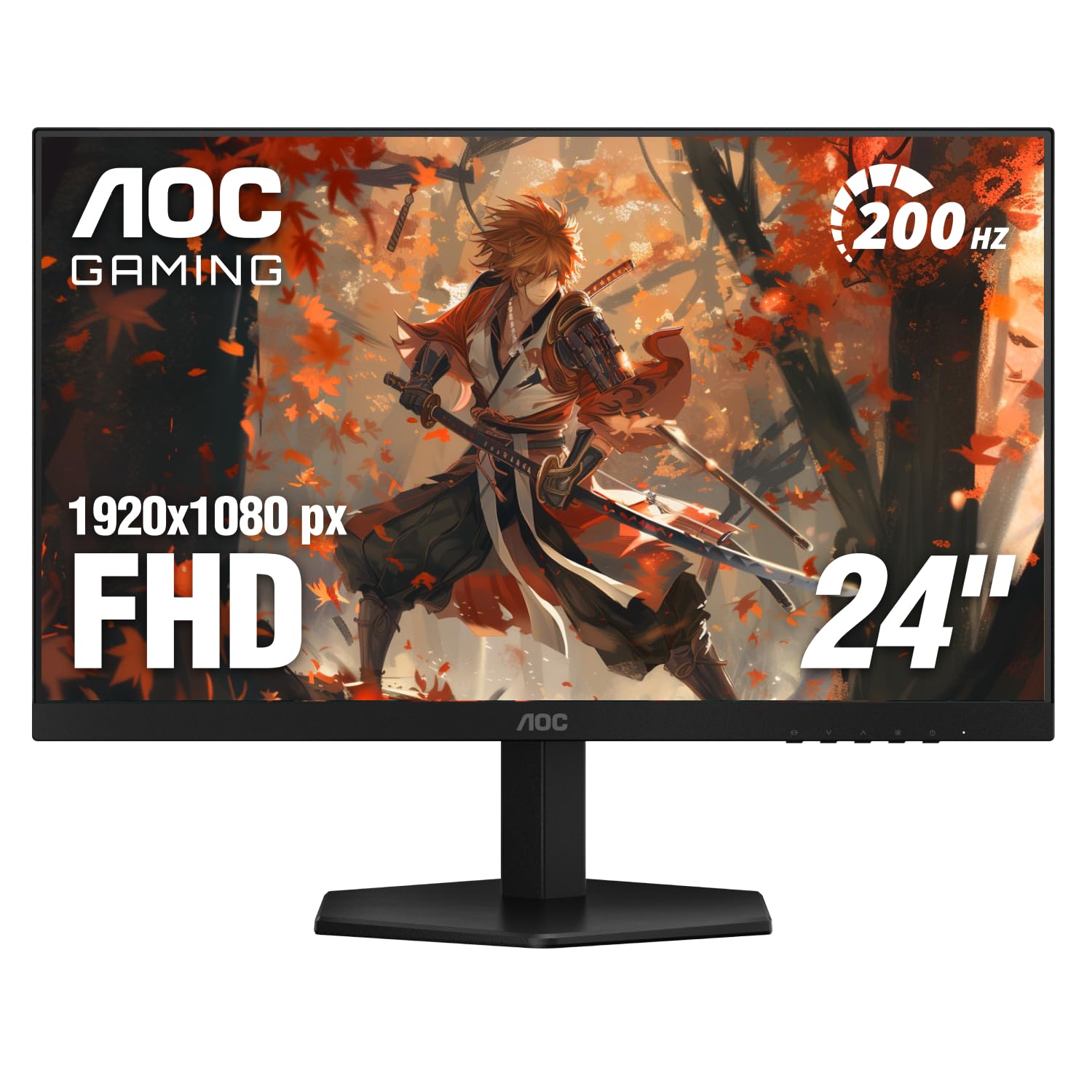
The 24G42HE is the compact alternative in this group: a 23.8-inch 1080p IPS panel with a 200Hz refresh. It is the size and speed combination we like for a small desk or a dedicated esports setup, where a 27-inch screen can feel too wide for the distance you sit.

We like the 200Hz refresh because it is high enough to make fast motion feel immediate without demanding the GPU power of a 1440p 240Hz panel. The 116% sRGB coverage and 300-nit brightness give it a lively picture for games and video, and the three-year warranty is a comforting extra at this end of the group.

The 24-inch 1080p resolution is the right match for the panel size, so text and details stay crisp at normal desk distance. If you want a larger, sharper image for work or single-player games, the 27-inch 1440p AOC top pick is the upgrade. If you want a compact screen for shooters, this is the one we point to.

We think the 24G42HE earns its place as the compact value pick because it spends its money on refresh rate and panel quality rather than extras. It is the monitor we recommend when a 27-inch screen would crowd the desk and you still want fast, smooth play.

Pros

  • 200Hz 1080p IPS performance
  • 116% sRGB color coverage
  • 300-nit brightness
  • Three-year warranty

Cons

  • Tilt-only stand
  • Single HDMI input
Our verdict

The 24G42HE is the compact 1080p pick for fast play, with a 200Hz IPS panel and a three-year warranty at a budget price.

Check Latest Price

How We Chose and Tested the Best IPS Gaming Monitors

We started with panel type, since IPS is the point here: wider viewing angles and more accurate color than TN, at the cost of some contrast. From the mainstream pool we cut anything with a tilt-only stand, a single video input, or a vague response-time claim, which left ten 24- and 27-inch models, a mix of 1080p and 1440p panels spanning 144Hz to 300Hz.

Every monitor spent at least two weeks as the only display on one tester's desk, so it did the unglamorous work too: documents in the morning, a browser with too many tabs. In the evenings we ran the same three games and a fast camera pan, then repeated it with the lights off to see how each panel handled dark scenes and IPS glow in the corners.

We took colorimeter readings at full brightness and at a comfortable mid level, checked coverage against the panel's claims, then compared the same photograph of skin tones and foliage across all ten side by side. Brightness mattered most in a sunlit room, where we nudged each display until text stayed readable without glare. For pixel quality we ran solid red, green, blue, white, and black fields and looked from a foot away for stuck pixels and edge bleed.

Refresh rate got tested with the same panning footage on every overdrive setting, watching for the dark halo that appears when overdrive is pushed too far. We toggled adaptive sync on and off against a mid-range graphics card to see whether frames actually smoothed, and hooked up a console over HDMI to check what the ports could carry. Speakers got a podcast at half volume and at full; stands got raised, tilted, and swiveled, then nudged to check for wobble. We also wrote down bezel width and finish, since these desks are often in bedrooms and living rooms, not just offices.

How to Choose an Ips Gaming Monitor

Match resolution to screen size first

At 24 inches, 1080p keeps text crisp and is easier on your graphics card; at 27 inches, 1440p is the better match because 1080p starts to look soft. A 27-inch 1440p panel like the AOC Q27G41ZE gives you more desktop room and finer detail, but it demands more GPU power. If you play mostly fast shooters on a budget, a 24-inch 1080p screen like the AOC 24G42HE is the smarter spend. Do not buy 27-inch 1080p for sharpness; buy it only when size and price matter more than detail.

Refresh rate is a target, not a trophy

144Hz is the useful floor for gaming, 180Hz to 240Hz is a clear step up, and 300Hz only pays off if your PC can hold very high frame rates at 1440p. The refresh-rate number is also tied to the port and cable: many monitors need DisplayPort to hit their maximum, and HDMI may cap you lower. Response-time figures are not directly comparable because brands mix gray-to-gray and motion-blur measurements. Use adaptive sync, then set the monitor to its native refresh rather than chasing the biggest overclock.

The stand and ports decide daily comfort

A tilt-only stand is the most common corner cut at this price. It works if the monitor already sits at eye level, but a height-adjustable stand like the one on the Acer XV272U is worth paying for if you share a desk or sit for long sessions. VESA mounting gives you a second route: a monitor arm can fix a cheap stand and free up desk space. Check the ports too. Two HDMI inputs help with a console and PC, while DisplayPort is the safer path to high refresh on a PC.

Panel quality and HDR claims need a reality check

IPS glow and backlight bleed are normal to some degree, but a bright corner or a dead pixel is worth catching during the return window. HDR10 and DisplayHDR 400 are entry-level labels on most monitors in this group; they add a little punch but not the local dimming that makes HDR worthwhile. Do not pay a premium for HDR alone. Prioritize a clean panel, the refresh rate you need, and a stand that fits your desk, then treat HDR as a bonus.

Frequently Asked Questions

Final Verdict

The AOC Q27G41ZE is the IPS gaming monitor we recommend to most people. It pairs 1440p sharpness with 240Hz speed, adds G-Sync and FreeSync support, and backs it with a three-year warranty, so it covers competitive play and everyday desktop work without a premium tag.

If you want a more balanced all-rounder and do not need the extra refresh, the ASUS TUF VG27AQ3A is the calmer choice. If you need a fully adjustable stand, the Acer Nitro XV272U earns the upgrade; if you can drive 300Hz, the ASUS TUF VG27AQM5A is the fastest screen here.