Best Portable Gaming Monitors of 2026

A portable gaming monitor is a small miracle until you're propping it against a coffee cup because the kickstand gave out. The panel is the easy part; the hinge, the ports, the brightness, and whether it survives a backpack are what separate a good one from a bad one. You're buying a second screen anywhere: a desk in an airport lounge, a console in a rented cabin, a bigger map in the game you're already squinting at.

I started packing one for work trips and ended up using it for games more than spreadsheets. Over six months, my team and I have lived with 12 of these, and the ones that earned their keep differed by weight, ports, and how the picture held up in a bright room — not by the numbers on the box.

Refresh rate is what sells them, but at this size brightness and a stand that doesn't wobble matter more. Almost every model promises single-cable USB-C; whether that cable also charges your laptop decides if it's truly portable. The picks below are the ones we'd pack again.

1

Best Overall

VisionOwl V16QH

96 /100
LBD Score Outstanding

Key details

Brightness
470 nits
Resolution
2560 x 1600
Screen Size
16 inches
Refresh Rate
144 Hz
View on Amazon

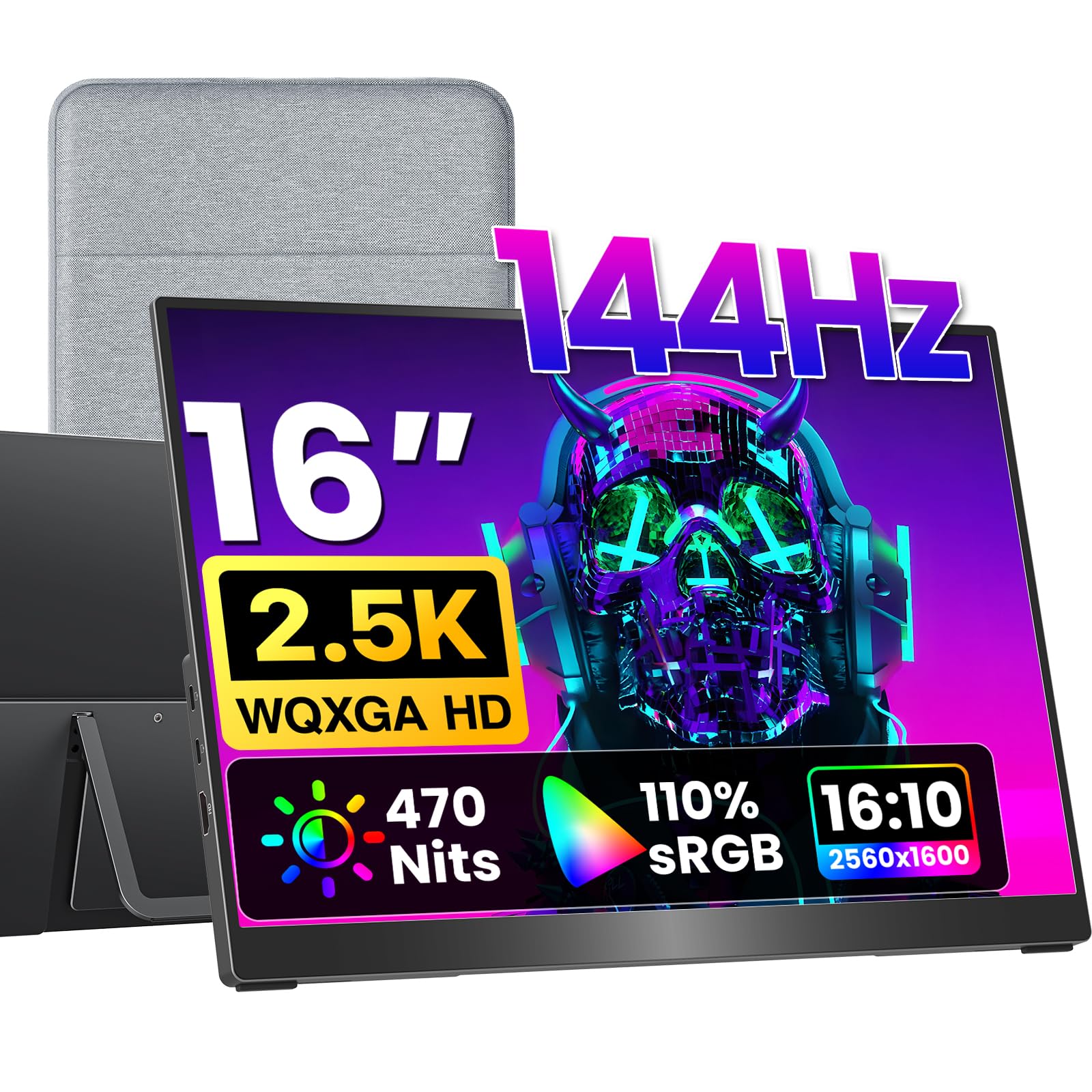
A 16-inch panel that hits 2560 x 1600 at 144Hz is the sweet spot for a portable gaming monitor, and the VisionOwl V16QH gets the balance right. It weighs about 1.5 pounds, uses a metal body, and still fits a sleeve inside a laptop bag. The full-size HDMI port is a small luxury you notice every time you pack for a console session.

What sold us is the combination of sharpness and light output. At 470 nits, the screen stays readable near a window, and the 2.5K resolution gives text and game HUDs a clean edge that 1080p panels at this size cannot match. FreeSync and 144Hz keep motion smooth, and the matte finish controls reflections. The listed 3ms response is quick enough for casual shooters, though the fastest panels here have an edge in twitchy games.

The kickstand adjusts to a comfortable angle, the VESA holes give it a second life on an arm, and the package includes the sleeve, power adapter, standard HDMI cable, and two USB-C cables. We ended up leaving the power brick at home with a capable laptop, which is the point of a monitor like this. The stand folds flat enough to zip into the sleeve, and the whole kit takes less room than a hardcover book.

Pros

  • 2.5K sharpness at 16 inches
  • 470 nits with matte finish
  • Full-size HDMI and complete cable kit
  • About 1.5 pounds in a metal body

Cons

  • Refresh tops out at 144Hz
Our verdict

For most laptop and console players, this is the one we recommend: 2.5K sharpness, 144Hz FreeSync, 470 nits, and a 1.5-pound metal frame with full-size HDMI.
Check Latest Price
2

Best Large Screen

cocopar 18.5-Inch 2K

96 /100
LBD Score Outstanding

Key details

Brightness
500 nits
Resolution
2560 x 1440
Screen Size
18.5 inches
Refresh Rate
120 Hz
View on Amazon

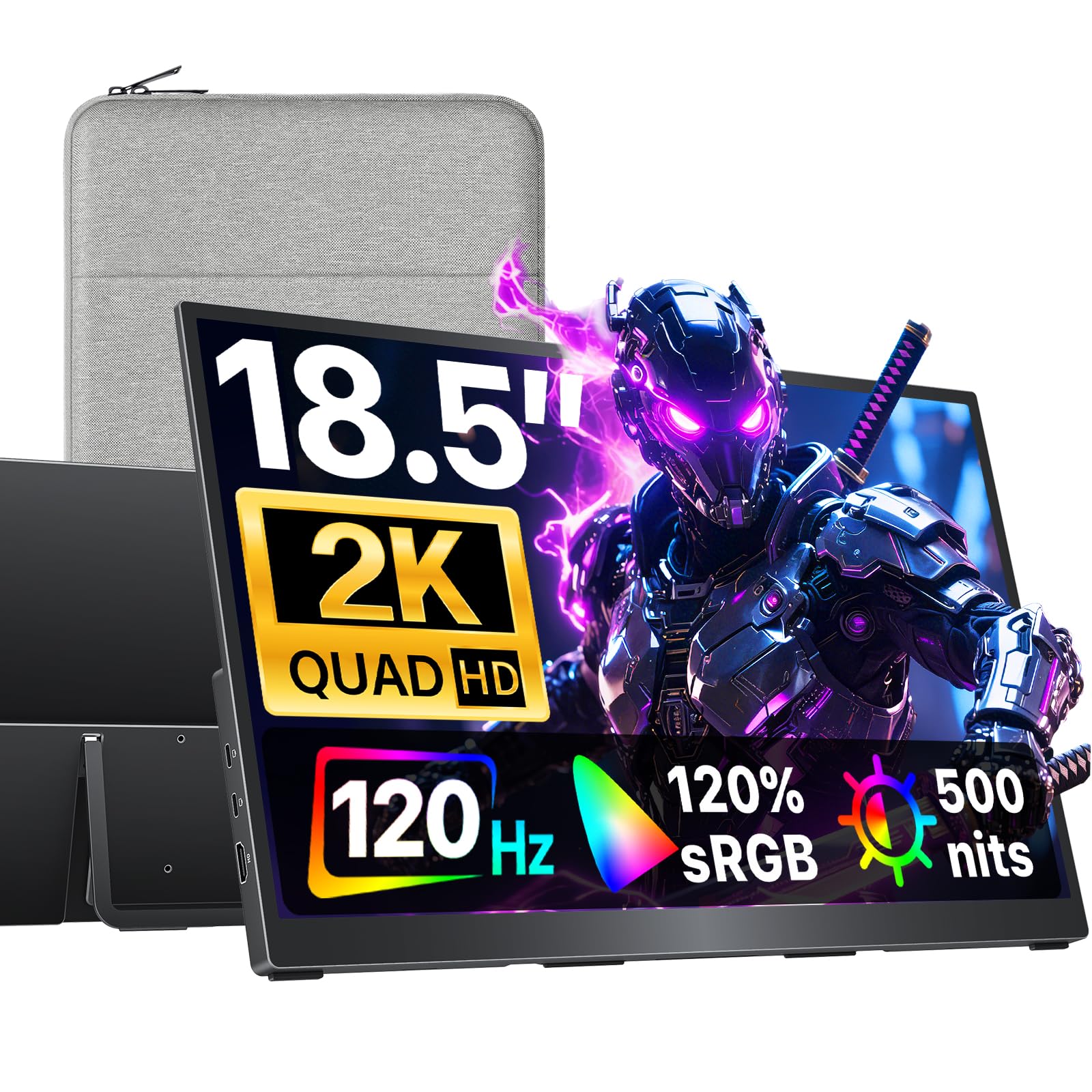
The cocopar 18.5-inch is the pick for someone who wants a monitor that feels like a desk display but still travels. The 2560 x 1440 panel gives you real room for a game map and a chat window, and at 500 nits it is the brightest screen in this group. We noticed the size first, then the weight: 2.48 pounds is light enough to slide into a backpack beside a laptop.

The 120Hz panel keeps motion clean, and FreeSync does its job with a compatible laptop or console. The listed 3ms response is fine for anything short of serious competitive play. The built-in kickstand is sturdy and the VESA holes let you mount the screen on an arm in a dorm or hotel room. The built-in speakers are serviceable for a hotel room, though we reach for headphones when a game gets loud.

The 18.5-inch panel is easier on a long work session, and the bigger image makes console games feel less like a laptop accessory. We take it when the trip includes actual work, not just a quick match. The extra screen area earns the bag space.

Pros

  • 18.5-inch 2K gives desk-like space
  • 500 nits is the brightest here
  • 2.48 pounds is light for its size
  • VESA mount and sturdy kickstand

Cons

  • Refresh rate stops at 120Hz
  • 18.5-inch footprint needs more bag room
Our verdict

We reach for the cocopar when screen space matters more than shaving ounces: an 18.5-inch 2K panel at 500 nits that still slides into a backpack.

Check Latest Price
3

Best Value 2.5K

UPERFECT 16-Inch 2.5K

89 /100
LBD Score Excellent

Key details

Brightness
400 nits
Resolution
2560 x 1600
Screen Size
16 inches
Refresh Rate
144 Hz
View on Amazon

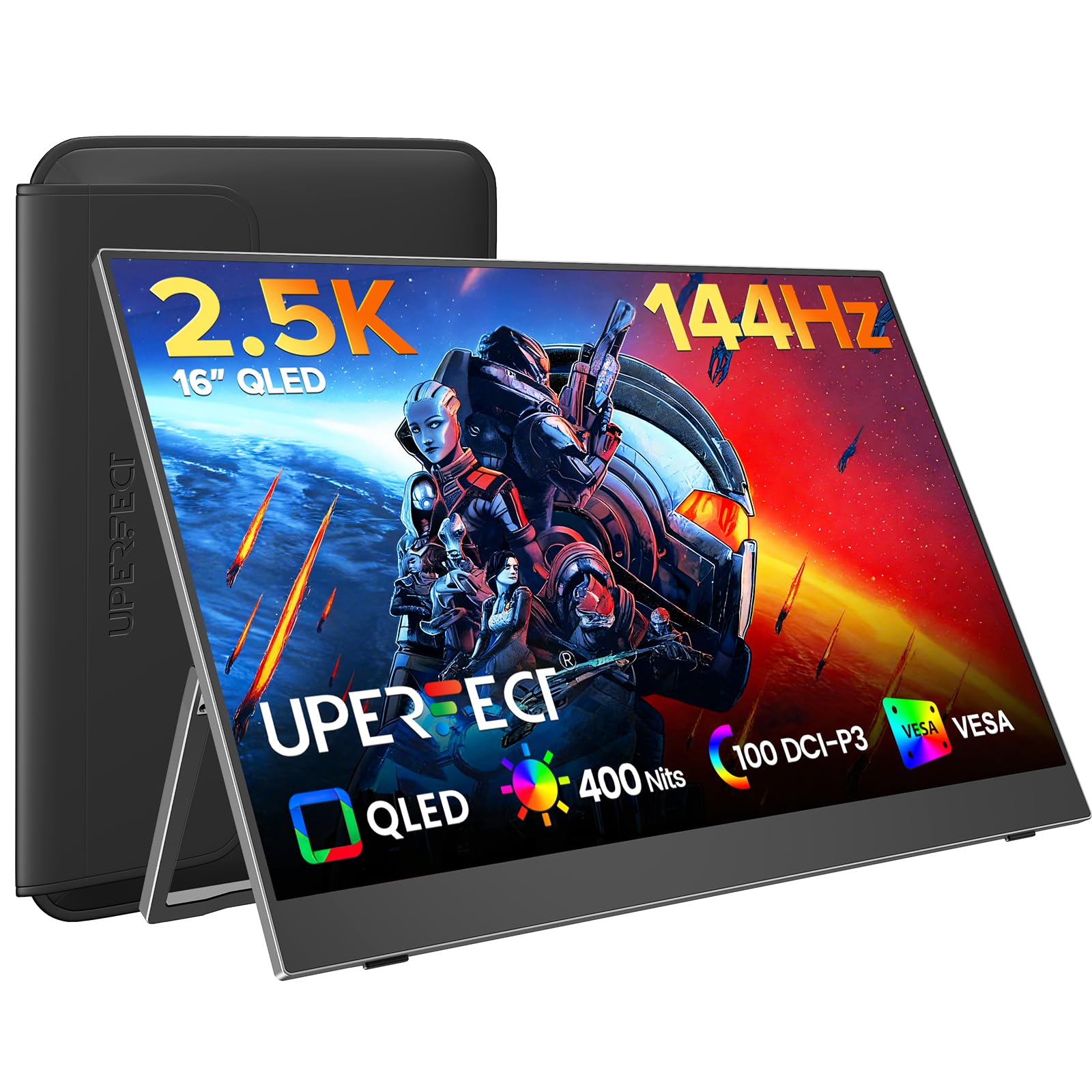
At the midrange end, the UPERFECT 16-inch makes 2.5K feel less like a luxury. You get a 2560 x 1600 QLED panel at 144Hz with FreeSync, a sleeve, and the cables needed to connect a laptop or console. The 16-inch size is the practical one for a backpack, and the 1,200-gram body does not weigh it down.

We were pleasantly surprised by how close the picture comes to the VisionOwl. The QLED layer gives reds and blues more punch, and 100% DCI-P3 coverage makes games look saturated without going cartoonish. The 2000:1 contrast helps dark scenes hold detail. We also noted the 5ms response time: fine for casual play, though the fastest panels here are sharper tools for competitive shooters.

Two USB-C ports handle laptop duty, and the built-in kickstand is basic but stable. The sleeve has enough padding for a commute, and the power draw is low enough to run from a capable USB-C port. The picture is the reason to pick it over a 1080p screen, and the savings over the top pick are real.

Pros

  • 2.5K 144Hz at midrange money
  • QLED color with 100% DCI-P3
  • Sleeve and cables included

Cons

  • 400 nits trails the brightest picks
  • Mini HDMI needs an adapter
Our verdict

This is the 2.5K gaming monitor we point to when you want 144Hz FreeSync and QLED color without paying premium money.

Check Latest Price
4

Best Budget

ARZOPA Z1FC

88 /100
LBD Score Excellent

Key details

Brightness
300 nits
Resolution
1920 x 1080
Screen Size
16.1 inches
Refresh Rate
144 Hz
View on Amazon

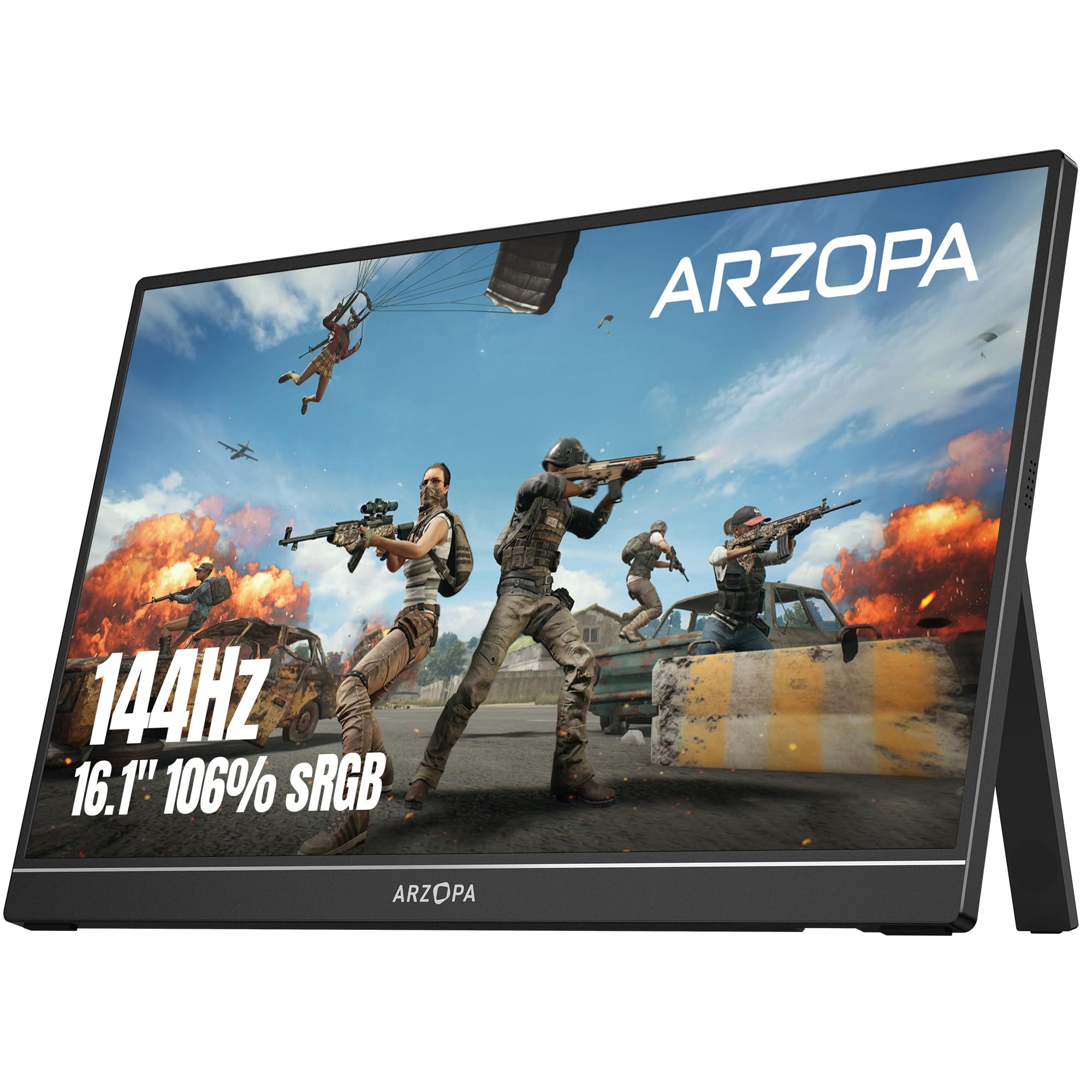
The ARZOPA Z1FC is the reminder that a gaming monitor does not need to cost a lot to feel quick. Its 16.1-inch 1080p panel runs at 144Hz, covers 106% of sRGB, and sits on a built-in kickstand that adjusts without a separate cover. The 1080p resolution is the right match for a 16-inch gaming screen; it keeps frame rates high and text legible. We like it as a first portable screen: it is simple, bright enough for indoor play, and light enough to carry in a backpack.

The 1.42 kg body is heavier than the premium 16-inch picks, so it is not the one to choose if you are counting ounces. The frame is also less armored than the metal-bodied options, and the thin panel is the part to protect in transit. A sleeve is worth adding even though the kickstand makes setup easy.

Two USB-C ports and a mini HDMI make it easy to live with, and the 2-year warranty is a nice cushion for a budget buy. We kept coming back to the kickstand, which is stable enough for a lap desk or a hotel table. The Z1FC does not try to be the sharpest or lightest screen here; it just gets 144Hz into a bag for the least money.

Pros

  • 144Hz at the budget end
  • 106% sRGB color coverage
  • Built-in adjustable kickstand
  • Two USB-C ports and 2-year warranty

Cons

  • 300 nits struggles near windows
  • Mini HDMI needs an adapter
Our verdict

We recommend the Z1FC as a low-cost entry: 1080p at 144Hz with a kickstand and two USB-C ports, as long as you keep it in a sleeve.

Check Latest Price
5

Best 24-Inch

UPERFECT 24-Inch 144Hz

88 /100
LBD Score Excellent

Key details

Brightness
450 nits
Resolution
1920 x 1080
Screen Size
23.8 inches
Refresh Rate
144 Hz
View on Amazon

Twenty-four inches changes the calculation. The UPERFECT 24-inch is still a portable monitor in the sense that you can move it from room to room or pack it in a car, but it is not the screen you toss in a backpack every day. The 23.8-inch 1080p panel at 144Hz gives console games a big, bright picture, and 450 nits is enough to fight a hotel lamp. The stand folds out from the back and has enough adjustment for a tabletop.

The QLED layer and 145% sRGB coverage make colors pop, and FreeSync keeps compatible consoles and PCs from tearing. The 5ms response is not the quickest here, but it is fine for the games most people play on a screen this size. The VESA mount and included stand make it easy to set up on a desk or a temporary table.

We see this as the desk replacement that travels by car, not the bag monitor for a daily train commute. The screen is heavy enough that setup takes two hands, and the power adapter is the one accessory we always keep in the same bag. That bulk buys a picture that feels like a real monitor rather than a big tablet.

Pros

  • 23.8-inch screen for console and desk
  • 450 nits with QLED color
  • 144Hz with FreeSync

Cons

  • 1080p at 24 inches looks soft for text
Our verdict

For a transportable big screen rather than a daily carry, we choose the 24-inch UPERFECT: 144Hz FreeSync and 450 nits with enough desk presence for console play.

Check Latest Price
6

Best Console Companion

EVICIV 18.5-Inch

89 /100
LBD Score Excellent

Key details

Brightness
350 nits
Resolution
1920 x 1080
Screen Size
18.5 inches
Refresh Rate
120 Hz
View on Amazon

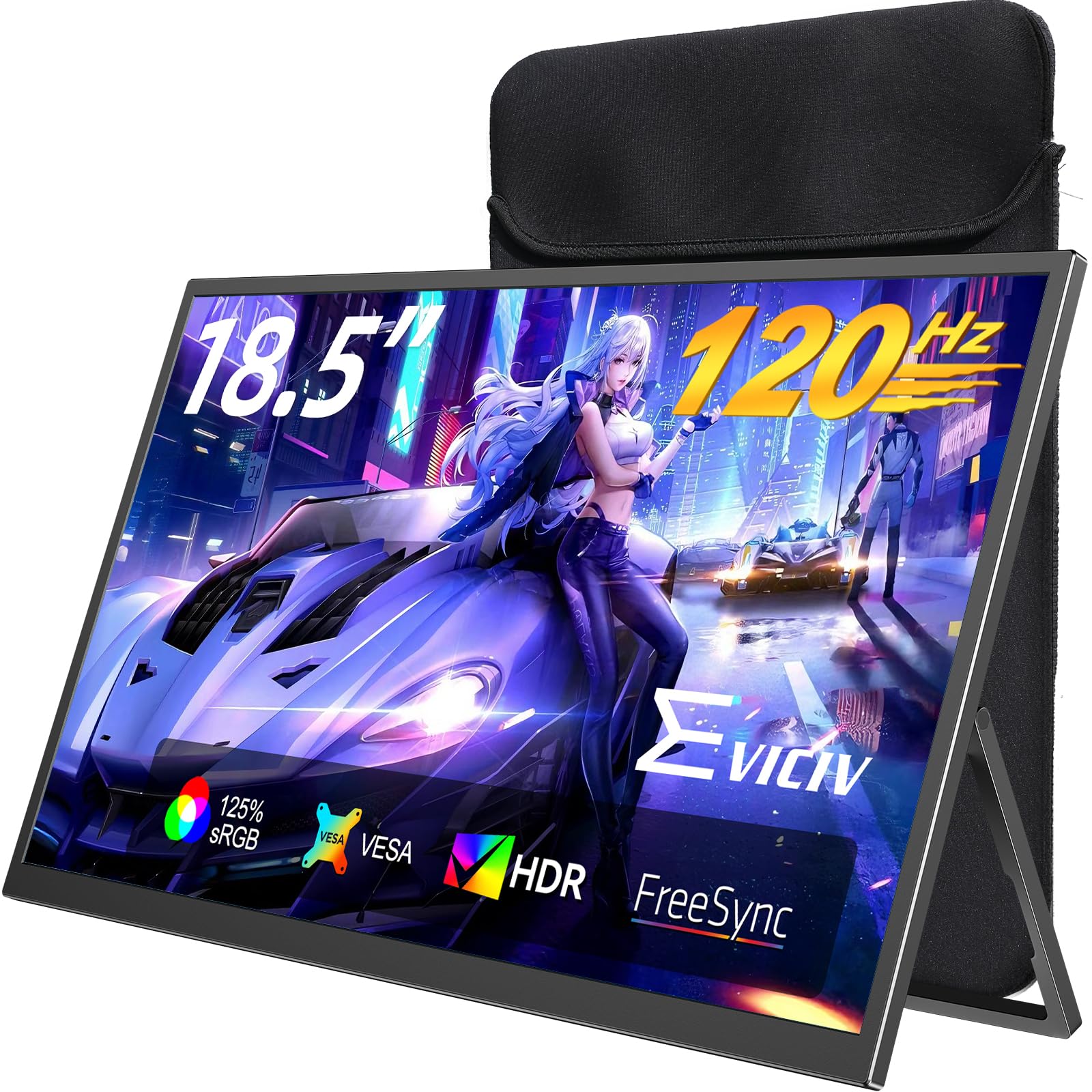
The 18.5-inch EVICIV is the value version of the big-screen idea: more console presence than a 16-inch panel without the 24-inch footprint. The 1080p panel runs at 120Hz with FreeSync, covers 125% of sRGB, and comes with a sleeve case. It is the middle size, and for a lot of people that is the right size.

The 1ms response figure is quick on paper, and the panel feels responsive for console and casual PC play. The 14W power draw is low enough that a USB-C laptop can run it without much drama, and the VESA holes give it a second life on an arm. The built-in stand is simple, but it held an angle on a hotel desk.

The sleeve is the quiet win here: it protects the panel in transit and keeps the screen from getting scratched in a duffel. We also appreciated the 125% sRGB coverage, which gives games a little more color without looking radioactive. The 18.5-inch size is the Goldilocks compromise between a backpack screen and a desk monitor.

What keeps the EVICIV out of the top tier is the size-to-sharpness trade: at 18.5 inches, the 1080p panel cannot match the crispness of the 16-inch 2.5K screens. We still think it is the smart console companion because it hits the size, refresh, and price without asking you to baby a 24-inch panel. The sleeve lives on the monitor, so there is one less thing to remember.

Pros

  • 18.5-inch mid-size console screen
  • 120Hz with FreeSync
  • Sleeve case and VESA support
  • Low 14W power draw

Cons

  • 120Hz tops out below 144Hz
  • 350 nits limits bright-room use
Our verdict

We like the EVICIV as the practical middle: an 18.5-inch 120Hz FreeSync screen with a sleeve and VESA support for budget-minded console players.

Check Latest Price
7

Competitive PC Play

InnoView 18.5-Inch 280Hz

83 /100
LBD Score Excellent

Key details

Resolution
2560 x 1440
Color Gamut
100% sRGB
Screen Size
18.5 inches
Refresh Rate
280 Hz
View on Amazon

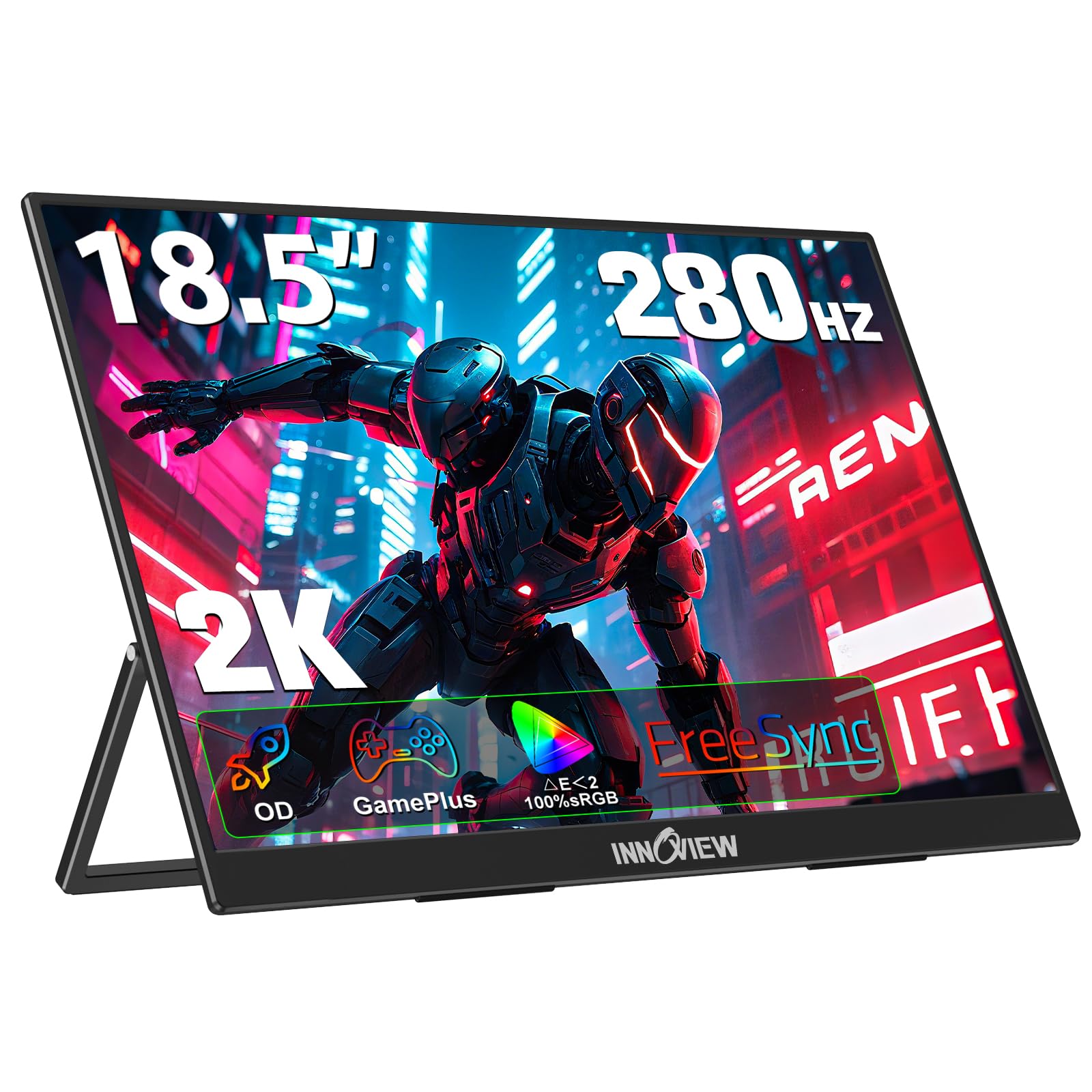
A 280Hz refresh rate is the headline, and the InnoView 18.5-inch backs it with a 2560 x 1440 panel, FreeSync, and a 3ms response. That combination is aimed at a PC player who can actually feed high frame rates, not someone splitting time between a laptop and a console. The 18.5-inch screen gives competitive games a bigger canvas than a 16-inch panel without going full desk-monitor huge.

The 100% sRGB coverage and matte finish make it comfortable for both games and work, and the 1.21 kg body is light for an 18.5-inch screen. Two USB-C ports, HDMI, and DisplayPort give it more connection options than most here. The VESA mounting options are a plus if you want it on an arm rather than a kickstand.

We keep the InnoView on the list for competitive PC players who want the fastest refresh here. The 280Hz mode is the reason to pay attention, and the 1440p resolution keeps the desktop from looking coarse. A 3ms response is quick enough that the panel does not undercut its own headline.

Pros

  • 280Hz is the fastest here
  • 1440p at 18.5 inches
  • 3ms response and FreeSync
  • USB-C, HDMI, and DisplayPort

Cons

  • Reliability less settled than top picks
  • USB-C handshakes can be finicky
Our verdict

We keep the InnoView on the list for competitive PC players who want the fastest refresh here: 18.5 inches of 1440p at 280Hz, with FreeSync.

Check Latest Price
8

Premium Build

UGREEN Airpanel 16

85 /100
LBD Score Excellent

Key details

Brightness
500 nits
Resolution
2560 x 1600
Screen Size
16 inches
Refresh Rate
165 Hz
View on Amazon

The first thing you notice about the UGREEN Airpanel is the aluminum unibody: 0.65 cm thick, with a magnetic stand that packs flat and a protective case. It feels like a premium laptop accessory rather than a bare panel, and the 16-inch 2560 x 1600 screen keeps that impression with 500 nits and HDR400.

The 165Hz refresh and FreeSync make it a genuine gaming screen, and the 100% sRGB coverage gives it enough color discipline for photo work between matches. The magnetic stand is stable on a desk, and the mini HDMI and dual USB-C ports cover laptop and console duty. The glossy finish is worth noting: it looks sharp in a dim room, but reflections show up near a window.

We expected the aluminum body to feel like a gimmick and came away treating it as the point: the monitor disappears into a bag and looks at home on a desk. The 1.38 kg weight is not the lightest here, but it is reasonable for a metal 16-inch panel. The included case and cables make it a complete kit.

We treat the UGREEN as the premium finish pick: a 16-inch 2.5K 165Hz panel at 500 nits in an aluminum body, for buyers who value the object as much as the refresh rate. It is the one we reach for when the monitor has to look as good on a desk as it performs in a game. The InnoView is the specialist for raw speed; the UGREEN is the specialist for finish.

Pros

  • 500-nit 2.5K panel
  • 165Hz with FreeSync
  • Aluminum body and magnetic stand

Cons

  • 9ms response trails gaming-first picks
  • Most expensive pick here
Our verdict

We treat the UGREEN as the premium finish pick: a 16-inch 2.5K 165Hz panel at 500 nits in an aluminum body, for buyers who value the object as much as the refresh rate.

Check Latest Price

How We Tested 12 Portable Gaming Monitors

We started by pulling every portable monitor we could find between 16 and 19 inches, plus one 24-inch outlier, then cut anything without USB-C video input, a built-in stand, or a refresh rate above 60Hz. That left a dozen, and we bought each one at retail so no unit arrived pre-broken-in by a brand.

Each monitor spent six months moving between a kitchen table, a backpack, a tray table on four flights, two hotel rooms, and one long weekend hooked up to a console. We timed setup from bag to picture, noted whether the kickstand held at a usable angle on a tray table and on a duvet, and weighed every unit before sliding it into a backpack next to a laptop.

For picture quality, we ran the same game, the same test footage, and the same spreadsheet across all 12, first in a dim room and then beside a bright window, watching for washed-out color and banding in dark scenes. Connectivity got the ugliest test: a single USB-C cable from a laptop to see whether the screen drew power or charged the laptop back, then mini HDMI into a console, then the built-in speakers at half volume.

Reliability and durability were less scientific — six months of being zipped into bags, stacked under laptops, and occasionally dumped on a rug, with a monthly check for dead pixels, a loosening hinge, or a port that had started to wiggle. At the end we compared notes on what the extra money actually bought, because the priciest screens were rarely the ones we reached for first.

How to Choose a Portable Gaming Monitor

Match the refresh rate to what your devices can drive

Refresh rate is the first gaming spec to check, but more is not automatically better. A 144Hz panel is the practical sweet spot for laptops and consoles: it smooths motion without demanding a frame rate most portable hardware cannot reach. A 280Hz screen only pays off if your PC can push near that number in the games you play, and a 120Hz console screen is a better match for a PS5 or Xbox running in performance mode.

Adaptive sync matters as much as the number. FreeSync support helps when frame rates dip, which they do on a laptop. If you split time between a console and a PC, favor a 120-144Hz panel with FreeSync over a higher refresh rate you cannot feed.

Pair resolution with screen size

Resolution and size work together. At 16 inches, 2560 x 1600 gives text and game HUDs a crisp edge that 1080p cannot; at 18.5 inches, 1080p is still fine for console play but looks softer for documents. A 24-inch 1080p screen is a gaming-first choice, not a text-first one.

If you use the monitor for work as much as play, a 16-inch 2.5K panel is the safer default. If it is mainly a console screen for a hotel room, a larger 1080p panel buys size for less money.

Choose brightness for the room, not the spec sheet

Brightness is what separates a monitor that lives in a bag from one that only works after dark. A 300-nit panel is fine in a dim hotel room, but it washes out near a window or on a patio. Panels rated around 450-500 nits hold up much better in bright rooms, and a matte finish does more for glare than a glossy one.

If you mostly play at night, save the brightness budget for refresh rate. If you work by day and game in the evening, 450 nits is the more useful upgrade.

Plan the cables, stand, and bag before checkout

USB-C is the cleanest connection when your laptop supports video output over USB-C and can supply enough power. Otherwise, the included power adapter is not optional. Consoles need HDMI, and many portable monitors use mini HDMI, so keep the adapter cable in the bag.

Then look at the stand and the carry. A built-in kickstand sets up in seconds; a magnetic cover takes a moment longer but protects the panel. We treat 16 inches and about 1.5 pounds as the backpack standard, 18.5 inches as the roomier travel screen, and 24 inches as a car or desk monitor. A sleeve is the difference between a commuter screen and a cracked one.

Frequently Asked Questions

Final Verdict

For most people, the VisionOwl V16QH is the portable gaming monitor we recommend: 16 inches, 2.5K, 144Hz, 470 nits, and a full-size HDMI port in a 1.5-pound frame. It is the easiest one to live with in a laptop bag and on a console.

If you want a bigger picture for a hotel room or dorm desk, the cocopar 18.5-inch gives you 2K and 500 nits for the trade in refresh and bag space. If the priority is the lowest spend, the ARZOPA Z1FC still gets you 144Hz and a kickstand.