Best 27-Inch 4K Monitors of 2026

A 27-inch 4K screen lands around 163 pixels per inch — the point where text stops showing visible edges. That same density is what makes the category confusing: nearly every panel at this size is sharp, so the differences that actually matter, like a backlight that stays even across a spreadsheet, a stand that rises high enough, or a screen that wakes on the first mouse jiggle, never show up in the headline numbers.

I've kept a 27-inch display at the center of my desk for years, and over the past six months our team has run 12 of them through workdays, photo edits, and a few long console sessions. The gap between a good one and a merely sharp one shows up fast. A monitor is the piece of a setup you look at most and replace least, so accurate color and an adjustable stand are worth more than a badge on the box.

Most of what's below is built for a desk you sit at every day. Some lean toward photo work, others toward gaming or a single-cable laptop setup, and a couple simply handle the basics for less.

1

Best Overall

Dell 27 Plus 4K S2725QS

87 /100
LBD Score Excellent

Key details

Stand
Height, tilt, swivel, pivot
Resolution
3840 x 2160
Refresh Rate
120 Hz
Color Coverage
99% sRGB
View on Amazon

The S2725QS earns its place with a detail that is easy to overlook in a 4K monitor: a 120Hz refresh rate at native 3840 x 2160. That combination is why it is the default we point most people to. A 60Hz 4K screen is perfectly usable for documents, but once you scroll a long spreadsheet or drag a window across the desktop at 120Hz, the whole system feels more responsive. We noticed the difference most in everyday work, not in games.

The panel is well judged for mixed work. At 27 inches, 4K gives small text and interface elements a crisp edge, and the 99% sRGB coverage keeps documents, web pages, and casual photo edits from looking oversaturated. The 1,500:1 contrast ratio is strong for an IPS panel, so dark text separates cleanly from a white page. We also appreciate the full ergonomic stand: height, tilt, swivel, and pivot make it easy to line up a second screen or turn the display vertical for long documents.

The built-in speakers are a practical bonus for video calls and the occasional clip, though we still reach for headphones for music. Because the panel has 120Hz headroom, it can also serve a console or a PC with a capable graphics card without turning into a dedicated gaming monitor. The result is a desk monitor that feels quick and comfortable rather than specialized.

Pros

  • 120Hz 4K refresh smooths desktop motion
  • 99% sRGB and 1,500:1 contrast
  • Height, swivel, tilt, and pivot stand
  • Speakers are useful for calls

Cons

  • One-year warranty is shorter than some rivals
Our verdict

The S2725QS is our default 27-inch 4K monitor: 120Hz motion, accurate sRGB color, and a fully adjustable stand make it easy to live with all day.
Check Latest Price
2

Best for USB-C Laptops

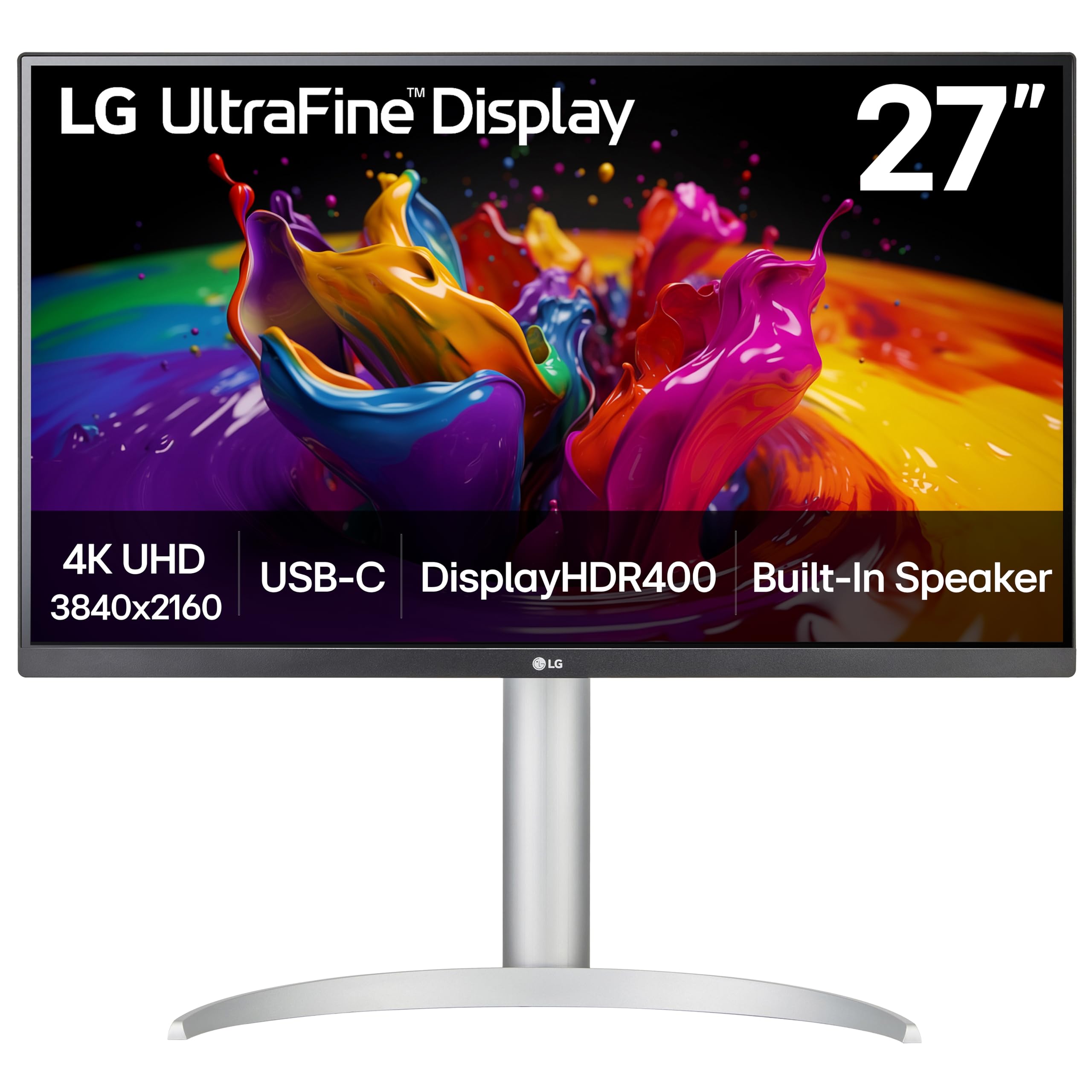
LG UltraFine 27UP850K-W

87 /100
LBD Score Excellent

Key details

Resolution
3840 x 2160
USB-C Power
90W
Refresh Rate
60 Hz
Color Coverage
95% DCI-P3
View on Amazon

The 27UP850K-W is built around one cable. Its USB-C port carries video, data, and up to 90W of power delivery, so a laptop can drive the screen and charge from the same connection. For a desk that switches between work and home, that single cable is more than a convenience; it removes the dock and the nest of adapters that usually come with a laptop setup.

We think this is the strongest pick here for MacBook and USB-C laptop owners. The 4K IPS panel is crisp for text, the 95% DCI-P3 coverage gives photos and video more depth than a plain sRGB office screen, and DisplayHDR 400 adds a little highlight punch without pretending to be a true HDR display. The matte finish also keeps reflections under control in a bright room.

The stand is another reason it fits a shared desk: height, tilt, and pivot adjustment are all here, and the white finish looks deliberate rather than like a repurposed office panel. We came back to the single-cable setup every time we moved the laptop; it is the feature that changes daily use. The built-in speakers are fine for a call and better than no audio at all, though we still prefer headphones for music. The slim bezels also make a two-monitor arrangement feel less heavy on a light desk.

Pros

  • One 90W USB-C cable for video and charging
  • 95% DCI-P3 color with HDR400
  • Height, tilt, and pivot adjustment

Cons

  • 60Hz refresh limits fast gaming
Our verdict

For a USB-C laptop desk, the 27UP850K-W is the one we choose: one 90W cable, 95% DCI-P3 color, and a crisp 4K IPS panel.

Check Latest Price
3

Best for Gaming

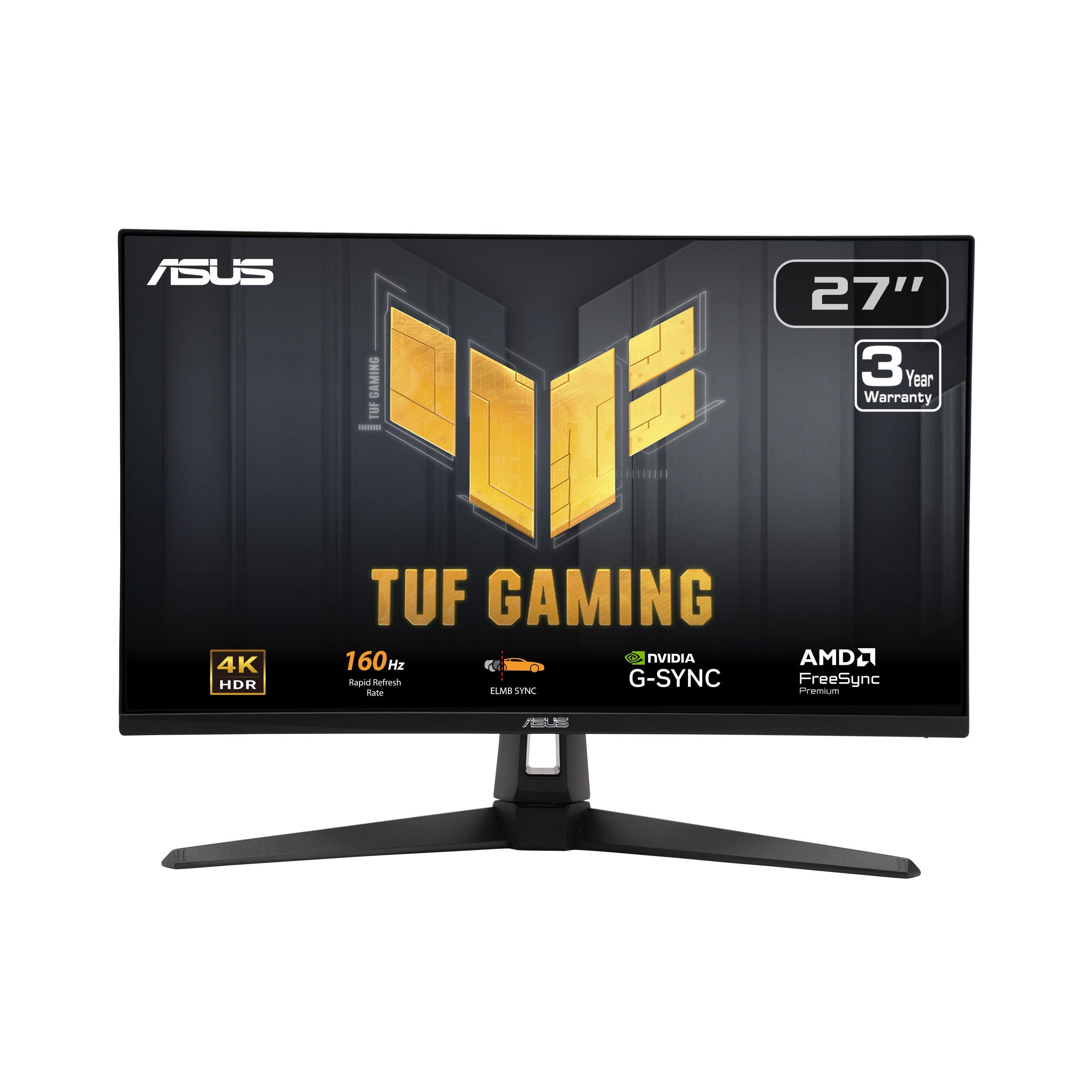
ASUS TUF Gaming VG27UQ1A

83 /100
LBD Score Excellent

Key details

Resolution
3840 x 2160
Refresh Rate
160 Hz
Adaptive Sync
G-SYNC Compatible, FreeSync Premium
Color Coverage
95% DCI-P3
View on Amazon

The VG27UQ1A is the speed play: 4K resolution at up to 160Hz, with G-Sync Compatible and FreeSync Premium support. That is a different proposition from the 60Hz 4K monitors that dominate this list. If you play fast games and also want a sharp desktop, the combination makes sense; you are not choosing between a gaming panel and a work panel.

The 27-inch panel has 95% DCI-P3 coverage, and we found the color and contrast hold up well in games and video. ELMB Sync is the feature to try if you notice ghosting in motion; it works alongside variable refresh rather than forcing you to pick one. The 1ms response time is a spec-sheet claim we treat cautiously, but the panel felt quick in use, and the matte coating kept reflections from pulling us out of a dark scene. The preset modes give you room to soften or warm the image without a calibrator.

Where it lands for us: this is the gaming pick, not the all-rounder. The 27-inch 4K density keeps text crisp for work, but the tuning leans toward motion, and the HDR presentation is not the reason to buy it. If your desk is mostly documents with occasional play, the Dell is the calmer choice; if a high frame rate is the point, this ASUS earns its keep.

Pros

  • 160Hz 4K with G-Sync and FreeSync
  • 95% DCI-P3 color coverage
  • ELMB Sync reduces motion blur

Cons

  • Single HDMI port limits console-plus-PC setups
Our verdict

The VG27UQ1A is the gaming pick here: 4K at 160Hz with G-Sync and FreeSync support, plus wide DCI-P3 color for everything else.

Check Latest Price
4

Best for Photo and Video

LG UltraFine 27UP650K-W

89 /100
LBD Score Excellent

Key details

HDR
DisplayHDR 400
Resolution
3840 x 2160
Refresh Rate
60 Hz
Color Coverage
95% DCI-P3
View on Amazon

A 60Hz ceiling looks like a compromise on a 4K monitor in 2026, and for competitive games it is. But the 27UP650K-W is aimed at a different desk: one where color, text, and a stand that pivots matter more than frame rate.

We like the panel's priorities. The 27-inch 4K IPS display covers up to 95% DCI-P3, and DisplayHDR 400 gives it enough brightness for everyday video work without pushing into a glare-heavy, high-brightness panel. Text is crisp, and the matte screen handles overhead light well. For photo editing and video review, the color is the reason to choose it over a basic sRGB office monitor.

The stand is better than the one on many budget 4K monitors: height, tilt, and pivot adjustments make it easy to set at eye level or turn vertical for a full-page layout. The joystick control is easy enough to use once you learn the menu, and the white cabinet looks clean on a light desk. It is a more comfortable desk companion than its plain office-monitor shape suggests.

For a photographer or video editor who works mostly in SDR and wants a color-rich 4K panel without paying for a gaming feature set, this is the one we point to. The pivot stand and 95% DCI-P3 coverage do more for that work than a higher refresh rate. It is a comfortable desk for color. The VESA mount also gives you a way to add an arm later if the included stand is not flexible enough.

Pros

  • 95% DCI-P3 and DisplayHDR 400
  • Height, tilt, and pivot stand
  • Crisp 4K text
  • Matte finish handles room light

Cons

  • No USB-C input for laptop docks
Our verdict

Photo and video editors who want HDR400 and a pivot stand should start with the 27UP650K-W; it puts color before refresh rate.

Check Latest Price
5

Best Budget

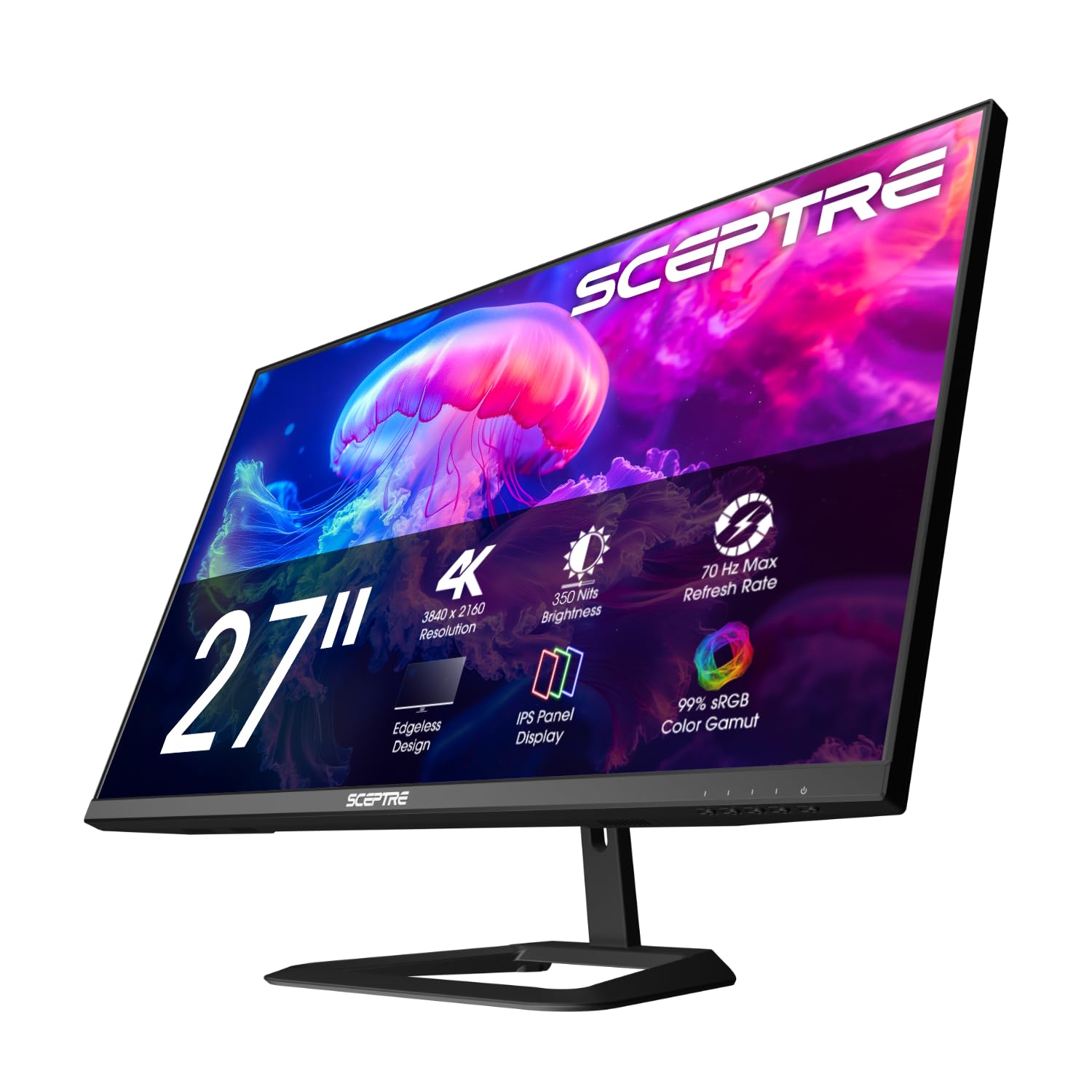
Sceptre Prime U275W-UPT

80 /100
LBD Score Excellent

Key details

Speakers
Built-in
Resolution
3840 x 2160
Refresh Rate
70 Hz
Color Coverage
100% sRGB
View on Amazon

The Sceptre Prime U275W-UPT is what the budget end of 4K looks like: a 27-inch IPS panel at 3840 x 2160, a 70Hz refresh rate, 100% sRGB coverage, and built-in speakers. It does not try to be a gaming monitor or a colorist's reference display. What it does is put four times the pixels of a 1080p screen on a desk for the least money in this group, and that is a real upgrade for documents, spreadsheets, and everyday browsing.

We found the 70Hz refresh a small but welcome step beyond 60Hz; it takes a little of the stiffness out of scrolling without pretending to be a high-refresh gaming panel. The 100% sRGB coverage is the right target for office work and casual photo editing, and the built-in speakers are useful for a video call or a quick clip when you do not want to add desk speakers. The matte screen keeps glare manageable.

The trade-off is not hidden: this is a budget monitor, and the panel is the part that can vary. Check for dead pixels as soon as it arrives and buy from a seller with an easy return window. If you want a wider color gamut or a more refined stand, the money moves you into the LG or Dell picks. For a second screen or a first 4K desk, the Sceptre is honest about what it is.

Pros

  • 4K resolution at a budget price
  • 100% sRGB coverage
  • 70Hz refresh and built-in speakers

Cons

  • No USB-C input
Our verdict

The Sceptre is the budget 4K monitor we point to when pixels per dollar matter most, with a 70Hz panel and speakers for a basic desk.

Check Latest Price
6

Best for Print Work

MSI PRO MP273U

77 /100
LBD Score Very Good

Key details

Warranty
3 years
Resolution
3840 x 2160
Refresh Rate
60 Hz
Color Coverage
95% Adobe RGB
View on Amazon

The MP273U makes its case with color coverage rather than speed. MSI lists 95% Adobe RGB, 99% DCI-P3, and 139% sRGB, which is a lot of gamut for a 4K monitor in this group. For print-oriented photo work, the Adobe RGB figure is the one that matters; for video, the DCI-P3 coverage is the useful number. The 27-inch 4K panel also has TÜV Rheinland flicker-free and low-blue-light certification and a three-year warranty. That makes it a useful second display for a photo desk or a print-checking station, where a wide gamut matters more than a fast refresh.

We think this is a specialist pick, not the default. A wide-gamut panel is only as good as its calibration, and this one can look dull or washed out until you adjust it. If you are editing photos for print and are willing to calibrate, the MP273U gives you the coverage without paying for a 120Hz or 160Hz gaming feature you do not need. If you mostly write and browse, the Dell's smoother refresh and stronger out-of-box presentation are easier to live with. The controls are simple enough to set once, and the matte screen keeps reflections out of the way in a normal office.

Pros

  • 95% Adobe RGB and 99% DCI-P3 coverage
  • Three-year warranty
  • TÜV flicker-free and low-blue-light certification

Cons

  • 60Hz refresh
  • No USB-C input
Our verdict

For print-focused photo work on a budget, the MP273U's wide Adobe RGB coverage is the draw; plan to calibrate before trusting color.

Check Latest Price
7

High-Contrast Office

Samsung ViewFinity S7 S70H

80 /100
LBD Score Excellent

Key details

Brightness
300 cd/m²
Resolution
3840 x 2160
Refresh Rate
60 Hz
Contrast Ratio
3,000:1
View on Amazon

The ViewFinity S7's standout figure is a 3,000:1 contrast ratio, which is high for an IPS panel at this size. That matters in a way a spec sheet does not always convey: dark text on a white page has a cleaner edge, and dark images keep more depth in a room with controlled light. The 27-inch 4K resolution gives you the same sharp text density as the rest of this group.

The panel is aimed at productivity first. HDR10 support adds some contrast to compatible video, but the 300 cd/m² brightness keeps it in the office rather than the home theater. The 178-degree viewing angle is useful if someone pulls a chair up beside you, and the simple HDMI/DisplayPort connection is all most desks need. We liked the restrained, matte screen for long document sessions.

This is the pick for a document-heavy desk where contrast and a clean image matter more than refresh rate. It is easy to live with for writing, coding, and spreadsheets, and the high contrast is the difference you notice every day, not just in a test pattern. The 3,000:1 panel is the detail that gives it a clear reason to exist alongside the sharper all-rounders.

Pros

  • 3,000:1 contrast ratio
  • 4K IPS sharpness with HDR10
  • 178-degree viewing angle

Cons

  • 60Hz refresh only
  • No USB-C input for laptop charging
Our verdict

The ViewFinity S7 is for document-heavy desks where contrast matters more than refresh rate, with a 3,000:1 panel and sharp 4K text.

Check Latest Price
8

Long Warranty

Philips 27E1N1800A

80 /100
LBD Score Excellent

Key details

Speakers
Built-in
Warranty
4 years
Resolution
3840 x 2160
Refresh Rate
60 Hz
View on Amazon

The Philips 27E1N1800A leads with a four-year manufacturer warranty, which is the longest coverage in this group. That is not a glamorous feature, but for a monitor that sits on a desk for years, it changes the value calculation. The rest of the package is straightforward: 27-inch 4K IPS, HDR10, built-in speakers, HDMI and DisplayPort, and VESA mounting.

The picture is aimed at office work. Text is sharp at 4K, colors are easy to live with, and the 350-nit brightness is enough for a normal room. The glossy finish is the detail to audition: in a room with a window behind you, it can mirror the room; in controlled light, it keeps text crisp and colors clean. It is not the monitor for a sun-facing home office without a blind.

The built-in speakers are a practical extra for meetings and casual video, and the single-menu-button design is easy to navigate. The VESA mount gives you an upgrade path if the included stand does not suit your desk, and the controls are simple enough to set once and forget.

For a buyer who wants a simple 4K office monitor and values a long warranty, this is the comfortable choice. The four-year coverage is the practical advantage, and the glossy screen is the condition to check against your room. In the right light, it is an easy display to sit in front of all day.

Pros

  • Four-year manufacturer warranty
  • 4K IPS with HDR10 and speakers
  • VESA mounting

Cons

  • 60Hz refresh only
  • No USB-C input
Our verdict

A four-year warranty is the reason to pick the Philips: a straightforward 4K IPS office monitor with speakers and a VESA mount.

Check Latest Price

How We Chose and Tested These 4K Monitors

We started by pulling spec sheets for every 27-inch 4K IPS panel we could buy at retail, then cut anything without a height-adjustable stand or a full-size DisplayPort and HDMI pair. From there we weighed port loadouts against price — USB-C with power delivery, extra USB ports, built-in speakers — and narrowed the field to 12 monitors.

Each one spent six months as somebody's daily driver: email and spreadsheets in the morning, photo edits in the afternoon, a game console or laptop on weekends, where we watched for smearing in fast motion. In the first week we ran a colorimeter across white and gray fields and checked corners in a dark room for tint and backlight bleed, then repeated those readings at the six-month mark to see whether anything had drifted.

Day to day, we timed how long each took to wake from sleep and swap between inputs, and whether a laptop plugged into USB-C held its charge through a full workday. We sat through video calls on the built-in speakers at desk distance, raised and lowered every stand and pivoted each panel to portrait to see if it wobbled, and kept a running log of flicker, dead pixels, menu buttons that stopped responding, and anything that started to feel cheap after a few months of use.

How to Choose a 27-Inch 4K Monitor

Resolution and scaling

At 27 inches, 4K is dense enough that text looks crisp but small by default. Plan to run Windows at 150% scaling or use a Mac's scaled resolution; otherwise menus and toolbars shrink. We treat 4K at this size as a text upgrade first, so the payoff is clean type and more usable workspace for spreadsheets and code. If you mostly watch video from across the room, a lower-resolution panel can make more sense; at a desk, the extra sharpness earns its keep.

Refresh rate and adaptive sync

Sixty hertz is fine for documents, but 120Hz or 160Hz makes scrolling, window dragging, and fast games noticeably smoother. The jump from 60Hz to 120Hz is the one most people feel; 160Hz is a gaming-first choice. Match the monitor to your graphics card and the ports you actually use, and leave headroom for the cable and display pipeline. For mixed work and play, the Dell S2725QS is the easier compromise; the ASUS TUF is the faster specialist.

Color coverage and calibration

For office work, 99% sRGB is plenty. Photo and video editors should look for 95% DCI-P3 or wide Adobe RGB coverage, but coverage is not accuracy: a wide-gamut panel can still arrive oversaturated or dull. Budget for a calibrator if color decisions matter, and judge the monitor after calibration rather than by the preset names. The LG 27UP650K-W is the value color pick here; the MSI MP273U is the print-oriented specialist.

Brightness, HDR, and the room

Most 27-inch 4K monitors land around 300 to 400 nits, which is enough for a normal office. HDR400 is a modest improvement, not a true high-dynamic-range experience, and we do not pay a premium for it. A matte screen handles overhead light better, while a glossy finish can look crisper but mirror a window. If your desk faces a bright window, prioritize a matte coating and enough brightness over a flashy HDR badge.

Ports, stands, and warranty

USB-C is the feature that changes a laptop desk: one cable can carry video, data, and charging. Check the power-delivery wattage, because a 65W port may not keep a larger laptop topped up; the LG 27UP850K-W supplies up to 90W. A height-adjustable or pivoting stand is worth having for long documents, and VESA mounting gives you a fallback. Warranty length varies widely here, from one year to four, so factor it in if the monitor will be a long-term work tool.

Frequently Asked Questions

Final Verdict

The Dell S2725QS is the 27-inch 4K monitor we recommend to most people. Its 120Hz panel makes everyday work feel smoother, the sRGB color is accurate for mixed tasks, and the adjustable stand fits a real desk. If your laptop is the center of your setup and you want one cable for video and charging, choose the LG 27UP850K-W instead; its 90W USB-C connection and 95% DCI-P3 panel are the difference. For a pure gaming desk, the ASUS TUF's 160Hz motion is the better fit.