Best 32-Inch TVs of 2026

Small TVs get the leftovers. The processors, speakers, and displays that didn't make the cut for a 55-inch set tend to land in 32-inch models, which is why a cheap one can look fine in the store and then feel sluggish and tinny by month two. I've kept a 32-inch in my kitchen for years, and the gap between good and mediocre has surprisingly little to do with the spec sheet.

We've spent six months living with 14 of these sets, from budget panels to the pricier end of the size, and the pattern held: the ones that win turn on fast, hold a Wi-Fi signal, and come with a remote you don't have to aim like a rifle. Picture quality still separates them, but 1080p versus 720p only really matters if the screen sits close to the couch.

First-time buyers tend to overrate the app list; what matters is the platform running it, since that's the interface you'll navigate every night. If you already live in one ecosystem, matching it saves a learning curve — and if you don't, a plain panel plus a streaming stick is a legitimate, often cheaper route. Both paths are represented below.

1

Best Overall

Roku 32-Inch Select Series 1080p

90 /100
LBD Score Outstanding

Key details

Weight
7.7 lb
Resolution
1080p
HDMI Inputs
3
Smart Platform
Roku OS
View on Amazon

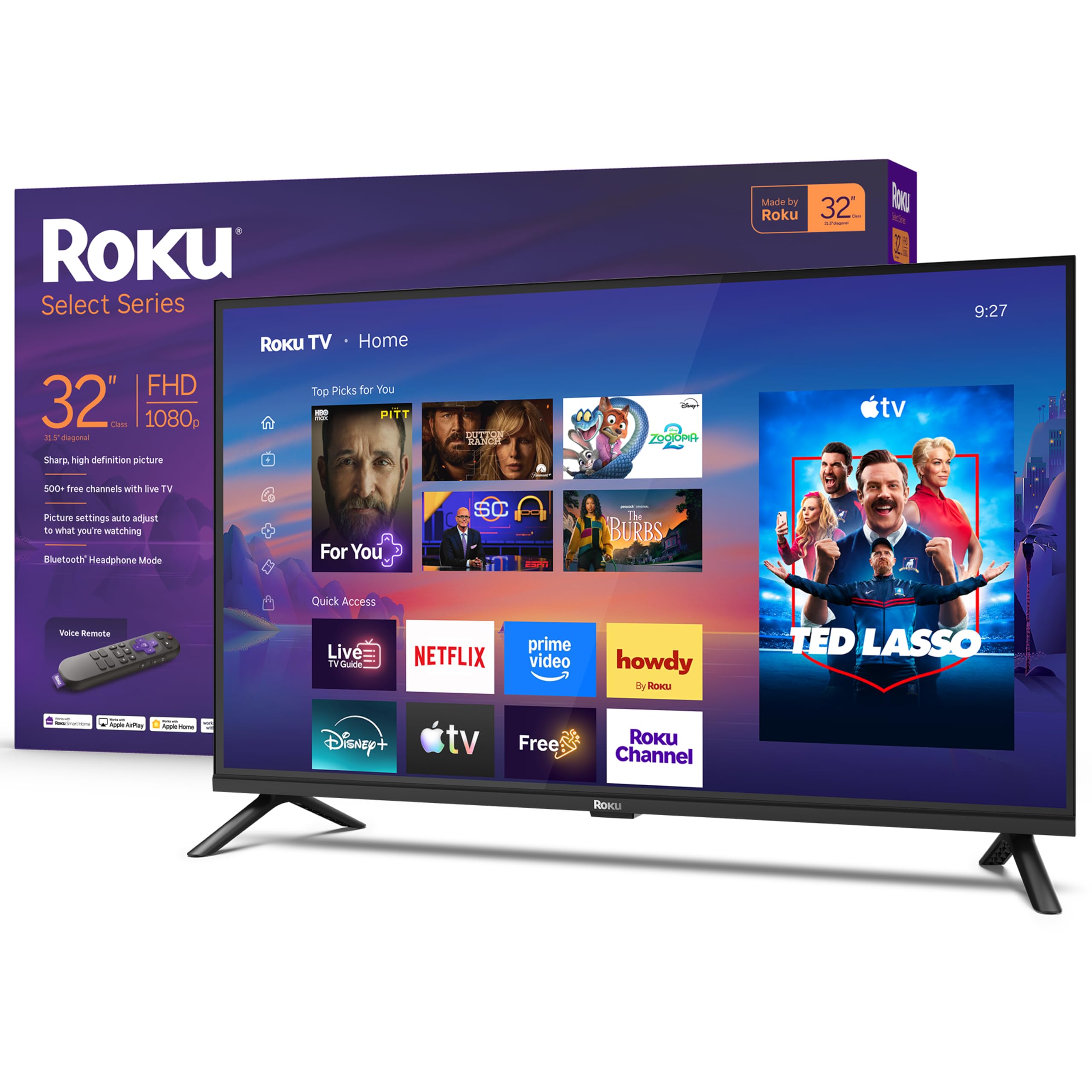
The 1080p panel and three HDMI inputs are why this Roku is the set we point most people to. At 32 inches, Full HD is the difference between streaming menus that look crisp and ones that look soft, and three HDMI ports leave room for a cable box, a console, and a soundbar without a switcher. We also like that Roku keeps the home screen simple; you don't have to learn a new ecosystem to find Netflix or a live channel.

The picture is bright enough for a bedroom or kitchen, but the 250-nit glossy screen is not the one for a sunroom. The finish picks up reflections when a window is behind the couch, and tilting the screen or closing a blind makes a bigger difference than pushing the backlight. HDR10 is listed, though at this brightness it is a subtle improvement rather than a dramatic one.

Sound is clear enough for news, but we don't count on the 14-watt speakers for a movie night. The bigger thing to test is Wi-Fi: run a streaming app for a few minutes before you commit to a wall mount, and make sure the signal reaches the spot. The 7.7-pound build is light enough for one person to hang, and the 200 x 200 mm VESA pattern is common.

For most buyers, the combination of 1080p, Roku, and three HDMI ports is worth the step up over a 720p set. It is not the brightest or most colorful panel in this group—the TCL QLED has the edge on paper—but it is the safest all-around choice for a small room.

Pros

  • Full HD 1080p panel
  • Three HDMI inputs
  • Simple Roku interface

Cons

  • Glossy 250-nit panel struggles in bright rooms
Our verdict

We recommend the Roku Select Series for most small rooms because it pairs a sharp 1080p panel with three HDMI inputs and the least fussy smart interface here.
Check Latest Price
2

Best Value

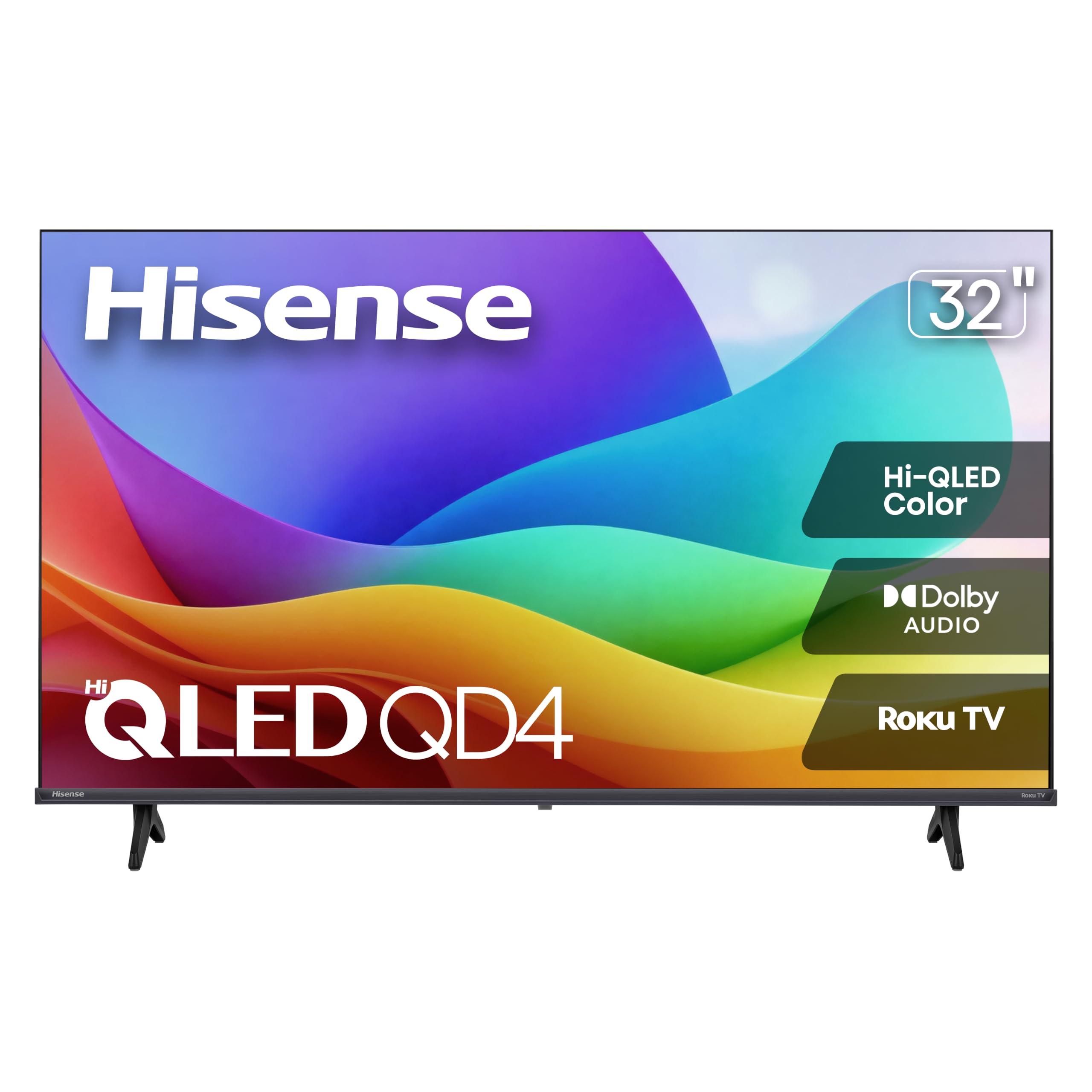
Hisense 32-Inch QD4SR Roku TV

86 /100
LBD Score Excellent

Key details

Display
Hi-QLED
Resolution
720p
HDMI Inputs
3
Smart Platform
Roku OS
View on Amazon

The 720p panel is the catch that tempers the QD4SR's QLED color. That sounds like a contradiction, and it is: Hisense gives this set a wide-color backlight and Roku's easy interface, then pairs them with a lower-resolution screen. At 32 inches, 720p is not a disaster in a bedroom—you can still watch the news and stream a show—but text in menus and subtitles look softer than on the 1080p Roku.

We still think it earns a place as the value color pick. The Hi-QLED layer makes sports and animated movies look richer than the plain LED sets here, and the Roku platform is the same one we recommend at the top. If your priority is a colorful picture for casual viewing and you want to spend less, this is the one we point to.

The 250-nit brightness is modest, and the glossy finish means reflections are part of the deal. Sound is a mixed bag: the 12-watt Dolby Audio speakers are fine for dialogue, but we don't count on them for a movie night. The three HDMI ports are generous for the size, and the 100 x 100 mm VESA pattern gives you more mount options.

Buy it for color and value, not for sharpness. If you sit close or use the TV as a monitor, step up to the 1080p Roku; if it is a guest room or kitchen set, the QD4SR's picture is pleasing for the money.

Pros

  • Hi-QLED color for the money
  • Roku OS with three HDMI inputs
  • Light 7.5-pound build

Cons

  • 720p resolution softens text and subtitles
Our verdict

We recommend the Hisense QD4SR if you want the most colorful budget picture here and can accept a 720p panel in a bedroom or kitchen.

Check Latest Price
3

Best for Alexa Households

Amazon Ember 32-Inch 2-Series

87 /100
LBD Score Excellent

Key details

Wi-Fi
Wi-Fi 6
Resolution
HD
Screen Size
32 inches
Smart Platform
Fire TV with Alexa+
View on Amazon

The Fire TV ecosystem is the reason to pick the Ember. If you already use Alexa, the voice remote and the new Fire TV interface make this set feel like part of the house rather than another screen with a separate login. Wi-Fi 6 is a genuine plus for a bedroom or office where the router is a room away, and the quad-core processor is meant to keep app switching quick.

The spec sheet is thinner than the others here: Amazon calls it an HD set, not Full HD, and does not spell out the panel details the way Roku and Hisense do. That matters if you are comparing sharpness. For a second TV, the trade is reasonable; for a main TV, we prefer the 1080p Roku.

We like the little touches: the Ambient Experience turns the screen into artwork when idle, and the motion sensor can wake the display when you walk in. Those are the kind of features you either use every day or turn off, but they make the Ember feel more considered than a basic bedroom set. Sound is Dolby Audio, though the built-in speakers are still small.

The thing to watch is Wi-Fi stability. Give it a strong signal, test streaming before the return window closes, and keep the router in sight if you can. If you want the Alexa integration, this is the set to get; if you want the most predictable picture for the money, the Roku is safer.

Pros

  • Fire TV with Alexa+ voice control
  • Wi-Fi 6 and quad-core processor
  • Ambient Experience and motion sensor

Cons

  • HD rather than Full HD
  • Wi-Fi stability can be inconsistent
Our verdict

We recommend the Amazon Ember for Alexa households that want Fire TV built in, Wi-Fi 6, and a screen that doubles as ambient art.

Check Latest Price
4

Best Picture

TCL 32-Inch R3D QLED Roku TV

78 /100
LBD Score Very Good

Key details

Display
QLED
Resolution
1080p
HDMI Inputs
2
Smart Platform
Roku OS
View on Amazon

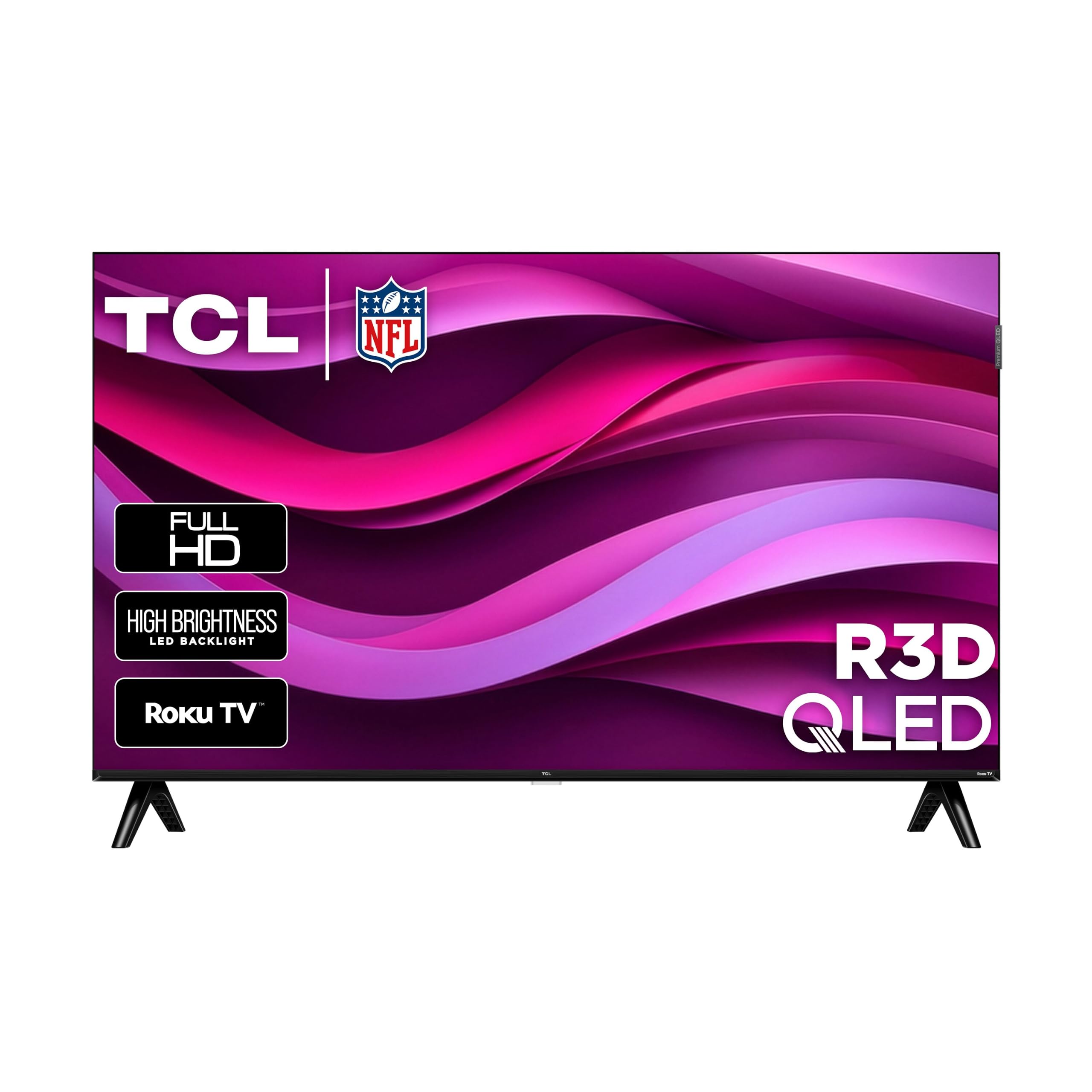
The R3D is the picture-first 32-inch in this group. TCL gives it a QLED panel, 1080p resolution, and a nearly edge-to-edge bezel, which is a lot of TV technology for a small screen. The QLED layer is the part that matters: it promises stronger color than the standard LED sets here, and 1080p keeps streaming menus and subtitles crisp.

We are judging this one more on the panel specification than on a long track record. What we can say is that the combination is the most ambitious here: QLED color, Full HD, Motion Rate 120, and both Google Cast and AirPlay 2. If you want the best-looking small screen for a den or guest room, this is the one to audition.

The trade-offs are real. Two HDMI ports are stingy if you have a cable box, a console, and a soundbar; you may need a switcher. The 60Hz refresh rate is standard for the size, and the QLED panel is the reason to pay more, not gaming performance.

For a bedroom or office where picture quality is the main event, the R3D earns its premium. If you need three HDMI ports or the simplest possible setup, the Roku top pick is the better fit.

Pros

  • QLED color with 1080p sharpness
  • Slim bezel-less design
  • Google Cast and AirPlay 2

Cons

  • Only two HDMI inputs
  • Costs more than the other picks
Our verdict

We recommend the TCL R3D for a small room where picture quality comes first and you can live with two HDMI inputs.

Check Latest Price
5

Spare Rooms

Westinghouse 32-Inch Roku TV

90 /100
LBD Score Outstanding

Key details

Weight
10.6 lb
Resolution
720p
HDMI Inputs
3
Smart Platform
Roku OS
View on Amazon

The Westinghouse Roku set is the familiar budget answer: 720p, Roku OS, and three HDMI ports for a spare room or kitchen. It does not try to be fancy. The Roku interface is the same one we like at the top, and three HDMI inputs are more than several sets here offer, which makes it easy to leave a cable box and a console connected.

We kept coming back to it as the set for a room where the TV is not the centerpiece. The picture is bright and clear for 720p, and it feels like a budget set in the right way: light, simple, and easy to move. The 10.6-pound build is heavier than the Roku top pick, but still manageable for one person.

The 720p panel is the main compromise. Up close, text and subtitles look softer than on the 1080p sets, and a 32-inch screen at the foot of a bed makes that difference easy to see. The 5-watt speakers are also small; they are fine for a newscast, but we don't count on them for a movie. Reliability is the other thing to watch: some sets can turn themselves on or off unexpectedly, so test the power behavior early.

For a guest room, kitchen, or garage, the combination of Roku, three HDMI, and a low price is easy to justify. It is not the sharpest or the most feature-rich set here; it is the one you can put in a secondary room without overthinking it.

Pros

  • Three HDMI inputs at a budget price
  • Simple Roku interface
  • Bright 720p picture for the size

Cons

  • 720p panel looks soft up close
  • Five-watt speakers sound thin
Our verdict

We recommend the Westinghouse Roku for a spare room or kitchen where three HDMI ports and a low price matter more than Full HD sharpness.

Check Latest Price
6

Samsung Picture

Samsung 32-Inch F6000 Smart TV

83 /100
LBD Score Excellent

Key details

HDR
HDR10+
Resolution
1080p
HDMI Inputs
2
Smart Platform
Tizen
View on Amazon

The F6000 makes the picture-first case for a Samsung badge: 1080p, HDR10+, and Samsung's Tizen platform in a 32-inch frame. The panel is the draw. Samsung's picture processing is well regarded, and the 1080p resolution is the right choice for a bedroom where you sit close to the screen.

The smart side is where we hesitate. The remote can feel laggy, and the interface can feel slow when you are moving between apps. That is frustrating on a TV that costs more than the Roku, because the Roku does the same streaming jobs with less friction. If you already use a Fire Stick or Apple TV, the Samsung's picture is easier to enjoy.

We do like the HDR10+ support and the 8.5-pound build, which is still manageable for a wall mount. The two HDMI ports are the bigger practical limitation; with a cable box and a console, you are already full. The 10-watt speakers are fine for dialogue, but not for much more.

Buy it for the picture and the Samsung ecosystem, not for the smart experience. If you want the best 1080p panel here and don't mind adding an external streamer, the F6000 is a strong choice; if you want the interface to stay out of the way, the Roku is the better buy.

Pros

  • 1080p HDR10+ picture
  • Tizen smart platform
  • Samsung picture processing

Cons

  • Only two HDMI inputs
  • Smart interface and remote can lag
Our verdict

We recommend the Samsung F6000 for its 1080p HDR10+ picture, provided you use an external streamer or can tolerate a slower smart interface.

Check Latest Price
7

Camper or PC

Westinghouse 32-Inch Non-Smart TV

80 /100
LBD Score Excellent

Key details

Type
Non-smart LED
Resolution
720p
VESA Mount
100 x 100 mm
HDMI Inputs
3
View on Amazon

A non-smart 32-inch TV is almost a novelty now, which is exactly why the Westinghouse WD32HX1201 earns a look. It has a 720p panel, three HDMI inputs, and a VGA port, so you can use it with a cable box, a game console, or a PC without a smart interface getting in the way. For a camper, garage, or kitchen, that simplicity is the feature.

We like that it behaves like a monitor when you want it to. The 180-nit brightness is not going to fight a sunny window, and the 720p resolution is best for casual viewing rather than spreadsheets. But the inputs are generous for the size, and the built-in 16-watt speakers have more power on paper than the budget Roku's 5-watt pair, though sound quality is still the weak point.

The catch is that you need to bring your own streaming device. There is no Roku, Fire TV, or app store here, so a Fire Stick or Apple TV is an extra purchase. If you already have one, the Westinghouse saves you from paying for a smart platform you don't use. If you don't, the total cost can climb past a smart set.

We see it as a specialist: a camper TV, a PC monitor for a spare desk, or a set for a room where guests just need to watch the news. For a main living-room TV, the smart picks are easier; for a dumb screen that does one job, this is the rare option.

Pros

  • Non-smart simplicity
  • Three HDMI plus VGA
  • 16-watt built-in speakers

Cons

  • No built-in streaming apps
  • 720p and 180-nit panel is dim
Our verdict

We recommend the Westinghouse non-smart set for a camper, garage, or PC desk where you want a plain screen and already have a streaming device.

Check Latest Price

How We Picked and Tested 14 Small TVs

We started with research, not a shopping cart. We pulled every current 32-inch model we could find, dropped the ones still running a stale version of their smart platform, and made sure the shortlist spanned both panel resolutions, all three of the major platforms, and the full price range for the size — including one set with no smart features at all. That left 14 TVs, which we ran side by side for six months.

Each one got set up the way you would at home: unboxed on a kitchen counter, plugged in, and walked through its own onboarding with a stopwatch running. We logged how many screens it took to reach live TV, whether an account was required before watching anything, and whether the remote paired itself or needed hunting. Then the sets went where 32-inch TVs actually live — a bedroom nightstand, a kitchen counter, a dorm desk, and the back of a camper.

For picture, we watched the same ten minutes of a dark, dialogue-heavy drama and the same fast pan across a ballgame on every set, looking for crushed shadows, smearing in motion, and how far off-center the image held up. We didn't take QLED or HDR labels at face value; at this size the payoff showed up mostly in bright scenes, not dark ones. Volume stayed at conversational level through a week of morning news and late-night movies, and we noted which sets sent us reaching for subtitles.

Responsiveness decided more of these than anything on a spec sheet. We timed cold starts from the power button to a usable home screen, then re-timed after a week in standby to catch the ones that had gotten slower. With the router two rooms away, we streamed hour-long stretches to see who buffered, and we cast from a phone to each set to count how many taps it took. Remotes got the couch test — thumb only, no pointing — and we swapped inputs to see whether apps reopened where we left them. Along the way we logged every freeze and dropped Wi-Fi connection, because a TV that needs a hard reset once a month isn't a bargain.

How to Choose a 32-Inch Tv

Start with resolution, then panel technology

Resolution is the clearest dividing line in this group. A 1080p set gives you sharper menus, subtitles, and text, which matters if the TV sits at the foot of a bed or doubles as a monitor. A 720p set can still look fine for news and casual streaming from across a kitchen, especially if the panel has good color. QLED is a color upgrade, not a resolution upgrade; the Hisense QD4SR pairs QLED with 720p, while the TCL R3D pairs it with 1080p. If you sit close, buy the resolution first and the color technology second.

Choose the smart platform you'll actually use

Roku is the least intrusive interface here: a simple home screen, a straightforward remote, and apps that are easy to find. Fire TV makes more sense if you use Alexa and want voice search across services; the Amazon Ember builds that in. Samsung's Tizen is fine if you already live in Samsung's ecosystem, but its extra layers can feel slower on a budget set. Before you buy, check that the apps you pay for are available, and remember that most smart TVs ask you to create an account before you can stream.

Plan for sound

Every 32-inch TV here uses small built-in speakers, and that is the first compromise you will notice. The wattage ranges from 5 to 16 watts, but power is not the same as clarity; dialogue can sound thin on a newscast and muddy in an action scene. If you watch movies or sports, budget for a compact soundbar with an optical or HDMI connection. If you mostly watch news in a kitchen, the built-in speakers may be enough. Check the back panel for the matching output before you mount the TV.

Count ports and check the mount

Two HDMI ports disappear quickly if you have a cable box, a game console, and a soundbar. Three is the safer minimum for a main small-room TV, and the Roku, Hisense, and Westinghouse Roku sets all have three. Mounting is the other practical check: VESA patterns here are either 100 x 100 mm or 200 x 200 mm. Confirm the bracket matches the pattern and the TV's weight before you drill, and leave room for the cables to bend behind the screen.

Treat reliability as part of the value

Budget TVs can be excellent values, but the difference between a good one and a frustrating one often shows up after the return window. Test the Wi-Fi, the remote, and the HDMI inputs in the first week, and buy from a seller with a straightforward return policy. If a set has a pattern of random shutdowns or blank screens, that is not a quirk you should learn to live with; send it back. The best warranty is the one you never need, but the second best is easy returns.

Frequently Asked Questions

Final Verdict

For most buyers, the Roku 32-Inch Select Series is the set to get. It is the only pick here that combines a true 1080p panel, three HDMI inputs, and a smart interface we don't have to apologize for. The picture is not the brightest or most colorful in this group, but it is the most balanced small-room TV.

If color is the priority and you can accept 720p, the Hisense QD4SR is the value move. For the best panel here, the TCL R3D is the picture-first upgrade, provided two HDMI ports are enough. And if you need a non-smart screen for a camper or PC, the Westinghouse is the rare set that skips the smart platform entirely.