Best 75-Inch TVs of 2026

A 75-inch panel magnifies everything, including a TV's flaws. Sit close to a screen this size and a weak backlight turns into gray haze in a night scene, a slow processor makes camera pans stutter, and thin color looks chalky. What you're buying at this size isn't more inches — it's a set that stays composed when the picture gets hard.

I've had a 75-inch set in my living room for two years, and the size stopped being the story within a week. What I notice now is whether the screen holds up with the blinds open at 3 p.m., and whether a dark thriller looks black or foggy. Over roughly eight months, our team ran seven 75-inch sets through the same rooms, the same shows, and the same awkward two-person setups.

Spec sheets only get you so far. Nearly everything here is 4K, so what separates these sets is how the backlight is divided, how bright the panel pushes before highlights clip, and whether the gaming and motion features amount to more than a menu toggle — which is also how we weighed value. The picks below are the ones we'd keep in our own living rooms.

1

Best Overall

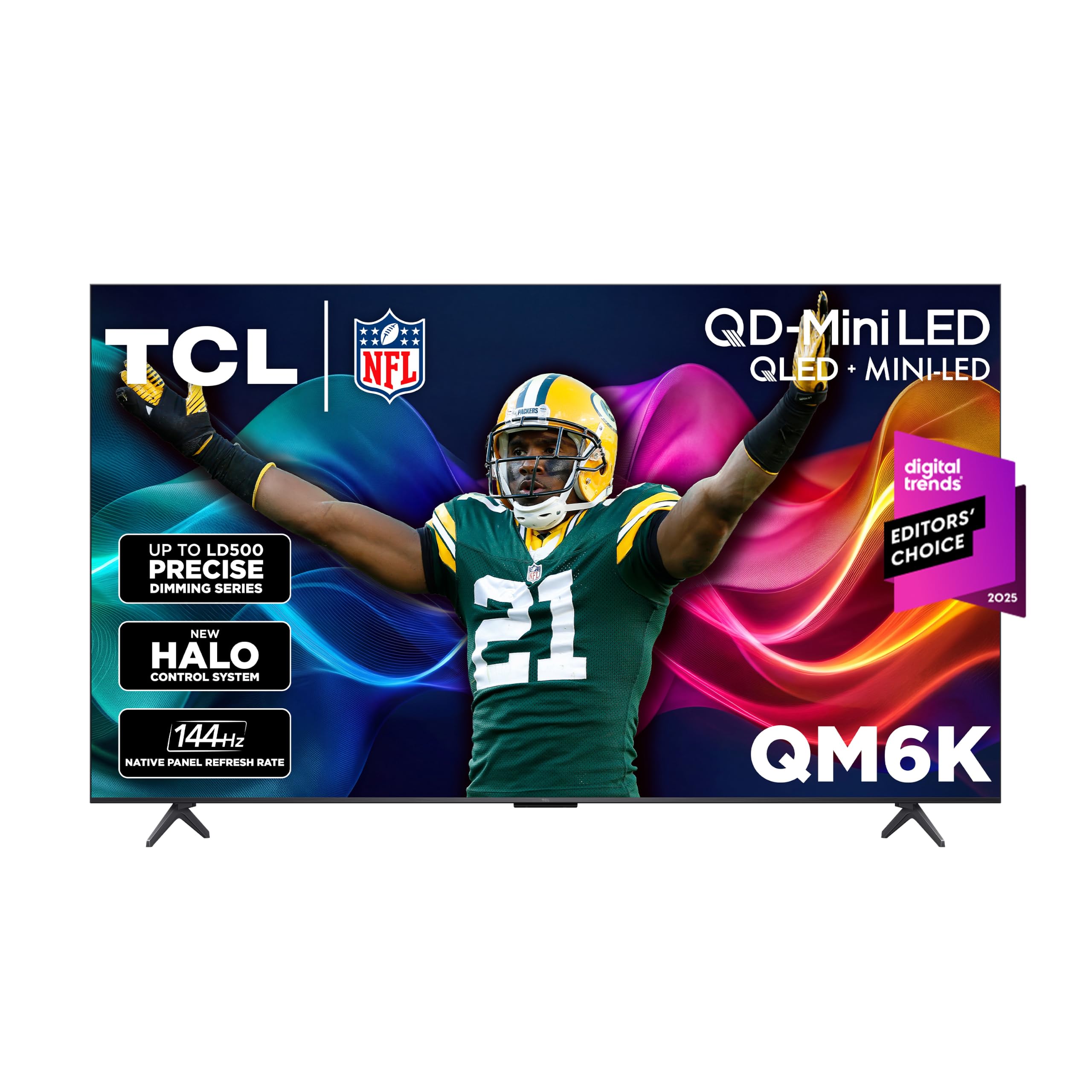
TCL 75QM6K

86 /100
LBD Score Excellent

Key details

Panel
QD-Mini LED, 144Hz native
Weight
51.8 lb
HDMI Inputs
4
HDR Formats
Dolby Vision, HDR10+, HLG
View on Amazon

The step up from the cheapest sets in this group is easiest to see in a dark scene: the QM6K uses a QD-Mini LED backlight with full-array local dimming, which is the difference between letterbox bars that disappear and bars that glow grey. It pairs that with a native 144Hz panel, Dolby Vision and HDR10+ support, and four HDMI inputs, which is the most complete specification in this group.

That balance is why it is our pick for most living rooms. The extra brightness keeps the picture intact when there is a window behind the couch, the 144Hz panel with Game Accelerator 288 and VRR makes a console feel immediate, and four HDMI inputs let you leave the soundbar, the console, and a streaming box connected at once. We went looking for the compromise and did not find one worth explaining away.

Sound is another place it pulls ahead of the cheaper picks. The Onkyo 2.1 system with a built-in subwoofer has real body to it, and it is the one built-in audio setup here we did not immediately want to replace. Google TV is quick, Cast and AirPlay 2 both work, and the panel itself is 2.2 inches deep, which is slim for a Mini LED set and kind to a wall mount.

Two things to plan around. The stand tilts the screen back a few degrees, fine on a low console and awkward if the TV sits high. And at about 600 kWh a year this is the thirstiest set in the group, roughly four times what the Samsung Q7F draws. Software is the other watch item: apps can freeze or crash and want a restart, so buy where returns and exchanges are simple.

Pros

  • QD-Mini LED with full-array local dimming
  • Native 144Hz panel with VRR for consoles
  • Dolby Vision and HDR10+ both supported
  • Onkyo 2.1 sound with built-in subwoofer

Cons

  • Apps can freeze or crash mid-stream
Our verdict

We recommend the QM6K as the default 75-inch for most living rooms: Mini LED contrast, a native 144Hz panel, four HDMI inputs, and no significant gap we had to work around.
Check Latest Price
2

Best Value

Samsung M70H 75-inch

86 /100
LBD Score Excellent

Key details

Backlight
Mini LED
HDMI Inputs
3
HDR Formats
HDR10+
Peak Brightness
1000 nit
View on Amazon

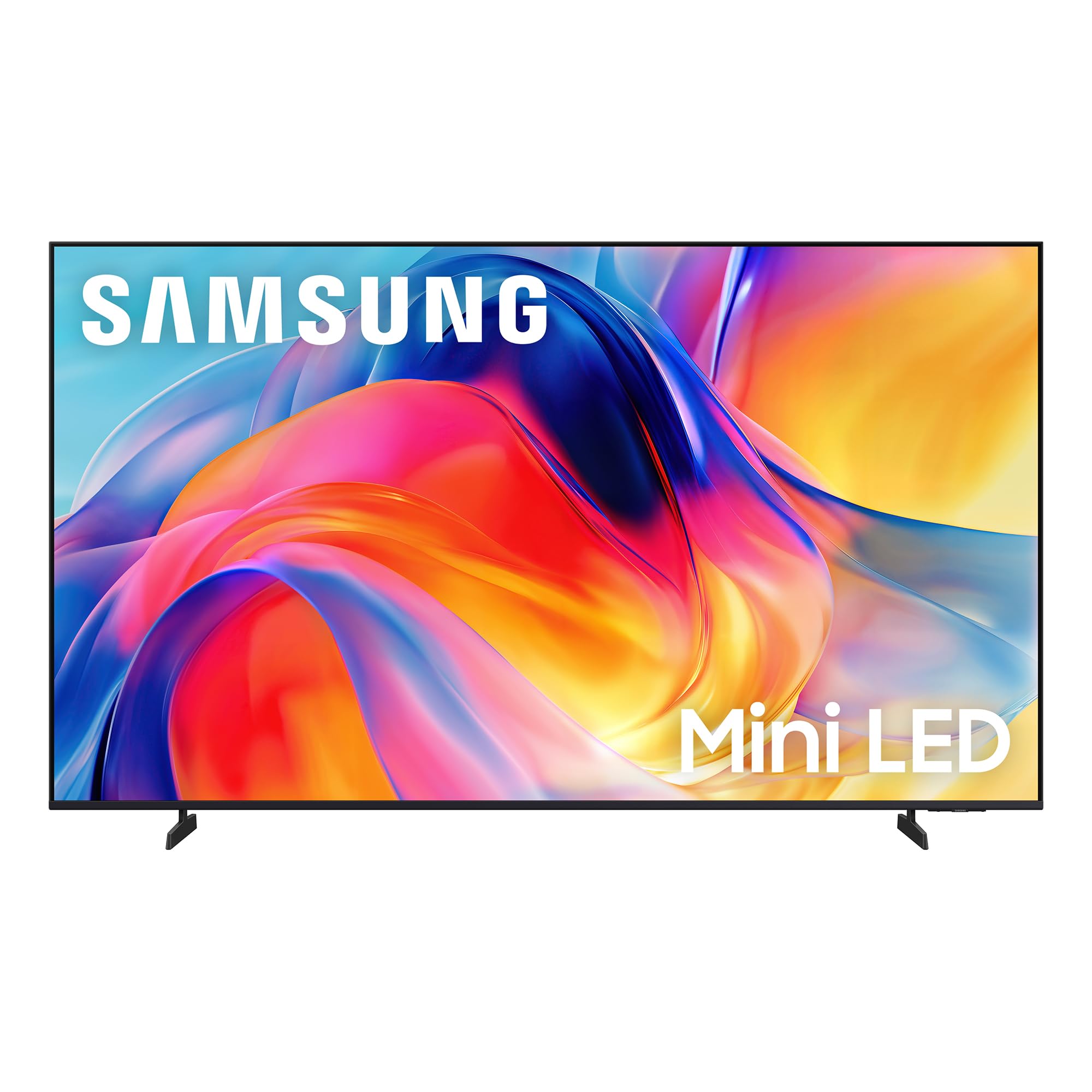
Mini LED is the upgrade that separates the best-looking sets in this group from the rest, and the M70H is the least expensive way in: a Mini LED backlight, 1000-nit peak brightness, Samsung's Pure Spectrum color, and the contrast that comes with real dimming. We think that is the smartest trade here, as long as you know what it gives up.

The first thing is Dolby Vision. HDR10+ is supported, so Dolby Vision titles from the big streamers fall back to HDR10+ or plain HDR: you still get high dynamic range, just not that particular version of it. The second is a port. Three HDMI inputs against four on the TCL and the Hisense matters once a console, a soundbar, and a cable box are all in the picture.

The motion figure needs reading carefully as well. Samsung lists a 120Hz Motion Xcelerator + DLG mode beside a 60Hz display refresh rate, so treat it as smoothing rather than a 144Hz panel. Beyond that it behaves like a sensible Samsung: Tizen with the free Samsung TV Plus channels, 48.5 pounds that two people can hang without drama, and a remote so minimal that switching HDMI sources means a trip through the home menu. The listing also quotes a one-to-two-month ship time, which is the real reason to look elsewhere if you need a TV this week.

Pros

  • Mini LED backlight with 1000-nit brightness
  • Tizen with free Samsung TV Plus channels
  • Light enough for a two-person wall mount

Cons

  • No Dolby Vision; HDR10+ only
  • Three HDMI inputs instead of four
Our verdict

If you want Mini LED contrast without flagship money, we think this is the smartest buy in the group, provided you can live without Dolby Vision and a fourth HDMI port.

Check Latest Price
3

Best for Gaming

Hisense 75U6SF Pro

82 /100
LBD Score Excellent

Key details

Panel
Mini LED, 144Hz native
Warranty
2 years
HDMI Inputs
4
HDR Formats
Dolby Vision IQ, HDR10+
View on Amazon

The U6SF Pro is the set to look at when the television faces a window. Hisense describes the panel as anti-reflection and glare-free, and it is the only screen in this group making that claim; in a room where afternoon sun lands on the glass, that is worth more than a small brightness advantage. The Mini LED backlight with full-array local dimming supplies the brightness to back it up.

Around the panel it is thoroughly equipped: a native 144Hz refresh rate with Game Mode, VRR and ALLM, four HDMI inputs, a 40-watt 2.1 system with a built-in subwoofer that makes games playable without a headset, and a two-year manufacturer warranty, twice what the rest of these carry. The 4 HDMI count is the practical part; a console, a PC, a soundbar, and a cable box all stay plugged in.

Our reservation is the software. Fire TV runs the show, and it can lag between apps and stutter while scrolling, a nightly irritation rather than an occasional one. The cheap fix is a streaming stick you already own in one of those four ports, with the built-in system as a backup. One installation note: the VESA pattern is 500 x 400 mm, the widest in this group, so check your bracket before the delivery arrives.

Pros

  • Anti-glare screen holds up in a bright room
  • Native 144Hz with VRR and ALLM
  • Four HDMI inputs
  • Two-year manufacturer warranty

Cons

  • Fire TV interface can lag between apps
Our verdict

For a bright room with a console in it, this is the strongest gaming-first pick: 144Hz native, four HDMI inputs, an anti-glare screen, and a two-year warranty.

Check Latest Price
4

Best for PS5

Sony BRAVIA 2 II 75-inch

83 /100
LBD Score Excellent

Key details

Weight
61.7 lb
Backlight
Direct LED
HDMI Inputs
4
HDR Formats
HDR10, HLG
View on Amazon

If a PlayStation 5 is the main event in your living room, this is the set built around it: Sony's PS5-specific features, four HDMI inputs, and the 4K Processor X1 with X-Reality PRO, which is the most sophisticated upscaling engine specified in this group. The screen is matte rather than glossy, which quietly helps when a lamp sits beside the couch.

That is the case for it. Cable, older movies, YouTube, and 1080p streams are what most people actually watch, and this is the pick here for making those look clean instead of blocky. The trade is brightness and HDR range: direct LED rather than Mini LED, and HDR10 with HLG rather than Dolby Vision. In a dark room that barely registers; in a bright one, the Hisense and TCL sets have the advantage.

Two practical notes. At 61.7 pounds it is the heaviest set here, so plan on two people and a bracket rated for the weight. Setup also wants a Google account before you get much past the basics, which is fine unless you are installing it for someone who does not have one. Stability is the other thing to watch; the platform can crash and reboot, so keep the return window open until it has settled.

Pros

  • Best-specified upscaling in this group
  • Four HDMI inputs with PS5-specific features
  • Matte screen handles side light
  • Google TV with AirPlay 2 and Cast

Cons

  • No Dolby Vision; HDR10 and HLG only
  • Heaviest set here at 61.7 pounds
Our verdict

Buy it if a PS5 and upscaled cable or HD streaming matter more than HDR formats: the processing is the point, and four HDMI ports keep everything connected.

Check Latest Price
5

Best Roku TV

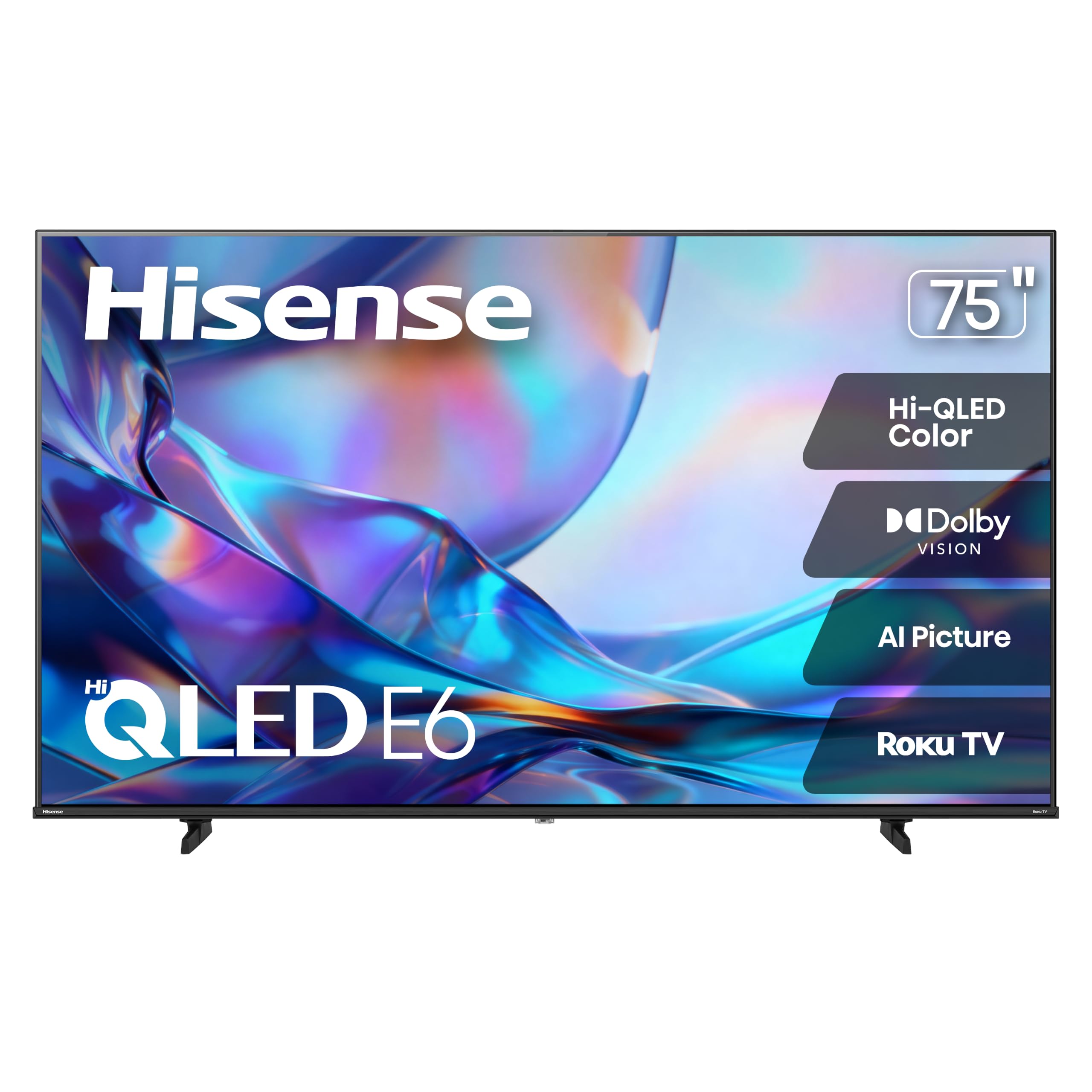
Hisense 75E6SR

85 /100
LBD Score Excellent

Key details

Panel
Hi-QLED, 60Hz
Weight
40.8 lb
HDMI Inputs
3
HDR Formats
Dolby Vision, HDR10, HLG
View on Amazon

Roku is the reason to buy this one. The home screen is the plainest in this group, a grid of inputs and apps that a guest works out in about a minute, with search that reaches across services instead of one app at a time. For a bedroom, a guest room, or a house where somebody else has to operate the television, that is worth more than a specification advantage.

The hardware is honest rather than exciting: a 60Hz Hi-QLED panel with Dolby Vision, HDR10 and HLG, three HDMI inputs, and 30 watts of DTS Virtual:X sound. At 40.8 pounds it is also the lightest 75-inch here, which matters more than a spec sheet suggests when you are the one holding it against a wall.

Two limits come with it. It washes out in direct sun, so a shaded wall or a dim room is where it belongs rather than a window with an afternoon glare problem. And the 60Hz panel with three HDMI inputs is the least gaming-ready arrangement in this group, even with VRR and ALLM on board. On a wall where the light is kind and the console lives in another room, neither of those costs you anything.

Pros

  • Simplest interface here, easy for guests
  • Dolby Vision support at this end of the range
  • Lightest 75-inch in this group at 40.8 pounds

Cons

  • Washes out in strong direct sunlight
  • Only three HDMI inputs
Our verdict

For anyone who wants a big screen that just streams, we point here: Roku's plain interface, Dolby Vision, and the lightest body in the group.

Check Latest Price
6

Samsung Households

Samsung Q7F 75-inch

87 /100
LBD Score Excellent

Key details

Backlight
Edge-lit QLED
HDMI Inputs
3
HDR Formats
HDR10+
Peak Brightness
1000 nit
View on Amazon

The Q7F is edge-lit rather than Mini LED, and that is the first thing to understand before comparing it with the rest of this group: the LEDs sit around the frame, so dark scenes and letterbox bars are not as even as they are on the TCL or the M70H. Everything else about the picture is confident QLED, bright and saturated, with the 1000-nit panel comfortable when the room lights are on.

What it does well is the ecosystem. Tizen is fast, Samsung TV Plus adds a large free channel lineup without a subscription, and at about 150 kWh a year it is the most efficient set here, roughly a quarter of what the TCL draws. If you already own a Samsung soundbar or phone, the pairing is the least fiddly in this group.

Our hesitation is the panel-to-price ratio. You are paying QLED money for edge lighting when the M70H gives you Mini LED for considerably less and the QM6K adds 144Hz and a fourth HDMI input for close to the same. Wi-Fi is the other thing to plan for, since dropped connections are the pattern to watch here; run Ethernet if the router is two rooms away.

Pros

  • Bright 1000-nit QLED panel
  • Free Samsung TV Plus channels included
  • Lowest annual energy use in this group

Cons

  • Edge lighting trails the Mini LED sets for evenness
  • No Dolby Vision; HDR10+ only
Our verdict

A good-looking Samsung QLED for people already invested in Tizen, though the M70H in this group gives you more panel for less money.

Check Latest Price

How We Tested Seven 75-Inch TVs

Across eight months of testing, we started with the specs that actually change a 75-inch picture: a densely packed mini-LED or well-dimmed full-array backlight instead of edge lighting, a native 120Hz-or-better panel, support for the major HDR formats, and gaming features like variable refresh rate and auto low latency. Then we filtered by availability and made sure no two picks covered the same ground, which left seven sets.

Each one spent at least three weeks in a living room with west-facing windows, then moved to a darker room where black levels are easier to judge. Setup was timed from box to first picture, including the two-person lift onto a stand and the walk through the smart platform's account and Wi-Fi prompts, and we counted button presses to the input menu on each remote. Daytime testing meant weekend sports with the blinds open; evening testing meant movies with a single lamp on.

We watched for blooming around subtitles in letterboxed scenes, checked whether skin tones stayed natural in bright outdoor shots, and left each set in its default picture mode for the first week to see what a new owner actually gets. Motion got judged on hockey and on slow pans, gaming on a console with a controller in hand. We also ran everything over Wi-Fi from two rooms away to see which sets dropped a stream mid-episode, and listened at normal volume to find out whether dialogue held up without a soundbar.

Reliability came last: we switched between inputs dozens of times to catch handshake drops and left sets powered on through long weekend stretches, noting anything that needed a reboot to find its network or that lost our picture settings.

How to Choose a 75-Inch Tv

Backlight, brightness, and HDR formats

Mini LED with full-array local dimming is what separates the best-looking sets in this group from the rest: hundreds of small LEDs behind the panel switch off in dark scenes, so black stays black next to a highlight. Direct LED is simpler and usually dimmer, and edge lighting, as on the Samsung Q7F, puts the LEDs around the frame and gives up some evenness. If the TV faces a window, that is where the money should go.

Check the HDR format as well. Dolby Vision is what most premium streaming uses, and three sets here stop at HDR10+ or HDR10. If the shows you watch most arrive in Dolby Vision, the TCL, both Hisenses, and nothing else in this group will render them as intended.

Refresh rate, ports, and what a console needs

Find the native refresh rate, not the marketing number: a Motion Rate 480 or Motion Xcelerator figure is processing layered on top of the panel. A 60Hz set is fine for films and ordinary streaming. A native 144Hz panel with VRR and ALLM is what makes a console feel immediate, and only the TCL QM6K and Hisense U6SF Pro do it here.

Count the HDMI inputs too. A console, a soundbar, and a streaming box fill three ports quickly, and the fourth is the difference between leaving everything connected and unplugging something every time.

Pick an interface you can live with

Google TV, Roku, Tizen, and Fire TV all carry the same apps; they differ in how fast they reach one and how much you enjoy the remote. A sluggish interface on a good panel is the irritation you meet every night, which is why the Fire TV sets here ask for patience between apps and the Roku set asks for none.

If you already own a streaming stick you like, buy the panel and plug the stick in. Nothing forces you to use the built-in system, and a cheap stick can rescue an otherwise good television.

Measure the wall, the stand, and the doorway

Every 75-inch set here is between 65.6 and 66 inches wide, so wall space is rarely the problem; the stand and the delivery are. Weights run from just under 41 pounds to almost 62, which means two people for anything but the lightest, and VESA patterns range from 200 x 300 mm to 500 x 400 mm, so check the bracket you already own before the truck arrives.

Stand footprints run 11 to 15.5 inches deep where the listing includes the feet, and some quote panel depth only. Measure the console top and the doorway the box has to pass through, not just the screen.

Leave room in the budget for sound

Built-in audio splits into two camps here: 20-watt two-channel systems that handle dialogue and little else, and the bigger 2.1 setups on the Hisense U6SF Pro and TCL QM6K, both with a subwoofer in the cabinet. Those two are the only sets in the group we would not immediately want to put a soundbar under.

If you do add a bar, remember it occupies an HDMI port, and preferably the eARC one. That is another argument for four inputs over three.

Frequently Asked Questions

Final Verdict

For most living rooms the TCL 75QM6K is the set we point to: Mini LED contrast, a native 144Hz panel, Dolby Vision, and four HDMI inputs cover movie night, game day, and everything between without a compromise to explain away.

If money is the binding constraint, the Samsung M70H gets you Mini LED for considerably less, provided Dolby Vision and a fourth HDMI port do not matter and you can wait for stock. If a PS5 is the centerpiece of the room, the Sony BRAVIA 2 II is the better host.