Best 360 Cameras for Real Estate Tours of 2026

A 360 camera is two wide lenses firing at once, stitched into a single sphere, so you can walk a property once and decide the framing later — on a laptop, not in a hallway with a client waiting. For a listing tour, that's the whole pitch: one pass from the front door to the back, every corner already captured.

What separates a good one from a headache is less obvious. Reframing a sphere into a normal flat clip means cutting out a small window of it, so the resolution you shoot is the sharpness you end up with, and dim bedrooms are where the stitching shows first. My team spent six months shooting eight of these cameras through vacant listings, staged homes, and a couple of short-term rentals.

The lesson I keep coming back to is camera height — a 360 rig at chest level makes a 12-foot room look like a closet, which is why the disappearing selfie stick effect matters more here than almost any other feature. Below are the ones that survived a full walkthrough, battery included.

1

Best Overall

Insta360 X5

93 /100
LBD Score Outstanding

Key details

360 Video
8K30fps
Waterproof
Yes
Battery Life
208 minutes
Still Resolution
72MP
View on Amazon

A rental-house walkthrough is the job the Insta360 X5 was built for: you press record, walk the rooms, and choose the angles later. Its 8K30 360 footage and dual 1/1.28-inch sensors give you the resolution to reframe a doorway or a window without the image falling apart, and FlowState stabilization plus 360° Horizon Lock kept our handheld passes level. That combination is why it's our top pick for real estate tours rather than just another action camera.

The 208-minute battery rating is the longest in this group, and it changes the pace of a shoot: we could cover a whole floor without swapping cells. We still carried a spare for 8K days, because the rating is a best-case number. The microSD workflow is familiar and quick to offload, which matters when you're moving from one property to the next.

Reframing is where the X5 earns its keep. We liked that the app lets us pick a flat view after the fact, which is exactly what you want when a room is too tight for a second take. The catch is patience: long 8K clips take time to scrub and export, so we shot shorter segments and edited as we went.

The replaceable lens is the kind of insurance that matters when you're carrying a camera through unfamiliar rooms, and it's one more reason the X5 feels like a working tool rather than a toy. We didn't need to use it, but we were glad it was there.

Pros

  • 8K30 footage leaves room to reframe
  • 208-minute battery covers multi-room shoots
  • FlowState and Horizon Lock steady handheld passes
  • Replaceable lens adds practical insurance

Cons

  • 8K files fill cards quickly
  • Durability is the main long-term question
Our verdict

We recommend the X5 as the default real estate tour camera: its 8K footage, long battery, and reframing workflow handle full walkthroughs with fewer compromises than anything else here.
Check Latest Price
2

Best for Low-Light Interiors

DJI Osmo 360 Essential

87 /100
LBD Score Excellent

Key details

Sensor
1-inch
Weight
6.46 oz
360 Video
8K30fps
Still Resolution
120MP
View on Amazon

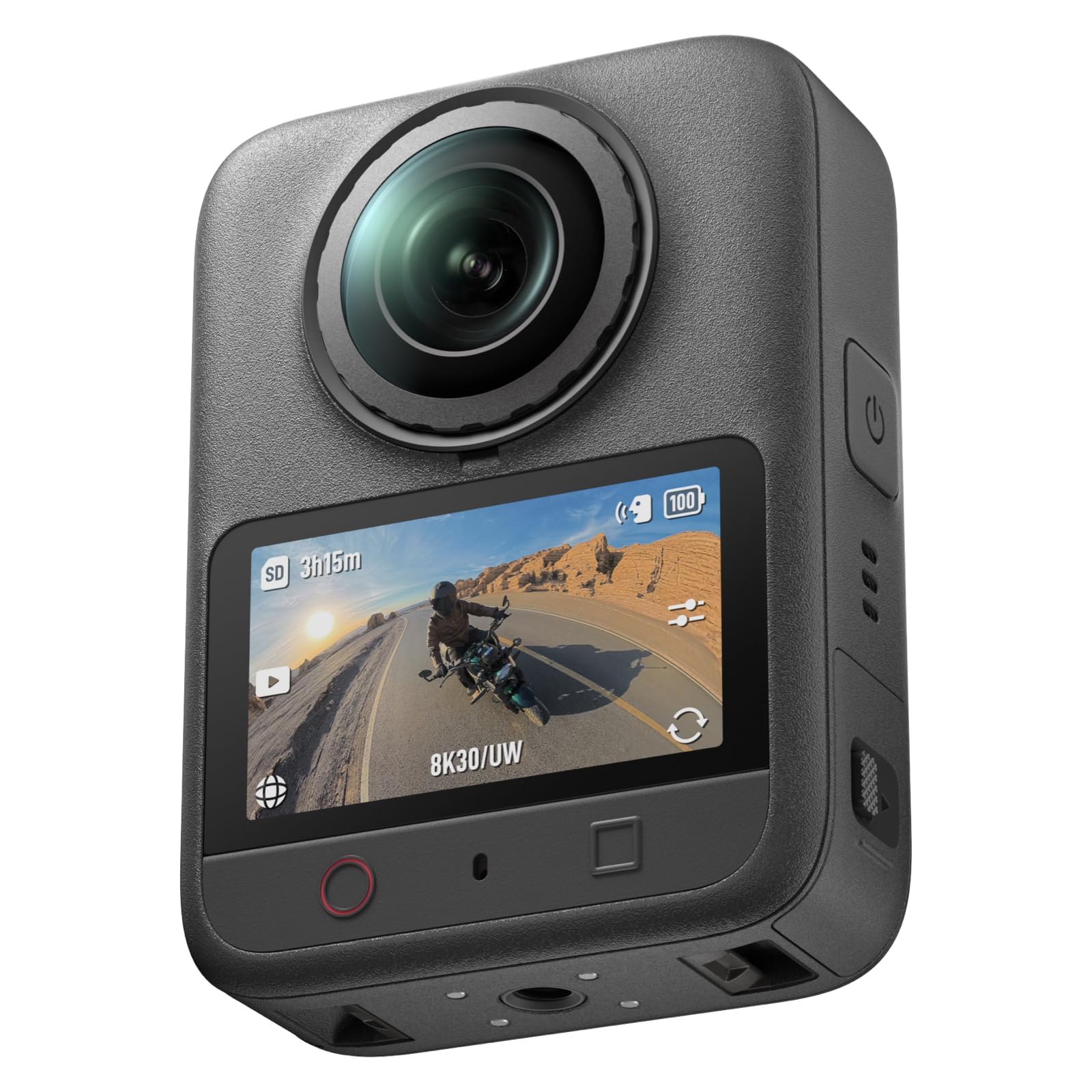
The DJI Osmo 360 Essential is the low-light specialist: two 1-inch sensors, 8K30 360 video, and 120MP stills. In a dim hallway, that sensor size is the difference between a clean window and a noisy wall, and it's why we point listing photographers here when the property has a lot of mixed light.

At 183 grams, it's light enough to hold at eye level through a tight room, and the magnetic quick-release makes the move from tripod to handheld less fiddly. The 120MP stills are worth the extra resolution, and that sensor advantage is why we recommend it for dim interiors, provided you can live with the occasional lock-up that makes a backup plan sensible.

Pros

  • 1-inch sensors hold detail in dim rooms
  • 120MP stills give room to crop
  • 183g body is easy to hand-hold
  • Magnetic quick-release speeds mounting

Cons

  • Editing takes a learning curve
Our verdict

We recommend the Osmo 360 Essential for dim interiors and high-res stills, provided you can live with the occasional lock-up that makes a backup body worthwhile.

Check Latest Price
3

Best for Stills-First Tours

Ricoh Theta Z1

87 /100
LBD Score Excellent

Key details

Sensor
Dual 1-inch
360 Video
4K
Battery Life
60 minutes
Still Resolution
23MP
View on Amazon

The Ricoh Theta Z1 is the odd one out: a 4K video camera in a field of 8K action cams. It's here because its 23MP stills, from two 1-inch sensors, are the closest thing in this group to a stills-first real estate tour. If your tour platform builds from high-res equirectangular stills rather than video, this is the one we point to.

We liked the stills: the larger sensors hold detail in a dim room, and the RAW option gives you room to correct a mixed-light shot. The 4K video is fine for a simple walkthrough, but it's a step behind the 8K cameras here, so don't buy the Z1 for motion.

The 60-minute battery is the catch: it's not a whole-house camera on one charge, and the battery isn't user-replaceable. The software also feels dated; we had to disconnect and reconnect Wi-Fi to move files. Even so, for stills-first tours, this is the one we recommend.

Pros

  • 23MP stills from dual 1-inch sensors
  • RAW capture helps mixed-light edits
  • Strong fit for stills-first home tours

Cons

  • Premium price for a 4K video camera
Our verdict

We recommend the Theta Z1 for stills-first tours and Matterport-style workflows; its 23MP files are excellent, but video shooters should choose an 8K camera.

Check Latest Price
4

Best Value

Insta360 X3

93 /100
LBD Score Outstanding

Key details

360 Video
5.7K
Waterproof
Yes
Touchscreen
2.29 inches
Single-Lens Video
4K30fps
View on Amazon

The Insta360 X3 is the value play: 5.7K 360 video, 4K single-lens footage, and a 2.29-inch touchscreen for less than the 8K cameras here. For a first real estate tour camera, that's a sensible place to start.

We liked the big touchscreen; it's easier to start a recording and check settings than the tiny screens on some action cams. The 5.7K footage is sharp enough for a web tour, and the 360 reframing workflow is the same idea as the X5, just at a lower resolution.

The catch is reliability: the X3 has a mixed record, with some units malfunctioning. That makes it a camera to buy with a backup plan. For a first tour camera, though, the value is still there.

Pros

  • 5.7K 360 footage is enough for web tours
  • 2.29-inch touchscreen simplifies setup
  • 4K single-lens mode adds framing flexibility

Cons

  • Battery life is only average
Our verdict

We recommend the X3 as the value pick for first tour cameras, as long as you accept the reliability risk and keep a backup plan.

Check Latest Price
5

Best Budget

AKASO 360

86 /100
LBD Score Excellent

Key details

Sensors
Dual 1/2-inch 48MP
360 Video
5.7K
Battery Life
2 hours
Weather Resistance
Water resistant
View on Amazon

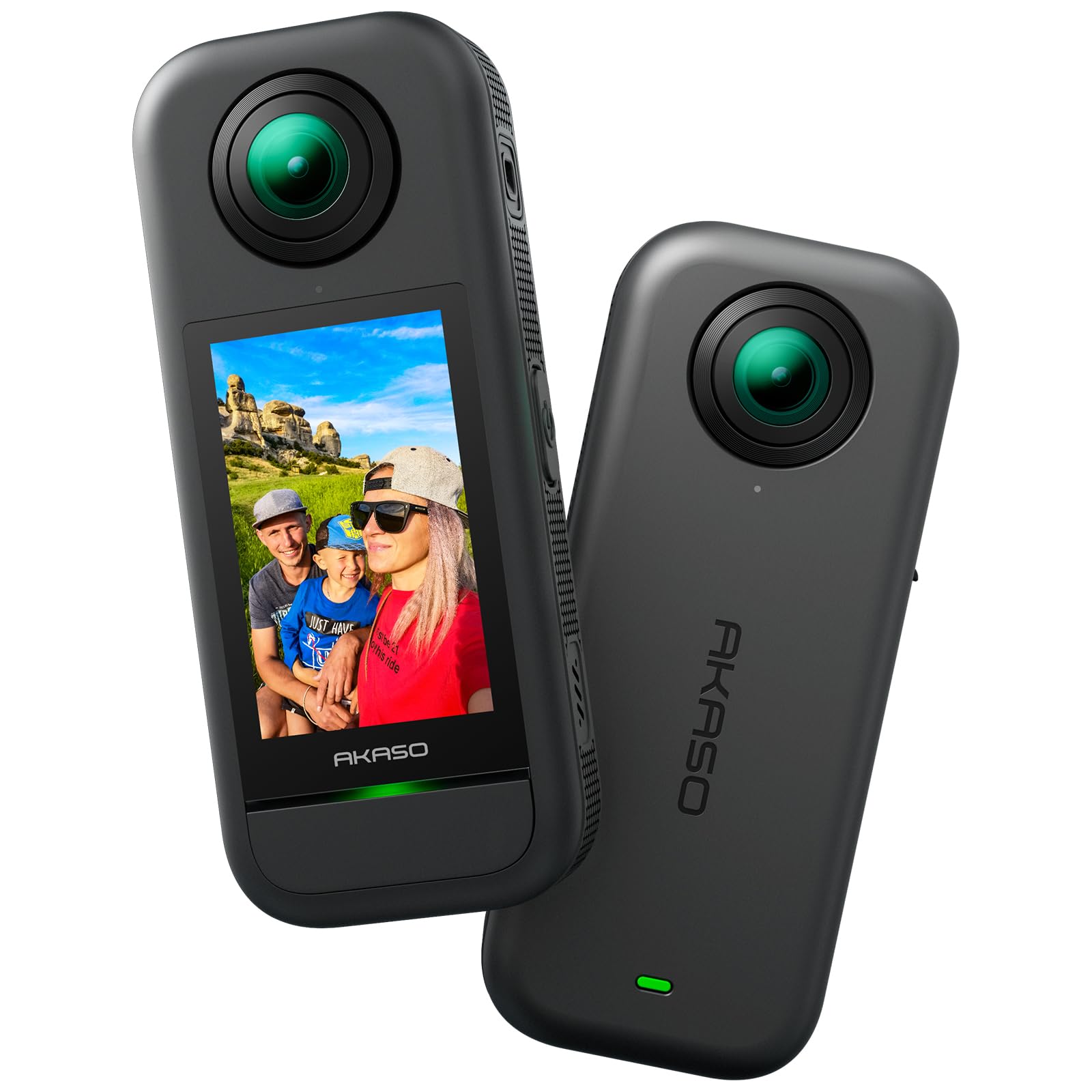
The AKASO 360 is the budget option, and it makes the expected trade-offs: 5.7K 360 video, dual 1/2-inch 48MP sensors, and two batteries in the box. For a bright, simple listing, that's enough camera to get a usable tour.

We liked the daylight footage; it's clear enough for a web walkthrough, and the two-battery bundle is the right call for a camera that isn't a long-distance runner. For bright, simple listings on a tight budget, it's the pick.

Pros

  • 5.7K daylight footage is clear enough for web tours
  • Two batteries included for longer shoots
  • 48MP sensors capture detailed stills

Cons

  • Low-light interiors get noisy
  • App connection can be unreliable
Our verdict

We recommend the AKASO 360 for bright, budget-friendly listings, provided you don't need strong low-light performance or a rock-solid app connection.

Check Latest Price
6

8K60 Capture

DJI Osmo 360 II

96 /100
LBD Score Outstanding

Key details

360 Video
8K60fps
Battery Life
130 minutes
Built-in Storage
105GB
Still Resolution
120MP
View on Amazon

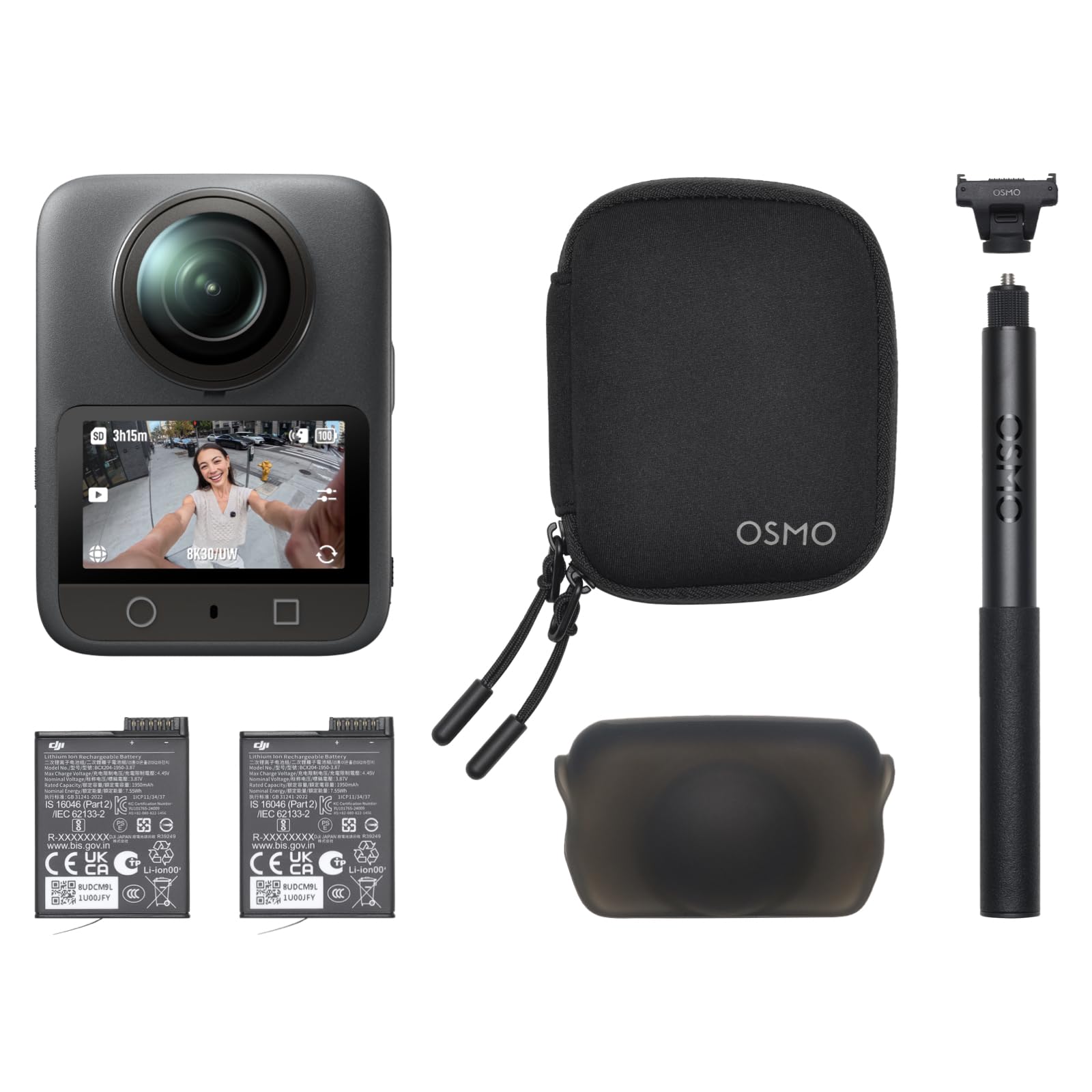
The DJI Osmo 360 II is the only camera here with 8K60 360 video, and it backs that up with 105GB of built-in storage. On paper, it's the most capable action camera in the group; for a slow real estate walkthrough, it's also more camera than you need.

We appreciated the built-in storage; it removes the memory-card scramble before a shoot. The 130-minute battery and 120MP stills are useful for a full property, and the 1-inch sensors keep low light clean.

The 8K60 mode is best saved for motion; a slow walkthrough doesn't need it. The built-in storage is convenient, but it doesn't remove the need to offload after a property.

If you need 8K60 or the no-card workflow, the Osmo 360 II earns its place. For static rooms, the X5's 8K30 is enough, and the Osmo II is a narrow but real upgrade.

Pros

  • 8K60 360 video is the highest frame rate here
  • 105GB built-in storage simplifies the workflow
  • 130-minute battery covers long shoots
  • 120MP stills capture high-detail frames

Cons

  • 8K60 files are enormous
  • Premium price is hard to justify for stills-led tours
Our verdict

We recommend the Osmo 360 II for shooters who want 8K60 and built-in storage, not for stills-led tours where the X5 is the better value.

Check Latest Price
7

Rugged Hybrid Use

GoPro MAX2

85 /100
LBD Score Excellent

Key details

360 Video
8K
Waterproof
Yes
Stabilization
HyperSmooth
Still Resolution
29MP
View on Amazon

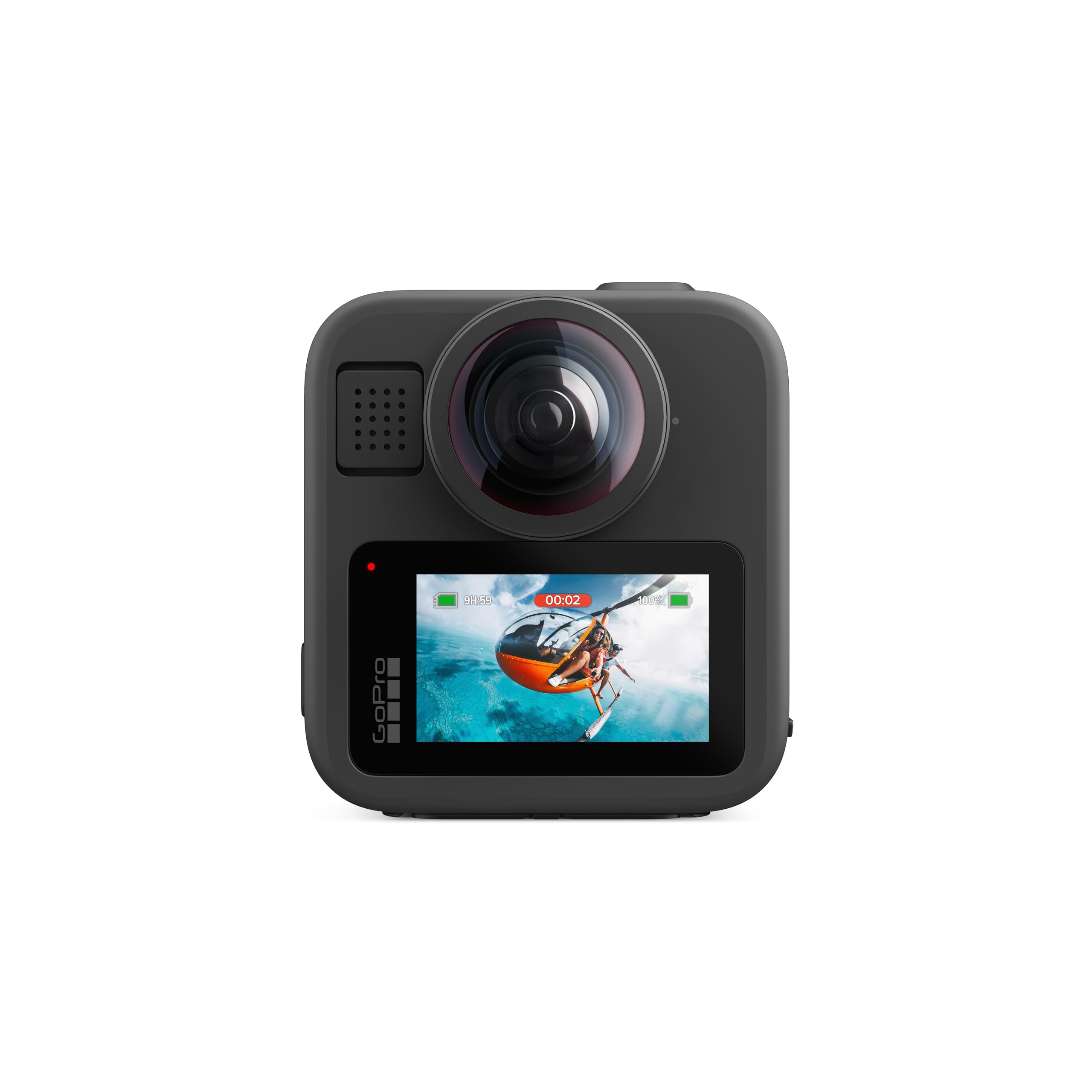
The GoPro MAX2 is a 360 action camera first and a tour camera second. Its 8K 360 video, 29MP stills, HyperSmooth stabilization, and waterproof body are appealing, but it's not the most natural fit for a slow interior walkthrough.

We liked the replaceable glass lenses and the six microphones; this is a camera built to get knocked around. The 1.82-inch touchscreen is small but usable, and the invisible mounting is a neat trick for follow shots.

For real estate, the 29MP stills trail the high-res cameras here, so it's a better second camera for adventure listings than a primary tour tool. The HyperSmooth footage is steady, but the MAX2 is most at home when there's some action to capture.

Pros

  • 8K 360 video and HyperSmooth stabilization
  • Waterproof body and replaceable lenses
  • Six microphones improve spatial audio

Cons

  • Overheating can interrupt long takes
Our verdict

We recommend the MAX2 for shooters who want a rugged 8K 360 hybrid, not as the primary camera for long interior tours.

Check Latest Price
8

Ultra-Compact Kits

Ricoh Theta SC2

85 /100
LBD Score Excellent

Key details

Weight
3.52 oz
360 Video
4K
Battery Life
70 minutes
Still Resolution
14MP
View on Amazon

The Ricoh Theta SC2 is the smallest camera here, and that's its whole case: 3.52 ounces, 4K 360 video, and 14MP stills in a body you can slip into a jacket pocket. For a quick listing update or a tight space, that size is genuinely useful.

We liked that it's simple to operate; the 360 capture is straightforward, and the camera is light enough to hold in one hand while you open a closet door. The 4K video and 14MP stills are workable for a basic web tour, and the tiny body makes it easy to carry between properties.

The weak spot is the app and connection. The Wi-Fi workflow can be finicky, and that's a real annoyance when you're trying to move files in an empty house.

For bright, simple listings where size matters, the SC2 is a useful tool. For anything more demanding, choose an 8K camera. That's the whole decision.

Pros

  • 3.52-ounce body slips into a pocket
  • 4K 360 video is simple to capture
  • Light enough to hold in one hand

Cons

  • 4K video and 14MP stills trail the field
  • Low-light image quality is mixed
Our verdict

We recommend the Theta SC2 for ultra-compact, bright-listing tours, but not for low-light interiors or anyone who needs the best image quality.

Check Latest Price

How We Tested the Best 360 Cameras for Real Estate Tours

We started by pulling every 360 camera we could find that records at least 5.7K in the round, stitches in-camera, and pairs with an editing app that doesn't force you onto a desktop. From that pool, eight models went through six months of shooting in vacant listings, staged homes, and short-term rentals, following the same route an agent would: front door, living room, kitchen, primary suite, backyard.

Then we reframed a flat 1080p clip out of each sphere and compared sharpness and seam lines, watching mirrors, ceiling fans, and doorframes, where 360 stitching usually falls apart. We walked each camera through on a monopod at about seven feet to see whether the pole vanished cleanly or left a ghost, and timed how long it took to charge, shoot, and export a complete tour. Battery life got its own run — one unbroken walkthrough per charge, noting which room the camera died in (a few never made the primary suite).

Durability meant bagging each one with keys and cables, wiping lenses with a microfiber after every shoot, and taking them outside in light rain. We re-shot the same property twice on every model to check reliability and file corruption, and logged whether the app crashed mid-export. Value came down to what shipped in the box: a spare battery or built-in storage changes the math when you're shooting three houses in a day.

How to Choose a 360 Camera for Real Estate Tours

Match the camera to your tour format

Start with the platform, not the camera. If you publish video walkthroughs, 8K 360 gives you room to reframe a doorway or a window without losing sharpness; the Insta360 X5 is the strongest all-around example here. If your tours are built from stills, a 23MP camera like the Ricoh Theta Z1 matters more than 8K video. Write down the file type and resolution your platform accepts before you compare cameras, because the wrong format is a more expensive mistake than the wrong lens.

Sensor size and low light decide interior quality

Real estate interiors are a mixed-light problem: bright windows, dark hallways, and warm lamps in the same frame. A larger sensor gives you more room to hold shadow detail without turning the walls into noise. The 1-inch sensors in the DJI Osmo 360 Essential and the dual 1/1.28-inch sensors in the X5 are the better starting points for dim properties. A 5.7K camera like the AKASO 360 can work for bright, simple listings, but don't expect it to rescue a dark basement.

Stabilization matters if you walk the tour

If you shoot handheld, stabilization and horizon lock are not extras. They keep a walking pass from looking like an earthquake and let you move through a room without a gimbal. The X5's FlowState and 360° Horizon Lock are the benchmark in this group; the GoPro MAX2's HyperSmooth is also strong for action. If you shoot from a tripod, spend the money on sensor and stills instead.

Plan the battery and storage loop

A full-house shoot is a battery and storage problem as much as an image problem. Runtime ranges widely here, from the Theta Z1's 60 minutes to the X5's 208-minute rating, and 8K files are large enough that a single card can fill faster than you expect. Built-in storage on the Osmo 360 II is convenient, but it doesn't remove the need to offload. Carry a spare battery, format cards before each property, and transfer files the same day.

Budget for the app, not just the camera

The app is where a 360 camera becomes a tour. Reframing a 360 clip into flat views takes time, and long 8K files are the slowest to scrub. We liked the X5's reframing workflow, but we still shot shorter segments to keep editing manageable. Before a paid shoot, test the camera-to-phone connection and export a short clip end to end. If the app is sluggish in your hand, it will be worse in a client's living room.

Frequently Asked Questions

Final Verdict

The Insta360 X5 is the camera we recommend for most real estate tours: it shoots 8K30 360 video, holds a long battery rating, and its reframing workflow makes tight rooms easier to cover. If your work is stills-first, the Theta Z1 is the better tool; if dim interiors are the main challenge, the Osmo 360 Essential's 1-inch sensors are worth the trade-off in reliability. Start with the X5 unless your platform says otherwise.