Best 3D Printers for Kids

The fastest way to end a kid's 3D printing phase is a failed first print. The model is already picked out — a dragon, a fidget cube, a keychain for a backpack — and if the bed is out of level or the filament won't stick, that enthusiasm has a shelf life of about twenty minutes. What a good kid's printer really fixes is the gap between wanting to make something and holding it in your hand: it arrives assembled, it levels itself, and it keeps working on the tenth print as well as it did on the first.

I've watched enough kids abandon half-built kits to be picky. We ran 10 mini printers through real households over six months, and what separated them had little to do with specs — it came down to how little the machine asked of the grown-up in the room. A working app, a model library a kid can browse on their own, and a first print that finishes before their attention does count for more than print speed, which is the number the boxes shout about. The picks below earned a permanent spot on the kitchen counter.

1

Best Overall

TINA2S Mini 3D Printer

88 /100
LBD Score Excellent

Key details

Weight
6.4 lb
Filament
1.75mm PLA, PLA Pro, TPU
Footprint
8.3 x 8.3 x 11.4 inches
Connectivity
Wi-Fi and microSD card
View on Amazon

The first afternoon is the whole case for this printer. It arrives assembled, the microSD card comes loaded with projects, and there is a 10-meter coil of PLA in the box, so the gap between opening the carton and watching something build is measured in minutes. We had a print running before we finished reading the quick-start sheet, with no slicer, no laptop and no leveling ritual in between.

Auto-leveling explains most of that, and the one-touch filament loading is the detail we liked more than we expected, because threading filament is exactly the step where a kid loses interest and an adult takes over. It also takes more than starter PLA: 1.75mm PLA Pro and TPU are both listed, and open-source slicing on Mac, Windows or Linux means the printer is not welded to one app forever.

Two things surface once the novelty wears off. The build area is genuinely mini, so the dragon on your kid's wish list arrives in pieces with a glue line, and the included filament does not last, because 10 meters is a taste rather than a supply. Quiet is the other thing we kept noticing; ours ran beside us through an afternoon without anyone asking for it to be moved. What it will not do is police the queue, and the card holds plenty a parent should glance at first.

Pros

  • Prints from the included card in minutes
  • Auto-leveling and one-touch filament loading
  • Quiet enough for a shared room
  • Takes PLA, PLA Pro and TPU

Cons

  • Small build area limits model size
  • Only 10M of filament in the box
Our verdict

We recommend this one for most families: it's assembled, levels itself, and prints from the included card within minutes, leaving room in the budget for filament.
Check Latest Price
2

Best Print Quality

Bambu Lab A1 mini

86 /100
LBD Score Excellent

Key details

Noise
48 dB or lower
Weight
12.1 lb
Footprint
15.21 x 16.77 x 17.94 inches
In The Box
LED Lamp Kit included
View on Amazon

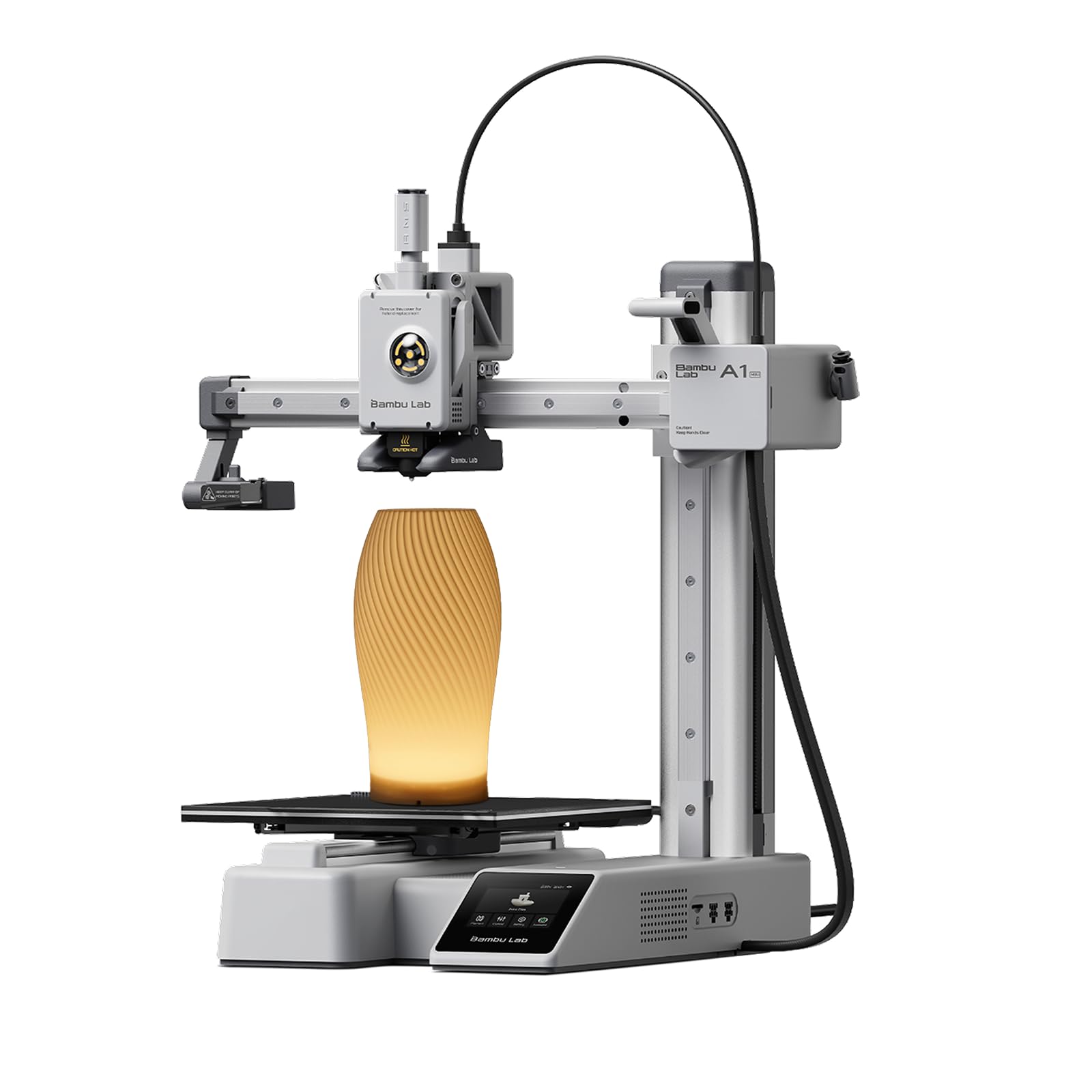
Bambu does not market the A1 mini to children anywhere on the box, and that is precisely why it belongs in this guide. It is a small, serious printer rated at 48 dB or lower, with full automatic calibration and active flow-rate compensation, and it ships with an LED lamp kit, so the first project ends with something glowing on a shelf instead of another plastic boat.

Calibration is the part we care about most for a kid. Every job begins with the machine measuring itself, and that is the difference between a printer that works on Tuesday and one that needs an adult with a feeler gauge by Saturday. The noise story is more specific than the rating suggests, too: the loudest minute is the startup shake, and the print itself settles down after that.

What tempers the recommendation is reliability. Failed prints can appear after a strong start, and that is the reason this is not our top pick for a first machine, since a child who watches two prints fail loses interest faster than an adult does. Give it real estate as well: at roughly 15 by 17 inches across and 12 pounds, it is the biggest of the small printers here and will not tuck onto a shelf the way the minis do.

Pros

  • Calibrates itself before every print
  • Fast, clean output from a mature ecosystem
  • 48 dB or lower while printing

Cons

  • Failed prints can appear after a good start
Our verdict

The pick for a family that expects the hobby to outgrow the toy shelf: fast, self-calibrating, and the most complete ecosystem here.

Check Latest Price
3

Best Enclosed Design

AOSEED X-MAKER JOY AI+

82 /100
LBD Score Excellent

Key details

Body
Enclosed
Footprint
11.42 x 10.63 x 12.2 inches
Print Speed
220–250 mm/s, with peaks up to 400 mm/s
Included Filament
8 PLA spools
View on Amazon

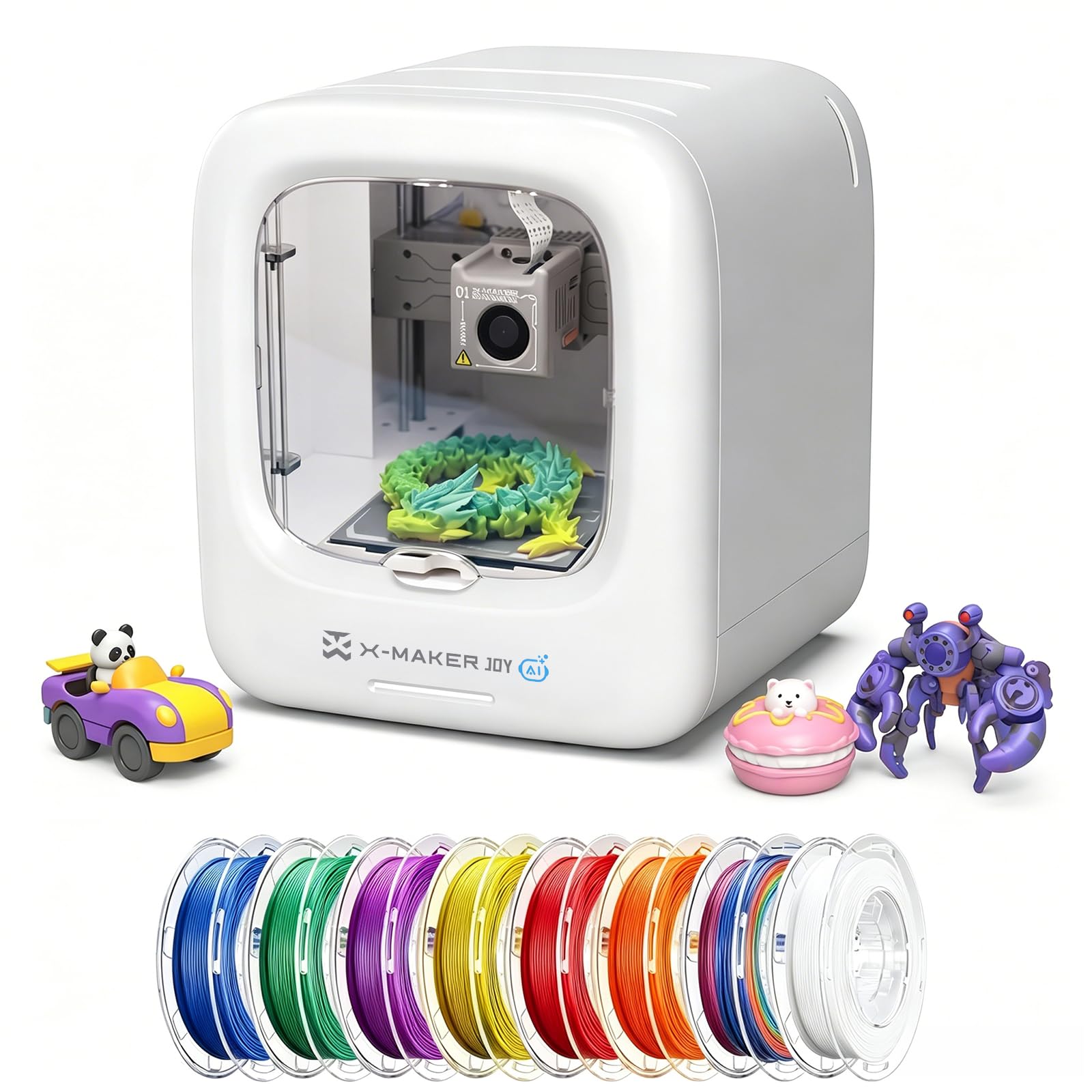
Only one printer in this guide arrives as a closed box, and for plenty of families that settles the decision. The X-MAKER JOY AI+ puts the moving bed and the hot end behind an enclosure, so the worst a curious four-year-old can do is press a button on the front. At 8.82 pounds and about a foot in each direction, it also moves between kitchen table and bedroom without a second pair of hands. If the printer lives in a bedroom, playroom or classroom rather than a workshop, that enclosure is the feature you are paying for.

The bundle is aimed squarely at kids: eight PLA spools in the carton, 20,000-plus ready-to-print models in the app, and an AI Doodle mode that turns a voice note, a sentence or a photo into something printable, which we found is the difference between a child designing and a child scrolling. Speeds run 220–250 mm/s with peaks up to 400 mm/s, and detail goes to 0.05 mm, so a small toy does not eat the whole afternoon.

The catch is color. This is a single-color machine and the listing says so plainly: multicolor designs get printed as separate parts and assembled, which turns a two-color dinosaur into an evening of gluing. That is not a dealbreaker at this age, since most kids are delighted by one color at a time, but the AI Doodle magic does stop at the spool in the holder. It is also the priciest pick here, and the enclosure plus eight spools are where that money went.

Pros

  • Enclosed body keeps hands off the hot end
  • Eight spools and 20,000+ models included
  • One-tap printing and AI model creation

Cons

  • Single-color printing only
Our verdict

The one we point to when younger siblings share the house: an enclosed, app-driven printer with eight spools and a huge model library included.

Check Latest Price
4

Best for Small Spaces

Entina Tina2C

86 /100
LBD Score Excellent

Key details

Weight
5.28 lb
Footprint
8 x 6.5 x 10 inches
Connectivity
2.4G Wi-Fi, TF card
Model Library
3,500+ models, 25+ modules
View on Amazon

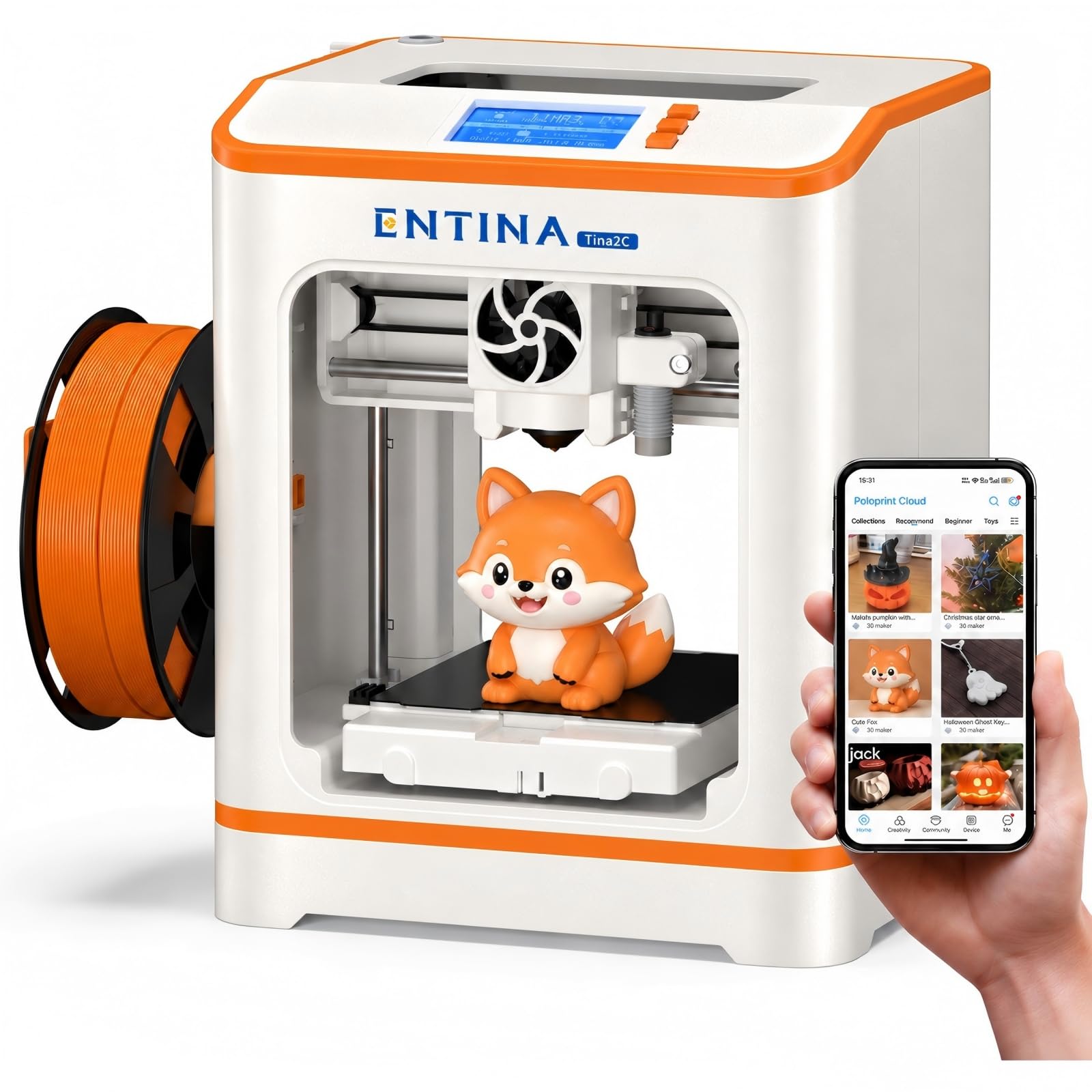
Five and a quarter pounds is the number that matters here. At 8 by 6.5 by 10 inches the Tina2C is small enough that a parent can lift it off a shelf, set it on the kitchen table for a supervised session, and put it back before dinner. If your home does not have a permanent spot for a printer, that is not a small thing, and it is why this one beat machines with better specifications on paper.

Setup runs through the Poloprint Cloud app, which walks a first-timer through the checks and connects over 2.4G Wi-Fi, and the flexibility we appreciated most was the magnetic build plate, which bends and releases a print instead of demanding a scraper and a steady hand. There are 3,500-plus models and 25-plus guided modules waiting in the app, and power-loss recovery means a yanked cable does not waste the whole job.

The honest boundary is the bed. It is a mini, and mini means keyrings, small figures and cookie cutters rather than a pencil cup with any height to it, which is fine for the age this is built for. What it does well is the first month: a child goes from an empty table to a finished print in an afternoon, and the machine does not ask for the tuning that usually ends these projects early.

Pros

  • 5.28 pounds, easy to move and store
  • Guided app setup for first-timers
  • Flexible magnetic plate releases prints cleanly

Cons

  • Wi-Fi setup requires a 2.4GHz network
Our verdict

Our pick when the printer has to share the table: five pounds, a guided app setup, and the lowest price in this group.

Check Latest Price
5

Tight Budgets

Geeetech M1

79 /100
LBD Score Very Good

Key details

Weight
8.81 lb
Leveling
16-point automatic
Footprint
10.1 x 10.63 x 15.94 inches
Build Volume
3.94 x 4.33 x 3.94 inches
View on Amazon

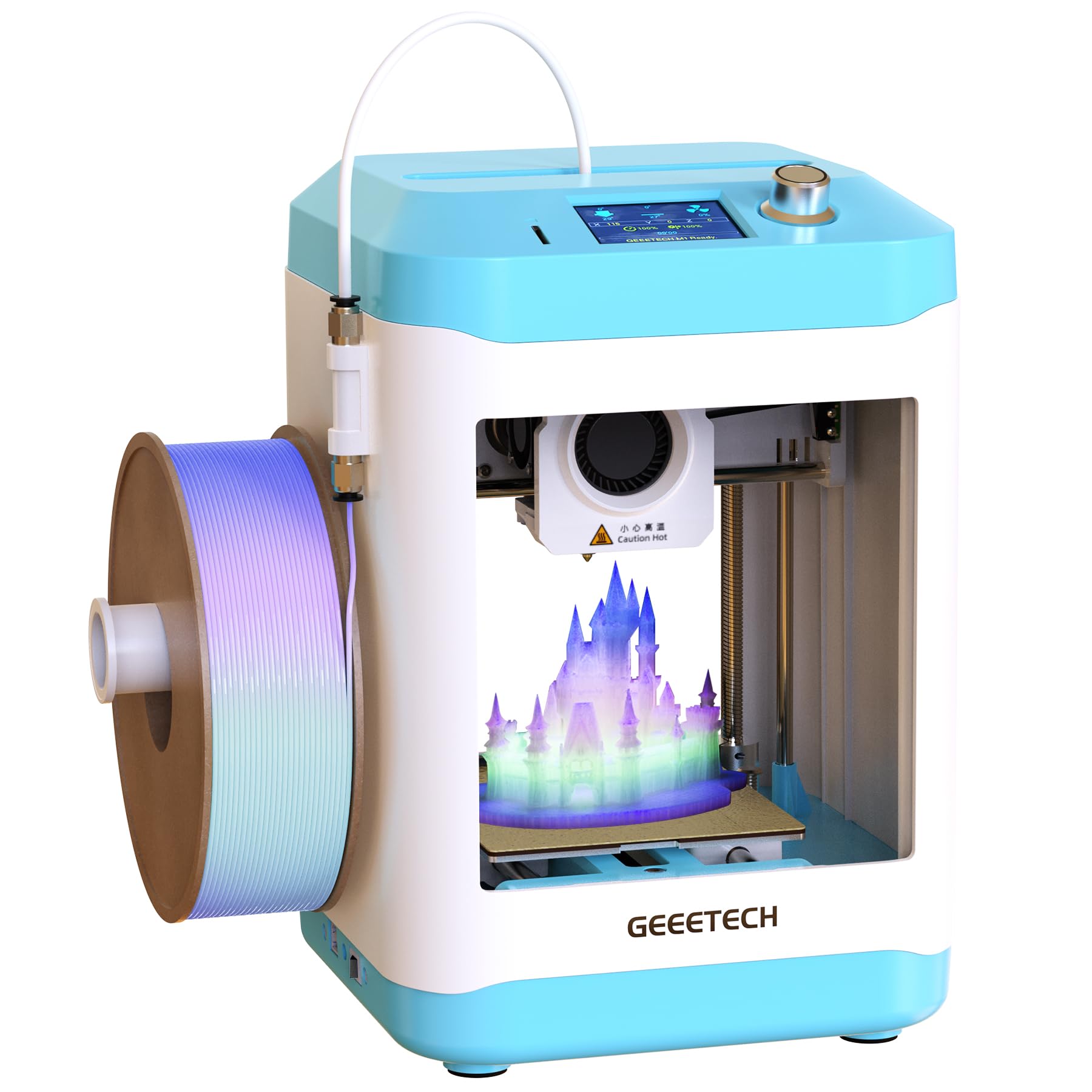
A 3.94 by 4.33 by 3.94-inch build volume is the first thing to know: roughly a ten-centimeter cube. That covers a keyring, a chess piece, a small figure, a dice tower in two halves. If the models your kid has in mind need room to stand up, this is not the machine, however sensible the price looks next to the others.

Inside that footprint there is more engineering than the position in this group suggests. Sixteen-point automatic leveling, a heated flexible magnetic plate, and a direct-drive extruder with a 1:5 dual-gear ratio and one-button filament loading sit behind a 2.4-inch color screen and a knob. We like that the controls are physical, because a dial and a button teach cause and effect faster than a menu tree does.

It is also the least self-sufficient printer here. Jobs go over on a microSD card, so a parent stays in the loop for every new model, and the on-screen menus read like they were written for someone who already owns a printer. Treat it as an adult-operated machine that a kid learns on with someone beside them and it makes sense: this is for the family that wants to understand the hobby, not the one that wants a toy factory.

Pros

  • Fully assembled with automatic leveling
  • Geared direct-drive extruder at a budget price
  • Physical knob control and one-button filament load

Cons

  • No Wi-Fi; jobs load from a microSD card
  • On-screen menus are not kid-friendly
Our verdict

A serious little machine for a family that wants to learn the hobby together, as long as a ten-centimeter cube and a microSD card suit the plan.

Check Latest Price

How We Tested Kid-Friendly 3D Printers

We started by gathering every mini printer sold as beginner-friendly, then filtered out the kit builds that arrive as a box of bolts and a hex wrench. A kid who has to assemble the machine before printing anything has usually lost interest before the power cord is plugged in. From that shortlist we brought in 10 printers and lived with them for six months, rotating them through families with kids aged 8 to 13 and a middle-school maker club.

Each machine got the same first day. A kid opened the box, and we timed the trip from packing foam to finished print, counting every time an adult had to step in to align the bed, thread filament, or get it onto the Wi-Fi. Then we printed the same small articulated model on all 10 and noted where the first layer curled, lifted, or came off the plate cleanly in one piece. A week later we printed again without touching any settings, because working once is not the same as being reliable.

The rest was messier and closer to real life: after-school printing on the kitchen table, a birthday party where four kids wanted a turn at once, and a lot of unsupervised poking at the built-in model libraries to see whether a child could find something to print without help. We watched how much of a hot print head is reachable while the machine runs, how many taps the app demanded before anything happened, and which printers were quiet enough that nobody asked to move them out of the living room.

How to Choose a 3D Printer for Kids

Decide who actually runs it

The real question is not whether a child can use a 3D printer, but whether the everyday workflow finishes without an adult. A machine that prints from a preloaded card, like the TINA2S or the Tina2C, lets a kid pick a model and press go. One that expects files carried over on a card and a slice checked first, like the Geeetech M1, quietly makes the parent the operator whether you planned to be or not.

Our rule of thumb: if any step in the normal flow needs a laptop, the printer belongs to the adult and the child is a spectator. Watch for that before you look at print quality, because a brilliant printer nobody can start is a shelf ornament.

Enclosure, heat, and who else is in the room

Every FDM printer here has a hot end and a bed that moves fast, and none of them is a toy. An enclosed body, which only the AOSEED offers in this group, buys real peace of mind when a toddler shares the house or the machine sits in a bedroom or classroom. In a workshop or a room with a door that closes, an open machine is perfectly reasonable.

Either way, plan the first month as supervised sessions on a hard, stable surface with clearance for the bed to travel. Supervision is not a limitation of these printers; it is the price of the hobby at this age.

How much bed you actually need

Mini printers are the right size for the age group and the wrong size for the wish list. The Geeetech's 3.94-inch cube covers keyrings, chess pieces and small figures; a dragon with wings becomes parts that get glued together afterward.

Before ordering, look at the three things your kid has already asked for and picture whether they fit in one piece. Multi-part printing works fine, but it turns a ninety-minute project into a weekend project, and that is where enthusiasm usually goes.

Filament, color, and the running cost

The printer is the purchase; filament is the habit. PLA is what all five of these are set up for, a one-kilogram spool is the usual unit, and a small toy uses only a few grams, though early failures and test prints eat more than you expect. Starter coils in the box, like the 10 meters with the TINA2S, are a taste rather than a supply.

Color is worth deciding early. The AOSEED prints one color at a time, so a two-color model becomes an assembly job. If multicolor is the dream, budget for it now rather than discovering it on the second weekend.

Sound, speed, and the desk it sits on

Speed figures are peaks, not averages, and a quiet printer is at its loudest during the calibration shake that begins a job rather than during the print itself. Noise matters most if the machine lives near a television or a bedroom wall.

Footprints in this group run from 8 inches wide on the Tina2C to over 15 on the A1 mini. Clear the space before you order, because a printer without a permanent home is a printer that gets used twice.

Frequently Asked Questions

Final Verdict

The TINA2S is the one we recommend without a caveat beyond bed size. It levels itself, loads filament at a button press, prints from the card that comes with it, and stays quiet enough to share a room. Put the difference toward filament instead of a bigger machine.

If the hobby is likely to outlive the toy phase, the A1 mini's self-calibration and model library earn the step up. If a toddler shares the house, the enclosed AOSEED is the safer place to put the money, and the single-color limit is the price of that safety.