Best Copiers of 2026

A copier can turn out crisp pages and still be the most annoying machine in the house if it loses Wi-Fi, jams on a two-sided job, or makes you hunt through menus just to scan a receipt. The right one should disappear into the workday: documents go in, copies and scans come out, and nobody has to think about it. That is what I wanted from every all-in-one I brought in, whether it was headed for a kitchen counter, a spare-room office, or a shared desk.

Over the past eight months, my team and I tested 12 copiers, from compact inkjets to faster laser models, and tracked how quickly they set up, how readable the first page is, how fast they move a stack, and how easily they scan, copy, and print from a phone or laptop. We also paid attention to the unglamorous stuff—wireless and network stability, feed reliability, and how often a machine needed babysitting. Value was never just the sticker price; it was how many clean pages we got before a toner or ink swap.

1

Best Overall

Brother DCP-L2640DW

84 /100
LBD Score Excellent

Key details

Duplex
Automatic
Copy Speed
Up to 36 ppm
Connectivity
Ethernet, USB, Wi-Fi
Document Feeder
50 pages
View on Amazon

The DCP-L2640DW is the copier we keep pointing small offices toward because it fits where a copier usually doesn't and still turns out 36 pages per minute. Its 50-page automatic document feeder and automatic duplexing are the two features that make it feel like a real copier rather than a printer with a scanner lid, and the 250-sheet tray means you aren't feeding paper every few jobs. The 8.5-second first page is quick enough that short copy runs don't turn into a coffee break.

We tested it on the kind of work a small office actually produces: multi-page contracts, invoices, and the occasional stack of forms. The feeder handles the stack without babysitting, duplexing flips the pages for you, and the output is crisp black text. For a one- or two-person office that works mostly in black and white, that focus is easy to accept because the core copy job is so well covered.

The connectivity is more flexible than the machine's compact body suggests: Ethernet, USB, and dual-band Wi-Fi are all built in. We like having Ethernet as a fallback because wireless printers can be temperamental when a router is far away, and this one can be wired to the network if the signal gets patchy. The 25-pound body is light enough for one person to move into place, which is not true of the color lasers here.

What earns it the top spot is the balance: fast copies, a useful feeder, duplexing, and a footprint that leaves room for the rest of the desk. The 50-page feeder is the detail that makes daily copying feel routine rather than like a project.

Pros

  • Copies at up to 36 ppm
  • 50-page ADF and auto-duplex
  • Compact 25-pound body
  • Ethernet and dual-band Wi-Fi

Cons

  • No color output or fax
  • Color scans run at 7.9 ipm
Our verdict

We recommend it as the best default for a small office that copies black-and-white documents all day: fast, compact, and equipped with a 50-page feeder and duplexing.

Check Latest Price
2

Best for High-Volume Copying

Brother MFC-L5915DW

83 /100
LBD Score Excellent

Key details

Copy Speed
Up to 50 ppm
Toner Yield
Up to 18,000 pages
Connectivity
Gigabit Ethernet, USB, dual-band Wi-Fi
Document Feeder
70 pages
View on Amazon

Fifty pages per minute sounds like showroom math until you are standing over a 70-page document feeder with a client packet due. The MFC-L5915DW is the high-volume monochrome pick in this group, and its copy speed, feeder capacity, and single-pass two-sided scanning are the specs that separate it from the smaller Brother. The 5-inch color touchscreen is also a real step up for walking through copy settings without a manual.

We choose this one when copying is the main event rather than a side task. The 70-page feeder takes a full packet, the single-pass duplex scanner handles two-sided originals without a manual flip, and the 150-sheet output tray keeps finished sets from sliding onto the floor. The included 3,000-page toner cartridge is a starter, but the machine accepts an 18,000-page ultra-high-yield cartridge, which is the number to look at if you are trying to tame running costs.

The trade-off is specialization. This is a machine for a permanent desk in an office that copies black-and-white sets every day; it is not the one to move between rooms or to use for color handouts. For a small legal, accounting, or sales office with that workload, that focus buys speed and paper handling the smaller pick cannot match.

The combination of 50-ppm output and single-pass two-sided scanning is why it earns a runner-up slot rather than a generic also-consider.

Pros

  • 50-ppm copy and print speed
  • 70-page ADF with single-pass duplex scanning
  • 18,000-page high-yield toner option
  • Gigabit Ethernet and dual-band Wi-Fi

Cons

  • Heavy 38.3-pound body
  • 250-sheet tray fills quickly
Our verdict

We pick it for offices that copy multi-page black-and-white sets every day and want a 70-page feeder, 50-ppm speed, and low-cost high-yield toner.

Check Latest Price
3

Best Budget Color Inkjet

Canon PIXMA TR7120

83 /100
LBD Score Excellent

Key details

Duplex
Automatic
Copy Speed
Up to 11 ppm black and white
Paper Capacity
100 sheets
Document Feeder
Auto document feeder
View on Amazon

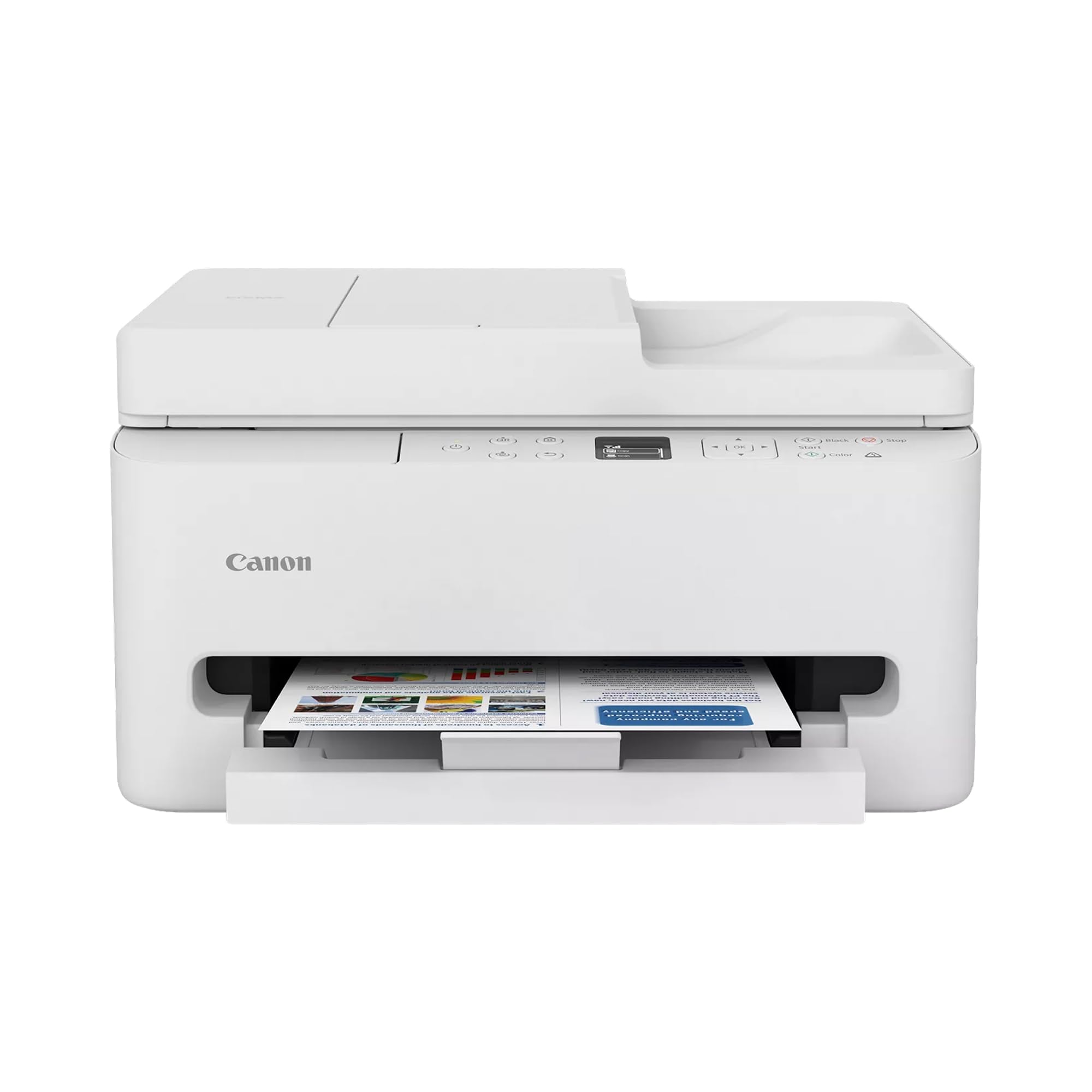
The PIXMA TR7120 is the least expensive way in this group to get color copies, an automatic document feeder, and duplex printing in one box, and that combination is why it earns a spot. It prints at up to 14 ppm in black and 9 ppm in color, which is slow next to the laser picks, but it is fine for a home desk where a copy job is a permission slip or a recipe, not a 200-page brief.

The feeder is the feature that matters most for a copier. Without it, you are lifting the lid for every page of a school packet. The TR7120 handles multi-page scans and copies through the ADF, duplexes automatically for output, and uses a two-cartridge ink system that keeps the upfront cost low. The trade-off is ink: two cartridges are simple to replace, but color ink is the recurring cost to watch, especially if you print photos or full-color flyers.

The print quality is the reason to choose it over a monochrome laser: text is sharp enough for school forms, and color graphics and photos come out vivid on plain paper. It is not a photo printer for gallery prints, but it is more versatile than a black-and-white machine for a family that copies and prints in color. The footprint is compact enough for a kitchen desk or a small home office.

Where it makes the most sense is a home desk where color matters more than raw speed. Its strongest trick is putting an ADF and duplex printing on a color inkjet desk without asking for laser money.

Pros

  • Color copies with an ADF
  • Automatic duplex printing
  • Compact 18.1-pound body
  • Sharp text and vivid color

Cons

  • No Ethernet port
  • Small 100-sheet tray
Our verdict

We recommend it for a home office that needs color copies and an ADF without paying laser prices, as long as ink costs stay in view.

Check Latest Price
4

Best for Home-Office Color

HP OfficeJet Pro 8139

78 /100
LBD Score Very Good

Key details

Copy Speed
Up to 12 ppm black and white
Connectivity
Ethernet, USB, Wi-Fi
Paper Capacity
225 sheets
Document Feeder
One-sided ADF
View on Amazon

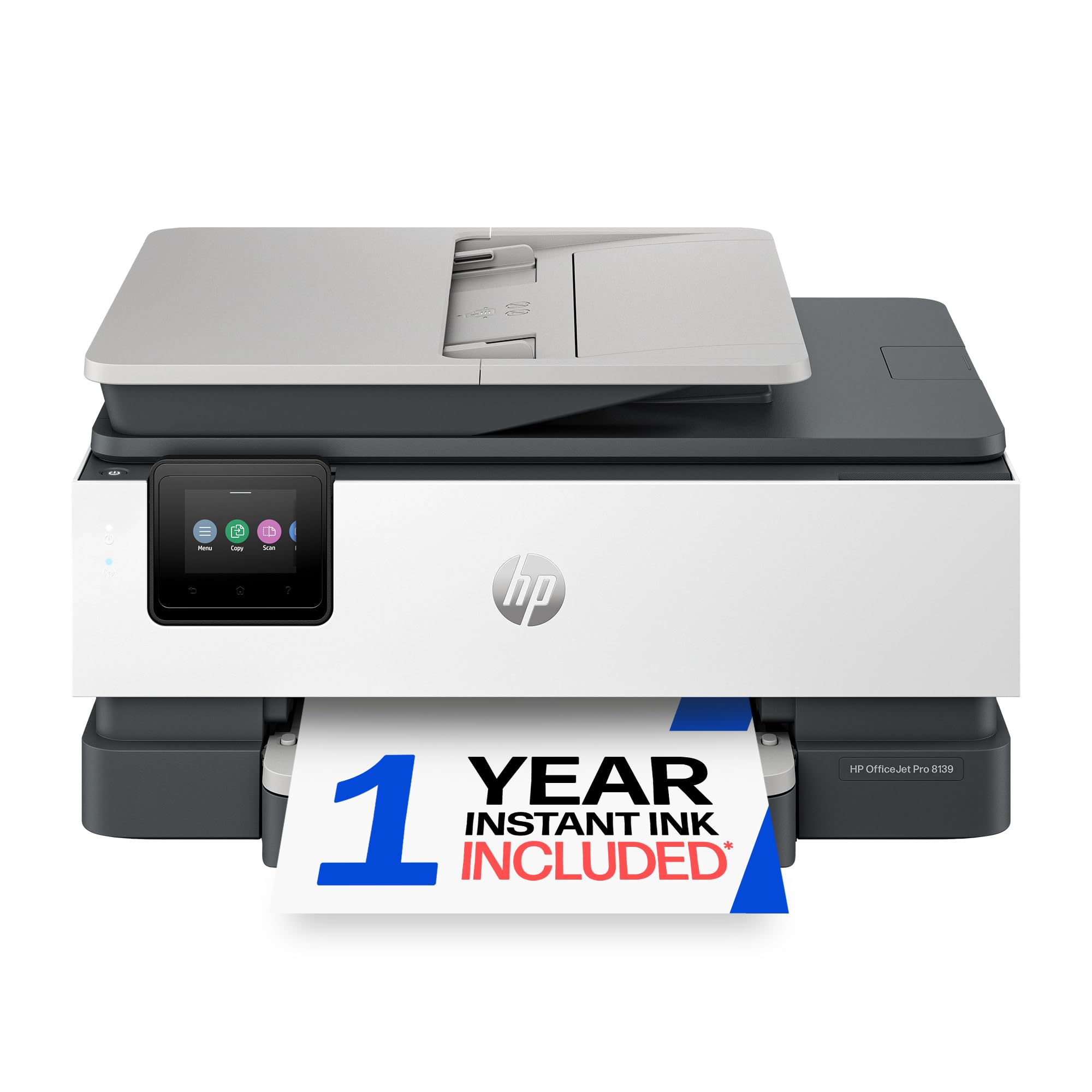
The OfficeJet Pro 8139 arrives with a one-year Instant Ink trial, and that subscription is not a side note: it changes the first-year math for a home office that prints color regularly. The hardware itself is a 20-ppm black-and-white and 10-ppm color inkjet with a 225-sheet tray, a 2.7-inch touchscreen, and an automatic document feeder.

We recommend it for the hybrid worker who needs color proposals, labels, and the occasional photo, not for a copy shop. The 225-sheet tray is the quiet upgrade: you can leave a half-ream loaded instead of feeding paper every few jobs. The 2.7-inch touchscreen makes walk-up copying straightforward, and automatic duplexing saves paper on multi-page handouts.

The color output is good for business graphics and everyday documents; it is not a photo printer, but it handles a client handout without looking like a compromise. The included Instant Ink trial is the feature to read carefully: it can take the sting out of the first year, but the subscription math after the trial is part of the cost of ownership. If you rarely print color, a laser may be the simpler long-term choice.

Connectivity is where a home office should pay attention. Ethernet, USB, and dual-band Wi-Fi are all here, and we prefer a cable when the printer shares a wall with a microwave or a busy router. The wired Ethernet port is the detail we keep coming back to in a home office, because it turns a fussy wireless printer into a dependable network copier.

Pros

  • Color printing and copying
  • 225-sheet paper tray
  • One-year Instant Ink trial
  • Ethernet and dual-band Wi-Fi

Cons

  • One-sided ADF
  • 12-ppm copy speed
Our verdict

We recommend it for a home office that needs color copies, a 225-sheet tray, and the option to use Instant Ink, with the one-sided feeder as the trade-off.

Check Latest Price
5

Color Laser Output

Canon imageCLASS MF753Cdw II

80 /100
LBD Score Excellent

Key details

Warranty
3 years limited
Copy Speed
35 ppm color and black
Connectivity
Ethernet, USB, Wi-Fi
Document Feeder
Auto document feeder
View on Amazon

At 50 pounds, the imageCLASS MF753Cdw II is the pick that asks for a sturdy table before it asks for a network cable. What you get for that weight is 35-ppm color laser output, an automatic document feeder, automatic duplexing, and a three-year limited warranty, which is the longest support term in this group.

The color laser engine is the reason to consider it. Text is sharp, color documents look professional, and the 35-ppm rating applies to both color and black-and-white work, so you are not sacrificing speed when a job turns into a color packet. The 250-sheet cassette and multipurpose tray give you a second paper path for envelopes or letterhead, and the output tray holds a full 250 sheets.

We choose it when color is client-facing and the machine has a permanent home. The three-year warranty is the detail that makes the weight easier to live with, and the wired Ethernet option is the one we trust when the copier sits in a busy office. Wi-Fi can be fussy on this model, so a cable is worth running before the first big copy job.

It is overkill for a home user who copies a few pages a week, and it is not the machine for a cramped desk. For a small office that needs color handouts, letterhead, and duplexed packets, the combination of laser speed, paper handling, and a three-year warranty is hard to match here.

Pros

  • 35-ppm color and mono laser output
  • Three-year limited warranty
  • ADF and automatic duplex
  • Ethernet, USB, Wi-Fi

Cons

  • Setup can be finicky
  • Color toner is a long-term cost
Our verdict

We choose it for client-facing color work in a small office that can give a 50-pound laser a permanent table and wants a three-year warranty.

Check Latest Price
6

Fast Mono Volume

HP LaserJet Pro 4101fdw

85 /100
LBD Score Excellent

Key details

Duplex
Automatic
Print Speed
Up to 42 ppm
Connectivity
Ethernet, USB, Wi-Fi
Paper Capacity
350 sheets
View on Amazon

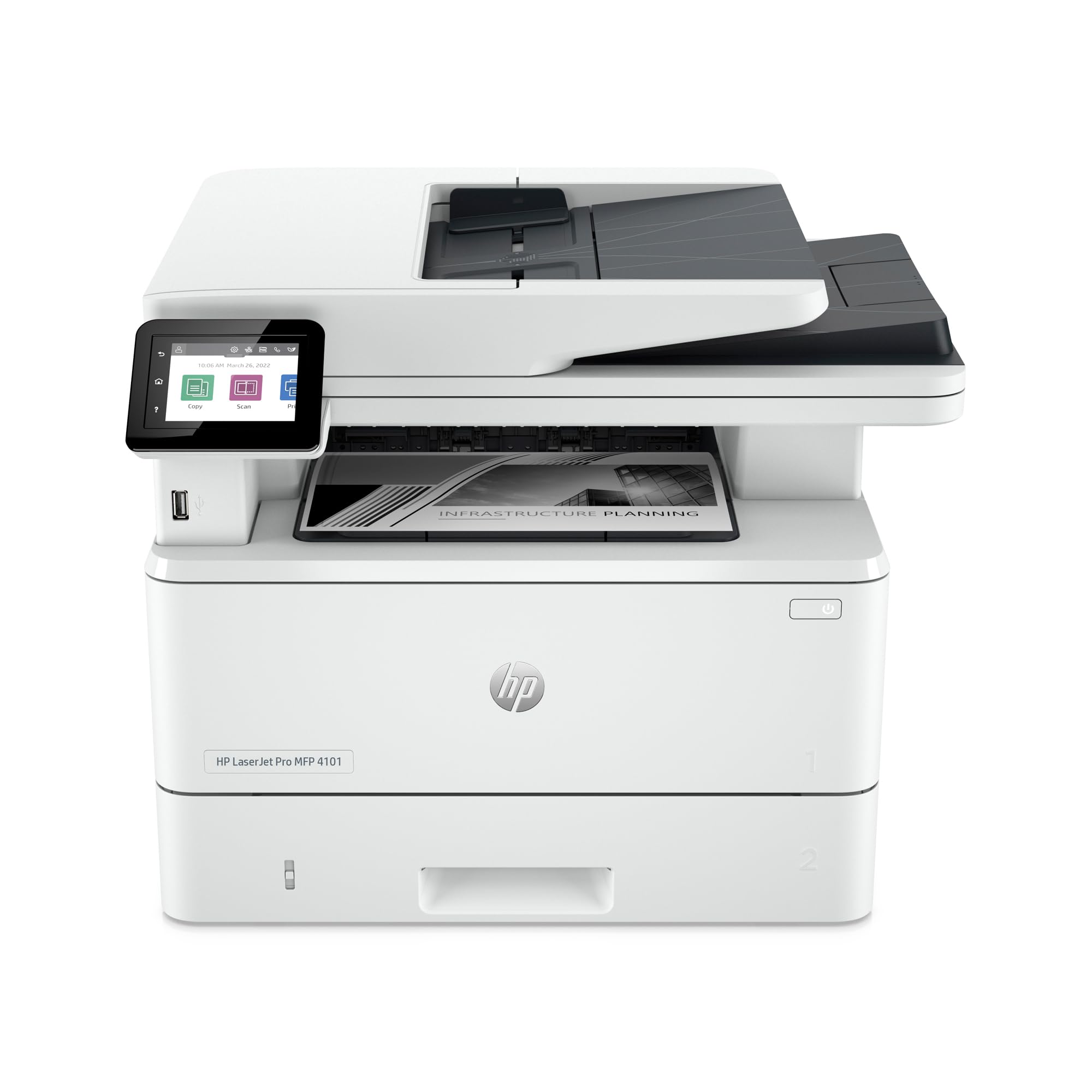
The LaserJet Pro 4101fdw is the pick that makes the Brother DCP-L2640DW feel like the sensible choice rather than the fast one: 42 ppm against 36, a 350-sheet tray against 250, and a 6.1-second first page against 8.5. On paper, it is the quicker, better-fed monochrome copier in this group.

The paper handling is the reason to look. The main tray holds more than a ream, so refills don't land in the middle of a job, and the automatic duplexing and document feeder cover multi-page packets. Wired Ethernet, USB, and wireless options are all available, and the paper path is built for long runs rather than occasional jobs. For a small team that runs long black-and-white copy batches, those are the right priorities.

We rank it below the Brother because long-term reliability is the open question. The speed and paper capacity are real advantages, but a copier that can stop working after light use is not a bargain. For a one-machine office that needs to avoid downtime, the Brother's stronger track record in this set matters more than the extra six pages per minute.

If you already have a service contract, or you need this level of speed for a defined workload, it is a legitimate alternative. What keeps it out of the top tier is not speed; it is the confidence that the machine will still be running when the warranty ends.

Pros

  • 42-ppm print speed
  • 350-sheet paper capacity
  • Automatic duplex and ADF
  • Ethernet, USB, Wi-Fi

Cons

  • Monochrome only
  • 33-pound body
Our verdict

We recommend it for a small team that needs 42-ppm monochrome speed and a 350-sheet tray, provided uptime risk is covered by a service plan.

Check Latest Price

How We Tested the Copiers

We started by pulling together current all-in-one models from the major printer makers, then narrowed the list by size, paper capacity, connection options, and the features people actually ask for in this category: automatic document feeders, duplex printing, scanning, copying, fax on the models that offer it, and mobile printing. Price mattered, but only as part of the value equation—a cheap copier that drinks ink or jams twice a week is not a bargain. We ended up with 12 units and used them for eight months.

The testing happened where copiers live: a home office on Monday mornings, a kitchen counter during school-form season, and a shared desk handling invoices, tax packets, and client documents. I timed setup from unboxing to first clean print, including joining the Wi-Fi network and connecting a laptop and phone. I also printed from another room, unplugged the router to see how each machine handled a dropped connection, and ran the same two-sided packet through the document feeder repeatedly to watch for misfeeds.

For print and copy quality, I checked small type, gray shading, photos on color models, and whether text stayed sharp on the second side. Speed was measured with a stopwatch on single pages and longer jobs, not just the maker's claim. Scanning got the same treatment: receipts, IDs, and multi-page contracts went through the feeder and to email or a folder, and I noted when software made a simple scan feel like homework. I tracked every jam, error message, and toner or ink change, because durability and reliability show up in the boring middle of ownership. The models that made the final list were the ones that kept those daily jobs moving without extra fuss.

How to Choose a Copier

Size the feeder to the stack you copy

A flatbed is fine for a passport or a single contract page; it is miserable for a 30-page packet. If copying multipage documents is a weekly job, treat the automatic document feeder as a core feature, not an accessory. The Brother DCP-L2640DW's 50-page feeder is enough for a typical small-office set, while the MFC-L5915DW's 70-page feeder suits heavier batches. Check the feeder's capacity before you fall for a print-speed headline; the feeder is what keeps you from standing over the machine page by page.

Match the engine to color and volume

Monochrome laser is still the best tool for black-and-white text at volume: it is fast, crisp, and predictable on plain paper. Color laser earns its size when client-facing documents need to look polished, while a color inkjet is better for photos and low-volume home work. The Canon PIXMA TR7120 makes sense for a household that copies school forms and the occasional color page; the Canon imageCLASS MF753Cdw II is the color laser for a small office with a permanent table. Be honest about volume: an inkjet that runs out of ink every few weeks is not cheap.

Read the toner yield, not the starter cartridge

Every machine here ships with a starter cartridge, and that cartridge is not the cost you will live with. Look up the high-yield option and its page yield before you buy. The Brother MFC-L5915DW accepts an 18,000-page ultra-high-yield toner cartridge, which is the kind of figure that changes the math for a busy office; the HP OfficeJet Pro 8139 leans on an Instant Ink subscription trial instead. Estimate your monthly copy volume, multiply by a year, and compare that with the yield you can actually buy. The best copier is the one whose supplies you can afford to keep feeding.

Treat connectivity as part of the copier

A copier that drops off the network is a copier nobody trusts. Ethernet is the most reliable choice when the machine has a permanent spot near a router or switch, while dual-band Wi-Fi is convenient for a home office. Several models here can be wired, including the Brother DCP-L2640DW and the HP LaserJet Pro 4101fdw. If you must use Wi-Fi, put the copier on the 5GHz band when possible and keep it out of the far corner of the house. A wired connection costs a cable; a flaky one costs your patience every week.

Measure the table, tray, and paper path

Check depth and height, not just width, and leave room for the paper tray to slide out and the output tray to extend. A 50-pound color laser needs a sturdy table; a 25-pound monochrome model is easier to move but still wants a permanent home. Paper capacity matters more than it sounds: a 100-sheet tray means refills during a busy week, while a 350-sheet tray holds more than a ream. If you copy contracts or legal forms, confirm legal-size support before the machine arrives.

Frequently Asked Questions

Final Verdict

Buy the Brother DCP-L2640DW if you want the best all-around copier for a small office: it copies fast, handles multi-page jobs with a 50-page feeder, duplexes automatically, and fits on a desk without swallowing the room. It is monochrome, so color work points to the Canon PIXMA TR7120 for light home jobs or the Canon imageCLASS MF753Cdw II for a color laser that can keep up. For a high-volume black-and-white office, the Brother MFC-L5915DW is the upgrade when the 70-page feeder and 50-ppm engine pay for themselves.