Best All-In-One Printers of 2026

A printer is the one piece of home office equipment that only gets noticed when it quits — at 9 p.m., with a boarding pass, a school form, or a return label that has to go out tonight. The rest of the time it just sits there, and the best ones keep sitting there, quietly, for years.

Two things decide whether you'll feel that way about yours: what the ink costs you over a year or two, and whether the machine stays connected to your Wi-Fi after the novelty wears off. Print speed, print quality, and how loudly it grumbles through a 20-page report matter, but they break ties more often than they make the decision.

We've spent the past six months with 10 all-in-one printers — inkjets, lasers, and refillable-tank models — printing, scanning, copying, and occasionally faxing from a kitchen counter and a home office desk. A few needed three tries to join the network; a couple turned out photo prints good enough to pin to the wall. The picks below are the ones still earning their counter space.

1

Best Overall

HP OfficeJet Pro 8139

78 /100
LBD Score Very Good

Key details

Duplex
Automatic printing
Functions
Print, copy, scan, fax
Print Speed
20 ppm black / 10 ppm color
Paper Capacity
225 sheets
View on Amazon

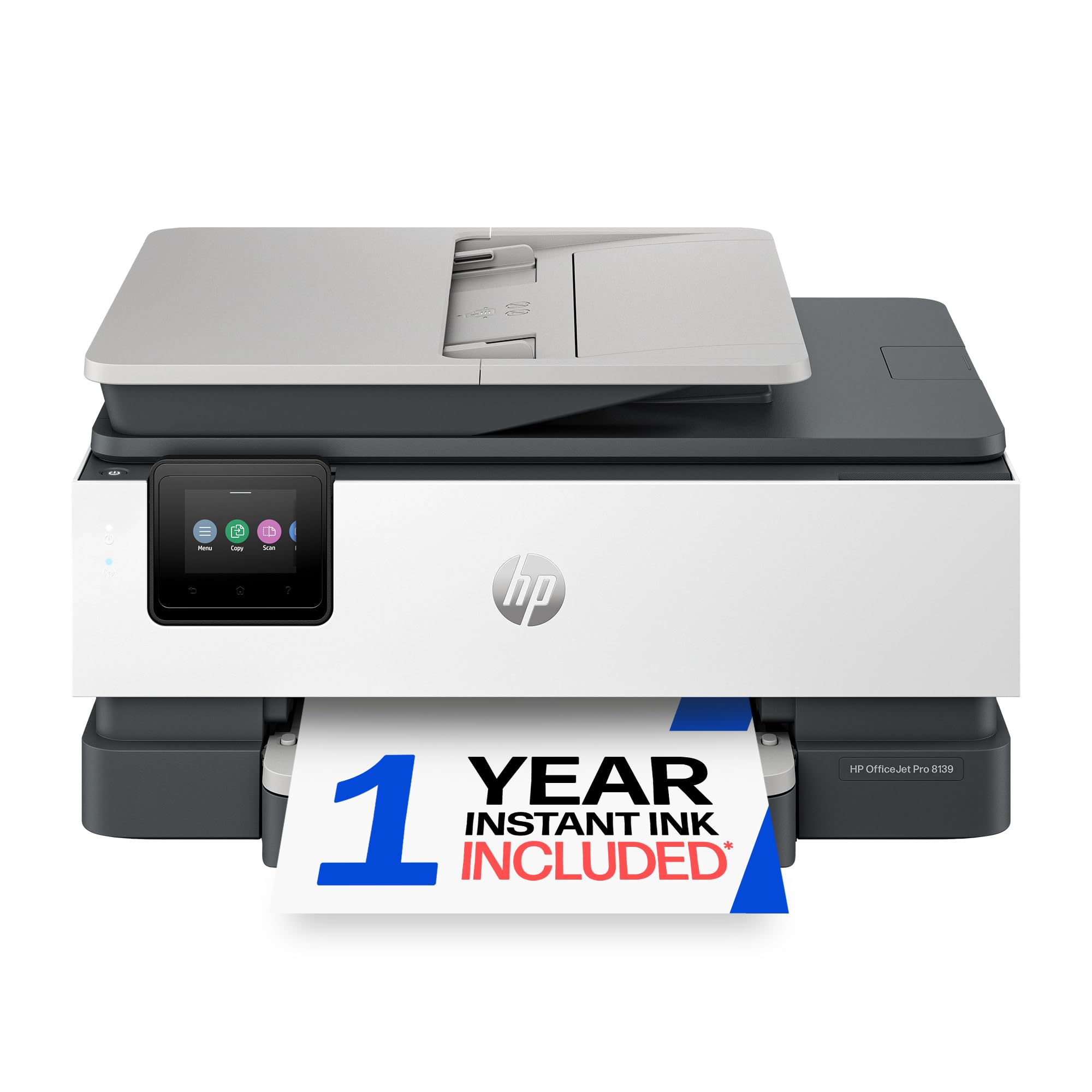
Most home-office printers make you pick a lane: a document feeder or a small footprint, a fax or a price that doesn't sting. The HP OfficeJet Pro 8139 refuses the trade. It prints, scans, copies, and faxes, holds 225 sheets, prints both sides without help, and offers Ethernet as well as Wi-Fi, all in a body about 18 inches wide and nine inches tall. The 2.7-inch color touchscreen is the same phone-like panel HP puts on its bigger office machines, and it's why setup here doesn't involve squinting at a two-line LCD.

What convinced us is how few workarounds it asks for. Black-and-white pages come out at 20 per minute, color at 10, and the first page lands in about 18 seconds, so a print job doesn't turn into a walk to the kitchen and back. Text is clean and dark, which is most of what a home office prints. The one-sided document feeder is the compromise: single pages and short stacks are fine, but a double-sided 30-page contract means scanning, flipping, and scanning again. The LaserJet Pro 3105sdw below scans both sides.

A year of Instant Ink comes bundled, and it is worth reading what happens when the trial ends rather than discovering it in month thirteen — after that the ink arrives by subscription, and whether that suits you depends on your volume. The 225-sheet tray is the quieter luxury: it is the difference between loading paper every couple of weeks and loading it every few days.

Pros

  • Prints, scans, copies, and faxes in one machine
  • 225-sheet tray with automatic two-sided printing
  • 20 ppm black with an 18-second first page
  • Ethernet, dual-band Wi-Fi, and a color touchscreen

Cons

  • Document feeder scans one side only
Our verdict

If you need one machine to print, scan, copy, and fax without babysitting it, the OfficeJet Pro 8139 is the most complete home-office printer here, and the one we reach for first.
Check Latest Price
2

Best Budget

Canon PIXMA TS6520

85 /100
LBD Score Excellent

Key details

Duplex
Automatic printing
Footprint
14 x 14.8 x 6.7 in
Ink System
Two cartridges (PG-295, CL-286)
Print Speed
14 ppm black / 9 ppm color
View on Amazon

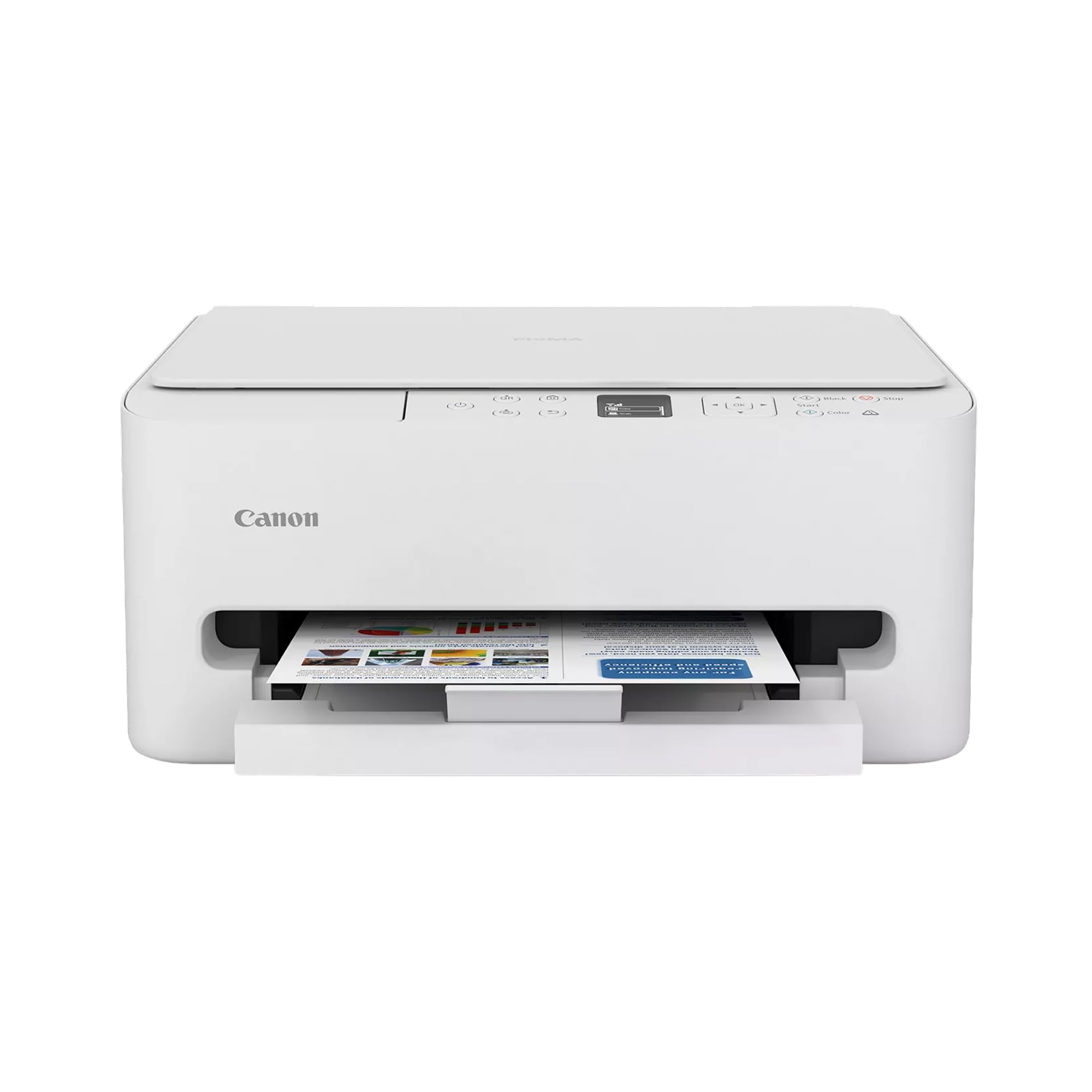
The least expensive printer in this group is also one of the easiest to live with. The PIXMA TS6520 is 14 inches wide and under seven inches tall, so it fits on a bookshelf or the end of a desk, and at 15.4 pounds you can move it without clearing the afternoon. It prints, scans, and copies, prints both sides automatically, and joins either Wi-Fi band.

Setup is the strongest thing about it. Canon's guided routine walks you through joining the network from the printer's own 1.42-inch OLED, which is the step where cheap printers usually fall apart, and dual-band Wi-Fi means a crowded 2.4GHz house isn't a dead end. Output beats the price too: the hybrid ink system keeps text sharp and handles a photo or a school project without embarrassing itself. At 14 pages per minute in black and 9 in color it isn't fast, but it's rarely the bottleneck in a house.

The catch is the ink. Two cartridges run the whole machine, and the color one carries cyan, magenta, and yellow together, so a single empty color takes the other two with it. A few pages a week makes that an occasional irritation; 200 pages a month turns the math against you, and the EcoTank ET-2900 below becomes the cheaper machine. There's no document feeder either, so multi-page scans are a page-by-page job on the glass. What buys it back is the price: nothing else here prints on both sides of a sheet for anything close to this.

Pros

  • Automatic two-sided printing at a budget price
  • Compact 15.4-pound body that fits a shelf
  • Guided setup that finishes without much fiddling
  • Sharp text plus photo-capable color

Cons

  • One color cartridge covers all three colors
  • No document feeder for multi-page scans
Our verdict

The TS6520 is the one to buy when color printing, scanning, and two-sided output need to cost as little as possible and your monthly volume stays modest.

Check Latest Price
3

Best for Scanning Stacks

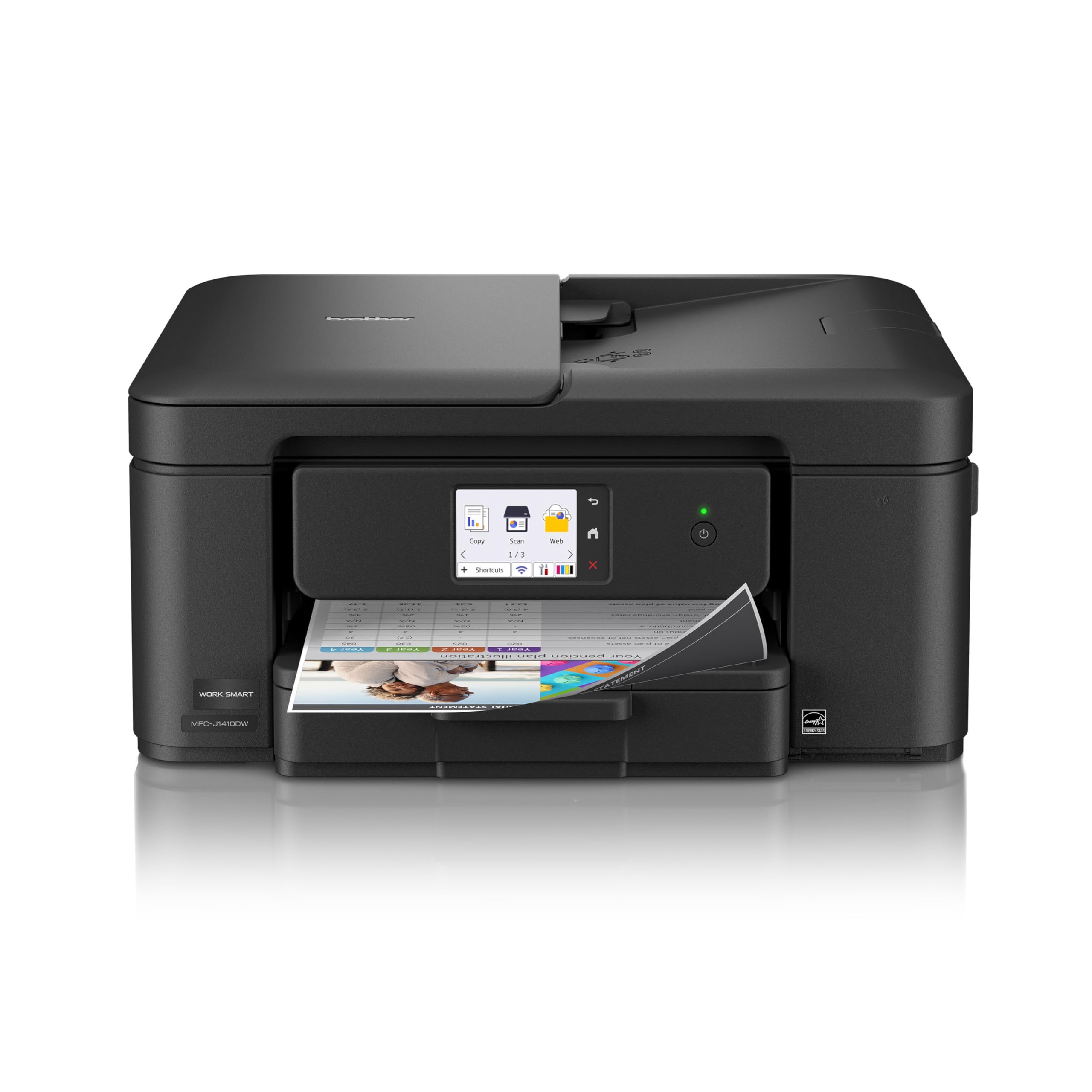
Brother MFC-J1410DW

78 /100
LBD Score Very Good

Key details

Duplex
Automatic printing
Print Speed
16 ppm black / 9 ppm color
Paper Capacity
150 sheets
Document Feeder
20 sheets
View on Amazon

Twenty sheets is all the document feeder holds, and that is the detail that decides what this printer is for. Drop in a stack of invoices, hit copy, and walk away — the MFC-J1410DW feeds them itself, which is the one thing a flatbed-only machine cannot do at any price. Around that feeder Brother built a genuinely small printer: 15.4 inches wide, 7.2 inches tall, 16.8 pounds, with a 150-sheet tray, automatic two-sided printing, and a 2.7-inch touchscreen that scans straight to cloud accounts.

It is also the value play of the group. An automatic feeder, duplex printing, and a real touchscreen for less than most of the machines here is a combination nothing else in this roundup matches, and output holds up on plain paper — letters and spreadsheets come out clean at 16 pages per minute in black. Color runs at 9 per minute, which matters if you print flyers and not if you print the occasional map or recipe.

What we keep coming back to is how little it asks of the desk it sits on. It tucks beside a monitor, the tray swallows legal paper for contracts and leases, and scanning to a folder or a cloud drive is a two-tap job on the screen. Wireless is the part to watch: the connection here can need re-establishing after a router restart, and a USB cable to the main computer sidesteps the argument completely.

Pros

  • 20-sheet feeder handles stacks of copies and scans
  • Automatic two-sided printing
  • Compact 15.4-inch-wide body with a 2.7-inch touchscreen
  • 150-sheet tray that takes legal paper

Cons

  • Wireless connection can drop and need reconnecting
  • No Ethernet port; Wi-Fi or USB only
Our verdict

For a home office that copies and scans as much as it prints, the MFC-J1410DW gives you the feeder, the duplexer, and the touchscreen for less than most of this list.

Check Latest Price
4

Best for Low Ink Costs

Epson EcoTank ET-2900

85 /100
LBD Score Excellent

Key details

Weight
9.3 lb
Ink System
Refillable EcoTank (522 bottles)
Print Speed
11 ppm black / 6 ppm color
Included Ink
Up to 3,600 black / 6,500 color pages
View on Amazon

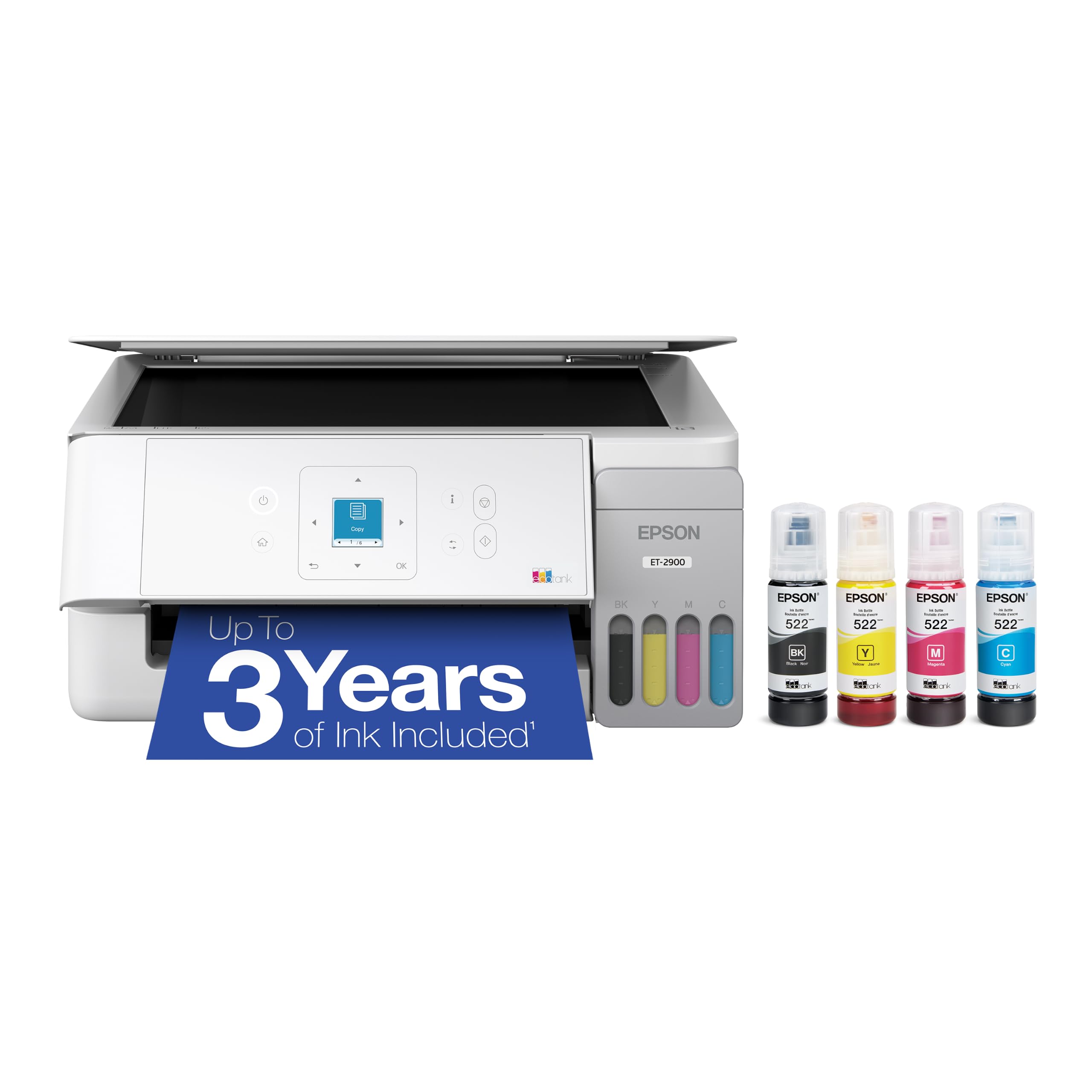
The lowest running cost in this group belongs to the only printer here you refill from a bottle. Epson ships the ET-2900 with enough ink for up to 3,600 black pages and 6,500 color ones, and the EcoFit bottles are keyed so the magenta cannot go into the black tank. That is the whole argument: a cartridge printer's low purchase price comes back as an ink bill, and this one does not send you one.

It is also the smallest machine on the list — 6.4 inches tall and 9.3 pounds, with a 1.44-inch color screen and a 100-sheet tray — so it disappears onto a shelf in a way the office lasers cannot. Output is good for the money, text is solid, and the flatbed scans and copies without fuss. At 11 pages per minute in black and 6 in color it is the slowest thing here, which is the trade you make for the ink.

Two omissions come with the tank. There is no automatic two-sided printing, so a 40-page report is a manual flip, and the 100-sheet tray wants attention more often than the 225-sheet machines do. Neither hurts if the printer lives beside your desk and most jobs are a few pages. Borderless printing is the bonus nobody mentions: a 4x6 or a full-bleed letter sheet comes out clean.

Pros

  • Included ink good for thousands of pages
  • Keyed EcoFit bottles make refilling hard to get wrong
  • 9.3-pound, 6.4-inch-tall body
  • Borderless photo printing

Cons

  • No automatic two-sided printing
  • 100-sheet tray needs frequent reloading
Our verdict

If ink cost is what has kept you from printing, the ET-2900 is the pick: refillable tanks, years of included ink, and a footprint small enough to forget.

Check Latest Price
5

Best Monochrome Laser

Brother MFC-L2820DW

85 /100
LBD Score Excellent

Key details

Duplex
Automatic printing
Functions
Print, copy, scan, fax
Print Speed
34 ppm black
Paper Capacity
250 sheets
View on Amazon

Eight and a half seconds is what separates a laser from the inkjet on your desk: that is the first page out of the MFC-L2820DW, and it sets the tone for a machine that never makes you wait. After that it runs at 34 pages per minute, duplexes on its own, and pulls from a 250-sheet tray that takes legal paper. There is a 50-sheet document feeder on top, a 2.7-inch touchscreen on the front, and Ethernet as well as dual-band Wi-Fi around the back.

Text is why you buy this one. At 1200 x 1200 dpi, six-point footnotes and dense spreadsheets stay crisp, and nothing dries out between jobs the way ink does — a laser is happiest when you ignore it for three weeks and then print 80 pages. Fax is built in too, which matters the moment a landlord or a clinic insists on one, and copying runs at the same 34 pages per minute as printing.

Where it earns its place is the per-page math, and that is where you need to be honest with yourself. Toner is expensive to buy and cheap to run if you print a lot, and the cartridge can run out faster than the yield figure suggests in a heavy month, so price a high-yield TN830XL into the first year rather than being surprised by it. If your printing is mostly text and the occasional form, nothing else here is built so squarely for it.

Pros

  • 34 pages per minute with an 8.5-second first page
  • 50-sheet feeder plus automatic two-sided printing
  • Ethernet, dual-band Wi-Fi, and a 2.7-inch touchscreen
  • Fax and a 250-sheet legal-size tray

Cons

  • Black-and-white printing only
  • Toner yield can fall short at high volume
Our verdict

If nearly everything you print is black text, the MFC-L2820DW is the fastest machine here and the one built for the volume.

Check Latest Price
6

Double-Sided Scanning

HP LaserJet Pro 3105sdw

81 /100
LBD Score Excellent

Key details

Duplex
Automatic print and scan
Print Speed
33 ppm black
Included Toner
1,000 pages
Paper Capacity
250 sheets
View on Amazon

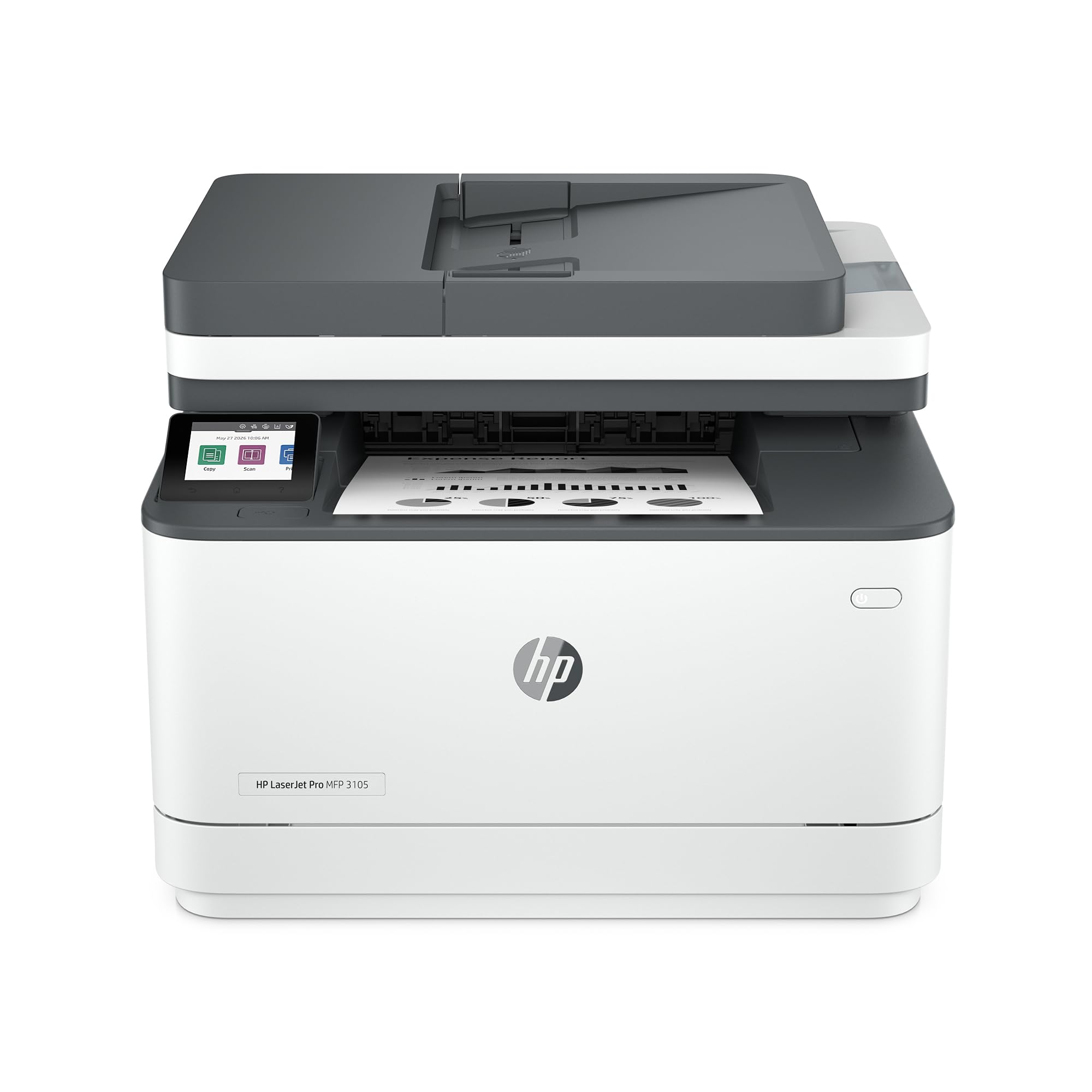
Two-sided scanning is the reason this printer earns a place. The LaserJet Pro 3105sdw pulls a stack through its feeder and scans both sides of every sheet, so a double-sided contract becomes one PDF instead of two passes and a shuffle. Around that feeder sits a serious mono laser: 33 pages per minute, a 4.6-second first page, a 250-sheet tray, Ethernet and Wi-Fi, and automatic jam recovery that keeps a long job moving.

Speed is not the issue; the extras are where it gets interesting. Scan-to-email fills in the subject line and the file name on its own, and Precise Print reformats a web page or a long email into something that fits the paper — the first printer feature in years we did not have to talk ourselves into. It is also the least tedious way to empty a filing cabinet, because the feeder does the work instead of your forearms.

The trade-offs are plain. It prints black only, so color work goes to the inkjets above, and the introductory cartridge is rated for about 1,000 pages, which in a busy office is a first month rather than a first year. Beyond that the exchange is straightforward: give up color, plan on buying toner early, and in return you get a document machine that never asks you to flip a page by hand.

Pros

  • Feeder scans both sides of a sheet
  • 33 pages per minute with a 4.6-second first page
  • 250-sheet tray with Ethernet and Wi-Fi
  • Scan-to-email fills in file names and subject lines

Cons

  • Black-and-white printing only
  • Introductory toner rated for about 1,000 pages
Our verdict

If double-sided paperwork is what fills your filing cabinet, the 3105sdw scans both sides through its feeder and prints 33 pages a minute doing everything else.

Check Latest Price

How We Tested All-in-One Printers

We started with roughly 40 all-in-one models on the market and narrowed that to 10 by filtering on price, footprint, and the features that actually separate one machine from another: automatic duplex printing, a document feeder or flatbed for scanning, and a control panel you can read without leaning in. Ink economics shaped the shortlist too, since cartridge costs and subscription plans can outrun the purchase price within a year.

Every printer was unboxed on a kitchen counter and set up from scratch with a stopwatch running — power cord, ink, Wi-Fi, first page. We connected each one to both a phone and a laptop, then carried it two rooms away to see whether the signal held, noting which machines found the network on the first try and which needed a second pass through the app.

From there, each printer ran the same 10-page mixed document — dense text, a color chart, and a phone photo — timed from the moment we hit print. We compared banding, smudging, and edge sharpness, then ran the same file double-sided to see whether the second side came out crooked. Real jobs followed: envelopes, cardstock, a sheet of labels, and a crumpled receipt scanned and emailed back to ourselves.

We measured noise with a decibel meter held at arm's length in a quiet room, and tracked page counts until cartridges and tanks ran dry so we could put a cost-per-page figure on each machine. Over six months, the ones that stayed connected, pulled paper without jamming, and kept ink costs predictable separated from the rest.

How to Choose an All-In-One Printer

Decide What You Actually Scan

Every printer here prints, scans, and copies, so the real differences start at the scanner. A flatbed alone means lifting the lid for each page, which is fine for a passport and miserable for a 20-page tax return. An automatic document feeder changes the job: the Brother MFC-J1410DW takes a 20-sheet stack and turns it into a scan or a copy set while you do something else.

Ask how often you feed paper in rather than how often you print it. A household that scans a form every few months does not need a feeder; a home office that files invoices weekly does. Our top pick's feeder scans one side at a time, so double-sided paperwork still means two passes.

Work Out the Real Cost of Ink

Cartridge printers are cheap to buy and expensive to feed; refillable tanks are the reverse. The Epson EcoTank ET-2900 arrives with enough ink for thousands of pages, which is why it costs more up front than the Canon PIXMA TS6520 and less per page over a couple of years of steady printing.

Estimate your monthly volume before deciding. Under 50 pages, a cartridge machine is the sensible buy; past 150, a tank starts paying for itself. Watch the cartridge design too: a single tri-color cartridge throws away two colors when one runs dry, which is exactly the pattern that makes cheap printers expensive.

Match the Paper Tray to Your Habits

A 100-sheet tray and a 250-sheet tray look like a footnote on a spec sheet and feel very different in a hallway. At 20 pages a day, 100 sheets is a reload every week; at the same pace, 250 sheets buys you two weeks of quiet. It is the main reason we treat the EcoTank as light-duty and the HP OfficeJet Pro 8139 as a workhorse.

Check what the tray accepts as well as how much it holds. Several machines here take legal-size paper, which matters the moment you print a lease, a contract, or a set of drawings.

Laser or Inkjet Comes Down to What You Print

A monochrome laser prints text faster and costs less per page than any inkjet here: 34 pages a minute on the Brother MFC-L2820DW against 11 on the Epson EcoTank. What a laser cannot do is color, and a color laser costs several times what a color inkjet does, so the split stays simple.

Letters, invoices, forms, and school packets argue for a laser. Photos, crafts, and color handouts argue for an inkjet. A household that prints two color pages a week should not buy a laser to save money, and an office that prints 300 invoices a month should not buy an inkjet.

Plan Where It Goes Before It Arrives

Check the footprint and the weight, not just the width. The EcoTank is nine pounds and six inches tall and will live on a bookshelf; the Brother laser is 22.5 pounds and needs a surface that will not flex. Leave room behind the machine for the paper path and the cables.

Wiring matters as much as space. Ethernet is the connection least likely to wake you up with a problem, so a printer within cable reach of the router will give you fewer bad mornings than one fighting Wi-Fi through two walls. If you cannot run a cable, keep the printer in the same room as the router.

Frequently Asked Questions

Final Verdict

Buy the HP OfficeJet Pro 8139 if you want one machine to handle a home office's whole workload — print, scan, copy, fax, two-sided printing, and a 225-sheet tray — without adding a second device. It is the most complete package here, and the one that asks for the fewest workarounds.

Two requirements move the answer. If cost per page matters more than features, the Epson EcoTank ET-2900 is the better long game. If nearly everything you print is black text, the Brother MFC-L2820DW will be faster and happier with the volume than either.