Best Compact Printers of 2026

A compact printer earns its keep by disappearing into a shelf — until the night you actually need a return label and it answers with a blinking error light, a dried-up cartridge, or a Wi-Fi connection that quietly dropped last spring. Shrinking a printer means giving something up: paper capacity, speed, or cheap ink, and often all three. The good ones make that trade in places you'll never notice, and that's the difference between a printer that earns its footprint and one that becomes a dust collector.

I've spent the better part of a year printing shipping labels, school forms, and the occasional vacation photo from a kitchen counter, and my team put 12 compact models through eight months of that same routine. One thing worth knowing before you shop: if you print twice a month instead of twice a day, a monochrome laser dodges the dried-ink problem entirely, while thermal printers skip ink but commit you to their paper. Battery-powered portables travel best, though runtime is the spec buyers most often underestimate — the ones that held up to all of it are below.

1

Best Overall

Canon PIXMA TS6520

85 /100
LBD Score Excellent

Key details

Duplex
Automatic
Weight
15.4 lb
Functions
Print, scan, copy
Print Speed
14 ppm black, 9 ppm color
View on Amazon

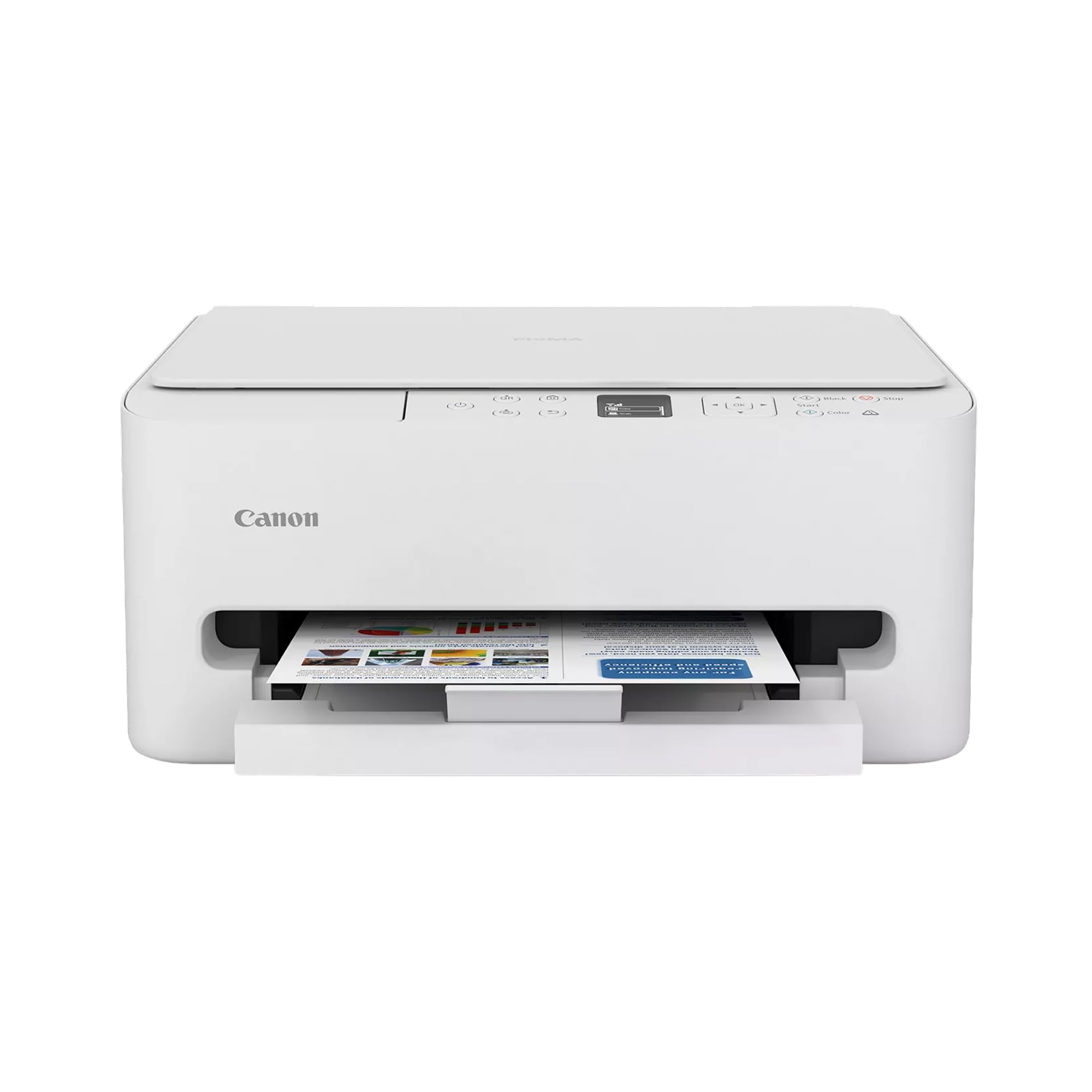
The TS6520 earns a permanent place on a small desk in a way none of the portables here can: it prints, scans, and copies, it measures about 14 inches square and 6.7 inches tall, and it costs less than the travel printers that only print. In a home office squeezed into the corner of a living room, that is the whole argument in one box.

The flatbed scanner is what makes it useful rather than merely capable. A flatbed swallows a passport, a signed lease, or a page torn out of a book without a feeder to jam, and the automatic two-sided printing that comes with it is the feature we missed most on the cheaper machines here — the TR160 and both inkless printers turn pages over by hand. Canon rates it at 14 black-and-white and 9 color pages a minute, but the number a household actually feels is the first page, which lands in about eight seconds.

Wireless is the part to set up deliberately. The TS6520 can join a 5 GHz network as well as 2.4 GHz, which heads off most of the dropped-connection trouble compact printers get into, and when pairing does misbehave, the USB port is a straight fallback. At 15.4 pounds it is the heaviest desktop machine in this group, so pick a shelf for it rather than planning to carry it between rooms.

Pros

  • Print, scan, and copy in a compact body
  • Automatic two-sided printing
  • Dual-band Wi-Fi with a wired fallback
  • Setup that usually goes right the first time

Cons

  • Tri-color cartridge makes color ink the recurring cost
Our verdict

Our default compact printer for a home office: it prints, scans, and copies with automatic two-sided printing, and it does it for less than the travel machines that only print.
Check Latest Price
2

Best for Tight Shelves

HP Envy 6155

81 /100
LBD Score Excellent

Key details

Duplex
Automatic
Weight
11.2 lb
Functions
Print, scan, copy
Paper Capacity
100 sheets
View on Amazon

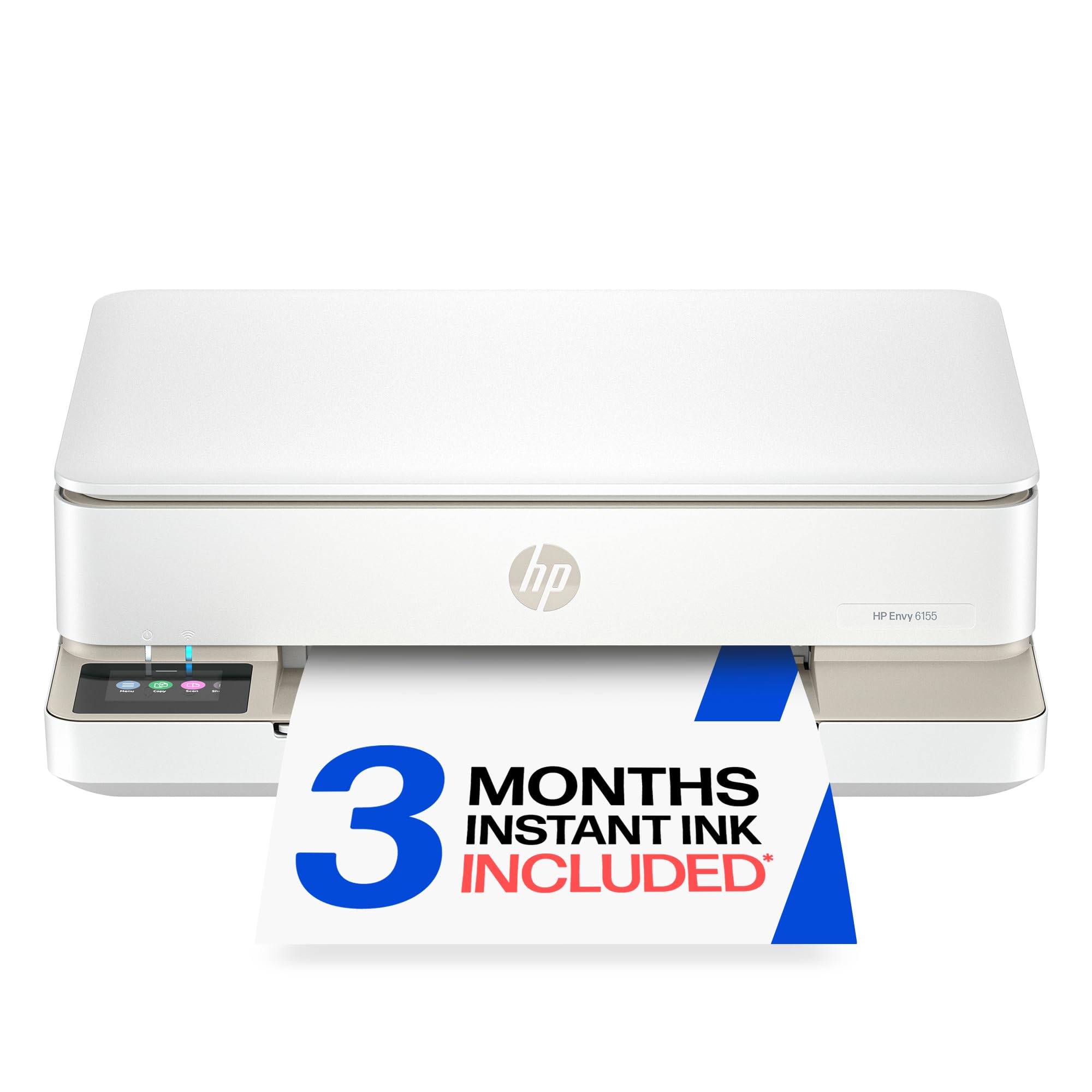
The Envy 6155 is the lightest full all-in-one here at 11.2 pounds, and the only one with a control panel you will enjoy touching: a 2.4-inch color touchscreen instead of the button clusters and two-line displays on everything else in this article.

A 100-sheet tray covers a week of homework and invoices, automatic duplex puts two-sided handouts out without you reordering pages, and the machine arrives with a three-month Instant Ink trial that ships cartridges by subscription. Read the trial terms before you start printing: the setup tanks in the box are rated for about 120 black and 75 color pages, so most of the first months of value sits in the subscription rather than in the starter ink.

The catch is the spread of outcomes. Some of these machines run for months without a hitch; others stop printing and stay stopped, and the wireless connection is close to a coin flip. That is why we rank it behind the Canon despite preferring its body and its screen. If the shelf is genuinely narrow and you want a touchscreen in reach, it is still the right buy, and buying where returns are easy costs you nothing.

Pros

  • Sits on a bookshelf without dominating it
  • 2.4-inch color touchscreen
  • Automatic duplex and a 100-sheet tray
  • Three-month Instant Ink trial included

Cons

  • Starter cartridges run out quickly
Our verdict

If the printer has to share a shelf with books, this is the one: the lightest all-in-one we tested, with a color touchscreen and duplex printing at a low price.

Check Latest Price
3

Best Monochrome Laser

Brother HL-L2405W

81 /100
LBD Score Excellent

Key details

Output
Black and white
Functions
Print only
Connectivity
Dual-band Wi-Fi
Paper Capacity
250 sheets
View on Amazon

The HL-L2405W is the only printer here that refuses to do things, and that is exactly why it earns a place in a house that prints pages rather than pictures. No color, no scanner, no copier — just black-and-white laser output, a 250-sheet tray, and a manual feed slot for envelopes and labels.

Laser toner is the practical argument. It sits in the cartridge without drying out, so a printer that goes three weeks between jobs does not open with a clogged head and a cleaning cycle. The 250-sheet tray holds as much paper as any machine in this group, dual-band Wi-Fi lets it join the less crowded 5 GHz band, and the Brother Mobile Connect app covers printing from a phone without a computer in the room.

What you give up is color and a scanner, and the second one bites more often than you expect: school forms, expense receipts, and signed pages all need a copy eventually, and a phone scanning app is the workaround for most of them. As the workhorse beside a small color machine, or as the only printer in a document-heavy house, it is the least fussy thing in this article.

Pros

  • Toner does not dry out between jobs
  • 250-sheet tray plus a manual feed slot
  • Dual-band Wi-Fi and a mobile app

Cons

  • Black and white only, with no scanner or copier
Our verdict

A compact laser for documents: black-and-white text, a 250-sheet tray, and none of the inkjet upkeep a lightly used printer suffers through.

Check Latest Price
4

Best for Printing on the Go

Canon PIXMA TR160

83 /100
LBD Score Excellent

Key details

Weight
4.5 lb
Functions
Print only
Dimensions
12.7 x 7.3 x 2.6 in
Paper Capacity
50 sheets
View on Amazon

Two and a half inches thick and 4.5 pounds is a different category of compact: the TR160 is the printer that goes in the laptop bag rather than on the shelf. It folds down to roughly the footprint of a hardback, holds 50 sheets in its single tray, and handles plain letter paper up to legal size — more than the inkless machines here can say.

This is the one that travels when printing has to happen somewhere else, and the job is narrow enough that its print-only design stops mattering. Ink is where the money goes: the five-color hybrid set produces genuinely good documents and photos, but it runs through it faster than the tank-fed models. Canon rates it at 9 black-and-white pages a minute and 5.5 in color, and a battery pack is available for the days when there is no outlet at all.

Pros

  • 4.5 pounds and 2.6 inches thick
  • Tray takes letter and legal paper
  • Wireless Direct printing without a router

Cons

  • Print-only, with no scanning or copying
  • Wireless setup takes patience
Our verdict

The portable to buy if you print documents away from a desk: it slips into a laptop bag, takes a 50-sheet stack, and prints in color.

Check Latest Price
5

Best Battery-Powered All-In-One

HP OfficeJet 250

87 /100
LBD Score Excellent

Key details

Weight
6.5 lb
Battery
Built-in, 90-minute fast charge
Functions
Print, scan, copy
Print Speed
20 ppm black, 19 ppm color
View on Amazon

The OfficeJet 250 is the most expensive machine in this article by a wide margin, and it is the only one that prints, scans, and copies with no outlet involved. That single difference is what you are paying for.

At 6.5 pounds and 3.6 inches tall it drops into a messenger bag, the color display walks you through setup on the device itself, and HP Fast Charge refills the battery in about 90 minutes with the printer switched off — the detail that matters when you are packing up a hotel room at six in the morning.

The battery is also the risk. Packs that will not hold a charge are the failure to watch for, and they tend to announce themselves early, so charge it fully, run a dozen pages, and repeat before the return window closes. Wireless is the second soft spot, and 20 pages a minute is a paper-only figure that a photo-heavy page will not touch.

None of that changes who this is for. If your work moves — inspections, home visits, signings, a sales route — nothing else here scans a signed page and hands back a copy on the spot, and the price stops feeling strange the first week it saves you a drive back to the office.

Pros

  • Battery runs print, scan, and copy
  • 90-minute fast charge with the printer off
  • 6.5 pounds with a color display
  • Prints and scans from a phone

Cons

  • Manual two-sided printing only
  • The priciest machine in this group
Our verdict

For work that moves, this is the compact printer to own: the only one here that scans, copies, and prints on battery power, at a price that reflects it.

Check Latest Price
6

Inkless Documents

ETIKEZ D90E

85 /100
LBD Score Excellent

Key details

Paper
8.5 x 11 in thermal only
Functions
Print only
Dimensions
10.43 x 2.32 x 1.3 in
Print Resolution
203 dpi
View on Amazon

Inkless printing sounds like a party trick until you work out what a year of cartridges costs. The D90E is the best of the thermal machines we tested: it pairs with a phone through its app in a couple of taps, prints a full letter page at 203 dpi, and arrives with a carry case and ten sheets so you can try it the day it lands.

The trade is the paper. This prints only on thermal-coated sheets, so a ream of ordinary copy paper is useless to it and you will be ordering letter-size thermal stock; thermal pages are also sensitive to heat and light, which makes them right for handouts, labels, and shipping documents and wrong for anything you need to keep for a decade.

Pros

  • No ink, no cartridges, no clogged heads
  • Carry case and starter sheets included
  • Pairs quickly through the app
  • Full letter-size output from a phone

Cons

  • Ten sheets at a time means frequent reloading
  • Monochrome only, at 203 dpi
Our verdict

The inkless printer we recommend first: quick phone pairing, a case in the box, and no cartridge costs, provided thermal paper suits what you print.

Check Latest Price
7

Budget Inkless Printing

Rongta F11A

80 /100
LBD Score Excellent

Key details

Weight
15.2 oz
Functions
Print only
Paper Sizes
Letter, legal, A4 thermal
Print Resolution
203 dpi
View on Amazon

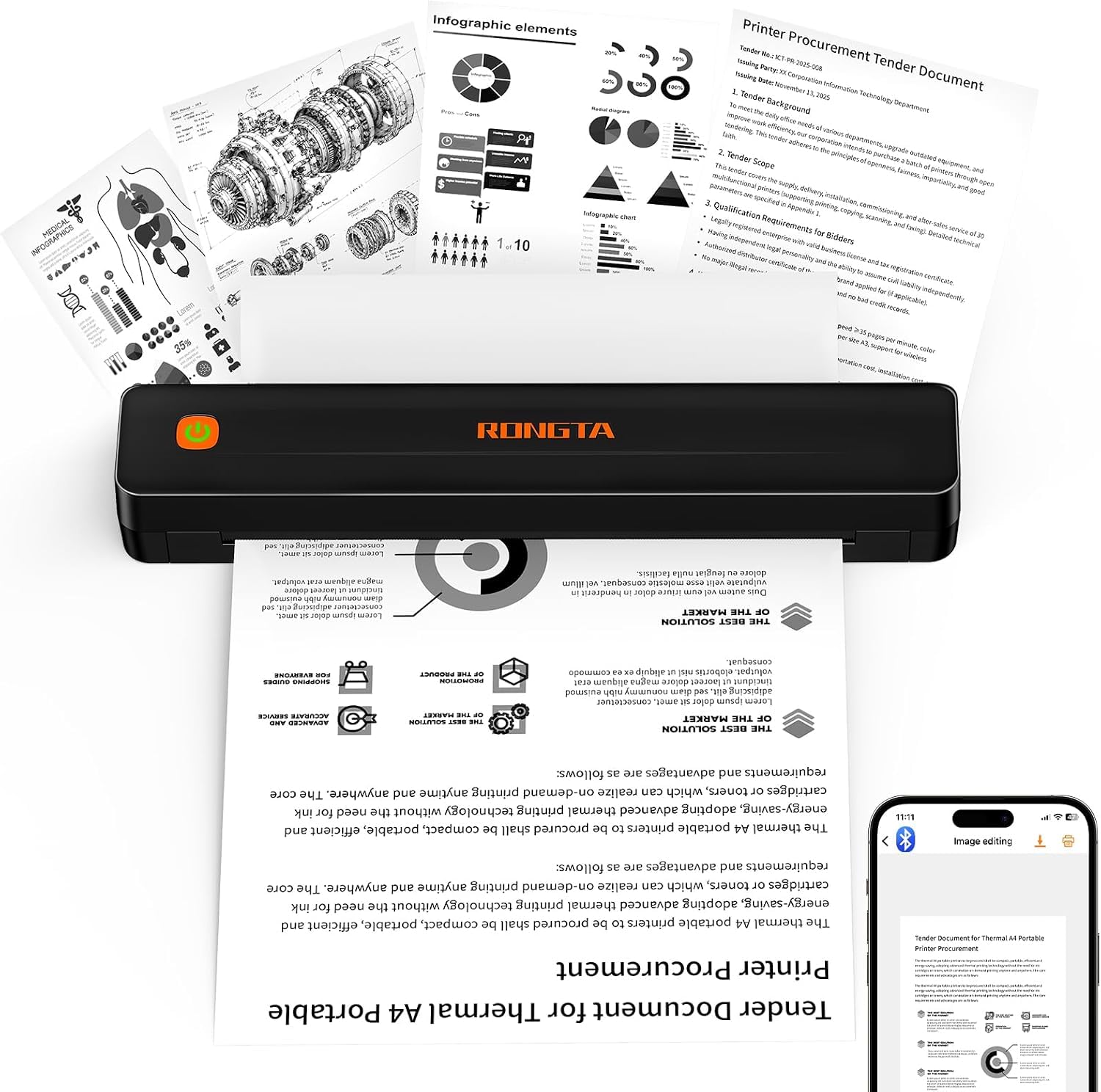
The F11A takes the same letter-size thermal paper as machines that cost twice as much, and it does it for the least money in this article. At 0.43 kg and just over an inch thick, it is the one you can leave in a drawer and forget about until you need a label.

Pairing is the quirk to know before you order. The F11A does not pair in your phone's Bluetooth settings — it pairs inside the Rongta app — and it will not print through Chrome at all. Do it in that order and the rest is simple: crisp text on shipping labels, forms, and study notes, plus a USB-C cable for a laptop.

Where it trails the D90E is the extras: no carry case, and about 3.2 pages a minute is a queue, not a flood. But for a market seller printing labels, a student printing the odd handout, or anyone who wants a printer in a drawer rather than on a desk, the saving is real and the output is honest. We keep it as the budget inkless pick rather than the best one.

Pros

  • Cheapest machine in this roundup
  • Takes letter, legal, and A4 thermal paper
  • Under a pound and just over an inch thick
  • Straightforward once paired in the app

Cons

  • No carry case in the box
  • About 3 pages per minute
Our verdict

The budget way into inkless printing: about a pound, letter-size output, and no cartridges, as long as you pair it in the Rongta app first.

Check Latest Price

How We Tested: Labels, Forms, and Dead Batteries

We started with a shortlist of roughly 40 printers sold as compact or portable, then cut anything too wide for a narrow desk or too costly to justify the shelf space, which left 12 models spanning inkjet, monochrome laser, and inkless thermal. Every one lived where a small printer actually lives: on a kitchen counter, on a cramped home-office desk, in a backpack, in a hotel room, and once on a car seat during a move. Testing ran eight months, long enough for idle weeks to expose the problems spec sheets don't mention.

Setup was timed with a stopwatch, from cutting the tape to pulling the first finished page, and we attempted it without the manual on the first pass. We printed the same ten-page text document and the same 4x6 photo on every machine, then read the small type aloud to each other to check legibility and looked for banding in the photo's sky. Speed came from the stopwatch, not the box. For connectivity, we rebooted the router midweek and printed from a phone and a laptop, noting which ones had to be re-paired by hand.

Portables got the roughest treatment: weighed with paper loaded, carried around in a tote, and run on battery until they quit mid-batch, then left sitting for a week to see how much charge they lost. We let every printer sit idle for three weeks, since dried ink and dropped connections are the two failures people describe most, and we cleared a deliberate paper jam on each. Ink and toner costs we tracked by pages per cartridge rather than sticker price. The models that survived all of it, plus the couple that only make sense for one specific job, are below.

How to Choose a Compact Printer

Decide whether you need a scanner at all

Print-only machines are smaller, lighter, and cheaper to build, which is why nearly every travel printer only prints. If a signed permission slip, an expense receipt, or a passport copy is part of your month, an all-in-one is the safer purchase, and the flatbed kind handles books and IDs that a sheet-fed scanner cannot.

Set that requirement before you look at anything else, because it removes half the machines in this article, including both inkless models.

Match the ink system to your volume

Cartridges are the simplest option and the most expensive per page; on the two-cartridge inkjets here, one color running dry means replacing a tank that still holds the other two. Refillable-tank printers cost more up front and cut the per-page price sharply, and inkless thermal models remove ink from the equation entirely in exchange for buying coated paper.

A handful of pages a week is cartridge territory. A hundred pages a week is not, and at that volume the tank and thermal options deserve a hard look before you fall for a smaller box.

Check the wireless before you check the printer

The most common frustration in this category is not print quality, it is pairing. A dual-band model that can join a 5 GHz network avoids a lot of congestion, and the inkless printers pair inside their own app rather than in your phone's Bluetooth menu, which is not obvious from the packaging.

Keep a USB cable as your fallback — every desktop machine here has a port — and put the printer within reasonable range of the router rather than in a far corner of the house.

Paper capacity, duplex, and what speed figures mean

Tray size decides how often you walk over to the machine: 50 sheets is a travel compromise, 100 to 250 sheets is a working week. Automatic duplex halves your paper use and, more usefully, stops you reordering pages by hand for every two-sided handout.

Treat quoted pages-per-minute figures as best-case numbers. The time to the first page out tells you more about how a printer feels in daily use than the per-minute rating does.

When a battery portable earns its price

Battery machines cost several times what a desk printer does, and the battery is the part most likely to disappoint. Buy one only if printing genuinely happens away from an outlet: site visits, signings, inspections, a sales route.

Then charge it fully and run a dozen pages before the return window closes. A pack that will not hold a charge usually gives itself away in the first week.

Frequently Asked Questions

Final Verdict

The Canon PIXMA TS6520 is the compact printer we point most people to. It prints, scans, and copies, it duplexes on its own, and it takes up about as much room as a stack of books — enough for a home office that has to share a room with everything else.

Choose the HP Envy 6155 if the shelf is narrower and you want a touchscreen; the Brother HL-L2405W if the pages are mostly text; the HP OfficeJet 250 only if printing happens away from a desk, where its battery is the whole point.