Best Flash Drives for iPhone of 2026

The storage-full notification always arrives at the worst moment. Mine hit mid-school-concert, four seconds before I was supposed to be recording it. A flash drive for your iPhone is the obvious fix: plug it in, move a few hundred photos off the phone, and get your space back.

What the listings leave out is how much of that is wishful thinking. The drives that work share a few traits: connectors that match the phone in your pocket, real Apple certification rather than a vague claim, and software that doesn't demand access to your whole camera roll before copying one file. We've spent three months with 14 of them, plugging each into phones, iPads, and laptops.

Speed matters less than you'd think for a handful of photos and far more once you're offloading ten minutes of video. The gap between a drive that's ready in seconds and one that makes you install an app first is enormous, and the picks below are the ones that got out of the way.

1

Best Overall

SanDisk Phone Drive 256GB

87 /100
LBD Score Excellent

Key details

Capacity
256 GB
Warranty
2-year limited
Connectors
Lightning and USB-C, built in
Read Speed
150 MB/s
View on Amazon

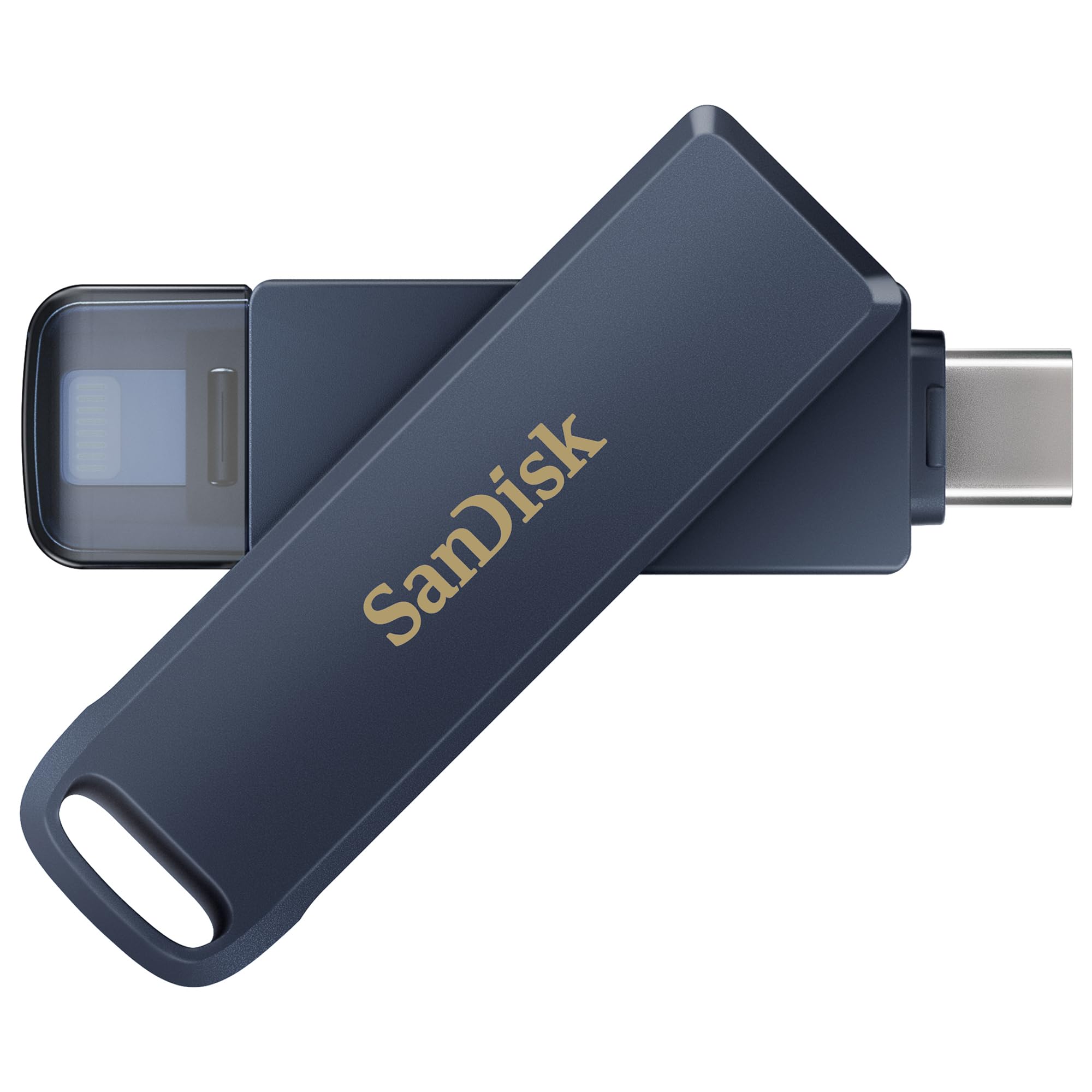
One metal body, two plugs: Lightning for an iPhone 14 or older, USB-C for an iPhone 15 or newer, with the body pivoting so only one is in play at a time. The drive is Made for iPhone certified, weighs 5 grams, and carries a two-year limited warranty.

We think the premium buys the two things that decide whether a drive actually gets used. The first is having both connectors on the hardware, so there is no adapter to lose in a bag and no second purchase after you upgrade the phone. The second is the SANDISK Memory Zone app, which handles manual or automatic backup with real-time progress, keeps working in the background when you switch tasks, and can resume a partial backup instead of starting the whole camera roll again. That last part is the difference between a backup you finish and one you abandon.

Reads run at 150 MB/s, the fastest figure in this guide, and that is the direction that matters when you are pulling a few old videos back onto a new phone. Everything here is aimed at getting photos off the phone and into a place you own: move a library across, delete it from the phone, and 256 GB of reclaimed space lasts most people a couple of years.

On a USB-C iPhone you can skip the app entirely and work through the iOS Files app, which is worth knowing if you would rather install nothing — the drive behaves like any other external disk. What it will not do is hurry: writes are the slow direction here, and a first backup of a packed phone is a start-it-and-walk-away job.

Pros

  • Lightning and USB-C on one body
  • Backups resume instead of restarting
  • Fastest reads in this group
  • Two-year limited warranty

Cons

  • 10 to 50 MB/s writes slow a first backup
  • Most expensive drive here
Our verdict

For most iPhone owners this is the drive to buy: both plugs on one body, a backup app that resumes where it left off, and the fastest reads in this group.
Check Latest Price
2

Best Value

Techkey 3-in-1 256GB

89 /100
LBD Score Excellent

Key details

Capacity
256 GB
Warranty
1 year
Backup App
One click, app-based
Connectors
Lightning, USB-C, and USB-A, built in
View on Amazon

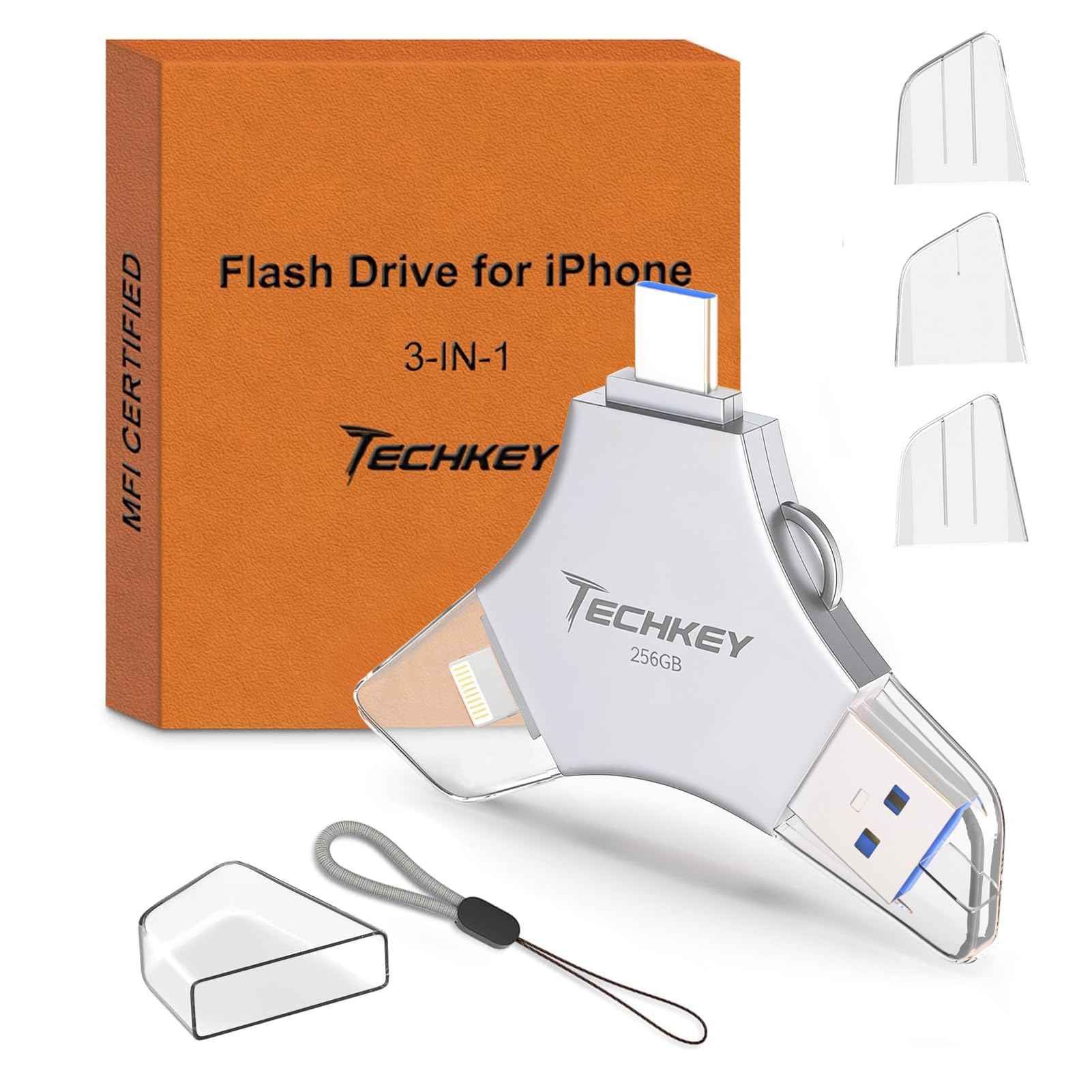
About half the price of our top pick buys a drive with the same three-way reach: Lightning, USB-C, and a standard USB-A plug for a laptop or an older iPad, all built into one body, and the drive is Made for iPhone certified. For a household running an old phone, a new phone, and a computer off one stick, that breadth is the whole argument.

The routine is app-driven and simple. One tap copies photos, videos, and contacts off the phone; anything you shoot through the in-app camera is written to a folder on the drive as you take it, which keeps a phone's storage from filling up in the first place. File-level encryption is there for documents you want kept private, which matters more on a drive that travels than on one that stays in a desk drawer.

Three plugs also mean this single drive bridges an old phone and a new laptop without an adapter in between, and that turns out to be more useful than it sounds once you are moving a decade of photos across three devices. The gap is documentation: the listing publishes no read or write figure, so move a couple of hundred photos first and watch how long it takes before you hand over a whole library. That test tells you more than a spec line on a product page.

Capacity matches our top pick at 256 GB, generous for photos and short clips. What the savings cost you is depth of support rather than anything you will notice day to day.

Pros

  • Three connectors on one drive
  • Certified at a budget price
  • One-tap backup of photos and contacts
  • File encryption built in

Cons

  • One-year warranty only
Our verdict

If the decision comes down to how many devices one stick can serve, this is the one we point to — three plugs and Made for iPhone certification at about half the top pick's price.

Check Latest Price
3

Best for Big Backups

EATOP 512GB Flash Drive

82 /100
LBD Score Excellent

Key details

Capacity
512 GB
Software
None; iOS Files app
Connectors
Lightning, USB-C, USB-A, Micro USB
Read Speed
30 MB/s
View on Amazon

Half a terabyte for about what the 256 GB drives here cost is the reason to look at this one, and for a phone stuffed with years of pictures it is the simplest arithmetic in the guide: twice the capacity of our top pick for less money.

The EATOP is also the only drive here that asks for nothing but the phone. No third-party app, no account, no companion software to keep updated — on iOS 13 or later you plug in, open the Files app, tap Browse, and the drive appears as a location you can drag things to and from. We like that more than we expected to. An app that stops being maintained is one of the quiet ways a drive turns into a brick, and this one cannot be orphaned that way.

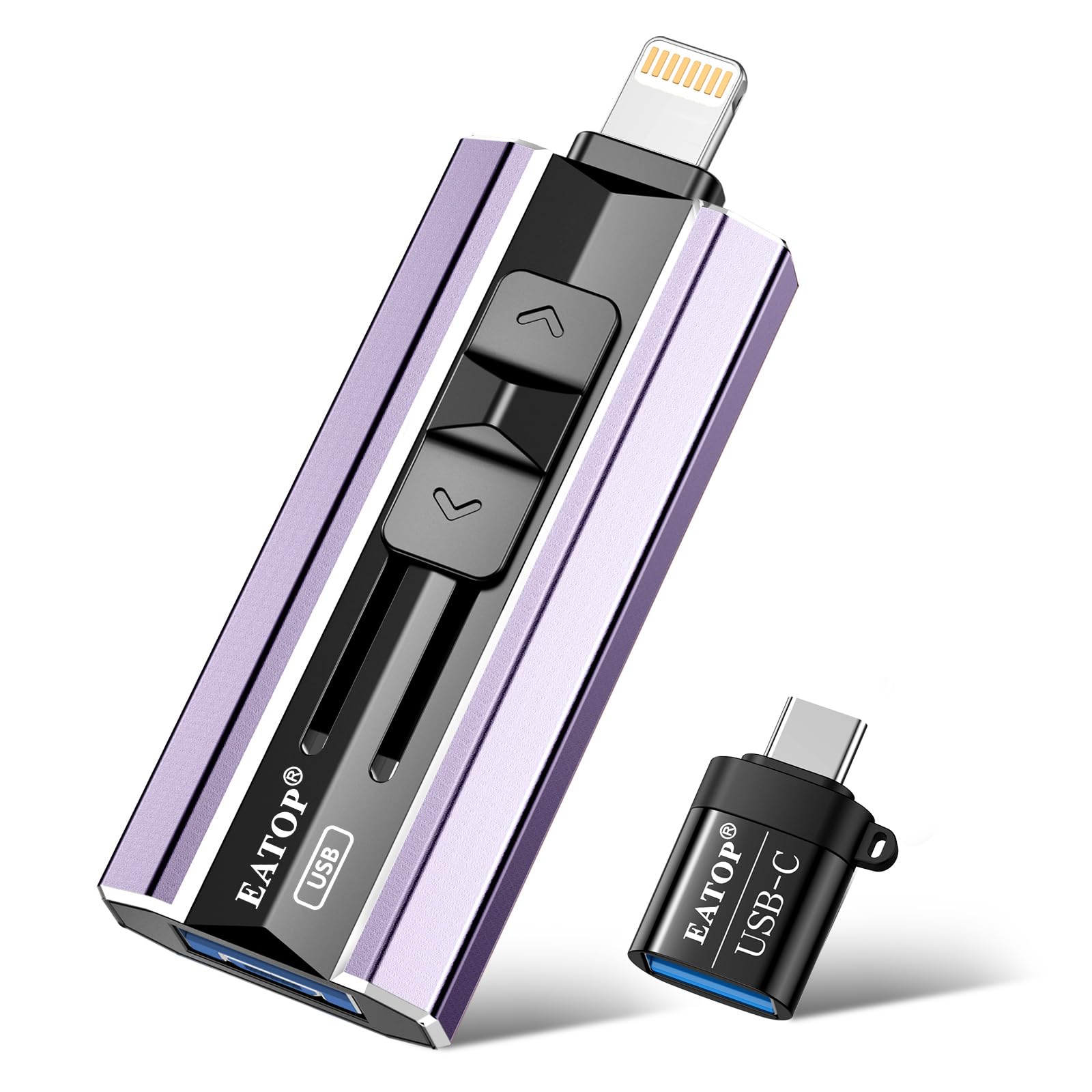
The ports cover everything: Lightning, USB-C, USB-A, and even micro-USB, each on its own independent connector rather than stacked behind one adapter. In practice the same stick moves files between an iPhone, an Android phone, an old laptop, and a car head unit without anyone hunting for a dongle.

Our advice is to run it as an archive. Move the library across in one long session, then pull individual files back to the phone as you need them, which is how the drive stays useful instead of becoming another drawer of unlabeled storage. For the seasonal job of clearing a full phone, nothing here does it for less per gigabyte.

Pros

  • 512 GB at the lowest cost per gigabyte here
  • Works through the Files app, no app required
  • Four connector types built in
  • Two-year warranty

Cons

  • 15 MB/s writes are the slowest here
Our verdict

The EATOP is the pick for a phone holding years of photos: 512 GB for less than our top pick's 256 GB, and no app standing between you and the files.

Check Latest Price
4

Fast Transfer Runs

Sygolrnt 256GB Flash Drive

80 /100
LBD Score Excellent

Key details

Capacity
256 GB
Connectors
USB-C and USB-A, plus Lightning adapter
Read Speed
150 MB/s
Write Speed
70 MB/s
View on Amazon

On the listing's numbers this is the fastest writer in the guide: 150 MB/s reads paired with 70 MB/s writes. Write speed is the figure that governs how long a backup takes, so if you shoot video rather than snapshots, that number deserves more attention than the read figure on the box.

The hardware is more considered than the price suggests. USB-C sits at one end and USB-A at the other, joined by a swivel that flips between them, in a metal shell listed as shockproof and temperature resistant — the shape that gets carried rather than the shape that gets left in a drawer. It also arrives in exFAT, so the same files open on a phone, a Windows laptop, and a Mac without anyone reformatting anything, and password protection is available for the files that need it.

For a USB-C iPhone or an iPad, this is an easy call: fastest writer of the budget group, smallest body, formatted to move between phone and computer without fuss. It is the drive for someone shuttling footage around rather than parking a permanent library on it.

Pros

  • 70 MB/s writes, fastest in this group
  • Metal body with swivel plugs
  • exFAT out of the box
  • Password protection for private files

Cons

  • Lightning iPhones need the bundled adapter
Our verdict

Buy it if speed is the point: the fastest claimed write figure in this guide, in a metal body small enough to forget, with one adapter caveat for older iPhones.

Check Latest Price
5

iPhone 15 and 16

JOIOT USB-C 128GB

86 /100
LBD Score Excellent

Key details

Weight
0.28 oz
Capacity
128 GB
Connectors
USB-C and USB-A, built in
Read Speed
70 MB/s
View on Amazon

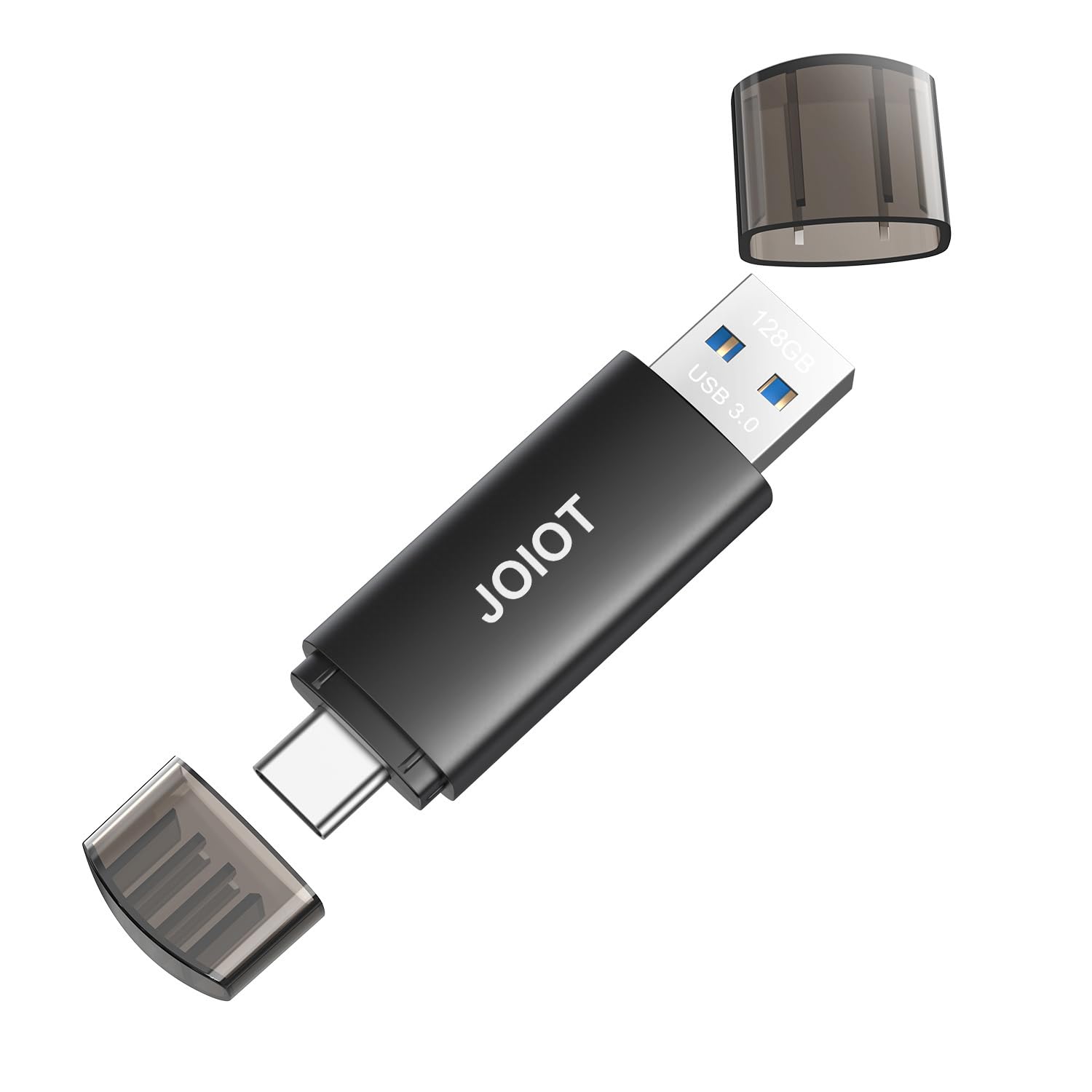
There is no Lightning plug on this one, so it serves exactly one kind of iPhone owner: the one with a USB-C port. For an iPhone 15 or 16, a USB-C iPad, or a laptop, it is the cheap, software-free answer to a phone that has run out of room.

The appeal is that nothing stands between you and the files. Both plugs are built into the ends of a 2.5-inch body that weighs 8 grams, and there is no app, no account, no setup: plug it into the phone, open Photos or Files, copy, done. On a computer it behaves like any ordinary thumb drive. We appreciate that in a way that is hard to put on a spec sheet — a drive with no software has nothing that can stop working.

Two things to weigh honestly. At 128 GB it is the smallest capacity here, fine for offloading a season of photos and tight for video. And some units arrive dead or stop being recognized, which is the kind of failure you find in the first five minutes — so test it the day it lands, while the return window is open, rather than the week you fly out.

The shockproof plastic shell is built for a keyring rather than a camera bag, and the price is the lowest in this guide. For a USB-C phone that simply needs breathing room, that combination is hard to argue with.

Pros

  • USB-C and USB-A built in
  • No app or setup required
  • Small and light for a keyring
  • Cheapest drive in this guide

Cons

  • No Lightning plug
  • 20 MB/s writes slow large transfers
Our verdict

The cheapest way into extra storage if you own an iPhone 15 or 16: no app, no account, no Lightning plug either.

Check Latest Price
6

Video-Heavy Phones

Techkey 3-in-1 512GB

88 /100
LBD Score Excellent

Key details

Capacity
512 GB
Backup App
One click, app-based
Connectors
Lightning, USB-C, and USB-A, built in
Read Speed
40 MB/s
View on Amazon

Twice the capacity of our top pick for less money, with the same Lightning, USB-C, and USB-A layout and the same Made for iPhone certification. If your phone is holding years of video rather than a few thousand snapshots, that is the comparison that decides it.

The workflow is the app-based routine again: one tap copies photos, videos, and contacts across, and an in-app camera writes new shots straight to the drive so the phone never stores them in the first place. That second trick is the one we keep returning to on a drive this size — it is the difference between clearing space every few months and never thinking about it again.

Encryption is available for files you would rather keep locked, and having all three plugs on one body means a single stick serves an older iPhone, a newer one, and a laptop without an adapter in the middle. For a library that is mostly footage, and a budget that stops short of our top pick, this is the capacity answer.

Set against the EATOP, which also holds 512 GB, this one costs more and adds Made for iPhone certification and the backup app. Set against the SanDisk, you give up refinement and gain twice the room. Which side of that you land on comes down to whether you are parking footage or working with it.

Pros

  • 512 GB with all three plugs built in
  • Less than half the top pick's cost per gigabyte
  • One-tap app backup
  • Made for iPhone certified

Cons

  • 40 MB/s reads trail the top pick badly
Our verdict

For a phone full of video, this doubles the top pick's capacity for less money, with the same three plugs and the same app-driven backup.

Check Latest Price

How We Tested 14 iPhone Flash Drives

We started with research, not a shopping cart: everything we could find that claimed iPhone support, then a cut of anything without a Lightning or USB-C connector that matched a current phone. From there we filtered by capacity, build, and whether a drive needed a separate app just to move files, and landed on 14 drives from 128GB to 512GB. Testing ran three months, alongside the phones we already carry.

Each one went into a pocket and stayed there. We offloaded photos in a parking lot after a game, backed up video on an iPad on the couch, and moved files to a laptop at a desk. We timed a 2GB folder of video copying over, watched whether the phone prompted an app install, and checked whether Windows and Mac machines recognized the drive without a driver.

Then we tried to interrupt the routine: plugged each drive in with a thick phone case still on, filled it, ejected it, and came back a week later to confirm every file still opened. Each connector went in and out about twenty times to see whether it loosened or the body flexed. Metal held up; sliding plastic sleeves collected lint and started to stick.

How to Choose a Flash Drive for Your Iphone

Match the Plug to Your Phone

iPhone 15 and newer use USB-C; iPhone 14 and older use Lightning. A USB-C-only drive does nothing for a Lightning phone without an adapter, and a Lightning-only drive stops being useful the day you upgrade. That is why our top two picks carry both plugs on one body. If you are on a USB-C iPhone and expect to stay there, save the money and buy a plain USB-C drive — the JOIOT is the cheapest sensible version here.

Look for Made for iPhone certification if you plan to rely on the drive for backups; it means the maker went through Apple's approval process rather than working around the port.

Decide Whether You Want an App

Most iPhone drives run backups through a companion app. That buys one-tap copying, background progress, and on the SanDisk the ability to resume an interrupted backup — the difference between finishing a large library and starting over. The alternative is the iOS Files app on iOS 13 or later, which the EATOP relies on: no install, no account, but you drag folders yourself.

We prefer the app for a first, big backup and the Files route for occasional file shuffling. One caution: an app that stops being maintained can strand a perfectly good drive, so favor a maker likely to keep updating it.

Buy Capacity for the Library, Not the Phone

Labels are nominal. Formatting and the operating system's own accounting always leave you with less than the number on the box, which the Sygolrnt listing states outright. 256 GB is the sensible middle for a few years of photos and some video; 512 GB earns its keep if you shoot 4K or want films on the drive for a flight. Open your phone's storage settings, read the photo and video line, and add a year of growth before deciding.

Write Speed Decides, Read Speed Sells

Read speed is the headline because it is the bigger number, but write speed governs a backup — every file has to be written before it can be read back. Across these drives writes run from 10 to 70 MB/s while reads reach 150 MB/s, and the spread says what each one is for: a fast writer suits video, while a 15 MB/s drive is an archive you fill once.

Expect overhead too. Thousands of small photo files take longer than one video of the same total size, because each file carries its own bookkeeping.

Check the Fit Against Your Case

A plug has to reach through whatever sits between it and the port. Wallet cases, battery packs, and thick silicone bumpers routinely stop a drive from seating, and a short Lightning stem makes it worse — the EATOP's is on the short side, and the SanDisk does its best work with the phone out of its cover. Test the fit the day the drive arrives, before you have copied anything, so the choice between a slimmer case and a different drive stays a small one.

Frequently Asked Questions

Final Verdict

The SanDisk Phone Drive is what we recommend to most people, and the deciding advantage is unglamorous: both plugs on one body and an app that finishes an interrupted backup. You pay more for it than for anything else here, and that premium is the honest trade for not thinking about it again.

If the price is hard to justify, the Techkey 256 GB gets you Lightning, USB-C, and USB-A for about half the money. If the library itself is the problem rather than the ports, the 512 GB EATOP holds twice as much for less.