Best GPS Bike Computers of 2026

The day I finished a long ride with a dead phone, a sweaty ziplock bag, and no real idea how far I'd actually gone, I switched to a dedicated bike computer and never went back. A phone strapped to the stem is fine until the sun cooks it, the navigation app drains the battery in three hours, and you end up squinting at a map you can't zoom with gloves on. What a bike computer actually fixes is attention: you glance down, you get speed, distance, gradient, and the next turn, and then you go back to the road.

The specs that decide whether you'll love one aren't the ones printed largest on the box. It's whether the screen survives noon glare, how long a reroute really takes when you miss a turn, and whether getting a ride off the unit takes one tap or a laptop cable. We've spent the past eight months riding with 12 units, from data-only models to full-color mapping computers, and the difference between a frustrating one and a great one comes down to a handful of things you only notice after hour four. The picks below all get those things right.

1

Best Overall

Garmin Edge 840

88 /100
LBD Score Excellent

Key details

Screen
2.6 in. color touchscreen
Weight
2.8 oz
Battery
Up to 26 hours
Positioning
Multi-band GNSS
View on Amazon

Two ways to work the same screen is the reason the Edge 840 leads this guide. The 2.6-inch color display takes a touch, so panning a map or renaming a ride happens the way it does on a phone. The row of physical buttons underneath means you can change pages on a rough descent, or with wet gloves, without hunting for a touch target.

The rest of the package backs that up. Multi-band GNSS holds a fix under tree cover and between buildings, the battery is rated for up to 26 hours in demanding use and 32 in saver mode, and ClimbPro shows remaining ascent and gradient on every ride whether or not you loaded a course. Daily suggested workouts and adaptive coaching sit alongside that if you train to a plan.

What we kept noticing was how little there was to think about. Sensors paired and stayed paired, rides uploaded over Wi-Fi without a prompt, and the map stayed legible in flat light. The screen is smaller than the iGPSPORT BSC500's 3.3 inches or the Edge 1050's 3.5, and that is the trade you make for buttons you can find by feel on a crowded bar. For riders who want one device for routes, training and sensors, it is the right trade.

Pros

  • Touchscreen and physical buttons on one unit
  • Multi-band GNSS holds a fix under cover
  • Rated for 26 hours, 32 in saver mode
  • ClimbPro shows ascent and gradient every ride

Cons

  • Premium price against the value picks
  • Training and settings menus go deep
Our verdict

The Edge 840 is the one we hand to riders who want full navigation, multi-band positioning and physical buttons in a single device.
Check Latest Price
2

Best Value

iGPSPORT BSC500

90 /100
LBD Score Outstanding

Key details

Screen
3.3 in. touchscreen
Weight
3.77 oz
Positioning
Dual-band, five satellite systems
Water Resistance
IPX7
View on Amazon

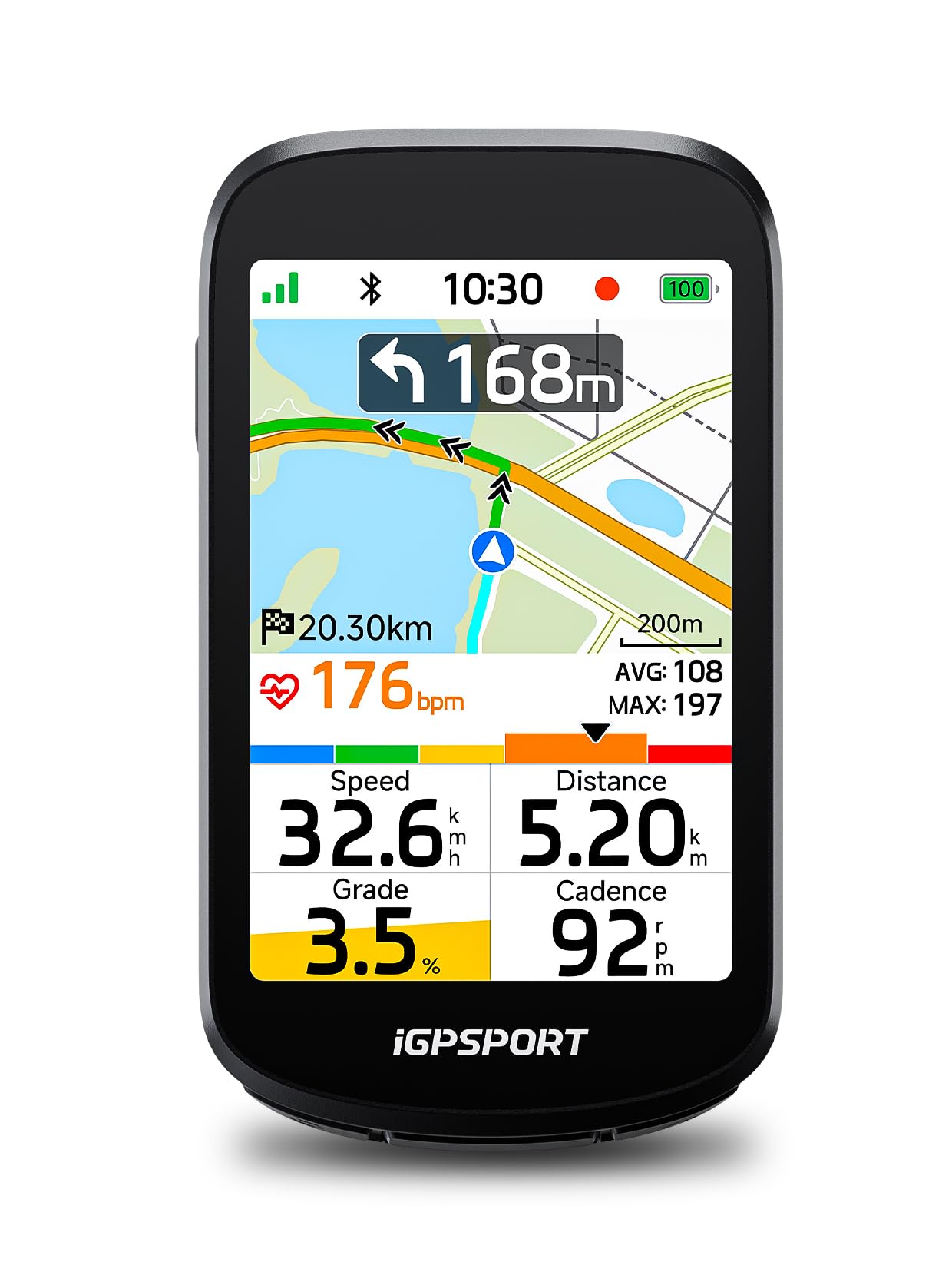
A 3.3-inch touchscreen, dual-band positioning and on-device rerouting is the sort of specification that normally carries a premium price. The BSC500 doesn't, and that combination makes it the value pick in this guide. We expected the map to be where the corners got cut; it turned out to be the part we trusted.

The navigation is more capable than the money suggests. Build a route in the iGPSPORT app or import one from Strava or Komoot, and turn prompts arrive earlier the faster you're going, which sounds like a gimmick until you're descending toward a junction you don't know. Wander off course and the unit plans a fresh line itself rather than waiting on your phone.

In the hand it's a sensible object: 107 g, IPX7, up to twelve data fields on a page, and a screen we could still operate with wet gloves. It pairs with iGPSPORT's radar light, and you can map the bell to a Di2 button, which is the kind of small pleasure that keeps a unit on the bike. Two practical notes: the box holds a rubber-band mount rather than an out-front bracket, and iGPSPORT doesn't publish a runtime figure, so pin that down before an all-day event.

Pros

  • 3.3-inch touchscreen with 12 data fields
  • Dual-band positioning across five satellite systems
  • Replans the route on the unit when you stray
  • Works with radar lights and Di2 buttons

Cons

  • Rubber-band mount rather than an out-front bracket
Our verdict

We think the BSC500 is the smart buy for riders who want a big screen, dual-band GPS and real rerouting without premium money.

Check Latest Price
3

Best Compact

Wahoo ELEMNT BOLT V3

87 /100
LBD Score Excellent

Key details

Screen
2.3 in. color
Weight
2.96 oz
Battery
Up to 20 hours
Navigation
On-device turn-by-turn
View on Amazon

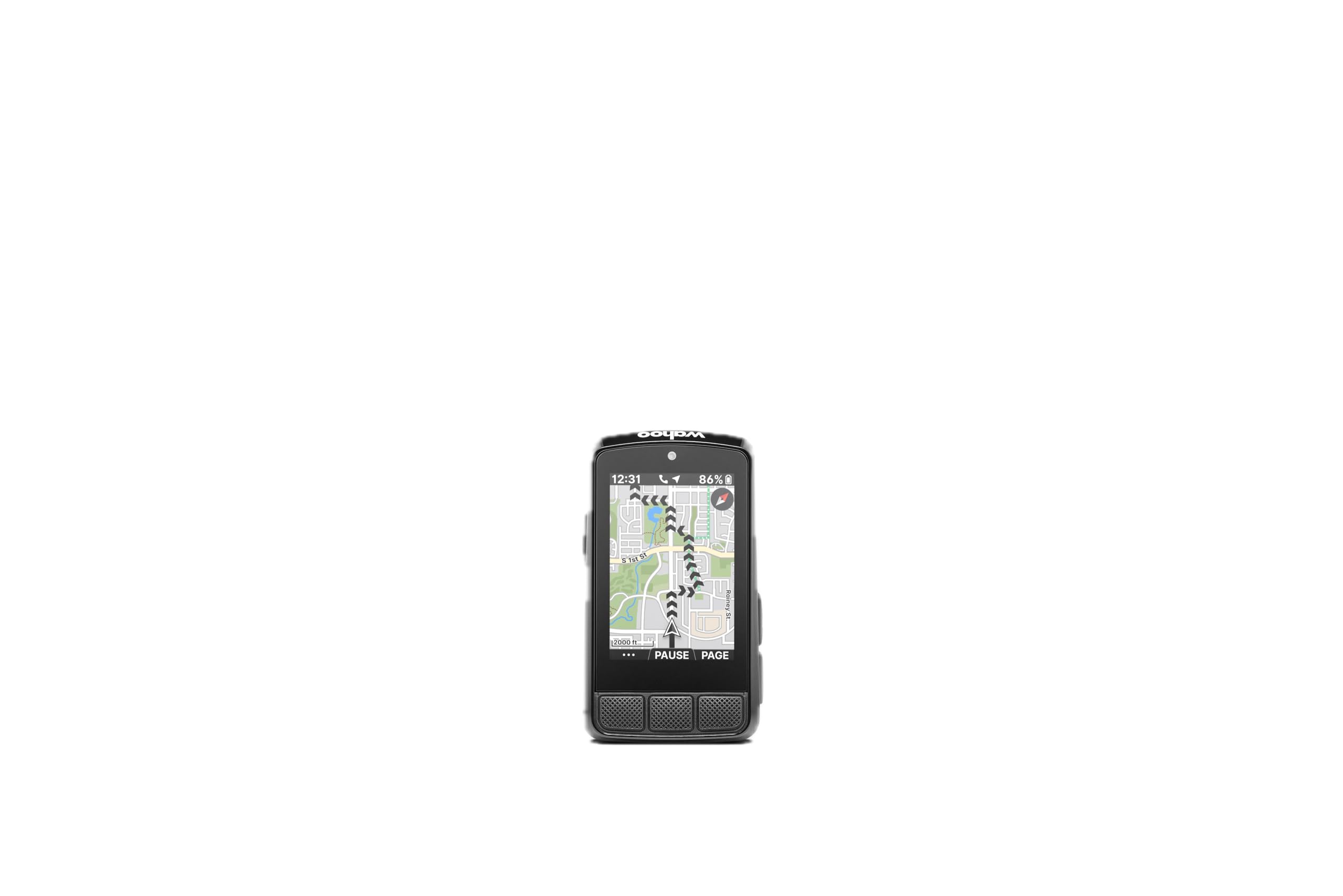
The screen is the smallest here at 2.3 inches, and the first time you follow a new route on it you'll notice how little map you're getting. Then the turn prompts take over — a clear arrow, a distance countdown, a beep — and you stop studying the map at all. On roads you already know, that small panel is simply less clutter on the bar.

The buttons carry the rest of the argument. Each one has a definite click, so you can page through data with a thumb and never look down at a touch target, which on a wet commute is the whole game. Setup runs through the Wahoo app, and routes from Strava, RideWithGPS or Komoot download automatically once the accounts are linked — we planned a ride on a laptop and found it waiting on the bars.

The numbers are sensible: 20 hours rated, 84 g, IPX7 like most of this group, and on-demand routing that will point you home from a location you tap on the map. Against the Edge 840 it gives up the touchscreen, the bigger display and Garmin's training depth; against the BSC500 it gives up screen size. What it keeps is the least fiddly interface we used here, and nothing on the BOLT takes two attempts.

Pros

  • Tactile buttons you can work without looking
  • Up to 20 hours of rated runtime
  • Weighs 84 g and carries an IPX7 rating
  • On-device turn-by-turn and Take Me To routing

Cons

  • 2.3-inch map is small for unfamiliar roads
Our verdict

We steer riders who want a light, fuss-free navigator they can run by feel from buttons to the BOLT V3.

Check Latest Price
4

Best Big Screen

Garmin Edge 1050

91 /100
LBD Score Outstanding

Key details

Screen
3.5 in. touchscreen
Weight
5.7 oz
Battery
Up to 20 hours, 60 in saver
Storage
64 GB
View on Amazon

The Edge 1050 is the most expensive computer here by a clear margin, and it's worth saying plainly that nobody needs it to follow a route. What the money buys is the 3.5-inch screen: bright enough to read in direct sun, big enough for a map with street names and the current gradient on one page, and responsive enough that panning around a junction is quick.

Where it earns its keep is on long days in unfamiliar country. Courses can be drawn on the device itself, so a change of plan at a lunch stop doesn't need a phone; road surface type shows on the map, and hazard alerts from other riders appear when your phone is connected. The built-in speaker makes prompts audible without a headset, which we found more useful than expected on a windy afternoon.

The costs are size and weight. At 5.7 ounces it is the heaviest unit in this group, and on a race bike that is noticeable in a way it isn't on a tourer with a bar bag. If you navigate more than you race, that trade is easy to make; if the computer is the lightest thing on your bike and you want it to stay that way, the Edge 840 is the better call. Either way, a screen protector is worth adding to the order.

Pros

  • 3.5-inch screen readable in direct sun
  • On-device course creation without a phone
  • Road hazard and surface alerts on the map
  • 64 GB of storage and a built-in speaker

Cons

  • Demanding-use battery of 20 hours trails the Edge 840
Our verdict

We recommend the Edge 1050 to riders who navigate long, unfamiliar days and want the biggest, brightest screen in this guide.

Check Latest Price
5

Best Budget Navigator

iGPSPORT BSC200S

83 /100
LBD Score Excellent

Key details

Screen
2.4 in. color
Battery
Up to 25 hours
Navigation
Turn prompts and off-course alerts
Water Resistance
IPX7
View on Amazon

No touchscreen, and that is a feature rather than a shortcut. The BSC200S runs on buttons, which in rain, with gloves, or on gravel means every press lands the first time. At budget money it is the navigator we point riders to when the route matters but a full street map doesn't.

Navigation works from routes you build in the iGPSPORT app or import from Strava, RideWithGPS or Komoot, with turn reminders and a warning if you drift off course. There's a resume-last-ride function for a ride split by a coffee stop, phone notifications on screen, and control of iGPSPORT's front and radar lights. Battery is rated at 25 hours, and the whole unit weighs 67 g — barely more than the mount it sits on.

Navigation here is a line to follow with turn prompts rather than a street map, and that suits the rider who builds a route and wants nudging through it rather than a moving atlas. The data screens are customizable, the color display is easy on the eye at a glance, and the buttons are big enough to find with a thumb. It is the least dramatic computer here, and for a lot of riders that's exactly the point.

Pros

  • Turn prompts and off-course warnings at budget money
  • 25 hours of rated runtime in a 67 g body
  • Buttons that work with gloves and in rain
  • Controls iGPSPORT front and radar lights

Cons

  • Route line rather than a street map
  • Charging cable not included in the box
Our verdict

We point budget shoppers at the BSC200S when they want turn prompts, long battery life and buttons instead of a touchscreen.

Check Latest Price
6

Budget Touchscreen Maps

GEOID CC700 Pro

84 /100
LBD Score Excellent

Key details

Screen
2.8 in. touchscreen
Weight
7.76 oz
Positioning
Five satellite systems with AGNSS
Offline Maps
4 GB storage
View on Amazon

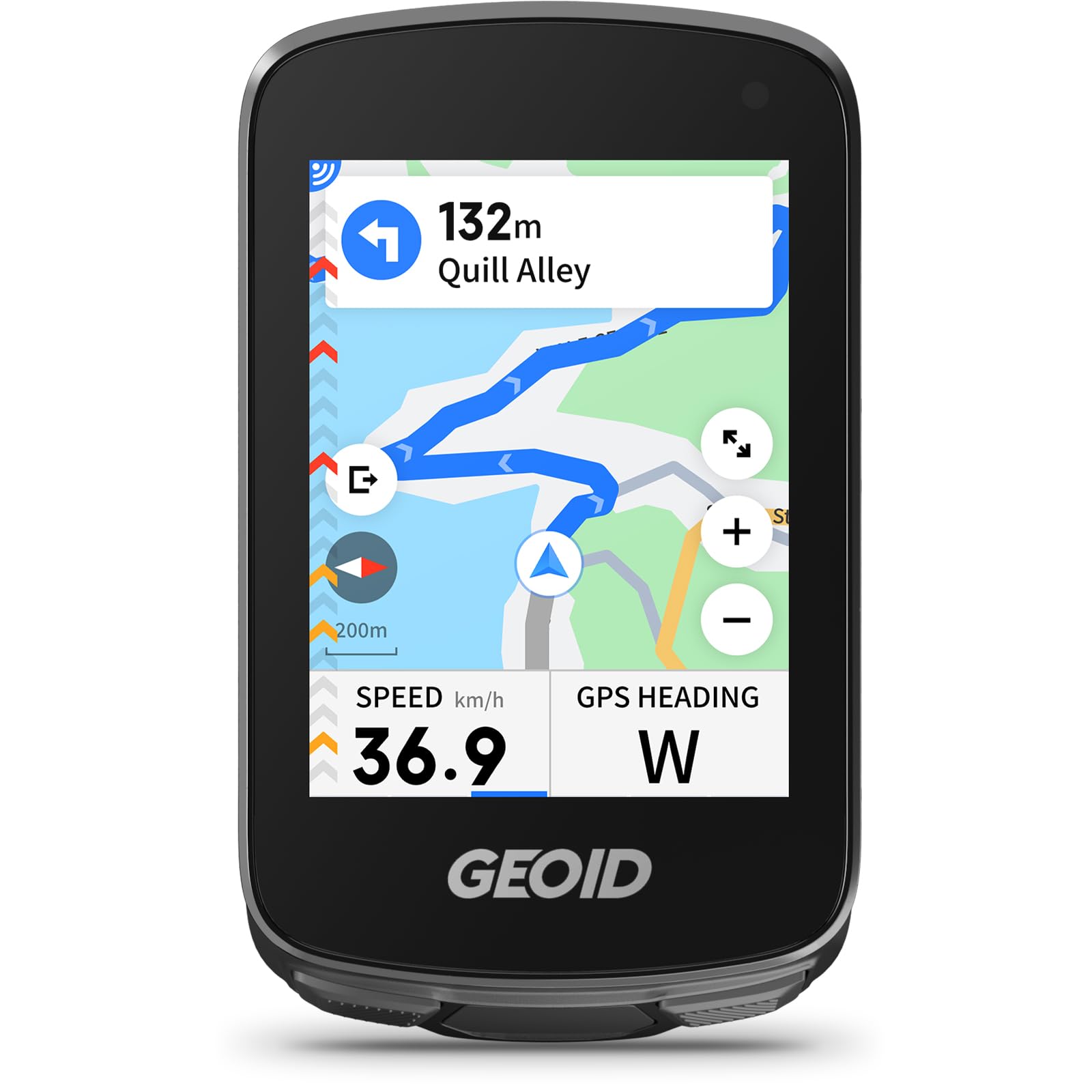
Set the CC700 Pro beside our value pick and the trade is easy to see: a bigger 2.8-inch touchscreen and downloadable offline maps for less money, in exchange for coarser map detail. For a first computer with a color map, that is a fair swap to consider.

The hardware reads well and mostly delivers. Five satellite systems with AGNSS get a first fix quickly, 4 GB of storage holds offline maps, and Wi-Fi handles ride uploads and firmware updates without a cable. Sensors pair over ANT+ and Bluetooth, the body is IPX7 rated, and the box includes a stem mount and a tempered-glass screen protector, which is more than most units at this end of the market bother with.

The touchscreen is responsive and the color map is genuinely easier to follow than a route line. What it does well is put a map, turn prompts and a touchscreen on the bar for less than the value pick costs, and for a commuter or a first computer that covers most of what a rider actually uses. The screen protector in the box is a nice touch too.

Pros

  • 2.8-inch touchscreen at a budget price
  • Offline map downloads with 4 GB storage
  • Five satellite systems with AGNSS for fast fixes
  • Wi-Fi uploads and firmware updates

Cons

  • Map detail thins out away from main roads
Our verdict

We like the CC700 Pro as a first color-map computer for riders who want a touchscreen and offline maps on a tight budget.

Check Latest Price
7

Data-Only Rides

Bikevee GPS Bike Computer

85 /100
LBD Score Excellent

Key details

Screen
2.4 in. LCD
Battery
Up to 28 hours
Ride Data
Altitude, gradient, ascent
Water Resistance
IPX7
View on Amazon

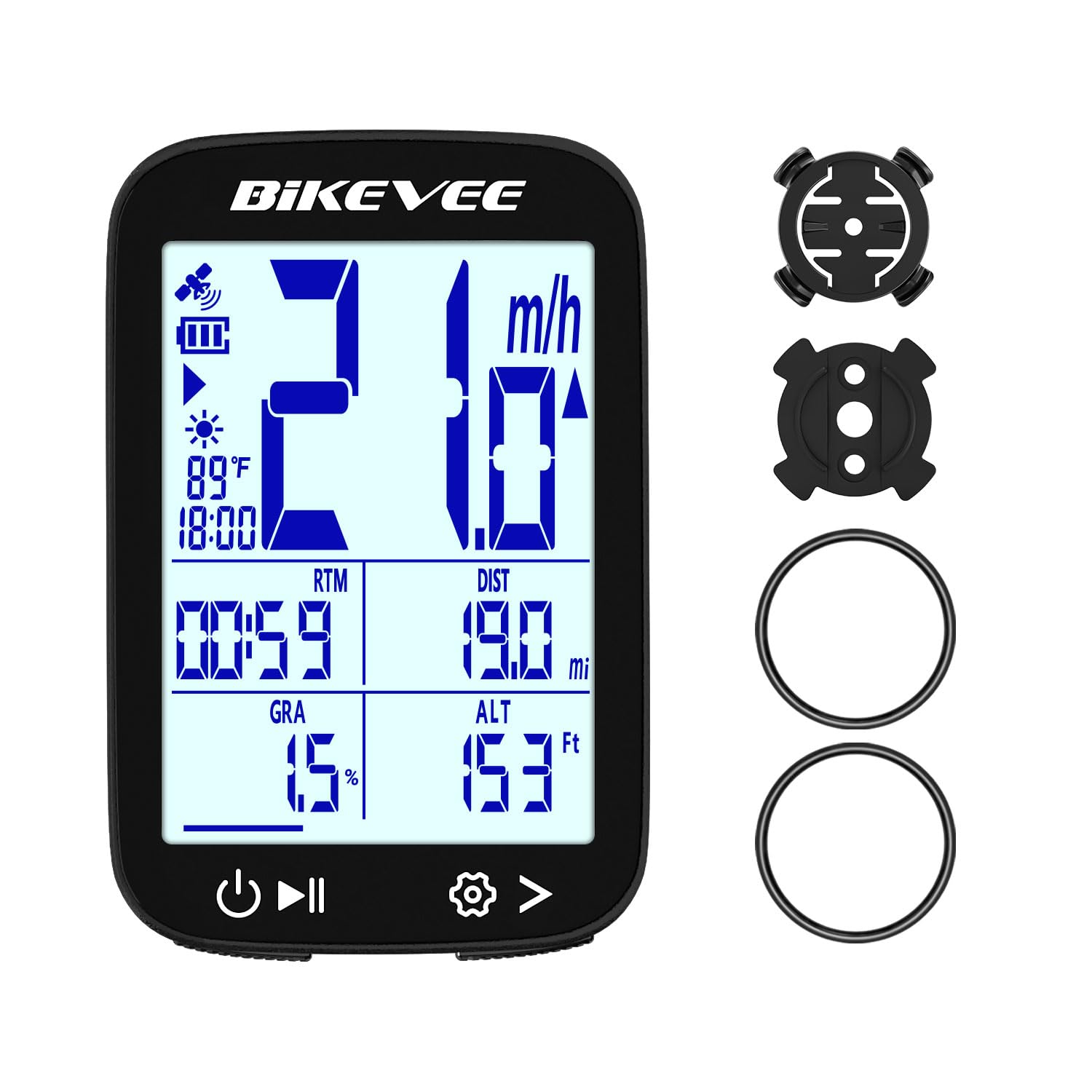
Altitude, gradient and accumulated ascent are the numbers most budget computers leave out, and they are the reason the Bikevee earns a place here. Alongside the usual speed, distance and ride time, it tracks elevation change through a barometric altimeter, so a rolling route shows up as climbing rather than as a mystery in your legs.

In use it is a simple thing: press a button, wait for the fix, and it starts and stops itself when you do. Rated runtime is 28 hours, it weighs 50 g, and the IPX7 rating means a wet commute isn't a problem. The data pages are plain, and the auto backlight does its job when the light goes.

The mount is where the savings show. A rubber ring around the bar holds it securely on a standard handlebar and turns fiddly on a narrow one, where a bolt-on out-front bracket is a worthwhile upgrade. If you want prompts as well as numbers, the iGPSPORT BSC200S is the next step up and adds a route line for a modest step in price.

As a second computer for a commuter, a winter bike, or a rider who simply wants to know how far and how high, it makes a lot of sense. We ended up watching the elevation screen more than the speed one on rolling roads, which says something about what a cheap unit can still get right.

Pros

  • Elevation, gradient and ascent alongside the basics
  • Up to 28 hours of runtime
  • No wheel sensor or magnet to fit

Cons

  • No map, route guidance or turn prompts
  • Satellite fix can take about a minute
Our verdict

For riders who want GPS speed, distance and elevation without paying for navigation, the Bikevee is the one we point to.

Check Latest Price

How We Tested the Best GPS Bike Computers

We built the shortlist around the specs that change how a computer actually gets used: whether it imports a route, whether maps are built in, screen size and type, sensor pairing, waterproofing, and battery rating. We deliberately spanned the price bands, from budget units that mostly log speed and distance to premium computers with color mapping and rerouting, so we could tell which upgrades are worth paying for.

Twelve units went onto handlebars for eight months: a commuter doing the same nine-mile round trip five days a week, a gravel bike out on weekends, and a trainer in the basement once the weather turned. Every long ride started at full charge, with battery noted at the three- and five-hour marks. We rode routes with a deliberate wrong turn baked in to time how quickly each unit recalculated, and read the screen from riding position, in sunglasses, with the sun behind us.

Setup was timed from unboxing to first recorded ride, including app pairing and adding a heart rate strap and a power meter. We noted which units found satellites before we'd clipped in and which hunted for a signal under tree cover or between buildings, and whether rides uploaded over Wi-Fi on their own or waited on a phone. Every frozen screen, dropped sensor, and mid-ride reboot went in the log, because reliability is the one flaw you can't work around.

Last, we weighed price against the features we still touched after the first week — most of us settled on three or four data fields, not twelve — and asked whether each step up in cost bought better navigation and battery, or just a nicer screen.

How to Choose a Gps Bike Computer

Decide How Much Navigation You Need

Three levels show up in this group. A data-only unit like the Bikevee records speed, distance and elevation but won't guide you. A route-line computer such as the iGPSPORT BSC200S beeps at turns and warns when you leave the course without drawing streets. A full-map unit — the Edge 840, the BOLT V3, the BSC500 — shows roads and reroutes you when you stray.

The trap is the word navigation on a listing, which can mean a breadcrumb line rather than a map. Look for map, offline maps or rerouting before you assume you're getting streets, and be honest about how often you ride somewhere unfamiliar.

Read the Battery Figure Carefully

Runtime claims are quoted for undemanding use with the screen low. The Edge 840's 26 hours in demanding use stretches to 32 in saver mode, and the Edge 1050 goes from 20 to 60 the same way. Backlight and a map on screen are what eat the difference, so match the demanding-use number to your longest ride rather than the bigger figure on the box.

If a listing doesn't quote a runtime at all — the BSC500 doesn't — treat that as a question to answer before you sign up for an all-day event, not as a detail to sort out later.

Touchscreen, Buttons, or Both

Touchscreens are quicker for panning a map and naming a route, and they're the first thing to misbehave when your gloves are wet or the road turns rough. Buttons are slower in a menu and unbeatable for flipping pages by feel. The Edge 840 carries both, which is why it suits riders who navigate and train on the same bike; the BOLT V3 and BSC200S are button-only by design.

If you ride through winter, try the screen with damp hands before you commit, or buy a unit with buttons you can find without looking.

Positioning and Sensor Support

Single-band GPS is fine in the open. Multi-band receivers that listen on L1 and L5, like the BSC500 and the Edge 840, hold a fix better under trees and between buildings, which is where navigation usually goes wrong.

On the sensor side, ANT+ and Bluetooth are what let a computer read cadence, heart rate, power and radar lights, so check the unit lists them before you buy accessories. A head unit with neither is a GPS speedometer, not a training tool.

Mount, Weight, and Bar Space

Most of these ship with a handlebar mount. The iGPSPORT units use a rubber band, Garmin and Wahoo include out-front brackets, and the CC700 Pro comes with a stem mount. A rubber band works, and it's the first thing to upgrade if the unit wobbles on rough tarmac.

Screen size is the other half of the decision: a 3.5-inch panel is lovely on a touring bike and a lot of real estate on a race bar, while the BOLT's 2.3 inches keeps the cockpit clean. Weight across this group runs from 50 g to 109 g, which matters far less than how the bracket holds it.

Frequently Asked Questions

Final Verdict

If you want one computer that does the whole job, the Garmin Edge 840 is the one we recommend: touchscreen and buttons, multi-band positioning, 26 hours of demanding use, and navigation deep enough for roads you've never ridden. It is more computer than a casual rider needs, and that is the honest boundary of the recommendation.

Spend less and the iGPSPORT BSC500 covers the same ground for a lot less money, with the biggest screen short of the Edge 1050 and rerouting that works without your phone. The BSC200S strips it back to turn prompts and a route line for riders who plan ahead. Buy the Edge 1050 only if the screen itself is the point.