Best Label Printers of 2026

Most label printers don't contain a drop of ink. Thermal heads darken the paper with heat, which is why one can spit out a shipping label in seconds and never ask you for a cartridge — so the differences that actually matter sit in far less glamorous places. Whether Bluetooth holds through a hundred-label batch. Whether the app lets you pull in an order without fourteen taps. Whether the barcode scans clean on the first pass at the counter.

Two kinds of machine live under this search, and it helps to know which one you're after. A 4x6 shipping printer sits on a desk and eats poly mailers and boxes for anyone selling on Etsy or Shopify; a palm-sized label maker handles the spice jars, cable spaghetti, and school folders. We've spent the past six months living with both, and the surprises were consistent.

The one that stuck: price barely predicted satisfaction — connectivity and software did. A cheap printer that pairs in three seconds beats a nicer one whose app drops the connection mid-batch. What follows is what earned a spot on the desk.

1

Best Overall

KNAON Y813BT

90 /100
LBD Score Outstanding

Key details

Weight
2.8 lb
Connectivity
Bluetooth, USB
Max Media Width
4.2 inches
Print Resolution
203 dpi
View on Amazon

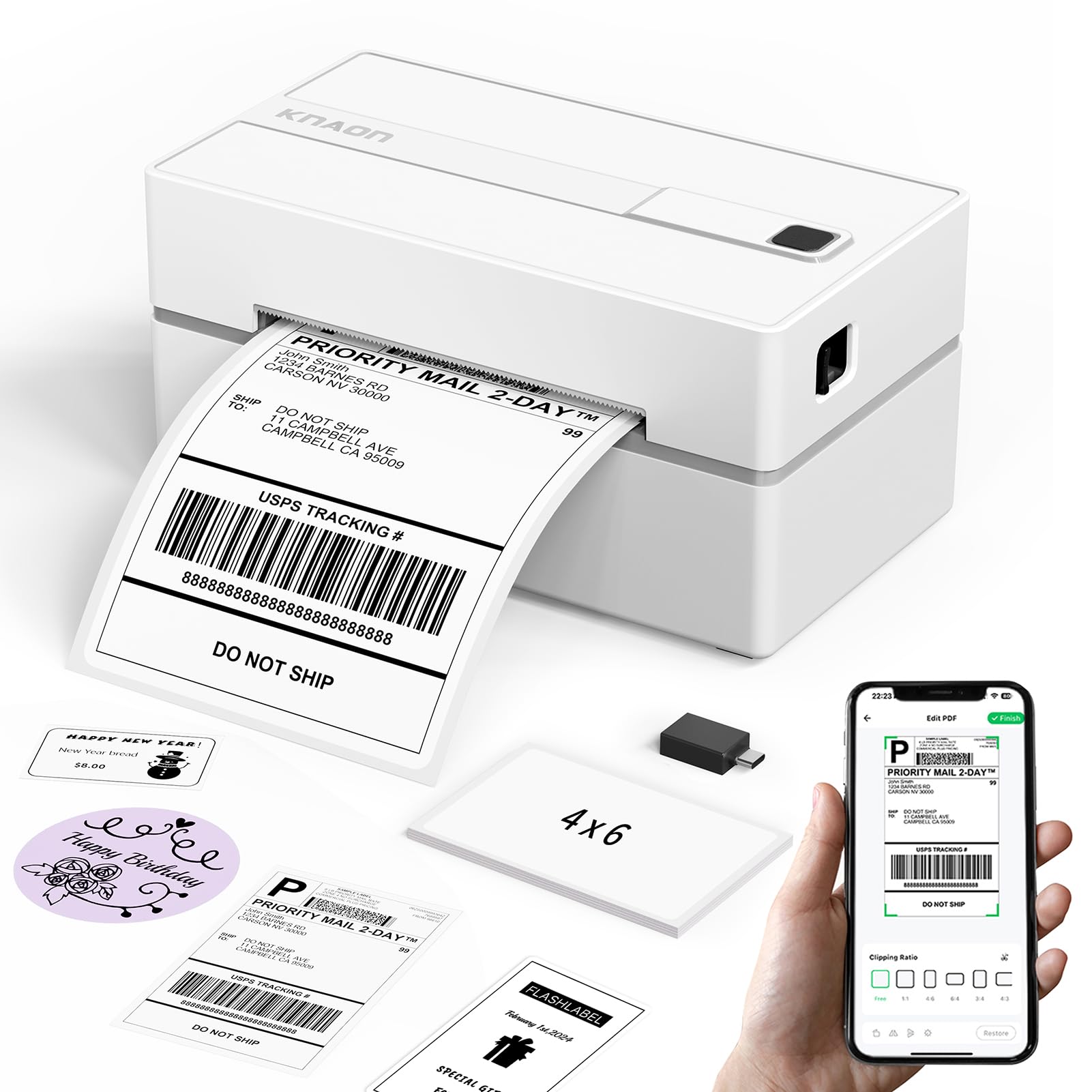
A small shipping desk does not need a floor-standing workhorse. It needs a printer that wakes up, grabs the label, and gets out of the way. The KNAON Y813BT is built for that narrow job: a compact 4x6 thermal printer with Bluetooth and USB, a 203 dpi print head, and a media range that reaches 4.2 inches.

The 4.2-inch maximum media width is the spec we care about most. It leaves room for standard 4x6 shipping labels and the narrower address or product labels that accumulate around a small shop. The 203 dpi resolution is the right level for barcodes and carrier labels; crisp text is the goal here, not photo-quality output.

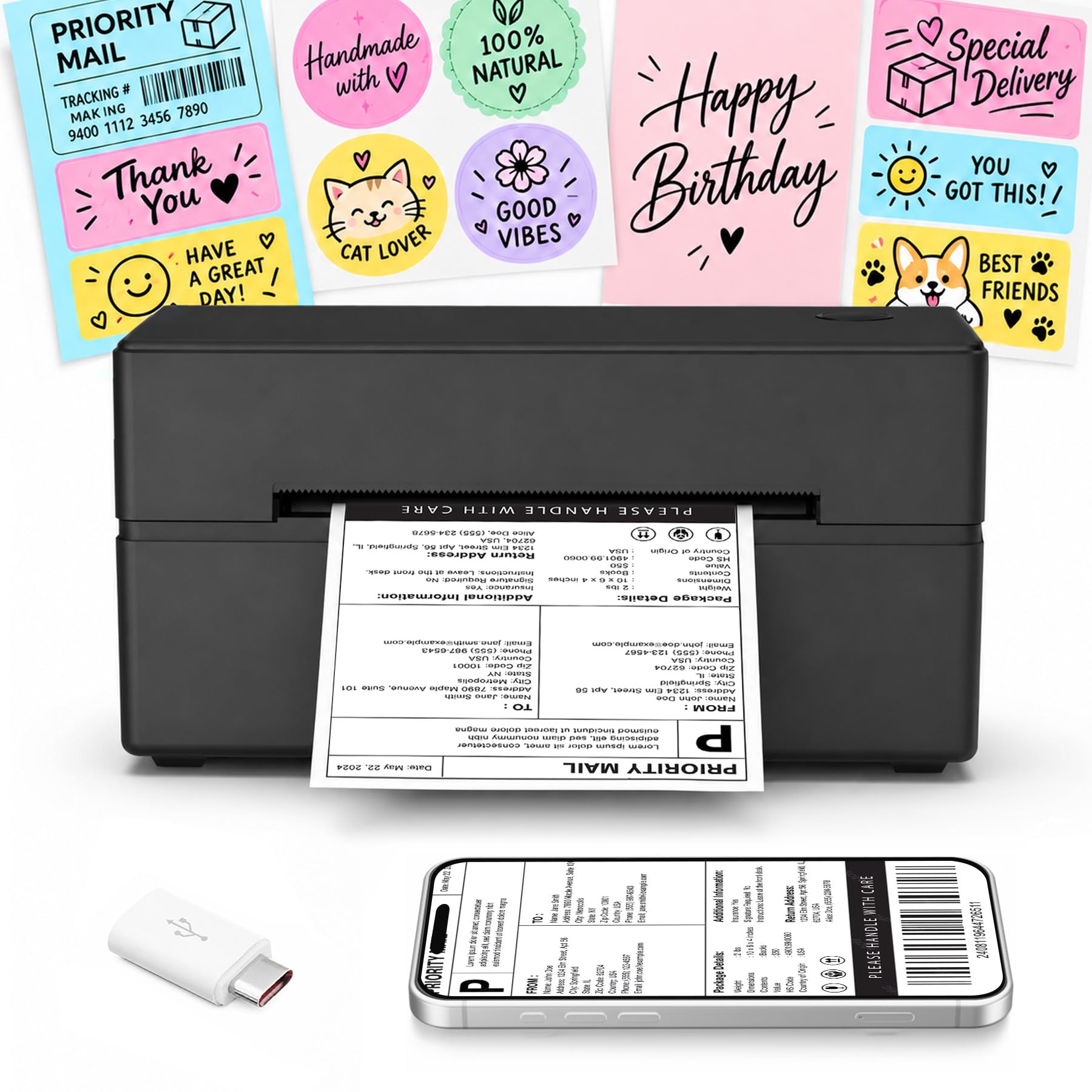
We appreciate the template library: 3,000+ templates, 5,000+ icons, and 100+ fonts give the app more range than the usual shipping-only utility. You can keep it simple and print a PDF label, or build a branded thank-you sticker without opening a design program.

Where it separates from the cheaper 4x6 printers is the balance of footprint and connectivity. Bluetooth lets you print from a phone at the packing table, USB gives you a steady desktop connection, and the compact body leaves room for the label roll and a scale. It is not the absolute cheapest printer here, but it does not ask you to choose between phone and computer.

We recommend the KNAON first for a small seller who wants one compact printer for both shipping labels and light product labeling. If your labels are mostly tape-sized shelf tags, the Brother PT-D210 is the better tool; if you need the largest marketplace support package, the JADENS is the alternative. For the everyday 4x6 job, this is our default.

Pros

  • Fast 4x6 output for batch shipping
  • Bluetooth and USB in one compact body
  • Large app template library
  • Strong reliability trend for small shops

Cons

  • Print clarity can vary on some labels
  • Bluetooth can drop and need re-pairing
Our verdict

We recommend the KNAON first for small sellers who want a compact 4x6 printer that works from phone or laptop without a steep learning curve.
Check Latest Price
2

Best Budget

Labeer Y43BT

85 /100
LBD Score Excellent

Key details

Weight
15.9 oz
Connectivity
Bluetooth, USB
Max Label Size
4 x 6 inches
Print Resolution
203 x 203 dpi
View on Amazon

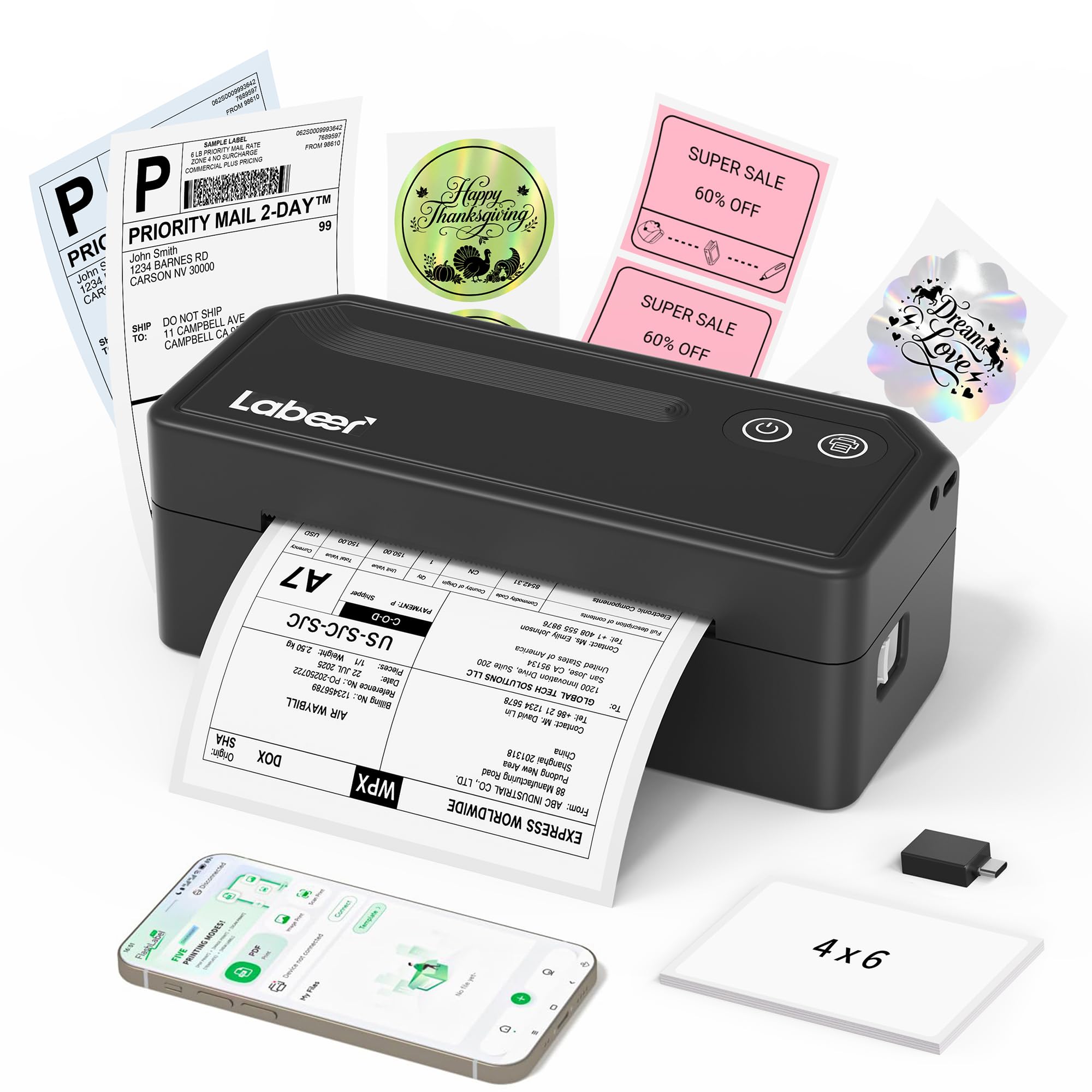
The Labeer Y43BT is the cheapest way into a competent 4x6 shipping printer in this group, and it does not feel like a stripped-down toy. At 450 grams and 7.2 by 2.64 by 3.15 inches, it is small enough to tuck beside a laptop or move to the packing table when orders pile up.

What makes it more than a shipping-only box is the media range: 4x6, 4x4, 4x2, and 2x1 labels. We like that flexibility for a small seller who wants one printer for parcel labels, inventory tags, and the occasional address label. The 203 x 203 dpi output is standard for this class, and Bluetooth plus USB covers phone-first and desktop workflows.

It is not the printer we choose for a high-volume fulfillment desk; the body is light and the app is simpler than the KNAON's. For a side hustle or a home seller who prints a handful of orders at a time, the Labeer is the budget pick we recommend. It handles the core job, and it leaves money for labels.

Pros

  • Lowest-cost 4x6 option here
  • Handles four label sizes
  • Light 450 g body
  • Simple phone or USB printing

Cons

  • Only 20 starter labels included
Our verdict

The Labeer is our budget pick for a reason: it prints standard 4x6 labels from a phone or computer in a body light enough to move around.

Check Latest Price
3

Best for Multi-Platform Shipping

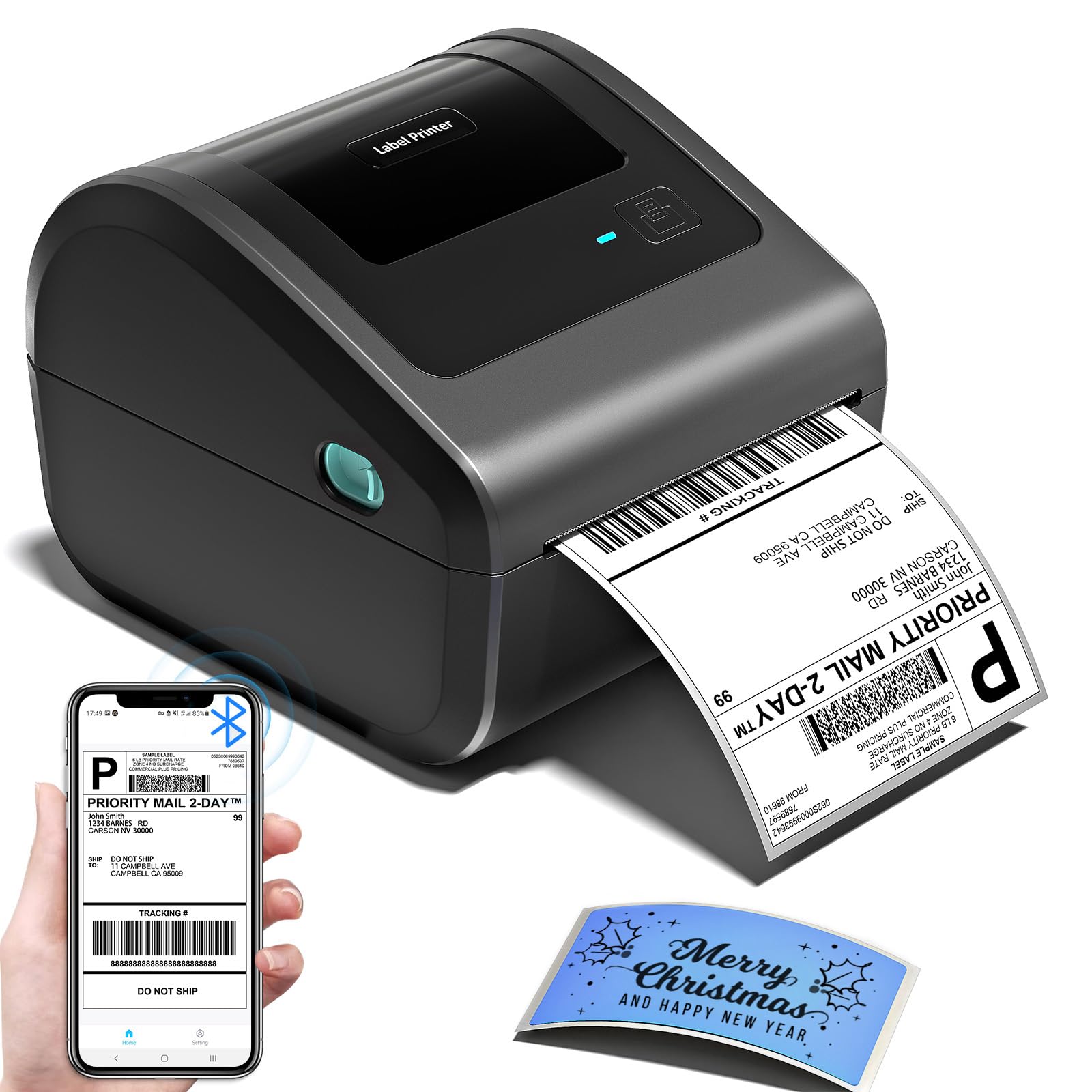
JADENS JD268BT

89 /100
LBD Score Excellent

Key details

Connectivity
Bluetooth, USB
Max Label Size
4 x 6 inches
Print Resolution
203 x 203 DPI
Supported Label Sizes
Circle label, 4×6, 3×3, 3×2, 2×1 inches
View on Amazon

If your day is a stack of Etsy, Shopify, and USPS labels, the JADENS JD268BT is built for that rhythm. It is a 4x6 thermal printer with Bluetooth and USB, a 203 x 203 DPI print head, and the broad marketplace compatibility that saves you from checking whether every new platform will work.

We like the support package as much as the printer: a U-Disk with drivers, instruction videos, and troubleshooting videos is more useful than a one-page quick-start card when a label printer refuses to cooperate at 11 p.m. The 50-label capacity and 4x6 media size suit standard shipping, and the blue body is easier to spot on a crowded bench than another black box.

The JADENS is not our top pick because the KNAON is smaller and simpler for a one-person shop. But if you print through several platforms and want a widely used printer with a mature support library, the JADENS remains a sensible choice. It is the one we point to when compatibility matters more than the smallest footprint.

Pros

  • Broad marketplace compatibility
  • Drivers and setup videos included
  • 50-label capacity
  • Fast ink-free thermal printing

Cons

  • Print clarity can vary
  • Bluetooth pairing can be finicky
Our verdict

Choose the JADENS when your shipping workflow runs through several marketplaces and you want a familiar, widely supported 4x6 printer.

Check Latest Price
4

Best for Phone-First Sellers

Phomemo 241BT

89 /100
LBD Score Excellent

Key details

Connectivity
Bluetooth, USB
Max Media Size
4 x 6 inch
Print Resolution
203 x 203 DPI
Supported Label Widths
1 to 4.6 inches
View on Amazon

Pink is the first thing you notice, but the phone-first workflow is the reason to choose the Phomemo 241BT. It is a 4x6 thermal printer with Bluetooth and USB, a 203 x 203 DPI print head, and support for label widths from 1 to 4.6 inches, which is wider than many shipping-only models.

We recommend it for sellers who design and print from a phone first. The Labelife app is built for quick jobs rather than a full desktop publishing session: import a shipping PDF, pick a template, print. The printer also works over USB with Windows, Mac, Chrome OS, and Linux, so it can live as a computer printer when you need a batch and as a phone printer when you are packing at the kitchen table. It prints only in black, which is normal for direct thermal and worth knowing before you buy it for color-coded labels.

Pros

  • Wide 1 to 4.6-inch media range
  • Phone-first app workflow
  • USB support for desktop systems
  • Fast thermal printing

Cons

  • Bluetooth pairing can fail
  • Label feeding can skip
Our verdict

The Phomemo is for the seller who designs labels on a phone first; its wide media range and compact app-driven workflow make it more than a pretty pink box.

Check Latest Price
5

Best for Home Organization

Brother PT-D210

93 /100
LBD Score Outstanding

Key details

Tape Width
0.47 inch (12 mm)
Included Tapes
1 sample plus 3 full-length tapes
Print Resolution
180 x 180 dpi
View on Amazon

A 4x6 shipping printer is the wrong tool for the junk drawer, the pantry shelf, and the file box. That is where the Brother P-Touch PT-D210 earns its keep. It is a standalone tape label maker with a keyboard and LCD, 180 x 180 dpi output, and 0.47-inch laminated TZe tape.

The bundle is the version to get: it includes one sample tape and three full-length black-on-white tapes, so you can start labeling without adding a cartridge to the same order. Laminated TZe tape is the practical choice for kitchen containers, garage bins, and cables because it is designed to stand up to handling and moisture better than a paper sticker. The 10 styles, 14 fonts, 98 frames, and 600 symbols are enough for a household without turning label-making into a project. We do not recommend it for shipping labels; the tape is too narrow and the output is not a 4x6 carrier label. As a home label maker, though, it is the one we hand to someone who wants to pull it out of a drawer, type, and stick.

Pros

  • Four tape cartridges included
  • Laminated labels for home use
  • Standalone keyboard and LCD
  • Strong ease-of-use record

Cons

  • No power adapter included
Our verdict

We recommend the PT-D210 for anyone organizing a home or small office with laminated tape labels, not for printing 4x6 shipping labels.

Check Latest Price
6

Best for Business Labels

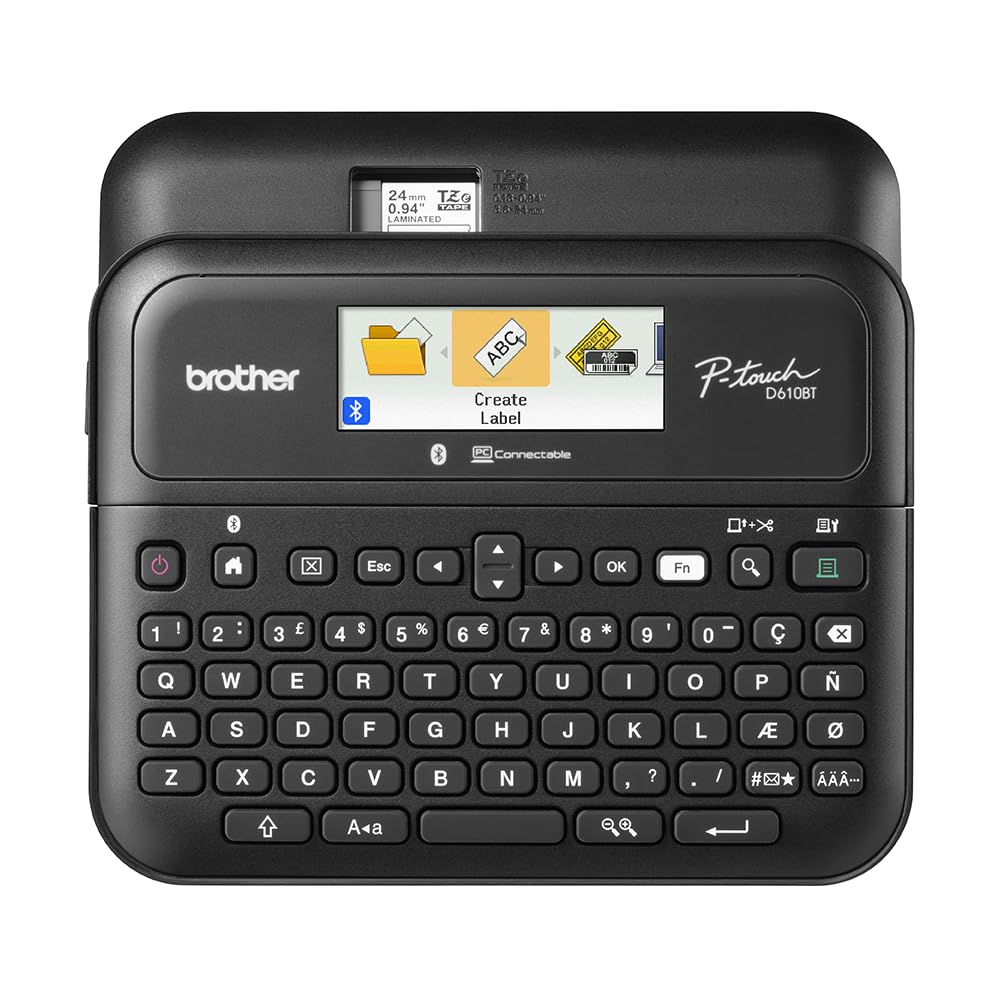
Brother PT-D610BT

89 /100
LBD Score Excellent

Key details

Display
20-character, 2-line color LCD
Connectivity
Bluetooth, USB
Max Tape Width
1 inch
Print Resolution
180 x 360 dpi
View on Amazon

The PT-D610BT is what happens when a desktop label maker grows a Bluetooth radio and a business-grade template library. It prints labels up to 1 inch wide at 180 x 360 dpi, stores 90 frequently used designs, and has a 20-character, two-line color LCD that makes previewing a label much easier than squinting at a one-line screen.

We like the keyboard-plus-app combination. You can type and print a shelf label without waking a computer, or design a batch of asset tags in the P-touch Editor software and send them over Bluetooth or USB. The automatic cutter is a small thing that makes a big difference when you are producing a run of labels.

The 175 business templates give you a starting point for inventory, safety, and merchandise labels, and the 17 fonts, 17 styles, 160 frames, and 900 symbols are enough to keep a small shop's labels consistent. This is more machine than a household needs.

We recommend the PT-D610BT for a small business that has outgrown a basic home label maker and wants professional-looking labels without a PC beside the shelf. It is the most complete tape label maker here. If you only need a few pantry labels, the PT-D210 does the job for less.

Pros

  • Large color LCD and keyboard
  • Bluetooth and USB
  • Automatic label cutter
  • 175 business templates

Cons

  • Bluetooth pairing can be inconsistent
  • Premium price for a tape maker
Our verdict

Step up to the PT-D610BT if you want a business label maker with a real keyboard, Bluetooth, and a color screen for asset tags and shelf labels.

Check Latest Price
7

Best for Small Desks

Omezizy D450BT

84 /100
LBD Score Excellent

Key details

Media Width
1 to 4.6 inches
Connectivity
Bluetooth, USB
Print Resolution
203 x 203 DPI
Built-in Label Bin
Up to 250 4x6 labels
View on Amazon

The built-in label bin is the reason the Omezizy D450BT makes sense on a crowded packing table. It holds an internal roll of up to 250 4x6 labels, so the printer arrives as a self-contained unit rather than a box with a loose roll that needs a separate holder.

It handles media from 1 to 4.6 inches wide, which covers standard shipping labels plus narrower address or product labels, and the 203 x 203 DPI output is the usual resolution for this class. Bluetooth and USB are both on board, and the app-based workflow is built for phone or computer printing. We recommend the D450BT for a small shop that wants one tidy unit for 4x6 shipping, with no separate roll holder to lose. The closed bin also keeps dust off the roll between runs. It is not the pick for someone who changes label rolls constantly, but the internal compartment is the point.

Pros

  • Built-in bin holds 250 labels
  • Handles 1 to 4.6-inch widths
  • Bluetooth and USB
  • Self-contained storage

Cons

  • Internal bin adds bulk
Our verdict

The Omezizy is the pick for a tight packing station where a built-in roll bin and a self-contained 4x6 setup matter more than app extras.

Check Latest Price
8

Starter Shipping

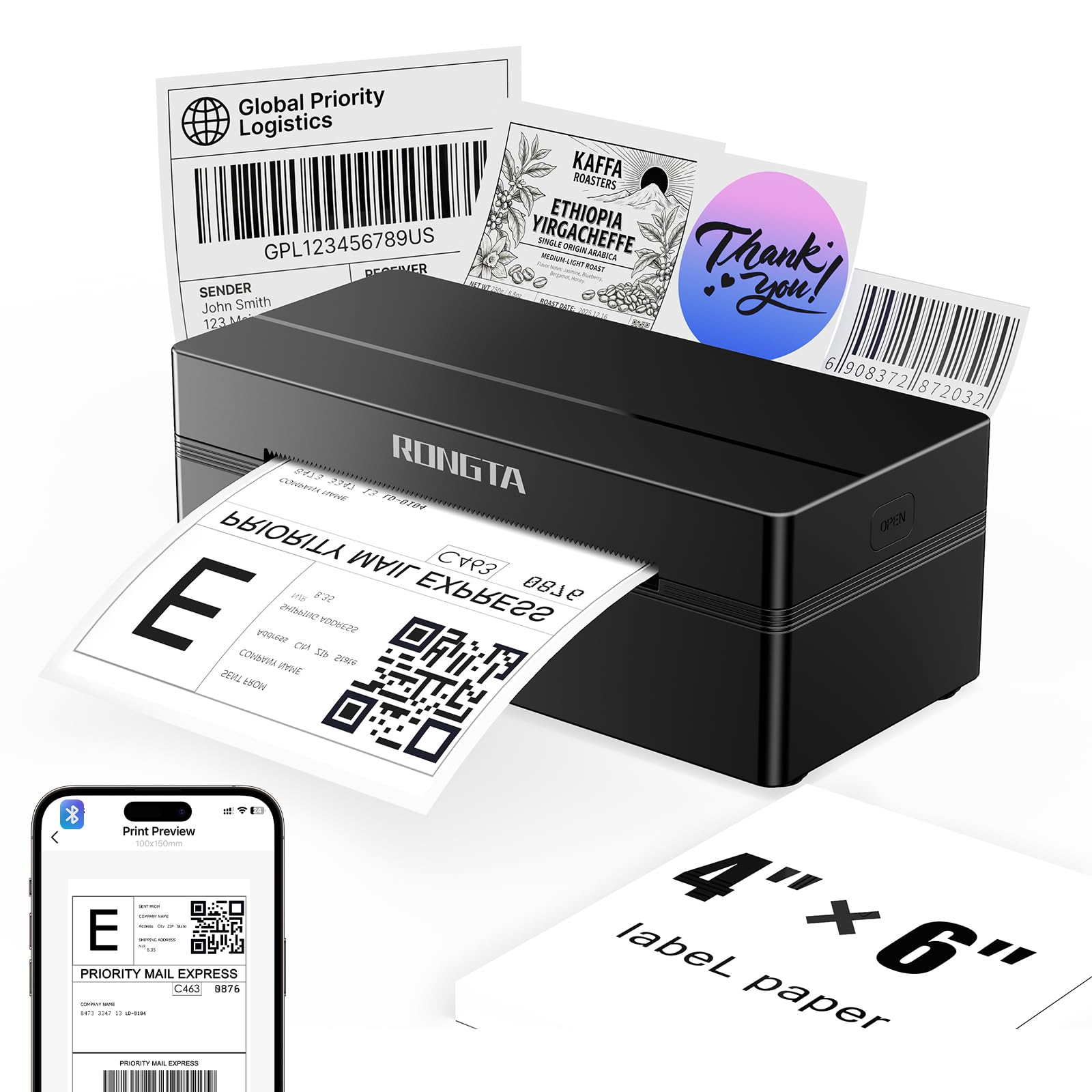
Rongta RP425

82 /100
LBD Score Excellent

Key details

Print Speed
150 mm/s
Connectivity
Bluetooth, USB
Max Media Size
4 x 6 inch
Print Resolution
203 x 203
View on Amazon

The Rongta RP425 is the lowest-priced way to get a 4x6 thermal printer here, and that is the whole pitch. It prints at up to 150 mm/s, uses a 203 x 203 dpi head, and connects over Bluetooth or USB.

We like the automatic label identification for a first printer: it detects and feeds the label without a lot of manual adjustment, which is the part that trips up new users. The 0.65 kg body is light enough to move between a desk and a packing area, and the 4x6 media size covers the standard shipping label most sellers need.

It is a starter machine, not the one we choose for a busy shop. The lower price buys a smaller body and a more basic experience, and the app is less polished than the KNAON's.

If you print a few orders a week and want to spend as little as possible, the Rongta gets the job done; if labels are your livelihood, step up. We recommend it as a first 4x6 printer for an occasional seller, not as the center of a fulfillment desk.

Pros

  • Lowest price in this group
  • 150 mm/s print speed
  • Automatic label detection
  • Light 0.65 kg body

Cons

  • Bluetooth can disconnect
  • Print can come out faint
Our verdict

The Rongta is the lowest-cost way to start printing 4x6 shipping labels here, and it covers the basics from phone or USB.

Check Latest Price
9

Template-Driven Labels

NULLTONEX Y813

86 /100
LBD Score Excellent

Key details

Weight
1.2 lb
Connectivity
Bluetooth, USB
Max Media Size
4 x 6 inches
Print Resolution
203 x 203 dpi
View on Amazon

The NULLTONEX Y813 is the app-first pick here: FlashLabel Pro brings 1,800+ templates and 300+ fonts, and the matte black body looks more expensive than its midrange price tier. We recommend it for a light-duty seller who wants design help without moving up to a premium label maker.

We like the app-first approach for small-business labels that are not just shipping labels. You can build a product label or a thank-you sticker from a template, then print it on 4x6 media or narrower stock. Bluetooth and USB are both available, and the built-in printhead overheat protection is a sensible detail for a printer that may run through a batch of labels.

The Y813 is compact and light at 1.2 pounds, and the 4x6 media size covers standard shipping. It is a reasonable also-consider for a light-duty seller who wants a big template library and a small footprint.

For daily parcel volume, the KNAON is the safer default. The Y813 makes more sense when the labels are part of your branding and you want to design them in the same app you use to print.

Pros

  • Large template and font library
  • Bluetooth and USB
  • Compact 1.2-pound body
  • Printhead overheat protection

Cons

  • Reliability can be uneven
  • Bluetooth pairing can fail
Our verdict

The NULLTONEX makes sense if you want a large template library and app-based design without moving up to a premium label maker.

Check Latest Price

How We Tested a Dozen Label Printers

We started by pulling the best-selling Bluetooth models in both formats and cutting anything that only ran over a USB cable, anything with no iOS or macOS support, and anything whose replacement labels cost more per sheet than the machine saved us. That left 12 printers, which we ran for six months alongside each other rather than in a single afternoon.

Testing looked like real work, not a lab bench. I packed a week's worth of orders every Sunday night, sending 4x6 labels from a phone at the kitchen counter and from a laptop at the desk, then spent weekday evenings making labels for storage bins, spice jars, charging cables, and a stack of school folders. When a set of ten labels went out, I timed it from tap to peel, and I noted how many taps it took to get from opening the app to seeing a printable preview.

Print speed and print quality got measured in the least forgiving place I could find: the post office counter, where I watched whether each barcode scanned on the first pass or needed a second attempt. Reliability, meanwhile, usually announced itself on long runs — I reprinted the same fifty-label batch and watched for jams, fading, or a Bluetooth drop three-quarters of the way through. To judge label quality, we stuck labels to poly mailers and corrugated boxes, rubbed them with a thumb, and left a few on a warm windowsill for a week.

Compact size was a desk-space question: I marked the footprint of each machine on a crowded table and checked whether it slid into a tote with the mailers. For value, we tracked what came in the box and what replacement rolls cost over six months of steady use. The ones that kept their place on the desk did so quietly, which is the highest compliment a label printer can earn.

How to Choose a Label Printer

Match the printer to the label, not the name

A 4x6 direct thermal printer is the right starting point if most of your labels are shipping, address, or barcode labels. It takes rolls of adhesive-backed thermal paper and needs no ink or toner. A tape label maker is a different tool: it prints narrow laminated labels for shelves, files, cables, and containers, usually up to about an inch wide. The names overlap, but the media does not. Check the listed media range before you buy; the KNAON handles up to 4.2 inches, the Phomemo spans 1 to 4.6 inches, and the Brother PT-D210 is limited to 0.47-inch tape.

Resolution matters most at the edges

203 dpi is the working standard for 4x6 shipping labels, and it is enough for a carrier barcode as long as the print is clean and aligned. Higher resolution helps when you shrink a lot of text onto a small tape label or print dense barcodes at a narrow width. We do not pay extra for resolution alone on a shipping printer; we pay for a clean feed, because a crisp print head cannot rescue a label that has shifted under the sensor.

Connectivity should follow your packing routine

Phone printing is the convenience that sells these printers, but it comes through the maker's app, not through AirPrint or a generic system dialog. That distinction matters: a printer can be Bluetooth-ready and still be awkward with the marketplace app you use. USB is the steadier path for a desktop, especially for batch printing. We like models that offer both, like the KNAON and Labeer, because you can print from a phone at the packing table and switch to a laptop when you need to reprint a batch.

Feed reliability and running costs

Thermal printers do not use ink, so the recurring cost is labels, not cartridges. The bigger hidden cost is waste: a printer that feeds an extra label or loses alignment can burn through a roll during setup. Automatic label identification helps, but so does a clear calibration routine and a return window you are willing to use. Tape label makers shift the cost to cartridges, and laminated tape costs more than plain paper labels. We prioritize a clean feed over a slightly faster top speed.

Footprint and where the roll lives

A 4x6 printer takes up more room than its body suggests once you add a loose roll of labels. Open-frame models need a spot for the roll; the Omezizy D450BT avoids that with a built-in bin that holds up to 250 labels. If your packing surface is shared or temporary, a self-contained unit is easier to put away. If you change label sizes often, an open roll is quicker to swap. Measure the footprint with the roll loaded, not just the printer.

Frequently Asked Questions

Final Verdict

Start with the KNAON if you ship parcels and want one compact 4x6 printer for phone and laptop. It has the best balance of speed, footprint, and everyday reliability in this group. If you mostly label shelves and files, the Brother PT-D210 is the better tool: laminated tape, a keyboard, and no computer needed. For business labels that need a keyboard and Bluetooth, step up to the PT-D610BT. The 4x6 printers are for boxes; the tape makers are for everything else.