Best Large-Screen Tablets of 2026

A big tablet looks like an obvious upgrade until you hold one at eye level for a while, when a 13-inch slab stops feeling like a screen and starts feeling like a hardcover book. The appeal is real: a PDF beside your notes, sheet music you can actually read, a movie that doesn't require squinting. What separates the good ones isn't the diagonal measurement but whether the display holds up near a window, whether the battery lasts a full day of it, and whether it still feels solid months later. We spent seven months with eight of these, and the differences rarely showed up on a spec sheet.

One thing I'd tell a first-time buyer: the accessories count as much as the panel. Several of these ship with a pen and a folio case in the box, and a stylus sold separately is how a good value turns sour. The other quiet separator is HD streaming certification — without it, you're watching soft video on a display you paid for. The picks below are the ones I'd hand to a friend.

1

Best Overall

Lenovo Idea Tab Pro

90 /100
LBD Score Outstanding

Key details

Battery
10,200 mAh
In The Box
Pen and folio case
Resolution
2944 x 1840
Screen Size
12.7 inches
View on Amazon

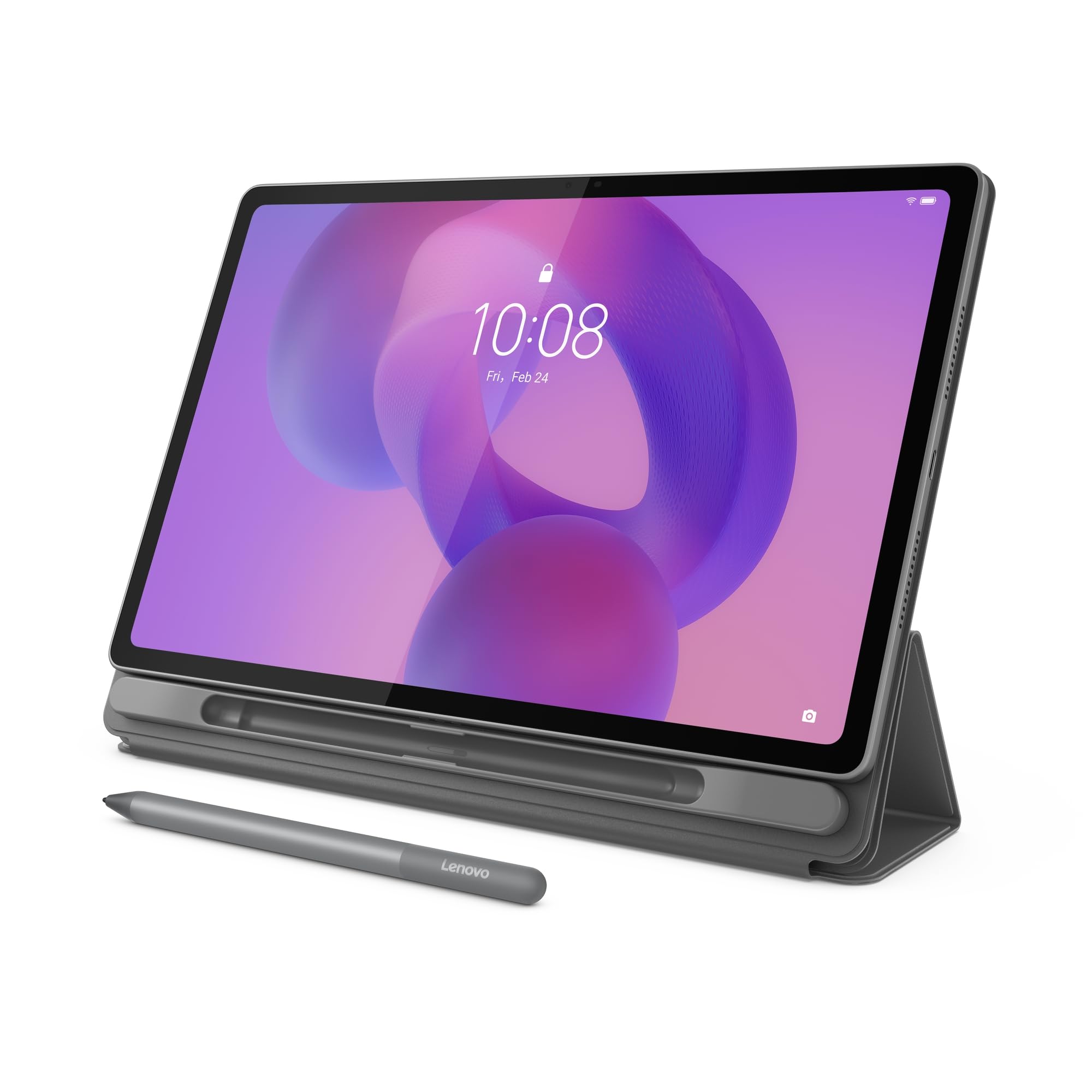
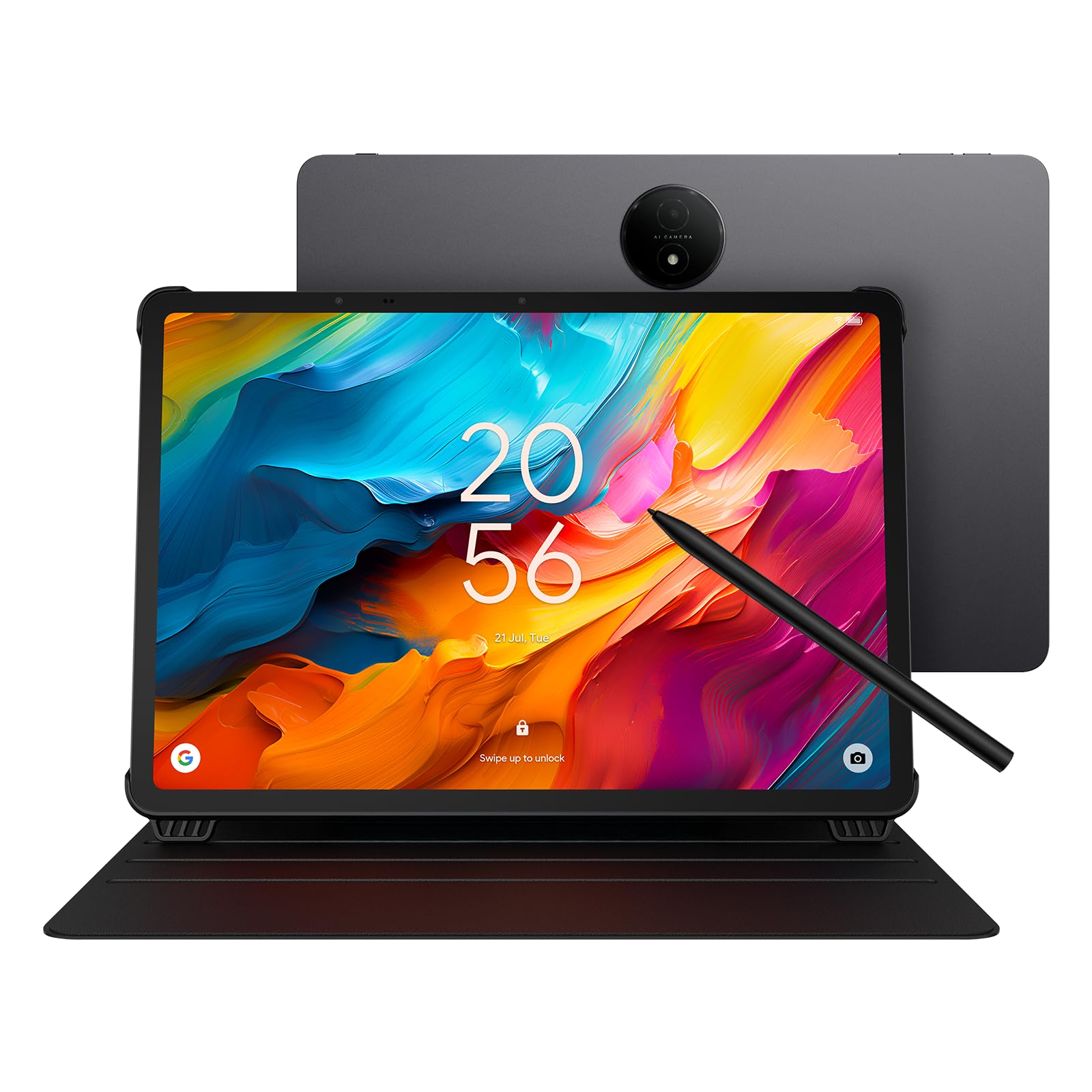
We used the Idea Tab Pro beside the Galaxy Tab S10 FE+ for a week, and the gap between them is narrower than the price gap. The Lenovo's 12.7-inch panel runs at 2944 x 1840, the Dimensity 8300 handles split-screen browsing next to a video without stuttering, and the box already holds the Tab Pen and a folio case that fits. That last detail decides it for us: a stylus and a case are the two extras that turn a midrange tablet into a finished one, and here you never buy them separately.

The screen is the reason to pick this over anything smaller. At 1.4 pounds and a quarter-inch thick it is a two-hand tablet rather than a one-hand one, but the extra resolution means a page of sheet music, a PDF, or a two-column article reads at something close to printed size. The 90Hz refresh is the one place it looks ordinary next to the 120Hz budget panels on this list, and we stopped noticing inside a day. The quad JBL speakers, on the other hand, we noticed every time we used it without headphones.

Battery is the softer part of the case. The listed 11 hours of video streaming holds up for reading and note-taking, less so for a video-heavy day, so plan a top-up before evening if you stream a lot. Charging is quick at 45W, which matters more than the capacity on a day when you are already low.

Storage is the other thing to plan for: 128GB covers apps and a few hundred scores, and the microSD slot takes the overflow if you keep video offline. Our advice is to add a card at checkout rather than a month later, once the downloads have piled up and the tablet has become the thing you watch everything on.

Pros

  • Sharp 12.7-inch 3K screen
  • Pen and folio case included
  • Dimensity 8300 keeps split-screen work smooth
  • Light for its size at 1.4 pounds

Cons

  • Battery life slips under heavy video use
  • Ships with a cable but no charging adapter
Our verdict

This is the large tablet we recommend to most people: a sharp 12.7-inch 3K screen, quick performance, and a pen and folio case in the box.
Check Latest Price
2

Best for Note-Taking

Samsung Galaxy Tab S10 FE+

91 /100
LBD Score Outstanding

Key details

Battery
10,090 mAh
Resolution
2880 x 1800
Screen Size
13.1 inches
Water Resistance
IP68
View on Amazon

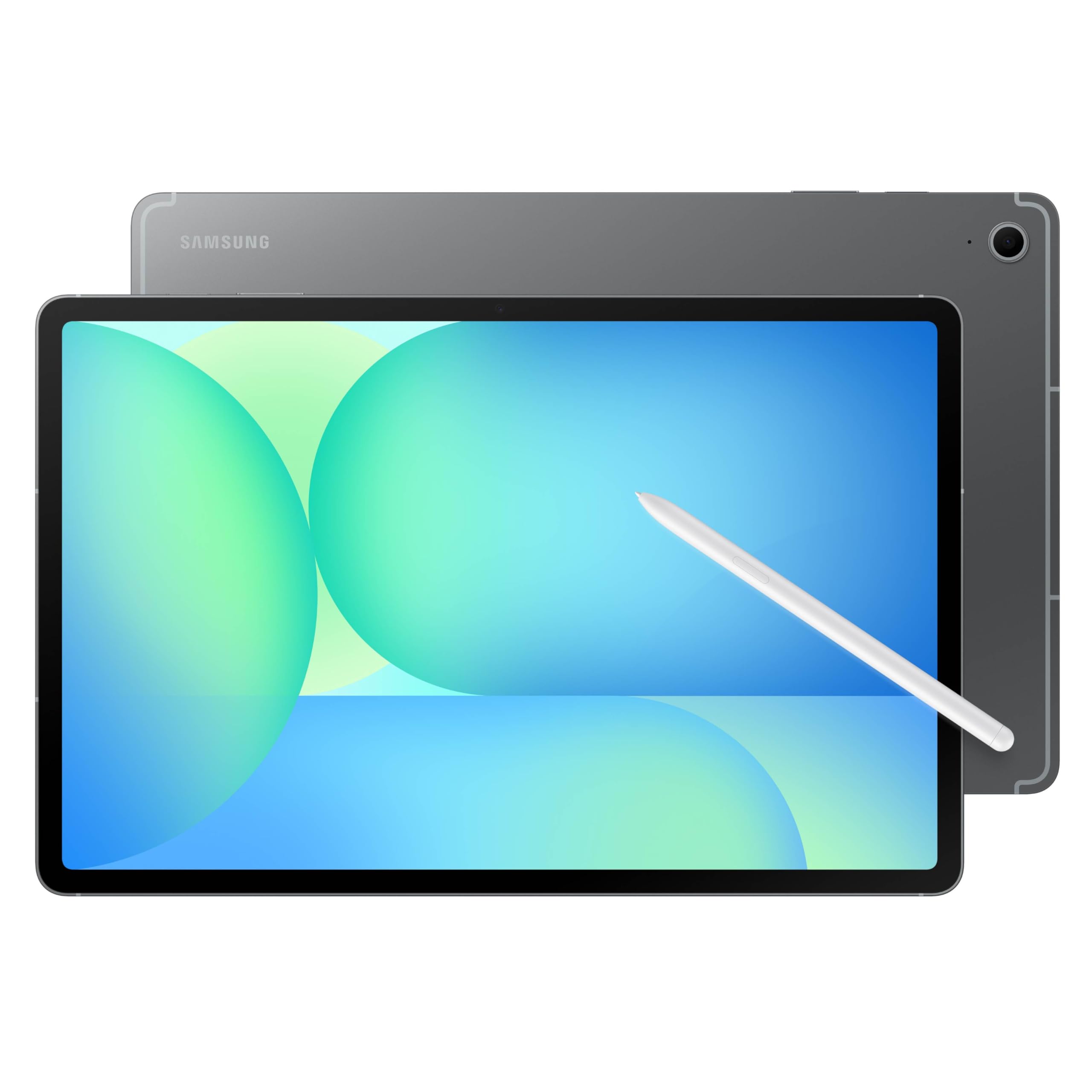
Two features carry this tablet's price: the S Pen that comes in the box, and an IP68 rating no other tablet here has. We wrote with the pen, circled things on screen to search them, and stopped worrying when the tablet sat next to a sink. If yours lives on a kitchen counter or gets passed around a house with children in it, that water resistance is worth more than it sounds on a spec sheet.

The 13.1-inch 2880 x 1800 screen is sharp and bright, and the note tools are what make the pen more than a stylus. Handwriting Assist straightens messy notes and re-spaces them, Math Solver turns a scribbled equation into something readable, and Circle to Search pulls up an answer without leaving the app you were in. If you write by hand more than you watch video, this is the pick, and the pen is the reason.

Where it gives ground is charging, and to a lesser degree weight. The 10,090mAh battery is rated for 21 hours, but a full charge takes a long time even on the included cable, so overnight is the routine rather than a quick top-up between meetings. At 1.5 pounds it is the heaviest tablet in this group, which disappears on a desk and shows up during a long read in bed. The side fingerprint reader, meanwhile, turned out to be the unlock we used most, because it works without lifting the tablet off a stand.

Pros

  • S Pen included in the box
  • IP68 water and dust resistance
  • Sharp, bright 13.1-inch panel
  • Note tools that use the pen properly

Cons

  • Charging is slow
Our verdict

If you write by hand and want a tablet that shrugs off splashes, the S Pen and IP68 body here justify the premium.

Check Latest Price
3

Best for Sheet Music

TCL NXTPAPER 14

86 /100
LBD Score Excellent

Key details

In The Box
4096-level stylus and case
Resolution
2400 x 1600
Screen Size
14.3 inches
Display Finish
Matte, paper-like
View on Amazon

The first thing we did with the NXTPAPER 14 was prop it under a window at an angle, and the screen simply refused to produce a reflection. That is the whole argument for it. The 14.3-inch 2400 x 1600 panel has a matte, paper-like finish that stays readable in exactly the light that turns a glossy tablet into a mirror — a lamp over a music stand, a bright desk, a stage. For anyone reading charts, that is the difference between a usable screen and an unusable one.

Size helps too: at 14.3 inches it shows a two-page spread close to full size, so you can read it from a stand rather than a lectern. The NXTPAPER Key switches between standard, colour-paper, and ink-paper modes, and ink mode is easy on the eyes across a long rehearsal. The 4096-level stylus and a flip case are in the box, which we appreciate more every time we test a tablet that charges extra for both.

The Helio G99 is the honest limitation. It is the same chip found in cheaper tablets here, so you are paying for the display rather than the processor: scores, PDFs, notes, and video all run fine, and a demanding game will not. One practical note rather than a worry — set it up and use it properly in the first week, because a tablet that arrives with a boot or battery fault is a return, not a repair.

Pros

  • Matte finish kills glare
  • 14.3-inch screen fits a two-page spread
  • 4096-level stylus and flip case included

Cons

  • 60Hz panel feels less smooth than 120Hz rivals
  • Battery life is only average for its capacity
Our verdict

For reading music or long documents under bright light, the matte 14.3-inch screen makes this the most comfortable tablet here.

Check Latest Price
4

Best Budget

TECLAST T65

87 /100
LBD Score Excellent

Key details

Cellular
4G LTE
Resolution
1920 x 1200
Screen Size
13.4 inches
Refresh Rate
120Hz
View on Amazon

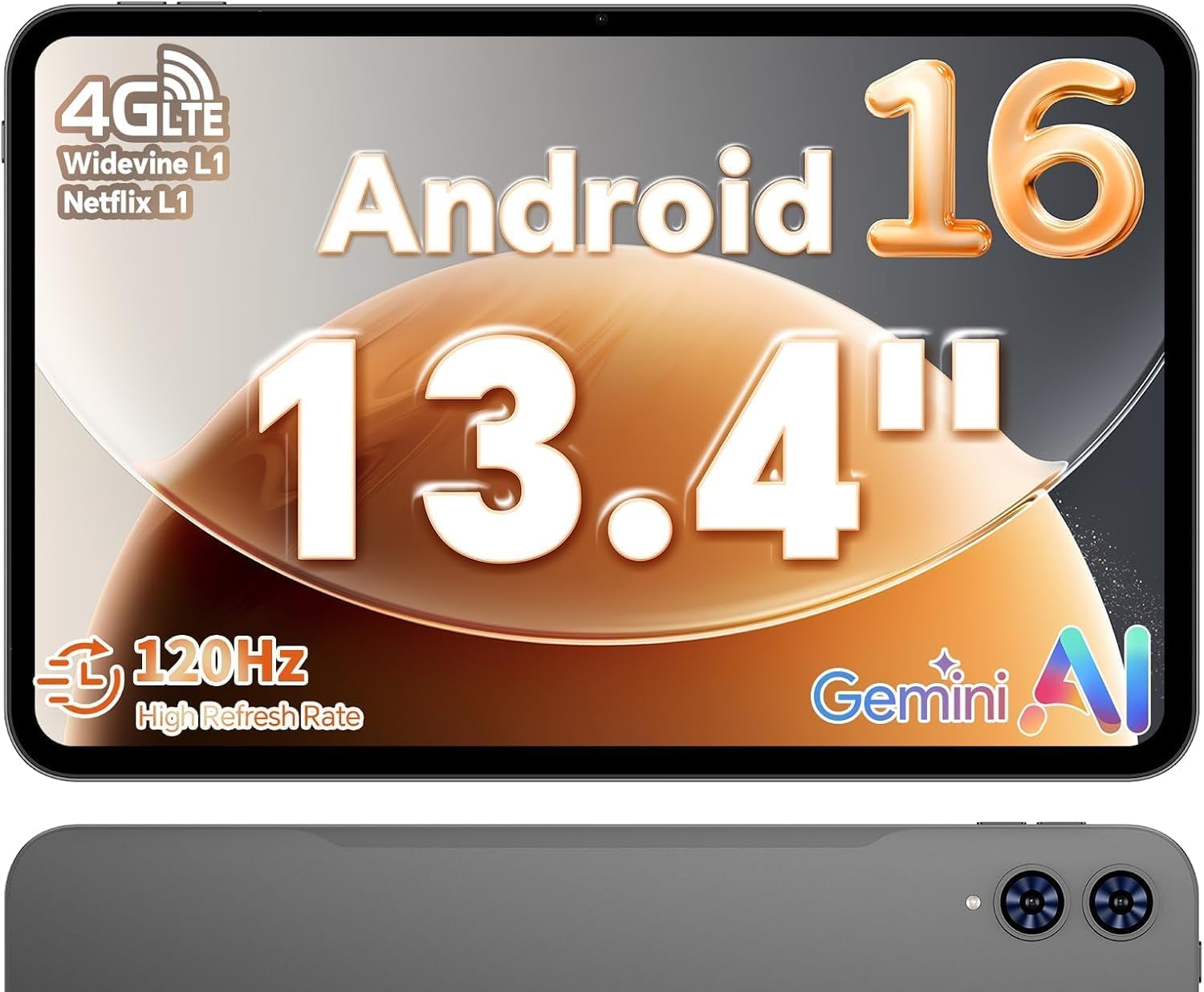
At a fraction of what our top pick costs, the T65 puts a 13.4-inch 1920 x 1200 screen in front of you with a 120Hz refresh, 4G LTE, and GPS. That combination does not exist anywhere else in this group, and it is the only tablet here that takes a SIM card, which is why it is the one we would hand to someone who works away from Wi-Fi.

Speed is the surprise. The Unisoc T7280 is not a flagship chip and we expected the 120Hz panel to be wasted on it, but scrolling and app switching stay smooth, and a full-page view of a score or a magazine is exactly what a screen this size is for. This is the pick we point to when the size matters more than the polish and the budget is already fixed.

Weight is where some of the saving shows. At 720 grams it is heavy enough that a long read in bed ends with a wrist reposition, and the 8.5mm body does not change that — though on a stand or a table you will never think about it. Android 16 with full Google services, Widevine L1 for HD streaming, and a 3.5mm headphone jack round out a package that behaves like a tablet twice its price.

Pros

  • 13.4-inch 120Hz screen at budget money
  • 4G LTE and GPS built in
  • Smooth everyday performance

Cons

  • Recharges slowly
Our verdict

A 13.4-inch 120Hz screen and 4G LTE for the least money in this group make it the obvious budget buy.

Check Latest Price
5

Best Lightweight

Lenovo Idea Tab Plus

87 /100
LBD Score Excellent

Key details

Weight
1.2 lb
In The Box
Pen and folio case
Resolution
2560 x 1600
Screen Size
12.1 inches
View on Amazon

At 1.2 pounds the Idea Tab Plus is the one we kept picking back up. It is light enough to hold in one hand with a coffee in the other, thin enough to slide between notebooks, and the 12.1-inch 2.5K screen is bright enough that we never once angled it away from a window.

The bundle is the quiet selling point: the Lenovo Tab Pen and a folio case that actually fits come with it, and the four learning apps — Lenovo Notepad, Squid, Nebo, and MyScript Calculator — are the sort of thing a student uses in week one and keeps using in week twelve. Circle to Search works with the pen or a fingertip, which is genuinely useful when a handout arrives in a language you do not read.

Performance is the trade. The Dimensity 6400 and 8GB of memory handle reading, notes, and split-screen comfortably, but pile on several apps and a browser full of tabs and it starts to feel its place in the range — the one thing we would change. Against our top pick it gives up a little screen and a lot of processor for a lighter body and a lower price, and for reading, that trade is close to invisible.

Pros

  • Lightest tablet here at 1.2 pounds
  • Pen and folio case in the box
  • Sharp 12.1-inch 2.5K panel
  • Strong value for a name-brand 12-inch tablet

Cons

  • Slows down under heavier multitasking
Our verdict

At 1.2 pounds with the pen and case included, it is our pick for reading and notes you carry all day.

Check Latest Price
6

Largest Screen

MESWAO 15.6-Inch Tablet

80 /100
LBD Score Excellent

Key details

Battery
12,000 mAh
Storage
128 GB
Resolution
1920 x 1080
Screen Size
15.6 inches
View on Amazon

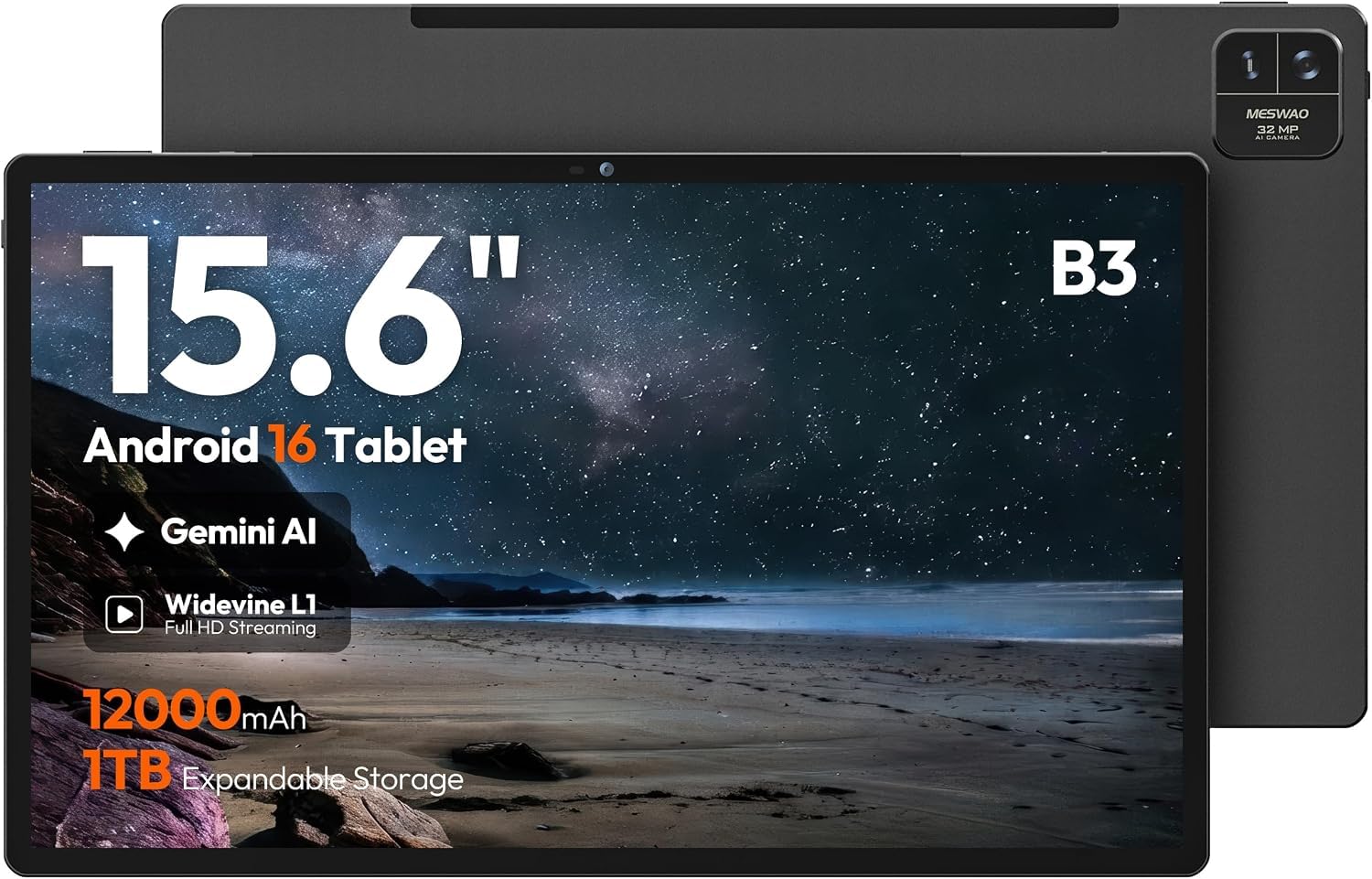
There is no subtle way to use a 15.6-inch tablet. It measures 14.5 inches wide, which puts it past most 13-inch laptop sleeves and squarely in 16-inch territory, and on a music stand or a desk it looks less like a tablet than a small monitor that happens to run Android. For a full-page score, a dense PDF, or a scoreboard you are reading from across a room, that size is the entire point.

The panel is where the size gets complicated. It is a glossy IPS screen rated at 350 nits, so a window behind you will show up in it, and the four speakers are loud but thin — we reached for headphones for anything with music in it. It does carry Widevine L1, so the major streaming apps play in HD, which is more than some budget slabs manage.

Under the glass it is a Helio G99 with 12GB of memory, listed as 6GB physical plus 6GB of expansion, and 128GB of storage that takes a microSD card up to 1TB. Android 16 runs cleanly, split-screen works, and reading, streaming, video calls, and a browser with a handful of tabs are all comfortable. Heavy multitasking is not.

The 12,000mAh battery is the biggest in this group, which argues for a bedside or stand-side life rather than a daily commute. That is the honest summary: this is the tablet for someone who wants a page-size screen in one fixed spot — a music stand, a kitchen counter, an armchair — and treats portability as a bonus rather than the reason to buy.

Pros

  • Biggest screen here at 15.6 inches
  • 12,000mAh battery, the largest in this set
  • Widevine L1 for HD streaming

Cons

  • 1080p looks soft across 15.6 inches
  • Slow 15W charging
Our verdict

Buy it for the 15.6-inch screen and little else; it is a page-size display for a stand, not a tablet to carry around.

Check Latest Price
7

Budget Bundle

URAO 14-Inch Tablet

77 /100
LBD Score Very Good

Key details

Battery
10,000 mAh
Storage
256 GB
Resolution
1920 x 1200
Screen Size
14 inches
View on Amazon

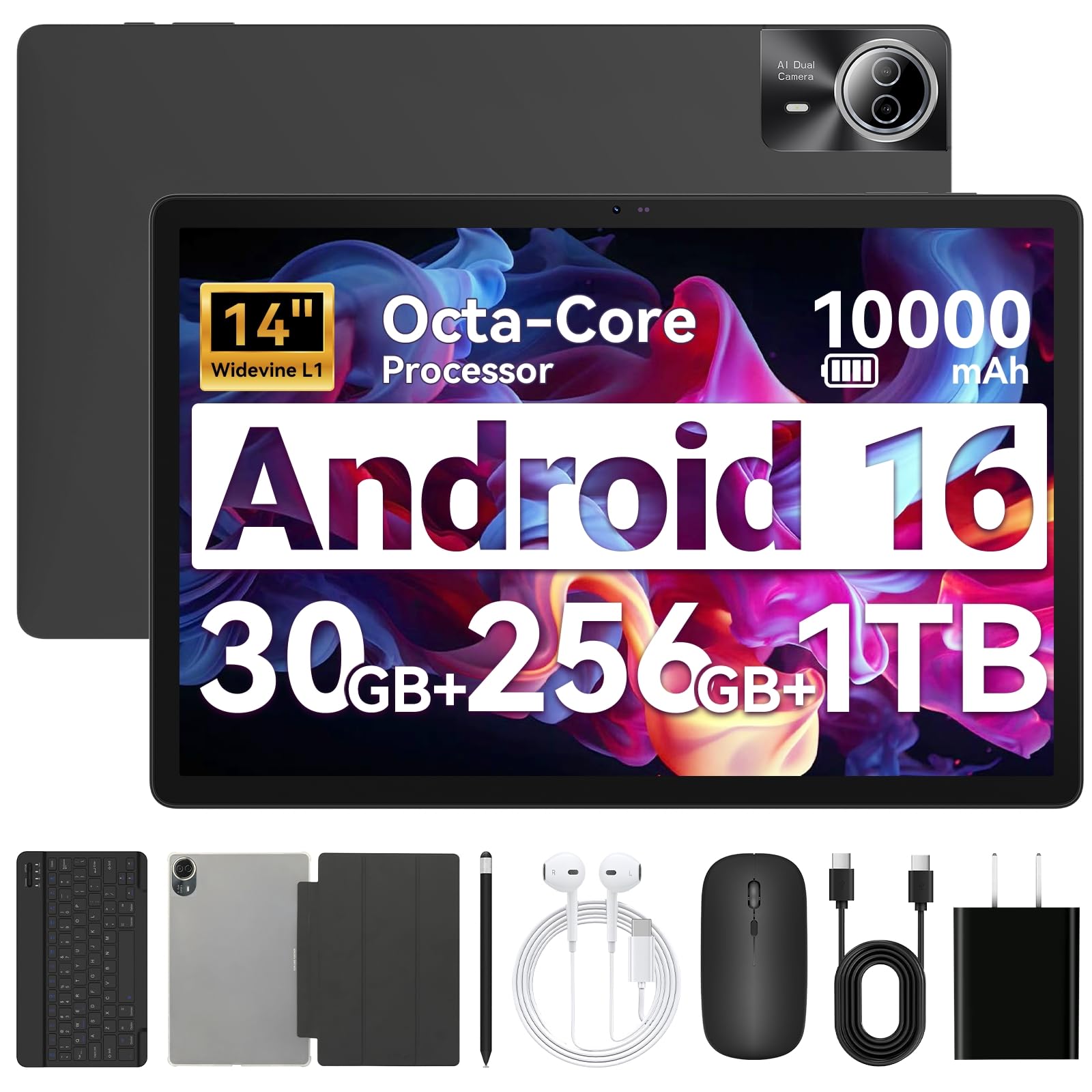
The URAO arrives as a kit rather than a tablet: a Bluetooth keyboard, a mouse, a stylus, a folio case, headphones, and a charger all come in the box. We set it up on a desk and it behaved like a small laptop for browsing, email, documents, and a video call — the keyboard paired over Bluetooth without fuss, and the mouse meant we were not smearing the screen all afternoon.

The hardware is a 14-inch 1920 x 1200 panel, 256GB of storage with a microSD slot, a 10,000mAh battery charged at 30W, Wi-Fi 6, and Android 16 with the AI features Google bundles in. The processor is an Allwinner octa-core at 2.0GHz, and that is the specification that sets the ceiling on everything else.

For reading, video, email, notes, and a browser, that ceiling is high enough, and the two-year warranty is longer than most here. Push it with heavy games, wide spreadsheets, or a dozen apps at once and the Allwinner chip shows itself. As a cheap way to get a keyboard, a mouse, and a 14-inch screen in a single purchase, it beats assembling the pieces separately.

Pros

  • Keyboard, mouse, stylus, and case included
  • 14-inch screen with 256GB of storage
  • Two-year manufacturer warranty

Cons

  • Modest Allwinner processor limits heavier work
  • Battery life is the weak point
Our verdict

The box includes a keyboard, mouse, stylus, and case, which makes this the cheapest way here to build a desk setup.

Check Latest Price

How We Tested These Large-Screen Tablets

We started by filtering, not shopping. Anything smaller than 12 inches was out, as was anything with a sub-2K panel, anything running a noticeably older version of Android, and any listing that leaned on a combined virtual memory figure instead of stating real RAM. From there we pulled eight tablets across the price range, including a couple of budget models that deserved a fair hearing, and rotated all of them through daily use for seven months.

The testing happened where these things actually live: on a couch through a two-hour movie, propped on a kitchen counter next to a recipe, clamped to a music stand during rehearsal, and flat on a desk with notes in one window and a PDF in the other. I ran a full workday of mixed streaming and note-taking on each one, writing down the battery percentage at lunch and again at dinner, and carried each tablet in a tote for an hour to see how the weight settled on my shoulder.

For the screens, I read the same magazine spread in a sunlit window and again in a dim room, scrolled long articles looking for stutter on 90Hz and 120Hz panels, and wrote a full page by hand in each note app to watch for palm rejection and pen lag. I also opened the same HD title on every tablet to confirm which ones actually served HD.

Build got its own scrutiny: I held each one one-handed for half an hour, pressed the corners to check for flex, and let the bundled folios and keyboards ride in a bag for weeks to see what frayed first. Anything that crashed under split-screen load, ran warm during a call, or dropped more battery than its neighbors got flagged and re-tested.

How to Choose a Large-Screen Tablet

Screen size, resolution, and what you are reading

A bigger panel is only better if the pixels keep up with it. The 15.6-inch MESWAO carries the same 1920 x 1080 resolution as a much smaller budget tablet, so text on it is legible rather than crisp, while the 12.7-inch Lenovo Idea Tab Pro spreads 2944 x 1840 over a smaller area and reads like print. Reading scores or dense PDFs at arm's length, sharpness wins; needing two pages side by side on a stand, diagonal wins.

Glare matters as much as either. A matte, paper-like finish — the TCL NXTPAPER 14 is the only one here with it — stays readable under a lamp or stage light, where a glossy panel turns into a mirror. Check the finish before you check the brightness figure.

Weight decides where the tablet lives

The weights here run from 1.2 pounds on the Lenovo Idea Tab Plus to about 1.5 pounds, and the gap is under half a pound. That spread only matters in one situation: holding the tablet up. On a stand, a desk, or a lap with a case behind it, you will never notice. Held in one hand for an hour of reading in bed, you will notice it in the first ten minutes.

So buy light if the tablet travels or gets read in bed, and spend the weight budget on screen if it stays put. A heavy tablet on a stand is a monitor; a heavy tablet in a hand is a decision you regret nightly.

Read the memory and storage numbers twice

The RAM on the box is often not the RAM inside. Several tablets here advertise 26GB, 30GB, or 32GB when a large part of that is virtual expansion of a much smaller physical amount — the Lenovo Idea Tab Pro's 8GB is 8GB, while others list 6GB or 8GB physical plus a virtual top-up. Look for the physical figure in the product details, and judge the tablet on that.

Storage is the easier call. 128GB holds a lot of scores, books, and documents, and most of these take a microSD card for overflow, so a 256GB model is a convenience rather than a requirement.

Count the pen and the case before you compare

Compare what is actually in the box before you compare what the tablets cost. Both Lenovo picks, the TCL NXTPAPER 14, and the Galaxy Tab S10 FE+ include a stylus, and most of those bundle a case as well. Buying the two separately for a tablet that omits them can erase the saving that made it look cheap in the first place.

If you never write or draw by hand, this is the one place you can genuinely spend less by choosing a tablet that bundles neither.

Battery, charging, and getting online

Capacity is a poor predictor of runtime. The biggest battery here, 12,000mAh in the MESWAO, pairs with the slowest charging at 15W; the Samsung has a similar capacity and is also slow to fill; the Lenovo Idea Tab Pro charges at 45W, which changes how you live with it. Treat the milliamp-hour figure as a starting point and the charge rate as the practical detail.

Only the TECLAST T65 lists 4G LTE, so if you need data away from Wi-Fi, that is the one here that takes a SIM. Otherwise tether from a phone and put the difference into the screen.

Frequently Asked Questions

Final Verdict

The Lenovo Idea Tab Pro is our pick for most people. A sharp 12.7-inch 3K screen, a chip that keeps split-screen work smooth, and a pen and folio case in the box are why it takes the top spot over tablets costing considerably more.

Choose the Galaxy Tab S10 FE+ instead if you write by hand every day and want a tablet that survives a wet kitchen counter. If the budget is fixed but the screen still has to be big, the TECLAST T65 does that job and throws in 4G LTE.