Best Overall

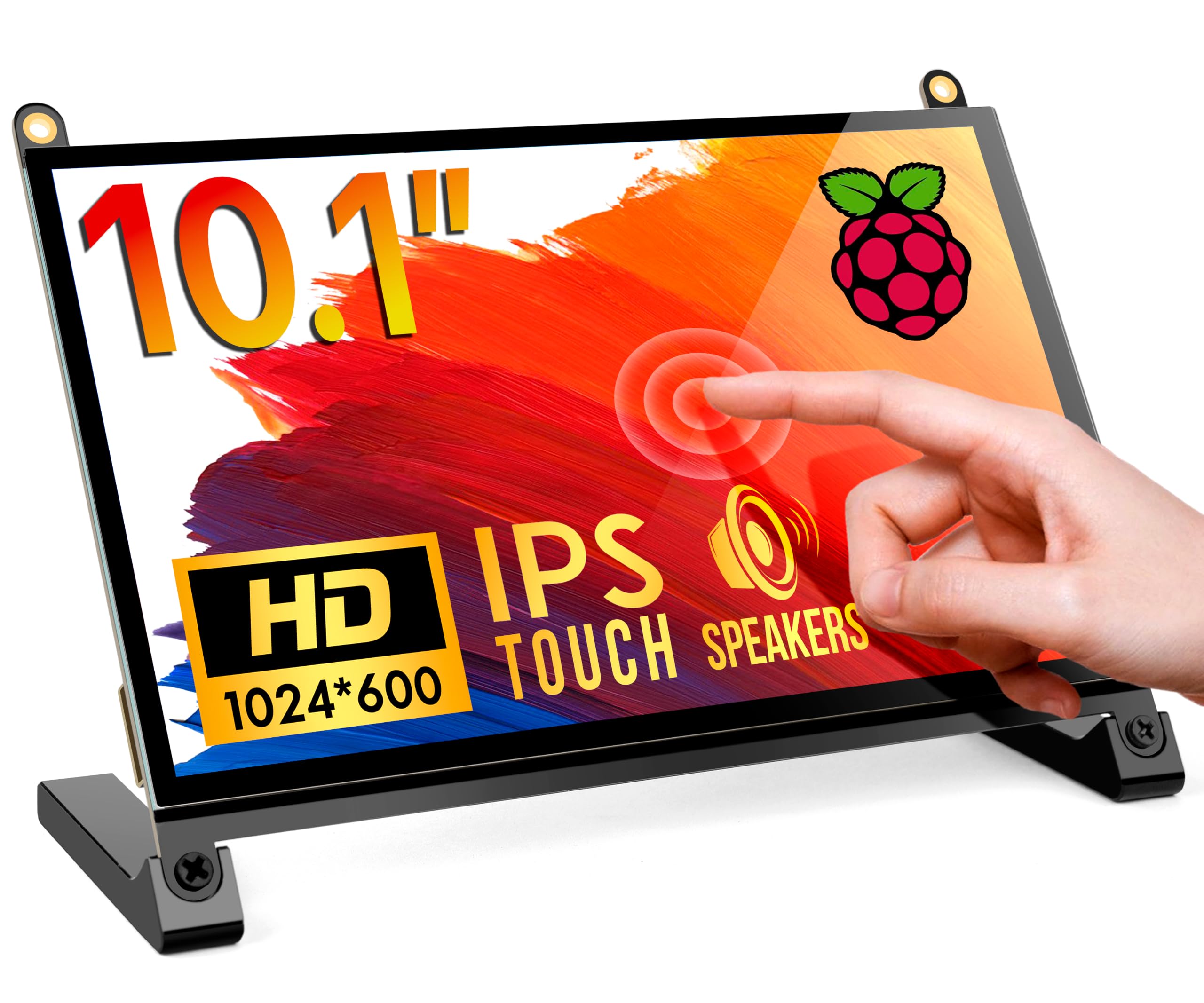
Hosyond 10.1-Inch Touchscreen
Key details
- Audio
- Dual speakers, 3.5mm jack
- Touch
- 5-point capacitive
- Screen
- 10.1 inches, 1024x600
- Connection
- HDMI and USB
A 10.1-inch panel is the size where a Raspberry Pi stops feeling like a gadget and starts feeling like a small desktop. The Hosyond 10.1-inch touchscreen gets that balance right: a 1024x600 IPS panel, five-point capacitive touch, HDMI and USB hookups, and a pair of built-in speakers. We like it because it does not ask you to choose between a display and a pile of accessories. The screen is bright and the 178-degree viewing angle keeps the image readable when it is off to the side of a desk. It is not a high-density laptop panel, though; at this size, 1024x600 is fine for dashboards and terminal windows, not for squeezing in three side-by-side code windows.
The hookup is the sort we reach for when a project has to be working five minutes after the box is open. HDMI carries the picture, USB carries touch, and the Pi sees it as a standard monitor. The five-point touch is enough for menus, sliders, and a home-automation dashboard; it is not the ten-point panel you want if several people will be drawing on the same screen. The single control dial is a small detail we appreciate more than expected: it adjusts volume and brightness without making you hunt through the Pi's settings. The 3.5mm jack is there if the built-in speakers are not enough.
The compromises are the ones that come with an inexpensive 10-inch panel. The glossy finish picks up reflections from a window or a desk lamp, and the 8ms response time is not a gaming spec. Neither matters much for a Pi that is showing weather, system stats, or a browser tab. The one thing to check is the OS image: most standard Raspberry Pi OS builds see the display over HDMI, but touch can depend on the USB connection and the image you are running. If you are using a specialty build, test it before you build a case around it.
We keep coming back to this one because it feels finished. The speakers, the headphone jack, and the control dial turn a bare panel into something you can live with on a desk, and the HDMI/USB hookup means you can move it to a laptop or a game console later. If you have the desk space, the extra screen area is worth the softer pixel density.
Pros
- 10.1-inch IPS panel with wide viewing
- Five-point touch over a simple USB link
- Dual speakers and a headphone jack
- HDMI and USB hookup for Pi or PC
Cons
- 1024x600 looks coarse at 10.1 inches
- Glossy screen reflects room light
For most Pi buyers, we point to this 10.1-inch touchscreen first: speakers, HDMI/USB hookup, and enough room for a desktop.