Best Motorized Projector Screens of 2026

The whole appeal of a motorized projector screen is that it isn't there. No tripod legs to trip over, no pull-down bar that snaps up and slaps the wall. But a screen that disappears has to come back down — thousands of times — through a motor, a roller, and a surface that either stays flat or slowly ripples. That's the question worth asking: will this still work in year three?

We hung 12 of them, from 92 to 150 inches diagonal, in a living room, a basement, and one long-suffering garage, and lived with them for six months. Two surprises: gain figures matter less than the listings imply unless the room fights daylight, and remote type matters more — RF remotes work from anywhere in the room, while IR ones need a clear line of sight. Most new PVC surfaces also smell faintly of shower curtain for the first week.

Beyond that it came down to flatness, drop speed, and whether the case was light enough to hold overhead while someone else drills. Everything below earned its spot.

1

Best Overall

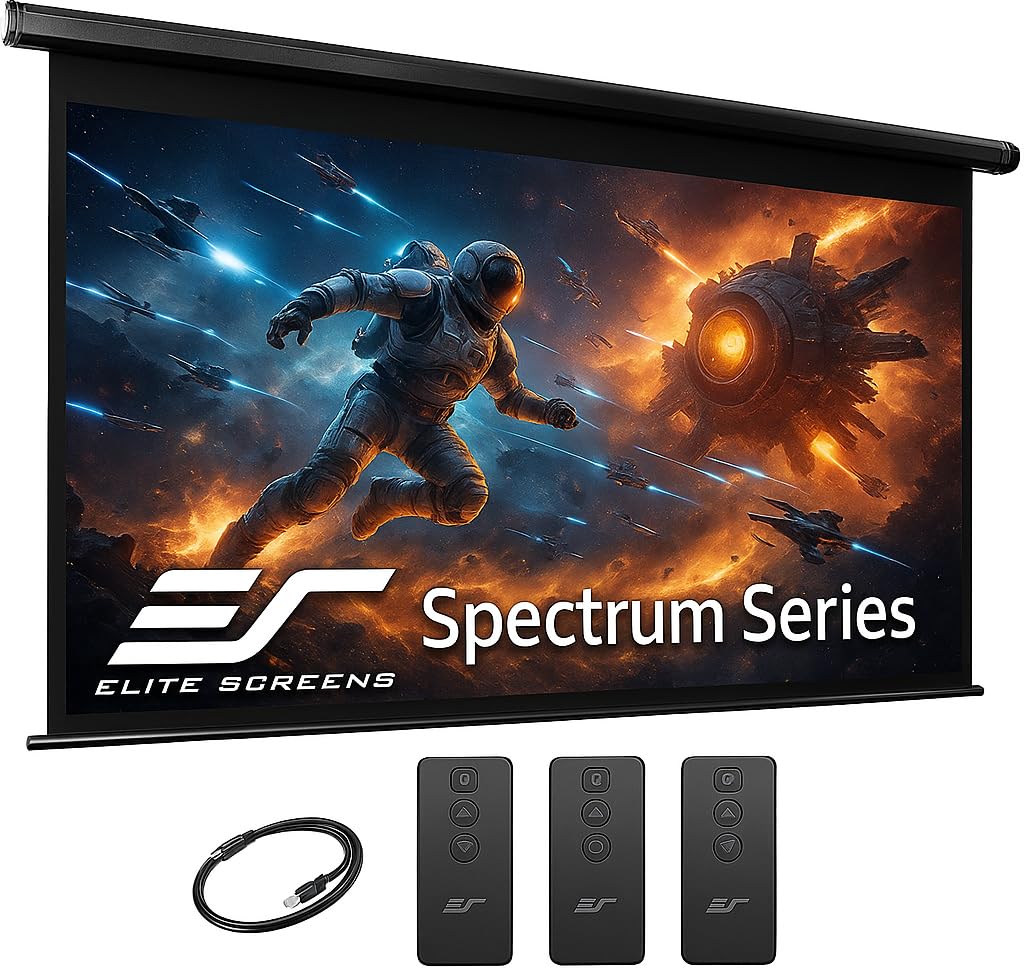
Elite Screens Spectrum RC1 125-Inch

83 /100
LBD Score Excellent

Key details

Control
IR and RF remotes, wall box, 12V trigger
Mounting
Wall or ceiling, assembled
Viewing Area
109 by 61.3 inches
Screen Material
MaxWhite 2, 1.1 gain, 180 degrees
View on Amazon

What separates the Spectrum RC1 from every other screen here is what happens at the bottom of the drop. Programmable vertical limits let you set the height once, so the fabric stops in the same place over a soundbar or under a light fixture instead of you releasing the button and hoping. Add IR and RF remotes, a wall box with its own IR sensor, and an RJ50 port for a wired 12-volt trigger, and the screen can come down with the projector rather than after it.

The fabric is Elite's MaxWhite 2: a 1.1-gain matte white, black-backed, with a 180-degree viewing angle. We like the restraint of that gain figure. It does not chase brightness, which keeps the image even from the side seats in a wide room, and the black backing stops daylight behind the screen from washing out dark scenes — worth having when the only wall big enough is the one with a window in it. The view is 109 by 61.3 inches inside a case that measures 120.5 inches across, so measure the wall, not the picture.

At 25.2 pounds and fully assembled, this is a two-person hang: one holding the case against the floating brackets, one driving screws. Those brackets slide, which is the small mercy that lets you line the screen up with the projector after the holes are already in the ceiling. What it will not do is short-throw — Elite states outright that the RC1 is not compatible with short-throw projectors, so check your throw ratio before you fall for the rest of it.

The reason it stays our top pick is the least glamorous part: a two-year warranty that extends to three with registration, from a manufacturer that has been building screens since 2004 and keeps lifetime tech support on email and phone. That is the coverage you want in the year the motor stops. None of it is cheap, and if you never plan to wire a trigger or set a limit, you are paying for features you will not use.

Pros

  • Programmable limits stop at a set height
  • IR and RF remotes, wall box, and 12V trigger
  • Black-backed 1.1-gain matte, 180 degrees
  • Two-year warranty, three with registration

Cons

  • Not compatible with short-throw projectors
  • Priced at the top of this group
Our verdict

We make this the default because it stops at a height you set, can be triggered by your projector, and offers three ways to control it.

Check Latest Price
2

Best Value 100-Inch

ZUEDA 100-Inch Motorized Screen

88 /100
LBD Score Excellent

Key details

Control
RF remote
Viewing Area
87 by 48.8 inches
Top Black Drop
9.8 inches
Screen Material
Matte white PVC, 1.1 gain, 180 degrees
View on Amazon

Most people start with a size in mind and a wall that disagrees. If the wall is what decides, 100 inches is the sweet spot, and this ZUEDA is where we point first: 87 by 48.8 inches of matte white PVC, a 9.8-inch black drop above the fabric, and a slim steel case in silver that sits closer to a window blind than to AV equipment.

The surface is a 1.1-gain matte white with a 180-degree viewing angle, which is the right specification for a room you can darken. It does not push brightness at you, so color holds steady from the corner seats, and ZUEDA makes a point of the white staying white rather than drifting yellow — the failure that matters on a screen hanging in daylight. The motor is quiet, the RF remote works without line of sight, and the case is drilled for wall or ceiling.

Where it gives ground to the Elite is coverage: a one-year limited warranty against Elite's two, on a product whose motor is the part that eventually gives trouble. That is the trade for the money, and for a spare room, a classroom, or a first theater it is a trade we are comfortable with. The 9.8-inch drop is the detail that sells it to us; it clears a window frame or a row of downlights without forcing the case lower than it needs to be.

Pros

  • 100-inch view with a 9.8-inch top drop
  • 1.1-gain matte white, 180-degree viewing
  • RF remote with a quiet motor
  • Wall or ceiling mounting on a steel case

Cons

  • One-year limited warranty
Our verdict

A 100-inch matte screen with a 180-degree viewing angle and an RF remote, at a price that leaves room for the projector.

Check Latest Price
3

Best Midrange 120-Inch

Kayle 120-Inch 16:9 Screen

87 /100
LBD Score Excellent

Key details

Gain
1.2
Control
RF remotes, detachable 3-way switch
Mounting
Wall or ceiling
Screen Size
120-inch diagonal, 16:9
View on Amazon

Sixteen by nine at 120 inches is the shape most movie nights actually want, and this Kayle is the least fussy way to get there. The surface is a three-layer black-backed PVC with a 1.2 gain, a step brighter than the 1.1-gain material most of this group uses. On a projector with modest output, or in a room that is not quite dark, that extra return is doing real work.

Control is more generous than the money suggests: radio-frequency remotes that work without line of sight, plus a detachable three-way wall switch for the evenings the handset has vanished into the sofa. The case is metal, it arrives assembled, and it is drilled for wall or ceiling.

The mechanism is what to check, not the picture. A screen that stops dropping is the failure that turns a good install bad, and it is cheap to rule out: run a full up-and-down cycle several times before the case goes above head height, and keep the carton until you have. Do that and you have 120 inches of 16:9, a brighter-than-average surface, and two ways to control it — in the middle of this group's pricing, and one year of warranty short of the top pick.

Pros

  • 1.2 gain on a black-backed three-layer surface
  • RF remotes plus a detachable wall switch
  • Metal case that arrives assembled

Cons

  • One-year warranty
Our verdict

If 120 inches is the goal and the Elite's feature list is more than you need, this is the screen we name.

Check Latest Price
4

Best Budget

SUPER DEAL 92-Inch Screen

93 /100
LBD Score Outstanding

Key details

Weight
14.6 lb
Aspect Ratio
16:9
Viewing Area
79.5 by 44.9 inches
Viewing Angle
160 degrees
View on Amazon

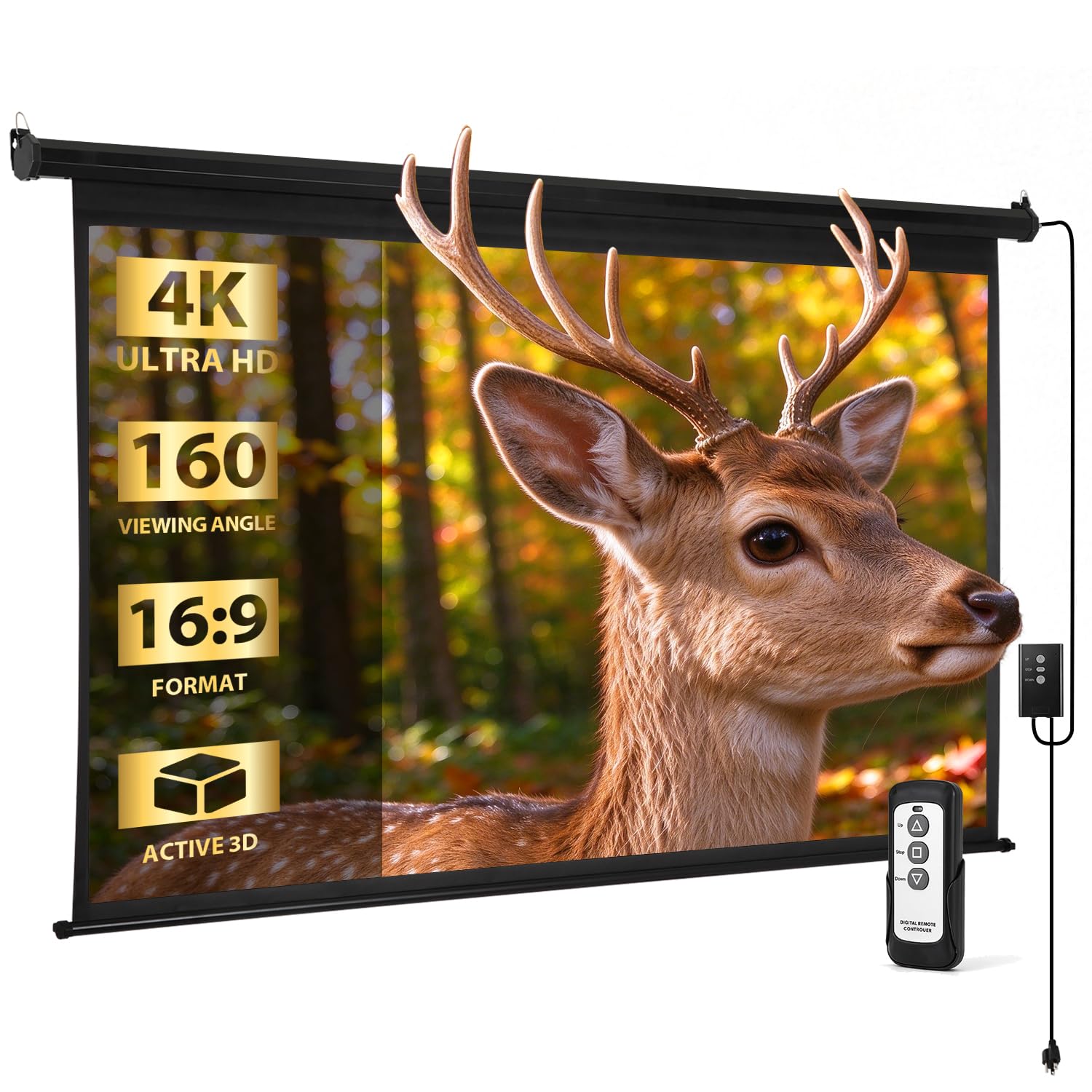
Not every wall wants 120 inches across it, and not every budget stretches to a metal case with a quiet motor. At 92 inches diagonal the SUPER DEAL gives you 79.5 by 44.9 inches of picture — roughly a large television — and it does it at 14.6 pounds, light enough that one person can hold it against the wall while someone else drives screws. On a ladder, that difference is an afternoon versus an argument.

The picture is the part we have least to say about, in a good way: a matte white surface with a 160-degree viewing angle, used the way most of these get used, hung against a wall in place of a TV in a room where the projector does not have far to throw. Where the savings show is the roll-up mechanism. A screen that pulls down once and never retracts is the failure to guard against at this price, so hang it, run it through several full cycles, and keep the packaging until the return window has closed.

The other thing to plan around is mounting: this is listed as a wall-mount screen, so a ceiling install in a finished room is not what it was designed for. Put it on a wall you can reach with the remote and an outlet, and 92 inches is plenty for a bedroom, a den, or a converted garage.

Pros

  • Light 14.6-pound case, easy to hang
  • 92-inch 16:9 view for smaller walls
  • Remote control at the lowest price here

Cons

  • Wall mount only, per the listing
Our verdict

Our budget pick: 92 inches of 16:9 screen with a remote, light enough to hang yourself, for less than anything else here.

Check Latest Price
5

Best for Large Spaces

FRAYSCENT 150-Inch Screen

84 /100
LBD Score Excellent

Key details

Control
Wireless and wired remotes
Viewing Area
141.4 by 80 inches
Viewing Angle
160 degrees
Screen Material
Four-layer polyester, 1.2 gain
View on Amazon

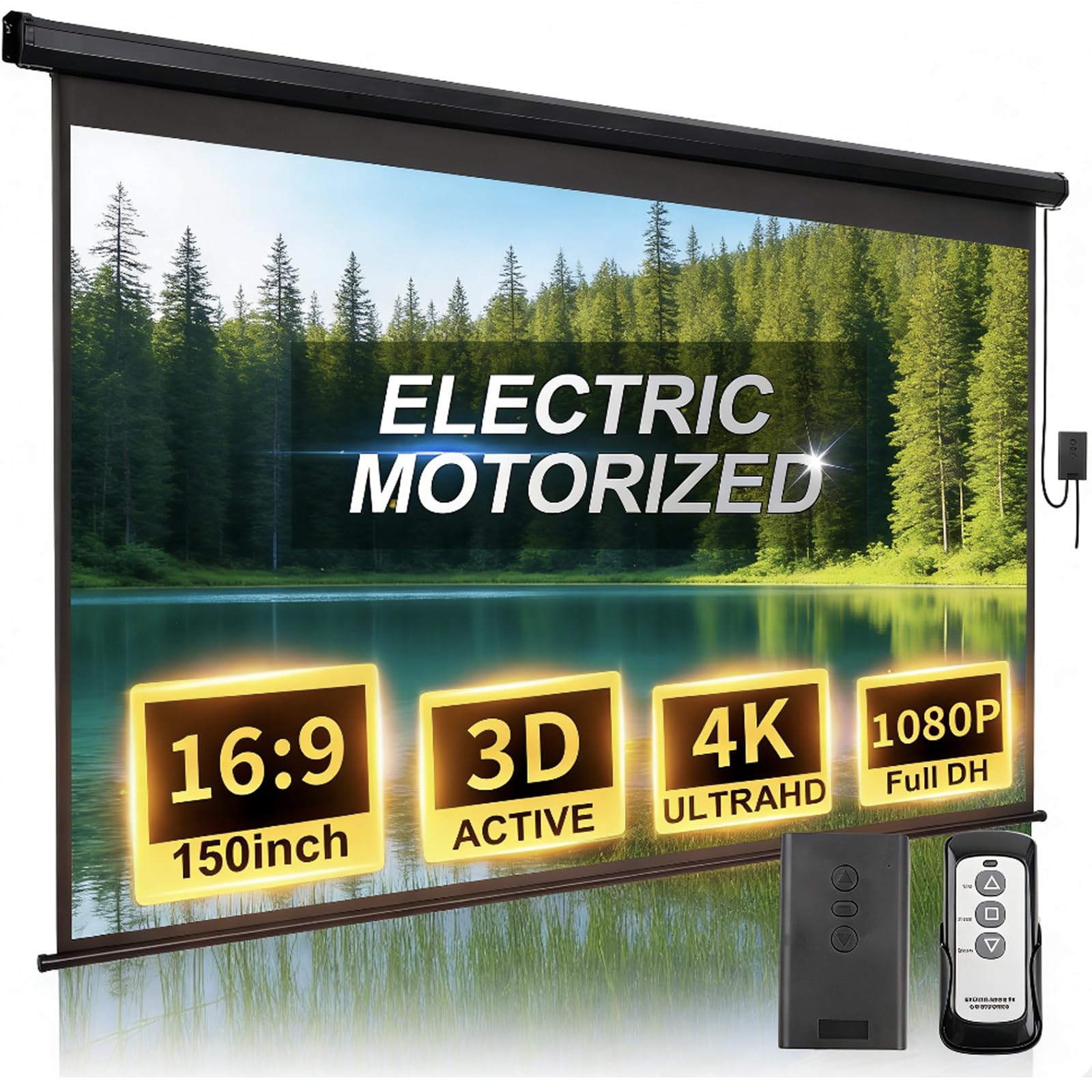
A hundred and fifty inches diagonal means roughly 141 inches of width and 80 of height, which is a garage door, a gable end, or the side of a barn — not a living room wall. If you have that surface, the effect is the one people are chasing when they say they want a home theater: the picture stops being a rectangle in the room and becomes the room.

The material is a four-layer polyester with a 1.2 gain and a 160-degree viewing angle, and the gain matters more here than it does at 100 inches. The same projector lumens spread across nearly twice the area, so a surface that returns a little more light is pulling its weight. FRAYSCENT also fits a longer power cord than most of this group, which is the single most annoying detail on a ceiling-mounted screen and the one nobody mentions until the case is already up.

Control comes two ways, wireless and wired, and the handset is the part to verify before the case goes up permanently: pair it, run the screen to both limits, and only then drill. Wrinkles on arrival are normal for a roll-up and mostly hang out; anything still rippling after a few hours of use is a return conversation, not a repair. What you give up is margin for error — a projector that fills 100 inches comfortably will look dim at 150.

Pros

  • 150-inch 16:9 view, 141 by 80 inches
  • 1.2 gain on four-layer anti-wrinkle polyester
  • Longer power cord and wired backup control

Cons

  • Needs roughly twelve feet of wall width
  • A modest projector will look dim at this size
Our verdict

The screen for a wall that can take it: 150 inches of 16:9 with a 1.2-gain surface and a longer power cord, if your projector is bright enough.

Check Latest Price
6

Cord-Switch Convenience

SiliBamb 120-Inch Screen

87 /100
LBD Score Excellent

Key details

Control
Cord switch and RF remote
Mounting
Wall or ceiling
Viewing Area
104.8 by 58.7 inches
Screen Material
PVC matte white, 1.1 gain
View on Amazon

The Kayle and this SiliBamb are chasing the same buyer: 120 inches, 16:9, a metal case, wall or ceiling mounting. The difference is in how you drive it. SiliBamb runs a switch on the power cord as well as an RF remote, so you can stand under the screen and control it without hunting for the handset — a small thing that turns out to matter when the screen is the last step before a movie.

The surface is a 1.1-gain matte white PVC with a 160-degree viewing angle and a 104.8 by 58.7-inch view, and coverage runs two years, which is a longer promise than Kayle makes. Where it is weaker is the finish on arrival: the fabric can show creases that need a few days hanging before they settle, and the PVC smell is noticeable when it first comes out of the case. Neither is permanent. Pull it down and let it hang in a ventilated room for a few days before the first screening.

It sits behind the Kayle in our order for a plain reason. At the same size and a similar price, the Kayle's 1.2 gain and three-layer build are the better starting point, and its detachable wall switch does most of what the cord switch does. Choose the SiliBamb if the longer coverage or a button at the screen itself matters more to you than the extra gain.

Pros

  • Cord-mounted switch plus RF remote
  • 1.1-gain matte white, 160 degrees
  • Two-year after-sales coverage

Cons

  • Cord switch only helps if the cord is reachable
Our verdict

A 120-inch 16:9 screen with a switch on the power cord as well as an RF remote, worth a look if you want a button at the screen itself.

Check Latest Price
7

Long Rooms

VIVOHOME 100-Inch Screen

83 /100
LBD Score Excellent

Key details

Power Cord
3.28 feet
Remote Range
Up to 82 feet
Viewing Area
87 by 49.2 inches
Recommended Distance
9.2 feet
View on Amazon

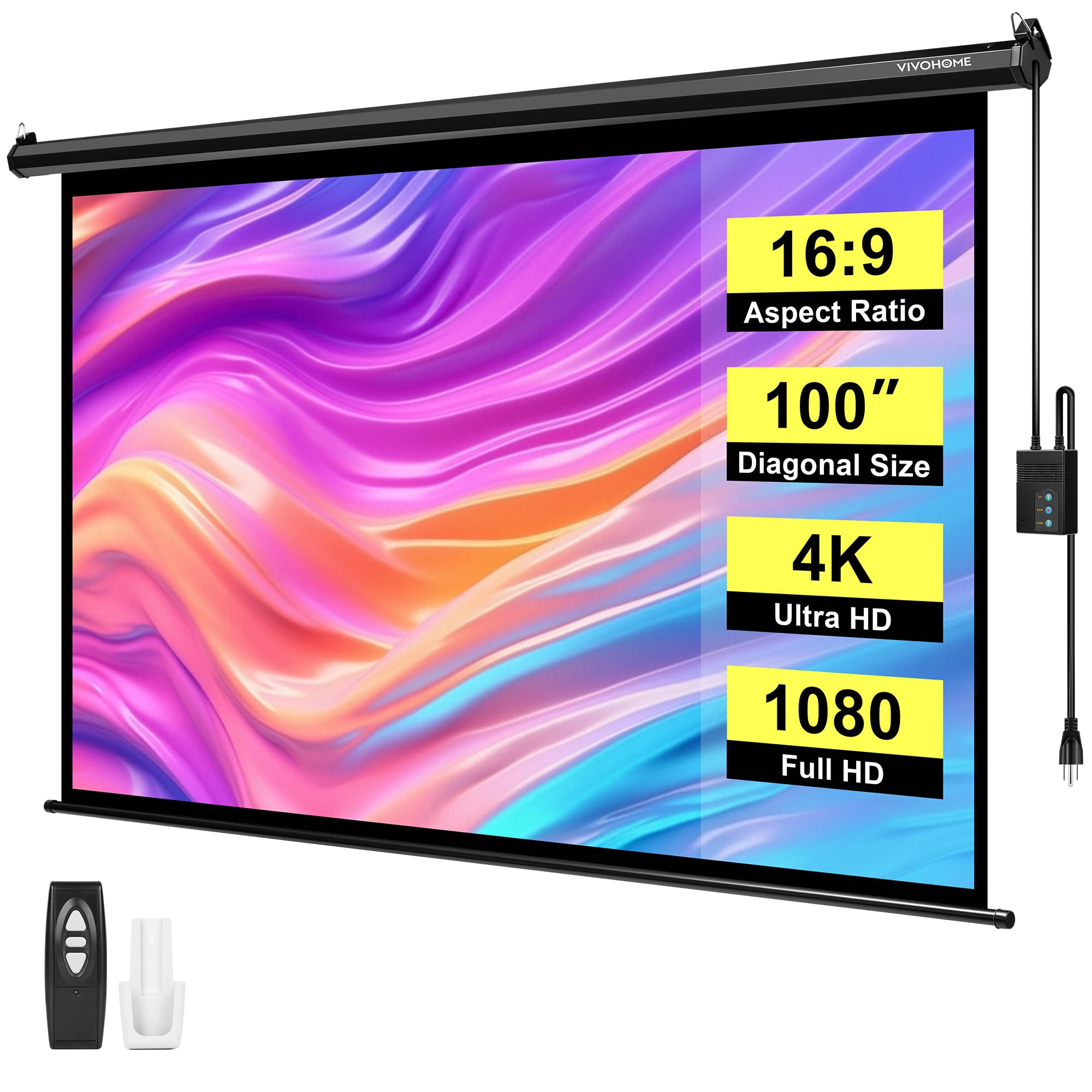
The first number to look at here is not the diagonal, it is 3.28 feet — the power cord. On a ceiling mount that figure decides where the screen can go, so find the outlet before you find the studs. The view itself is conventional: 87 by 49.2 inches at 100 inches diagonal, with VIVOHOME suggesting about 9.2 feet of viewing distance, which tells you the room it was designed for. A den or a bedroom, not a theater.

The remote is the standout. It is radio frequency, rated to 82 feet, and it ships with a bracket so it can live on the wall instead of in a drawer — genuinely useful in a long basement where the screen is at one end and the seats are at the other. The case mounts to a wall or a ceiling, horizontally or vertically, and the hardware kit covers wood and masonry.

One behavior to know about: the fabric is not tensioned, so moving air will set it drifting — a ceiling fan, an open window, a breeze on a porch. Indoors with the fan off it never comes up. Outdoors, roll it up when the wind rises. Pair that with the short cord and you have a screen that rewards a little planning before the drill comes out.

Pros

  • RF remote rated to 82 feet, wall bracket included
  • Wall or ceiling, horizontal or vertical
  • Matte white surface that suits low-output projectors

Cons

  • 3.28-foot power cord limits where it can hang
Our verdict

An 82-foot RF remote and a wall-mountable handset make this the friendliest 100-inch screen for a long room, if an outlet sits close.

Check Latest Price
8

4:3 Presentations

DINAH 120-Inch 4:3 Screen

85 /100
LBD Score Excellent

Key details

Mounting
Ceiling
Screen Size
120-inch diagonal
Aspect Ratio
4:3
Viewing Angle
160 degrees
View on Amazon

Almost every screen here is 16:9, because almost everything people watch now is. If your content is not — slide decks, training video, a classroom, an old console — a 4:3 screen puts the picture across the full width instead of leaving black pillars at the sides. That is the case for this DINAH: 120 inches diagonal in 4:3, a matte surface, a 160-degree viewing angle, and a remote that works from across the room.

The trade runs the other way for movies. A widescreen film on a 4:3 screen fills a band across the middle, so you are effectively watching a much smaller picture than 120 inches suggests. If the room does double duty, decide which content gets the full screen and buy for that one.

Two practical notes before you order. The published overall dimensions do not match a true 4:3 120-inch frame, so confirm the actual viewing width and height with the seller and measure them against the wall before anything gets drilled. And the vinyl smell is strong out of the box — unroll it in a garage or on a porch for a few days before it goes up in a room anyone sleeps in.

What you get in return is the longest warranty on this list at two years, and a viewing angle that suits the rooms 4:3 screens actually end up in: a church hall, a classroom, a conference table with people seated along both sides.

Pros

  • True 4:3 format for slides and legacy content
  • Two-year warranty, the longest here
  • 160-degree viewing angle

Cons

  • Widescreen movies fill only a middle band
Our verdict

The pick for slides and older 4:3 content: 120 inches in a 4:3 frame with a two-year warranty, once you confirm the true viewing area.

Check Latest Price

How We Chose and Tested Motorized Projector Screens

We started with roughly 40 screens sold at major retailers, then cut anything that wasn't 16:9, anything without both wall and ceiling mounting hardware in the box, and anything whose listing couldn't tell us the gain or the remote type. That left 12, spanning 92 to 150 inches diagonal, which we mounted and used for six months.

Installation came first. Two of us hung each screen, one holding the case overhead while the other marked and drilled, and we noted whether the brackets matched the included hardware and how long the job actually took. Then we ran them. Every screen went up and down at least once a day, twice daily on movie weekends, and we watched for drop speed, whether it stopped at the same height each time, motor noise, and how the case handled the roller's weight when fully extended.

The remote got its own checks: range from the far corner of the room, whether it worked with a couch cushion between it and the screen, and whether a single press was enough. For the surface, we sighted each screen edge-on for ripples on day one and again after a month of rolling, left each one down for 48 hours to see if the tension held, and compared the same two scenes — one bright daylight shot, one dark interior — with the lights on and off to judge gain and hotspotting. And we smelled each screen out of the box, then every morning for the first week, since PVC off-gassing is brief but real.

How to Choose a Motorized Projector Screen

Start with the wall, not the diagonal

Every screen here is sold by diagonal, and the diagonal is the least useful number in the room. The view width is what your projector has to fill, and the case is wider still: Elite's 125-inch model shows 109 inches of picture inside a case that runs 120.5 inches across. A 16:9 screen at 100 inches needs about 87 inches of view width; at 120 inches, about 105; at 150 inches, about 141. Measure the wall between obstructions, subtract for a speaker or a light switch, and pick the size last.

How it stops matters more than how it starts

Two screens with the same motor feel completely different at the bottom of the drop. A basic screen travels until you let go of the button; a screen with programmable limits stops at the height you set, which is what you want if the fabric has to clear a soundbar or land on a fixed mark. Elite's RC1 has that programming plus an RJ50 port for a wired 12-volt trigger, so the screen drops when the projector powers up. If you will never wire a trigger, a wall switch or a switch on the power cord does the same job for less.

Gain, color, and the light in the room

Gain is how much light the surface sends back. Everything here sits between 1.1 and 1.2 — a narrow band, but the difference is worth understanding. A 1.1 matte is the safer choice in a dark room and keeps the image even from wide seating; 1.2 squeezes more brightness out of a modest projector, which is why it turns up on the 120- and 150-inch screens where the same lumens have more area to cover. None of these surfaces is built to fight daylight; if the room has windows and you watch at noon, no gain figure rescues you.

Mounting, weight, and the power run

These cases are heavier than they look, and the weight is over your head. Elite's 125-inch is 25.2 pounds and more than ten feet long, a two-person job; the 92-inch SUPER DEAL is 14.6 pounds and one person can hold it. Anchor into studs, joists, or masonry, not drywall alone. The other half of the job is power, and it is the step people skip: VIVOHOME publishes a 3.28-foot cord, which sets a hard limit on ceiling height unless you add an outlet. Decide where the power comes from before you drill.

The first week decides whether you keep it

Run the screen through several full cycles before it goes up for good, and watch the fabric at both ends. A screen that stops short of rolling up, or stops dropping, is the failure that matters, and it is far easier to settle while the carton is still in the garage. Expect a new-PVC smell for the first few days — hang it somewhere ventilated and let it air — and expect light creases to relax once the fabric has been down for a few hours. Neither is a defect. A screen that will not travel is.

Frequently Asked Questions

Final Verdict

The Elite Screens Spectrum RC1 is the screen we point most buyers to, because programmable limits and a 12-volt trigger are what make a motorized screen feel built in rather than bolted on. If your wall stops at 100 inches, the ZUEDA does most of that job for considerably less, and its 9.8-inch top drop is the detail that matters over a window. If the wall runs to twelve feet, the FRAYSCENT's 150 inches is worth the extra projector light you will need to fill it. And if the budget is simply fixed, the 92-inch SUPER DEAL is the honest way in.