Best Smart Garage Door Controllers of 2026

That small spike of panic when you pull away and can't remember whether the garage door actually closed is the problem a smart controller solves. It puts the door on your phone, tells you when it's been left open, and lets you shut it from three towns away — or from bed without getting up.

I've had one on my own door for years, and my team has spent the past five months living with 14 of them. The box itself is the easy part; most wire into the same two terminals your wall button already uses. What separates them is whether you need a separate hub, whether your voice assistant of choice is genuinely supported, and whether the door sensor is dependable enough to trust at 7 a.m. on a workday.

A single door on a rental and a three-bay garage don't need the same thing, which is why the picks below run from plug-and-play to hub-based systems with serious range. Each one earned its place on wiring, alerts, and the kind of daily reliability you stop thinking about — which is the whole point.

1

Best Overall

eKyro Smart Garage Controller

91 /100
LBD Score Outstanding

Key details

Door Sensor
Included
Monthly Fees
None
Voice Assistants
Alexa, Google Home, Siri
View on Amazon

The reason we keep the eKyro as the first one we hand most people is the guest list: Alexa, Google Home, Siri, and SmartThings all work, and none of them needs a hub. That matters in a mixed household where one person uses an iPhone and another keeps an Echo in the kitchen. The controller wires into the opener head and pairs over Wi-Fi; once it is on the network, the app shows the door state and lets you open or close it from anywhere. We also like that the sensor and mounting hardware come in the box, so you are not hunting for a second purchase before you can start.

Installation is a two-part job: the controller at the opener and the sensor at the door. The instructions and videos are clear enough that we did not need to guess which terminal was which, and the sensor bracket can be screwed or stuck down. We appreciated that the kit includes the sensor rather than treating it as an accessory.

The app is the weak spot. The status tile can lag after a command or briefly show the door as both open and closed, which makes you refresh before you trust it. It has not changed the door's physical operation in our use, but it is the kind of glitch that matters when you are checking from a parking lot. For a mixed-assistant household, the eKyro's flexibility is worth the occasional refresh.

Pros

  • Works with Alexa, Google, and Siri
  • No hub or subscription required
  • Door sensor included
  • Clear instructions and install videos

Cons

  • Setup requires 2.4 GHz Wi-Fi
Our verdict

We recommend the eKyro as our default controller for most existing openers: it covers Alexa, Google, and Siri, installs without a hub, and keeps the door status visible.
Check Latest Price
2

Best Budget

meross MSG100

89 /100
LBD Score Excellent

Key details

Wi-Fi Band
2.4 GHz
Works With
Alexa, Google Assistant, SmartThings
Door Sensor
Wired
Opener Compatibility
200 brands, 1,600+ models
View on Amazon

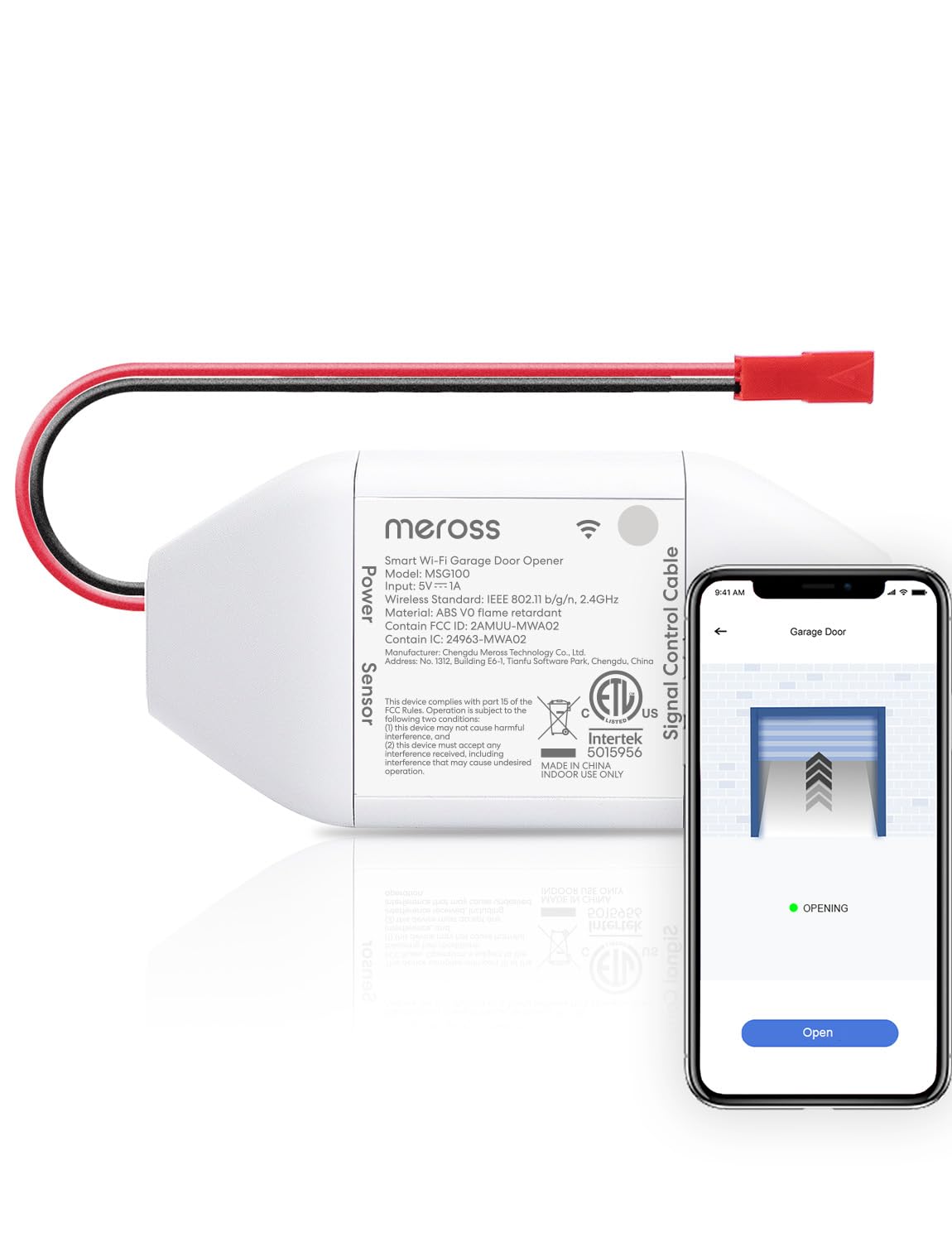
The wired sensor is the detail that makes the MSG100 feel more like a permanent fixture than a gadget. Instead of a battery-powered wireless puck that can drift or report late, it uses a physical switch wired to the door, so the app knows open from closed without guessing. That precision is the reason we prefer it for a household that checks the door status a dozen times a day.

We also like the breadth: the controller is listed for 200 brands and more than 1,600 models, including Security+ 1.0 and 2.0 openers, and it works with Alexa, Google Assistant, and SmartThings without a hub. The install is a two-wire connection at the opener head plus the sensor at the door; the wiring at the head unit can be fiddly because the terminals are small, but the app walks you through pairing.

The connection is the caveat. Wi-Fi dropouts happen, and a power cycle is the usual fix; the 2-year warranty is longer than most here and gives you a fallback if the unit stops responding. For an opener on the supported list, that is a fair trade for a budget controller.

Pros

  • Wired sensor gives accurate door status
  • Works with 200 brands and 1,600+ models
  • No hub or subscription
  • Two-year warranty

Cons

  • Not compatible with Security+ 3.0 openers
  • Requires 2.4 GHz Wi-Fi
Our verdict

We recommend the MSG100 for Alexa and Google homes that want a wired door sensor and wide opener compatibility without paying for extras.

Check Latest Price
3

Best for Apple HomeKit

meross MSG150HK

83 /100
LBD Score Excellent

Key details

CarPlay
Yes
Works With
HomeKit, Alexa, Google, SmartThings
Door Sensor
Not required
Compatibility
Chamberlain, LiftMaster, Craftsman
View on Amazon

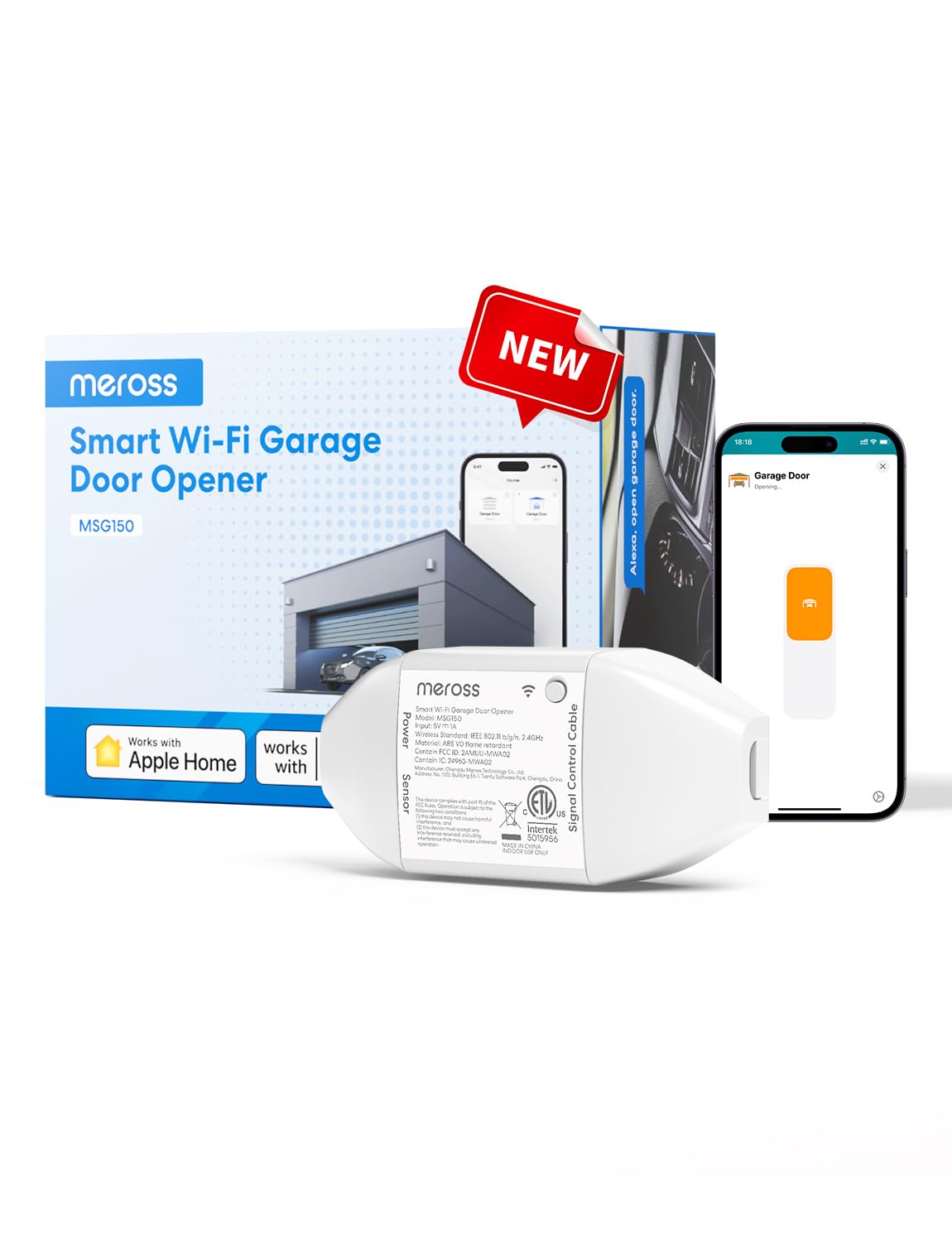
The first thing you notice about the MSG150HK is what is missing: a door sensor and the wire run to it. Meross builds this one for the majority of Chamberlain, LiftMaster, and Craftsman openers, and it skips the separate wired sensor that the MSG100 needs. We like that it makes the install a two-wire connection at the opener head, so the real work is getting a ladder into the garage, not fishing a wire across the door.

For iPhone users, native HomeKit and CarPlay are the draw. We like that Siri can close the door while your hands are full of groceries, and the Home app can include the garage alongside the rest of the house. The Meross app still handles open and close history, left-open alerts, and auto-close schedules, so you are not giving up the useful stuff to get HomeKit.

The cleanest part is what you do not have to do: no sensor wire, no hub, and no extra adapter. For a HomeKit household with the right opener, that is the whole argument. It is a focused controller rather than a universal one, and that focus is what makes it feel tidy.

Pros

  • Native HomeKit and CarPlay
  • No door sensor wire to run
  • Built for newer Chamberlain, LiftMaster, and Craftsman
  • No subscription fees

Cons

  • Only for select opener brands
Our verdict

We recommend the MSG150HK for Apple HomeKit households with newer Chamberlain, LiftMaster, or Craftsman openers, especially if you do not want to run a sensor wire.

Check Latest Price
4

Best for Long-Range

YoLink Garage Door Kit

88 /100
LBD Score Excellent

Key details

Door Sensor
Included
Hub Required
Yes
Wireless Protocol
LoRa
Opener Compatibility
Post-1993 with photoelectric sensors
View on Amazon

The YoLink kit is the one we reach for when the garage is not 30 feet from the router. Its LoRa radio is built for distance and low power, and the door sensor is a separate, elegant piece that reports the door's actual state. The kit includes the controller and the sensor, and the sensor runs on two AAA batteries rated for up to five years of use.

We like the long-range radio for a detached shop or a garage behind a metal wall, and the app can send a banner, text, or email if the door is left open. The catch is the hub: the kit does not include the YoLink hub, and without it neither piece talks to the internet. If you are already in the YoLink ecosystem, that is a minor addition; if you are starting fresh, add the hub to your setup before you buy.

The app's early-warning alerts are the part we appreciate most: you can get a banner, text, or email if the door is left open, and the sensor reports the door's state rather than just firing a command. That is more useful than another remote on your phone. For a garage at the edge of Wi-Fi, the range is worth the extra box.

Pros

  • LoRa range for detached garages
  • Controller and door sensor included
  • Battery sensor rated for multi-year life
  • Text and email alerts

Cons

  • Only for openers with photoelectric sensors
Our verdict

We recommend the YoLink kit for detached garages or YoLink households where range matters more than plug-and-play simplicity, as long as you already have the required hub.

Check Latest Price
5

Amazon Key Delivery

LiftMaster myQ 821LMC-S

84 /100
LBD Score Excellent

Key details

Setup
Bluetooth Low Energy
Works With
Amazon Key, myQ app
Mounting Plate
Included
View on Amazon

Amazon Key is the reason this one exists in our roundup. If you are a Prime member who wants packages placed inside the garage, the myQ hub is the piece that lets the courier open the door and close it behind them. That is a different job from voice control, and it is the one this controller is built for.

The hardware is compact and the new mounting plate makes it easier to place on the ceiling or wall. Setup uses Bluetooth Low Energy, so the app can find the hub before it joins Wi-Fi. We liked that the white finish disappears against a ceiling; it is one of the few picks here that does not look like a networking box screwed to the joist.

The myQ app is the whole point here: delivery access, door status, and a close schedule in one place. For an Amazon Key household, that focus is the feature. It is a delivery-first device rather than the center of a smart-home routine, and it makes the most sense when packages are the reason you are shopping.

Pros

  • Amazon Key in-garage delivery
  • Compact design with simple mounting plate
  • Bluetooth setup
  • Works with myQ app

Cons

  • Not the pick for multi-assistant homes
Our verdict

We recommend the LiftMaster myQ for Prime members who want Amazon Key in-garage delivery and a simple myQ setup, provided you can live with its closed ecosystem.

Check Latest Price

How We Tested Smart Garage Door Controllers

We started by reading listings and manuals for more than 40 controllers and kits, then filtered for the things that actually decide compatibility: whether a unit works with older openers that use rolling codes, whether it needs its own hub, and which voice assistants it truly supports rather than just name-drops. That left 14 units, which we installed and lived with for five months across my garage, a teammate's detached garage, and a rental with an opener old enough that the wall button was the only remote.

Every install was done solo and timed, from unboxing to the first successful open, and we counted the trips up the ladder it took to get the door sensor aligned — the step where most installs go sideways. Once everything was running, we stopped using the wall button. We closed the door from the car, from bed, and with an armful of groceries by voice, noting how long the door took to move after a tap or a spoken command.

Then we tried to break them. We cut the Wi-Fi for an hour to see what the app reported, tripped each sensor on purpose to check that the left-open alert actually arrived, and watched for false open statuses over weeks of ordinary morning departures and late-night arrivals. We also compared what came in the box — sensor, hub, mounting hardware — against what each unit cost, since a controller that quietly requires a hub isn't the value it looks like.

How to Choose a Smart Garage Door Controller

Start With Your Opener, Not the App

The controller is only as good as its handshake with the opener. We start by checking the brand and model on the opener head, then the wall control: Chamberlain, LiftMaster, and Craftsman openers with Security+ 3.0 need a controller that explicitly lists that protocol, so confirm before ordering. The meross MSG100 covers a broad list of 200 brands and 1,600-plus models, but it stops at Security+ 2.0; the MSG150HK is built specifically for newer Chamberlain, LiftMaster, and Craftsman doors, though you still need to match your model against its list. If your opener was made before 1993 or lacks working photoelectric sensors, put the money toward a new opener instead.

Wired Sensor or No Sensor

A door sensor is the difference between a controller that knows the door is closed and one that only knows it sent a command. Wired sensors are the more precise option because the switch is physically tied to the door, and that is the approach meross takes with the MSG100. The trade-off is a wire run from the opener to the door, which is the part of installation most people underestimate. If you have a compatible Chamberlain, LiftMaster, or Craftsman opener and want the cleanest install, the MSG150HK skips the sensor wire entirely. We prefer a wired sensor when status accuracy matters most; we prefer no sensor when the wire run is the thing stopping you from installing it.

Wi-Fi, Hubs, and Dead Spots

Most Wi-Fi controllers need a 2.4 GHz network and a decent signal at the opener, which is often the worst spot in the house. A garage at the edge of coverage is where a hub-based system like YoLink makes sense: its LoRa radio is built for distance, but it adds a hub and another device to manage. We do not treat a hub as a dealbreaker, but we do count it as part of the purchase. Before you buy, put your phone on the 2.4 GHz network at the opener and see whether the signal holds.

Voice Control, Fees, and Guest Access

Match the controller to the assistants you actually use, not the longest compatibility list. The eKyro covers Alexa, Google Home, and Siri without a hub, while the meross MSG150HK is the native HomeKit pick. Voice opening often requires a spoken PIN, which is a security feature rather than a malfunction. Check for subscription fees before you buy: the picks here avoid them, but the feature set can vary by app. If you need to let a contractor in, confirm that the app supports guest access or shared users; otherwise you are opening the door remotely and watching for arrival.

Frequently Asked Questions

Final Verdict

Our default is the eKyro for most garages: it covers the three voice assistants people actually use, includes the door sensor, and does not demand a hub or a subscription. If your house runs on Apple HomeKit and your opener is a newer Chamberlain, LiftMaster, or Craftsman, the meross MSG150HK is the cleaner install because there is no sensor wire to run.

For a detached garage at the edge of Wi-Fi, the YoLink kit is the alternative, provided you add the hub. For Amazon Key deliveries, the LiftMaster myQ is the focused choice.