Best Tablets for Note Taking of 2026

The moment that decides whether a note-taking tablet earns a place in your bag comes early: you uncap the pen and start writing. If the nib skates across glass and the ink trails half a beat behind your hand, you'll be back to paper by Friday. If the surface has a little tooth and the line thickens when you press down, you'll fill pages without thinking about it.

I've taken notes on screens for years, from glossy Android slates to color e-ink, and over the past eight months my team and I worked through eight tablets looking for the ones that hold up past the first week. We wrote in meetings, in class, and on the couch at eleven at night. Screen size mattered more than the spec sheets suggest: 14 inches is glorious at a desk and awkward on a train.

One thing I'd tell a first-time buyer: AI transcription and summaries are genuinely handy, but pen feel and a matte finish are what you live with daily. Our picks were chosen for writing first and everything else second.

1

Best Overall

Samsung Galaxy Tab S10 Lite

94 /100
LBD Score Outstanding

Key details

Stylus
S Pen included, no charging
Display
90Hz LCD, 2122 x 1320
Storage
128GB plus 256GB card
Screen Size
10.9 inches
View on Amazon

The S Pen that comes with this tablet has no battery to charge and nothing to pair. You pull it off the back, it wakes up, and you write — which sounds like a small thing until the alternative is discovering your pen is dead ten minutes into a lecture.

That is a large part of why this is the tablet we recommend first. The 10.9-inch 90Hz LCD is sharp at 2,122 x 1,320 and smooth enough that the line keeps up with your hand, the Exynos 1380 with 6GB of RAM runs Samsung Notes beside a PDF without complaint, and it carries the highest buyer rating in this group. Nothing here is exotic. It is simply the least fussy way to get a real stylus, a real screen, and the whole Android app library in one purchase.

Living with it is straightforward. Split the screen between a textbook PDF and a note and the 16:10 panel gives you two usable columns; the S Pen's handwriting converts well enough that you can search a term you scribbled a month ago. At 524 grams it is still manageable in one hand while you write with the other, and the listing bundles a 256GB microSD card, so the 128GB of built-in storage stops being a decision you have to make.

Two things to know. It is Wi-Fi only, so there is no cellular version for a commute or a field site, and the pen rides on glass — perfectly good for handwriting, less lovely for an hour of sketching. Those are the compromises that come with a tablet which also streams video and runs a browser, and for most note takers they are the right trade.

Pros

  • S Pen included with no charging or pairing
  • Sharp 90Hz screen for notes and video
  • Full Android app library, unlike the e-ink picks
  • 256GB microSD card in the bundle

Cons

  • International model with no domestic warranty
Our verdict

Buy it if you want a stylus that never needs charging and a tablet that handles everything else too — this is the least fussy note tablet in the group.
Check Latest Price
2

Best Value

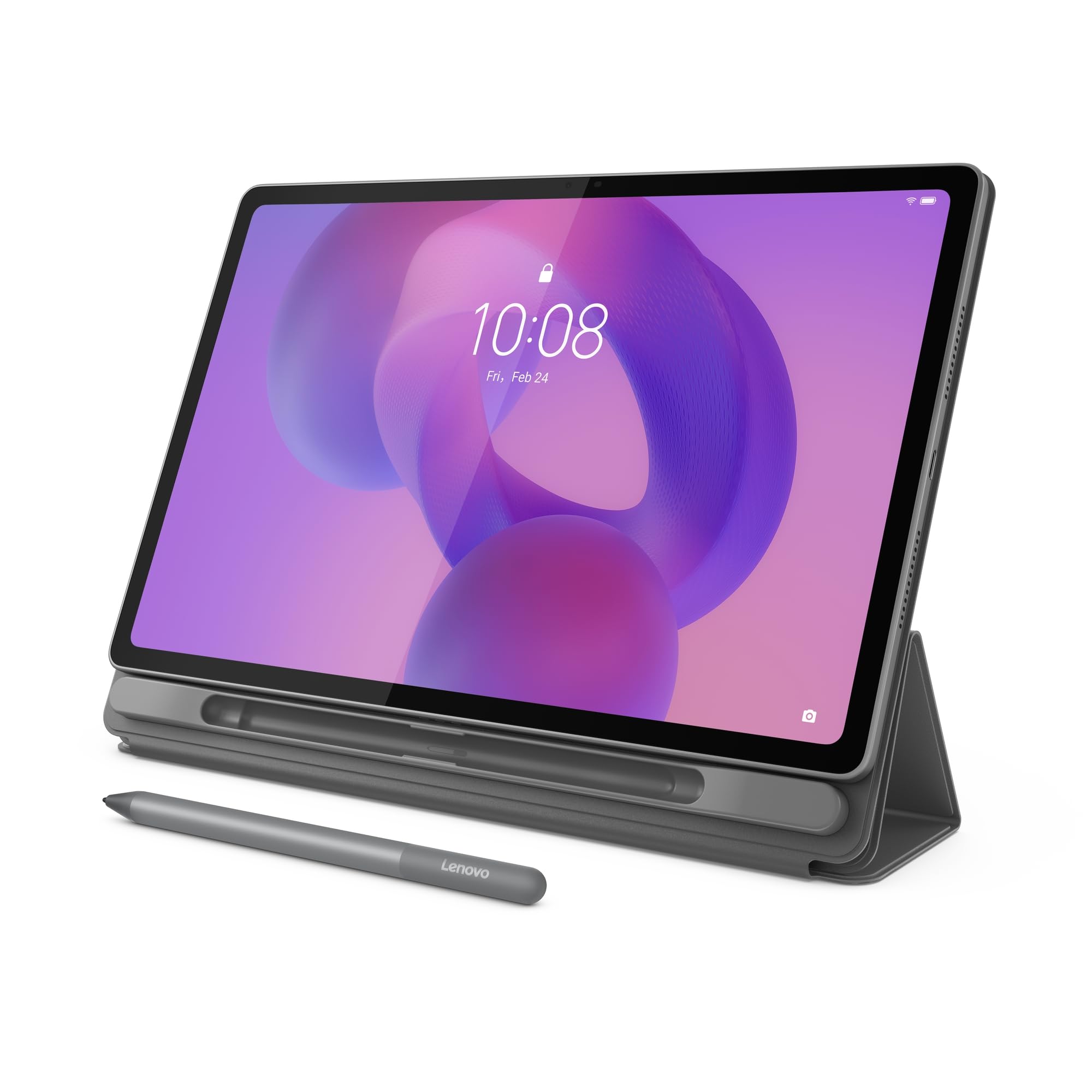
Lenovo Idea Tab Plus

87 /100
LBD Score Excellent

Key details

Memory
8GB RAM, 128GB storage
Stylus
Tab Pen and folio included
Display
2.5K, 90Hz, 600 nits
Screen Size
12.1 inches
View on Amazon

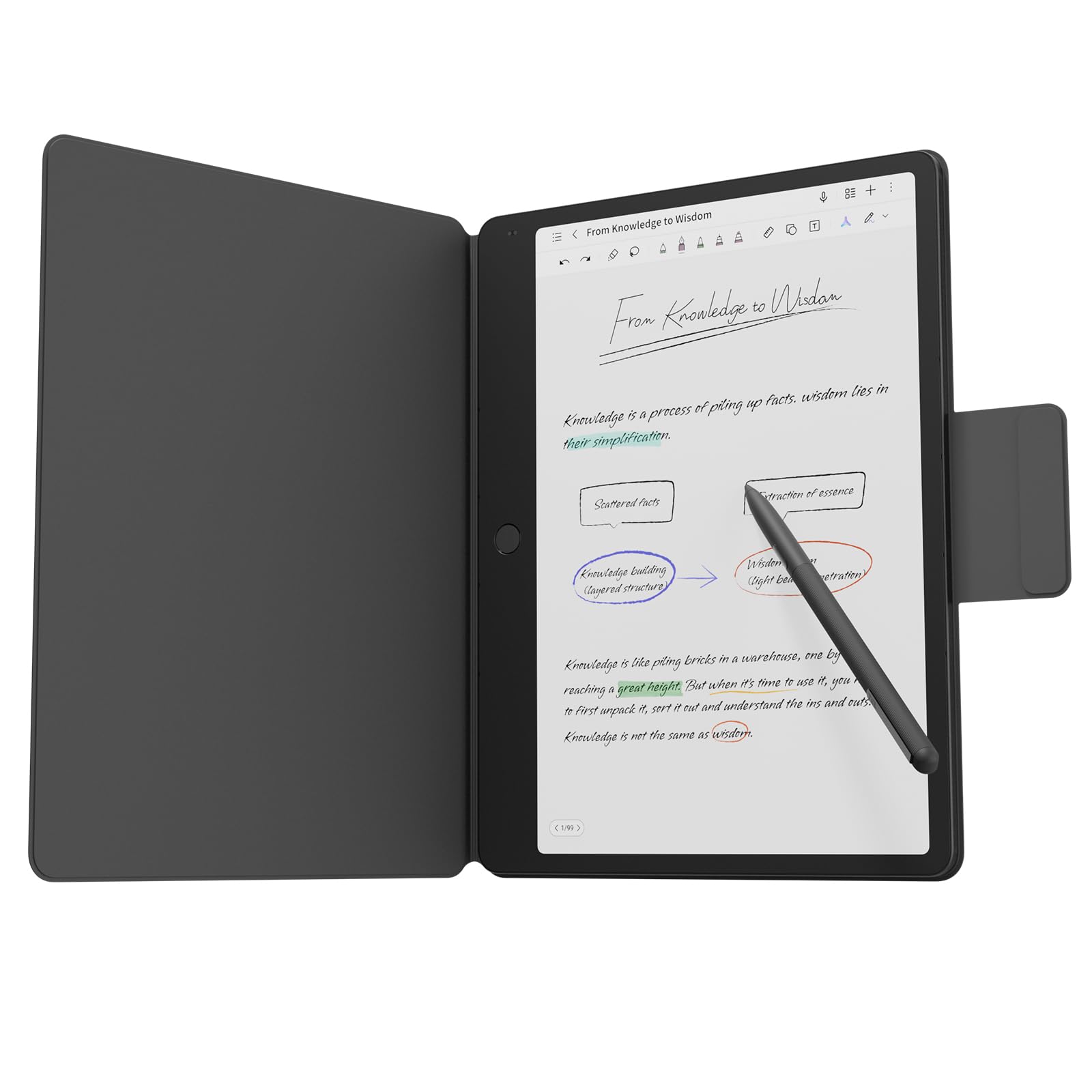
The Idea Tab Plus is the cheapest tablet in this group, and the Lenovo Tab Pen and a fitted folio case come in the box rather than on a separate order. For a student assembling a first semester's kit, that is most of the decision made before you have read another word.

The 12.1-inch panel is the surprise. At 2,560 x 1,600 with a 90Hz refresh it looks sharper than the price suggests, and the 16:10 shape gives split screen room to work — a lecture slide on one side, your notes on the other. Eight gigabytes of RAM and 128GB of storage, expandable by microSD, keep things moving, and Lenovo leans on four learning apps: Notepad, Squid, Nebo, and MyScript Calculator, which between them cover handwriting, sketching, and equations you would otherwise retype.

Performance is the compromise. The Dimensity 6400 handles notes, a PDF, and a video window happily and gets sticky when you pile on more than that. At 1.2 pounds and a quarter-inch thick it still disappears into a backpack, and given what the whole bundle costs, most students will take the trade.

Pros

  • Pen and folio included at the lowest price here
  • 12.1-inch 2.5K 90Hz screen
  • 8GB RAM with microSD expansion

Cons

  • Can stutter with several apps open
Our verdict

The best value in this group: a 12.1-inch 2.5K screen, a pen, and a folio case for less than anything else here.

Check Latest Price
3

Best Paper-Feel Screen for the Money

XPPen Magic Note Pad

82 /100
LBD Score Excellent

Key details

Pen
X3 Pro Pencil 2, 16,384 levels
Memory
6GB RAM, 128GB storage
Display
Matte 90Hz LCD, three modes
Screen Size
10.95 inches
View on Amazon

Run a fingernail across the Magic Note Pad's screen and you get a fine, etched texture rather than slick glass. The X3 Pro Pencil 2 tracks across it with a little drag, and with 16,384 pressure levels the line thickens the way a pencil does when you lean on it.

The X-key above the display switches between full color, a soft color mode, and monochrome, and that is more useful than it sounds: monochrome cuts the glare and the temptation to browse while you draft, and color comes back for diagrams and highlights. Underneath it is an ordinary Android tablet — Android 14, 6GB of RAM, 128GB of storage, a 90Hz panel — so OneNote and Google's apps install and behave the way you expect.

At this price we think it is the smart middle. It costs a little more than the budget Android pick and considerably less than the color e-ink notebook, and it writes better than either. For a student who wants to annotate PDFs in color and still check email on the same device, this is the one we point them to.

Two things we noticed. The 16:9 screen is wide and short, so a full letter-size page lands in the middle with bars at the sides — fine for scrolling, tighter for dense annotation. And battery is the weakest number on the sheet: the 8,000mAh cell does not stretch the way the e-ink devices do, and a heavy writing day ends near a charger.

Pros

  • Etched matte screen with real pen drag
  • Battery-free pen with 16,384 pressure levels
  • Three display modes for focus or color

Cons

  • Battery life trails the e-ink notebooks
  • 16:9 screen leaves side bars on full pages
Our verdict

The best writing feel you can get without going e-ink: an etched screen, a battery-free pen, and full Android apps at a midrange price.

Check Latest Price
4

Best for Reading and Annotating

Amazon Kindle Scribe

89 /100
LBD Score Excellent

Key details

Stylus
Premium Pen included
Display
E Ink
Storage
16GB
Note Tools
Handwriting conversion and AI summaries
View on Amazon

Writing in the margin of a book is the trick this one does better than anything else here. Put the Premium Pen to a page and Active Canvas opens space for the note inline; collapse it and the text reflows around your handwriting, so an annotation stays with the sentence that provoked it.

The rest is a large Kindle. The e-ink screen is easy on the eyes across a long reading session, the pen needs no setting up or charging, and Send to Kindle brings in documents and PDFs you can mark up directly on the page. Handwriting converts to typed text, and the built-in tools will summarize a page of notes or change their length and tone.

There are no notifications and no social apps competing for the screen, which is the point: this is a reader with a notebook attached, not a tablet with a reading app. The size is the other quiet win — big enough to write a full page, small enough to hold like a book.

What it will not do is run OneNote, or show you color, or behave like a general-purpose tablet — notes live inside Amazon's world, and the tools are Amazon's. We like it enormously for reading-led work and reach for something else the moment a project needs a browser, a spreadsheet, or a serious PDF editor.

Pros

  • Active Canvas notes stay with the passage
  • Premium Pen needs no charging
  • PDF import and markup via Send to Kindle

Cons

  • Note tools are Kindle's own, not third-party apps
  • Grayscale screen rules out color coding
Our verdict

For margin notes, highlights, and a page of thoughts after a chapter, this is the reader's note tablet.

Check Latest Price
5

Best for Meeting Notes

TCL Note A1 NXTPAPER

84 /100
LBD Score Excellent

Key details

Pen
T-Pen Pro, 8,192 levels
Audio
8-microphone array
Display
2.2K, 120Hz NXTPAPER PURE
Screen Size
11.5 inches
View on Amazon

Eight microphones in a tablet is unusual enough to be the reason you look at this one. It captures a room in 360 degrees, transcribes speech as it happens, and turns a recording into a summary with the key points pulled out — which means the meeting you half-listened to is still searchable a week later. That is the pitch, and for anyone whose note taking is really meeting capture, it is the pick in this group.

The rest of the hardware points the same way. The 11.5-inch 2.2K panel runs at 120Hz behind TCL's matte NXTPAPER finish, so it stays readable under office lighting, and the 3:2 shape fits a page of notes better than the wide screens most Android tablets use. The T-Pen Pro is in the box with 8,192 pressure levels and under 5ms of latency, there is 8GB of RAM and 256GB of storage, and Android 15 arrives with three years of security updates.

The cost of all that is the price: this is the priciest Android tablet here, and if you never record anything, a cheaper model writes just as well. What you are paying for is the capture stack and the matte 120Hz screen underneath it — and for a job that involves sitting in a lot of rooms taking notes on what other people say, both earn their keep.

Pros

  • 8-mic array with live transcription and summaries
  • Matte 120Hz 3:2 screen built for pages
  • Pen, case, 8GB RAM and 256GB included

Cons

  • Premium price for an Android tablet
Our verdict

Buy it if your notes come out of meetings: live transcription, eight microphones, and AI summaries wrapped around a very good 120Hz writing screen.

Check Latest Price
6

Best for Distraction-Free Writing

reMarkable Paper Pro

84 /100
LBD Score Excellent

Key details

Pen
Marker Plus with built-in eraser
Display
Canvas Color e-ink, reading light
Storage
64GB
Screen Size
11.8 inches
View on Amazon

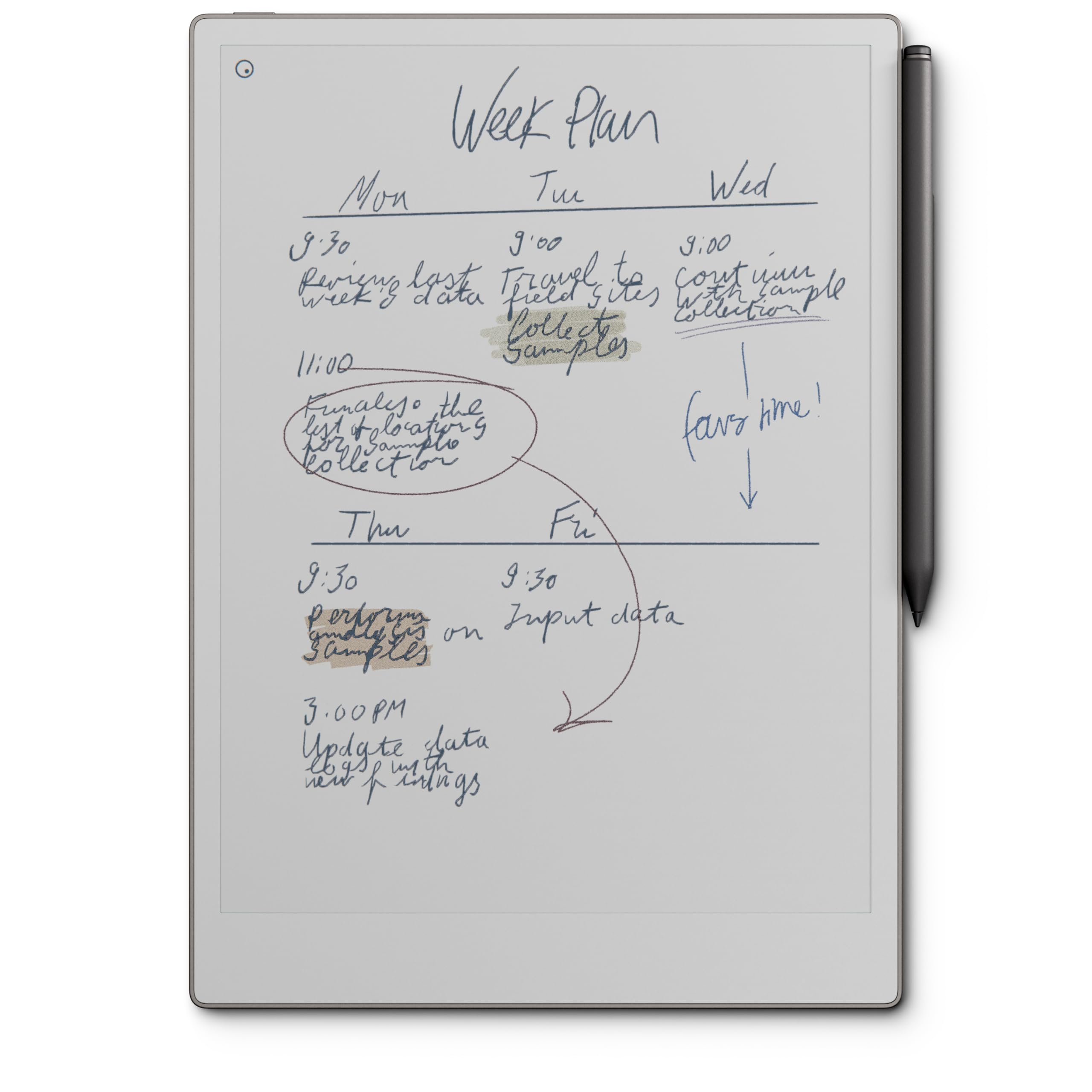
There is no app library here, no notifications, and nothing to fall into. The Paper Pro is a notebook with an 11.8-inch color e-ink screen, a Marker Plus that erases with its back end, and an adjustable reading light — and the absence of everything else is the feature, not a gap in the spec sheet.

We recommend it to one kind of buyer without hesitation: someone who already knows they think best on paper and wants that experience with search, folders, and a backlight. Color is what this generation adds — markup on a PDF in pen, highlighter, and a couple of other tones — and it is genuinely useful on documents, though the palette reads as tinted ink rather than print.

Writing on it is the best in this group. Display and marker are tuned together for friction, so the pen slows slightly against the page instead of skating, and handwriting converts to text cleanly enough to be worth doing. Folders and tags handle the organizing, and PDFs get marked up where they sit rather than exported first.

The costs are real. It is the most expensive tablet here by a distance, some features sit behind a subscription, and the pen is a single point of failure — a Marker that stops responding turns the whole notebook into a paperweight, so the warranty and the return window matter more than they usually would.

Pros

  • Best pen-to-page friction in this group
  • Color e-ink markup with a reading light
  • Folders, tags, and direct PDF annotation

Cons

  • Some features need a paid subscription
  • A dead Marker Plus leaves the device unusable
Our verdict

Worth it if you want a notebook that does nothing else: the best writing feel here, in color, with the discipline of a device that cannot distract you.

Check Latest Price
7

Scores and PDFs

TCL NXTPAPER 14

86 /100
LBD Score Excellent

Key details

Pen
4,096-level stylus included
Memory
8GB RAM, 256GB storage
Display
2.4K NXTPAPER 3.0, 60Hz
Screen Size
14.3 inches
View on Amazon

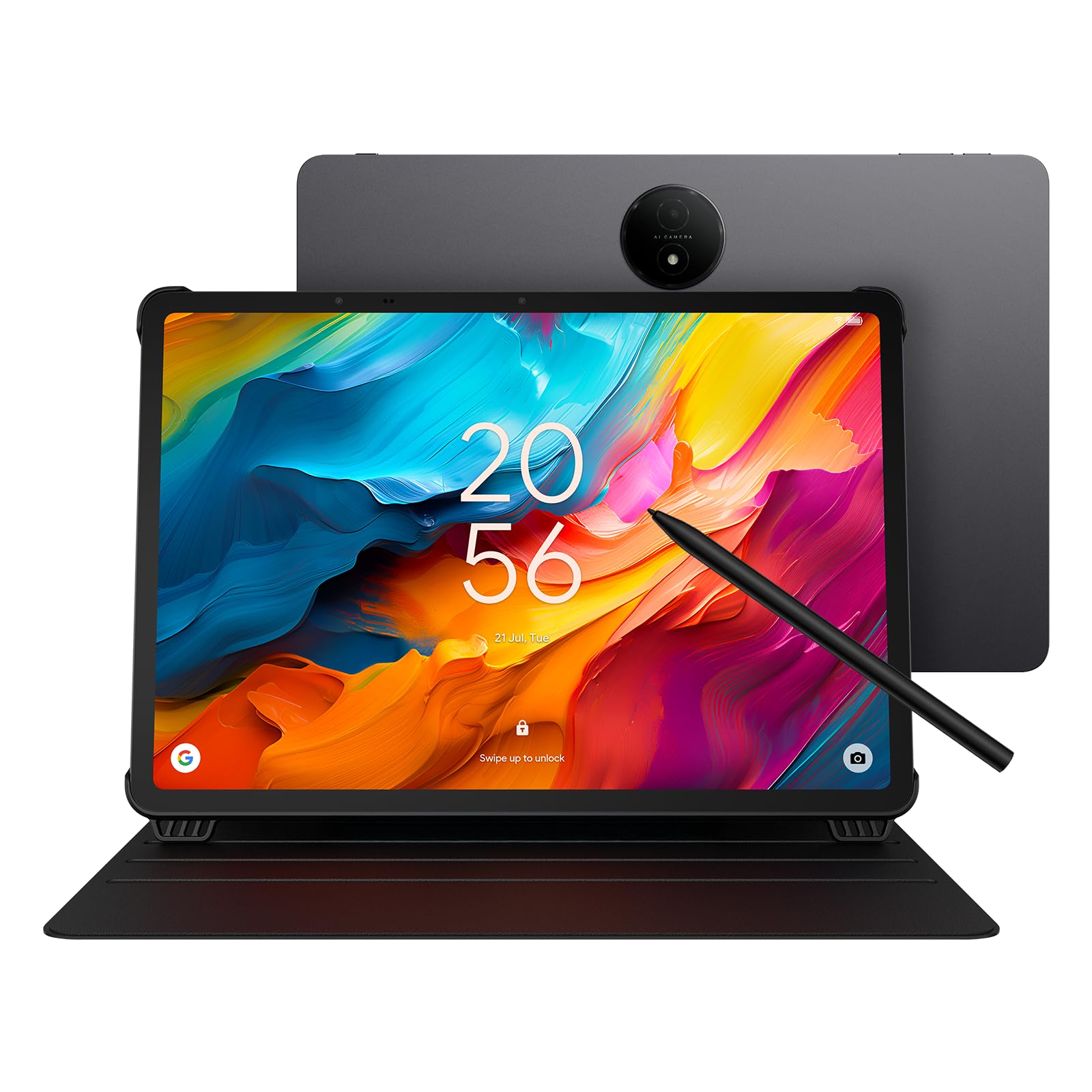
At 14.3 inches this is closer to a music stand than to a tablet. The 2.4K matte panel is big enough to show a full page of sheet music or a two-page PDF at a readable size, and the NXTPAPER Key switches between standard, color-paper, and ink modes depending on whether you are reading, annotating, or working under a lamp.

Musicians are the obvious audience: no glare off the page, brightness that holds up on a bandstand, and a 10,000mAh battery to get through a gig. The 4,096-level stylus and a flip case are both included, the 256GB of storage takes a whole library of charts, and the three modes mean the screen can be restful for a long rehearsal and ordinary for everything after.

As a handwriting-first note tablet we are less convinced. The paper effect here is a coating and an eye-comfort story rather than a pen that feels like pencil, there is a slight delay at the tip, and 60Hz is the slowest panel among the LCD tablets here. Buy it for reading and annotating big pages; if most of your day is pen to screen, the smaller matte tablets in this group write better.

Set it up the day it arrives, while the return window is open, and give the NXTPAPER modes a few days — ink mode looks odd at first and makes sense once you have been reading for an hour. The reverse charging is a quiet bonus: the big cell will top up a phone in a pinch.

Pros

  • 14.3-inch matte screen shows full pages
  • Stylus and flip case included
  • 10,000mAh battery with reverse charging
  • Three display modes for different work

Cons

  • Fourteen inches is a desk companion, not a daily carry
Our verdict

The big-screen specialist: buy it to read and mark up scores or two-page PDFs, not to replace the notebook you write in all day.

Check Latest Price
8

Compact E-Ink Notes

Penstar eNote 2

83 /100
LBD Score Excellent

Key details

Pen
8,192 levels, no charging
Display
300ppi e-ink
Storage
128GB
Screen Size
10.3 inches
View on Amazon

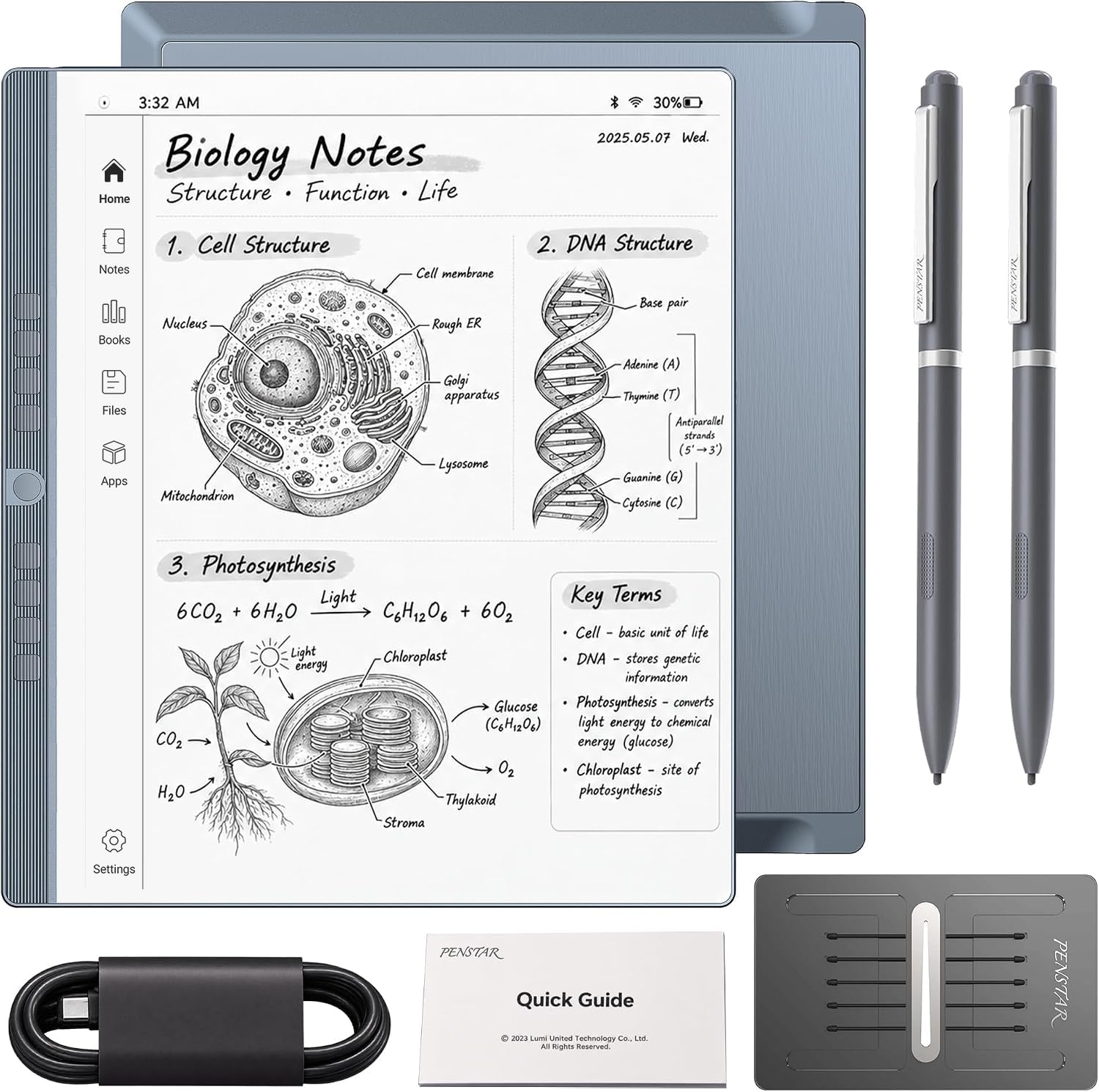
The screen does not respond to your finger. Everything on the Penstar happens through the pen — menus, apps, page turns — which is odd for the first hour and useful afterwards: no fingerprints on the page, no accidental taps from a resting palm, and one less thing to think about while you write.

Left-handed writers get an especially good deal, since there is no touch layer to fight with, and the 10.3-inch e-ink panel is 300ppi, the sharpest text in this group. The bundled pen needs no charging, a second pen and ten spare nibs come with it, and there is 128GB of storage, a four-microphone array for voice-to-text and meeting summaries, and a split view that puts a document and your notes side by side.

What it is not is quick. Moving between menus takes a beat, apps beyond the ones Penstar ships are limited, and the interface has a learning curve that pen-only input makes steeper. As a focused writing and reading device it is pleasant; as an Android tablet it is not one.

For a compact, distraction-free notebook it earns its place — thinner and lighter than the color e-ink option and noticeably cheaper. Go in expecting a notebook that happens to run meetings, not a tablet that happens to take notes.

Pros

  • 300ppi e-ink screen, sharpest text here
  • Pen-only input means no palm or fingerprint smudges
  • Second pen and ten spare nibs included
  • Four-mic voice-to-text with AI summaries

Cons

  • Menu navigation feels slow
  • App support is narrower than on Android
Our verdict

A pen-only notebook that does one job without distractions, and does it for noticeably less than the color e-ink competition.

Check Latest Price

What Eight Months of Note-Taking Tablets Taught Us

We started with a research pass, pulling every tablet that ships with an active stylus or supports one without a second purchase, then narrowed to screens between roughly 10 and 14 inches and to three kinds of writing surface: glass under a paper-feel protector, a matte-etched panel, and e-ink. Eight made the cut. Each then lived a normal week — a morning meeting, an afternoon lecture or long call, a sprawl on the couch at night — for eight months.

On every tablet we wrote the same page: fast cursive, a numbered list, a hand-drawn diagram, and a paragraph of print. We watched whether the ink lagged behind the nib, whether a resting palm left stray marks, and whether pressing harder produced a darker line or just a fatter one. The difference between a pen that keeps up and one that doesn't is obvious within ten seconds of real writing.

Battery life got measured the dull way: a full charge, a day of notes and reading, and a glance at the percentage at nine at night. We read each screen under office fluorescents and outdoors at noon to judge glare, sharpness, and color quality — highlights on color e-ink come out muted, which matters if you color-code. Reliability we judged by what annoyed us over weeks: a pen that needed re-pairing, a folio that wouldn't hold an angle, a stylus tip that wore flat. Value came last, and it's where a few tablets stumbled — some only make sense with the pen and case in the box, and one or two that felt fine in week one felt cramped and sluggish by week six.

How to Choose a Tablet for Note Taking

Start with the pen, not the chip

Every tablet here runs a note app; what separates them is the stylus. You want an active pen with pressure sensitivity and palm rejection, and you want it in the box, because a separately bought pen can change the value calculation entirely. Two questions settle most of it: does the tablet include the pen, and does that pen need charging?

A pen with no battery — Samsung's S Pen, XPPen's X3 Pro, the Kindle Premium Pen — removes the failure that ruins the most note-taking sessions. Nothing kills a lecture's first ten minutes like a stylus that needs to top up.

Paper-like is two different things

On an LCD, paper-like means a matte etch that cuts glare and adds a little drag. The screen still lights up, still shows color, still runs apps. On an e-ink device it means a reflective display that looks like a page, sips battery, and refreshes slowly enough that scrolling feels like work.

Choose LCD if you need color, video, and third-party apps. Choose e-ink if you want to write for an hour without a screen glowing at you. The trap is assuming matte means tactile — a coated LCD kills reflections, but the nib still meets glass.

Size decides where it lives

A 10- or 11-inch tablet goes in a bag and gets used on a train or a lecture hall desk. A 12- to 14-inch one stays put: a desk, a music stand, a kitchen counter. Weight matters more than shoppers expect, because you hold the tablet with one hand while writing with the other.

For scale, the XPPen weighs about as much as a paperback, while the 12-inch Lenovo is closer to a hardback you'll want to prop. Measure the bag before you fall for a big screen.

Apps, files, and the subscription trap

An Android tablet runs OneNote, Google Docs, and whatever PDF editor you already like. A dedicated notebook from reMarkable or Kindle runs its own software and nothing else. That trade cuts both ways — fewer apps means fewer distractions — but check where the notes end up before you commit.

Export formats, cloud sync, and even handwriting search can sit behind a subscription on the closed devices, so price two years of ownership rather than the first week. If your notes have to land in a work system, confirm the export path first.

Battery: days or weeks

E-ink notebooks run for weeks because the display only draws power when the image changes. An LCD tablet runs for a day of classes at best. Voice recording, live transcription, and a bright backlight are the features that eat the difference.

If you plan to record lectures or meetings, plan on a nightly charge no matter what the box promises, and favor the device with the larger battery.

Frequently Asked Questions

Final Verdict

For most people the Samsung Galaxy Tab S10 Lite is the one to buy. The S Pen is always ready, the 90Hz screen handles notes, PDFs, and video without compromise, and the Android app library means you never hit a wall. It is the least fussy way to start writing on a screen.

If the budget is tight, the Lenovo Idea Tab Plus puts a pen, a folio, and a 12.1-inch 2.5K display in the box for less. And if you want a device that does nothing but write, the reMarkable Paper Pro earns its premium.