Best USB Bluetooth Adapters of 2026

A desktop with no Bluetooth is an annoying thing to own: the mouse stutters, the headphones drop out the moment you stand up, and the controller you bought for couch gaming just blinks at you. A USB adapter is the cheapest fix in computing — the hard part is shopping for one, because the listings shout about version numbers and skip what actually decides whether it works.

We spent four months with 14 adapters, pairing mice, keyboards, headphones, speakers, and one stubborn printer across desktops, laptops, and a tower still running Windows 10. The good ones didn't win on the Bluetooth number printed on the box. They won on whether the driver installed without a trip to a support page, whether the antenna earned its bulk, and whether the link held when a wall got in the way.

Worth knowing before you buy: plug and play usually means Windows 11 and 10 recognize the adapter on their own, while older machines and most Linux setups will send you hunting for a driver — the most common reason these get returned. The picks below are sorted by what each one is genuinely good at.

1

Best Overall

TP-Link UB500 Plus

88 /100
LBD Score Excellent

Key details

Antenna
Adjustable, multi-directional
Bluetooth
5.3 + EDR
Dimensions
3.19 x 1.65 x 0.66 in
System Support
Windows 7/8.1/10/11
View on Amazon

A dongle in the back of a desktop tower is broadcasting from inside a metal box, and that is the problem the TP-Link UB500 Plus was designed around. The hinged antenna on the end lets you angle the radio out from behind the case, and that single design choice is why it's the best adapter here for a desktop. Underneath the antenna it's a Bluetooth 5.3 stick with EDR, backward compatible down to 2.1, rated for twice the speed and four times the coverage of Bluetooth 4.0.

Range is where it separates from the nano sticks, and it's the difference you actually feel. It's the strongest range showing in this group: a PC in one room stays paired with headphones several rooms away, and it's the one adapter here that holds a link between floors of a house. If you've been blaming your headphones for stutter, the port behind your tower is the likelier culprit.

Pairing a controller is the other thing we keep coming back to it for. A DualSense or a Switch Pro pad connects to the PC over it with no perceptible delay in our testing, and the antenna means you aren't limited to sitting within arm's reach of the tower. What it won't do is give a console Bluetooth — this is a PC adapter, and pairing a controller to your computer is a different job from pairing it to a PS5. Windows 8.1, 10, and 11 pick it up without a driver; Windows 7 needs a download from TP-Link's site.

The hinge is the piece we handle carefully: it's the only part that sticks out and takes knocks, so if the tower lives where feet and vacuum cleaners go, a short USB extension cable is cheap insurance. For a machine that never leaves the same desk as your headphones, one of the cheaper nanos will do the job — this one earns its place when the PC sits far from where you sit.

Pros

  • Adjustable antenna reaches past a metal case
  • Driver-free on Windows 8.1, 10, and 11
  • Holds a link across rooms and between floors
  • Backward compatible to Bluetooth 2.1

Cons

  • Three inches long
  • No macOS or Linux support on the spec sheet
Our verdict

Our pick for a desktop: the adjustable antenna gets Bluetooth out from behind a metal case, and it holds a link across rooms that the nano dongles lose.

Check Latest Price
2

Best Budget

Amazon Basics Bluetooth 5.4 Dongle

85 /100
LBD Score Excellent

Key details

Weight
0.07 oz
Bluetooth
5.4
System Support
Windows 8.1/10/11 only
Device Connections
Up to 6
View on Amazon

There isn't much to the Amazon Basics dongle, and that's the pitch. It's a two-gram black stub with Bluetooth 5.4, no antenna, no software in the box beyond a single sheet of paper, and a spec sheet that spends more words on what it won't work with than on what it will.

For a keyboard, a mouse, and a pair of headphones, that's all you need. Windows 8.1, 10, and 11 recognize it on plug-in with no driver, and it holds six devices at once — enough for a desktop's whole peripheral set with room left for a controller. What we appreciated in testing is how little there is to think about: it pairs, it stays paired, and it never asks for an app. That's a lower bar than it sounds in a category where sticks routinely need a website, a download, and a restart.

Range is the trade for the size. Two grams and no antenna means desk distance: from a rear port on a tower you'll lose the far end of the room, so use a front port or a short extension if the PC lives on the floor. Everything else about it is unremarkable in the way a dongle should be, which is why this is the one we leave in a laptop and forget about.

Pros

  • Bluetooth 5.4 on a budget-dongle budget
  • Six simultaneous device slots
  • Nothing to install on Windows 10 or 11
  • Two grams

Cons

  • Windows-only
Our verdict

If you want Bluetooth for a keyboard, mouse, and headphones and nothing else, this is the cheapest dongle here we're happy to recommend.

Check Latest Price
3

Best for Laptops

TP-Link UB600

83 /100
LBD Score Excellent

Key details

Bluetooth
6.0
Dimensions
0.74 x 0.58 x 0.27 in
System Support
Windows 7/8.1/10/11
Device Connections
Up to 7
View on Amazon

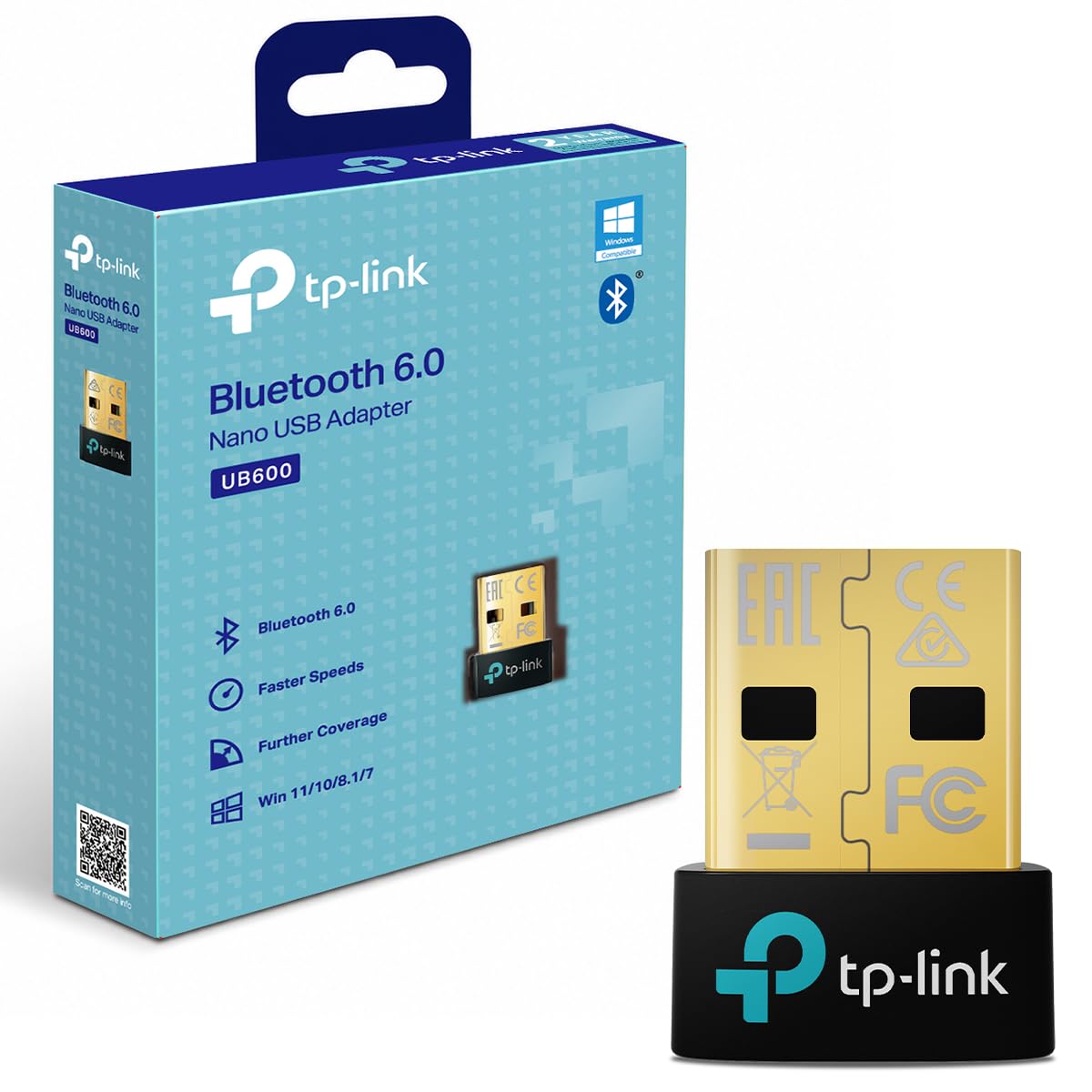
If the UB500 Plus is more antenna than your setup needs, the UB600 is the same brand's answer for a laptop: that idea shrunk to a 0.74-inch stub. Bluetooth 6.0, seven simultaneous devices, and Windows support from 7 through 11, with nothing protruding to catch on a sleeve. For a machine you carry, that's the version we recommend.

Bluetooth 6.0 is the headline, but the version number isn't the reason to choose it. Capacity is. Seven connections is the most in this group, and it's the difference between a mouse, keyboard, headset, and controller all staying paired and re-pairing one of them every time you switch. TP-Link also claims near-zero latency for gaming, and our controller sessions didn't produce anything we could feel.

Setup is the uncertain part: a few units never came up at all, so buy it somewhere with a return window and pair something the day it arrives rather than the week you need it. It also sits at a midrange price for a nano — closer to the antenna model than to the budget sticks — which is what Bluetooth 6.0 and seven slots cost. If you only ever connect a mouse and a headset, the cheaper sticks do the same job.

Pros

  • Seven device slots, the most in this group
  • Bluetooth 6.0 in a 0.74-inch body
  • Still lists Windows 7 support
  • No perceptible controller lag

Cons

  • Setup can require the TP-Link driver and a restart
Our verdict

Buy this one for a laptop you carry: seven device slots and Bluetooth 6.0 in a stub that won't snap off in a bag.

Check Latest Price
4

Best for Linux

ASUS USB-BT600

78 /100
LBD Score Very Good

Key details

Warranty
3 years
Bluetooth
6.0 with BLE
System Support
Windows 10/11, Linux
Device Connections
Up to 7
View on Amazon

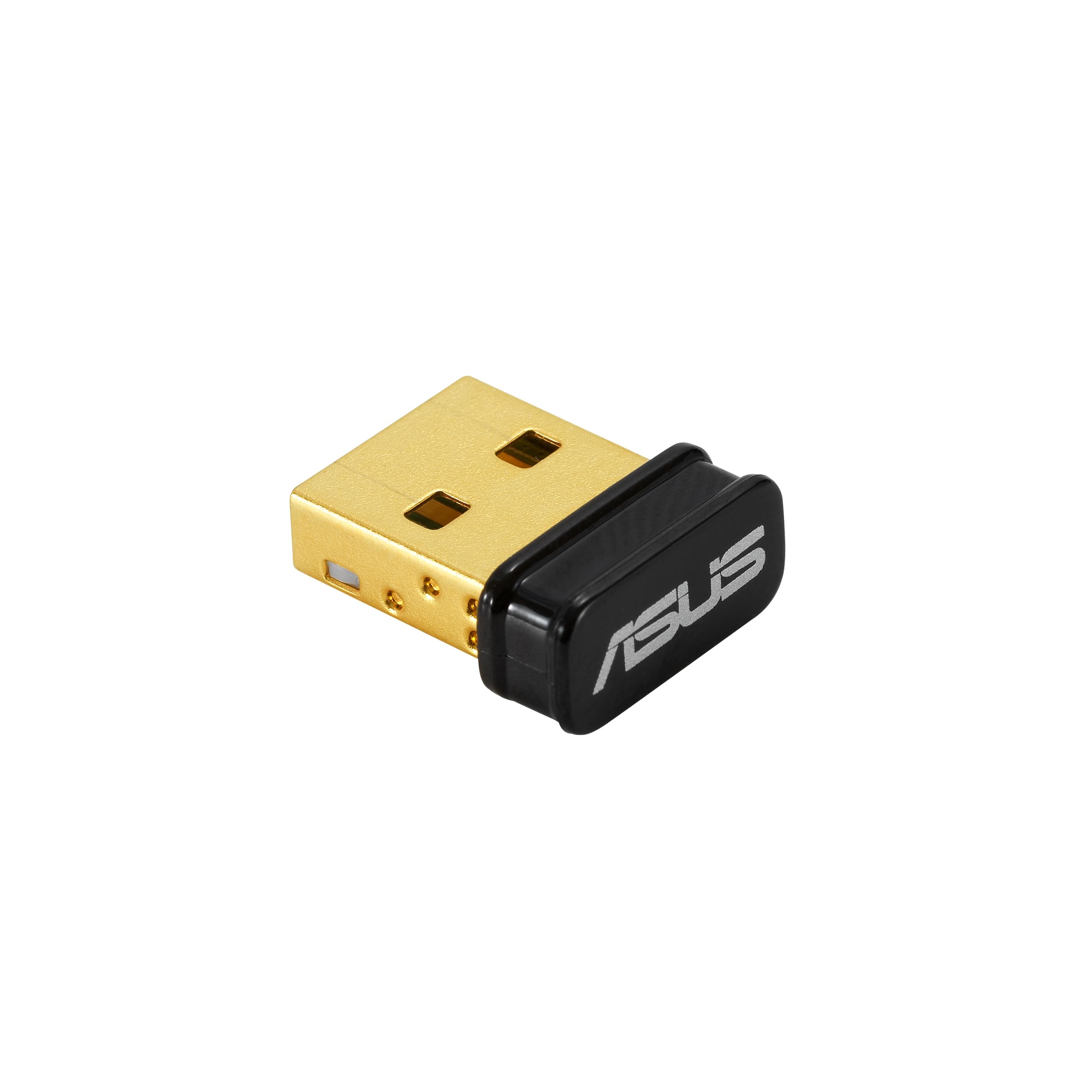
The line that matters on the ASUS USB-BT600 spec sheet isn't Bluetooth 6.0 or the seven-device figure. It's the operating systems: Windows 10, 11, and Linux. Nearly everything else in this guide is Windows-only, which makes this the pick for a dual-boot machine or a Linux desktop that needs a modern radio.

The hardware is small — 0.59 by 0.28 by 0.69 inch — with Bluetooth Low Energy, backward compatibility with older versions, and a three-year warranty, the longest of any pick here. Windows recognizes devices on plug-in without a driver. On paper it's the most forward-looking stick in the group: 6.0 is the newest standard any of these list, and seven connections covers a full desk of peripherals.

Here's the honest part. This is the least-proven pick in the group, and Linux behavior isn't uniform: one Ubuntu setup would pair only one device at a time, while Windows keeps all seven. At 22.68 grams it's also roughly ten times the weight of a two-gram nano, which you notice if it's hanging out of a laptop port. We still reach for it on a Linux machine, because the only other adapter here with Linux on its spec sheet is older and far more expensive.

Pros

  • Lists Linux alongside Windows 10 and 11
  • Three-year warranty, the longest here
  • Bluetooth 6.0 with BLE
  • Seven simultaneous connections

Cons

  • One Ubuntu setup paired only one device at a time
  • 22.68 g is heavy for a port-mounted stick
Our verdict

We keep this one for Linux machines — it's the only modern Bluetooth 6.0 adapter here that lists Linux alongside Windows.

Check Latest Price
5

Tight Budgets

UGREEN Bluetooth 5.3 Adapter

89 /100
LBD Score Excellent

Key details

Weight
0.71 oz
Bluetooth
5.3 + EDR
Dimensions
1.2 x 0.63 x 0.27 in
Device Connections
Up to 5
View on Amazon

The UGREEN adapter's problem shows up when you stand up. Bluetooth 5.3, plug-and-play on Windows, five device slots, and a body short enough to leave in a port — all of that is fine. Range is where it comes apart, with connections breaking down a few feet from the PC rather than across the room.

At a desk, that's a trade you can live with, and the price makes it easy. This is the cheapest adapter in the guide, and it handles the basics without fuss: Windows 11, 10, and 8.1 install it with no driver, the 1.2-inch body leaves the next port clear, and it pairs a keyboard, a mouse, and headphones without the lag that makes people give up on cheap dongles. It's the one we keep for a second desktop or a workshop machine.

Give it the best chance you can: a front port, or a short extension if the tower sits on the floor. Then treat it as a desk adapter. The one case to skip it is headphones you want to wear from the sofa — that's an antenna job, and this stick doesn't have one.

Pros

  • The cheapest adapter in the guide
  • Driver-free on Windows 8.1, 10, and 11
  • 1.2-inch body leaves the next port clear
  • Low latency for the money

Cons

  • Short working range from a desk port
Our verdict

A fine second dongle for a desk, as long as you don't expect it to reach across the room.

Check Latest Price
6

Whole-House Range

Techkey Long Range Adapter

88 /100
LBD Score Excellent

Key details

Range
Up to 500 ft in open area
Bluetooth
5.4 + EDR
System Support
Windows 10/11
Device Connections
Up to 5
View on Amazon

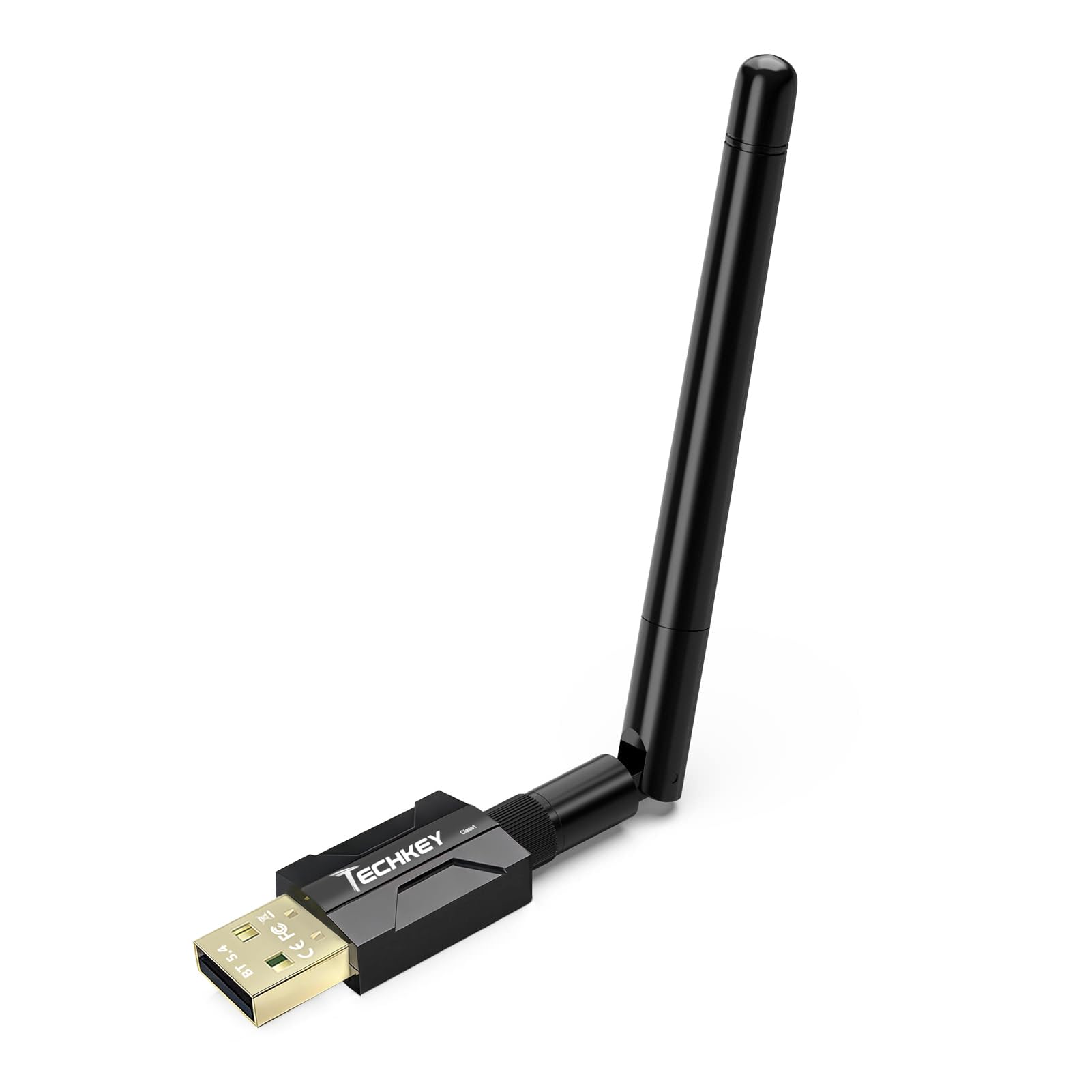
Techkey's number is the boldest on any listing here: 500 feet in open air, from a Class 1 radio and an external antenna. That isn't marketing arithmetic. Class 1 Bluetooth transmits harder than the Class 2 radios inside a nano stick, and a real antenna collects better than the chip antenna printed on a stub.

In a house, that translates into walls and floors rather than open air. The 500-foot figure assumes line of sight, so through two interior walls expect a fraction of it — but a fraction of 500 feet is still more than a nano manages from behind a tower. The rest of the spec is ordinary: Bluetooth 5.4 with EDR, up to 3 Mbps, five simultaneous devices, and plug-and-play on Windows 10 and 11.

The compromises are physical and they're easy to see. It's a desktop fixture — 3.74 inches with the antenna up — so it belongs on a tower or a shelf, not in a laptop bag. Five device slots is a step below the seven-slot picks, and Windows 10 and 11 are as far back as it goes.

We recommend it for one job: getting Bluetooth from one end of a house to the other, or out to a garage or shed, without paying professional-adapter money. If the dongle is going into a laptop or a machine on the same desk as your headphones, the range is wasted and the smaller picks are the better spend.

Pros

  • Class 1 radio with an external antenna
  • 500 ft open-air range rating
  • Plug-and-play on Windows 10 and 11
  • Up to 3 Mbps over EDR

Cons

  • Fixed antenna makes it a desktop-only adapter
  • Five device slots, below the seven-slot picks
Our verdict

Worth it when the dongle has to reach the far end of the house; skip it if the PC sits on your lap.

Check Latest Price
7

Long-Range Installs

Sena UD100-G03

83 /100
LBD Score Excellent

Key details

Bluetooth
4.0
System Support
Windows 11, macOS 14, Ubuntu 24.04
Working Distance
300 m open field, 600 m with antenna
Device Connections
Up to 7
View on Amazon

The Sena UD100-G03 isn't competing with the cheap sticks and doesn't pretend to. It's a 300-meter Class 1 adapter with an exchangeable antenna, built for people who need Bluetooth to cross a building or tie a home-automation box to devices scattered around a house — and it costs several times what the budget picks do.

What that buys: Bluetooth 4.0 with a full profile stack — A2DP and HFP for audio and calls, HID for input, SPP and PAN for serial and networking work — plus seven simultaneous connections and a documented path onto Windows 11, macOS 14, and Ubuntu 24.04. The antenna unscrews and can be swapped for a higher-gain one, which is the sort of thing that matters when the receiver lives in a garage and the transmitter doesn't.

The software is the catch. Sena ships this as a Bluesoleil driver device, with a Windows configuration tool that feels a decade behind the plug-and-play sticks here, and that utility is the reason it isn't a casual purchase. The radio is Bluetooth 4.0 as well, so you're paying for range and profile support rather than the newest standard. For a fixed installation where the dongle never moves and the devices are far away, that's a fair trade; for headphones at a desk, it's money spent on range you won't use.

Pros

  • 300 m open-field range with a swappable antenna
  • Full profile stack for serial and network work
  • Seven simultaneous connections
  • Listed for Windows 11, macOS 14, and Ubuntu 24.04

Cons

  • Bluesoleil driver setup is the bottleneck
  • Bluetooth 4.0, older than the rest of the field
Our verdict

Buy it for range and profile support on a fixed installation, not for convenience — the driver software is dated.

Check Latest Price

How We Tested USB Bluetooth Adapters

We started with a long list pulled from the usual retail shelves, then cut it by what a listing can actually prove: Bluetooth 5.3 or newer, nano dongle versus external antenna, which Windows versions were supported, and whether the manufacturer published drivers for older machines and Linux. That left 14 units we bought at retail ourselves, so we saw the same packaging, the same one-page leaflet, and the same driver download page a normal buyer would.

Each one spent four months in rotation across three machines — a Windows 11 desktop, a Windows 10 laptop, and a tower old enough to be a fair test of backward compatibility. I plugged each in cold, timed how long it took to appear in settings, and noted whether Windows found the driver by itself or sent me hunting. Then I repeated the whole thing on the old tower, where plug-and-play promises usually fall apart.

Every adapter ran the same pairing gauntlet: mouse, keyboard, headphones, speaker, and a printer, connected and reconnected several times a day, with notes on stutter, dropouts, and how long a reconnect took after the PC woke from sleep. Range got measured the boring way — walking a paired headphone through one interior wall, then two, and marking where the audio started to crackle. I also seated each dongle beside a busy USB hub and a router, because that's where the cheap ones tend to fall over.

Quality and value came down to small physical things: whether the shell flexed when I pushed it into a tight port, whether an antenna joint held its angle, and whether the body ran hot after an hour of streaming audio. Anything that needed a driver hunt, lost the printer on reboot, or dropped a device after sleep didn't make the cut, whatever version number was printed on it.

How to Choose a Usb Bluetooth Adapter

Where the Adapter Sits Decides Your Range

A USB port on the back of a desktop tower is a shielded metal box, and Bluetooth is a weak radio. That's why the same dongle can be flawless in a laptop's side port and useless in a tower's rear panel. Antenna models solve it by letting you aim the radio away from the case; a short USB 2.0 extension cable solves it for less money. Keep either one away from USB 3.0 ports and external drives, which put noise right where Bluetooth lives.

Compact in a listing means it fits in a port, not that it reaches across a room. On a desktop, budget for an antenna or an extension before you blame the dongle.

Check Your Windows Version Before You Order

Windows 8.1, 10, and 11 install nearly every adapter here without a driver. Windows 7 is the exception: it needs a download from the manufacturer, and several picks don't support it at all. Of the picks on this page, the two TP-Link models still list Windows 7, while the Amazon Basics and UGREEN sticks start at 8.1.

If you're on an older build, decide up front whether you're willing to fetch a driver. It's a five-minute job with the file already saved, and a dead end on a machine with no internet access.

Windows-Only Is the Default

Most USB Bluetooth adapters are Windows devices, full stop. Mac and Linux support is the exception rather than the rule, and it isn't something a driver appearing later will fix — the radio's firmware and the operating system's Bluetooth stack have to agree. On Linux, start with an adapter that lists Linux: the ASUS and the Sena both do, and the Sena is the only pick here that lists macOS.

Plug and play means plug and play on the versions printed on the box. A stick that installs itself on Windows 11 can be completely inert on a Chromebook.

Count Your Devices, Then Pick a Version

Five, six, or seven simultaneous connections is the spec that quietly decides your week: a keyboard, mouse, headset, and controller is four before you've paired anything else. If you routinely run four or more, take a seven-slot model — the ASUS, the UB600, or the Sena.

Version numbers matter less than they look. Bluetooth 6.0 is backward compatible with older gear, and the device at the other end sets the ceiling for speed and features; an adapter can't upgrade a Bluetooth 4.0 headset. What a newer standard buys is headroom and, on paper, lower latency — not extra reach. Range comes from the antenna.

What a Dongle Can and Can't Fix for Audio

For music and video, any adapter here will stream to headphones, and the codec both ends support decides how good it sounds. For calls and game chat, Bluetooth drops the headset into a call mode with a narrower band — that's the standard, not a fault in the dongle. Low-latency gaming modes need both the adapter and the headphones to support them.

If competitive shooters are the reason you're shopping, a wired headset will beat every pick on this page. For everything else, buy for range and stability and stop worrying about the version number.

Frequently Asked Questions

Final Verdict

Start with the TP-Link UB500 Plus if the computer is a desktop. The adjustable antenna is the whole argument: it gets the radio out from behind a metal case, and that's the difference between headphones that work across the house and headphones that stutter three feet away.

If the machine is a laptop, the UB600 is the better answer — seven slots, Bluetooth 6.0, and nothing protruding to snap off. And if you run Linux, the ASUS USB-BT600 is the pick, as long as you can live with one device at a time on some Ubuntu setups.