Best USB-C Hubs with Ethernet of 2026

A USB-C hub asks for a lot of trust. You push one connector into the only port your laptop has and expect it to act like the ethernet jack, the HDMI port, and the USB-A ports that stopped coming standard. Every box promises the same thing — gigabit ethernet, 4K at 60Hz, 100W of power delivery — so the real differences only show up later, mid-meeting, when the network drops.

I've owned a drawerful of these, and the failures repeat: a flaky ethernet chip, a passthrough that charges slower than the brick you left at home, a shell hot enough that you set it on a coaster. My team spent six months with 14 of them, running each into the same laptop, the same crowded desk, the same hotel Wi-Fi.

Two things worth knowing before you shop. A 100W power-delivery rating is a ceiling, not a promise — the hub takes its share first. And a 10Gbps label rarely covers every jack on the device. What follows are the hubs that held up.

1

Best Overall

UGREEN Revodok Pro 9-in-1

91 /100
LBD Score Outstanding

Key details

Ports
9
Video
4K@60Hz HDMI
USB Data
Up to 10Gbps
Card Readers
SD and microSD
View on Amazon

Nine ports is the headline, but what put this at the top of our list is the combination: a 4K@60Hz HDMI output and 10Gbps USB data in the same aluminum brick as gigabit Ethernet, a 100W PD input, SD and microSD slots, and four USB data ports. Set it beside the six-port hubs here and you are paying about the same money for considerably more hardware, which is not a sentence we get to write often in this category.

In practice it means one cable to the laptop and the desk is finished: monitor, wired network, a card offload, and a couple of drives, with nothing chained off anything else. The card slots are the part we ended up using most. Pulling photos straight off an SD card without hunting for a reader is the sort of small convenience that keeps a hub on the desk instead of in a drawer.

The thing we noticed over a working day is warmth. With a monitor, a drive, and the card reader all going, the shell gets properly warm to the touch. It never faltered for us, with no dropped Ethernet and no flickering display, but we kept it out of a stack of paper rather than buried under one. Treat it like a small appliance that needs air and it behaves.

What settles it is breadth without a specialist's price. This is the one hub here that works as well for a photographer offloading cards as for someone who just wants more ports on a laptop with two, and it does both on the same afternoon. If your monitor is 1440p and your drives are slow, you are overbuying, and the cheaper Acer is the better call.

Pros

  • Nine ports including SD and microSD readers
  • 4K@60Hz HDMI plus 10Gbps USB data
  • 100W PD input keeps a laptop charged
  • Aluminum body, plug and play

Cons

  • About 85W reaches the laptop from a 100W charger
  • Single HDMI output, so no dual-monitor setup
Our verdict

Our default pick: nine ports, 4K@60 video, and 10Gbps transfers for roughly what a basic six-port hub costs, with the charging headroom to run a monitor and a drive together.
Check Latest Price
2

Best Value

Acer 6-in-1 USB-C Hub

86 /100
LBD Score Excellent

Key details

Ports
6
Video
4K@60Hz HDMI
USB Data
5Gbps
Pass-through
100W in, 85W out
View on Amazon

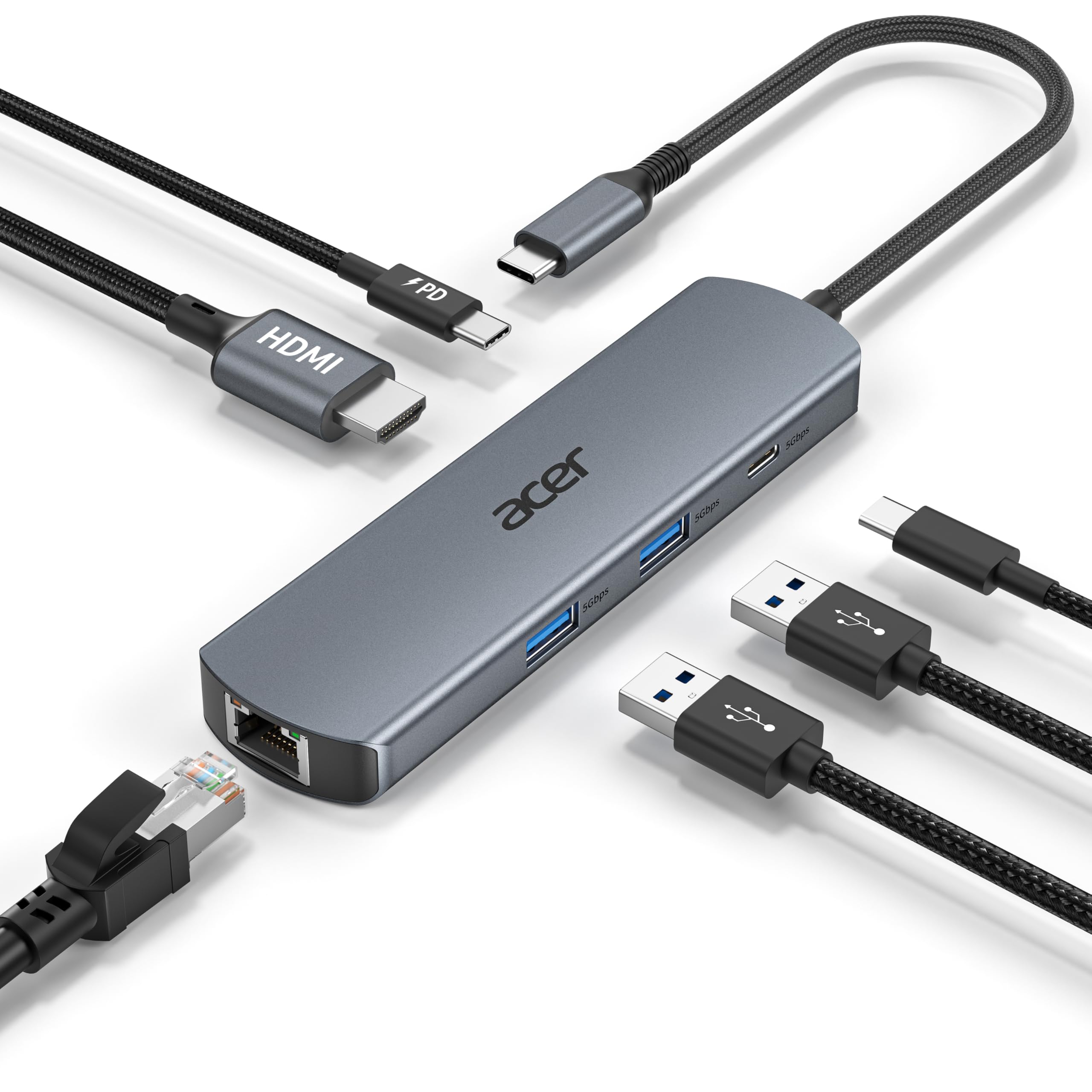
If the top pick's nine ports are more than you will fill, this is where we point people. Six ports, 4K@60Hz over HDMI, gigabit Ethernet, and a 100W PD input for less money than the nine-port hub costs. The two USB-A ports and the single USB-C data port run at 5Gbps rather than 10Gbps, and that is the whole of what you give up.

That trade is easy to accept. A keyboard, a mouse, a phone, and an occasional flash drive never come close to 5Gbps, and the display output is the part you look at all day. What is genuinely missing is a card reader, so if you offload photos regularly, the extra money for the UGREEN buys back more than a port.

Look at the tail before you order. The cable is a short 0.65-foot stub, which keeps a desk tidy and means the hub hangs off the laptop's port instead of lying flat. On a stand that is exactly right; on your lap it dangles. The other limit is shared by every hub here: the 60Hz output needs a laptop that passes DisplayPort 1.4, and a DP 1.2 machine will drop to 30Hz no matter what the hub can do.

Pros

  • 4K@60Hz HDMI for less than the top pick
  • 100W PD input with 85W to the laptop
  • Two USB-A and one USB-C data port

Cons

  • USB data capped at 5Gbps
  • Attached cable is only 0.65 ft
Our verdict

We rate it the best value here: 4K@60 and gigabit Ethernet in one hub for less than the top pick, provided card slots and 10Gbps transfers are not on your list.

Check Latest Price
3

Best for Travel

Anker PowerExpand 6-in-1

92 /100
LBD Score Outstanding

Key details

Ports
6
Video
4K@30Hz HDMI
Weight
2.89 oz
Pass-through
65W max
View on Amazon

At 5.2 inches long, under an inch wide, and 82 grams, this is the one that lives in the laptop sleeve rather than on the desk. The aluminum body has a fixed cable and no bulk, so it takes up less table space than a phone when you are working from a café or a hotel room.

The port set is the practical minimum done properly: HDMI, gigabit Ethernet, a 65W PD input, a USB-C data port, and two USB-A. The wattage is the thing to check. A MacBook Air is comfortable, but a 16-inch machine under load draws more than 65W and the battery will creep down while the hub is plugged in. The HDMI output is 4K at 30Hz, which is fine for documents and slides and noticeably less smooth when you scroll a long page or drag a window.

Where it earns its place is the shape of the thing. It slips into the same pocket as the charger, the cable is fixed so there is nothing to lose, and it comes back out working. For a hybrid week that is the whole job, and it is the pick we reach for when the laptop is leaving the house.

Pros

  • Slim 82 g aluminum body
  • Gigabit Ethernet and HDMI in a small footprint
  • Plug and play across macOS and Windows

Cons

  • Short, stiff attached cable
  • No SD or microSD reader
Our verdict

Slim, light, and aluminum, this is the hub we take out of the house, as long as a 65W charger covers your laptop and you can live without card slots.

Check Latest Price
4

Best Budget

BENFEI USB-C Ethernet Hub

87 /100
LBD Score Excellent

Key details

Ports
3 USB-A plus Ethernet
USB Data
5Gbps
Power Input
USB-C 5V/2A
View on Amazon

There is no HDMI here, and that is the point: this is a network adapter with three USB-A ports bolted on, for the desk or bag where the monitor already has its own cable. Gigabit Ethernet, three 5Gbps USB-A ports, a braided cable, and an aluminum shell for the least money in this guide. We hand it to anyone whose laptop needs a wired connection and a couple of extra ports, full stop.

The USB-C socket on the end is a 5V/2A power input for accessories, not a charger for your laptop, so do not count on it to top up a machine that is running low. What it does do is keep a bus-powered drive or a thirsty accessory fed without stealing current from the ports you are using, which is more thought than most adapters at this price put in. It is plug and play on macOS and Windows with no driver step, and the wired link has been the least eventful thing on our desk.

Pros

  • Gigabit Ethernet with three USB-A 3.0 ports
  • Braided cable and aluminum shell
  • Dedicated power slot for accessories

Cons

  • No video output at all
  • No USB-C data port
Our verdict

We send anyone who wants a wired link and three USB-A ports, and nothing else, to this one; it is the least expensive route to gigabit in this guide.

Check Latest Price
5

Budget Port Variety

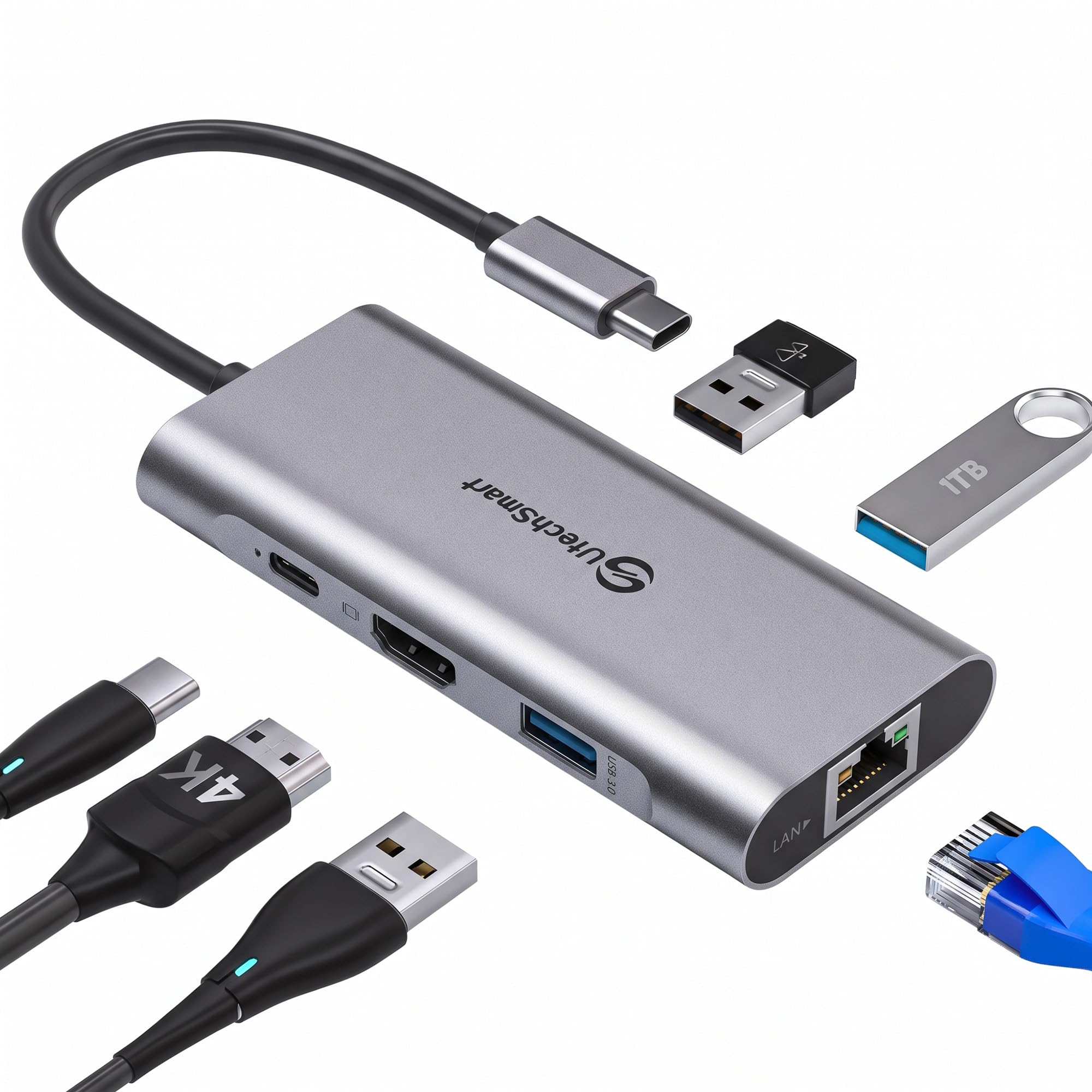
UtechSmart 6-in-1 Hub

89 /100
LBD Score Excellent

Key details

Ports
6
Video
4K@30Hz HDMI
Ethernet
1000Mbps
Pass-through
100W
View on Amazon

Warm is the word we keep coming back to. With the charger plugged into the PD port and a couple of devices running, the shell gets hot enough that you notice it against your wrist, and it does not matter much whether the load is a drive or just the Ethernet link. The connection itself held through a full working day for us. The heat is a comfort and long-term question rather than an outage.

What the money buys is generous: three USB-A ports at 5Gbps, gigabit Ethernet, an HDMI port for a second screen, and a 100W PD input that genuinely keeps a laptop topped up rather than trickling. That is the port mix most people are actually shopping for, and it is the cheapest way here to get all of it in one piece.

We put it on a hard surface, keep it out of a bag while it is working, and do not worry past that. For a fixed desk where the hub sits behind the laptop and does its job unattended, the value is hard to argue with. For anything that has to look after itself in a backpack, the cooler-running picks above are worth the extra.

Pros

  • Three USB-A ports plus wired Ethernet
  • Full 100W power delivery pass-through
  • Cheapest full-featured hub in this set

Cons

  • 4K video limited to 30Hz
  • No card reader slots
Our verdict

Three USB-A ports, gigabit Ethernet, and a genuine 100W pass-through for the least money of any full-featured hub here, which is why we keep one on a fixed desk.

Check Latest Price
6

Fast File Transfers

Amazon Basics 6-in-1 10G Hub

84 /100
LBD Score Excellent

Key details

Ports
6
Video
4K HDMI
USB Data
10Gbps
Pass-through
100W in, 85W out
View on Amazon

Two USB-C ports sit on this hub and only one of them moves data. The other is power in, nothing more, and there is no marking on the box to stop you plugging a drive into the wrong one and concluding the hub is broken. Learn the layout once and it stops mattering, but it is the kind of detail that costs an hour on the first day.

Get past that and the specification is serious. The USB-A and USB-C data ports both run at 10Gbps, so an external SSD moves files at roughly twice the pace of the 5Gbps hubs in this group, with gigabit Ethernet and 4K HDMI alongside. If your day is large files and a wired link, it does the job with very little fuss and a 15cm cable that stays out of the way.

The catch is the price. It costs more than our top pick while offering fewer ports and no card reader, which is why it ranks below the nine-port UGREEN for most people. Where it wins is pure data speed on both connector types, and that is worth paying for if you are regularly moving footage or large project files and never touch an SD card.

Pros

  • 10Gbps on both USB-A and USB-C
  • 4K HDMI, Ethernet, and 100W PD input

Cons

  • Ports sit close together, crowding wide plugs
  • No SD or microSD reader
Our verdict

We choose this over the top pick only when 10Gbps on both USB-A and USB-C matters more than port count and price, and for moving footage it does.

Check Latest Price
7

Monitor-Free Desks

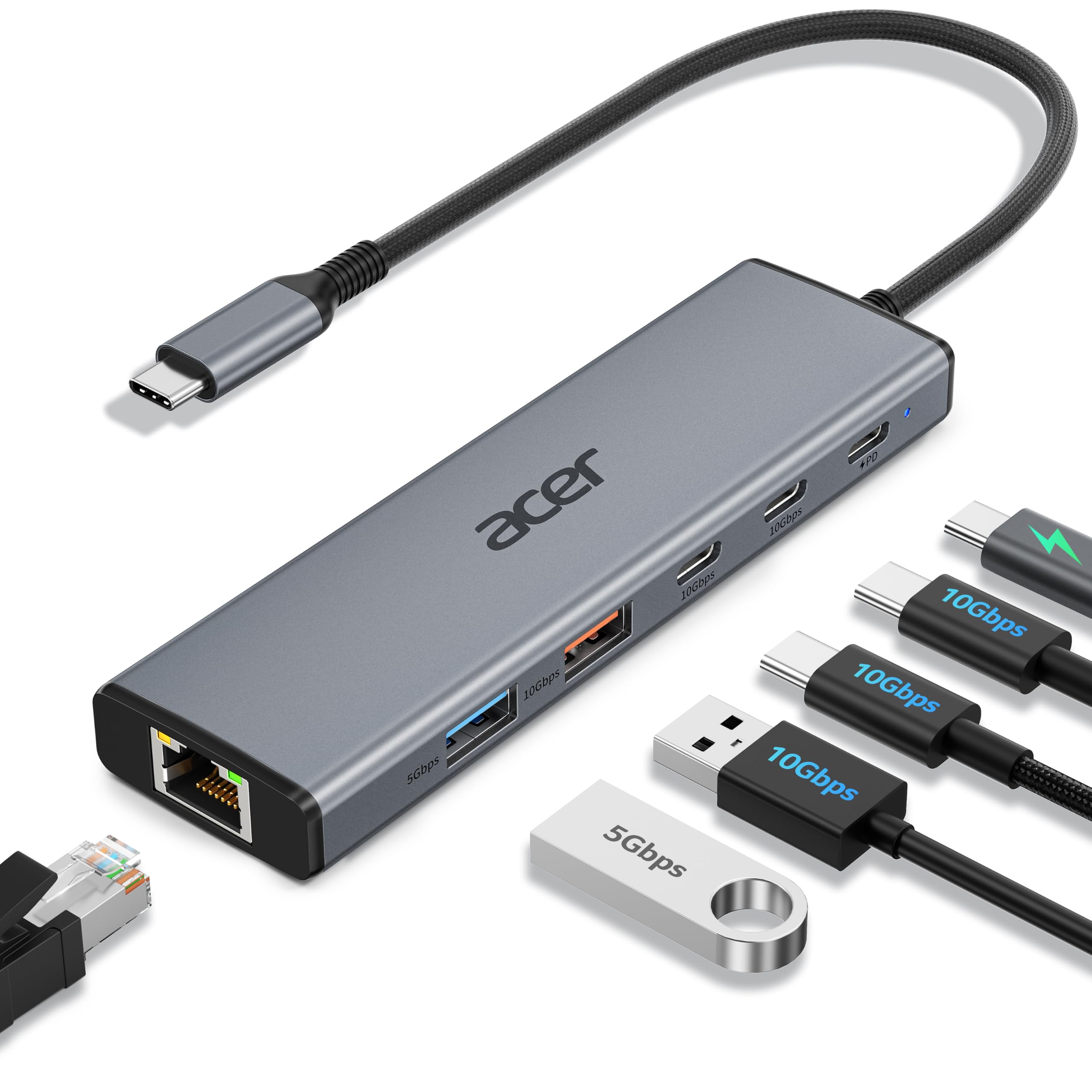
Acer 10Gbps USB-C Hub

83 /100
LBD Score Excellent

Key details

Ports
6
Ethernet
1000Mbps
USB Data
10Gbps shared
Pass-through
100W in, 90W out
View on Amazon

Dropping HDMI is a design decision here rather than an omission, and it is what makes room for four USB data ports: two USB-C 3.2 and one USB-A 3.2 at 10Gbps, plus a USB-A 3.0, alongside gigabit Ethernet and a 100W PD input that hands 90W to the laptop, the most generous handover in this guide. We choose it for a desk where the monitor is on its own cable and the bottleneck is moving files.

One figure deserves a second look. That 10Gbps is shared across the three fast ports rather than served to each of them, so two drives copying at once split the bandwidth instead of each running at full speed. It is also the newest design here, which is why it sits in the also-consider tier despite the strong spec sheet: the ports and the wattage are right, and time is the only thing that will vouch for the rest.

Pros

  • Four USB data ports, three at 10Gbps
  • 90W reaches the laptop, the most here
  • 70 g aluminum body

Cons

  • 10Gbps is shared across three ports, not per port
Our verdict

We keep this at a desk where the monitor is already handled: 90W of pass-through and four USB data ports, with no video output to pay for.

Check Latest Price

How We Tested USB-C Hubs With Ethernet

We started by pulling together every USB-C hub we could find with a built-in ethernet jack, then cut the list by reading spec sheets closely: whether the HDMI output was capped at 30Hz, whether the power passthrough topped out at 60W or 100W, how many data ports ran at 10Gbps versus 5Gbps, whether the ethernet was gigabit or 10/100, and what each one cost relative to the number of ports it gave you. That left 14 hubs, which we bought at retail and used for six months.

Each one lived the way a hub actually lives: plugged into a laptop on a work-from-home desk from morning to evening, carried in a bag to a coworking space and a couple of hotel rooms where the Wi-Fi was too shaky to trust, and split between a MacBook, a Windows laptop, an iPad, and a handheld gaming console to see which ports worked where.

At the desk we moved multi-gigabyte files across the network and watched whether the transfer stalled or the adapter dropped off entirely. We ran a 4K monitor at 60Hz for a full afternoon and looked for flicker or a forced drop to a lower refresh rate. Between the wall charger and the hub we put a watt meter to see how much power actually reached the laptop, and after an hour of passthrough charging we felt the shell to check how hot it got — warm was fine, too hot to hold was not.

Build quality got the least glamorous test: we plugged and unplugged every cable dozens of times, wiggled the connector while a file was copying, and stuffed each hub back into a bag to see whether the cable or the shell showed wear.

How to Choose a Usb-C Hub with Ethernet

Check the Ethernet rating first

An RJ45 socket on a hub is not automatically gigabit. One hub in this category is capped at 100Mbps, a tenth of what a gigabit port delivers and slower than most home Wi-Fi, and the listing still calls it Ethernet. Look for 10/100/1000 in the spec and treat a bare Ethernet claim as unfinished. Every hub we recommend here is gigabit.

If you are wiring a laptop for video calls and pulling files off a network drive, that speed is the entire reason to buy a hub. If the wired link only exists to reach a printer on the same switch, the difference never shows.

Match the video output to your laptop, not the box

A hub advertising 4K@60Hz only delivers it from a laptop that passes DisplayPort 1.4 over USB-C; on a DP 1.2 machine it falls back to 30Hz. Check your laptop's spec before paying extra for 60Hz, because you notice the difference the moment you scroll a long document.

If you never plug in a monitor, a hub without HDMI spends the money elsewhere. The BENFEI puts it into a stable wired link and three USB-A ports, and the Acer 10Gbps model puts it into four data ports with a 90W handover to the laptop.

Do the charging math

Pass-through wattage is always lower than the input: a 100W hub typically reserves 15W for its own ports and hands 85W to the laptop, and the Anker here tops out around 65W. Add up what your machine draws under load and leave headroom, or the battery creeps down while the hub claims to be charging it.

Feed the hub with a charger rated at or above its stated input. An undersized charger is the usual reason a hub appears to stop charging halfway through the afternoon.

Decide between 5Gbps and 10Gbps USB

Keyboards, mice, and phones do not care. An external SSD does, and card readers are the other place it shows. A 5Gbps port is a real bottleneck for a fast drive; a 10Gbps port roughly halves the wait on large copies.

If you move footage or big project files daily, the 10Gbps hubs here earn their price. If the USB ports are for peripherals, put the money into ports and charging instead.

Heat, cable length, and desk manners

Every hub in this group warms up, and aluminum shells feel hotter than they are. What matters is airflow: a hub buried under papers or sealed in a sleeve has nowhere to put the heat, and heat is when wired links start dropping.

Then check the tail. The Anker's 5.2-inch body sits flat on a tabletop with a fixed cable, while the Acer 6-in-1 has a 0.65-foot tail that leaves it hanging from the laptop port. Neither is wrong; one suits a stand and the other a desk.

Frequently Asked Questions

Final Verdict

The UGREEN Revodok Pro 9-in-1 is the hub we recommend for most desks: 4K@60 video, 10Gbps data, gigabit Ethernet, a card reader, and enough pass-through charging to keep a 13-inch laptop level while everything is busy. It is not the cheapest way in and not the fastest at everything, but it is the only pick here that covers a photographer, a remote worker, and a general port-starved laptop at once.

Change one requirement and the answer changes. The Acer 6-in-1 gets you 4K@60 and gigabit for less if you can live without card slots, and the BENFEI is the right buy when there is no monitor in the picture at all.