Best Video Doorbells of 2026

A video doorbell is three gadgets wearing one coat: a camera pointed at your porch, a motion sensor deciding what's worth recording, and a chime that interrupts dinner. The spec sheet covers the first and skips the arguments — where the thing gets its power, what it does at 2 a.m., and whether you'll still be able to pull up last Tuesday's footage without paying for a plan.

Over the past eight months my team and I installed 12 doorbells on front doors, side doors, and one flaking brick wall, and the pattern held: resolution is the number everyone compares and the one that matters least past a point, while field of view is what decides whether you catch a face and a package in the same frame.

The rest is choreography — how quickly live view loads, whether the chime fires before the person turns around, whether motion alerts eventually learn to ignore the neighbor's cat. The picks below got those small things right, and where each one asks you to compromise, we've said so.

1

Best Overall

Google Nest Doorbell (Wired, 3rd Gen)

87 /100
LBD Score Excellent

Key details

Power
Wired, no battery
Video
2K HDR
Smart Home
Google Home & Gemini
Night Vision
Color night vision
View on Amazon

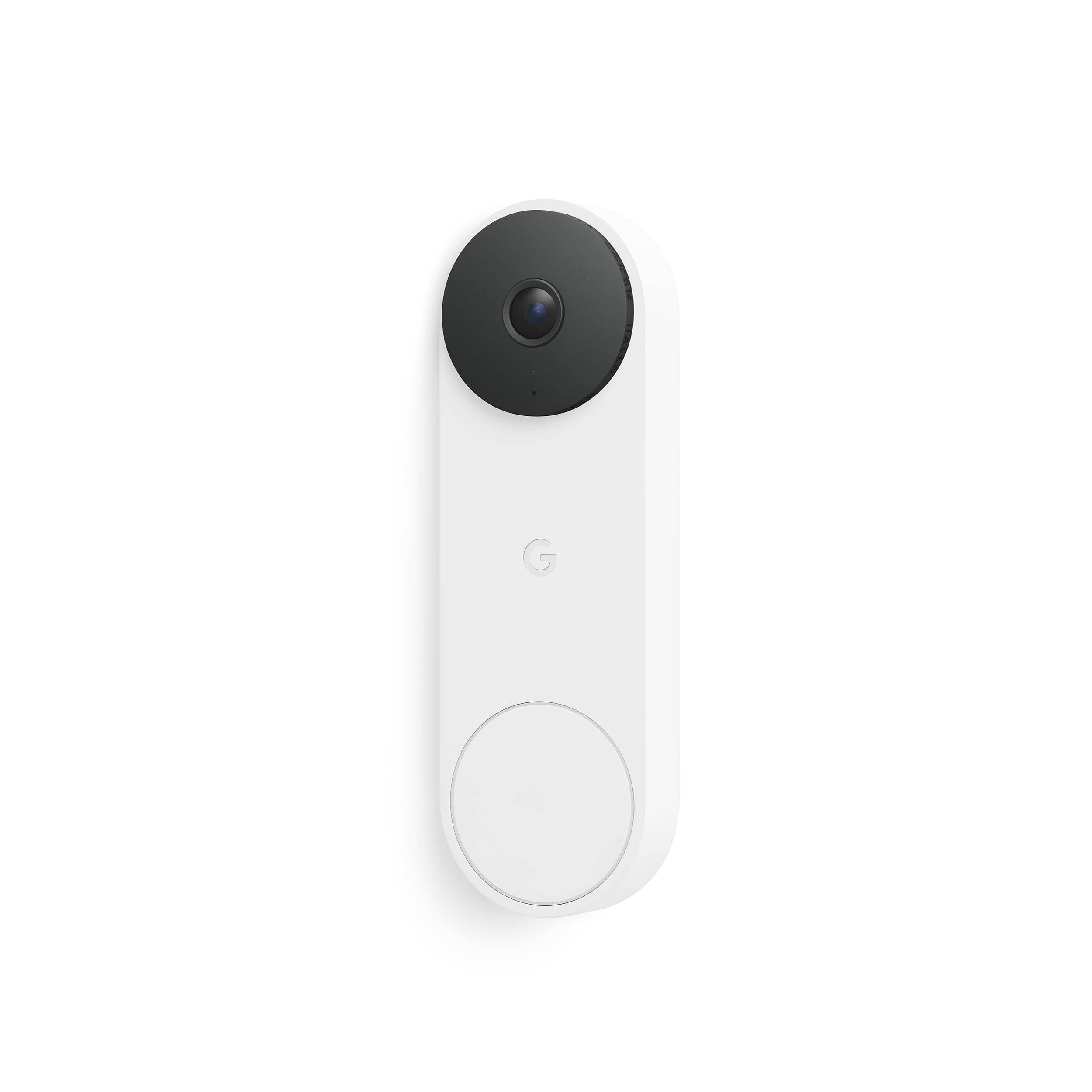
The wired Nest Doorbell earns the top spot because it removes the two most common doorbell chores: charging a battery and checking whether the feed is awake. The 2K HDR sensor gives a clean, colorful daytime picture, and the wide view takes in the path and the threshold rather than just a face at the door. We mounted it on existing doorbell wiring and came away thinking about how little there was to do afterward, which is exactly what we want from a device that should disappear into the house.

Google Home is the other half of the appeal. Live view, two-way talk, and person or package alerts sit in one app, and the Gemini descriptions are useful when you are deciding whether to answer. We also like that the doorbell is slim enough to sit close to the trim without looking like a security box. If you already use Google Home, the setup feels like adding another sensor rather than learning a new system.

The wired requirement is the boundary, not a flaw: if the old doorbell circuit is missing or weak, this is not the one. For a house that already has a doorbell transformer, it is the least fussy 2K option here, and the one we reach for first. The picture is sharp enough for faces at the door, and the app is the kind you check without thinking.

Pros

  • Wired power means no charging routine
  • 2K HDR video with a wide view
  • Google Home app with smart alerts
  • Slim profile sits close to trim

Cons

  • Advanced alerts need Google Home Premium
  • Night vision can lose detail in deep shade
Our verdict

Our top pick is the Google Nest Wired Doorbell for a home with existing doorbell wiring: crisp 2K video, a wide view, and no charging routine.
Check Latest Price
2

Best for Ring Homes

Ring Wired Doorbell 2K Plus

86 /100
LBD Score Excellent

Key details

Power
Wired
Video
Retinal 2K
Alerts
Motion detection
Low Light
Low-Light Sight
View on Amazon

The first thing to know about the Ring Wired Doorbell 2K Plus is that it does not use your old indoor chime; Ring supplies its own chime module, so the install changes even though the power is wired. That is a big caveat for anyone replacing a familiar ding-dong, but it is also why the doorbell is easy to live with once you have made the switch: no battery, no charging, and a steady wired feed.

We kept coming back to it for Ring households because the 2K picture is crisp, Low-Light Sight holds color with a little ambient light, and pre-roll catches the approach before the motion alert fires. The app is familiar if you already use Ring cameras, and the wired install means one less device to remember on a trip. It is not the place to start if you want a Google or Apple Home setup, though.

The compromise is the speaker. Two-way talk can sound thin at the door, especially when street noise sits behind a delivery, so this is better for short instructions than a conversation. We still reach for it over a battery Ring when the wiring is there, because the 2K feed and pre-roll matter more day to day than a perfect voice.

Pros

  • Crisp Retinal 2K video
  • Pre-roll catches the approach
  • Wired power with no battery to charge

Cons

  • Video descriptions require a Ring plan
Our verdict

For a Ring household, the Wired Doorbell 2K Plus is the one we reach for: crisp 2K video and pre-roll without a battery to charge.

Check Latest Price
3

Best Battery-Powered

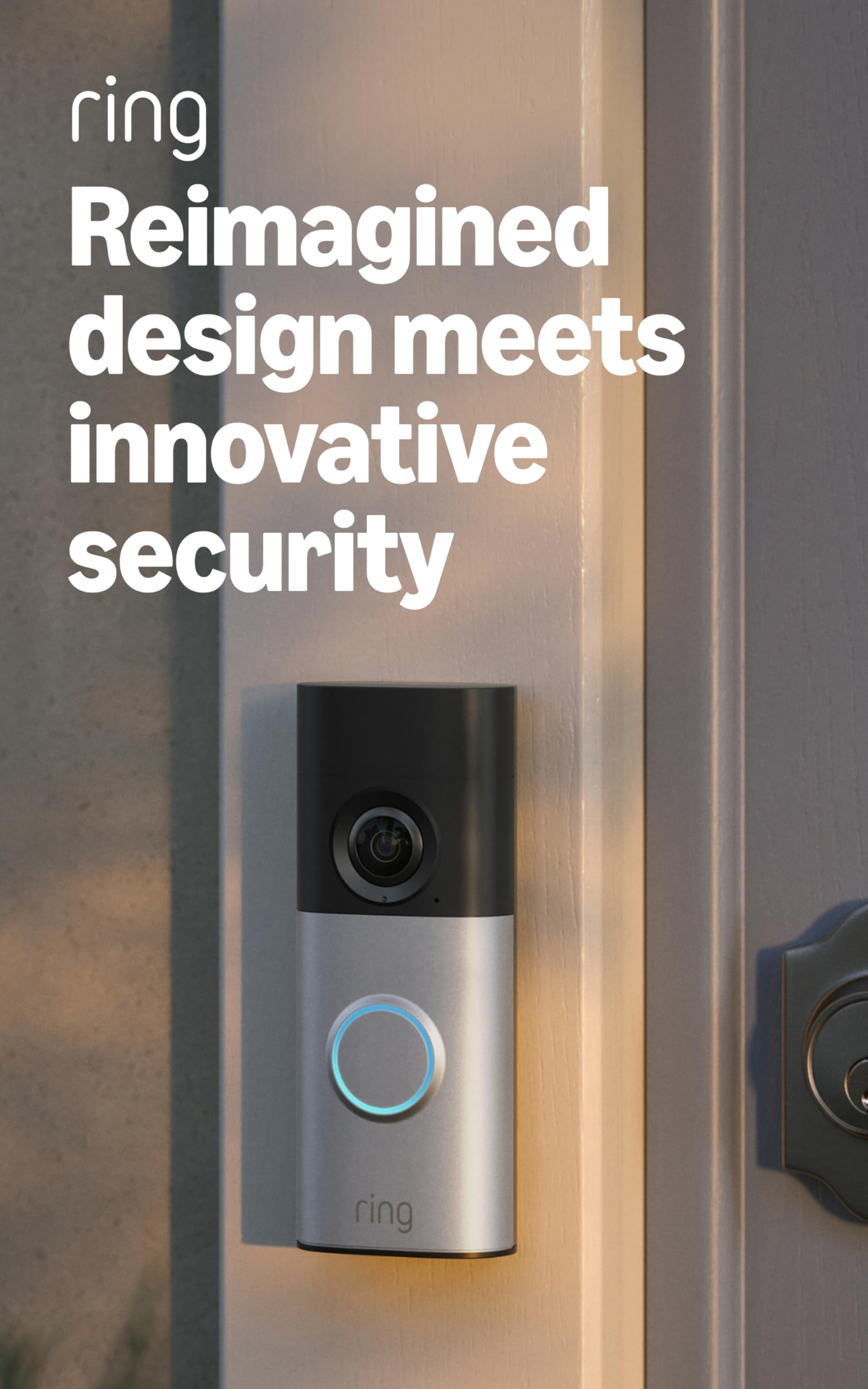
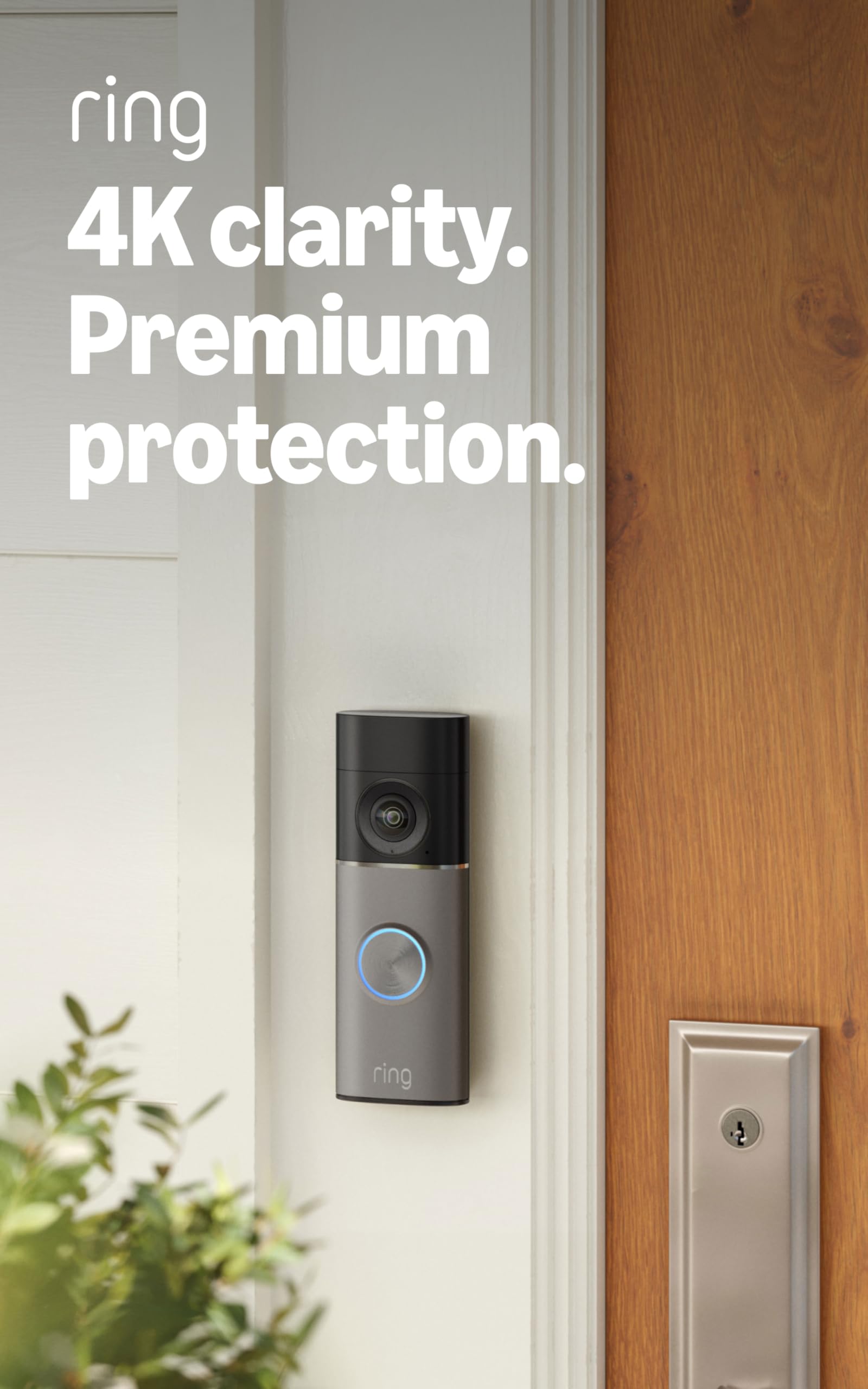
Ring Battery Doorbell 4K Pro

87 /100
LBD Score Excellent

Key details

Zoom
10x Enhanced Zoom
Power
Quick Release battery pack
Video
Retinal 4K
Motion
Radar 3D Motion Detection
View on Amazon

The battery pack is the detail that makes the Ring Battery Doorbell 4K Pro practical: it releases from the doorbell, so charging does not mean unscrewing the whole unit or running a cable across the porch. That matters more than the 4K label on a battery doorbell, because the best camera in the world is useless if you avoid taking it down to charge.

We liked the 4K picture and 10x zoom for getting closer to a face or a plate at the far edge of the walk, and radar-powered 3D Motion Detection is more selective than plain pixel motion. The color low-light image is a real step up from older battery Rings, and the removable pack makes a charging routine less disruptive.

The trade-off is that battery life and motion accuracy both depend on settings. With frequent alerts and high-quality recording, this one asks for charging more often than the headline suggests, and a tight motion zone can let a quiet walk-up slip past. Set the zones wider than you think, test on a delivery day, and accept that 4K costs you some runtime. For a no-wiring install where picture quality comes first, it is the strongest battery pick here.

Pros

  • Sharp 4K video and 10x zoom
  • Removable Quick Release battery pack
  • Radar-powered 3D motion detection

Cons

  • Premium price for 4K
  • Advanced alerts require a Ring plan
Our verdict

We choose the Ring Battery Doorbell 4K Pro when there is no wiring and picture quality comes first; its removable pack makes the charging routine easier.

Check Latest Price
4

Best No-Subscription

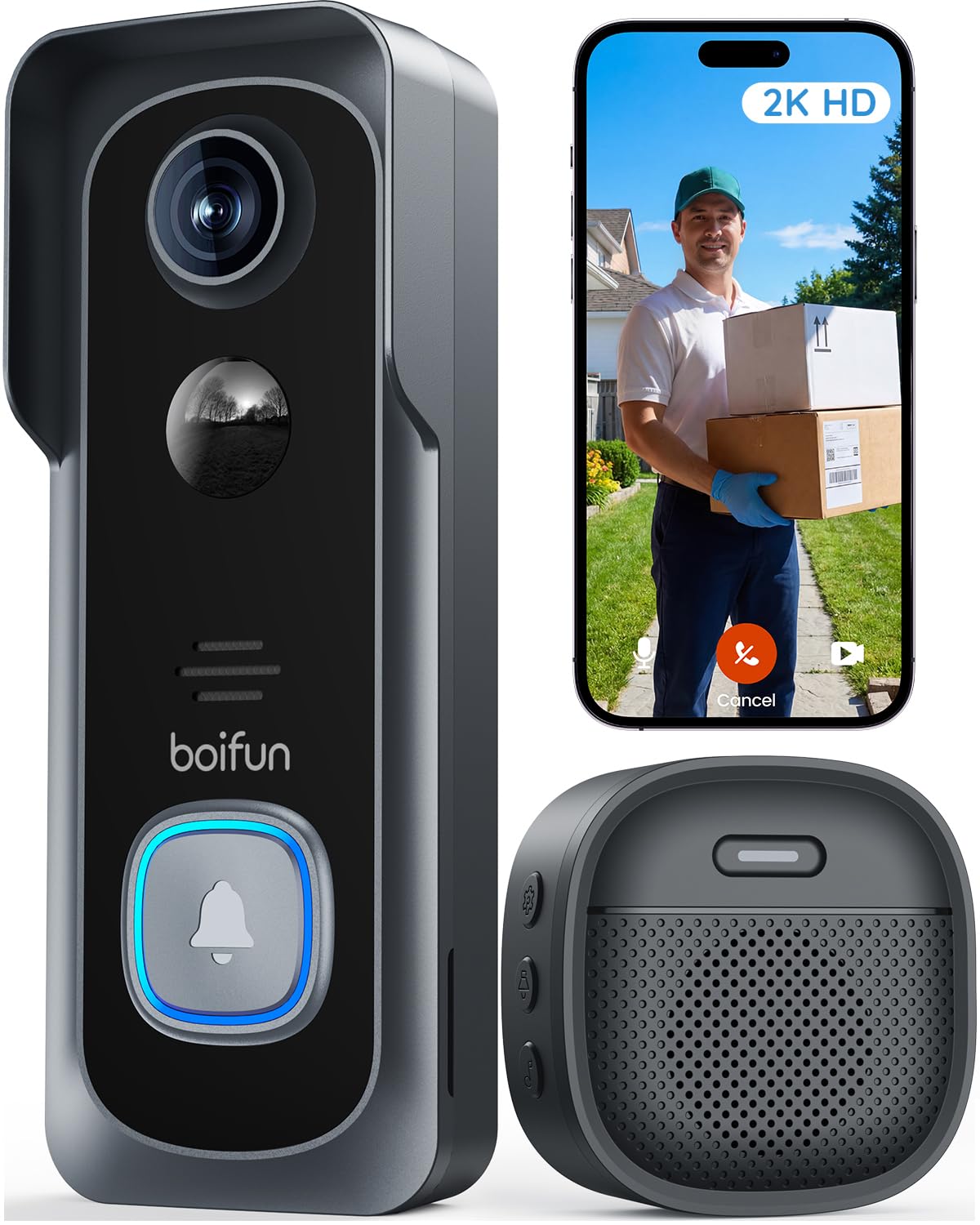
BOIFUN Wireless Video Doorbell

87 /100
LBD Score Excellent

Key details

Power
5200 mAh battery
Video
2K
Storage
MicroSD up to 128 GB
Field Of View
166°
View on Amazon

No subscription is the headline, but what makes the BOIFUN Wireless Video Doorbell worth a spot is that it does not feel stripped down: 2K video, a 166-degree view, and an indoor chime are all in the box. For a front door where you want the basics without another monthly bill, that combination is hard to argue with.

The local microSD slot takes a card up to 128GB, so you can keep clips without paying for cloud storage. The 5200 mAh battery is built in, and the quoted battery life assumes a modest number of daily activations; a busy porch will shorten it. The chime is a useful inclusion, too, because it gives you an indoor alert without adding another accessory. Charging means taking the doorbell down and plugging it into USB, so a sheltered spot helps.

The 2K picture is clear enough to recognize a face at the door, and the 166-degree view covers a porch without making the walkway look like a tunnel. It is not a 4K camera, but that is a fair trade for the battery life and the no-fee setup. If you want the basics without a monthly bill, this is our budget pick.

Pros

  • No subscription required for core features
  • 166-degree view with 2K video
  • Indoor chime included
  • Large 5200 mAh battery

Cons

  • 2.4GHz-only Wi-Fi
  • MicroSD card not included
Our verdict

The BOIFUN is our no-subscription pick: a capable 2K doorbell with an included chime for a simple, renter-friendly install.

Check Latest Price
5

Best Head-To-Toe View

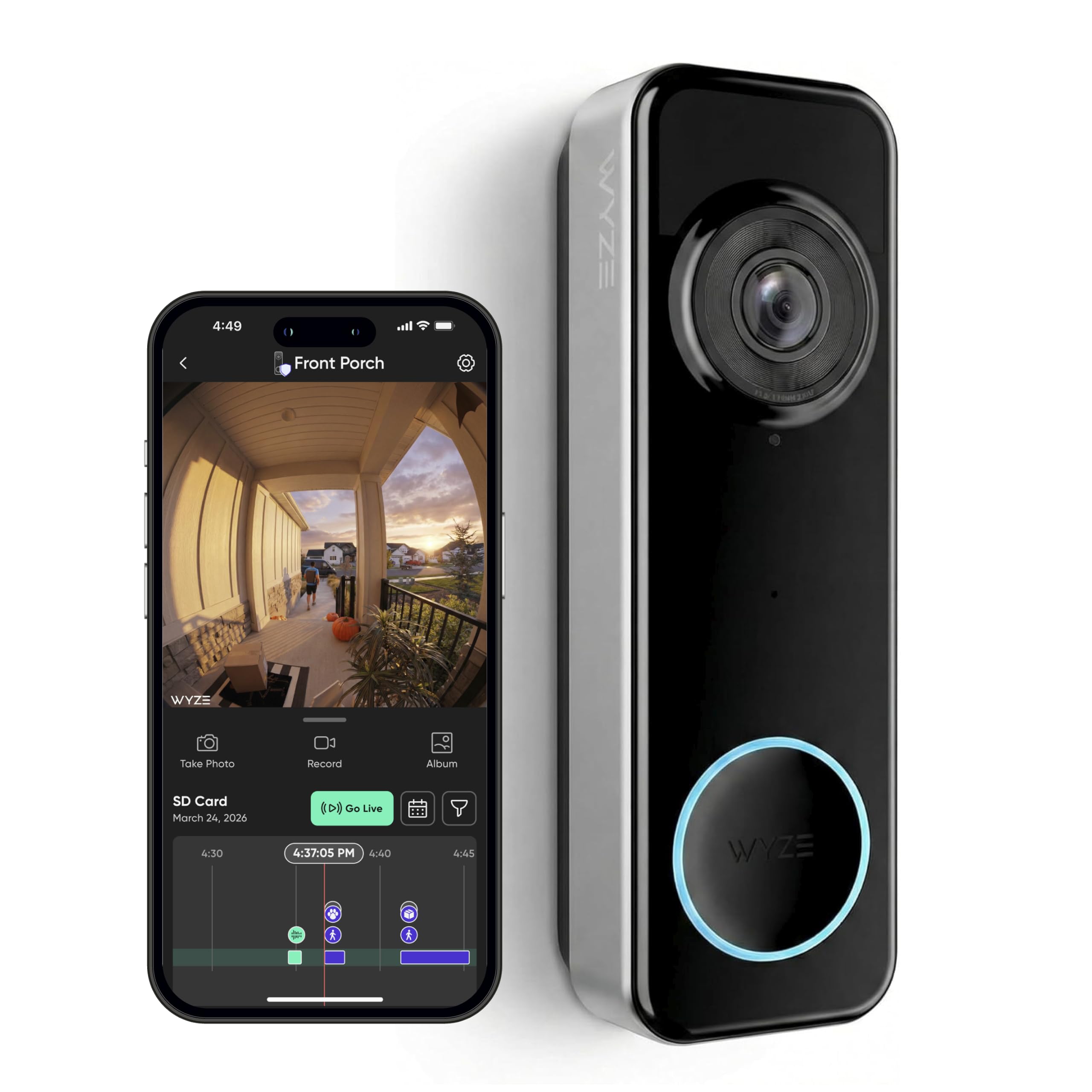
Wyze Battery Video Doorbell

84 /100
LBD Score Excellent

Key details

Power
Battery or wired
Video
1536 x 1536 HD+
Night Vision
Color night vision
Field Of View
150° x 150°
View on Amazon

A square 1536-by-1536 image is the Wyze Battery Video Doorbell's best idea: it shows a visitor's face and the box on the step in the same frame, which a wide 16:9 doorbell often cuts off. If packages are the reason you want a doorbell camera, that head-to-toe view is more useful than another pixel of horizontal resolution.

We were struck by how much flexibility the wire-free or wired option adds. You can run it on battery where there is no wiring, then switch to AC power if you later want a permanent install. Color night vision is a plus, and the 150-by-150-degree view is wide enough to cover the whole threshold. The battery life depends on how much traffic you are recording, so a busy porch will need more charging than the six-month claim suggests.

The 1536 resolution is the compromise. It is sharp enough to recognize a person at the door, but it will not pull a license plate from the street the way a 2K or 4K model can. Connectivity is the other thing to check: if the doorbell sits at the edge of your Wi-Fi, live view can stall. For a renter or a package-heavy porch, the square view and local storage make it a strong value.

Pros

  • Square head-to-toe view
  • Battery or wired installation
  • Color night vision

Cons

  • Cloud storage requires a Wyze plan
Our verdict

Choose the Wyze if package watching matters most; its square view is the reason we keep it in this roundup.

Check Latest Price
6

Alexa Households

Blink Battery Doorbell 2K+

82 /100
LBD Score Excellent

Key details

Audio
Two-way audio with noise cancellation
Power
3 AA lithium batteries
Video
2K
Included
Sync Module Core
View on Amazon

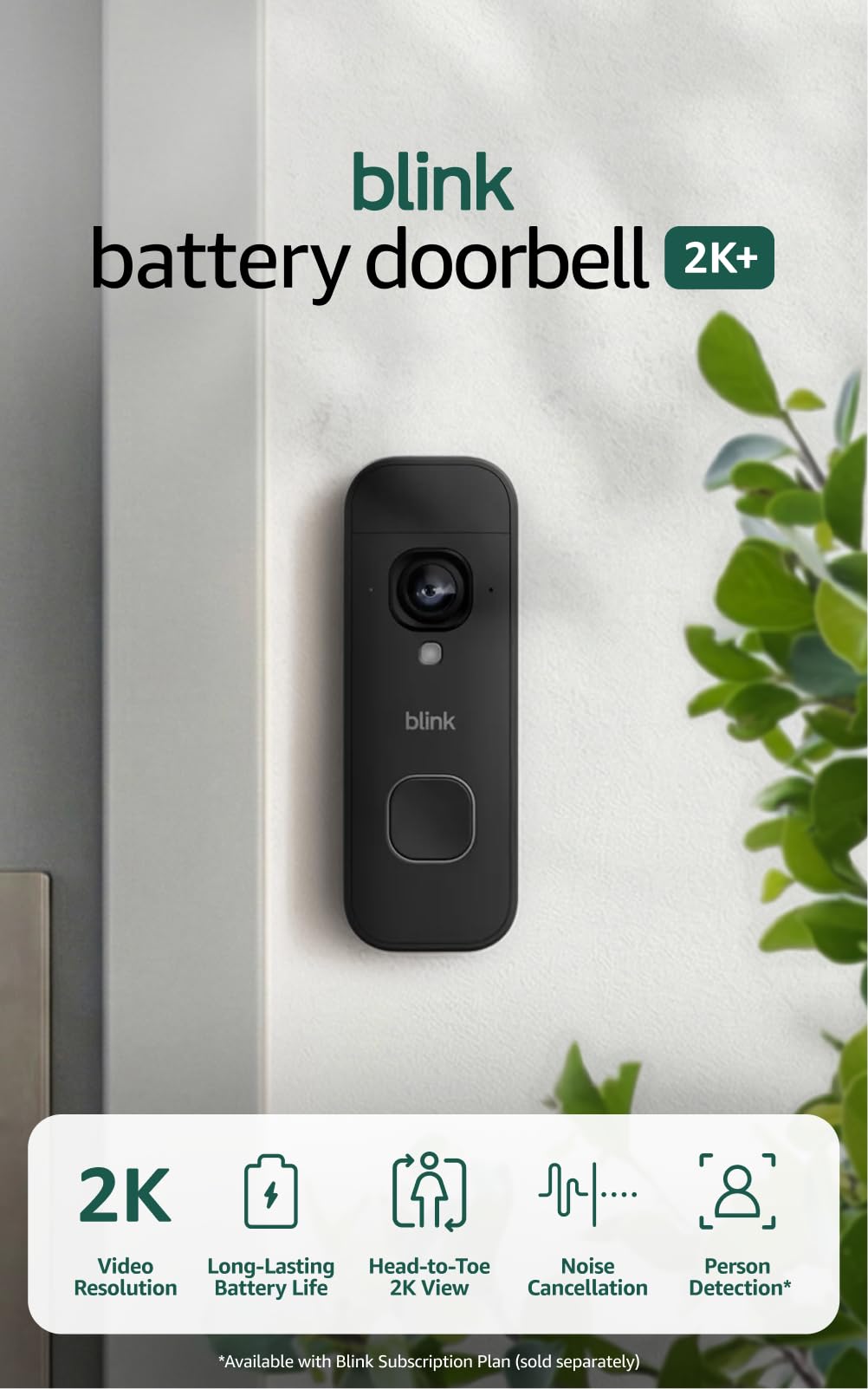
The Blink Battery Doorbell 2K+ makes the most sense as part of a Blink bundle: the Sync Module Core is included, and adding it to an existing Alexa setup is the easiest part of the install. If you already have Blink cameras, this is the doorbell that fits without another app or another hub.

We found the 2K head-to-toe view clear enough to see a face and a package in the same frame, and the two-way audio with noise cancellation is useful for telling a delivery driver where to leave a box. The three AA lithium batteries avoid a proprietary pack, so replacements are simple. The app is simple, and Alexa integration is the reason to choose it.

What holds it back is responsiveness: live view can take a while to open, and that delay is noticeable when someone is at the door. The connection is the part we do not fully trust; when it drops, you are reconnecting a camera instead of watching your porch. For an Alexa household that wants a low-cost 2K view and already has Blink gear, it still earns a place.

Pros

  • 2K head-to-toe view
  • Sync Module Core included
  • AA batteries instead of proprietary pack

Cons

  • Person alerts require a Blink plan
  • Battery life depends on clip volume
Our verdict

The Blink 2K+ is our easy Alexa add-on: a 2K head-to-toe view, included Sync Module, and AA batteries instead of a proprietary pack.

Check Latest Price

How We Chose and Tested the Best Video Doorbells

We started with research rather than hardware: reading listings, spec sheets, and support pages to work out which models could store recordings locally without a subscription, which came as both a wired and a battery version of the same camera, and which needed an extra hub just to make a chime sound. From roughly 40 candidates we filtered down to 12, a mix of hardwired, battery, and dual-power units across the price range.

Installation came first. Each one went up solo with only the hardware in the box and a phone, and we timed it — the wired units onto an existing doorbell transformer, the battery units onto brick, siding, and one metal frame where adhesive wouldn't hold. We then checked Wi-Fi signal strength at the door and watched for the lag between tapping live view and the picture appearing, along with any dropouts over the following week.

After that it was ordinary life: walking to the curb, backing a car out of the driveway, letting a delivery driver drop a box and leave. We logged which motion alerts were real and which were a passing cat or a swaying branch, measured how much of a person the lens caught from hat to shoes, timed the chime after a button press, and counted the taps from notification to a live picture.

After dark we compared color night vision with the porch light on and off, noting where detail dissolved into grey. Rain and a cold snap told us about seals and build. Battery models ran unwired for two weeks at a stretch so we could watch the percentage fall in real use, and we kept a running log of missed events, spontaneous restarts, and anything that went offline for no reason. Last, we added a year of each model's recommended subscription to its price, because a cheap doorbell with a mandatory plan isn't cheap.

How to Choose a Video Doorbell

Start with power, not resolution

If your doorbell wiring is healthy, a wired model is the least fussy choice: no charging, no battery pack to lose, and usually a steadier stream. It also ties you to the transformer and chime you already have, so check both before ordering. A battery model is the practical answer for renters or doors without wiring, especially one with a removable pack.

We put power first because a doorbell that needs constant charging stops being a security device and becomes a chore. For a busy porch, pick a model with a pack you can swap or a wired option.

Look past the resolution number

2K is the sweet spot for a doorbell; 4K helps when you zoom into a face or a plate, but it also eats battery and bandwidth. More important is the shape of the view: a square or head-to-toe frame shows the package at the threshold, while a wide 16:9 view favors the street.

Check night vision separately, because a sharp daytime image can go flat after dark. If your porch is dim, plan on a little ambient light or a model that keeps color in low light.

Decide what you will pay after you buy

The sticker is only the start. Person, package, and rich descriptions often sit behind a subscription; without one you may get motion alerts and live view but not smart labels or cloud history. Local microSD storage can remove the monthly bill, but you have to manage the card and accept lower clip limits.

We think it is worth adding the plan cost to your budget before you choose, especially if you want package detection or video descriptions. If you refuse subscriptions, make local storage a must-have.

Check Wi-Fi, chimes, and the install

Most doorbells want 2.4GHz Wi-Fi for range, and some are 2.4GHz-only; a 5GHz-only network or a weak porch signal will show up as a laggy live view. Wired models may not trigger your old indoor chime, so confirm compatibility or budget for the maker's plug-in chime.

Check the transformer rating for wired units, and check the mounting surface before drilling. The least glamorous pre-purchase check is the one that decides whether the doorbell is pleasant or maddening.

Frequently Asked Questions

Final Verdict

Google Nest Wired 3rd Gen is our overall pick because it gets the daily job right: 2K HDR video, a wide view, wired power that never needs charging, and alerts that live in Google Home. The catch is the paid Google Home Premium tier for Gemini descriptions, so buy it for the free basics first and treat the smart labels as a bonus.

If wiring is not an option, Ring Battery Doorbell 4K Pro is the battery pick we recommend for its sharp 4K view and removable pack; just accept more charging in a busy doorway. Ring households that want wired power should start with Ring Wired Doorbell 2K Plus, provided they can live with Ring's chime instead of their old one.