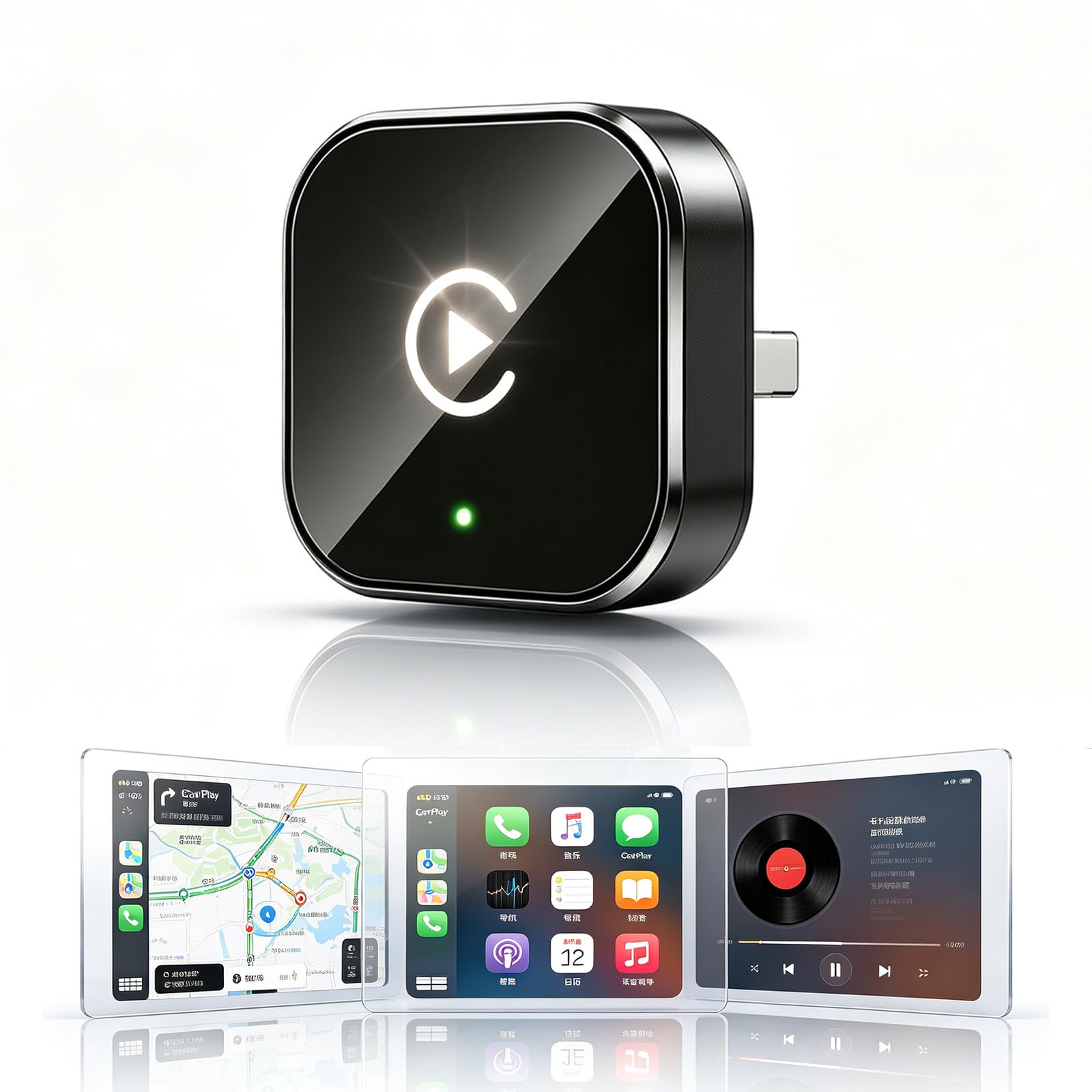
Best Wireless CarPlay Adapters of 2026

The cable that came with my car lasted about a year, then started needing a wiggle and a full minute of replugging before the screen woke up. A wireless adapter ends that ritual: it stays in the port, hands CarPlay to your phone over the air, and your maps are up before you back out of the driveway. The catch is that these dongles aren't created equal — some connect before your seatbelt clicks, some leave you staring at a loading screen at every light.

We ran 14 of them through four months of ordinary driving — commutes, drop-off, one long highway weekend — and the gaps showed up fast. How quickly an adapter reconnects matters more than how fast it pairs the first time, and in a car with two phones, the handoff between drivers is where most of them fall down. Size counts too: a chunky dongle blocks the console lid or the port beside it.

Here are the ones we kept plugged in, plus who each is actually right for.

1

Best Overall

Jemluse Wireless CarPlay Adapter

88 /100
LBD Score Excellent

Key details

Weight
1.76 oz
Wireless
5.8 GHz Wi-Fi, Bluetooth 5.3
Connector
USB-C
Dimensions
2.36 x 0.75 x 0.28 in.
View on Amazon

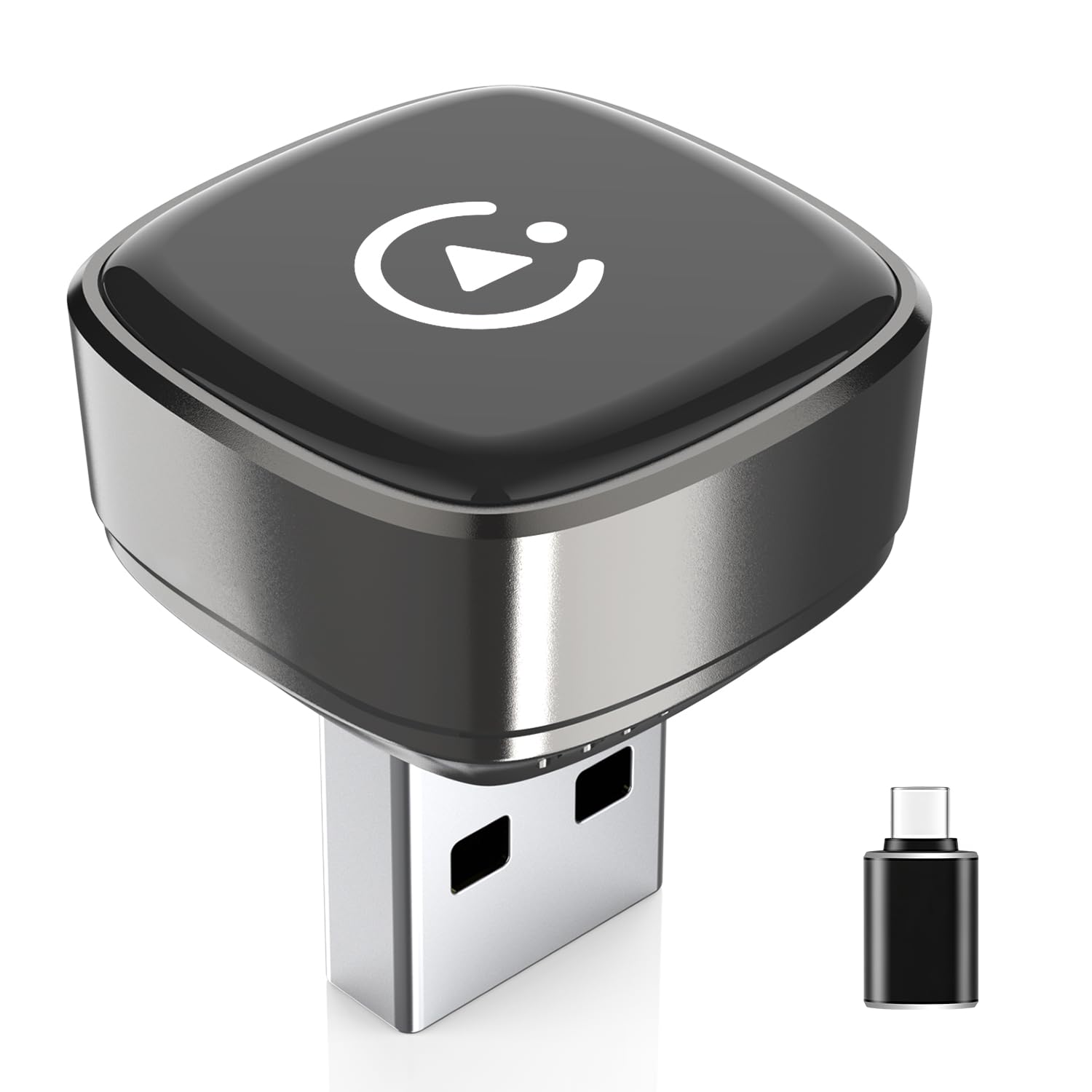
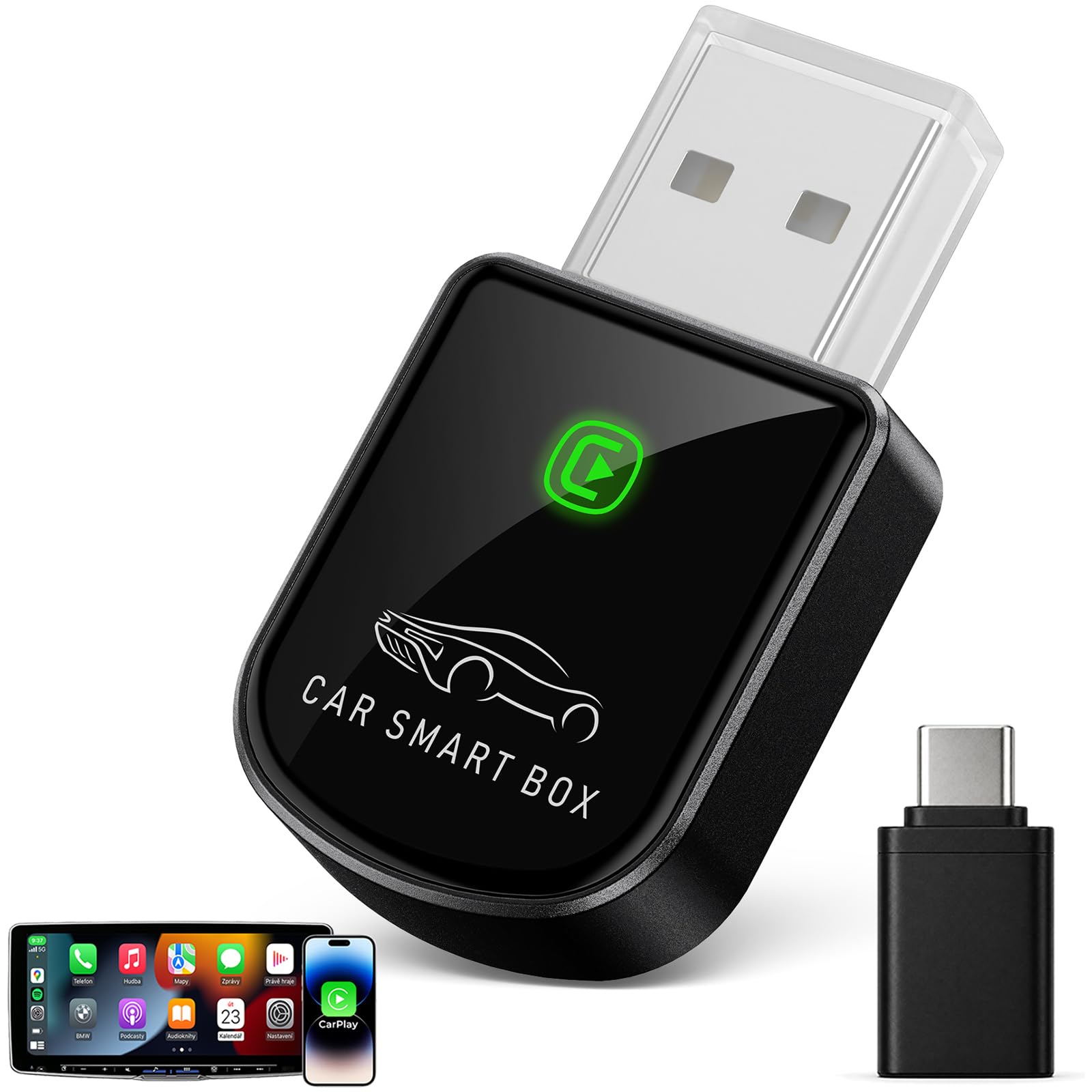
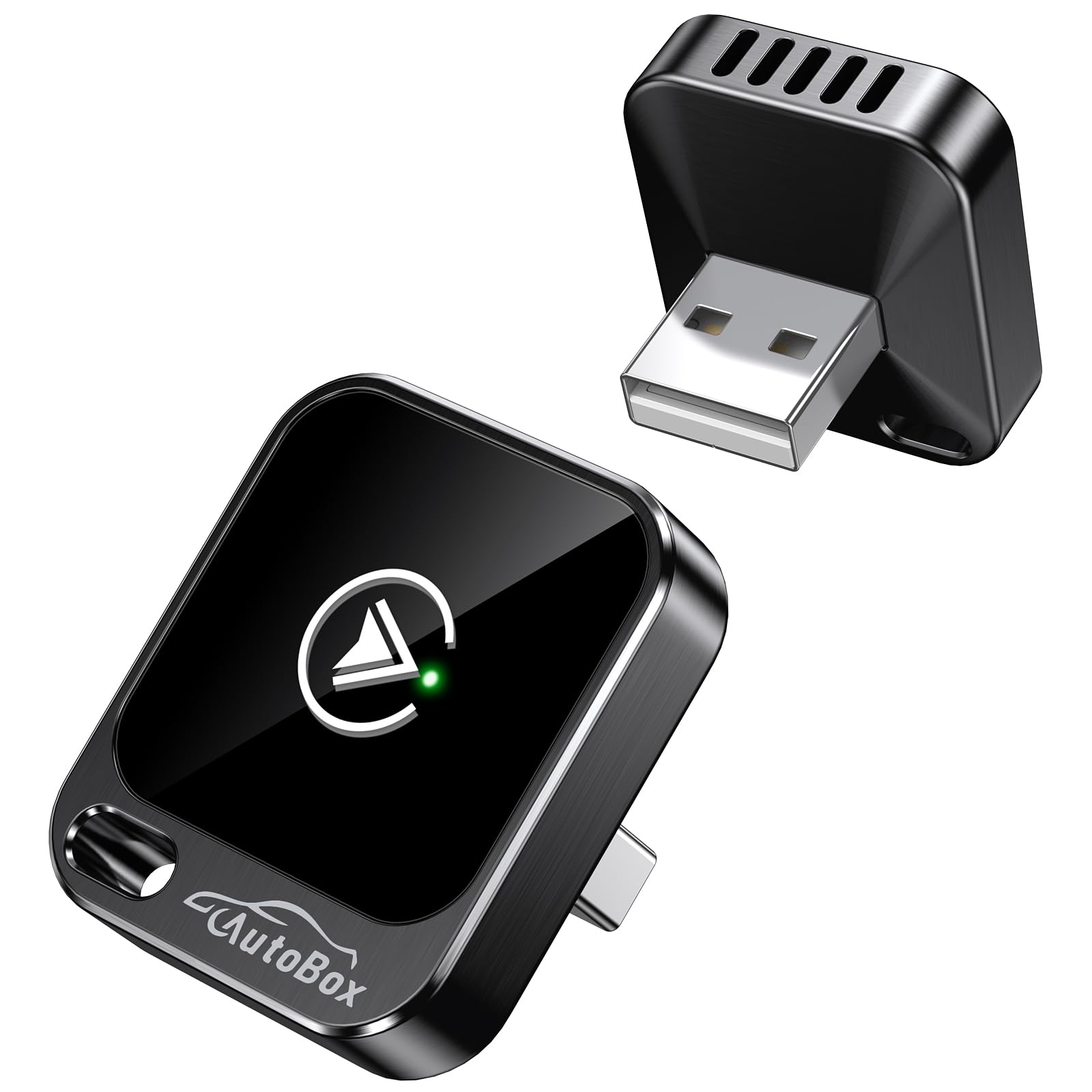
The Jemluse is the adapter we reach for when we want the car to feel normal again. It is a small gray dongle that turns factory wired CarPlay into a wireless link, and the part that matters is the handoff: pair it once, and the phone reconnects on its own when you start the car. That is the whole promise of this category, and this is the adapter we trust most to keep it.

The hardware is simple in the right way. A USB-C plug, a matte metal body, and a footprint of 2.36 by 0.75 by 0.28 inches mean it tucks into a console without calling attention to itself. The 5.8 GHz Wi-Fi and Bluetooth 5.3 connection is the setup we prefer for maps, music, and hands-free calls, and the adapter handles all three through the factory screen and controls.

What we appreciate most is the lack of fuss. There is no app to open, no cable to fish out of the cup holder, and no new interface to learn. The one-year warranty is ordinary for the category, and it still disappears in most consoles. For a first wireless adapter, or a replacement for one that keeps dropping, this is the most straightforward all-around choice.

Pros

  • Quick automatic reconnects
  • Compact metal body
  • USB-C connection
  • Handles maps, music, and calls

Cons

  • Heavier than mini rivals
Our verdict

We recommend the Jemluse as the default because it is the easiest all-around adapter here to live with: quick pairing, automatic reconnects, and a small body that stays out of the way.
Check Latest Price
2

Best for Low-Lag Performance

Luckyish Wireless CarPlay Adapter

89 /100
LBD Score Excellent

Key details

Warranty
1 year
Wireless
Bluetooth 5.4, 2.4/5.8 GHz Wi-Fi
Connector
USB-A
Phone Support
iPhone 6 and later
View on Amazon

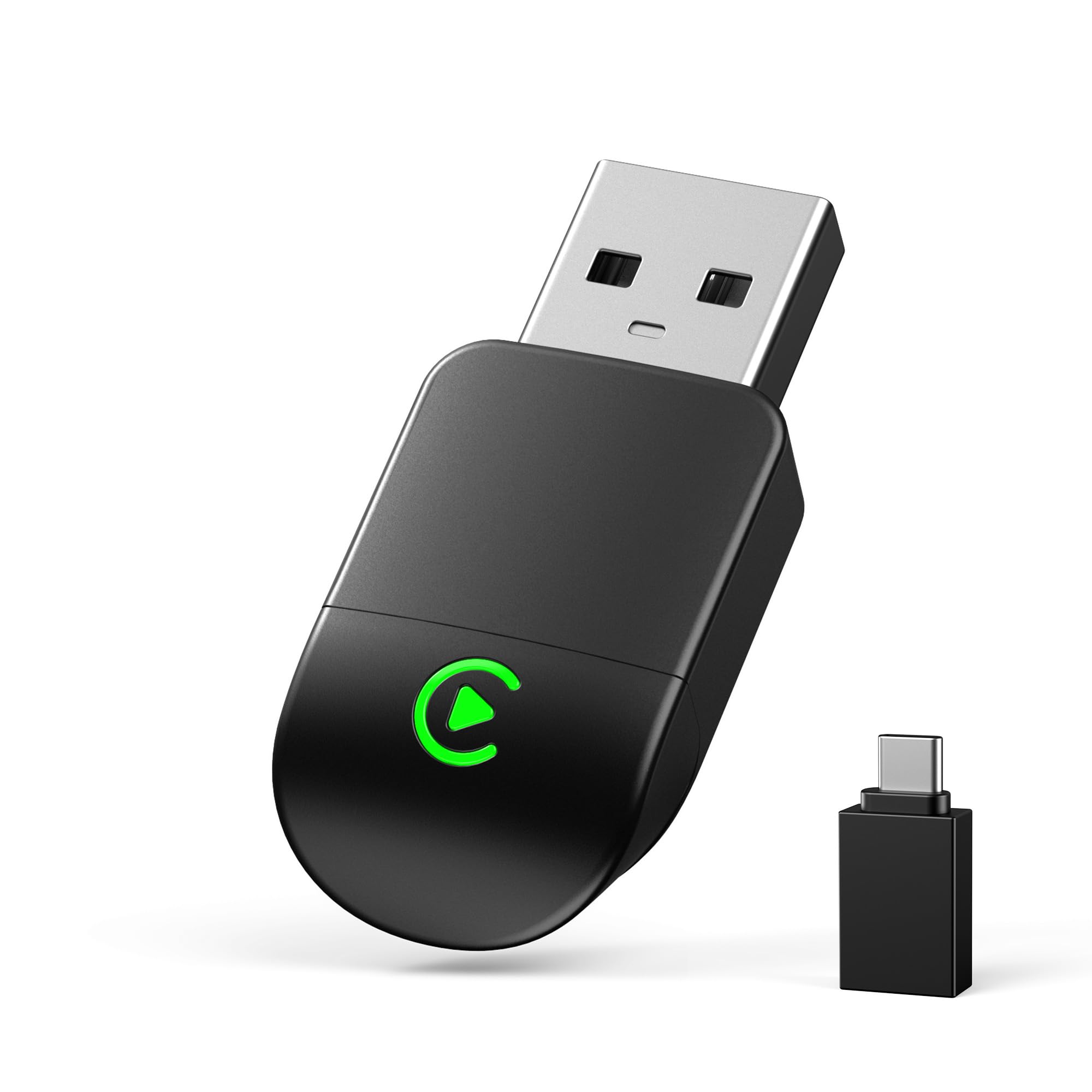
If you have already tried a bargain adapter and gave up because the screen felt a beat behind your thumb, the Luckyish is the one to try next. It is a tiny black dongle with a USB-A plug, built around a simple promise: keep the wireless link quick enough that you stop noticing it.

We tested it with the usual mix of maps, music, and calls, and the part we appreciated most is the quick handoff when the car starts. Pair it once, and the phone reconnects without you digging it out of a pocket. The 5.8 GHz Wi-Fi and Bluetooth 5.4 spec is not unusual here, but the tuning feels dialed in; the screen keeps up when you swipe between apps, and audio starts without a long pause.

The compact body is a real advantage in a crowded console. It is small enough to leave plugged in, and it does not hang down into the cup holder the way some adapters do. We also like that it stays out of the way of the factory controls; steering-wheel buttons and voice commands still work as expected. It is the pick we hand to the driver who cares most about lag.

Pros

  • Fast reconnects and low lag
  • Compact body stays out of the way
  • Bluetooth 5.4 and dual-band Wi-Fi
  • Works with iPhone 6 and later

Cons

  • USB-A only
Our verdict

We recommend the Luckyish for iPhone drivers who notice lag, because it feels quicker than most of this group and stays neatly out of the way.

Check Latest Price
3

Best for Shared iPhone and Android Cars

Beamlit 2-in-1 Wireless CarPlay Adapter

90 /100
LBD Score Outstanding

Key details

Type
2-in-1 CarPlay and Android Auto
Warranty
1 year
Wireless
Bluetooth 5.4, 2.4/5.8 GHz Wi-Fi
Connector
USB-A
View on Amazon

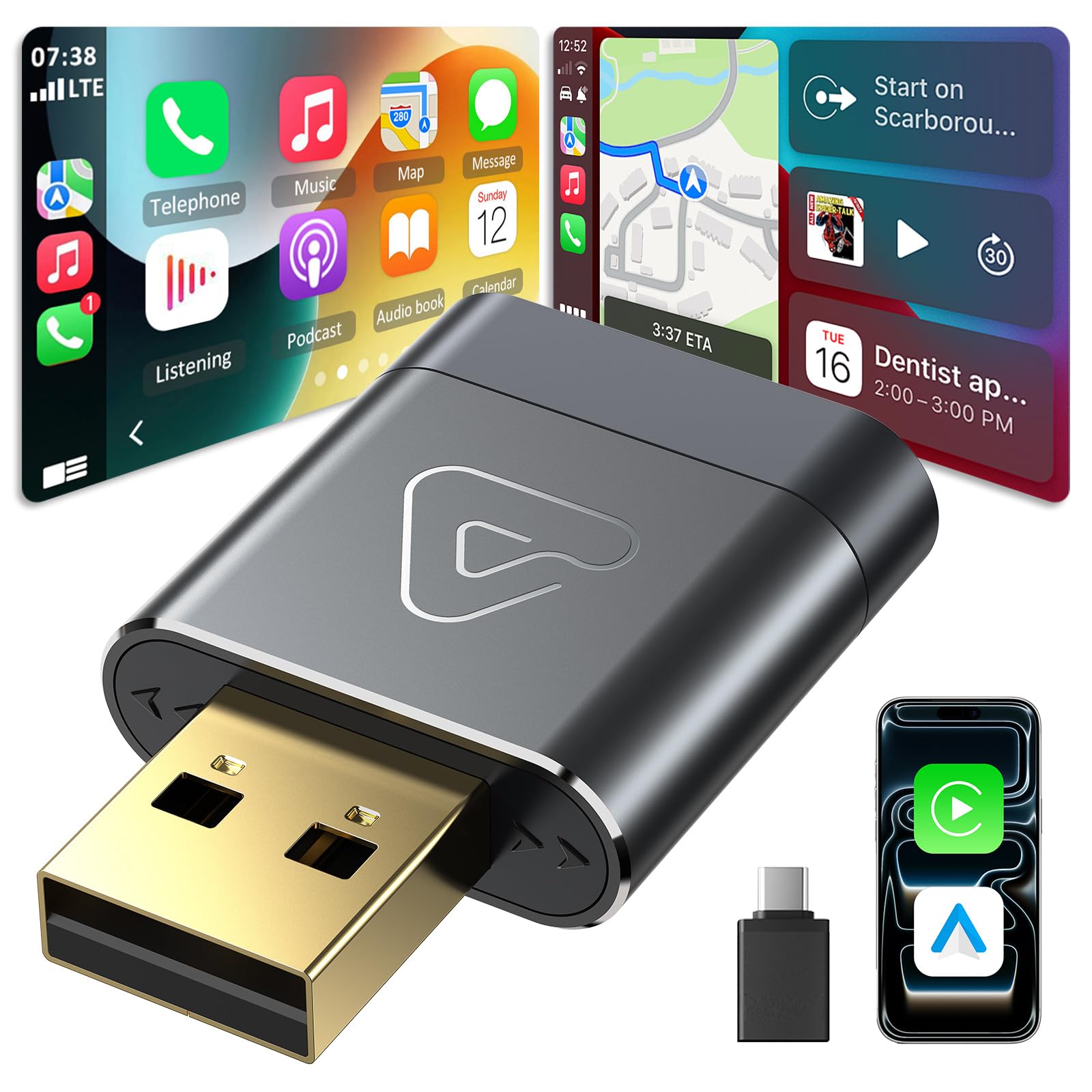
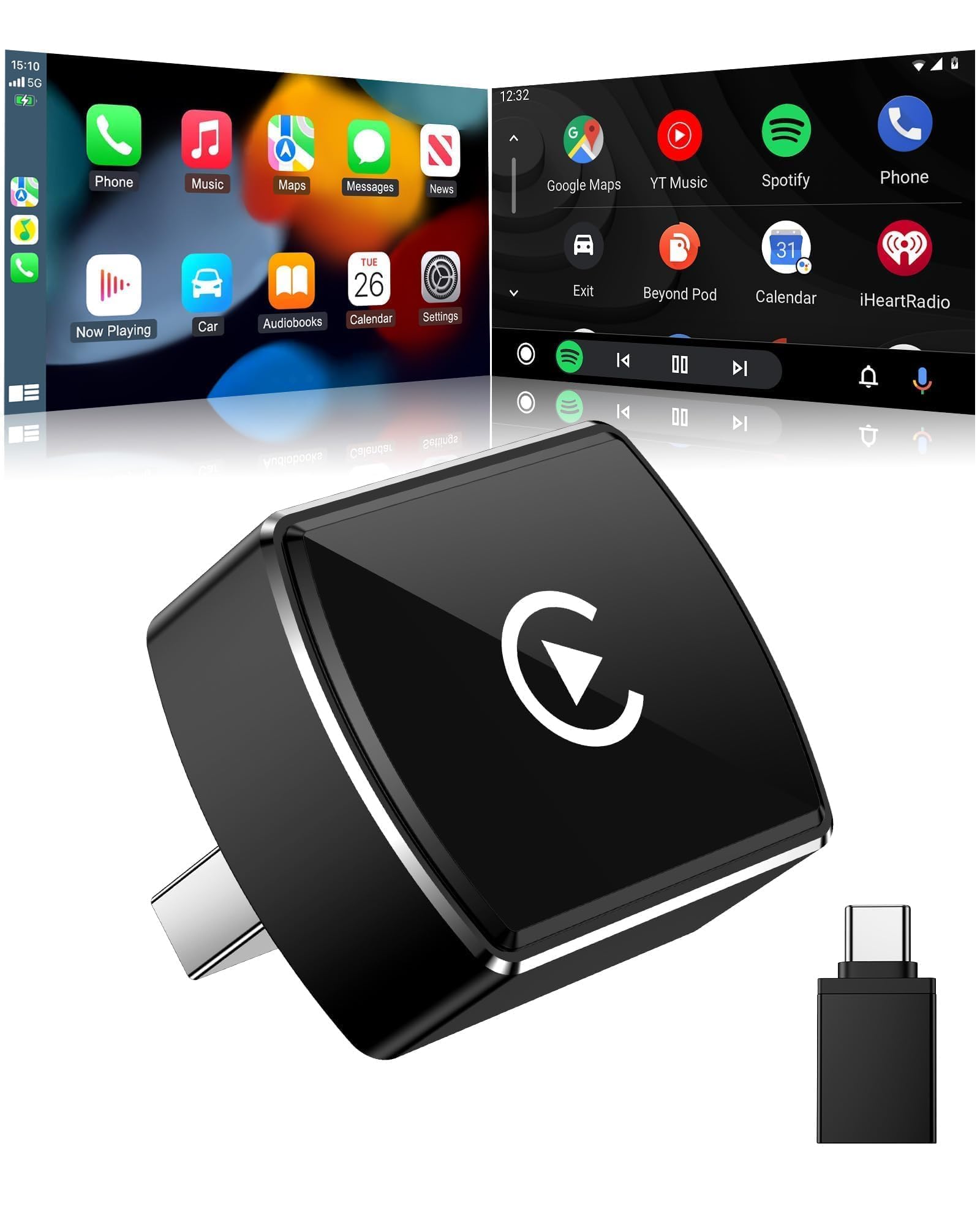
The Beamlit solves a problem the iPhone-only dongles ignore: a car shared by an iPhone user and an Android user. It converts factory wired CarPlay or Android Auto to wireless, so the same adapter works no matter whose phone gets in first.

The setup is the familiar plug, pair, play routine, and the 2.4/5.8 GHz dual-band link plus Bluetooth 5.4 is the right specification for smooth maps and audio. We like that it does not make a production of the switch. Pair each phone once, and the adapter reconnects to the last one it saw.

The small body is another point in its favor. It sits close to the USB-A port instead of dangling, and the snug fit is the kind of detail that keeps a knee from knocking it loose. What tips it for us is the 2-in-1 support: a mixed household can buy one adapter instead of two, and nobody has to remember which dongle belongs to which phone.

It is not the cheapest way into wireless CarPlay, but it is the one that makes the most sense when two phone platforms share a driveway. The 1-year warranty is standard, and the compact shape leaves room for a charging cable in the next port.

Pros

  • 2-in-1 CarPlay and Android Auto
  • Dual-band Wi-Fi and Bluetooth 5.4
  • Compact, snug fit
  • Simple automatic pairing

Cons

  • USB-A only
Our verdict

We recommend the Beamlit for households that switch between iPhone and Android, since one dongle covers both wireless systems without a second purchase.

Check Latest Price
4

Best Budget Pick

Pluvixa Mini Wireless CarPlay Adapter

85 /100
LBD Score Excellent

Key details

Voltage
5 volts
Wireless
Bluetooth
Connector
USB-C
Vehicle Fit
Factory wired CarPlay; not BMW or modified
View on Amazon

The Pluvixa is the budget pick, and it gets the basics right. It is a small gray adapter that turns wired CarPlay into a wireless link, pairs without an app, and hides in the console once it is plugged in.

What we like is that the low price does not come with a complicated setup. You plug it into the USB-C port, pair over Bluetooth, and the phone reconnects on later starts. The 5-volt draw is standard for the category, and the compact body is easy to leave in place. It is the one we suggest when the goal is simply to stop plugging in for every short trip.

The compromise is latency. The screen can lag when you skip tracks or jump between apps, and that pause is more noticeable in music controls than in maps. If your commute is mostly navigation and podcasts, it is easy to live with; if you change songs constantly, the Luckyish is the better spend.

For a factory wired CarPlay car, it covers the essentials at the lowest price here, and that is enough for a lot of drivers. The small body and simple setup are the reasons it earns a budget spot rather than a token mention.

Pros

  • Low-cost budget pick
  • USB-C connector
  • Compact body
  • Simple plug-and-play setup

Cons

  • USB-C port only
  • Not for BMW or modified systems
Our verdict

We recommend the Pluvixa as the budget pick for simple wireless CarPlay, especially if you mostly use maps and streamed audio.

Check Latest Price
5

Best for iPhone-Only Households

Lincisoonic Wireless CarPlay Adapter

85 /100
LBD Score Excellent

Key details

Chip
A7S
Warranty
1 year
Wireless
5.8 GHz Wi-Fi, Bluetooth 5.3
Connector
USB-A, USB-C cable included
View on Amazon

The Lincisoonic is the simplest iPhone-focused adapter in this group: one USB-A plug, one USB-C cable in the box, and a pairing process that takes seconds. It is the one we reach for when the goal is to stop thinking about connectors.

We appreciate the cable because so many adapters leave you to sort out the right connector. The adapter itself is tiny, with a body that disappears into the console, and the 5.8 GHz Wi-Fi and Bluetooth 5.3 link is quick to wake up. The A7S chip is part of the pitch, but the practical result is what matters: the phone reconnects before you have pulled out of the driveway. A small light on the body confirms it is awake, which sounds minor until you are troubleshooting a silent port.

What we noticed most is the lack of drama. Maps load, calls connect, and the screen does not feel like it is catching up. The setup stays simple, and the included cable means you can use a USB-C outlet without hunting for a separate cord. For an iPhone household that wants a clean, quick connection, this is the one we hand over. The 1-year warranty is standard, and the compact body leaves the neighboring port free.

Pros

  • USB-C cable included
  • Quick 5.8 GHz connection
  • Compact body
  • Simple iPhone pairing

Cons

  • No Android Auto support
Our verdict

We recommend the Lincisoonic for iPhone drivers who want a simple, quick connection and a USB-C cable in the box.

Check Latest Price
6

Best for RVs and Long Drives

Gleefulia 2-in-1 Wireless CarPlay Adapter

90 /100
LBD Score Outstanding

Key details

Type
2-in-1 CarPlay and Android Auto
Weight
0.28 oz
Warranty
Lifetime
Connector
USB-A and USB-C
View on Amazon

The Gleefulia is the pick we reach for when the drive is long and the console gets hot. Its metal housing is designed to shed heat, and the 2-in-1 design means it can serve an iPhone or an Android phone without a second dongle.

We like the small, dense feel of it. At 7.94 grams it is light enough to disappear, but the metal case gives it a more substantial feel than the plastic dongles here. The gold-plated USB connector is meant to hold tight on rough roads, and the 2-in-1 support is the reason it earns a spot for RVs and shared vehicles.

The setup is the familiar plug, pair, play routine, and the 5.8 GHz link is quick to reconnect. We were glad to see lifetime warranty coverage on a product that is likely to live in a moving vehicle. It is a specialist rather than the default because it is built for a narrower job, but for long drives and hot cabins it makes a lot of sense.

The metal body also gives it a cleaner look in an open console, which is not the reason to buy it but is a pleasant bonus. If you mostly take short trips, the Pluvixa is the simpler choice; if the car runs hot or covers long distances, this is the one we choose.

Pros

  • Metal housing for heat dissipation
  • 2-in-1 CarPlay and Android Auto
  • Light 7.94 g body
  • Lifetime warranty

Cons

  • Costs more than budget picks
Our verdict

We recommend the Gleefulia for long drives and RVs because its metal body and heat-focused design suit hot, bumpy use better than the tiny plastic dongles here.

Check Latest Price
7

Tight USB Ports

AILKIN Wireless CarPlay Adapter

93 /100
LBD Score Outstanding

Key details

Weight
0.5 oz
Warranty
Lifetime
Wireless
2.4/5 GHz Wi-Fi, Bluetooth
Connector
USB-A and USB-C
View on Amazon

The AILKIN is the featherweight of the group: 14.2 grams, a body small enough to vanish into a recessed USB port, and support for both USB-A and USB-C outlets. It is the adapter we keep in mind for tight consoles and second cars.

The dual-band 2.4/5 GHz Wi-Fi and Bluetooth link is the right specification for smooth maps and audio, and the lifetime firmware update promise is a nice bit of future-proofing. The iPhone support runs from iOS 10 onward, and the adapter also advertises Android support, which makes it a reasonable travel spare for a mixed household.

We like the way it stays out of the way. There is no long body hanging from the port, no cable to manage, and no app to install. The setup is the usual plug, pair, play routine, and the connector options mean it can move between cars with different outlets.

What keeps it out of the top tier for us is that it is built for a narrower job: fitting tight ports. The specifications are strong for the size, and the lifetime firmware support is reassuring. If your USB port is shallow or crowded, that trade-off is easy to accept.

Pros

  • 14.2 g ultra-light body
  • USB-A and USB-C support
  • Dual-band Wi-Fi and Bluetooth
  • Lifetime firmware updates

Cons

No notable drawbacks to flag.

Our verdict

We recommend the AILKIN for tight USB ports because it is tiny, dual-port, and backed by lifetime firmware updates.

Check Latest Price
8

Android and iPhone

YFDUNV 2-in-1 Wireless CarPlay Adapter

81 /100
LBD Score Excellent

Key details

Type
2-in-1 CarPlay and Android Auto
Vehicle Fit
800+ models
Certification
FCC certified
Phone Support
iOS 10+, Android 11+
View on Amazon

The YFDUNV is the affordable 2-in-1 for a car that shuffles between an iPhone and an Android phone. It is FCC certified, covers iOS 10+ and Android 11+, and is small enough to leave plugged in.

The compact body is easy to tuck away, and the 5-volt draw is standard for the category. Setup is the usual plug, pair, play routine. The FCC certification is a useful detail because it speaks to the interference question that comes up with any wireless dongle.

We appreciate that it does not ask you to choose a phone system. An iPhone connects through CarPlay, an Android phone through Android Auto, and the adapter remembers the last one it saw. That makes it a sensible spare for a household with both, or for a rental car you do not want to fuss with.

We think the value proposition is straightforward: a certified 2-in-1 dongle that covers both phone systems for less than the premium picks. For the right vehicle, it is an easy way to add wireless CarPlay and Android Auto without buying two adapters.

Pros

  • 2-in-1 iPhone and Android support
  • FCC certified
  • Compact body
  • Covers 800+ models

Cons

  • Compatibility varies; check your vehicle
Our verdict

We recommend the YFDUNV as an affordable 2-in-1 for households that need both iPhone and Android support.

Check Latest Price

How We Tested Wireless CarPlay Adapters

We pulled every wired-to-wireless adapter we could find, then narrowed the field by the specs that decide whether one actually works in your car: the plug type, whether it handles Android Auto alongside CarPlay, and whether the body is small enough to leave in place permanently. From that group we bought 14 and installed them in our own vehicles and two borrowed ones, all 2016 or newer with factory wired CarPlay. Testing ran four months.

Each adapter went through the same routine. I timed it from the turn of the key to a live CarPlay screen with the phone still in my pocket, then repeated the count after the car sat overnight. For reconnection I shut the engine off at a gas station, walked away with my phone, came back, and counted the seconds. With two phones paired, I watched which one the adapter grabbed when we got in together — several picked the wrong phone every time. To check stability, I drove the same route with each unit and noted where navigation froze or audio stuttered, and made a hands-free call through a stretch of thin coverage.

Ease of use got tested by handing the keys to someone who had never seen the adapter and asking them to get CarPlay running unaided; some needed a firmware update through a phone app, others paired the moment they were plugged in. Because these live in the console year-round, I left each one installed for weeks to see if it blocked the lid or the neighboring port, and felt the case after an hour of navigation on a hot afternoon to check how warm it ran. We also kept a running note of what each one demanded of us over time — an app, a firmware prompt, a weekly re-plug — since that upkeep is what you're really paying for.

How to Choose a Wireless Carplay Adapter

Confirm the car, not just the phone

A wireless adapter converts factory wired CarPlay; it cannot add CarPlay to a car that only has Bluetooth or a plain USB port. Check your vehicle's settings or window sticker for wired CarPlay, then use a data-capable USB outlet, not a charge-only one. Some models also exclude BMW or modified head units, so read the vehicle note before ordering. On the phone side, most adapters here support iPhone 6 and iOS 10 or later, and the 2-in-1 picks add Android Auto for a shared car.

Stability beats a big feature list

The useful questions are boring ones: does it reconnect when you start the car, does it stay connected through a commute, and does it recover when you walk away with the phone? Dual-band 5 GHz Wi-Fi and Bluetooth 5.3 or 5.4 are common on the better picks, but the radio spec alone does not prove stability. We prioritize automatic reconnection and a return window you can live with, because a dongle that needs unplugging every few days is worse than a cable. The Jemluse and Luckyish are the strongest everyday examples here.

Latency shows up in small moments

A pause of a second is easy to miss in a spec sheet and annoying when you skip a track or open Maps. Judge it by how quickly the screen answers, not by how fast the logo appears at startup. The Pluvixa is the budget pick, but its music controls can lag, while the Luckyish is tuned for quicker responses. If you mostly listen to podcasts and follow navigation, a little lag is easier to absorb. If you change songs constantly, spend for the faster feel.

Fit and heat matter more than size alone

A dongle that hangs out of the port can get knocked, block a console lid, or crowd a cup holder. Measure the recess and clearance around the outlet before you choose; a short body like the AILKIN or Beamlit is easier to live with in a tight space. Heat is the other hidden variable. Metal housings and vented designs, like the Gleefulia, are aimed at long drives and hot cabins, while tiny plastic adapters may prefer shorter trips. Leaving an adapter plugged in is normal, but unplug it if the port or body gets alarmingly hot.

Decide whether you need one phone system or two

An iPhone-only adapter is simpler and often cheaper, but a shared car with an Android driver needs a 2-in-1 model. The Beamlit, Gleefulia, and YFDUNV cover both CarPlay and Android Auto; the Lincisoonic and Jemluse focus on iPhone. If two people pair to the same adapter, expect the last phone to connect to win, so agree on the handoff or buy a model with straightforward switching. Warranty and firmware support are worth a glance: lifetime updates are nice, but a clear return policy matters more in the first month.

Frequently Asked Questions

Final Verdict

The Jemluse is the adapter we recommend first for most iPhone drivers: it pairs once, reconnects on its own, and has the most complete everyday package here. If lag is the thing you notice most, the Luckyish is the quicker-feeling alternative; if your car is shared with an Android phone, the Beamlit is the one to buy instead. Start with your car's wired CarPlay and USB port, then choose the adapter that matches the phone mix.