Best 1080P Webcams of 2026

The first time I joined a morning meeting from my kitchen table, I looked like a shadow with a voice. My laptop's built-in camera was grainy in low light, blown out against the window behind me, and it made a decent haircut look like a mistake. A dedicated 1080p webcam fixes most of that in about thirty seconds of setup, and usually brings a microphone that doesn't sound like you're calling from inside a closet.

Over the past five months, my team and I have kept 14 of these cameras running through real workdays, and the gap between a good one and a cheap one shows up fast. The spec sheet won't tell you the two things that actually matter: how the camera handles bad light, and whether the mic picks up your voice or your keyboard. I'd also ignore the marketing around resolution — every camera here shoots 1080p, so what separates them is the sensor, the lens, and how well the software behaves when your room isn't a studio.

What follows is what survived five months of calls, class sessions, and the occasional 7 a.m. meeting I joined before coffee.

1

Best Overall

Logitech C920x

93 /100
LBD Score Outstanding

Key details

Audio
Stereo, dual mics
Focus
Autofocus
Video
1080p at 30fps
Field Of View
78 degrees
View on Amazon

Seventy-eight degrees is the number that makes the C920x the camera we hand to anyone who doesn't want to think about framing. At a normal desk distance that view gives you head, shoulders, and a slice of the room behind, so you look seated at a desk rather than pressed against the lens. Autofocus does the rest: lean back, hold a page up, and it follows you instead of leaving you soft.

That focus motor is the feature we miss most when we drop down the price ladder, where most cameras fix the lens at one distance and hope you stay put. Keep a document or a product in the frame and it stays readable, which is the difference between a camera for talking and a camera for showing. Expect a little hunting when the light drops or a bright window sits behind you; face the light and it settles quickly.

Sound comes from a pair of stereo mics that carry a normal speaking voice cleanly at desk range, and the camera is driver-free on Windows, macOS, and Chrome OS, so Teams, Zoom, and Meet pick it up the moment you plug it in. The clip grips a monitor firmly, and the body is small enough to leave on the lid between calls.

There is no privacy shutter on this one, and some units do quit after several months of use — the one-year hardware warranty exists for that reason, so register it the week it arrives. Set it at eye level rather than on the desk, and everything above takes care of itself.

Pros

  • Autofocus keeps documents and faces sharp
  • 78-degree framing suits a desk
  • Stereo mics handle calls cleanly
  • Driver-free on Windows, macOS, and Chrome OS

Cons

  • No built-in privacy shutter
  • Some units fail within months
Our verdict

If you want one camera that simply works for meetings, the C920x's autofocus, 78-degree framing, and stereo mics make it the safest buy in this group.
Check Latest Price
2

Best Value

Acer A610

88 /100
LBD Score Excellent

Key details

Focus
Fixed focus
Video
1080p Full HD
Connection
USB-A with USB-C adapter
Field Of View
83 degrees
View on Amazon

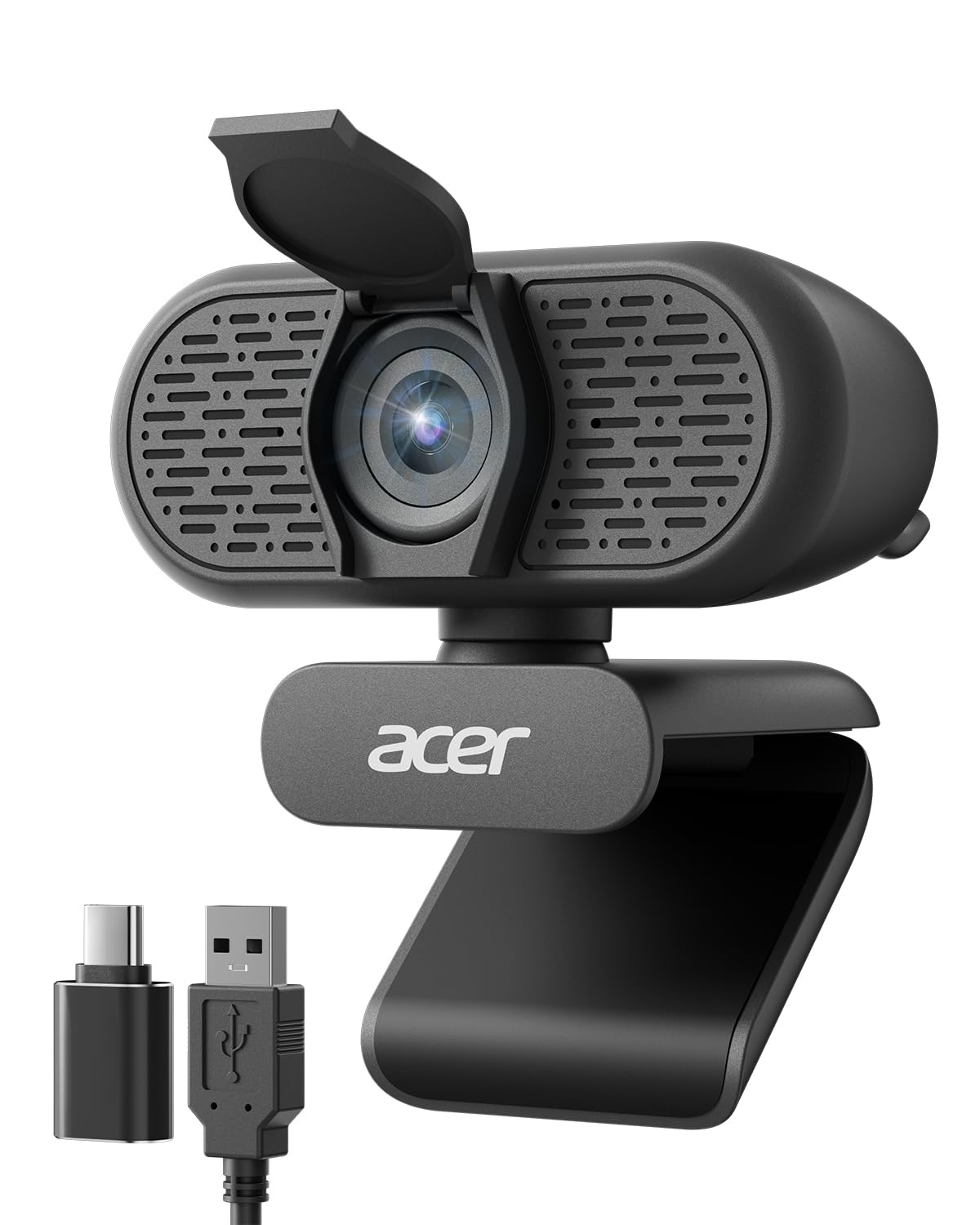
The adapter in the box is the detail that makes the Acer A610 easy to live with. Acer ships a USB-A to USB-C adapter with the cable, which sounds like a small thing until you are setting up on a laptop with nothing but USB-C ports and no hub within reach.

Eighty-three degrees is the field of view we prefer for a desk: you and your background, without the stretched look a very wide lens gives. The clip opens wide enough for a chunky monitor and swivels through 360 degrees so you can angle it down at a keyboard, and the built-in privacy cover slides across the lens without a separate cap to lose. Two noise-reducing mics handle voice well enough that we stopped reaching for a headset on ordinary calls, and this is the one we take to unfamiliar offices because it needs nothing installed.

Acer covers it with a two-year warranty, longer than most here, and the camera is light enough to live in a laptop bag between offices. Fixed focus keeps your face crisp at the distance you actually sit. This is the pick when ports and budget are the constraint and the job is looking presentable in a meeting.

Pros

  • USB-A to USB-C adapter included
  • 83-degree view balances subject and room
  • Dual noise-reducing microphones
  • Two-year warranty

Cons

  • Fixed focus blurs documents held up close
Our verdict

Buy this if your laptop only has USB-C ports or the budget is tight: you give up autofocus and almost nothing else that matters on a call.

Check Latest Price
3

Best for Streaming

Logitech C922x

93 /100
LBD Score Outstanding

Key details

Audio
Stereo, dual mics
Focus
Autofocus
Video
1080p at 30fps or 720p at 60fps
Light Correction
Automatic
View on Amazon

Sixty frames per second is the reason this camera exists. At 720p the C922x doubles the frame rate of everything else in this guide, and on a stream, a demo, or a craft tutorial that smoothness reads as quality far more than a higher pixel count does. Motion stops smearing; hand gestures look like hands.

For ordinary meetings it runs 1080p at 30fps with the same autofocus and light correction Logitech has been refining for years, so a dim home office brightens without your face going flat white. The stereo pair does the job on calls and gives recordings a bit of width, which matters more than it sounds when you are narrating over a screen share.

Logitech's capture software is where the streaming controls live: exposure, white balance, and frame rate without digging through a conferencing menu, which is the difference between fixing a shot in ten seconds and missing the moment. Plug it in and Zoom, Teams, and most capture apps see it without a driver — worth a five-minute test in your own software before a live stream.

What we keep coming back to is how little the extras matter next to the frame rate. Exposure control, stereo mics, a familiar mount: all welcome, none of them the reason to buy. The 60fps mode is, and it is the part you notice every single time you go live.

Pros

  • 720p at 60fps for smooth motion
  • Autofocus and automatic light correction
  • Stereo mics with real separation
  • Manual capture controls in Logitech software

Cons

  • Premium price for a 1080p camera
  • Autofocus can drift in dim light
Our verdict

We recommend it for streaming and recording, where 60fps at 720p does more for motion than another pixel of resolution ever will.

Check Latest Price
4

Best for Small Rooms

EMEET C950

87 /100
LBD Score Excellent

Key details

Focus
Fixed focus
Video
1080p at 30fps
Software
EMEETLINK control
Field Of View
70 degrees
View on Amazon

Seventy degrees is narrow by webcam standards, and that is exactly why we keep the C950 around. In a small room it crops out the laundry, the door, and the flatmate crossing behind you, and it puts more of the sensor on your face instead of on the ceiling. If your desk is wedged into a corner, this framing flatters the space you actually have.

EMEETLINK, the companion app, is the surprise: manual exposure and white balance, which almost nothing at this end of the market offers. When a picture comes out too dark or too blue, you can fix it rather than hope the auto mode catches up. The privacy cover is built into the body and slides across the lens, and the camera itself is a small cube that sits close to the screen instead of looming over it.

The omnidirectional mic is clear at desk distance and picks up a normal speaking voice without fuss. For a shared office, a spare bedroom, or a laptop that gets closed at the end of every day, the tight frame plus the slide cover is the whole argument, and it holds up.

Pros

  • 70-degree lens crops out a messy room
  • Manual exposure and white balance control
  • Built-in sliding privacy cover
  • Small body sits close to the screen

Cons

  • Fixed focus softens close-up objects
  • Some MacBooks do not recognize it
Our verdict

For a small room, a shared office, or a laptop you close every night, the C950's tight framing and sliding cover are the whole point.

Check Latest Price
5

Group Calls

NexiGo N60

88 /100
LBD Score Excellent

Key details

Zoom
4x digital
Focus
Fixed focus
Video
1080p at 30fps
Field Of View
110 degrees
View on Amazon

One hundred and ten degrees is the widest view in this guide, and it changes what the camera is for. Pointed across a table it takes in you, a colleague beside you, and the whiteboard behind, which is the sort of shot a meeting room actually needs and a laptop camera never manages.

At a solo desk the same lens works against you: you end up small in the frame with a lot of ceiling above your head. NexiGo's software lets you crop and zoom digitally, which recentres you but softens the picture, so the honest version is that this camera trades sharpness for coverage. Setup is plug-and-play, the privacy cover slides across the lens, and the clip holds a monitor without drama.

We reach for it when more than one person has to fit in the frame, and that is the case it was built for. The tripod mount and software controls round out a package that does one job well. Point it at a group, not at yourself.

Pros

  • 110-degree view fits a group
  • Software crop and zoom
  • Plug-and-play setup
  • Privacy cover included

Cons

  • Video can lag or look grainy
  • Mic volume runs low
Our verdict

Choose the N60 when a wide shot matters more than a polished one: group calls, a whiteboard, a room with several people in it.

Check Latest Price
6

Desk Tripod Setups

RUWBY W01

88 /100
LBD Score Excellent

Key details

Focus
Autofocus
Video
1080p at 30fps
In The Box
Aluminium tripod
Field Of View
90 degrees
View on Amazon

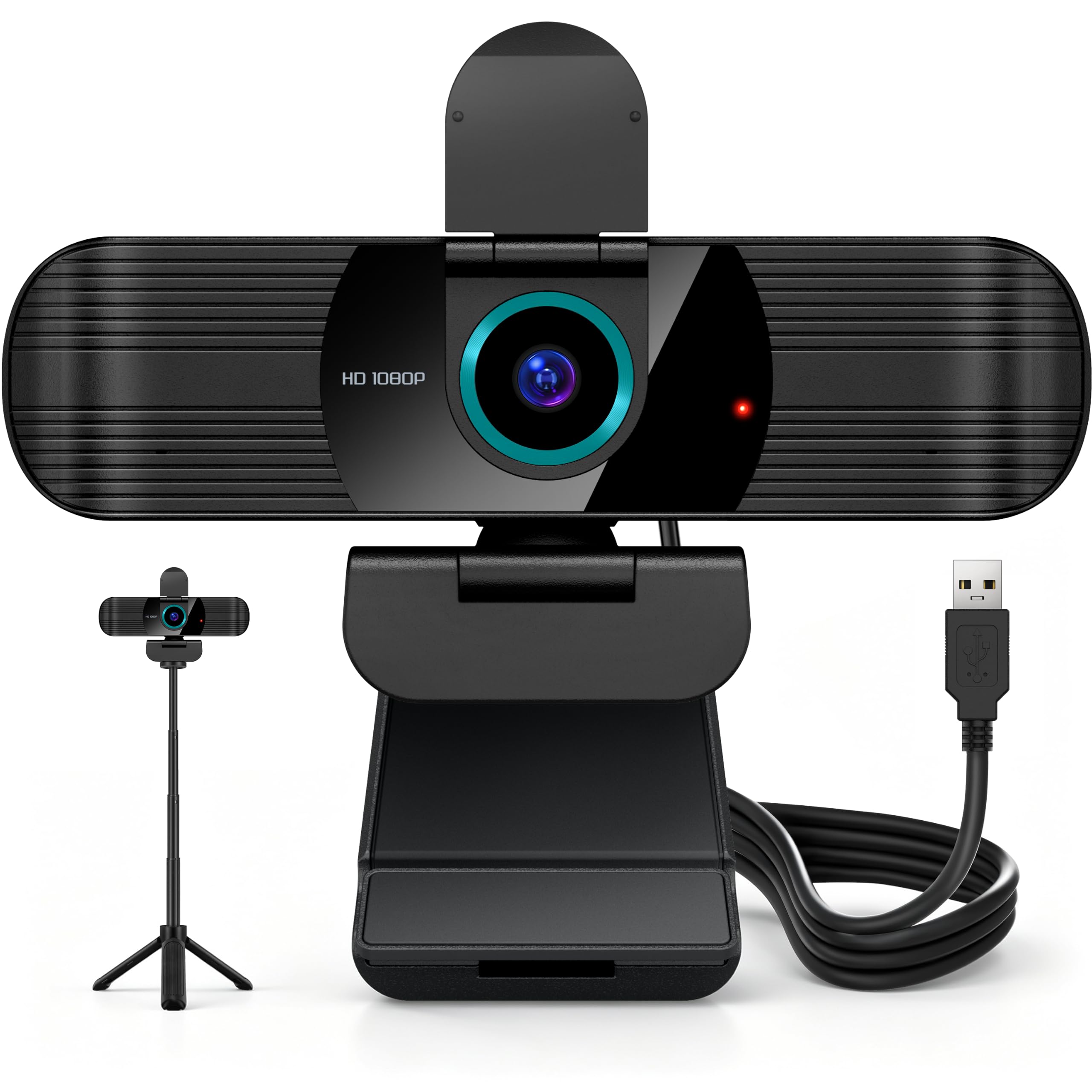
A small aluminium tripod comes in the box, and it is the reason to look twice at the W01. Most webcams assume the top of your monitor is eye level; it rarely is. Screwing this camera onto the included stand puts it where your face actually wants it, and the quarter-inch thread means any tripod you already own will take it too.

The camera keeps up with the mount. Ninety degrees is wide enough for a desk and a bit of the room without stretching the edges, autofocus is unusual at this end of the range and welcome, and the dual noise-cancelling mics carry a normal voice without a headset. A privacy shutter and 360-degree rotation finish the package, and the two-year warranty is longer than most here — useful when the badge on the front is one you don't know.

The clamp still works on a monitor if you prefer the usual setup, and the tripod folds flat enough to travel. For a home office where the camera sits in the same place all day, that stand is the upgrade most people never think to buy.

Pros

  • Aluminium tripod included
  • Autofocus at a budget price
  • 90-degree view with 360-degree rotation
  • Two-year warranty

Cons

  • Five-foot cable is short for a tower on the floor
Our verdict

The W01 earns its place with an included tripod and autofocus, a pairing nothing else in this group offers at the budget end.

Check Latest Price
7

Second Desks

NIVEOLI Webcam

87 /100
LBD Score Excellent

Key details

Focus
Fixed focus
Video
1080p at 30fps
In The Box
Tripod and privacy cover
Microphones
Dual noise-reducing
View on Amazon

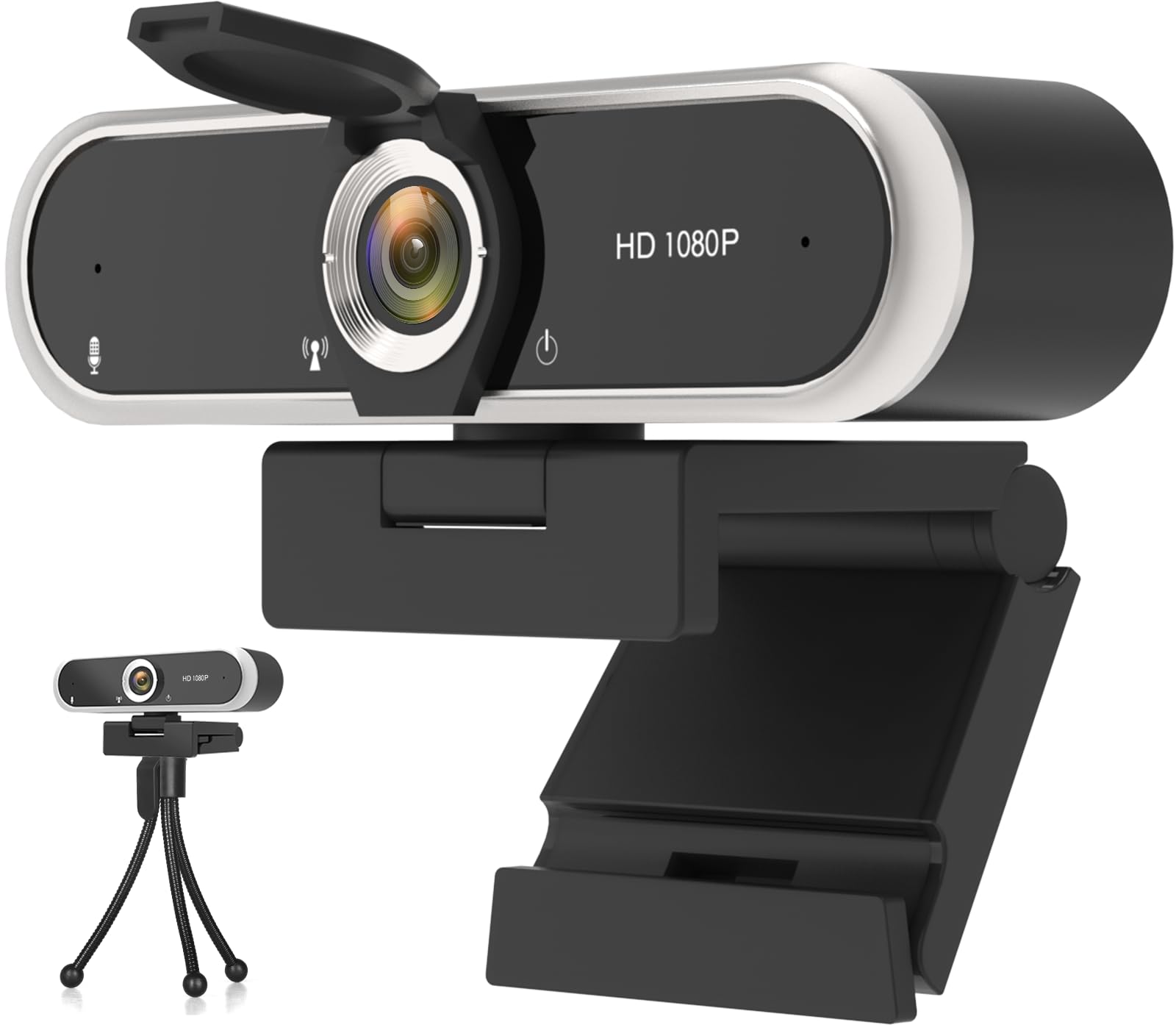
A small tripod comes in the box, which we did not expect at the cheapest end of this group. It is the more useful half of the package — it lifts the camera off the monitor so you can angle it at your face rather than your chin, and it folds away when the desk has to be a desk again.

The picture is 1080p at 30fps through a fixed-focus lens, and the dual mics do a decent job of a normal voice at desk distance. The clip adjusts for monitor thickness and doubles as a stand, so the camera works on a desktop tower's screen or on a shelf when the tripod is doing something else.

Windows 11 is where it gets shaky — some machines simply do not see it — so run a test call inside the return window and keep the packaging until you have. For a spare room, a second desk, or a school laptop that needs a camera at eye level, it is more than enough camera for the job.

Pros

  • Tripod included in the box
  • Dual noise-reducing microphones
  • Adjustable clip works on a desk
  • Cheapest camera in this guide

Cons

  • Privacy cover is sometimes missing from the box
Our verdict

We think of it as the camera for a spare room or a second desk, where good-enough video beats spending more on a machine you use occasionally.

Check Latest Price

How We Tested the Best 1080p Webcams

We started with a long list of 1080p models — names we'd used for years and names we hadn't — then cut it down by resolution, mount type, and whether the camera worked the moment it was plugged in. Fourteen made the cut, and we've lived with them for five months rather than an afternoon.

Each one went onto a desktop monitor, a laptop lid, and in a couple of cases a shelf behind the screen, because that's where people actually put them. We ran them through real video calls rather than test recordings alone, and captured the same two-minute clip with every camera: one facing a bright window, one under a desk lamp at 9 p.m., and one in a dim room with only the monitor glowing.

To judge focus, I waved a hand in front of the lens and counted how long the camera took to lock back on — and whether it hunted or sat still. For audio, I recorded a minute of myself reading out loud while typing, then played it back on headphones and noted whether the voice came through cleanly, whether fans hissed, and how much keyboard clatter bled in. We plugged each camera into a Windows laptop, a Mac, and a game console to see what worked without extra software, checked that each privacy shutter actually covered the lens and slid with one finger, and asked the only question that matters at checkout: did the extra money buy something you can see or hear on a call?

How to Choose a 1080P Webcam

Field of view decides your framing

Field of view is measured in degrees and controls how much of the room comes with you. A 60-degree lens crops to head and shoulders; 75 to 90 degrees gives you a seated portrait with some background; anything past 100 degrees is a group or whiteboard lens that makes one person at a desk look small and far away.

Sit where you actually sit, judge the distance to the monitor, and pick the middle range unless you share the room with other people. Our picks run from 70 to 110 degrees for exactly that reason — a narrow lens flatters a cramped bedroom, a wide one is the only way two colleagues fit in the shot.

Autofocus or fixed focus

Fixed-focus lenses are set to stay sharp at roughly arm's length, which is where most people sit for a call, and they never hunt. Autofocus earns its keep when you hold something up to the lens or move around — a document, a product, a sketch — and it keeps your face sharp if you lean back in the chair.

The trade is that autofocus can drift when the light is dim or a bright window sits behind you, and it will occasionally hunt mid-sentence. If your calls are talking heads and nothing else, skip the complexity. If you teach, demo, or show physical objects, focus is worth paying for.

Light beats the spec sheet

A 1080p sensor at 30fps already carries more resolution than most meeting apps send at their default settings, so extra pixels rarely survive the trip to the other end. What does survive is light. Auto light correction brightens an underexposed face, but it can't rescue a bright window behind you.

Put a lamp behind the camera, or sit facing a window, and the same sensor suddenly looks expensive. Before you blame the hardware, turn on the HD option in your meeting app and move a light source in front of your face.

Mounting, privacy, and ports

Check three physical things before you order. The clip has to open wide enough for your monitor or sit flat on a stand, and thin laptop lids are the usual failure. A physical shutter is the only privacy measure you can see, though unplugging works just as well if your pick doesn't have one.

Then the cable: five feet is fine for a laptop and short for a tower under the desk. USB-C-only laptops need an adapter — the Acer A610 ships one, and the rest here assume a USB-A port.

Frequently Asked Questions

Final Verdict

Buy the Logitech C920x. It has the combination that matters for the way most of us use a webcam — a 78-degree lens that frames you properly, autofocus that keeps a held-up document readable, and stereo mics that don't need a headset — and it works with whatever meeting app your office standardizes on.

If your laptop has nothing but USB-C ports, or the budget is genuinely tight, the Acer A610 does the same job with a slightly wider view and the adapter in the box. Streaming is the one case where spending more makes sense: the C922x's 60fps mode is worth it the moment there's movement in your frame.