Best Streaming Webcams of 2026

The camera built into your laptop does one job, and most do it badly: a pinhole sensor, fixed focus, a microphone that makes a quiet room sound like a wind tunnel. A dedicated webcam fixes all three, and you notice on the first call — skin that looks like skin, focus that follows when you lean back, a clip that frames you like a person instead of a chin.

I'm on camera most of the working day, which has made me fussy. Over six months my team and I ran 12 webcams through back-to-back calls, livestreams, and one session under terrible overhead lighting. What separated them was rarely the resolution badge — it was how they behaved in a dim room, whether autofocus hunted while I gestured, and whether the mount held its angle once set.

A 4K label means little if the sensor behind it is tiny, and most platforms compress your feed anyway. Light handling, frame rate, and a clean microphone carry more of a call than pixel count. The cameras below earned a permanent spot on top of a monitor.

1

Best Overall

EMEET S600 4K

88 /100
LBD Score Excellent

Key details

Sensor
Sony 1/2.55-inch
Autofocus
PDAF
Resolution
4K30 / 1080p60
Field Of View
73 degrees
View on Amazon

The S600's most useful streaming feature is not the 4K badge—it's the 1080p60 mode. We leave it there for motion, because gestures and game footage look smoother at 60fps, and the 4K30 mode is there when we need detail for a product shot or a close-up. The Sony 1/2.55-inch sensor and PDAF autofocus are the reason this is our top pick: focus locks quickly when you lean in or hold something up, and the 73-degree view frames a desk without turning you into a speck. The dual noise-canceling mics are good enough for a stream, though we still prefer a dedicated mic for serious work.

The built-in privacy cover sits on the lens, so it is one less accessory to lose, and the 3.52-ounce body is light enough to leave on a monitor. The 4K and 60fps modes depend on your app and USB bandwidth, so test your capture settings before you count on them. At midrange money, the S600 gives you the streaming modes that matter without the premium price.

Compared with the MX Brio, the S600 gives up some image tuning and low-light polish; compared with the AOC, it adds 1080p60 and PDAF focus. If you stream from a desk and want one camera to cover both talking-head and motion, this is the balance we trust.

Pros

  • 1080p60 and 4K30 modes
  • Fast PDAF autofocus
  • Dual noise-canceling mics
  • Built-in privacy cover

Cons

  • Shallow tripod socket
Our verdict

The S600 is the streaming camera we recommend first: 1080p60 and 4K30, fast PDAF focus, and a privacy shutter for a midrange price.

Check Latest Price
2

Best Premium

Logitech MX Brio

88 /100
LBD Score Excellent

Key details

Resolution
4K30 / 1080p60
Microphones
Dual beamforming
Connectivity
USB-C
Image Controls
ISO, shutter, tint, vibrance
View on Amazon

The MX Brio costs more than most streamers expect to spend on a webcam, and the question is whether the image controls justify it. They do if you light your desk and want to match the camera to it. The 4K30 and 1080p60 modes cover both detail and motion, and the manual controls for ISO, shutter speed, tint, and vibrance let you stop the auto-exposure from pumping when a window brightens behind you.

We like the 70% larger pixels for dim rooms and the dual beamforming mics for cutting down fan noise. Show Mode is a small bonus: tilt the camera down to show a desk or a sketch without unclipping it. The weak point is the mount. At 13.12 ounces, the MX Brio is heavy, and the clip can slump on a thin monitor; a tripod or boom arm is a better long-term home.

For a streamer who wants a polished look and is willing to tune it, the MX Brio is the premium pick here. The manual controls are the part we keep coming back to; they make a webcam behave more like a camera.

Pros

  • 4K30 and 1080p60 modes
  • Manual image controls
  • Dual beamforming mics
  • Show Mode

Cons

  • No Windows Hello support
Our verdict

The MX Brio is the premium pick for streamers who want fine image control, 1080p60, and stronger low-light hardware in one camera.

Check Latest Price
3

Best for Live Zoom Control

EMEET C60E Dual

88 /100
LBD Score Excellent

Key details

Zoom
11x hybrid
Control
Remote and EMEET Studio
Autofocus
PDAF
Resolution
4K30 / 2K30 / 1080p60
View on Amazon

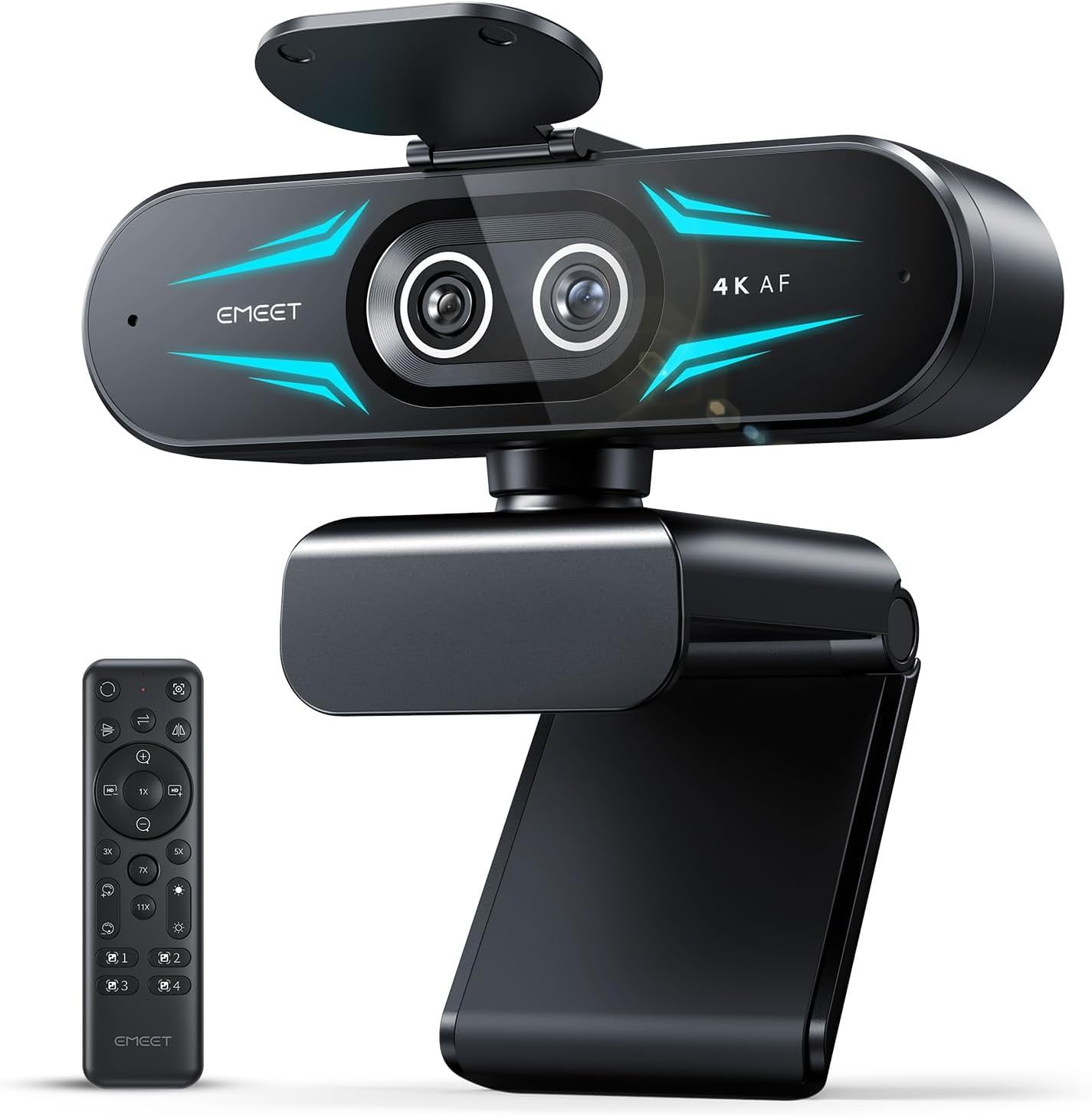
The C60E's remote is the feature that sets it apart: you can zoom and reframe while you are live without reaching for the mouse. That matters for live commerce, teaching, or any stream where you hold up a product or write on a board. The dual-camera design pairs a wide-angle lens with a telephoto lens, and the 11x hybrid zoom moves between a full-scene shot and a tight close-up.

We like that the C60E covers 4K30, 2K30, and 1080p60, so you can choose detail or motion, and PDAF autofocus keeps the subject sharp as the framing changes. The RGB lighting is fun but not why we recommend it; the remote and zoom are. The deeper settings live in EMEET Studio, so budget a few minutes to set up the software.

At midrange money, the C60E is the best pick here for a stream that needs camera movement. If you sit still and only need a clean talking-head shot, the S600 is simpler and still covers 1080p60; if you need the zoom without the dual-camera complexity, the MX Brio's software controls are the alternative.

Pros

  • Handheld remote zoom
  • 11x hybrid zoom
  • 4K30 and 1080p60
  • PDAF autofocus

Cons

  • Remote ships without batteries
Our verdict

The C60E is the best pick here if you need to zoom or reframe while live, thanks to its handheld remote and 11x hybrid zoom.

Check Latest Price
4

Best Budget 4K

Acer A640 4K

88 /100
LBD Score Excellent

Key details

Sensor
Sony 1/2.8-inch
Autofocus
PDAF
Frame Rate
1080p60
Resolution
4K
View on Amazon

The A640 is the budget 4K camera we point to when 60fps matters. It pairs a Sony 1/2.8-inch sensor with PDAF autofocus and lists 1080p60, so motion looks smoother than the 30fps budget cams here. The 4K mode gives you detail for a static shot, and the AI noise-canceling mic is a useful backup if you are not running a dedicated microphone yet.

We appreciate the physical privacy shutter and the plug-and-play setup: no driver or setup routine, just a USB-C adapter and a camera. The case for it is the spec sheet—Sony sensor, PDAF, 60fps—at a budget price, and that is a strong case for a first streaming camera.

We put it behind the S600 because the S600 gives you more image control, but the A640 is the one to choose if you want 4K and 60fps at a budget price. Just plan on good lighting; it has less headroom to fix a dim room.

Pros

  • 4K and 1080p60
  • Sony 1/2.8-inch sensor
  • PDAF autofocus
  • Privacy shutter

Cons

  • No software control panel
Our verdict

The A640 is the budget 4K pick for streamers who want 60fps and PDAF autofocus without paying midrange money.

Check Latest Price
5

Best for Windows Hello

Logitech Brio Ultra

89 /100
LBD Score Excellent

Key details

Zoom
5x digital
Resolution
4K at 30fps
Field Of View
65, 78, 90 degrees
Windows Hello
Yes
View on Amazon

The Brio Ultra is the webcam to choose if Windows Hello face login is part of the job. It lists Windows Hello support, and it pairs that with 4K30 video, a 5x digital zoom, and three field-of-view presets at 65, 78, and 90 degrees. The presets are the feature we use most: 65 degrees gives you a head-and-shoulders shot, 78 degrees fits a desk, and 90 degrees pulls in a room or a second person.

Autofocus and RightLight 3 do the usual work of keeping the image sharp and balanced, and the dual omnidirectional mics are fine for calls and casual streams. The 5x zoom is digital, so it softens the image as you push in; treat it as framing help, not a replacement for moving the camera. The three presets are the reason to pay for this one over a simpler 4K webcam.

At premium money, the Brio Ultra earns its place on Windows Hello and framing flexibility, not on being the most streaming-focused camera here. We like it for a hybrid desk that needs face login and a clean meeting image, and the three presets do more for framing than a digital zoom. If you do not need Windows Hello, the cheaper 4K picks cover the streaming basics.

Pros

  • Windows Hello support
  • Three field-of-view presets
  • 4K30 video
  • 5x digital zoom

Cons

  • No 1080p60 mode
Our verdict

The Brio Ultra is the pick for Windows Hello and flexible framing, with 4K video and three field-of-view presets.

Check Latest Price
6

Wide-Angle Calls

AOC 4K Webcam

88 /100
LBD Score Excellent

Key details

Warranty
3 years
Autofocus
Yes
Resolution
4K
Field Of View
90 degrees
View on Amazon

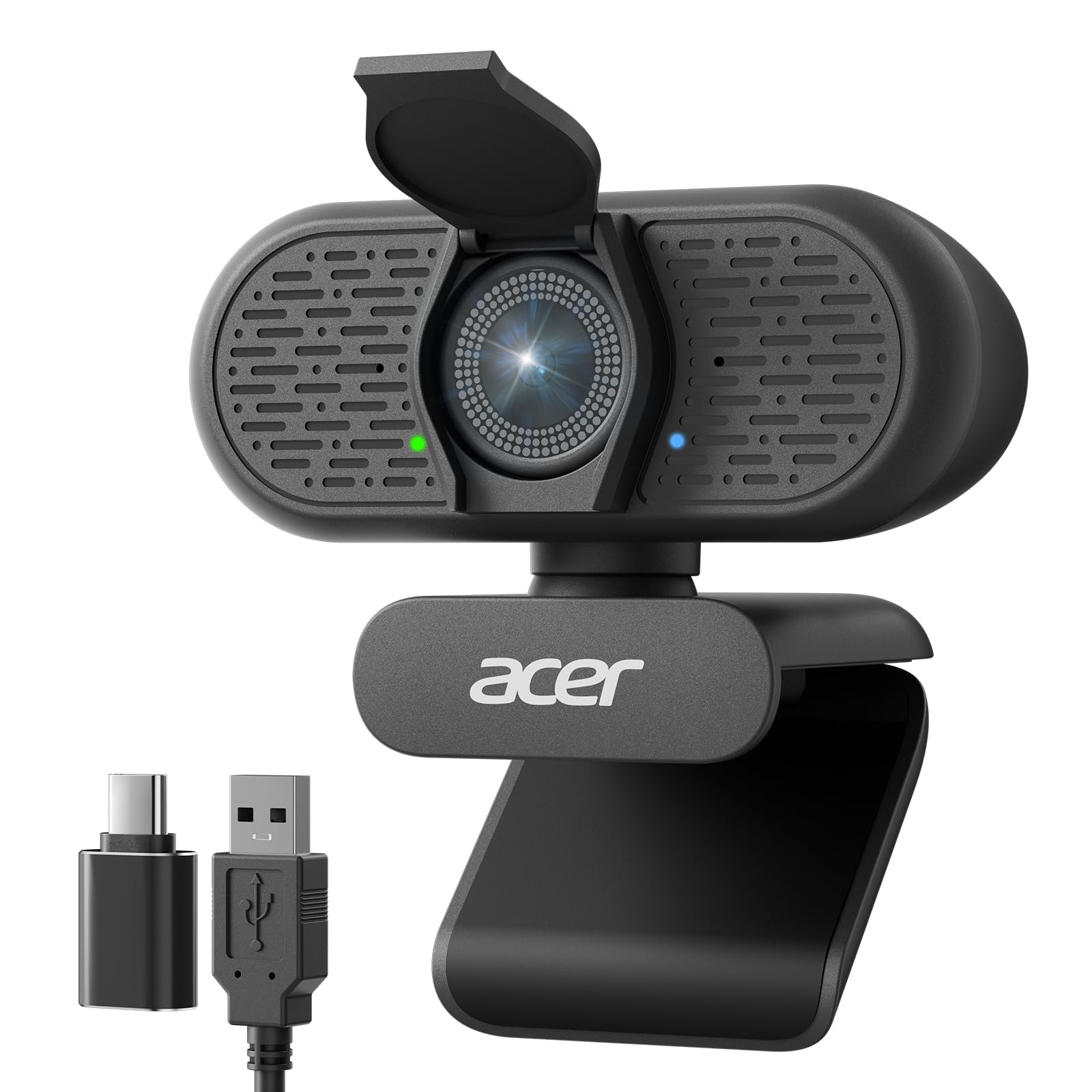
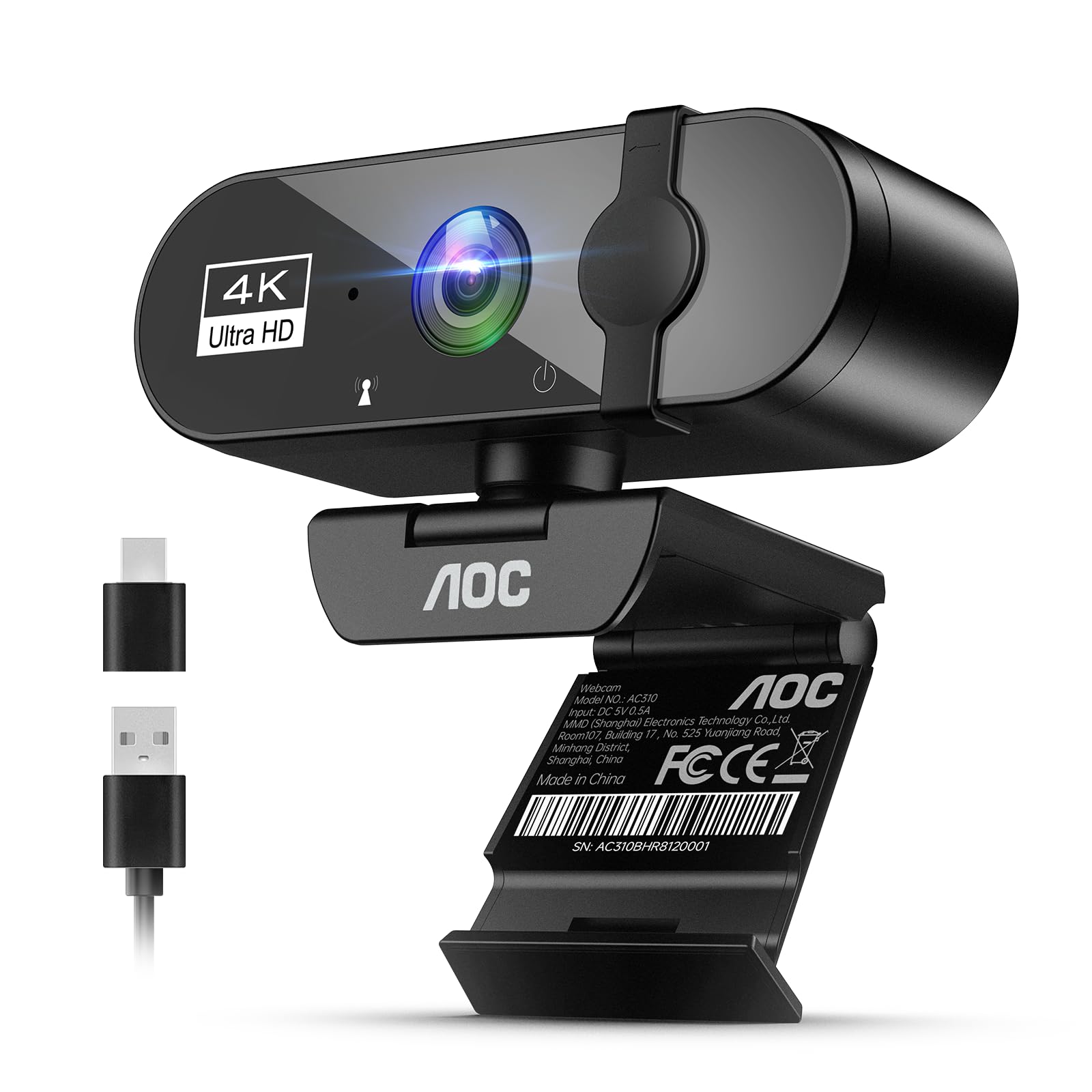
The AOC's 90-degree field of view is the reason to look at it: it fits a desk, a chair, and a second person without pushing the camera back. At budget money, that wide shot is useful for interviews, co-op streams, and small rooms. The 4K resolution gives you detail, and the autofocus keeps the frame sharp as people move.

We appreciate the physical privacy cover, the USB-C and USB-A adapters, and the three-year warranty—the longest coverage in this set. The mount swivels 360 degrees and tilts 180 degrees, so you can aim it without moving the base. The wide view is the point; for a tighter shot, move the camera closer or crop in your streaming software.

The AOC is the budget 4K pick for wide shots, not the best all-rounder here. If you stream alone at a desk and want a tighter head-and-shoulders frame, the S600's 73-degree lens is the easier starting point. If you need to fit two people or show a workspace, the AOC's width is the feature you are paying for.

Pros

  • 90-degree field of view
  • 4K resolution
  • Autofocus
  • Three-year warranty

Cons

  • No zoom to tighten the frame
Our verdict

The AOC is the budget 4K pick for wide shots and small rooms, with autofocus, a privacy cover, and a three-year warranty.

Check Latest Price

How We Picked and Tested These Webcams

We started with a list of about 40 webcams and narrowed it using spec sheets the way a shopper would: sensor size, frame rate at each resolution, microphone setup, what mount came in the box, and whether the adapters for a USB-C laptop were included. What shipped in the box counted toward value as much as the specs did, since a missing adapter is another purchase. That left 12 cameras, from plain plug-and-play models to ones with remotes and dual lenses.

Those 12 lived on top of a monitor for six months. They moved between a desktop, a laptop lid, and a tripod, and a few traveled in a backpack to see how they survived being packed and re-mounted. We ran them on Windows and Mac machines and a Switch, in Zoom, Teams, and Google Meet, plus a couple of livestreams where the feed went out to strangers rather than four coworkers.

Picture quality got the most scrutiny. We recorded the same shot in three lighting conditions — window light behind the subject, flat office overheads, and a single desk lamp after dark — and noted when faces went muddy, when a white shirt blew out, and whether autofocus hunted as we leaned in, held up a product, or talked with our hands. We also checked how much of the room crept into the frame and whether cropping tighter cost any sharpness.

The rest came down to living with them: time from unboxing to a working call, whether the software installed cleanly, whether the privacy shutter was reachable without unclipping the camera, and whether the mount sagged after a few weeks of being tilted. Each one went into a Windows PC, a Mac, and a Switch to confirm it was recognized without a driver hunt, and we ran Zoom and Teams calls back to back to catch dropouts or settings that reset after sleep. One of us signs into Windows with facial recognition, so that got checked too.

How to Choose a Streaming Webcam

Frame rate first, resolution second

A 4K30 webcam gives you detail for product shots, but 1080p60 is often the better streaming mode because motion looks smoother and the bitrate is easier to manage. If you gesture, play games, or move around, prioritize 60fps at 1080p; if you sit still and want the sharpest close-up, 4K30 earns its keep. The S600 and MX Brio both cover both modes, which is why they are easier recommendations than a 4K-only camera. Check your app's capture settings before you buy—some programs cap the webcam at 1080p30 no matter what the box says.

Autofocus and light handling

Autofocus is the difference between a stream that stays sharp and one that hunts every time you lean in. PDAF models like the S600, C60E, and A640 lock quickly, and they are the ones to choose if you hold up objects or move between a keyboard and a whiteboard. Fixed-focus cameras can be fine for a solo talking head at a fixed distance, but they leave you no recovery if the framing is tight. Low light matters just as much: a larger sensor and good auto-exposure keep noise down, but no webcam replaces a front light.

Field of view and mounting

A 73-degree lens is a sensible desk view; 90 degrees fits a small room or two people but can make a solo streamer look small. The Brio Ultra's three presets are useful because you can change framing without moving the camera. Mounting is the part buyers underestimate: a heavy webcam on a thin monitor bezel can slump, and a clip that fits a laptop lid may not fit a curved monitor. If you stream for hours, put the camera on a tripod or boom arm; check for a 1/4-inch thread before you assume it will.

Microphones, privacy, and software

Built-in mics are fine for meetings and casual streams, but they pick up room echo and keyboard noise; a dedicated mic is the upgrade that improves a stream most after lighting. Look for noise-canceling processing if you are in a shared room. A physical privacy shutter is a small feature we appreciate because it works without software. Software is the other dividing line: the MX Brio and Brio Ultra give you manual image controls, while the A640 is plug-and-play with no control panel. Decide whether you want to tune the image or just plug in.

Frequently Asked Questions

Final Verdict

The EMEET S600 is the streaming webcam we recommend first: it covers 1080p60 and 4K30, focuses quickly with PDAF, and includes a privacy shutter without a premium price. If you want the most polished image and manual controls, the Logitech MX Brio is the step up.

For live zooming, the EMEET C60E's remote is the difference; for Windows Hello, choose the Brio Ultra.