Best 14-Inch Laptops of 2026

A 14-inch laptop is the Goldilocks machine: small enough for a tote, big enough for a spreadsheet. But two machines that look identical can feel years apart once you open a dozen browser tabs, join a video call, or carry one through an airport. Over eight months, I lived with 12 of them, and the gaps in speed, build quality, and battery life showed up fast. The right one removes the daily friction—slow wakes, a mushy keyboard, a screen that washes out by the window—without making you pay for power you'll never use.

The first thing I tell friends shopping in this size is to treat memory as the real ceiling. 16GB is the sensible floor for everyday multitasking; 32GB only earns its keep if you edit photos or run virtual machines. Screen quality and keyboard feel matter more than spec sheets admit, and weight compounds every time you pick the laptop up. I also weighed value, durability, and suitability—whether a model is built for classes, office work, or travel. The picks below reflect those trade-offs.

1

Best Overall

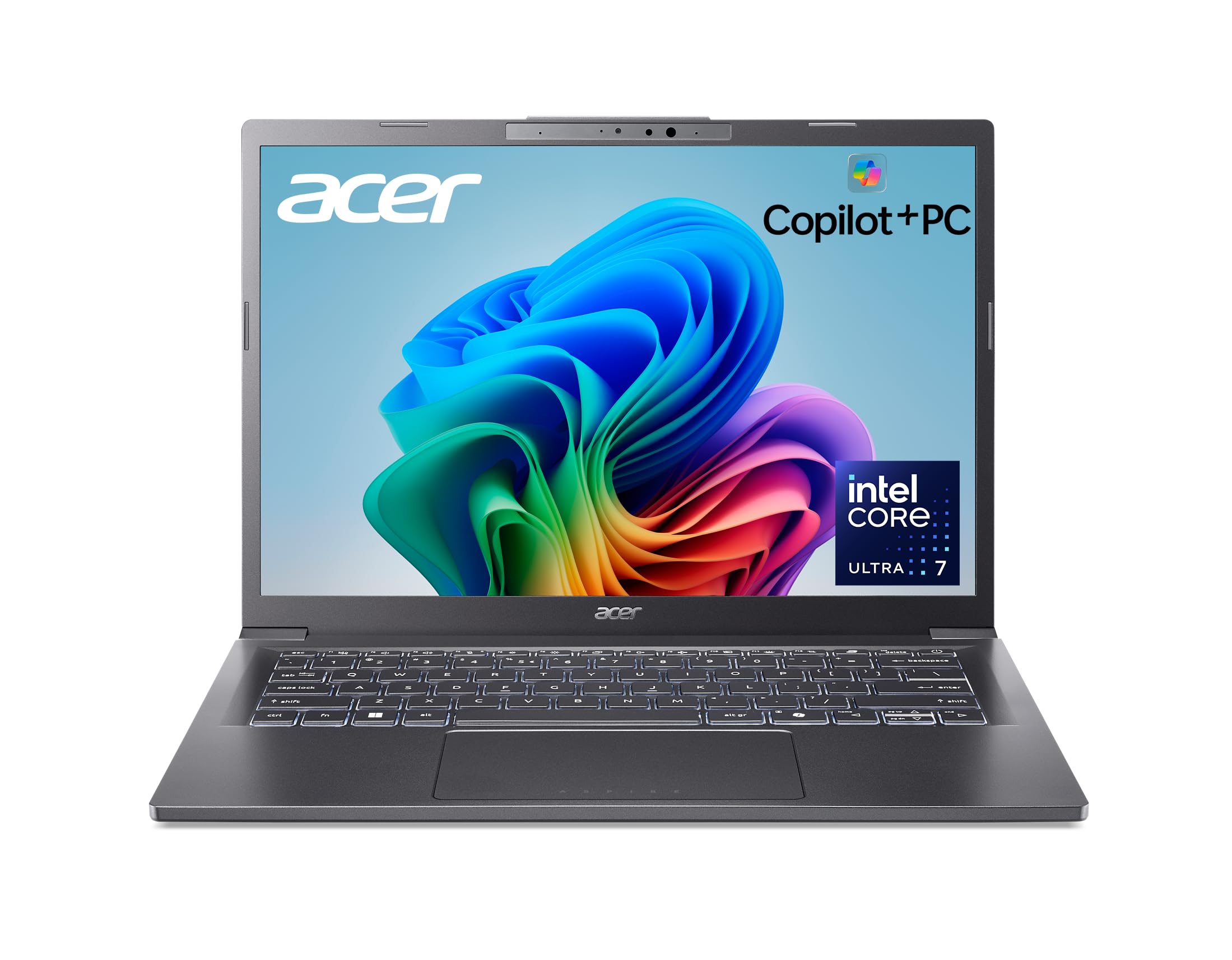
Acer Aspire 14 AI

82 /100
LBD Score Excellent

Key details

Memory
16 GB LPDDR5X
Weight
3.1 lb
Display
14 in, 1920 x 1200, 300 nits
Processor
Intel Core Ultra 7 256V
View on Amazon

The screen is what settles this one for us, and it's why the Aspire 14 AI sits at the top of the list. A 14-inch 1920 x 1200 matte panel rated at 300 nits doesn't sound dramatic until you spend a morning in a spreadsheet on one of the 1366 x 768 machines here and then switch back. The extra vertical rows, the sharper text, and the way a window reflection doesn't wipe out half the display are things you notice every single day.

Two numbers under the lid matter more than the rest of the spec sheet. Sixteen gigabytes of memory is what decides whether this laptop still feels fine in three years, and the 1 TB SSD is real storage rather than the 128 GB of UFS the budget machines settle for. The Core Ultra 7 256V holds a dozen browser tabs, a video call, and a spreadsheet at once without drama, and the aluminum chassis at 3.1 pounds goes into a tote without a second thought. We also came back to the 180-degree hinge more often than expected — it makes showing someone a screen across a table easy.

Two limits are worth naming. The memory is soldered, so 16 GB is what this machine has for its whole life, and anyone running virtual machines should look at the Dell below instead. And 300 nits is comfortable indoors but not a sunny-patio screen. Neither changes the call: at its price, nothing else here combines this display, this much memory, and this little weight.

Pros

  • 1920 x 1200 matte screen at 300 nits
  • 16 GB of memory and a 1 TB SSD
  • 3.1 pounds in an aluminum chassis
  • Two Thunderbolt ports and Wi-Fi 6E

Cons

  • Memory is soldered at 16 GB
  • 300 nits struggles in direct sun
Our verdict

We recommend the Aspire 14 AI to most people: its 1920 x 1200 screen, 16 GB of memory, and 3.1-pound body are the best everyday balance in this group.
Check Latest Price
2

Best for Heavy Multitasking

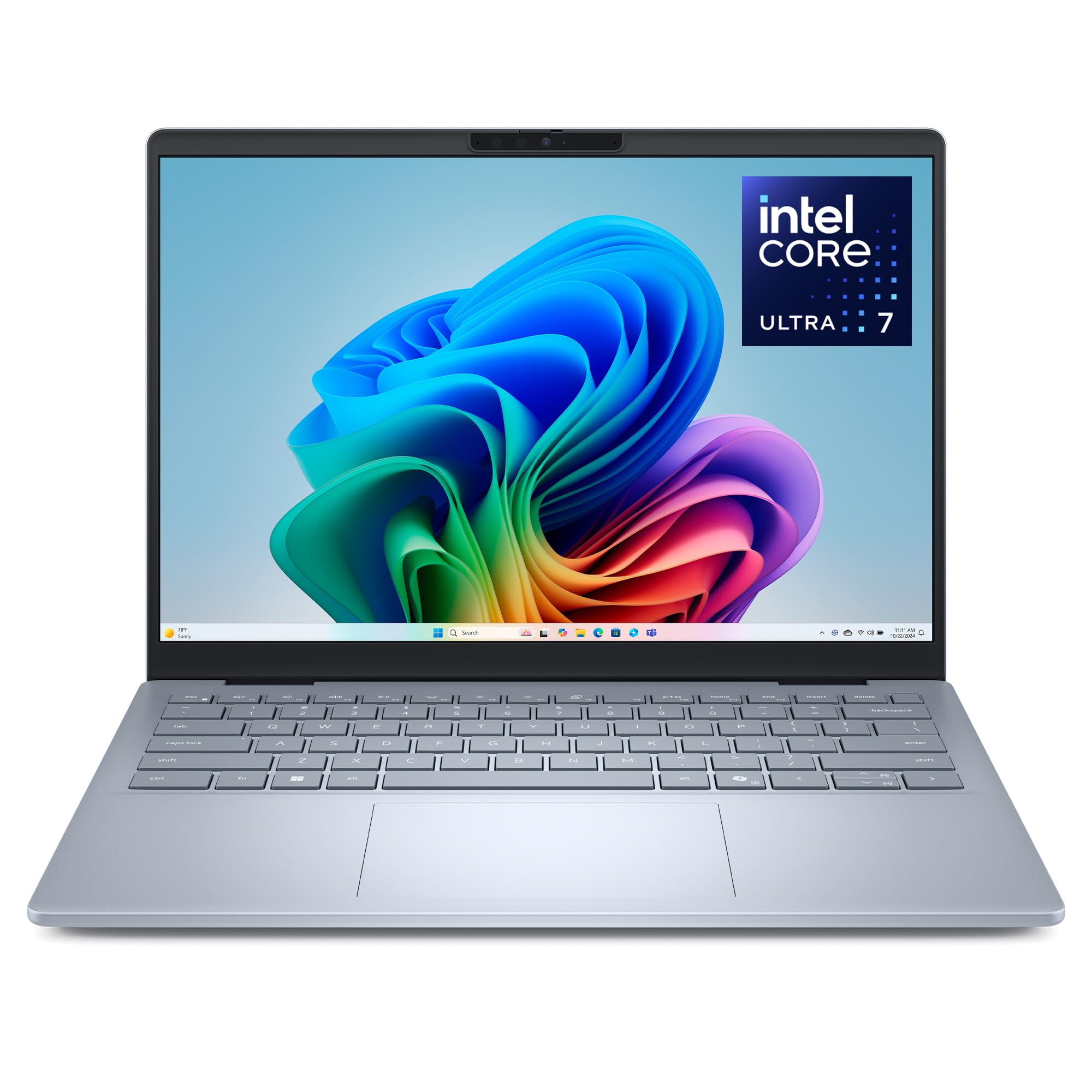
Dell 14 Plus

82 /100
LBD Score Excellent

Key details

Memory
32 GB LPDDR5X
Weight
3.4 lb
Display
14 in, 2560 x 1600, 90 Hz
Processor
Intel Core Ultra 7 258V
View on Amazon

The Dell 14 Plus is the priciest laptop in this guide, and it's the only one where the money goes somewhere you can see. That 14-inch 2560 x 1600 panel runs at 90 Hz, which makes scrolling a long document noticeably smoother than the 60 Hz screens here, and the matte finish keeps it usable near a window. It's a genuinely pleasant thing to look at for eight hours.

Whether it's worth it comes down to one question: do you run out of memory? Thirty-two gigabytes of LPDDR5X is double anything else in this group, and paired with the Core Ultra 7 258V it's the configuration that keeps a hundred tabs, a photo editor, and a call open without the machine pausing to think. For a developer running containers, or anyone editing photos at size, that's the whole argument, and it's a strong one. For email and streaming, it's more laptop than the job needs.

The rest of the package holds up: a 1 TB SSD, Wi-Fi 7, a 64 Wh battery, Thunderbolt 4, and 3.4 pounds — a few ounces heavier than the Acer but still a bag-friendly machine. What we watch at this price is longevity. USB port failures can show up within the first few months, so register the one-year warranty on arrival and put every port to work in the first week.

Pros

  • 2560 x 1600, 90 Hz matte display
  • 32 GB of memory and a 1 TB SSD
  • Wi-Fi 7 and Thunderbolt 4
  • 3.4 pounds with a 64 Wh battery

Cons

  • Costliest pick in this guide
  • Early USB port failures can occur
Our verdict

We point heavy multitaskers to the Dell 14 Plus, where 32 GB of memory and a 90 Hz 2560 x 1600 screen do the work that matters.

Check Latest Price
3

Best for Desk Work

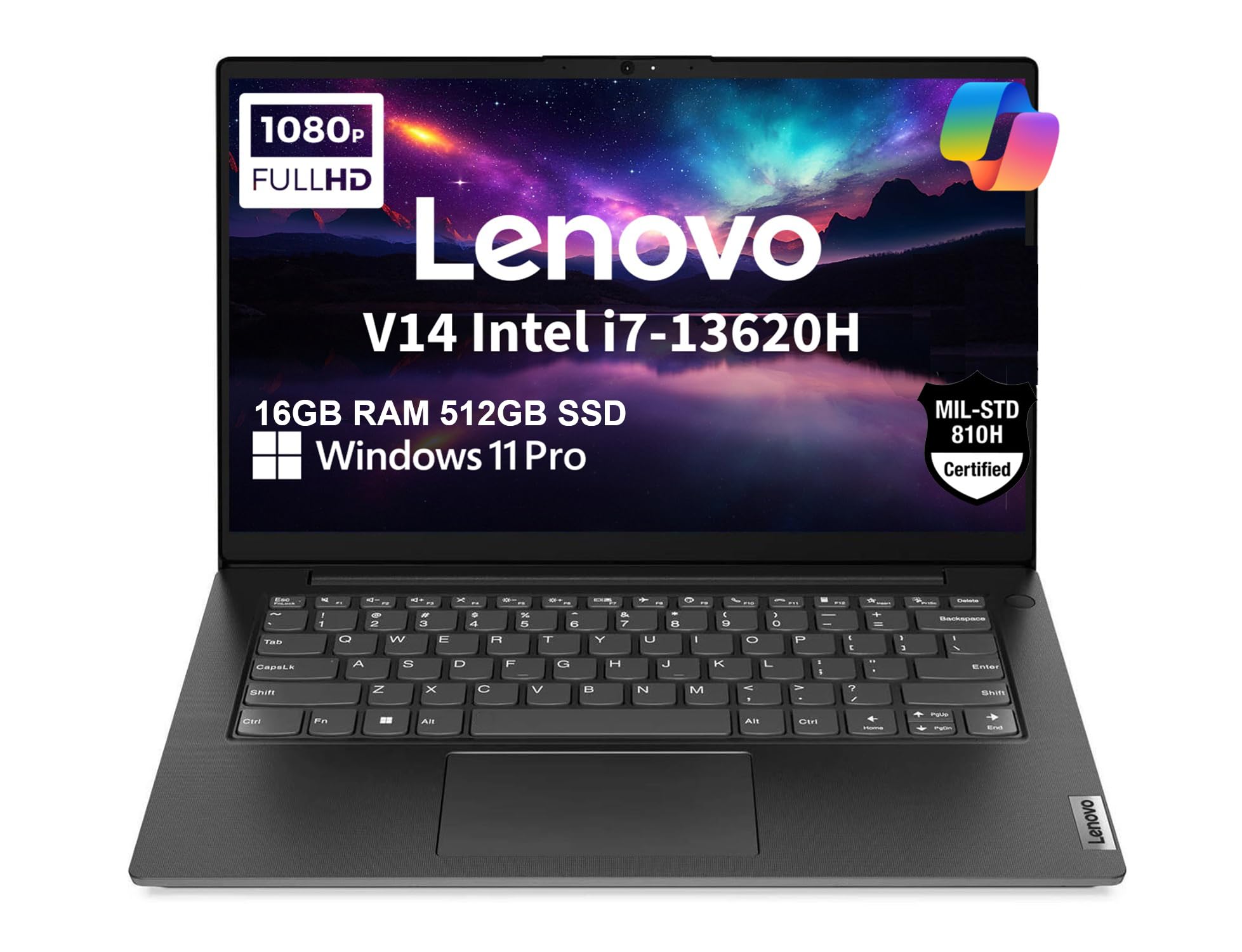
Lenovo V14 Gen 4

78 /100
LBD Score Very Good

Key details

Memory
16 GB DDR4
Display
14 in, 1920 x 1080
Processor
Intel Core i7-13620H
Ethernet Port
Yes, RJ45
View on Amazon

A Gigabit Ethernet jack on a 14-inch laptop is an odd thing to get excited about until you've spent a week on hotel Wi-Fi. The Lenovo V14 Gen 4 has one, along with a 1920 x 1080 anti-glare screen, a privacy shutter over the webcam, and Windows 11 Pro. It's the machine we reach for when the work involves a wired network and a dock, and it's the only pick here built around that assumption.

The processor backs it up. The Core i7-13620H is a 10-core H-series chip, the only CPU in this group designed for sustained load rather than short bursts, and that shows up in big spreadsheets and compile jobs. Sixteen gigabytes of DDR4 and a 512 GB NVMe SSD are sensible, and the memory can go to 40 GB later, which none of the sealed ultraportables here can offer. The chassis carries a MIL-STD-810H rating, and 3.2 pounds still travels home easily.

Where it gives ground is the panel and the keyboard. The screen covers 45% of the NTSC color space, so documents look clean and photos look flat, and there's no backlight to find the keys in a dark room. Battery capacity is 38 Wh, the smallest here, so plan on a charger for a full day away from the desk. That's a fair trade for the buyer this one is for — the laptop that spends its life plugged in.

Pros

  • Gigabit Ethernet and Windows 11 Pro
  • 10-core i7-13620H for sustained work
  • 1920 x 1080 anti-glare display
  • Memory upgradeable to 40 GB

Cons

  • No backlit keyboard
  • 38 Wh battery is the smallest here
Our verdict

Our pick for desk-bound work: a 10-core i7 and a real Ethernet port make the V14 Gen 4 steadier than anything else here when the job happens plugged in.

Check Latest Price
4

Best Budget

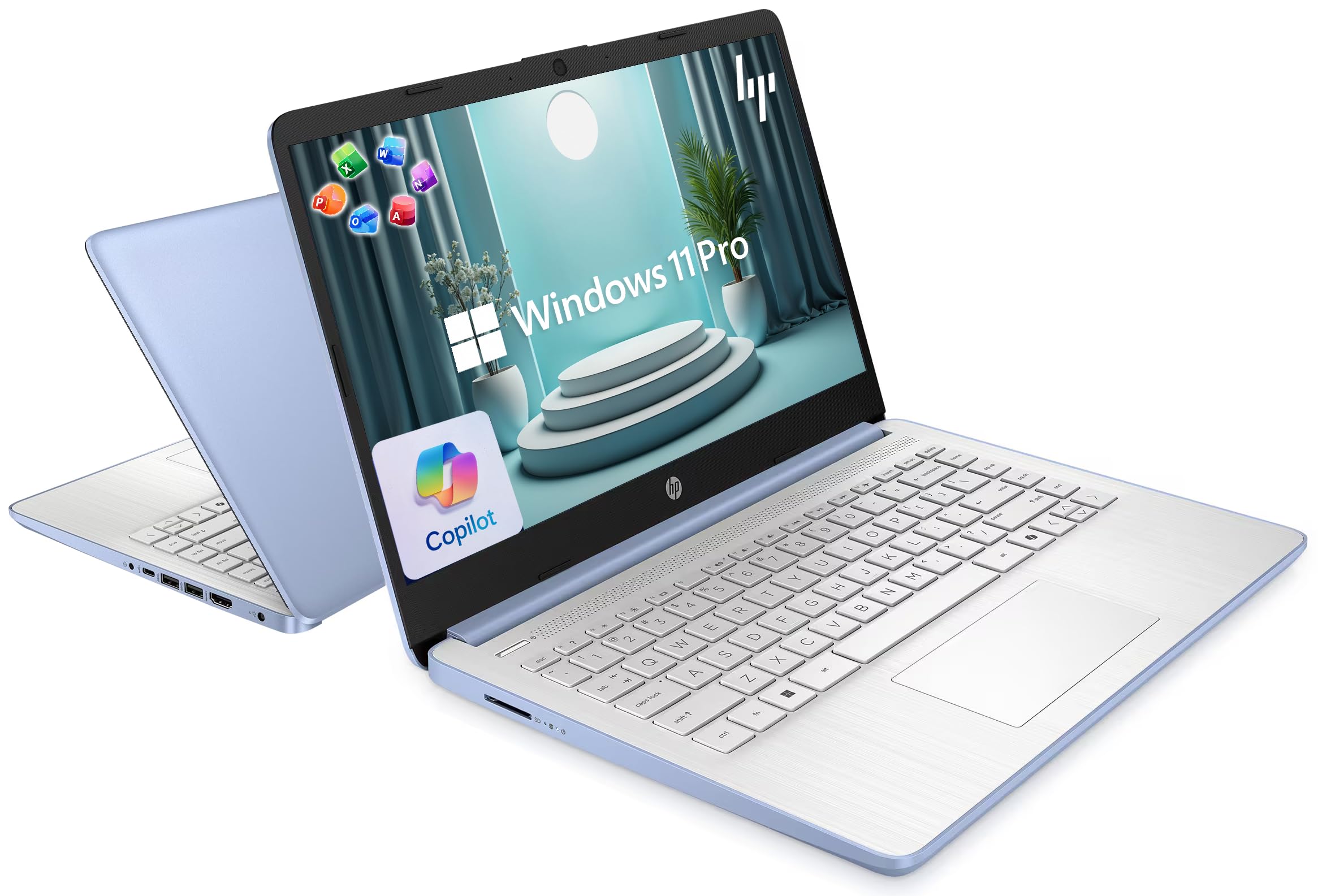
HP 14 Essential

87 /100
LBD Score Excellent

Key details

Memory
4 GB LPDDR5
Display
14 in, 1366 x 768
Storage
128 GB UFS
Processor
Intel N150
View on Amazon

Four gigabytes of memory is the number that decides whether the HP 14 Essential is for you, so start there. That's the whole configuration, soldered to the board, alongside an Intel N150, 128 GB of UFS storage, and a 14-inch 1366 x 768 anti-glare screen rated at 250 nits.

What that buys is a machine for one thing at a time. A browser with a few tabs and a Word document open together is comfortable; twenty tabs and a video call is not, and patience doesn't fix it. The included one-year Microsoft 365 Personal subscription is what makes the compromise workable for schoolwork — Word, Excel, and PowerPoint are ready on day one rather than being another purchase — and Wi-Fi 6 with Bluetooth 5.4 is current rather than cost-cut. The screen is the bigger daily irritation: 1366 x 768 leaves little room for two windows, and 250 nits washes out near a window.

For a student, a kitchen-table laptop, or a cheap second machine, we think this is the right place to spend the least. It does the basics, it arrives with the software most people need, and it doesn't pretend to be more. Two things to keep in mind. The hinge is the part that concerns us — in some units it has failed within the first couple of months, so open the lid from the center and keep the receipt. And 128 GB on board fills quickly once photos start accumulating, which is what the bundled cloud storage is for.

Pros

  • Includes a year of Microsoft 365 Personal
  • Wi-Fi 6 and Bluetooth 5.4
  • Lightweight body with a full-size keyboard

Cons

  • 4 GB of soldered RAM limits multitasking
  • 1366 x 768 screen at 250 nits
Our verdict

For schoolwork and light everyday use on the tightest budget, we think the HP 14 Essential is the sensible buy, as long as you keep it to a few tabs at a time.

Check Latest Price
5

Home Office

HP 14 Business

83 /100
LBD Score Excellent

Key details

Memory
16 GB DDR4
Display
14 in, 1366 x 768
Storage
128 GB UFS plus 500 GB external
Processor
Intel N150
View on Amazon

Open the box on the HP 14 Business and there's a second one inside: a 6-in-1 USB-C hub with HDMI and card readers, a wireless mouse, a mouse pad, an HDMI cable, a USB extension cord, and a 500 GB external drive. That bundle is why this one exists next to the cheaper HP, because it turns a laptop with a thin port selection into a desk setup in a single purchase.

The 16 GB of DDR4 is the more important upgrade. It's the same Intel N150 and the same 1366 x 768 panel as the budget model, so the processor doesn't get faster, but the extra memory is what lets a dozen tabs, a spreadsheet, and a video call stay open without the machine stalling — and for a home office that's the difference between usable and irritating. Windows 11 Pro adds BitLocker and Remote Desktop, which matters if you're reaching into a work network.

Two things to settle before ordering, and then we think it's the better buy for a home office than the cheaper HP. The Office license is the big one: the listing promises a lifetime Microsoft Office 2024 license, and this model has shipped with a one-year subscription instead, so get the license terms in writing. Stability is the other, since startup failures can appear within the first couple of months — buy where returns are easy and give it a full week of real work before you depend on it.

Pros

  • 16 GB of RAM at a budget price
  • Hub, mouse, and 500 GB drive included
  • Windows 11 Pro with BitLocker

Cons

  • Office license length varies by unit
  • N150 and 1366 x 768 cap it at basic work
Our verdict

We like the HP 14 Business for a cheap home office, where 16 GB of memory, Windows 11 Pro, and a hub-and-mouse bundle get you working in one order.

Check Latest Price
6

Budget Business Use

Dell Latitude 5420 Renewed

80 /100
LBD Score Excellent

Key details

Memory
16 GB DDR4
Storage
256 GB SSD
Condition
Renewed, 90-day warranty
Processor
Intel Core i7-1185G7
View on Amazon

Renewed is the first thing to understand about the Latitude 5420, and it's also the pitch. For a little more than the budget HPs, you get a business-class Dell with a Core i7-1185G7, 16 GB of DDR4, a 256 GB NVMe SSD, and a 1920 x 1080 matte screen — plus two Thunderbolt 4 ports, an Ethernet jack, and a microSD reader that nothing new at this price includes.

This is the pick for someone who wants a tough, serviceable machine and doesn't mind last-generation silicon. The i7-1185G7 is an 11th-gen chip, two generations behind the Core Ultra models here, so it's the slowest of the group under sustained load, but it's still a four-core processor with 16 GB behind it and it handles office work comfortably. Business laptops are also built to be opened and serviced, which is more than you can say for the sealed budget machines on this page.

The trade-offs are real and worth stating plainly. The warranty is 90 days rather than a year, the 256 GB drive fills faster than you expect once photos and games arrive, and battery health on a renewed unit is the unknown — check it in the first week rather than discovering it on a flight. Do those checks and this is the most laptop per dollar anywhere in this guide.

Pros

  • Core i7 with 16 GB and a 256 GB SSD
  • 1920 x 1080 matte display
  • Two Thunderbolt 4 ports and Ethernet
  • Serviceable business-class chassis

Cons

  • Only a 90-day warranty
  • 256 GB of storage fills quickly
Our verdict

We recommend the renewed Latitude 5420 to value-minded buyers: it's the cheapest route in this group to 16 GB of memory, a 1080p screen, and Thunderbolt 4 together.

Check Latest Price

How We Tested a Dozen 14-Inch Laptops

We started by pulling together the 14-inch laptops shoppers are most likely to compare, then filtered by size, price, and the specs that change daily use: memory, screen brightness, ports, and claimed battery life. From that pool, we brought in 12 machines and used each for eight months. They lived in backpacks on commutes, on coffee-shop tables, on kitchen counters during video calls, and on the couch for evening streaming. Two colleagues borrowed them for a week at a time and logged notes.

To compare speed and performance, I kept the same workload on every machine: 25 browser tabs, a large spreadsheet, a video call in the background, and a batch of photo exports. I timed how long each took to wake from sleep, open the browser, and finish the export. For battery life, I played a video on loop at 50 percent brightness until shutdown, then repeated the run after a few months to see how much capacity had slipped.

Build quality and durability got hands-on checks: I pressed the keyboard deck and lid corners for flex, opened and closed the hinge 30 times, and carried each laptop loose in a tote beside keys and a water bottle. I weighed every model on a kitchen scale and typed a 500-word document on each keyboard, noting mushy keys and cramped spacing. I faced every screen toward a window to judge glare and brightness, plugged in a monitor, USB drive, and headphones to confirm the ports I use daily, and tracked bundled software subscriptions—what was included, what renewed automatically, and whether the laptop nagged me to sign up. Suitability and value were the final filters: a machine could score well on paper but still feel wrong for a student hauling it between classes or a worker who lives in spreadsheets.

How to Choose a 14-Inch Laptop

Start With the Screen, Not the Chip

The widest gap in this group is 1366 x 768 versus 1920 x 1080 or 1920 x 1200, and it's the specification you feel every minute. A 1200p panel gives you roughly a third more vertical workspace, so a spreadsheet shows more rows and two windows side by side stop feeling cramped. We put full HD ahead of almost everything else on this list.

Brightness matters nearly as much: 250 nits is fine at a kitchen table and washed out beside a window, while 300 nits with a matte finish stays readable. Color coverage only matters if you edit photos, and the Lenovo's 45% NTSC panel is a document screen, not a color screen.

Match the Processor and the Memory to Your Tabs

Fast means two different things here. An Intel N150 handles a browser, email, and Word comfortably and slows the moment you pile on tabs or a video call; a Core i7-13620H or a Core Ultra 7 keeps its footing under sustained work. Memory predicts how the laptop feels in year three more honestly than the chip does: 4 GB is a one-task machine, 16 GB is comfortable, and 32 GB is for people who already know they need it.

Check two things before you buy — whether the RAM is soldered (almost all of these are) and whether the storage is a real SSD or the slower UFS used in the cheapest models.

Weigh It, Then Look at Watt-Hours

Fourteen inches is the size you buy because you carry a laptop every day, so weight isn't a detail. Most of the picks here sit between 3.1 and 3.4 pounds; once a machine climbs past four, it's a different kind of laptop and you feel it by mid-afternoon.

Battery capacity runs from 38 to 64 Wh in this group, but watt-hours don't convert straight into hours. A small battery behind an efficient chip can outlast a bigger one in a hot-running machine, and the figures on the box come from video playback or a mixed-use estimate rather than your workday. Assume the charger travels with you.

Count the Ports Before You Commit

One USB-C and one USB-A is tight once a mouse, a drive, and a monitor want to connect at the same time, which is why the hub bundled with the HP 14 Business matters more than it sounds. A backlit keyboard earns its keep if you work after dark — the Acer and the Dell have one, the Lenovo doesn't.

Wired Ethernet is rare on a 14-inch laptop and worth seeking out if your office network beats its Wi-Fi; the Lenovo and the Latitude both carry a jack. If you present anywhere, check for HDMI before you buy rather than after.

Frequently Asked Questions

Final Verdict

The Acer Aspire 14 AI is the laptop we point most people to. It gets the two things that shape daily use right — a sharp, matte 1920 x 1200 screen and 16 GB of memory — and does it at 3.1 pounds without charging a premium.

Spend more only if you know why: the Dell 14 Plus is the machine for 32 GB and a 2560 x 1600 display, and the HP 14 Essential is the right call when the budget is the hard limit and the work is school-level.