Best Windows Laptops of 2026

Every Windows laptop arrives with the same promises: fast processor, bright screen, all-day battery. What the spec sheet can't tell you is whether the fans howl during a video call, whether the keyboard flexes under your wrists, or whether the thing still feels solid in year three. The right machine closes that gap quietly — you stop thinking about it.

I've had 10 of them on my desk over eight months — budget models, business workhorses, a couple of gaming machines with dedicated graphics — and the deciding differences were the unglamorous ones: how the chassis handles heat, how the screen reads off-angle, whether the battery claim survives a real workday. Plenty of cheap laptops feel fast in week one. The ones worth your money still feel fast in month six.

One note I'd pass along: if you touch spreadsheets or accounting software, hunt for a numeric keypad, and weigh refresh rate alongside resolution — a 120Hz panel makes scrolling and everyday motion look noticeably smoother than a standard 60Hz one. The picks below cover work, school, and play.

1

Best Overall

HP 17 Laptop

87 /100
LBD Score Excellent

Key details

Memory
16 GB DDR4
Storage
512 GB SSD
Screen Size
17.3 inches
Listed Battery Life
Up to 12 hours
View on Amazon

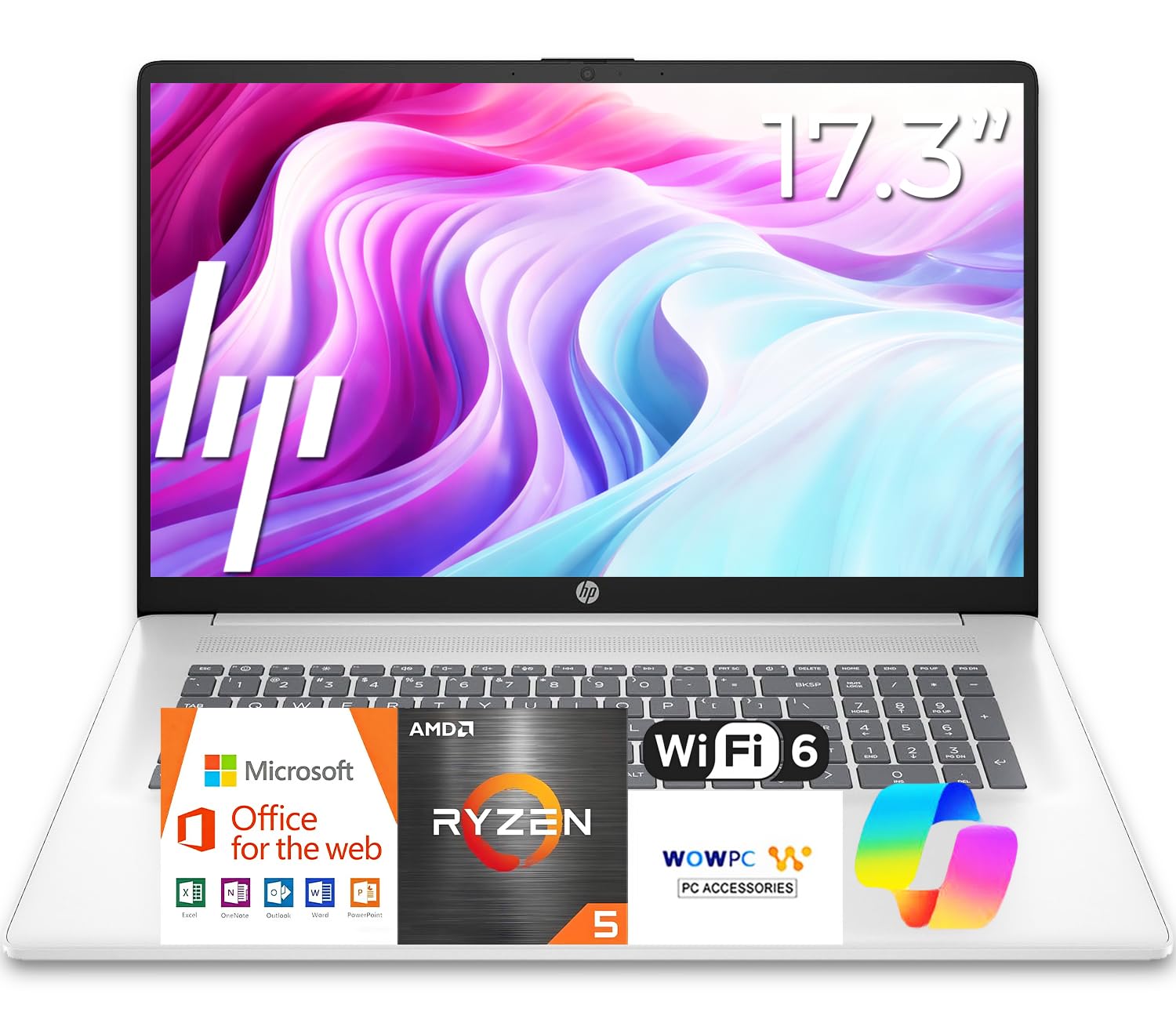
Seventeen inches changes how you use a laptop. Two documents sit side by side without a second monitor, a spreadsheet opens without scrolling sideways, and the full-size keyboard with its number pad makes entering figures quick. At 0.81 inches thick it isn't the slab that big laptops used to be, though the 15.78-inch-wide footprint means it lives on a desk and moves between rooms rather than riding in a backpack every day.

What put it first is the combination underneath that screen: a six-core Ryzen 5, 16GB of DDR4, and a 512GB SSD, for less than the other 16GB machine in this group. That is the specification that decides how long a laptop stays useful. 16GB is the amount we want in any machine meant to last, and 512GB leaves room for photos, a game or two, and several years of documents once Windows takes its share.

One detail the listing plays down: the Office 365 that comes preloaded is the web version, so Word and Excel open in a browser until you add a Microsoft 365 subscription. HP lists up to 12 hours of battery, and the anti-glare panel keeps the window behind you out of the reflection. If the laptop mostly stays in one place, this is the one we hand people; if it rides in a bag every day, the Lenovo V15 Gen 4 is the better trade.

Pros

  • 16GB of memory and a 512GB SSD for the least money here
  • 17.3-inch anti-glare screen with a full number pad
  • 0.81 inches thick, slim for a 17-inch body

Cons

  • Wi-Fi 5 instead of Wi-Fi 6
Our verdict

We recommend it to anyone who wants one big, comfortable machine for work and streaming, and it is the least expensive way here to get 16GB of memory and a 512GB SSD.

Check Latest Price
2

Best for Work

Lenovo V15 Gen 4

83 /100
LBD Score Excellent

Key details

Memory
16 GB DDR4, 40 GB max
Weight
3.6 lb
Storage
512 GB SSD
Processor
Intel Core i5-13420H
View on Amazon

Twenty-six watt-hours is the number we kept coming back to. That is the battery here, the smallest in this group by a wide margin and a small cell for a 15.6-inch machine with an eight-core processor. For an office laptop that spends its day near an outlet we can live with it, and that is the machine this is, which it does better than anything else on this list.

What you get in exchange is the most capable mainstream hardware in the group: an Intel Core i5-13420H with eight cores and a 4.6GHz ceiling, 16GB of DDR4, and a 512GB SSD. One memory slot is free and Lenovo rates the machine to 40GB, so the 16GB it ships with is a starting point rather than a ceiling, which is rare among these picks where memory is usually soldered down.

Windows 11 Pro, an RJ45 Ethernet jack, HDMI, USB-C, and two USB-A ports make it the easiest of these to drop onto a corporate network or a dock, and at 3.6 pounds it is light enough to carry home. What we appreciate most is that nothing about it is decorative: the ports are the ones an office actually uses, and the money went into the processor and memory instead of the finish.

Pros

  • Eight-core i5 with a 4.6GHz ceiling
  • Free memory slot, rated to 40GB
  • Ethernet, HDMI, USB-C, and Windows 11 Pro
  • 3.6 pounds with a full number pad

Cons

  • 26 Wh battery is the smallest in this group
  • Basic full-HD display with no brightness claim
Our verdict

The office laptop of this group: an eight-core i5, a free memory slot, Ethernet, and Windows 11 Pro in a 3.6-pound chassis.

Check Latest Price
3

Best Everyday Display

Dell 15 DC15255

82 /100
LBD Score Excellent

Key details

Memory
8 GB LPDDR5
Screen
15.6-inch, 120Hz
Weight
4.2 lb
Storage
512 GB SSD
View on Amazon

Smooth is the right word for this screen. The 15.6-inch full-HD panel refreshes at 120Hz, twice the rate of most of the laptops here, so scrolling a long document or dragging a window looks fluid rather than stepped, and the matte finish keeps reflections off it. It is an upgrade you notice in the first minute and then stop thinking about, which is about the highest compliment a display can get.

Around that screen the machine is sensibly put together: a Ryzen 5 7520U, 512GB of solid-state storage, a keyboard with a separate number pad, and hinges that lift the deck to a slight typing angle. At 4.2 pounds it is a stay-at-home laptop more than a commuter's, and it is the least expensive route to 512GB in this group.

Eight gigabytes of LPDDR5 is the part to think about. That is enough for a browser, a video call, and a document at once; it is not enough headroom for photo editing or a dozen heavy tabs plus a game, and because the memory is soldered there is no later fix. For the streaming-and-coursework job this laptop is built for, we think the screen and the storage are the better trade.

Pros

  • 120Hz full-HD matte panel
  • 512GB SSD at the lowest price of the 512GB laptops
  • Lifted hinge and a separate number pad

Cons

  • Wi-Fi 5 only, no Wi-Fi 6
  • 250-nit panel looks dim in a bright room
Our verdict

Streaming, coursework, and everyday browsing are what this one is for, and the 120Hz screen plus 512GB of storage make it the value pick of the group.

Check Latest Price
4

Best Budget

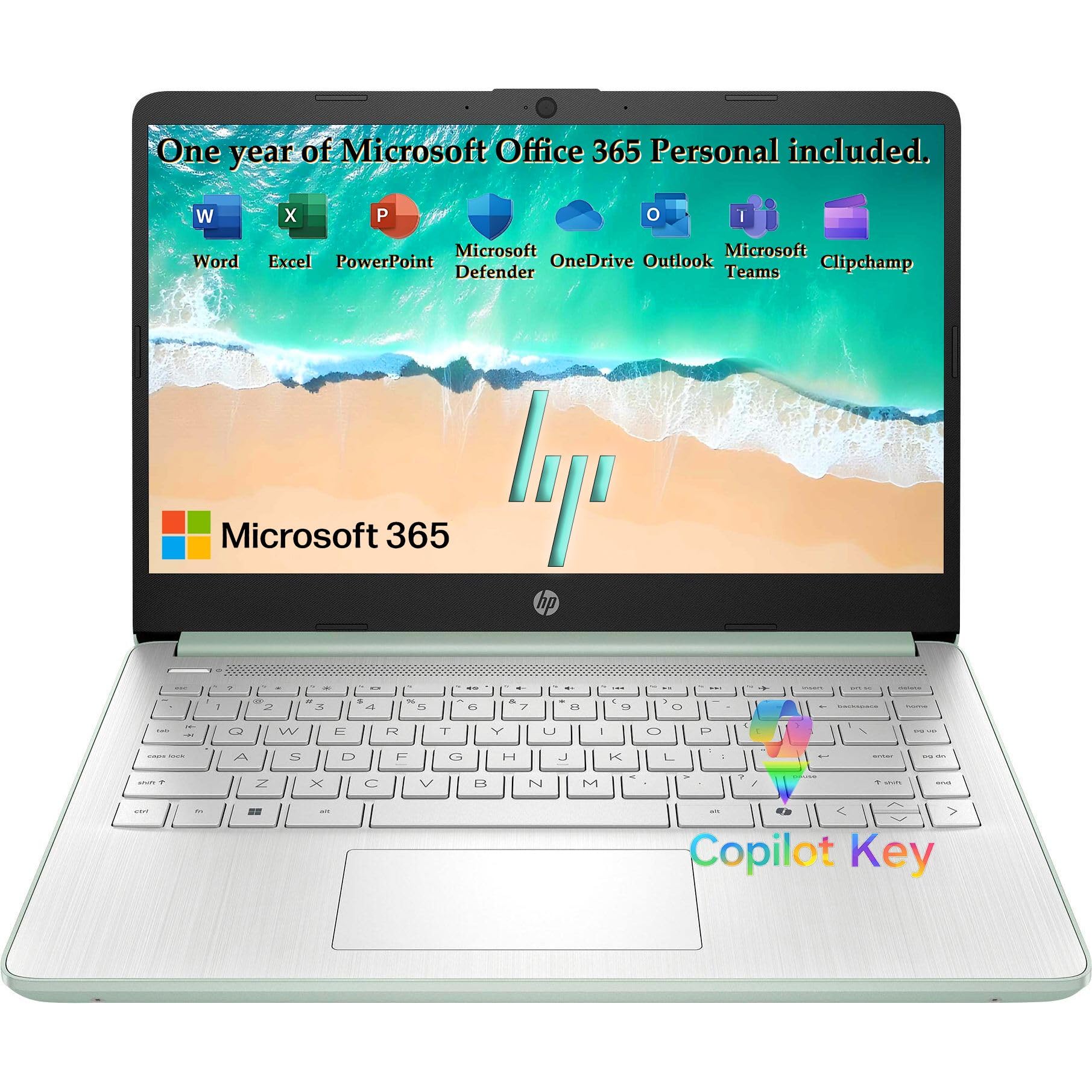
HP Everyday 14

89 /100
LBD Score Excellent

Key details

Memory
4 GB LPDDR5
Screen
14 inches
Storage
128 GB UFS
Wireless
Wi-Fi 6
View on Amazon

This is the laptop for the person whose day is a browser, an email account, a video call, and one Word document, and nothing heavier. At 3.24 pounds and 0.71 inches it slides into a tote, the 14-inch anti-glare screen fits a lap tray, and the Intel N150 inside is a low-power chip chosen for endurance and quiet rather than speed.

We recommend it for exactly that job and no bigger one. Wi-Fi 6 and USB-C with DisplayPort mean it talks to a modern router and an external monitor, and fast charge tops the battery up between meetings. Ask it to run two demanding programs at once and it will feel ordinary, which is the honest boundary of a machine built to this price.

The willow green finish over a silver keyboard deck is a nicer thing to look at than most budget laptops, and the bundled terabyte of cloud storage plus a memory card slot is how you live with the small drive: keep the local disk for Windows and apps and park everything else online or on a card. That is a workable routine, and it is the one we settled into.

Pros

  • 3.24 pounds and 0.71 inches thin
  • Wi-Fi 6 and USB-C with DisplayPort
  • Lowest price in this group
  • Fast charge and a memory card slot

Cons

  • 4GB of memory, soldered with no upgrade
  • 1366x768 screen looks soft next to the others
Our verdict

This is the one we hand to light users: 3.24 pounds, Wi-Fi 6, and USB-C at the lowest price in this group, for browsing, email, and video calls.

Check Latest Price
5

Best for Gaming

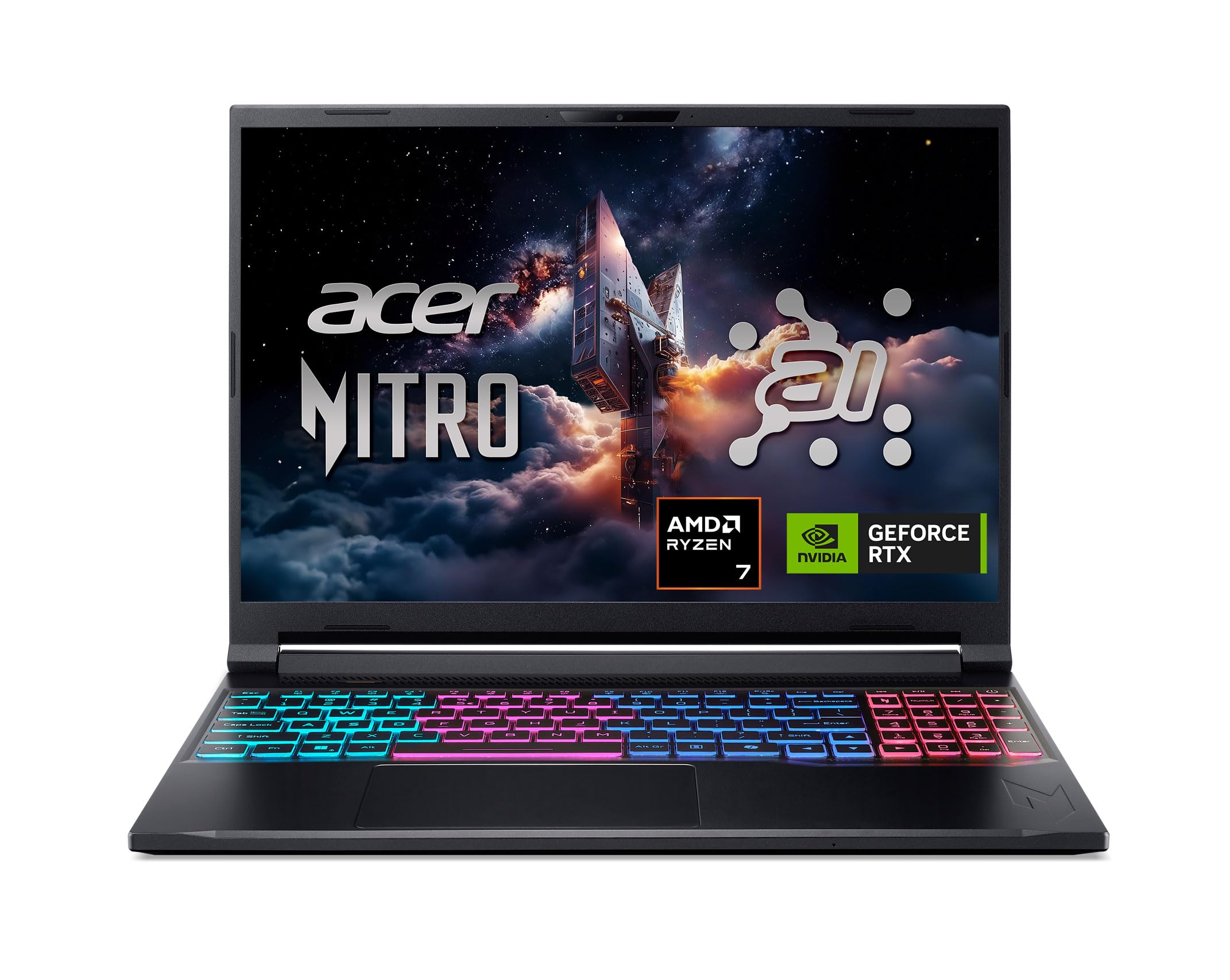
Acer Nitro V 16S

86 /100
LBD Score Excellent

Key details

Memory
32 GB DDR5
Screen
16-inch, 180Hz
Storage
1 TB SSD
Graphics
NVIDIA GeForce RTX 5060
View on Amazon

The specification list is the argument. An eight-core Ryzen 7 260, an RTX 5060 with 8GB of GDDR7 memory, 32GB of DDR5, and a 1TB Gen 4 SSD behind a 16-inch 180Hz panel: no other gaming machine here puts that much memory and storage together for the money, and 32GB is what keeps a game running with a browser and a chat client open behind it. That is why it is our gaming pick.

The screen earns its keep too, at 1920x1200 and 180Hz with full sRGB coverage, so games look smooth and video or photo work comes out close to the color you saw on screen. The 16:10 shape gives documents a little more vertical room than a 16:9 panel, and there is a second M.2 slot free inside if 1TB stops being enough.

At 4.6 pounds it is the lightest way to carry this much graphics power in this group, and Acer ships a protective sleeve in the box. It is still a gaming laptop: the battery is for moving between outlets rather than playing unplugged, and the power brick belongs in the bag.

Pros

  • 32GB of DDR5 and a 1TB Gen 4 SSD
  • 180Hz 16-inch panel with full sRGB coverage
  • A second M.2 slot left empty
  • 4.6 pounds with a sleeve included

Cons

  • Fans get loud under a sustained game
  • Chassis runs warm at stock settings
Our verdict

Our gaming pick: 32GB of memory, a 1TB SSD, and a 180Hz screen over an RTX 5060, which is more gaming hardware than anything else here for the money.

Check Latest Price
6

Premium Gaming

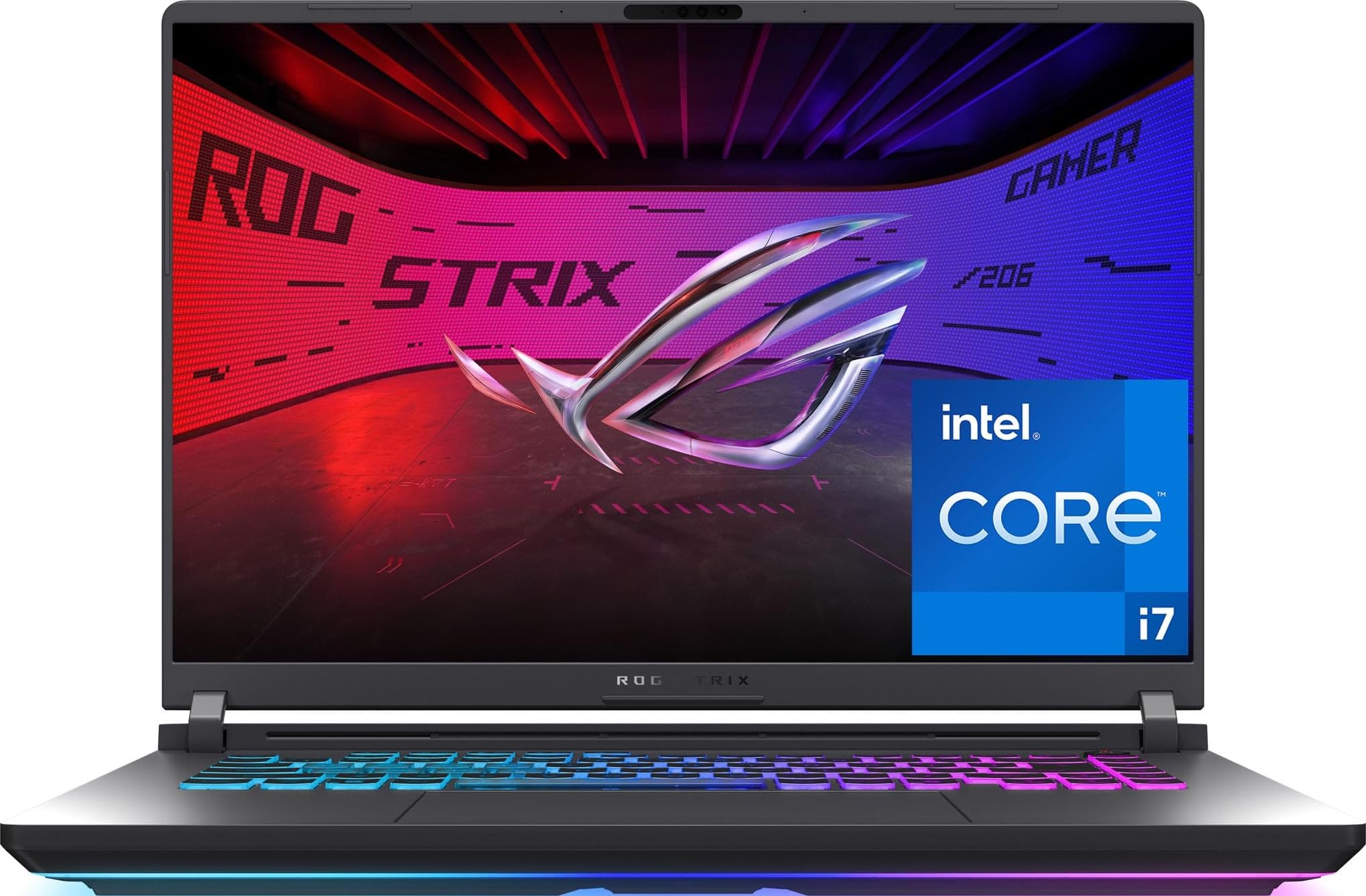
ASUS ROG Strix G16

86 /100
LBD Score Excellent

Key details

Weight
5.8 lb
Storage
1 TB SSD
Graphics
NVIDIA GeForce RTX 5060
Processor
Intel Core i7-14650HX
View on Amazon

Same graphics chip, different machine. The Strix G16 runs the same RTX 5060 as the Nitro V but pairs it with Intel's 16-core Core i7-14650HX, adds Wi-Fi 7, and puts it all in a heavier chassis with a 360-degree RGB light bar that a stealth mode turns off for meetings.

The 16-inch FHD+ panel runs at 165Hz, and the 90Wh battery is the largest in this group, though a laptop with this much graphics power is outlet-bound the moment you open a game. Storage matches the Nitro at a 1TB Gen 4 SSD.

What the extra money buys beyond the processor is polish: Wi-Fi 7 instead of Wi-Fi 6, a denser chassis that feels like a professional tool, and 16 cores for rendering and compiling as well as gaming. It is the more finished of the two gaming laptops here.

Where that leaves us: the Strix is the better-built and better-connected gaming laptop, and the Nitro is the better value. We steer most people to the Nitro; the Strix earns the difference when the same machine has to work as a workstation, where the extra cores and Wi-Fi 7 matter. At 5.8 pounds it is not the one for a daily commute.

Pros

  • 16-core i7-14650HX
  • Wi-Fi 7, a generation ahead of the rest
  • 90Wh battery, the largest here
  • 165Hz FHD+ display

Cons

  • Memory tops out at 16GB
  • Runs hot and loud under load
Our verdict

Buy this over the Nitro V when you want the same RTX 5060 in a more finished machine with 16 Intel cores, Wi-Fi 7, and a 90Wh battery.

Check Latest Price
7

Big-Screen Basics

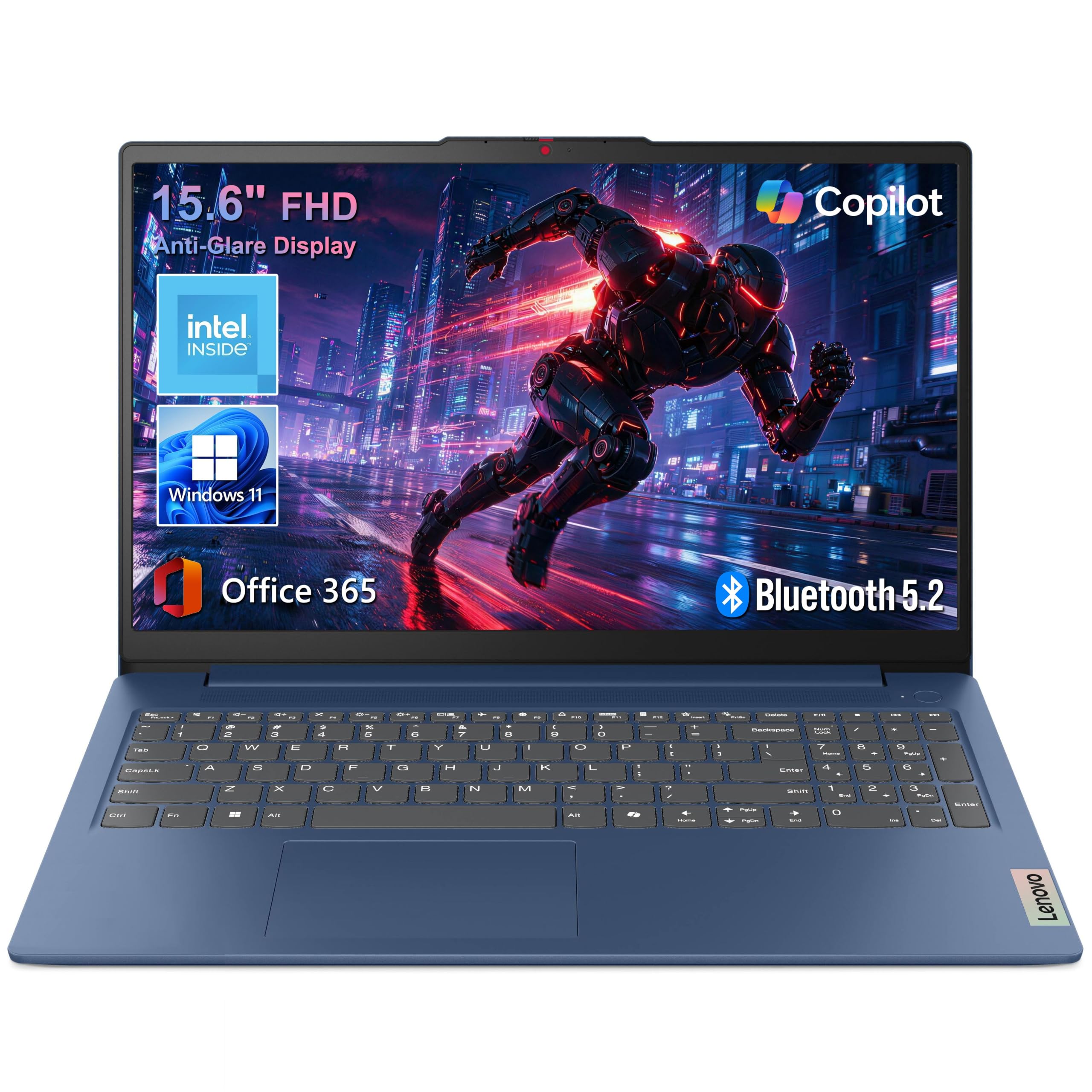
Lenovo IdeaPad Slim 3 15

87 /100
LBD Score Excellent

Key details

Memory
8 GB LPDDR5
Screen
15.6 inches
Weight
3.42 lb
Storage
128 GB UFS
View on Amazon

A hundred and twenty-eight gigabytes is the number that decides this laptop. Windows 11 and a handful of applications take a serious bite out of that before you save a single photo, so if your work involves video files, a photo library, or a folder of installers, the drive will feel tight within months.

Everything around the storage is more generous than the rest of the budget class: a 15.6-inch full-HD anti-glare screen, 8GB of LPDDR5 memory, Wi-Fi 6, USB-C that carries both power and video, two USB-A ports, HDMI, and a dedicated Copilot key. At 3.42 pounds and 0.70 inches it is lighter than most 15-inch laptops here, which makes it easy to move between a desk and a kitchen table.

We think it is the right buy for a student or a home user whose files live online, since Microsoft 365 Personal is included and there is a card slot for local overflow, and the wrong one for anyone building a local media library. At this money, a big screen and 8GB of memory are the better trade than a small screen with more storage.

Pros

  • 15.6-inch full-HD anti-glare screen
  • 3.42 pounds and 0.70 inches thin
  • 8GB LPDDR5 and USB-C with power delivery
  • Microsoft 365 Personal included

Cons

  • No backlit keyboard
  • 250-nit panel is dim in daylight
Our verdict

A 15.6-inch full-HD screen in a 3.42-pound body for the least money of the big-screen picks, as long as your files live in the cloud.

Check Latest Price

How We Tested 10 Windows Laptops Over Eight Months

We started by pulling the specs and current prices on a couple dozen Windows laptops from major retailers, then cut anything with a cramped screen, an outdated port selection, or a price that didn't line up with its hardware. That left 10 machines spanning budget, business, big-screen, and gaming territory — the same 10 we then lived with for eight months.

Each laptop became someone's daily driver for at least a week and stayed in rotation after that: carried on commutes, opened on the couch and at the kitchen table, plugged into a monitor at a desk, handed to a tester's kid for homework. We ran the same video-call test on every machine, 30 minutes on battery, then felt the underside and palm rest and listened for how far the fan noise carried across a quiet room.

Battery life got two measurements: looped video at a set brightness until shutdown, and a normal workday off the charger, noting where the percentage stood at 5 p.m. and how much a half-hour charge recovered. On the two gaming machines we played the same demanding title for an hour, watching whether frame rates held steady and whether the fans settled back down once we stopped.

Displays were compared side by side, scrolling documents and reading small text on standard panels against 120Hz, 165Hz, and 180Hz ones, then tilting each screen under office lights to check glare. We typed the same two pages on every keyboard, ran a data-entry task on each model that has a numeric keypad, opened and closed each lid a hundred times, and carried them loose in backpacks to see which hinges and chassis came back with flex, rattles, or scratches.

How to Choose a Windows Laptop

Processor and memory decide how long it stays useful

Chip names matter less than the class they sit in. A low-power Intel N150 or a Celeron handles a browser, email, and video calls quietly and cheaply, and it will not enjoy a dozen heavy tabs at once. Intel's H-series i5 and i7 chips and AMD's Ryzen 5 and Ryzen 7 parts carry more cores for real work.

Memory matters more than most shoppers expect. We treat 4GB as a light-use machine, 8GB as the mainstream floor, and 16GB as the amount worth having in anything meant to last several years. Check whether it is soldered before you buy, because then the number you order is the number you keep; the Lenovo V15 Gen 4 has a free slot and is rated to 40GB.

128GB is smaller than it sounds

Windows 11 and a few applications can eat a third of a 128GB drive before you save anything, which is why budget laptops pair that capacity with a cloud storage bundle. A 512GB SSD is the comfortable baseline for a main machine.

If you buy small, look for a way out: a memory card slot, or better, a free M.2 bay. The Acer Nitro V leaves a second M.2 slot empty, and the budget laptops here rely on cloud storage and cards instead.

Battery claims are not battery capacity

Every listing quotes an optimistic up-to figure measured with the screen dimmed. The number that travels with you is watt-hours: the Lenovo V15 Gen 4 carries 26Wh, the Acer Nitro V 65Wh, and the ASUS ROG Strix G16 90Wh. Those figures explain a day away from an outlet far better than the marketing line does.

Gaming laptops with discrete graphics are outlet-bound regardless of capacity, so plan on the power brick coming with you rather than hoping for an all-day unplugged session.

Screen size is a carrying decision first

Seventeen inches buys two documents side by side and a number pad, in a body 15.78 inches wide that needs a large bag. Fourteen inches at 3.24 pounds disappears into a tote. Decide which of those lives you have before you decide anything about the panel.

Resolution matters more than size at the bottom of the market, where 1366x768 still turns up and looks soft next to full HD. Refresh rate is the sleeper: 120Hz or 180Hz makes scrolling and games visibly smoother. And check brightness, since a 250-nit screen is fine indoors and washes out near a window.

Ports and wireless decide how it docks

An RJ45 Ethernet jack still matters on an office network, and USB-C with power delivery plus DisplayPort means one cable can carry video and charge at the same time. HDMI covers the projector in a conference room, and Wi-Fi 6 is the sensible floor in 2026 rather than Wi-Fi 5.

Count the USB-A ports before you commit. A mouse, a headset dongle, and a flash drive will use three, and the slim machines rarely give you that many.

Frequently Asked Questions

Final Verdict

The HP 17 is the laptop we point most people to. A 17.3-inch screen, 16GB of memory, and a 512GB SSD for less than any other 16GB machine here is the balance most buyers want, and nothing else in this group matches it on space per dollar.

If the machine commutes to an office, take the Lenovo V15 Gen 4 for its Ethernet jack and Windows 11 Pro and accept the small battery. If it exists to play games, the Acer Nitro V 16S is the pick, with 32GB of memory and a 180Hz screen over an RTX 5060.