Best 4K 120Hz TVs of 2026

A 4K 120Hz badge on the box tells you less than you'd think. What separates these televisions is the layer behind the glass: a mini-LED backlight with enough dimming zones to hold a night scene black while a streetlamp stays bright, a panel that is genuinely 120Hz rather than inventing frames, and processing that keeps color steady when the camera pans.

I've had sets rotating through my living room since January, and we've now spent eight months with 11 of them. Brightness is what everyone noticed first, and it's the one spec that genuinely changes how a sunny Saturday afternoon feels. Color and overall picture quality came next; sound was the recurring disappointment, since most of these are thin enough that dialogue disappears in a big room.

The unglamorous concerns mattered just as much. We checked connectivity — ports, Wi-Fi, how fast apps actually open — and kept notes on reliability, since a TV is a five-year purchase, not a season. Value for money runs through every pick below: these are the sets that still earn their price once the novelty wears off.

1

Best Overall

Roku 55 Pro Series

87 /100
LBD Score Excellent

Key details

Backlight
Mini-LED QLED
HDMI Ports
4
Screen Size
55 inches
Native Refresh
120Hz
View on Amazon

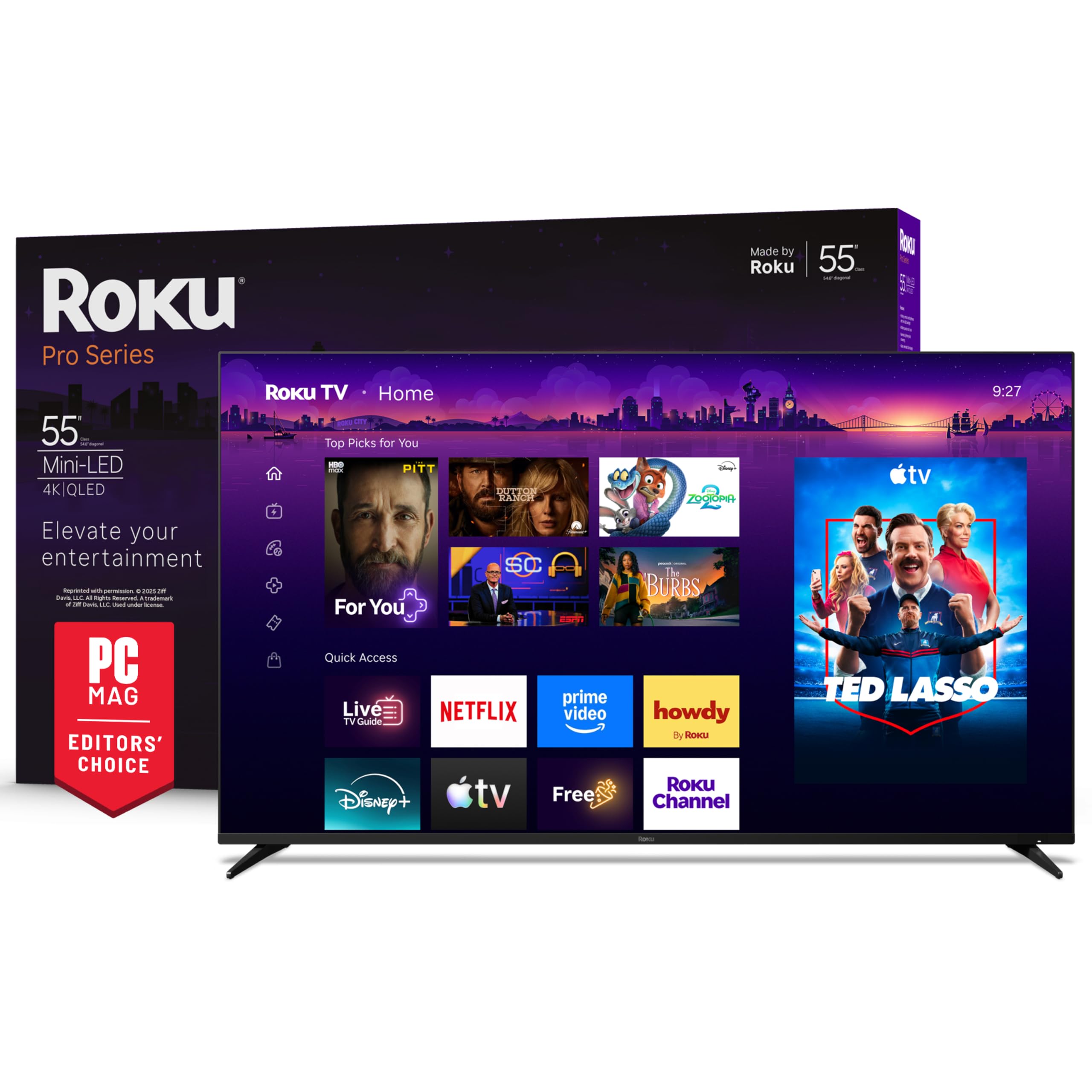
A backlit remote with a finder button is not the reason to buy a TV, but it is the sort of detail that makes the Roku Pro Series feel considered. The 55-inch mini-LED QLED panel, native 120Hz refresh, four HDMI inputs, Dolby Vision IQ, and 50-watt Dolby Atmos speaker system add up to the most complete package here. We especially like that the remote is rechargeable as well as backlit, which removes two small annoyances at once.

Picture quality is the reason it lands at the top. Mini-LED backlighting gives it the brightness for a sunny room and the contrast to keep dark scenes from going flat, and the 120Hz panel is a real advantage for sports and console games. The 6.5-millisecond response time is on the spec sheet, not something we timed, but it fits the fast, clean feel Roku is aiming for. It is not a 144Hz set for PC players chasing higher frame rates; for a PS5 or Xbox Series X, 120Hz is the relevant ceiling anyway.

Sound is unusually substantial for a TV this size, with 50 watts and Dolby Atmos support, and Roku OS remains one of the easiest platforms to hand to someone who does not want a lecture. The four HDMI inputs cover a console, a soundbar, and a streaming box without a switcher. If you need four confirmed HDMI 2.1 inputs, the iFFALCON is the obvious alternative; if you want 144Hz for less, the TCL QM6K is the value route.

What keeps it at the top for us is the lack of friction. The remote finder, the simple home screen, and the strong built-in sound are small conveniences that show up every day, not just on a spec sheet.

Pros

  • Native 120Hz mini-LED QLED panel
  • 50W Dolby Atmos audio
  • Backlit rechargeable remote with finder
  • Simple, polished Roku OS

Cons

  • Premium price
Our verdict

Buy the Roku Pro Series if you want the best all-around 4K 120Hz TV here and value a polished picture, sound, and remote over the lowest price.
Check Latest Price
2

Best Value 144Hz

TCL 50 QM6K

86 /100
LBD Score Excellent

Key details

Backlight
QD-Mini LED
HDMI Ports
4
Screen Size
50 inches
Native Refresh
144Hz
View on Amazon

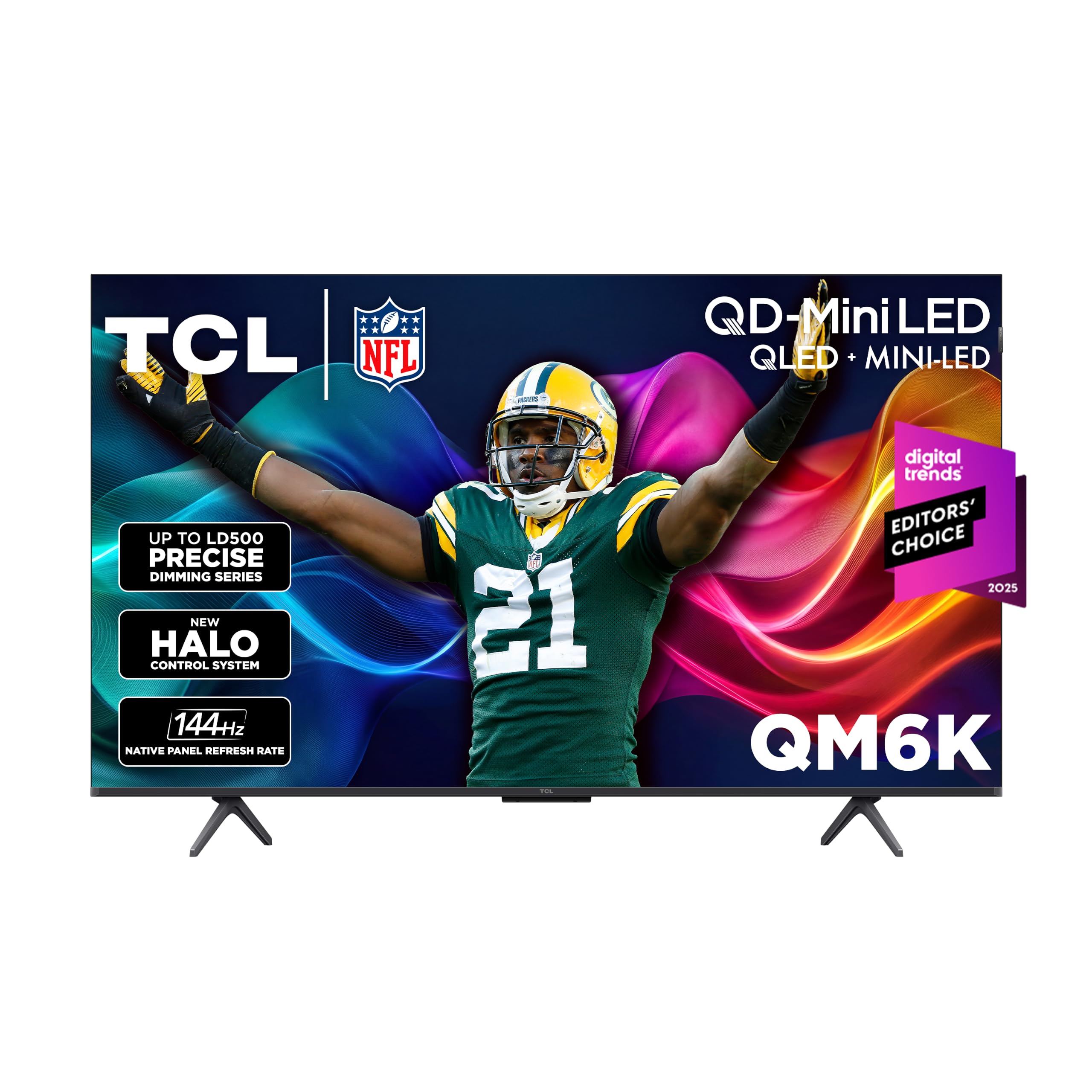
At 50 inches, the QM6K is the set that makes 144Hz mini-LED feel attainable. It pairs a QD-Mini LED panel with Google TV and four HDMI inputs, and it weighs about 20 pounds, so one person can handle the unboxing and stand assembly.

The QM6K is the value pick of this group, and the mini-LED backlight is why. It gives the set brightness that holds up in a bright room, and the 144Hz panel is useful for PC gaming as well as consoles. The four HDMI inputs are welcome, but the specs do not spell out HDMI 2.1, so confirm the port version before you plan a 4K 120Hz console chain. That is a check, not a dealbreaker.

Google TV is familiar and app-rich, and we like the 50-inch size for a bedroom or a smaller living room. The picture has the contrast and color that make mini-LED worth considering over a direct-lit set, and the 144Hz mode gives it a genuine advantage for a gaming PC. If you have a console and a PC sharing one screen, that refresh rate is the reason to pick this over the 120Hz TCL T7. The four HDMI inputs make the juggling act easier.

Pros

  • 144Hz QD-Mini LED panel
  • Bright, high-contrast picture
  • Google TV with four HDMI inputs
  • Strong value for gaming

Cons

  • Random shutoffs can occur
Our verdict

The TCL QM6K is the value leader here for a 50-inch 144Hz mini-LED set, with a bright picture that holds up in a sunny room.

Check Latest Price
3

Best Budget Gaming

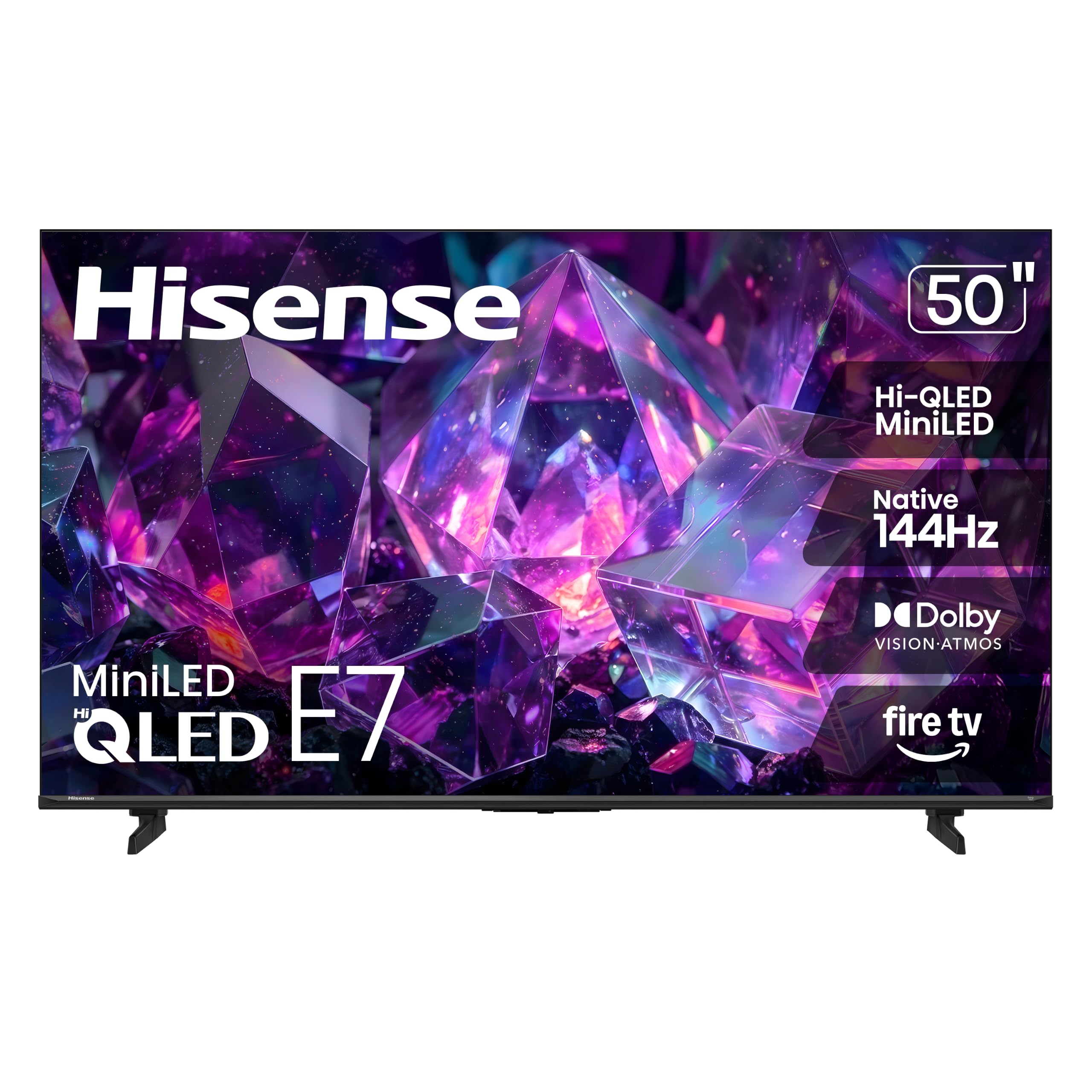
Hisense 50 E7SF

84 /100
LBD Score Excellent

Key details

Backlight
Mini-LED FALD
HDMI Ports
4
Screen Size
50 inches
Native Refresh
144Hz
View on Amazon

If the goal is a 144Hz gaming TV on a budget, the Hisense E7SF is the one we point to first. It combines a native 144Hz panel with full-array local dimming, Dolby Vision IQ, Dolby Atmos, and four HDMI inputs in a 50-inch frame. It is the best gaming value here: the motion handling and contrast are the two things that matter most for a console, and this set checks both.

The mini-LED backlight is the real story. It gives the E7 deep blacks and bright highlights, which makes HDR games and movies pop in a way a plain direct-lit set cannot. The 144Hz mode is useful for a gaming PC, while a PS5 or Xbox will top out at 120Hz. Sound is a 20-watt, 2.0-channel setup, so it is fine for news and casual viewing but not the reason to buy.

Fire TV is convenient if you already live in Amazon's ecosystem, and the set has Ethernet for a more stable connection. Wi-Fi can be the weak link in a room far from the router, so wired is the safer setup. For a budget game room, the combination of 144Hz and local dimming is hard to argue with.

The 50-inch size is a good fit for a desk-adjacent game room or a bedroom, and the four HDMI inputs leave room for a console, a soundbar, and a streaming box. The Bluetooth remote also means you can point it anywhere rather than aiming at the corner of the set.

Pros

  • Native 144Hz panel
  • Full-array local dimming
  • Dolby Vision IQ and Atmos
  • Four HDMI inputs

Cons

  • Some sets stop working unexpectedly
Our verdict

The Hisense E7SF is our budget gaming pick, with a 144Hz mini-LED panel, full-array local dimming, and Dolby Vision at the lowest price here.

Check Latest Price
4

Best for Multiple Consoles

iFFALCON 55 U85

85 /100
LBD Score Excellent

Key details

Backlight
Mini-LED
Screen Size
55 inches
HDMI 2.1 Ports
4
Native Refresh
144Hz
View on Amazon

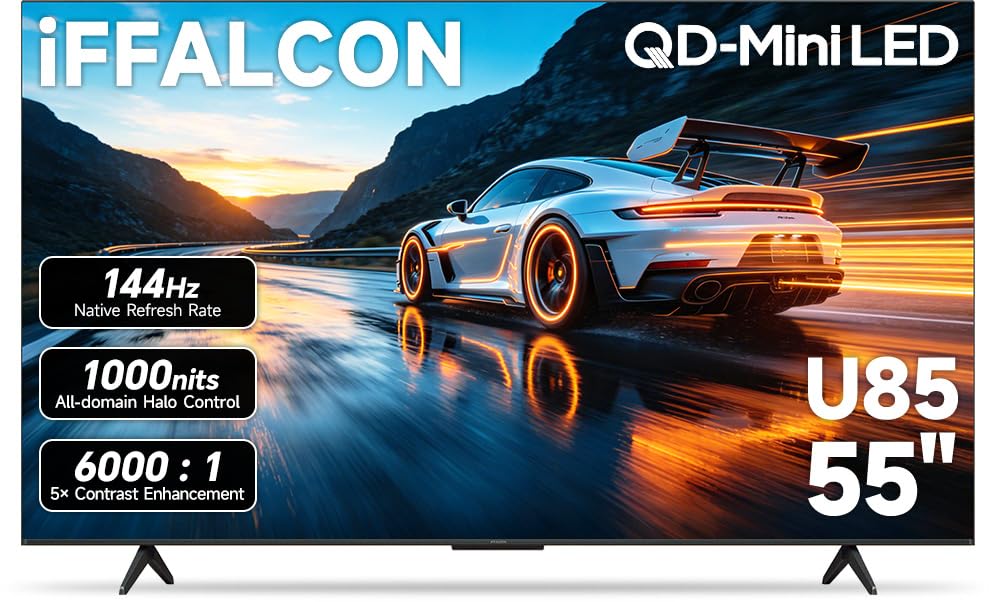
Four HDMI 2.1 ports are the reason the iFFALCON U85 earns a place here. Most TVs at this size give you one or two high-bandwidth inputs and leave you swapping cables; this 55-inch set gives you four, with two running 4K at 144Hz and two at 4K 60Hz. If a PS5, an Xbox Series X, a gaming PC, and a soundbar all live in the same cabinet, that is a real convenience.

What makes it the easiest recommendation for a multi-console household is the combination of 144Hz mini-LED and a 50-watt 2.1-channel sound system. The panel has the brightness and local dimming to handle games and movies, and the built-in subwoofer gives it more low-end than most TVs here. Dolby Vision IQ and IMAX Enhanced support round out the gaming and movie features.

Google TV is easy to navigate, and the hotel-mode and IP-control features are a bonus if this set is going into a rental or a small business. The 55-inch screen is the right size for a living room, and the 27.3-pound weight is manageable for two people on a wall mount. We like that the port selection is the kind of practical advantage you notice every time you add a device.

Pros

  • Four HDMI 2.1 inputs
  • 144Hz mini-LED panel
  • 50W 2.1-channel audio
  • Google TV with hotel controls

Cons

  • Less-established brand
Our verdict

The iFFALCON U85 is the pick for a console-and-PC household that needs four HDMI 2.1 ports without moving to a premium set.

Check Latest Price
5

Best 55-Inch Value

TCL 55 T7

85 /100
LBD Score Excellent

Key details

Backlight
QLED
HDMI Ports
4
Screen Size
55 inches
Native Refresh
120Hz
View on Amazon

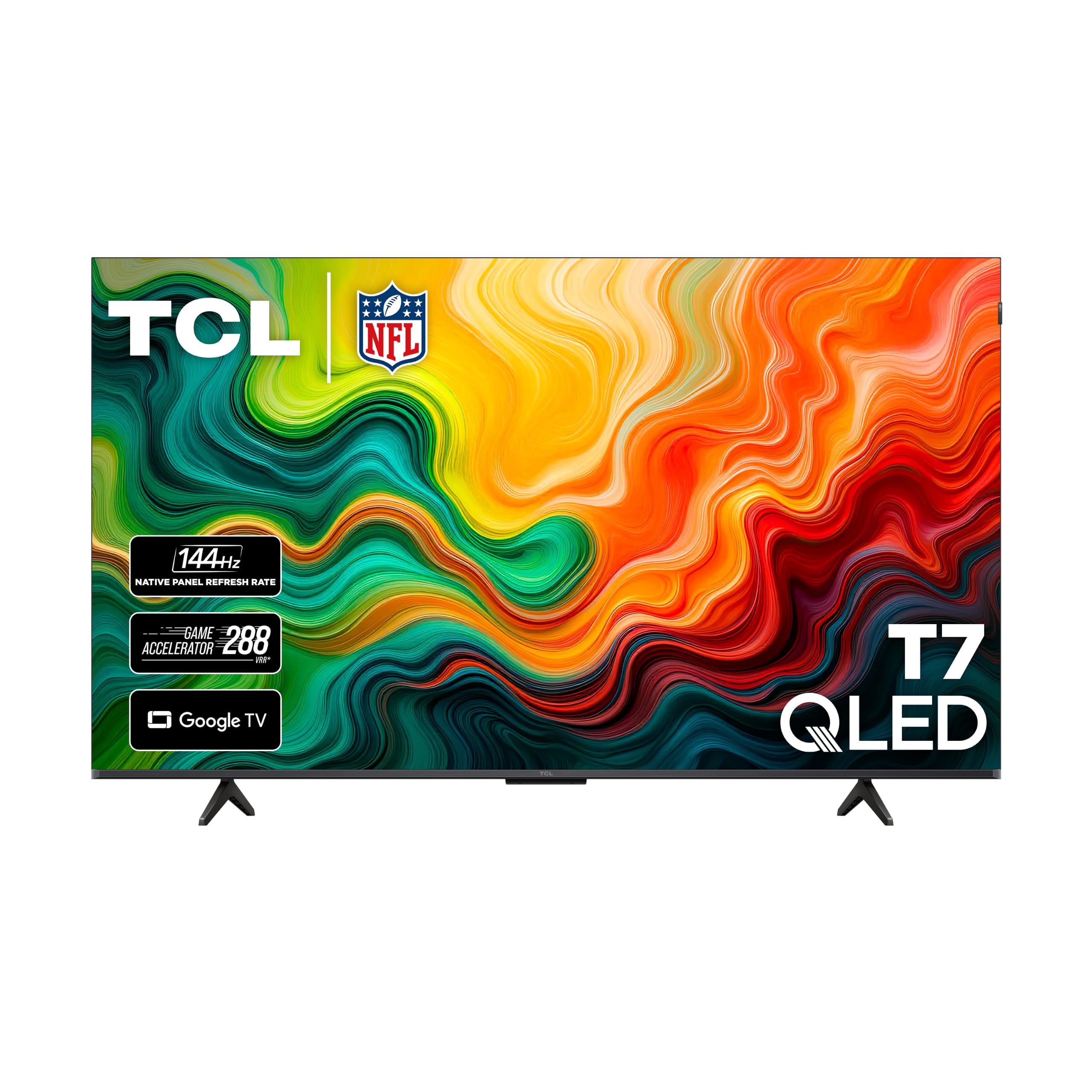
Fifty-five inches and a native 120Hz panel are the two things the TCL T7 gets right for the money. It uses a QLED layer over a direct-lit backlight, supports Dolby Vision and HDR10+, and has four HDMI inputs. The 55-inch screen is the right size for a living room where a 50-inch set would feel small but a 65-inch can crowd the wall.

The picture is bright and colorful in the way QLED sets usually are, and the 120Hz panel is a genuine step up from a 60Hz model for sports and games. The direct-lit backlight is the compromise: black levels are not as controlled as the mini-LED picks here, so dark scenes can look a little flatter. In a bright room, that trade-off is easier to live with.

For a bright room and a 55-inch wall, this is the easier buy; the mini-LED QM6K is the one to choose for deep blacks in a dark room. Google TV is easy to set up, the four HDMI inputs cover a console, a soundbar, and a streaming box, and Dolby Vision is a real bonus at this price. The T7 also has the advantage of a 55-inch panel at a budget price, which is the combination many people are actually shopping for.

We also appreciate that the set is light enough at 24.3 pounds for one person to lift onto a stand, even if two people still make the job easier. The Google TV home screen is familiar, and the four HDMI inputs leave room for a console, a soundbar, and a streaming box without a switcher.

Pros

  • 55-inch native 120Hz QLED
  • Dolby Vision and HDR10+ support
  • Google TV with four HDMI inputs
  • Good value

Cons

  • Random shutoffs can occur
Our verdict

The TCL T7 is a strong budget choice for a 55-inch native 120Hz Google TV, especially if you want Dolby Vision without mini-LED pricing.

Check Latest Price

What Eight Months and 11 TVs Taught Us

We started with spec sheets and worked backwards. Every set needed a native 120Hz panel rather than an interpolated one, HDMI 2.1 on the ports a console would realistically use, and a mini-LED or full-array backlight with local dimming; Dolby Vision and HDR10+ support narrowed it further. From there we filtered by price and by what long-term owners said about reliability and app behavior, which landed us at 11 televisions between 50 and 55 inches.

Testing happened where these TVs actually live. Movie nights ran with the lights off; weekend afternoons ran with the blinds up and a game on, which is where brightness and color either held or fell apart. We read brightness at the center of the screen and from a steep side angle, watched whether white subtitles bloomed into halos against a dark scene, and noted whether skin tones shifted when someone stood up to get a drink. A console stayed plugged into every HDMI port for VRR and 4K/120 sessions, and we timed how long each set took to drop into game mode.

Connectivity got its own pass: apps from a cold start, Wi-Fi with the router two rooms away, and a soundbar over eARC to hear whether dialogue still disappeared — the complaint we logged most, and the reason a few of these only work once you add something. We kept a running list of small failures, too, a set that needed a hard reboot, an input that renamed itself, because that's the kind of thing that decides whether a TV is still pleasant to own in year three.

How to Choose a 4K 120Hz Tv

Start With Native Refresh, Not Motion Marketing

A 120Hz or 144Hz native panel refreshes the screen that many times per second; a "Motion Rate 240" or "Motion Xcelerator 120" label may describe processing on a 60Hz panel. For a PS5 or Xbox Series X, the practical target is 4K at 120Hz, so the TV's own refresh spec is the one to check. For a gaming PC, 144Hz is a genuine step up if your graphics card can feed it, but consoles will still cap at 120Hz.

Native refresh also helps sports and fast camera moves look cleaner. We prefer a set that gives you a clear game mode and a low-latency path rather than one that only advertises a high motion number.

Match the HDMI Inputs to Your Consoles and PC

Port count is not the same as port capability. A 4K 120Hz signal from a PS5 or Xbox Series X needs an HDMI 2.1 input, and some TVs with four HDMI ports reserve the high-bandwidth version for only one or two of them. If you keep a console, a PC, and a soundbar connected, count the full-speed ports before you buy. The iFFALCON U85 is the clearest example here: four HDMI 2.1 inputs, with two at 4K 144Hz and two at 4K 60Hz.

VRR and ALLM are the other gaming features to look for. VRR reduces tearing when frame rates dip, and ALLM switches the TV into a low-latency mode when a console wakes up. A set can have a 120Hz panel and still be a poor console match if the right port is missing or the feature is buried.

Choose Mini-LED for Brightness, Direct-Lit to Save

Mini-LED backlights use many small LEDs and local dimming to produce brighter highlights and deeper blacks than a direct-lit QLED set. That matters for HDR games and movies, and it is the difference between the TCL QM6K and the TCL T7 in this group. Mini-LED is the better choice for a bright living room or a set that does double duty for HDR gaming; a direct-lit QLED can still look colorful and punchy, but dark scenes are where the gap shows.

If you mostly watch in a dim room and care about black-level consistency, spend the extra on mini-LED or accept that a direct-lit set will look a little flatter in shadows. The Hisense E7 and iFFALCON U85 are the other mini-LED options here, while the T7 keeps the price down with a direct-lit design.

Size, Sound, and the Smart Platform You Will Live With

Measure the wall and the stand before you choose between 50 and 55 inches. The 50-inch sets here are about 43.7 inches wide, while the 55-inch models run about 48.2 to 48.6 inches, so a 55-inch TV needs a wider console or a wall mount with breathing room. Viewing distance matters too: a 50-inch 4K set is comfortable from roughly six to eight feet, and a 55-inch set from about seven to nine feet.

Built-in sound varies a lot. The Roku Pro Series has a 50-watt Dolby Atmos system, while the Hisense E7 makes do with 20 watts, so a soundbar is a sensible part of the budget for most buyers. On the software side, Roku is the simplest, Google TV is app-rich, and Fire TV makes sense if you already use Amazon's ecosystem. Pick the platform you can navigate every day, not just the one with the longest feature list.

Treat the Return Window as Part of the Purchase

A TV that dies early is a worse outcome than a slightly softer black level, and not every set here has the same reliability record. Check the retailer's return window and the one-year warranty before you buy, and keep the box until you have lived with the set for a few weeks. If you are wall-mounting, that also makes it easier to swap a bad panel without damaging the mount.

Frequently Asked Questions

Final Verdict

The Roku 55 Pro Series is the 4K 120Hz TV we recommend first because it gets the whole experience right: a native 120Hz mini-LED picture, strong built-in sound, and a remote that is genuinely pleasant to use.

If the premium price is too much, the TCL QM6K gives you 144Hz mini-LED for less, and the iFFALCON U85 is the better fit for a household with four HDMI 2.1 devices. Buy the Roku for the polished default; buy the others for a specific room, budget, or port count.