Best 4K OLED Monitors of 2026

The first time I killed the lights with an OLED monitor on my desk, the screen vanished into the wall — no gray wash, no glow in the corners, just real black. Each pixel makes its own light, so dark scenes stay dark and color arrives without a backlight muddying it. What that fixes is the old tradeoff: you get 4K sharpness and genuine contrast on the same panel, and a dark movie scene finally looks dark.

The catch is that these panels aren't interchangeable. The two OLED technologies render small text and bright color edges differently up close, refresh rate and pixel response decide whether fast motion smears, and brightness handling dictates whether HDR highlights pop or clip to white. Ports matter more than shoppers expect, too — one USB-C cable that drives 4K and charges a laptop is the difference between a clean desk and an adapter nest.

My team spent eight months living with seven of these, spreadsheets at 9 a.m. and games after dinner, and the gaps between them showed up fast. Below are the ones that earned the desk space, and who each one suits.

1

Best Overall

ASUS ROG Swift PG32UCDM

90 /100
LBD Score Outstanding

Key details

Panel
QD-OLED, matte finish
Warranty
3 years with burn-in coverage
Screen Size
32 inches
Refresh Rate
240 Hz
View on Amazon

One number does most of the persuading: 240Hz at the full 3840 x 2160, on a 32-inch QD-OLED. That combination is what makes an OLED feel like a gaming monitor rather than a very good television, and ASUS surrounds it with a matte panel, a custom heatsink and graphene film behind the screen, and the three-year warranty that covers burn-in.

Other monitors here hit the same numbers, so why this one? Because it carries the longest record in the group. The LG matches the size and the refresh rate for less money, but far more of these ASUS panels are out in the world, and the picture holds up across that volume rather than shining in a handful of reviews. When two monitors are this close on paper, the depth of the record is the tiebreaker, and that is why this is the one we tell most people to buy.

The details around the panel are the ones that decide daily use. The matte finish kills reflections from a window or an overhead light, the uniform brightness setting stops the desktop from pulsing as windows open and close, and USB-C at 90W runs a laptop off a single cable with the keyboard and mouse hanging off the monitor's hub. A presence setting blanks the screen when you leave your chair, which does more against burn-in than any menu toggle.

The honest trade is finish, since a glossy QD-OLED like the MSI looks punchier in a dark room. This is the monitor you can leave facing a window all afternoon, and at this price the coating has to earn its place. It does.

Pros

  • 240Hz at full 4K, no compromise mode
  • Three-year warranty that covers burn-in
  • Matte coating handles windows and lamps
  • USB-C at 90W plus a built-in hub

Cons

  • Costs more than the MSI at the same size and speed
Our verdict

The 4K OLED we point most people to: full 240Hz at 32 inches, the deepest track record here, and burn-in coverage that makes the money easier to justify.
Check Latest Price
2

Best Value

MSI MAG 321UP QD-OLED

85 /100
LBD Score Excellent

Key details

Panel
QD-OLED, glossy finish
Warranty
3 years
Screen Size
32 inches
Refresh Rate
165 Hz
View on Amazon

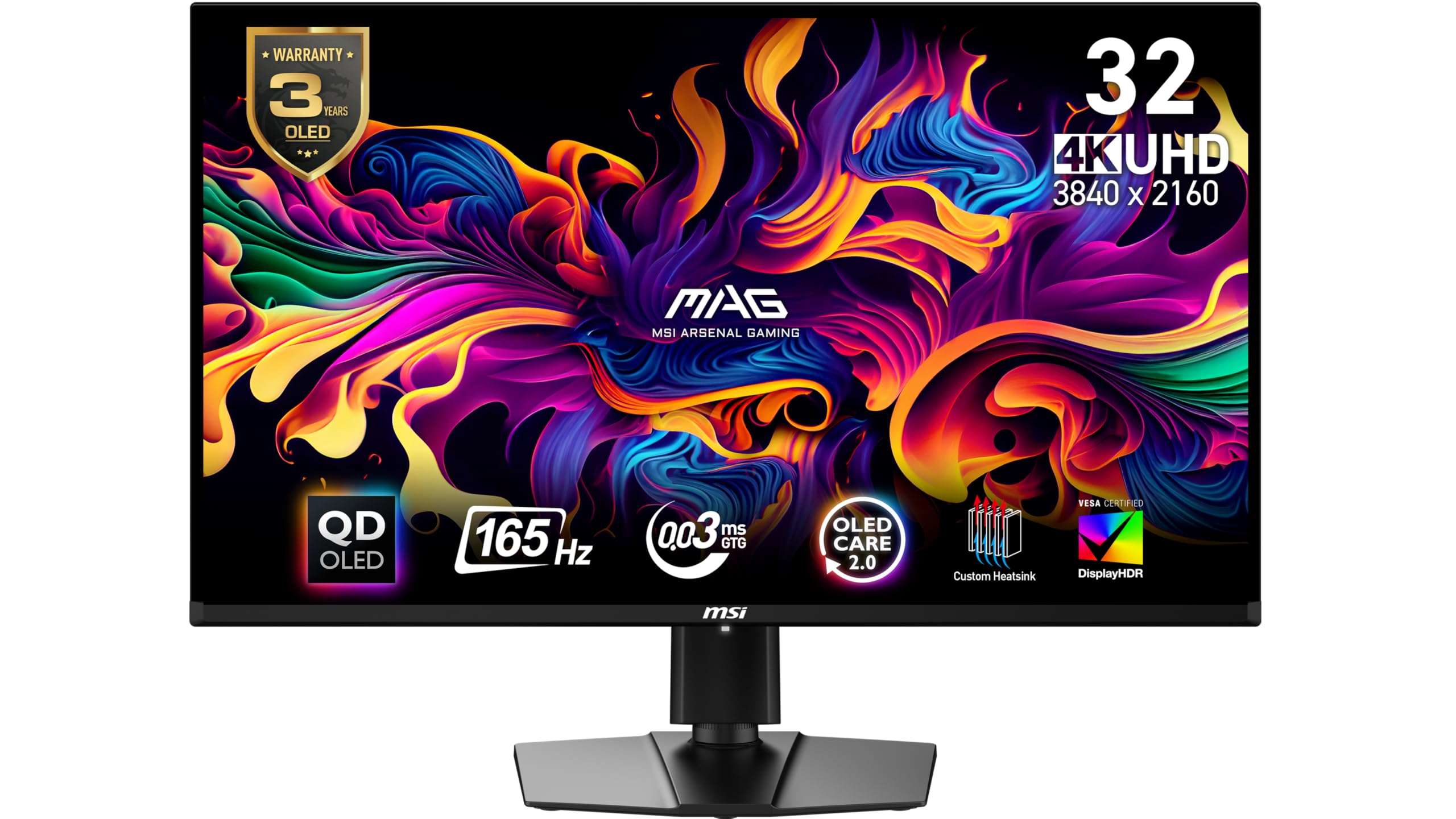
This is the cheapest way into a 32-inch 4K OLED in this group, and the saving does not show up as a worse picture. MSI uses a third-generation QD-OLED panel with the same 0.03ms response and True Black 400 certification as monitors that cost considerably more, and the glossy coating is the most striking thing on any desk here — color sitting on true black rather than glowing gray out of it.

What you give up is refresh rate and ports. 165Hz is not 240Hz, and anyone who plays competitive shooters will feel the difference at the margins. For single-player games, video and spreadsheets, what you notice is the panel, not the frame counter. The glossy screen will mirror a lamp or a window directly behind you, which is easy to fix by moving the lamp and impossible if your desk faces glass.

Ports are the real compromise: one HDMI, one DisplayPort, and no USB-C or KVM. If you dock a laptop, that means two cables instead of one and no keyboard switching between work and play; on a desktop tower that never moves, it costs you nothing. If the screen drops signal mid-session, exchange it inside the return window instead of opening a support ticket.

What we keep coming back to is how little this feels like the budget option until you look at the back of it. The panel is the reason to buy, and the panel is the part MSI did not cut.

Pros

  • 32-inch QD-OLED picture at the lowest price here
  • Glossy panel with deep, saturated color
  • Three-year manufacturer warranty
  • Height-adjustable stand and VESA mounting

Cons

  • No USB-C input and no KVM switch
  • 165Hz where the ASUS and LG run 240Hz
Our verdict

For most buyers the sensible 4K OLED: the same 32-inch QD-OLED panel technology for the least money here, as long as 165Hz and two cables do not bother you.

Check Latest Price
3

Best for Console and PC

LG UltraGear 32GX870A-B

83 /100
LBD Score Excellent

Key details

Panel
OLED, matte finish
Warranty
2 years
Screen Size
32 inches
Refresh Rate
240 Hz (480 Hz at 1080p)
View on Amazon

Two years. That is the warranty LG lists on the 32GX870A-B, and it is the one line where this monitor gives ground to the ASUS and the Samsung, both of which carry three. On a panel that will spend years showing a taskbar, the extra year of coverage is worth more than it is on an LCD.

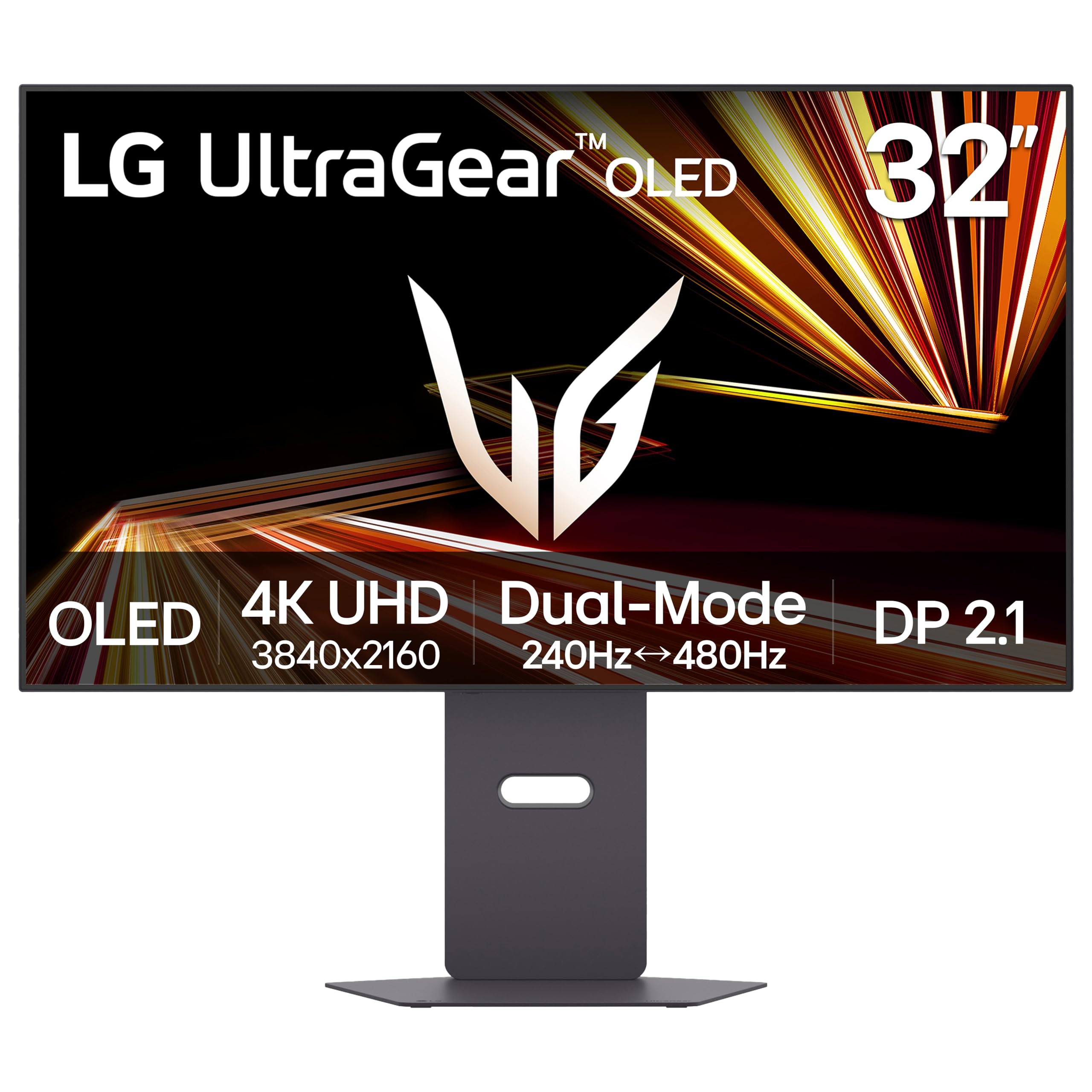
We still rank it near the top of this group, because nothing else here changes modes. Hit the dual-mode switch and the panel drops to 1080p at 480Hz for competitive shooters, then goes back to 240Hz at full 4K for everything else. For a desk with a PS5 underneath and a PC beside it, that flexibility is worth more than a column on a spec sheet.

The rest of the package suits a shared desk too: DisplayPort 2.1, USB-C for a laptop, built-in speakers, and a matte anti-glare coating that keeps a lamp from washing the picture out. Peak brightness in HDR highlights reaches 1300 nits, and that is where the HDR pop comes from — the panel does not hold anything close to that across a full white window.

Where the cheaper MSI cannot follow is exactly that toggle. It tops out at 165Hz and has no second mode, so this is the only monitor in the group that gets faster when you drop the resolution.

Pros

  • Dual mode: 4K at 240Hz or 1080p at 480Hz
  • DisplayPort 2.1, USB-C and built-in speakers
  • Matte anti-glare coating for bright rooms
  • 1300-nit peak brightness in HDR highlights

Cons

  • Two-year warranty, a year short of ASUS and Samsung
  • 275-nit typical brightness is modest in a bright room
Our verdict

The one to buy if a console and a gaming PC share your desk: dual-mode 480Hz at 1080p, 240Hz at 4K, and DisplayPort 2.1 in a single monitor.

Check Latest Price
4

Best 27-Inch Option

Samsung Odyssey G8 G81SF

78 /100
LBD Score Very Good

Key details

Panel
QD-OLED, matte finish
Pixel Pitch
0.15 mm
Screen Size
27 inches
Refresh Rate
240 Hz
View on Amazon

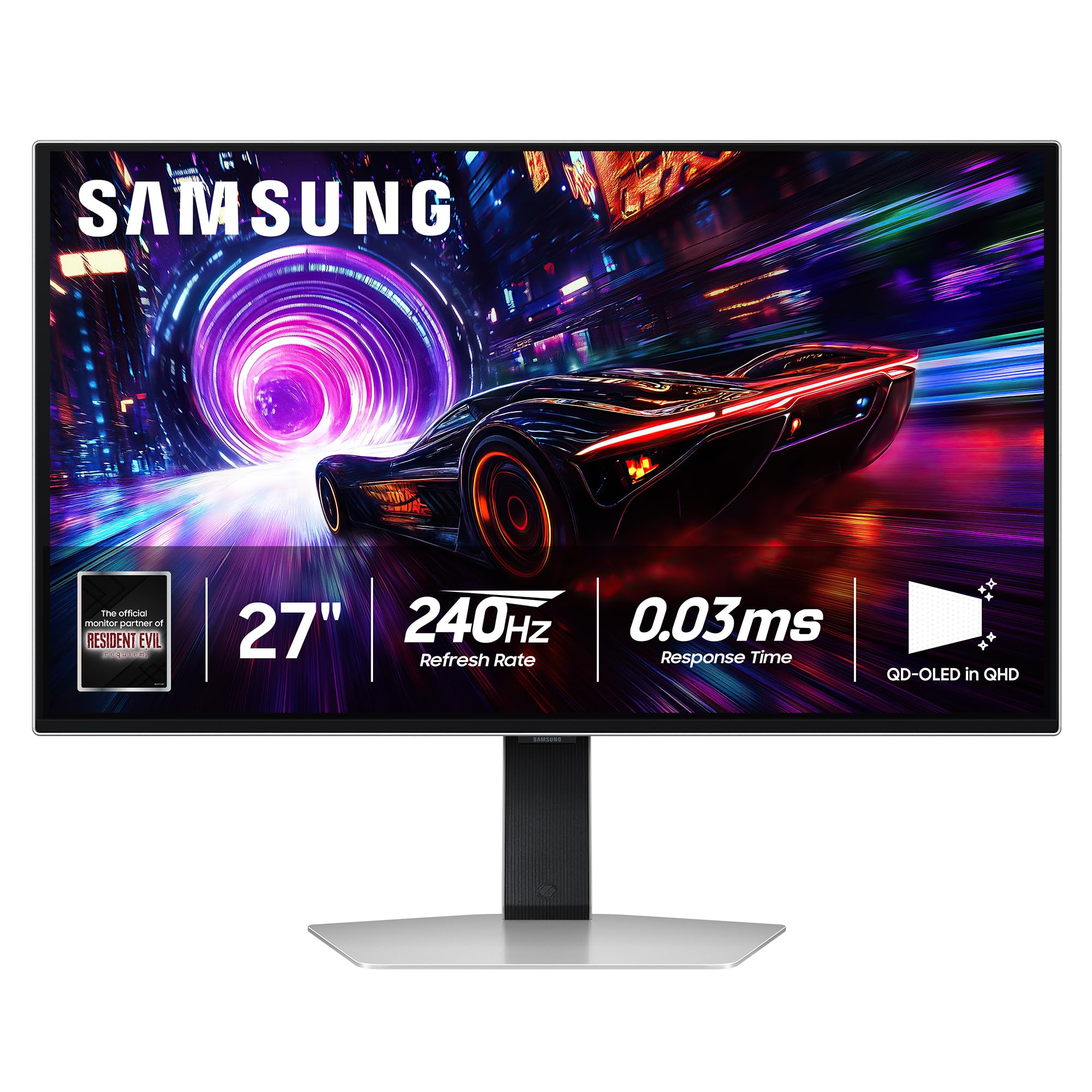
A 32-inch monitor at arm's length makes you turn your head to read the far corner of a spreadsheet. If that is your desk, the G81SF is the pick that does not force a compromise on speed: 27 inches, 3840 x 2160, 240Hz, and a 0.15mm pixel pitch against 0.18mm on the 32-inch ASUS and LG.

That finer pitch is the whole argument. Text at 27 inches and 4K looks like print, small interface elements stop shimmering, and photo work benefits from the density more than from any menu setting. Samsung's Glare Free coating is the least reflective finish in this group, which matters on a panel you sit close to, and the stand adjusts for height and pivots to portrait.

Our hesitation is not about the picture. This one costs about what the 32-inch MSI does, so going smaller does not save you money — it trades screen area for density. That is the right trade on a genuinely tight desk and the wrong one on a deep desk, where the extra inches come free.

The pivot earns its keep more than we expected: turned vertical, the panel makes a tall second screen for code or chat without towering over the main display the way a rotated 32-inch does.

Pros

  • 0.15mm pixel pitch makes text genuinely sharp
  • 240Hz at 4K on a 27-inch panel
  • Glare Free coating keeps reflections down
  • Height adjustment and pivot to portrait

Cons

  • Costs about the same as a 32-inch 4K OLED
  • Power button and long-term reliability are weak points
Our verdict

The pick for a shallow desk or a small room: 27 inches of 4K QD-OLED at 240Hz, with the sharpest text in this group.

Check Latest Price
5

Best for Desk Audio

Dell 32 Plus S3225QC

79 /100
LBD Score Very Good

Key details

Screen Size
31.6 inches
USB-C Power
90 W
Refresh Rate
120 Hz
Built-in Audio
Five 5 W speakers
View on Amazon

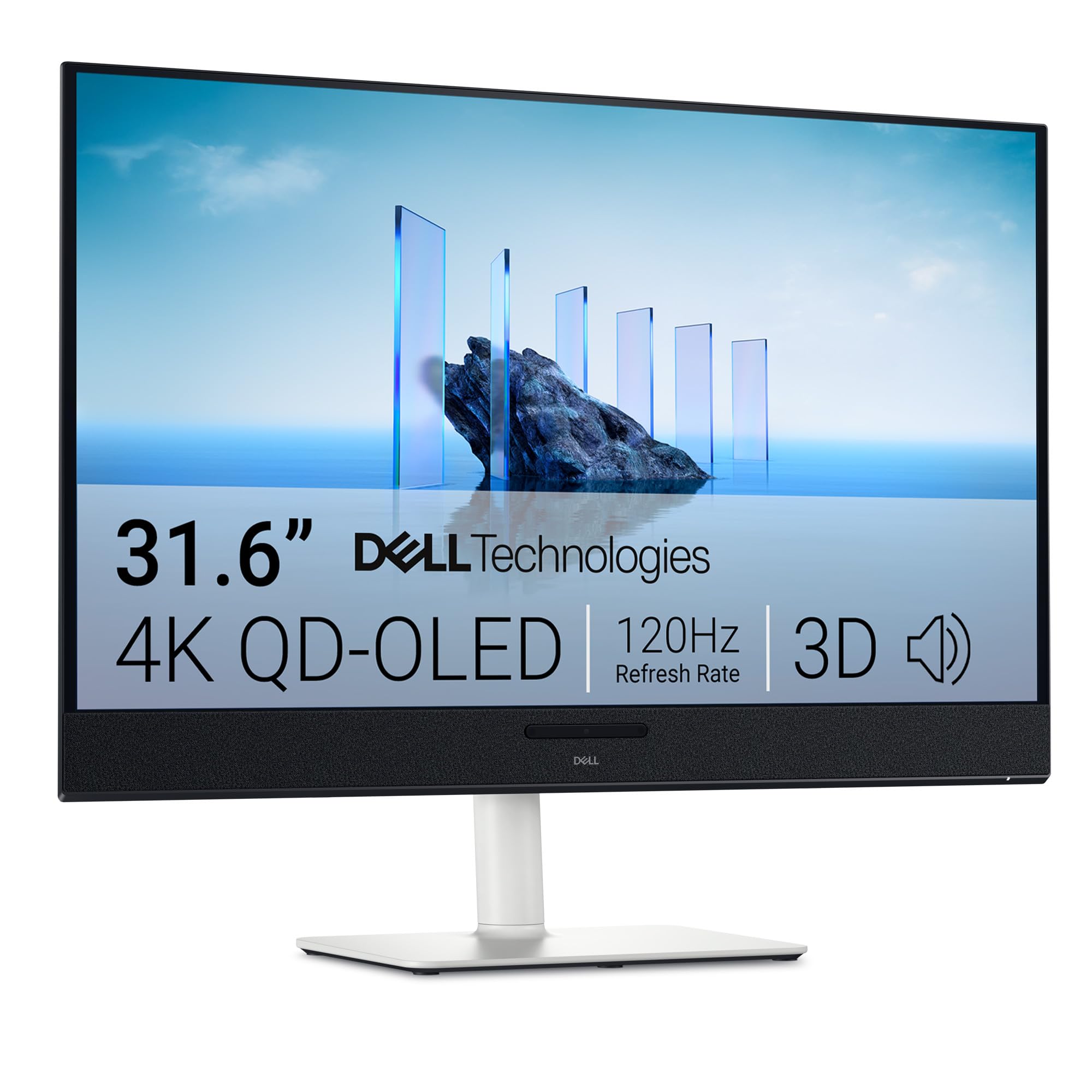
What you notice at this desk first is what is missing: no speakers, no dock, no cable spaghetti. Dell built five 5W drivers into the S3225QC and added head-tracked spatial audio, so a laptop connects with one USB-C cable while the monitor supplies 90W of power, the sound, and the USB peripherals hanging off the back. That combination is why it made this list.

The panel is a 31.6-inch 4K QD-OLED with Dolby Vision, True Black 400 and 99% DCI-P3, and it looks the way a good QD-OLED should: blacks that disappear into the bezel and color that stays saturated instead of washing out at the edges. ComfortView Plus filters blue light without turning the screen orange, which is more than most work monitors manage.

120Hz is the compromise, and it is a real one. For work, video and controller games there is plenty of headroom; for competitive shooters the ASUS and LG leave it behind. Ports are the second compromise: a single HDMI alongside the USB-C input and a small hub, with height and swivel adjustment on the stand.

The audio is also the one place to stay awake. An electrical whine can develop once the speakers have been running a while, and if it does, exchange the unit rather than living with it — the sound is the reason to choose this monitor, so it is not a feature to settle on.

Pros

  • Five 5W speakers with head-tracked spatial audio
  • Single USB-C cable with 90W power delivery
  • 4K QD-OLED with Dolby Vision and True Black 400
  • Height, tilt and swivel adjustment on the stand

Cons

  • 120Hz instead of 240Hz
  • One-year warranty, the shortest here
Our verdict

The desk-cleanup pick: five built-in speakers good enough to replace a soundbar and one USB-C cable that powers a laptop at 90W.

Check Latest Price

How We Tested These 4K OLED Monitors

We started by pulling every 4K OLED monitor we could find from the major manufacturers, both QD-OLED and standard OLED panels, in the 27- and 32-inch sizes people actually put on a desk. Anything that topped out below 120Hz, skipped HDR True Black certification, or shipped with a stingy port selection got cut before testing. That left seven monitors, which we ran for eight months.

Each one took a turn as the main display on a working desk: eight-hour days of spreadsheets, long documents, and email, then photo editing in the evening and games after dinner. We read small text up close to see whether color fringing showed on letters, and watched fast panning footage to judge whether motion smeared or stayed crisp at each refresh rate setting.

We took colorimeter readings out of the box and again after calibration, then checked corners and edges for tint shifts and brightness droop. For HDR, we ran the same bright-highlight scenes and noted whether specular details held or clipped to white. A laptop went into every USB-C port to see whether one cable could carry 4K, peripherals, and a charge at once, and we hooked up both a PC and a console to confirm adaptive sync engaged without flicker.

We worked every stand through its full height, tilt, and swivel range and mounted a couple on arms, noting which ones needed a tool or a second person. Reliability took the longest: full workdays for weeks, watching for image retention from static toolbars. Value had the final word — panel, ports, and warranty weighed against price, with anything charging a premium it hadn't earned cut from the list.

How to Choose a 4K Oled Monitor

Size and desk depth come first

Twenty-seven inches at 4K works out to a 0.15mm pixel pitch; 32 inches stretches the same pixels to 0.18mm. That finer pitch is why the Samsung makes text look like print, and why a 32-inch panel is easier on a long spreadsheet session. Depth decides it: the 32-inch monitors here need roughly 9 to 11 inches of desk for their stands, and you want to sit about an arm's length back. On a shallow desk, a 27-inch keeps the whole screen in view without turning your head.

Match refresh rate to the games you play

165Hz, 240Hz and a dual-mode 480Hz all appear here, and the jump from 60Hz matters far more than the jump from 165 to 240. The catch is the graphics card: 4K at 240Hz needs a top-tier GPU to be anything but a number on the box. If you play competitive shooters, the LG's 1080p/480Hz mode is the more useful kind of speed. If you mostly play single-player games, the MSI's 165Hz saves real money for a difference you will rarely see.

Glossy or matte is a room decision

A glossy QD-OLED gives the deepest blacks and the punchiest color, because nothing scatters the light coming off the panel. It also mirrors every window and lamp behind you. Matte finishes — the ASUS, LG, Samsung and Dell here — trade a little brilliance for a screen that stays readable with daylight in the room. Look at where your desk faces before you order: a window behind your chair calls for matte, and a dim office makes glossy the better-looking choice.

Budget for burn-in care, not just the panel

Static elements — taskbar, dock, spreadsheet ribbons — are what burn into an OLED, so every maker ships mitigation: pixel shifting, logo dimming, and on the ASUS models a proximity sensor that blanks the screen when you leave your chair. The warranty matters as much as the software. ASUS lists three years with burn-in coverage, Samsung and MSI three years, LG two, and Dell one. Ask whether burn-in is covered before you buy, register the monitor the day it arrives, and hide the taskbar.

Check the ports against your desk

Two features change how a desk feels. USB-C with 90W power delivery, on the ASUS and the Dell, means a laptop runs off a single cable with the monitor's hub handling keyboard and mouse. A KVM does the same job for two computers, switching peripherals along with the video input. Bandwidth is the other half: 4K at 240Hz needs DisplayPort 1.4 with compression or DisplayPort 2.1, and the cable in the box is usually the one that works.

Frequently Asked Questions

Final Verdict

The ASUS ROG Swift PG32UCDM is the 4K OLED we point most people to, for a reason that is boring in the best way: it has enough of a record behind it to trust at this price, plus three years of burn-in coverage and USB-C that keeps a laptop desk down to one cable.

If the budget is the deciding factor, the MSI MAG 321UP delivers the same panel technology at 165Hz for less. If a console and a PC share your desk, the LG's dual-mode switch is the feature worth paying for.