Best QD-OLED Monitors of 2026

A QD-OLED monitor is the kind of upgrade that makes everything else feel dated—until you see the price tag and start worrying about burn-in. That's the tradeoff: quantum dots over an OLED panel deliver per-pixel contrast and colors that pop, but you're paying for the privilege and wondering if a static taskbar will leave a ghost. Over the past eight months, I've lived with eight of these screens on my desk, running them through fast-paced shooters, HDR movie nights, and color-critical photo edits. The right one fixes the muddy blacks and washed-out highlights of your old LCD without demanding babysitting.

The spec sheet won't tell you the whole story. Peak brightness can mislead—some panels throttle full-screen brightness to protect themselves—and HDR performance varies wildly. What matters more is how the monitor handles a sunny room, how crisp text looks at 27 inches, and whether the stand gets the panel to eye level. I also checked ports and compatibility with a PC, PS5, and laptop over HDMI and USB-C. Below are the QD-OLED monitors that stood out in every scene.

1

Best Overall

AOC Q27GAZD

87 /100
LBD Score Excellent

Key details

HDR
HDR400 True Black
Resolution
2560 x 1440
Screen Size
27 inches
Refresh Rate
240 Hz
View on Amazon

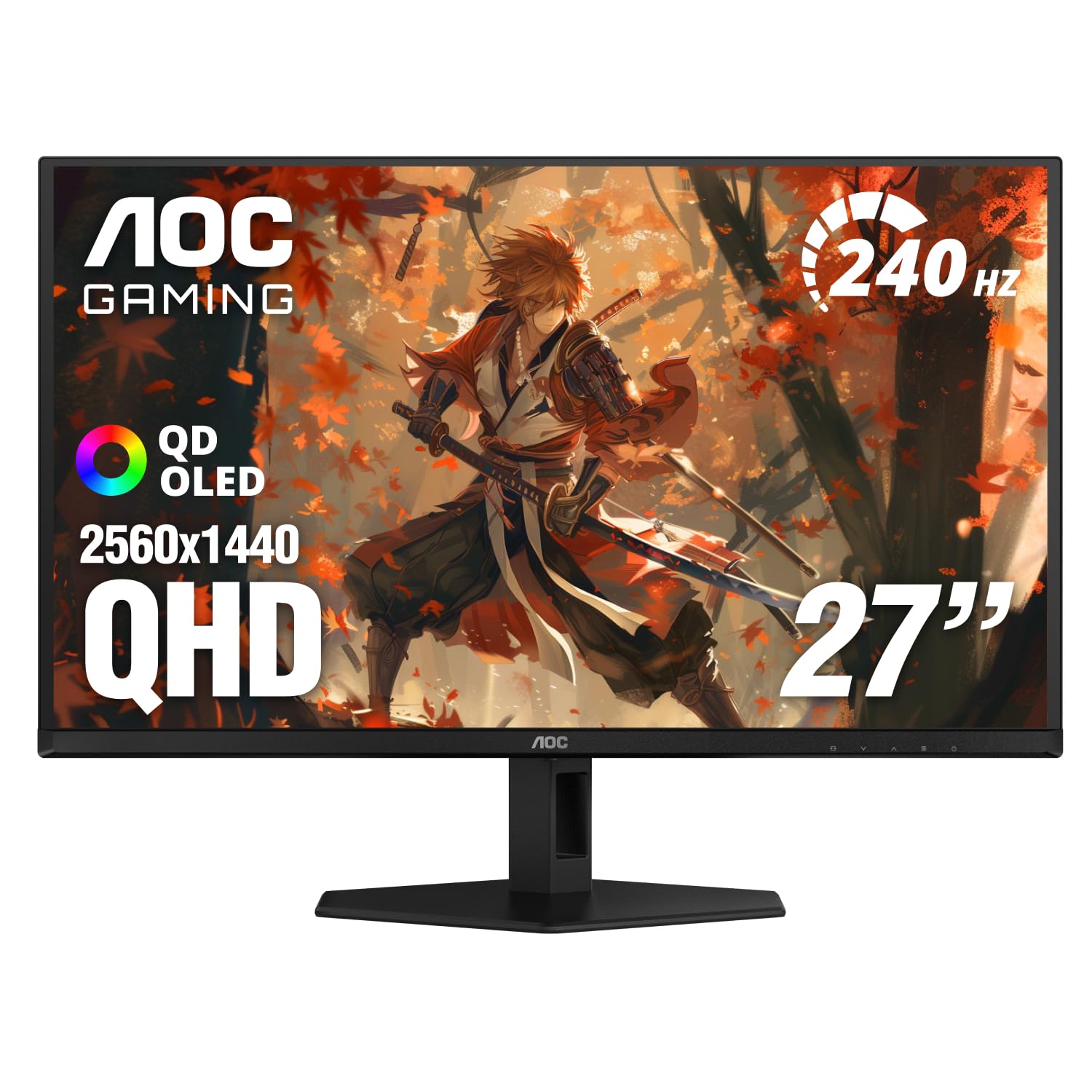
A glossy 27-inch QD-OLED at 240Hz is the shape most gaming desks actually want, and the AOC Q27GAZD is the one here that gets that balance right without a flagship price. It is not the cheapest screen in this group or the fastest, but it spends its money where you look at it, and that is why it earns the top spot for most desks.

The panel covers 147.6% of sRGB and 110.2% of DCI-P3, and the HDR400 True Black rating is more useful for contrast than for bragging rights. That suits the way QD-OLED looks: deep blacks, clean separation in shadows, and color that stays saturated rather than washing out. The glossy coating is part of the appeal, because it gives the image a glassy depth the matte panels cannot quite match.

At 240Hz, motion is already quick enough that the difference between this and a 360Hz panel is smaller than the difference in what they cost. The 27-inch size keeps the whole screen in view without a head turn, which makes it as easy to live with for work as for games. We do mind the stand: it lets the panel wobble when you type, so a VESA arm is the upgrade we recommend before a second monitor.

Pros

  • Balanced 1440p 240Hz performance
  • Glossy QD-OLED contrast and color
  • Wide 110.2% DCI-P3 coverage
  • Three-year manufacturer warranty adds peace of mind

Cons

  • HDR brightness is modest in bright rooms
Our verdict

We recommend the AOC Q27GAZD to most gamers: it delivers the 27-inch 1440p QD-OLED sweet spot at 240Hz without a flagship price.
Check Latest Price
2

Best Value

Acer Predator X27U W1

85 /100
LBD Score Excellent

Key details

Resolution
2560 x 1440
Color Gamut
99% DCI-P3
Screen Size
26.5 inches
Refresh Rate
240 Hz
View on Amazon

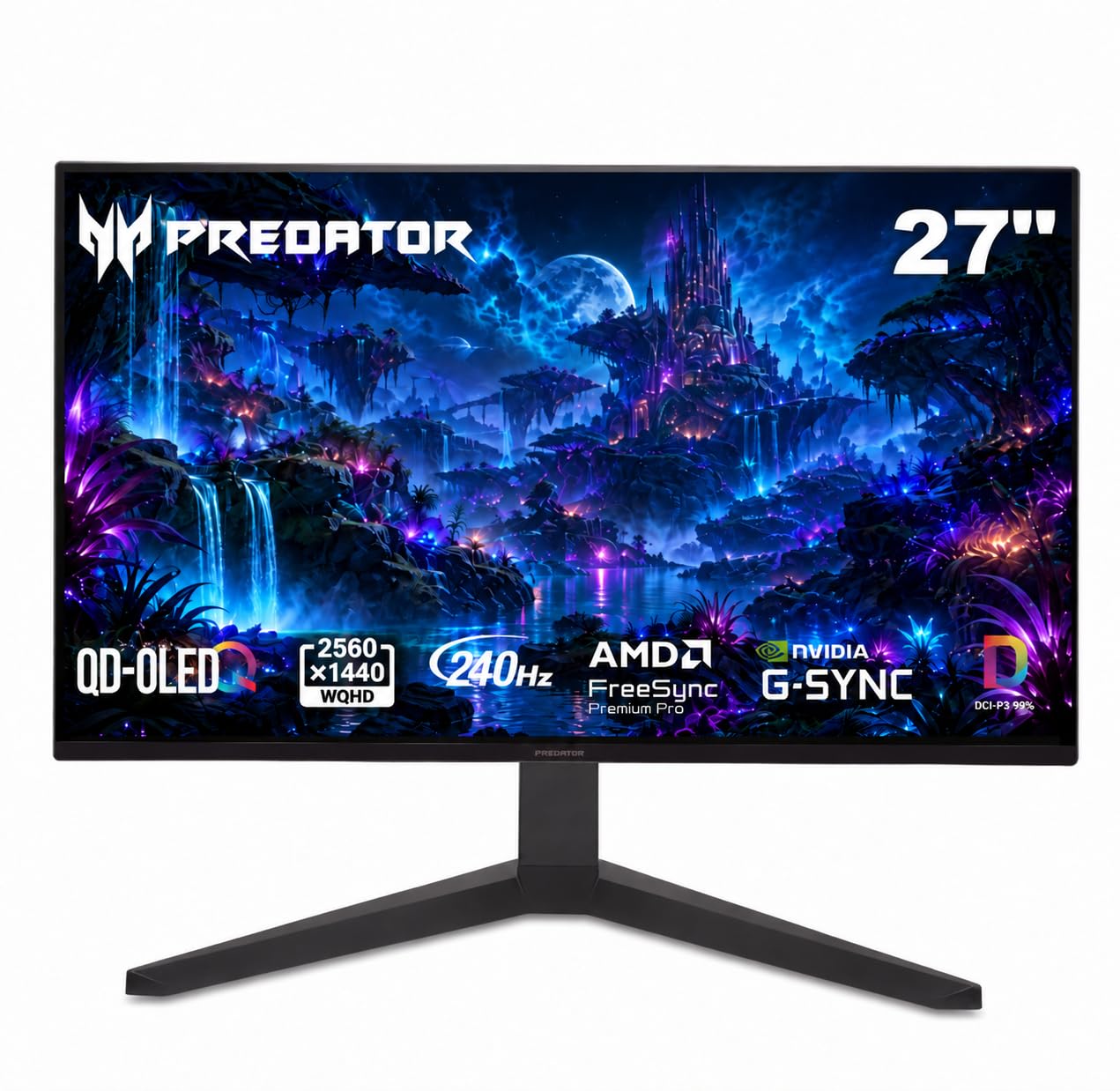
Price is the first thing to notice about the Acer Predator X27U W1, but the 240Hz QD-OLED panel is what makes it worth a second look. It is a 26.5-inch 2560 x 1440 screen with a 0.03ms response, 99% DCI-P3 coverage, and a matte finish rather than the glossy coating most of the others use.

We think it is the best value here for a first QD-OLED. The matte screen is easier to live with opposite a window, and the ergonomic stand, built-in speakers, and three-year warranty make it feel less like a cut-price special. It also covers 99% of DCI-P3, so color does not feel like the place Acer saved money.

The stand is the practical surprise: height, tilt, and swivel adjustment are not a given at this end of the group. The built-in speakers handle system sounds, and the three-year warranty makes the Acer feel less like a disposable budget buy. We think that makes it a safer first OLED than its price suggests.

Pros

  • Lowest-priced 240Hz option here
  • Matte finish cuts room reflections
  • Ergonomic stand with height and swivel
  • Three-year warranty adds peace of mind

Cons

  • Brightness is modest for daytime HDR
  • Can be slow to wake over DisplayPort
Our verdict

We recommend the Acer Predator X27U W1 as the value pick: 240Hz QD-OLED gaming and a matte screen for the least money here.

Check Latest Price
3

Best for Competitive Gaming

MSI MPG 271QRX QD-OLED

83 /100
LBD Score Excellent

Key details

HDR
DisplayHDR True Black 400
Resolution
2560 x 1440
Screen Size
26.5 inches
Refresh Rate
360 Hz
View on Amazon

The 360Hz refresh rate is the reason the MSI MPG 271QRX costs more than the 240Hz crowd, but the glossy QD-OLED panel is the reason we kept it in the conversation. At 26.5 inches and 2560 x 1440, it has the same sharp, saturated look as the top pick, with 360Hz and 0.03ms on top for players who can feed it.

In fast shooters, the extra refresh is not subtle if your PC is already pushing high frame rates. The panel is the smoothest here, and the glossy coating gives it more depth than the matte alternatives. It also has USB-C, which is rare at this speed and useful if you split the monitor between a desktop and a laptop.

The 360Hz panel is the point, and the rest of the monitor supports it rather than getting in the way. We like it best as a dedicated competitive screen, not as the one monitor for every task. If you do not need that last 120Hz, the AOC or Acer will feel like better uses of your desk budget.

Pros

  • 360Hz motion clarity for competitive play
  • Glossy QD-OLED color and contrast
  • USB-C input for a laptop
  • DisplayHDR True Black 400

Cons

  • 250-nit SDR brightness limits daytime use
Our verdict

We recommend the MSI MPG 271QRX to competitive players who want 360Hz motion and glossy QD-OLED color, and who have the GPU to feed it.

Check Latest Price
4

Best Ultrawide

Alienware AW3425DW

86 /100
LBD Score Excellent

Key details

Curve
1800R
Resolution
3440 x 1440
Screen Size
34.2 inches
Refresh Rate
240 Hz
View on Amazon

A 34-inch 21:9 screen with an 1800R curve changes the shape of a desk, and the Alienware AW3425DW is the version here that makes that shape easy to recommend. It pairs 3440 x 1440 resolution with a 240Hz QD-OLED panel, 0.03ms response, and 99.3% DCI-P3 coverage.

For racing and flight sims, the extra width is useful rather than decorative; the screen fills your peripheral vision without a second display. For work, the 3440 x 1440 canvas holds three windows side by side, and the 240Hz refresh makes scrolling and motion feel smoother than a standard office panel. We also like the matte finish, which keeps the wide surface from turning into a mirror.

We rank it as the best ultrawide here for most buyers. The 240Hz version is the sensible one: the shape gives you more than a higher refresh number elsewhere, and the panel's contrast is the reason to pay for OLED in the first place. The 1800R curve is a taste; if you prefer a flat screen, this is not the one.

The three-year warranty is a real comfort for a panel that will spend long hours on a desktop, and the 240Hz motion is fast enough that the ultrawide shape never feels like a compromise for games. We kept it on the shortlist for the desk that wants one screen for both racing and spreadsheets.

Pros

  • 34-inch 21:9 immersive curve
  • 240Hz QD-OLED speed for smooth games
  • 3440 x 1440 work canvas
  • Three-year warranty covers the panel

Cons

  • Only 250 nits in SDR
  • Pixel dimming shows in mixed scenes
Our verdict

We recommend the Alienware AW3425DW to anyone who wants a 34-inch ultrawide QD-OLED for immersive games and a wide work canvas.

Check Latest Price
5

Best Super Ultrawide

Samsung Odyssey OLED G9

85 /100
LBD Score Excellent

Key details

Resolution
5120 x 1440
Screen Size
49 inches
Aspect Ratio
32:9
Refresh Rate
144 Hz
View on Amazon

Forty-nine inches across is not a monitor size; it is a room decision. The Samsung Odyssey OLED G9 is a 32:9 QD-OLED with 5120 x 1440 resolution and a 144Hz refresh, built to take the place of two displays rather than sit beside them.

We like it best for racing, flight sims, and a workday that runs on several windows at once. Two 27-inch 1440p displays side by side give you the same vertical resolution without the bezel in the middle, and the 32:9 shape is genuinely immersive when a game supports it. This is the best super ultrawide here for that job.

The matte finish helps across such a wide surface, and Samsung's logo and taskbar detection are useful on a screen this big. The three-year warranty is also a good match for a panel that will spend a lot of time showing static windows. We think those safeguards matter more here than they do on a 27-inch monitor.

This makes the most sense as a replacement for two monitors, not as an addition to them. If you already have the desk width and you play sims or multitask heavily, the G9 earns its space; if you mostly play shooters, a 27-inch 240Hz panel is the better use of the same desk.

Pros

  • 49-inch 32:9 immersion wraps your view
  • Dual QHD 5120 x 1440 canvas
  • Matte finish controls glare
  • Three-year warranty adds peace of mind

Cons

  • 144Hz is modest for competitive play
  • Text is less crisp than 4K
Our verdict

We recommend the Samsung Odyssey OLED G9 to sim racers and multitaskers who want one immense 32:9 QD-OLED and can live with 144Hz.

Check Latest Price
6

Best 4K

ASUS ROG PG27UCDM

87 /100
LBD Score Excellent

Key details

Resolution
3840 x 2160
Color Gamut
99% DCI-P3
Screen Size
26.5 inches
Refresh Rate
240 Hz
View on Amazon

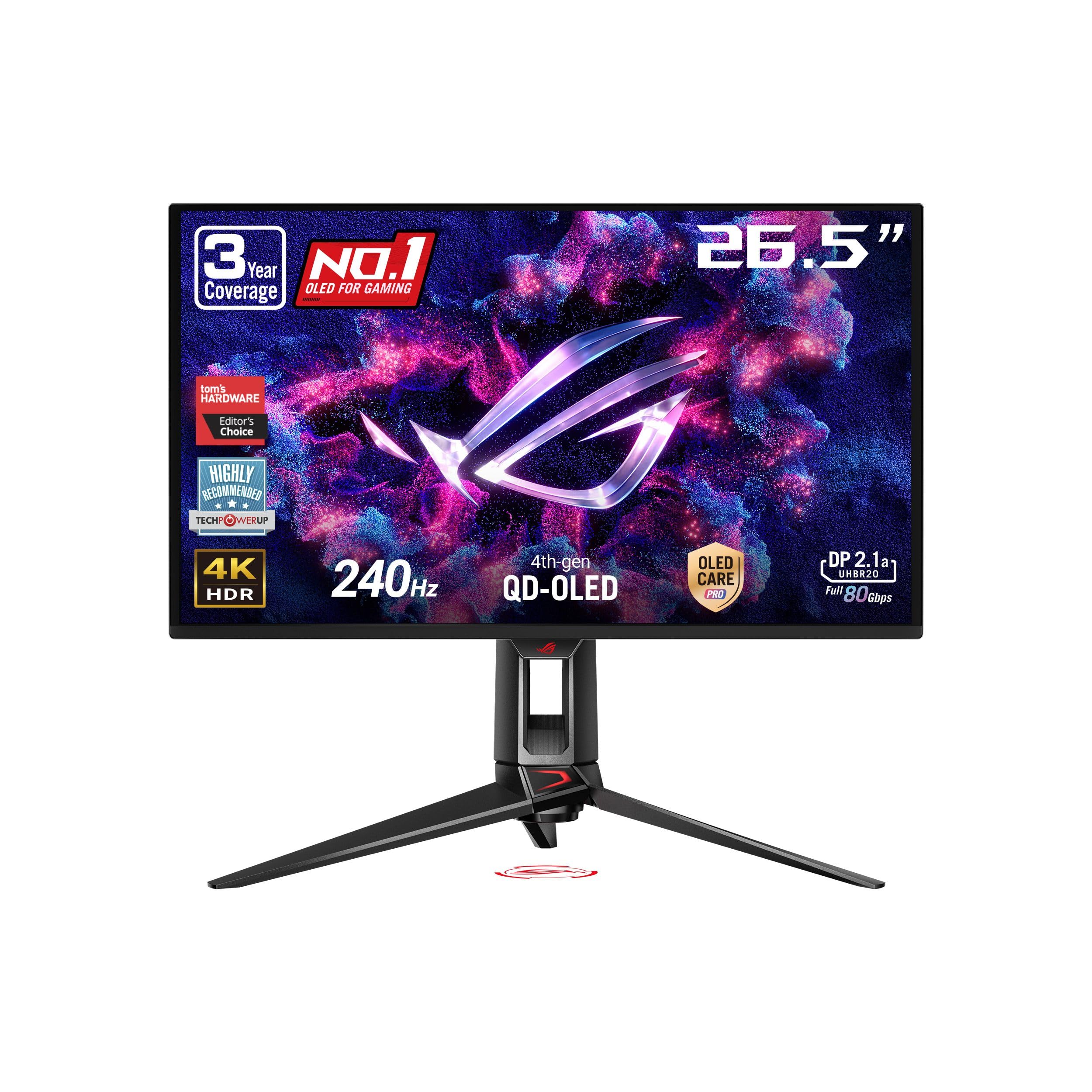
At 27 inches, 4K is a density play. The ASUS ROG PG27UCDM packs 3840 x 2160 into a 26.5-inch QD-OLED and runs it at 240Hz, so fine text, distant details, and fast motion all get the flagship treatment.

The panel is the sharpest 27-inch screen here, and the difference is most obvious in games with lots of small detail and in desktop work where text has to stay clean. The 240Hz refresh puts it in the same motion class as the 1440p speed monitors, and the 0.03ms response keeps it there.

Connectivity is the other reason it earns a premium: DisplayPort 2.1a at UHBR20, HDMI 2.1, USB-C with 90W power delivery, and a tripod socket. That is the kind of port selection that lets a laptop, console, and desktop share one screen without a drawer full of adapters.

We recommend it to the buyer who wants the sharpest 27-inch QD-OLED here and sits close enough to see the difference. For mixed work at a distance, the 32-inch MSI MAG 321UP is easier on the eyes and fills more of the desk. This is the 4K gaming flagship of the group, and it acts like one.

Pros

  • Sharpest 27-inch panel here
  • 4K at 240Hz for gaming
  • DisplayPort 2.1 and USB-C 90W
  • Three-year burn-in coverage

Cons

  • Highest price in this group
  • 4K 240Hz demands a flagship GPU
Our verdict

We recommend the ASUS ROG PG27UCDM to shoppers who want the sharpest 27-inch QD-OLED here and can pay for 4K at 240Hz.

Check Latest Price
7

Best 32-Inch 4K

MSI MAG 321UP QD-OLED

85 /100
LBD Score Excellent

Key details

HDR
DisplayHDR True Black 400
Resolution
3840 x 2160
Screen Size
32 inches
Refresh Rate
165 Hz
View on Amazon

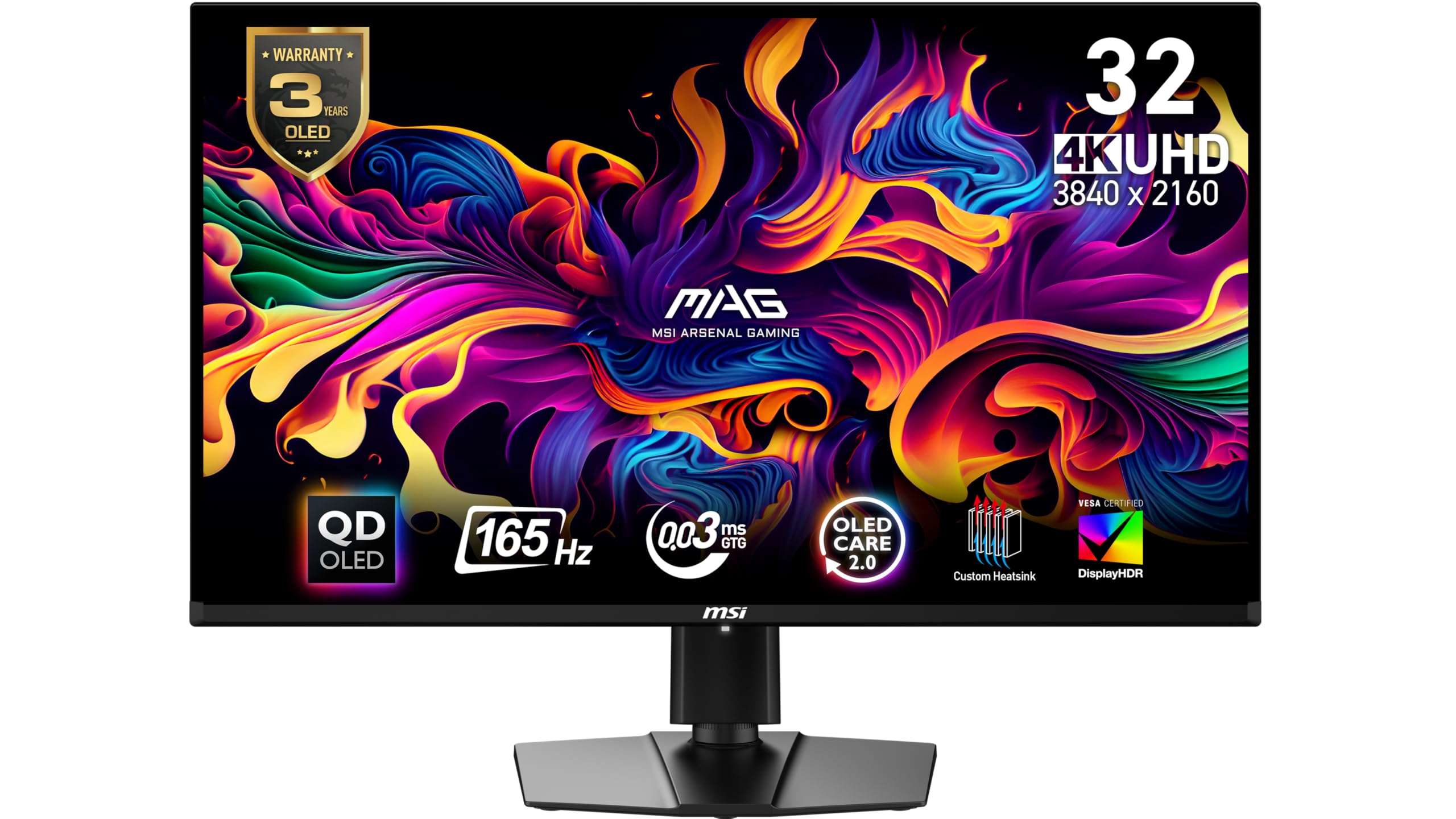
At 32 inches, 4K stops feeling like overkill and starts feeling like the natural resolution. The MSI MAG 321UP pairs a 3840 x 2160 QD-OLED with 165Hz, so text and spreadsheets get the pixel density while games get a big, smooth image.

We like it as the mixed-use pick. The extra inches make 4K worth the GPU load for work, and 165Hz is enough to keep fast games from feeling like a compromise. It is not a competitive-first monitor, but it is not trying to be.

Where it earns its place is the size-to-sharpness balance. A 32-inch 4K screen is easier to read at arm's length than a 27-inch 4K panel without scaling, and the QD-OLED contrast keeps dark interfaces from looking washed out. We think it is the best 32-inch 4K option here for a desk that does both work and play.

The 32-inch size fills your view without the head-turn of a 34-inch ultrawide, and the three-year warranty covers a panel that will spend long hours on spreadsheets. It is the big-screen 4K pick we reach for when gaming is only half the job.

Pros

  • 32-inch 4K QD-OLED canvas
  • 165Hz for mixed gaming
  • DisplayHDR True Black 400
  • Three-year warranty included

Cons

  • Glossy panel picks up room light
  • 165Hz trails the 240Hz picks
Our verdict

We recommend the MSI MAG 321UP QD-OLED for a big 4K desktop that splits time between work and games, not competitive play.

Check Latest Price
8

Matte-Screen Value

Samsung Odyssey OLED G5

86 /100
LBD Score Excellent

Key details

Resolution
2560 x 1440
Screen Size
27 inches
Refresh Rate
180 Hz
Screen Finish
Matte
View on Amazon

A matte QD-OLED is still a rarity, which is the first reason the Samsung Odyssey OLED G5 stands out. It is a 27-inch 2560 x 1440 panel at 180Hz, with 0.03ms response and Samsung's thermal modulation and logo detection working in the background.

The matte coating is the practical reason to choose it over the glossy AOC or Gigabyte. If your desk faces a window, the screen stays readable without turning your room into a reflection. The 180Hz refresh is enough for a first OLED, especially for controller games and slower titles, and it keeps the cost within reach.

Samsung's burn-in tools are the other draw. Thermal modulation, logo detection, and taskbar dimming are useful on a monitor that spends as much time showing a browser as a game. We think those safeguards are worth more than a higher refresh number for a buyer who worries about OLED longevity.

We think this is the QD-OLED for a first-time buyer who wants a matte 27-inch screen and does not need 240Hz. For a secondary setup or a console desk, it makes an easy case: the picture is the upgrade, and the Samsung safeguards are the insurance.

Pros

  • Matte finish cuts room reflections
  • QD-OLED contrast and color
  • Thermal and logo burn-in protection
  • 180Hz is enough for casual gaming

Cons

  • 180Hz is modest for competitive play
  • Brightness is low for sunny rooms
  • Tilt-only stand lacks height adjustment
Our verdict

We recommend the Samsung Odyssey OLED G5 to a first-time OLED buyer who wants a matte 27-inch screen and can accept 180Hz.

Check Latest Price
9

280Hz Value

Gigabyte MO27Q2A

81 /100
LBD Score Excellent

Key details

HDR
DisplayHDR True Black 400
Resolution
2560 x 1440
Screen Size
27 inches
Refresh Rate
280 Hz
View on Amazon

Two computers, one monitor: that is the pitch for the Gigabyte MO27Q2A, and the 280Hz QD-OLED panel is the bonus. It pairs a 27-inch 2560 x 1440 screen with a built-in KVM and USB-C, so a desktop and a work laptop can share the display and peripherals without a switch box.

The 280Hz refresh sits between the 240Hz value picks and the 360Hz competitive one. It has the expected 0.03ms response, 1.5M:1 contrast, and DisplayHDR True Black 400, so the panel is not the place Gigabyte saved money.

The KVM is the feature we appreciate most. It turns the monitor into the center of a two-machine setup, and the USB-C input handles the laptop side without a dock. For someone who works on one computer and games on another, that is a more meaningful upgrade than another 40Hz.

The glossy coating gives it the saturated, high-contrast look QD-OLED is known for, and the three-year warranty plus AI OLED Care add some peace of mind. It is a desk-center monitor rather than a wall display, and the compact 27-inch frame keeps it easy to place.

We rank it just behind the AOC for a single-PC buyer because 240Hz is enough and the AOC is the better all-round value. The Gigabyte wins when the KVM and USB-C are worth more to you than the last few frames. That is a narrower audience, but a real one.

Pros

  • Built-in KVM and USB-C
  • 280Hz QD-OLED speed for smooth motion
  • Glossy high-contrast picture
  • Three-year warranty plus OLED care

Cons

  • 280Hz gains little over 240Hz
  • Glossy finish shows reflections
Our verdict

We recommend the Gigabyte MO27Q2A to a two-computer desk that wants 280Hz QD-OLED speed and a built-in KVM.

Check Latest Price
10

USB-C Productivity

Dell 32 Plus S3225QC

79 /100
LBD Score Very Good

Key details

Resolution
3840 x 2160
Screen Size
31.6 inches
USB-C Power
90W
Refresh Rate
120 Hz
View on Amazon

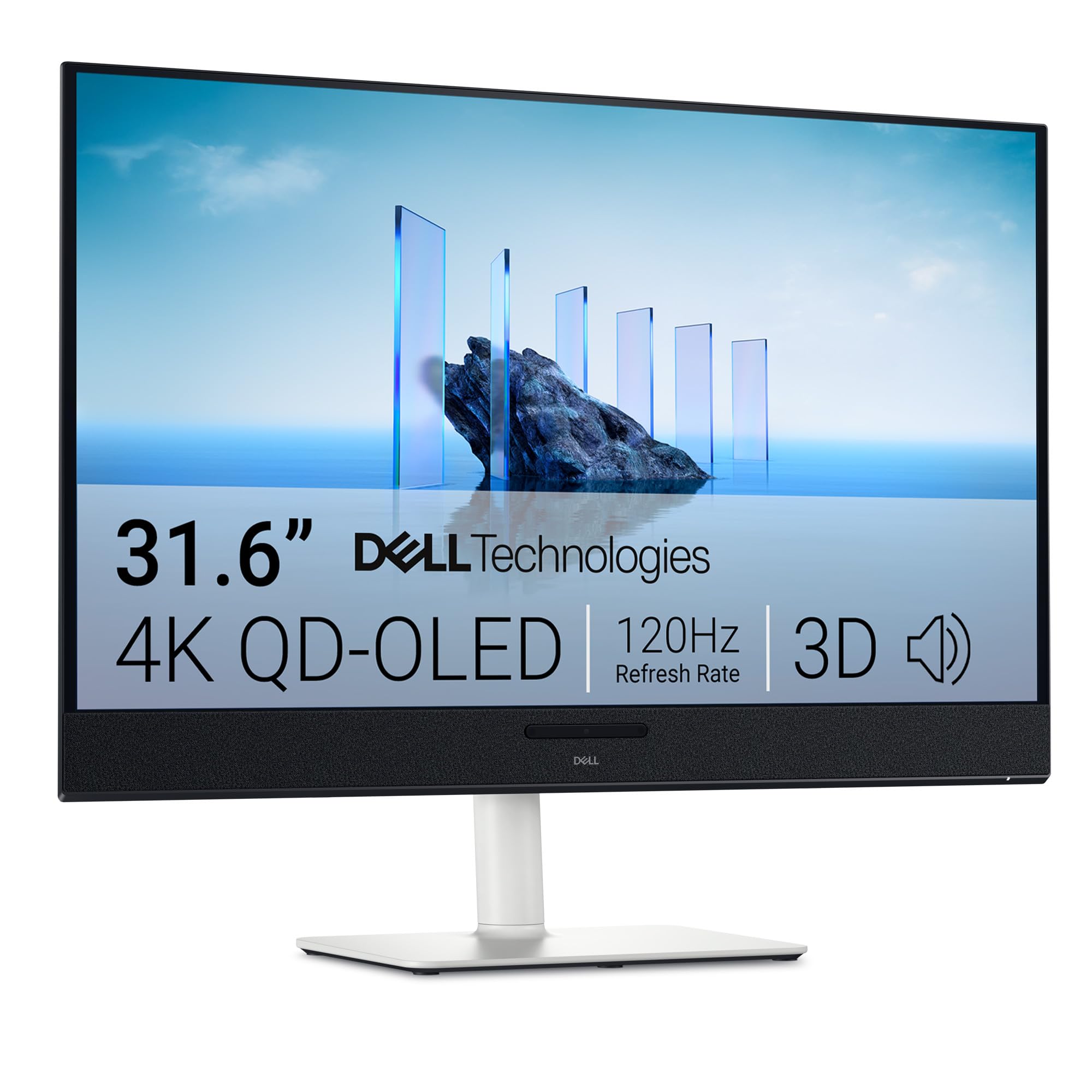
Laptop first, gaming second: the Dell 32 Plus S3225QC pairs a 31.6-inch 4K QD-OLED with a 90W USB-C input and a five-speaker array with AI head-tracking spatial audio. It is built around a laptop desk first.

The USB-C connection is the useful part. One cable carries the display and charges a laptop, and the drop-down port is easy to reach when you are docking and undocking through the day. The speakers are also good enough that a small office can skip a soundbar.

The 4K panel is sharp for text, photo work, and spreadsheets, and the QD-OLED contrast keeps dark interfaces from looking gray. The 31.6-inch size gives you room for two documents side by side without scaling, which is the real argument for 4K here.

The stand adjusts for height, tilt, and swivel, and the matte finish keeps a window behind you from washing out the screen. It is a desk commitment, but a comfortable one.

We like it best for a laptop-based worker who wants a 4K QD-OLED with USB-C and real speakers. If gaming is the main job, the ASUS ROG PG27UCDM or the MSI MAG 321UP is the better fit; this Dell is for the desk that values the dock more than the refresh rate.

Pros

  • 4K QD-OLED sharpness for text
  • 90W USB-C laptop docking
  • Five-speaker spatial audio
  • Height, tilt, and swivel stand

Cons

  • 120Hz refresh limits competitive gaming
  • Only one HDMI port
  • One-year warranty is short
Our verdict

We recommend the Dell 32 Plus S3225QC to laptop-based workers who want a 4K QD-OLED with USB-C and real speakers, not a 240Hz gaming panel.

Check Latest Price

How We Tested the Best QD-OLED Monitors

We started by researching the QD-OLED market, pulling specs on every current model from 27 to 49 inches and filtering for the features that actually change daily use: refresh rate, HDR certification, port selection, ergonomic adjustment, and any burn-in mitigation. That shortlist became eight monitors, which we set up on desks in our office and at home for eight months.

Each monitor lived through the same routines. For gaming, we played fast-paced shooters and racing games, noting how motion looked and whether the panel kept up with 144Hz, 240Hz, or higher. For picture quality, we watched HDR movies in a dark room and then with the blinds open, checking for black crush, blooming, and washed-out highlights. We opened spreadsheets and documents to judge text clarity at 27 inches, and we used a colorimeter to measure color coverage against the panel's claims.

We also paid attention to the boring stuff. We plugged in a PC, PS5, and laptop over HDMI, DisplayPort, and USB-C, timing how long input switching took and whether the KVM features worked without a hitch. We adjusted every stand through its full range and checked VESA mounting. For durability, we left static taskbars and icons on screen for hours at a time and looked for any lingering ghosting over the months. Value came down to whether the features you actually use—like USB-C power delivery or a heatsink—justified the price over a close competitor.

How to Choose a Qd-Oled Monitor

Start with the desk, then pick the panel

A 27-inch 1440p panel is the default for a reason: it is sharp at normal viewing distance, easy to drive, and leaves room for speakers or a second screen. Step to 32 inches and 4K earns its keep for text and creative work, but the monitor takes more desk depth and more GPU headroom. Ultrawides trade height for width. The 34-inch 21:9 shape feels immersive without a head turn; a 49-inch 32:9 is a dual-monitor replacement with lower pixel density. Measure the desk before you fall for the width.

Refresh rate and the GPU bill

240Hz is the sweet spot in this group. It is fast enough that motion blur stops being the story in fast games, and it does not demand the GPU budget of 360Hz. A 180Hz panel is fine for a first OLED or controller games, while 360Hz is for a competitive player who already runs high frame rates. The 0.03ms response time is common across QD-OLED, so refresh rate and tuning separate these panels more than the response figure. We put the graphics card budget ahead of the last refresh step.

Glossy or matte: match the room

QD-OLED contrast is at its best in a controlled room. A glossy coating gives colors a glassy pop and deeper perceived blacks, but it turns windows and lamps into reflections. Matte finishes soften those reflections and are easier to live with in a bright office, at the cost of some of that glossy sparkle. Neither finish is better in every room. If you cannot control the light, pick matte; if you game at night, glossy is the more rewarding finish.

Ports, stands, and burn-in cover

OLED burn-in is a long-term ownership question, not a reason to avoid QD-OLED. Look for logo and taskbar detection, pixel-shift or dimming routines, and a warranty that covers burn-in; three years is the useful benchmark among these picks. Ports matter just as much: HDMI 2.1 for a current console, DisplayPort 1.4 or 2.1 for high-refresh PC play, and USB-C if you want a one-cable laptop desk. Check the stand for height and swivel, and use VESA if the included stand wobbles or sits too low.

Frequently Asked Questions

Final Verdict

For most people, the AOC Q27GAZD is the QD-OLED to buy. It has the 27-inch 1440p shape that suits a normal desk, a 240Hz panel that makes fast games feel immediate, and a glossy QD-OLED picture that still looks expensive next to the premium picks. The modest HDR brightness and wobbly stand are the prices you pay, and they are easier to live with than a much bigger bill.

If you want the lowest entry point, the Acer Predator X27U W1 is the value alternative, with a matte screen and a three-year warranty. For 4K, the ASUS ROG PG27UCDM is the sharpest 27-inch option here; for a 34-inch immersive desk, the Alienware AW3425DW is the ultrawide we recommend.