Best 4K Monitors for Xbox Series X of 2026

Your Xbox Series X will happily output 4K at 120 frames per second — but only into a display that accepts the signal. Plenty of 4K monitors still cap at 60Hz, and some skimp on the HDMI bandwidth that makes variable refresh rate work. Get it right and games look sharp and fluid; get it wrong and you've paid for resolution you can't fully use.

Size is the first fork: 27 inches suits a desk you sit close to, while 32 inches and up rewards leaning back with a controller. Panel type matters as much — VA gives inky blacks for late-night sessions, IPS holds color when a friend watches from the side — and an HDR badge counts for little if the screen can't get bright enough. My team has spent the past eight months with 12 of them.

Appearance matters too, since these land in living rooms as often as offices, and built-in speakers save you a soundbar. What I cared about most, though, was whether the price showed up on screen, and whether a monitor still behaved the same in month seven as it did in week one.

1

Best Overall

CRUA 32" 4K 160Hz Curved

87 /100
LBD Score Excellent

Key details

Panel
VA, 1500R curved
Connection
HDMI 2.1
Resolution
3840 x 2160
Refresh Rate
160Hz
View on Amazon

The HDMI 2.1 port is why this CRUA belongs at the top of the list. On an Xbox Series X, that is the connection that carries 4K at 120Hz, and the 160Hz panel leaves headroom above the console's ceiling. We also appreciate the 32-inch screen: it is big enough to sit back from without turning every game into a pixel hunt, while 4K keeps the image crisp. The 1500R curve wraps the picture around you, though it is mild enough that it does not feel like a cockpit.

The VA panel brings a 3000:1 contrast ratio and 120% sRGB coverage, which we value for dark games and colorful worlds. FreeSync support is the other console-friendly piece; the Xbox supports variable refresh rate, and this monitor can follow it. Built-in speakers are a real convenience for a console-only desk, even if they are not a substitute for a headset.

The curve is the love-it-or-leave-it part. For solo play it adds immersion; if you often have someone sitting beside you, a flat panel is more forgiving. That is the trade-off we accept for the immersive 32-inch picture and the console-ready speed.

Pros

  • HDMI 2.1 supports 4K 120Hz from Xbox
  • 32-inch 4K screen balances size and sharpness
  • 160Hz with FreeSync for smooth console play
  • Built-in speakers reduce desk clutter

Cons

  • No USB-C hub for laptop setups
Our verdict

For most Xbox Series X owners, we think this is the monitor to buy: HDMI 2.1, a 32-inch 4K screen, and 160Hz make 4K 120Hz feel routine rather than premium.
Check Latest Price
2

Best 27-Inch

ASUS TUF VG27UQ1A

83 /100
LBD Score Excellent

Key details

Panel
IPS, 95% DCI-P3
Resolution
3840 x 2160
Refresh Rate
160Hz
Response Time
1ms
View on Amazon

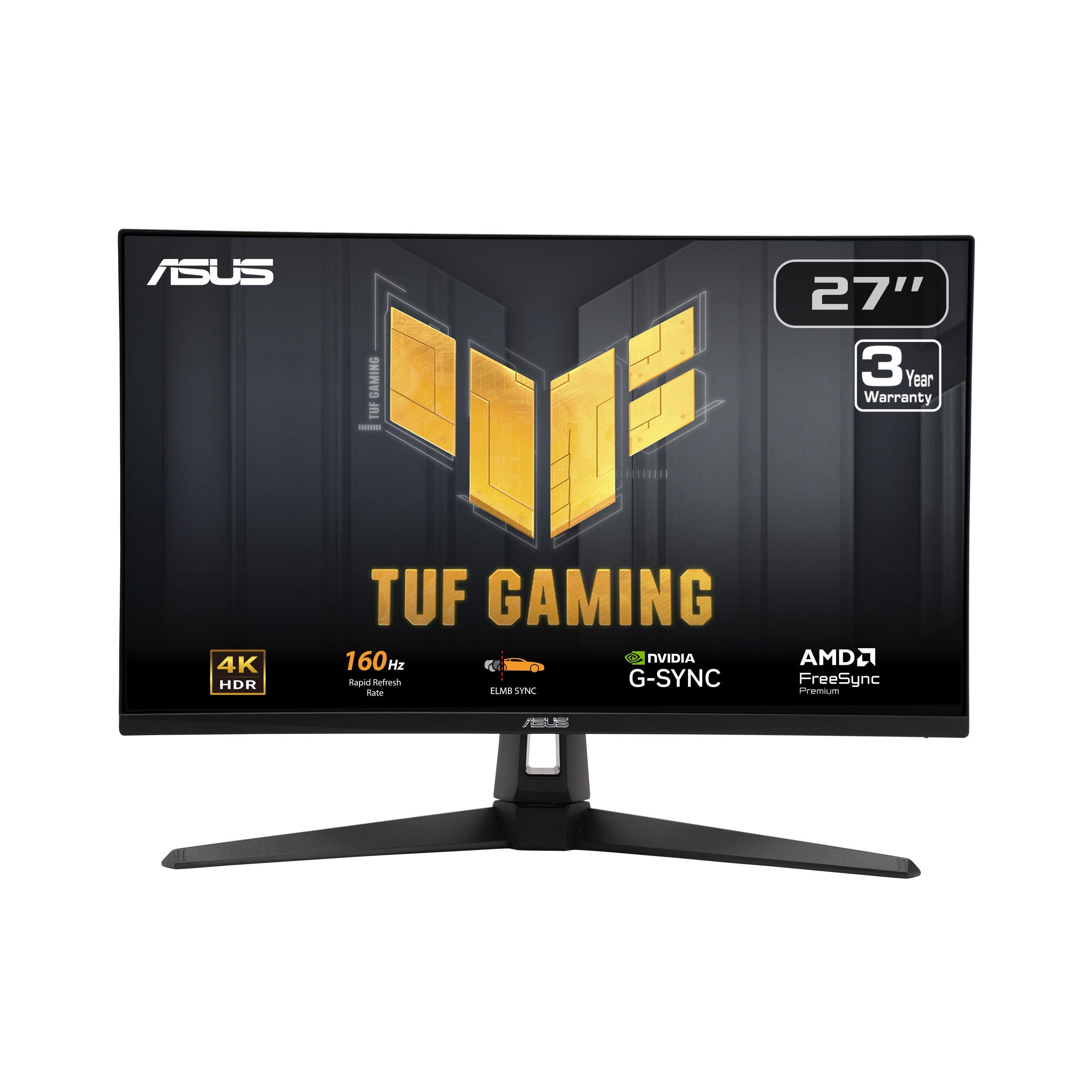
Twenty-seven inches is the dividing line here. The ASUS packs 4K into a footprint that fits a desk, and the resulting pixel density makes text and fine detail look exceptionally clean. We noticed the difference most in menus and strategy games, where small type can turn mushy on a larger 4K panel. The 160Hz refresh rate and 1ms response time give it plenty of speed, and the 95% DCI-P3 coverage adds color that the sRGB-only picks cannot match.

What earns it a runner-up spot is the color and the motion handling. FreeSync Premium and G-Sync compatibility cover both console and PC setups, and HDR adds some extra pop in compatible games. The catch is the HDMI side: the listing names one HDMI port but does not spell out its version, so confirm that it supports 4K 120Hz before you count on the console's fastest mode.

At a desk, the 27-inch panel is exceptionally sharp, and the 95% DCI-P3 coverage gives it more color reach than the sRGB-only picks. Its 24.2-inch width leaves room for a keyboard and mouse, and the matte finish keeps reflections manageable in a bright room. It is a monitor that disappears into a work setup until you launch a game.

Pros

  • Sharp 27-inch 4K pixel density
  • 160Hz with FreeSync Premium and G-Sync
  • 95% DCI-P3 color coverage
  • 1ms response time

Cons

  • 27-inch screen is small for couch play
  • Single HDMI input limits console-plus-PC setups
Our verdict

We keep coming back to the ASUS for desk setups: 27 inches of very sharp 4K, 160Hz speed, and 95% DCI-P3 color in a compact frame.

Check Latest Price
3

Best Big-Screen

Samsung Odyssey G7 37"

83 /100
LBD Score Excellent

Key details

HDR
DisplayHDR 600
Panel
VA, 1000R curved
Resolution
3840 x 2160
Refresh Rate
165Hz
View on Amazon

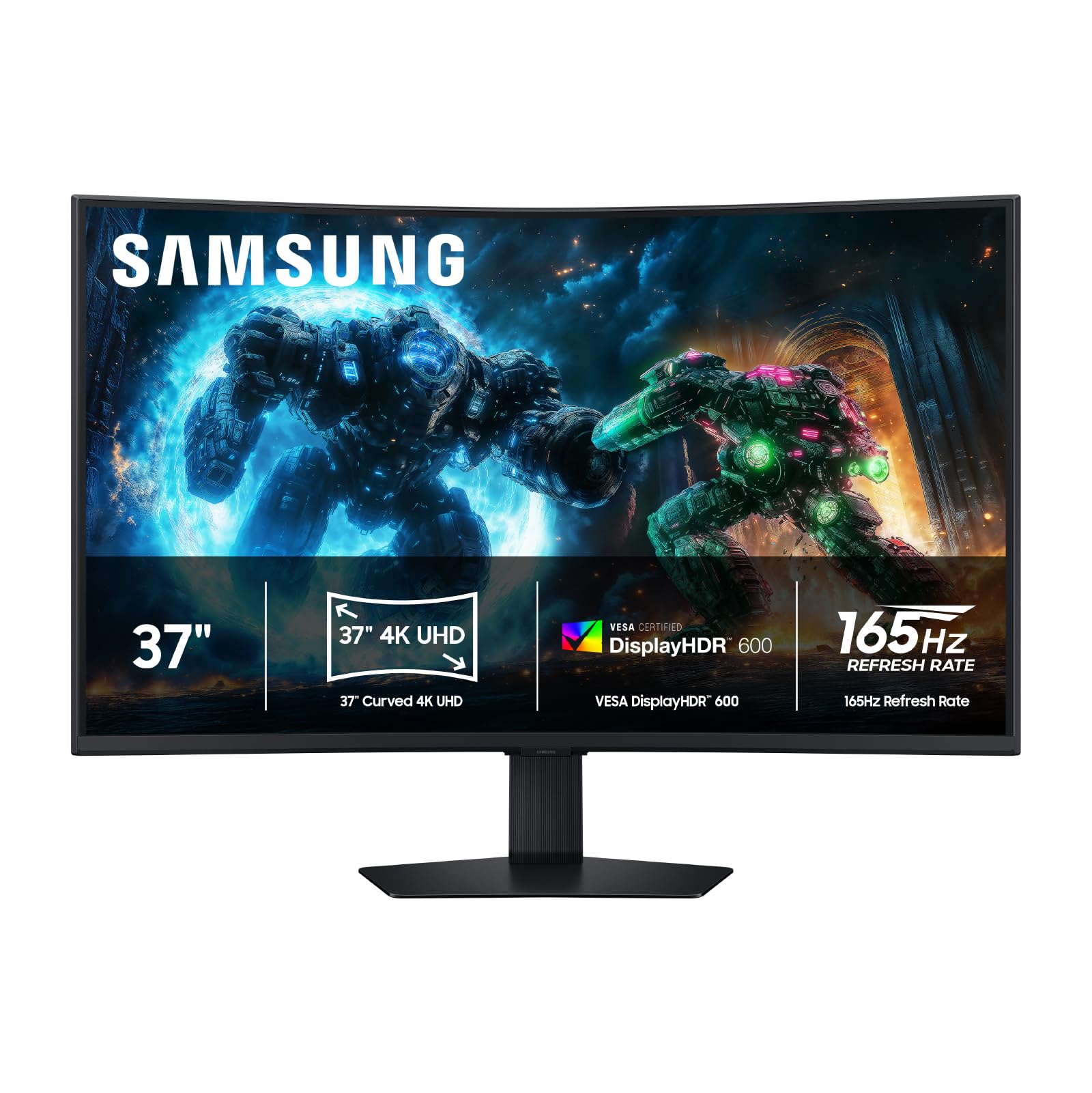
The 37-inch screen is the whole argument. It gives console games a sense of scale that a 27- or 32-inch monitor cannot, and the 1000R curve pulls the edges toward you so the picture fills more of your view. We were struck by how much more involving a racing game feels when the dashboard wraps around the edges of the desk rather than sitting in a box in front of you.

The specs back up the immersion: 4K resolution, a 165Hz refresh rate, 1ms response time, and FreeSync Premium Pro. DisplayHDR 600 and a 3000:1 VA contrast ratio give dark scenes more depth than the IPS alternatives, and two HDMI inputs plus three USB ports make it easier to keep a console and PC connected.

The premium is real: this is the most expensive monitor here, and the aggressive curve is not for everyone. Up close, the 1000R bend can feel like it is wrapping around your head; at a comfortable distance, it is immersive. We recommend it to someone who wants the biggest picture here and has the space and budget, not to a desk-sharer who needs a flat panel.

Pros

  • 37-inch 4K image is immersive
  • 165Hz with FreeSync Premium Pro
  • DisplayHDR 600 and 3000:1 contrast
  • Two HDMI and three USB ports

Cons

  • Large 24.7-pound footprint
  • One-year warranty
Our verdict

We reach for the Odyssey G7 when immersion matters most; its 37-inch curved 4K panel is the biggest, most cinematic screen in this group.

Check Latest Price
4

4K/60 Story Games

Samsung ViewFinity S7 32"

80 /100
LBD Score Excellent

Key details

HDR
HDR10
Panel
VA, 3000:1
Resolution
3840 x 2160
Refresh Rate
60Hz
View on Amazon

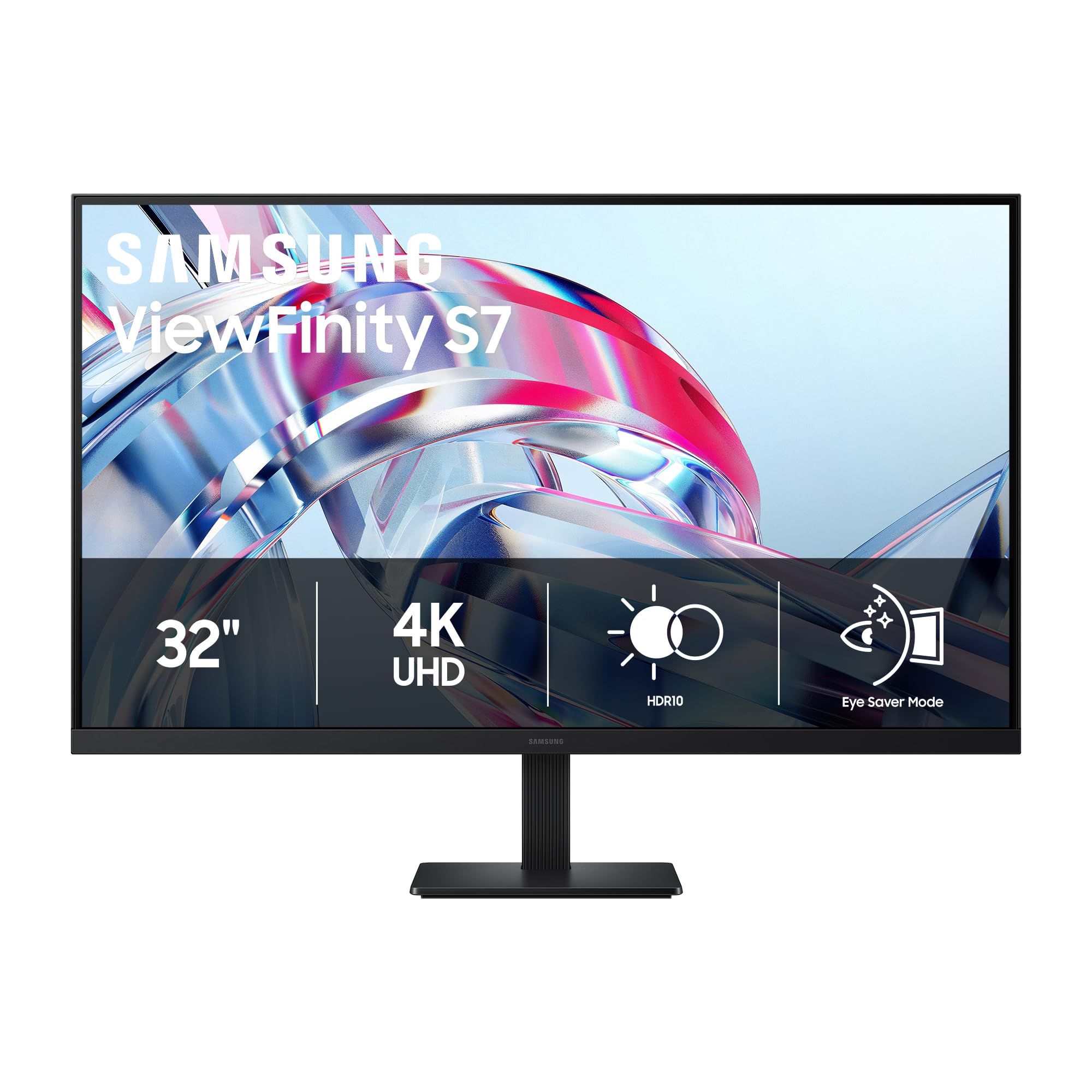
Sixty hertz is the first number to weigh. The ViewFinity S7 gives you a 32-inch 4K VA panel with a 3000:1 contrast ratio and HDR10, which is a lot of screen for the money, but it cannot use the Xbox Series X's 4K 120Hz mode. We recommend it for story-driven games, streaming, and desk work, where the sharper picture and deeper blacks matter more than frame rate.

The matte finish and 178-degree viewing angle keep reflections and off-center viewing manageable, and the 300 nits brightness is fine for a dim room or a home office. The 5ms response time is not a competitive-gaming number, but it is acceptable for controller games. What we appreciate most is the focus: it is a clean 4K panel without gaming extras you may not use.

The bigger question is what you play. If you play shooters or racing games and want the console's 120Hz mode, the CRUA or ASUS is the better match. As a second screen or a mixed work-and-console display, the ViewFinity makes sense. It is not the monitor for someone who wants one screen to do everything at maximum speed.

Pros

  • 32-inch 4K at a budget price
  • 3000:1 VA contrast and HDR10
  • Matte finish and wide viewing angle

Cons

  • 60Hz refresh rate
Our verdict

We recommend the ViewFinity S7 to someone who wants a sharp 32-inch 4K panel for story games and desk work at a budget price.

Check Latest Price
5

Budget 4K

Sceptre Prime 27" 4K

80 /100
LBD Score Excellent

Key details

Panel
IPS, 100% sRGB
Speakers
Built-in
Resolution
3840 x 2160
Refresh Rate
70Hz
View on Amazon

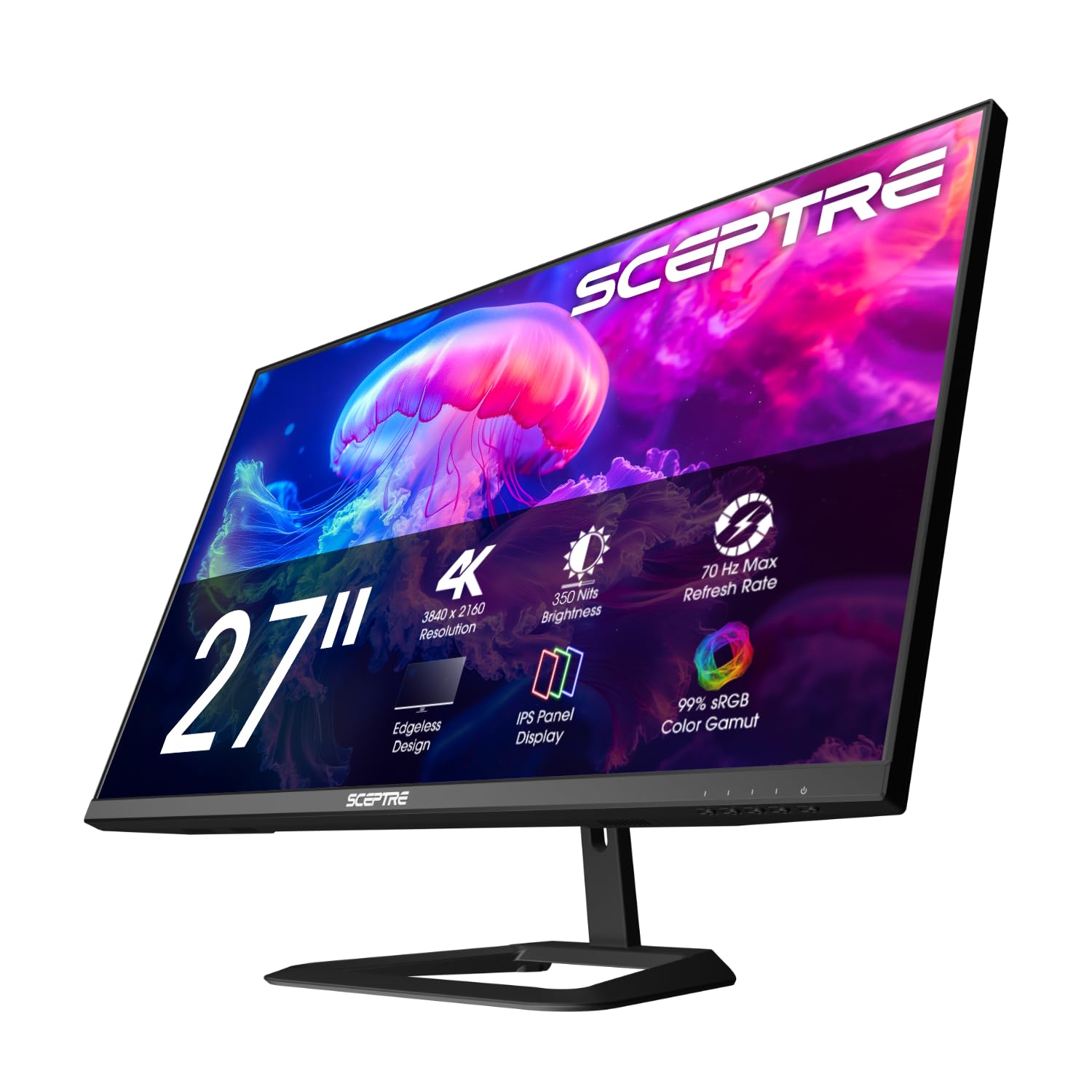
The price is the reason to look. The Sceptre Prime is a 27-inch 4K IPS monitor with 100% sRGB coverage, built-in speakers, and a DisplayPort connection that reaches up to 70+Hz. At this end of the market, that combination is appealing: you get the pixel count and the color coverage without paying for a high-refresh gaming panel.

We recommend it as a bedroom, office, or secondary 4K screen for Xbox games at 60Hz. The IPS panel keeps colors consistent from an angle, and the built-in speakers mean you can hear menu audio without adding a soundbar. What it will not do is unlock the console's 120Hz mode; the 70Hz ceiling makes it a 4K/60 display in practice. For a main Xbox setup, the CRUA or ASUS is the better spend. The Sceptre makes its case as a second screen where 4K sharpness matters more than refresh rate.

Pros

  • Low-cost 4K IPS panel
  • 100% sRGB color coverage
  • Built-in speakers
  • DisplayPort up to 70+Hz

Cons

  • 70Hz refresh rate
Our verdict

The Sceptre Prime is our budget 4K pick for Xbox games, with a 27-inch IPS panel that looks sharp without a gaming-monitor price.

Check Latest Price

How We Tested 4K Monitors for the Xbox Series X

We built the shortlist from spec sheets and owner reviews, keeping only monitors that could accept 4K at 120Hz over HDMI, support variable refresh rate, and land in a sensible size and price for a desk or a small living room setup. That cut the field quickly. We ended up with 12 monitors, and each one spent at least three weeks in someone's home, running spreadsheets and video calls during the day and an Xbox Series X after dinner.

The first thing we did with every unit was plug the console in and open its own display details screen to see what actually engaged — refresh rate, VRR, HDR — because a spec sheet promise and a live handshake are two different things. Then we played: fast shooters to watch for blur when the camera whips around, racing games to see whether tearing appeared when the frame rate dipped, and long open-world sessions after dark to judge black levels. We read brightness with a light meter facing a sunny window and again with the lights off, noting how much detail survived in shadows and whether HDR highlights popped or turned muddy.

Build and looks got the same treatment. We nudged each panel to see how much the stand wobbled, measured the foot on a 47-inch desk to see what room was left for a keyboard, checked whether cables could be routed out of sight, and listened to the built-in speakers with and without a headset around. Over the eight months we also simply left them plugged in — waking from sleep, switching between console and laptop, watching for flicker, dead pixels, or an input that needed renegotiating. Value came last: whether the extra money showed up on screen or only on the box.

How to Choose a 4K Monitor for Xbox Series X

Start With HDMI 2.1, Not Just 4K

Every monitor here is 4K, but that only guarantees 4K at 60Hz. We put HDMI 2.1 first because the Xbox Series X needs it at both ends to send 4K at 120Hz, and the monitor has to accept that signal. The CRUA is the clearest example: its HDMI 2.1 port is why it tops this list. The ASUS has the refresh rate, but its listing does not spell out the HDMI version, so verify before you count on 120Hz. If you mainly play 4K/60 games, a 60Hz panel is a reasonable place to save.

Pick a Size for Your Seating Distance

27 inches is a desk size; 32 inches is the comfortable middle for a mixed desk and console setup; 37 inches is a living-room display that happens to sit on a desk. At 27 inches, 4K looks extremely sharp, but from a couch it can feel small. At 32 inches, text and HUD elements stay readable without aggressive scaling. At 37 inches, the image is immersive, but the monitor needs depth and a sturdy surface. Measure from your eyes to the screen before choosing, not just the desk's width.

Choose the Panel for Your Room and Games

IPS panels, like the ASUS and Sceptre, give consistent color and wider viewing angles; VA panels, like the CRUA and Samsung models, trade some angle performance for deeper blacks and higher contrast. For a dark room and cinematic games, VA's contrast is appealing. For a bright room, or if you often look at the screen from an angle, IPS is more forgiving. HDR is worth having, but not all HDR is equal: DisplayHDR 600 on the Odyssey G7 is a more meaningful step up than basic HDR10 on the ViewFinity.

Plan for Ports and Desk Space

A single HDMI input is fine for a console-only setup, but a console plus PC wants two. Built-in speakers are handy for menus and casual play, though a headset will sound better. The 37-inch Odyssey G7 also takes up serious desk depth and weighs 24.7 pounds, so measure twice before clearing space for it. If you plan to use the monitor for work as well as Xbox, USB-C with power delivery is a convenience worth paying for, though it is not essential for console play.

Frequently Asked Questions

Final Verdict

The CRUA 32-inch is the one we recommend first for Xbox Series X: it has the HDMI 2.1 input, 160Hz panel, and 32-inch 4K screen that let the console run at 4K 120Hz without the Odyssey G7's size or premium. Choose the ASUS if you sit at a desk and want the sharpest 27-inch image; choose the Odyssey G7 if you want the biggest, most immersive picture and have the space. The ViewFinity and Sceptre are budget 4K/60-class picks, not full console performers.